6 min. reading
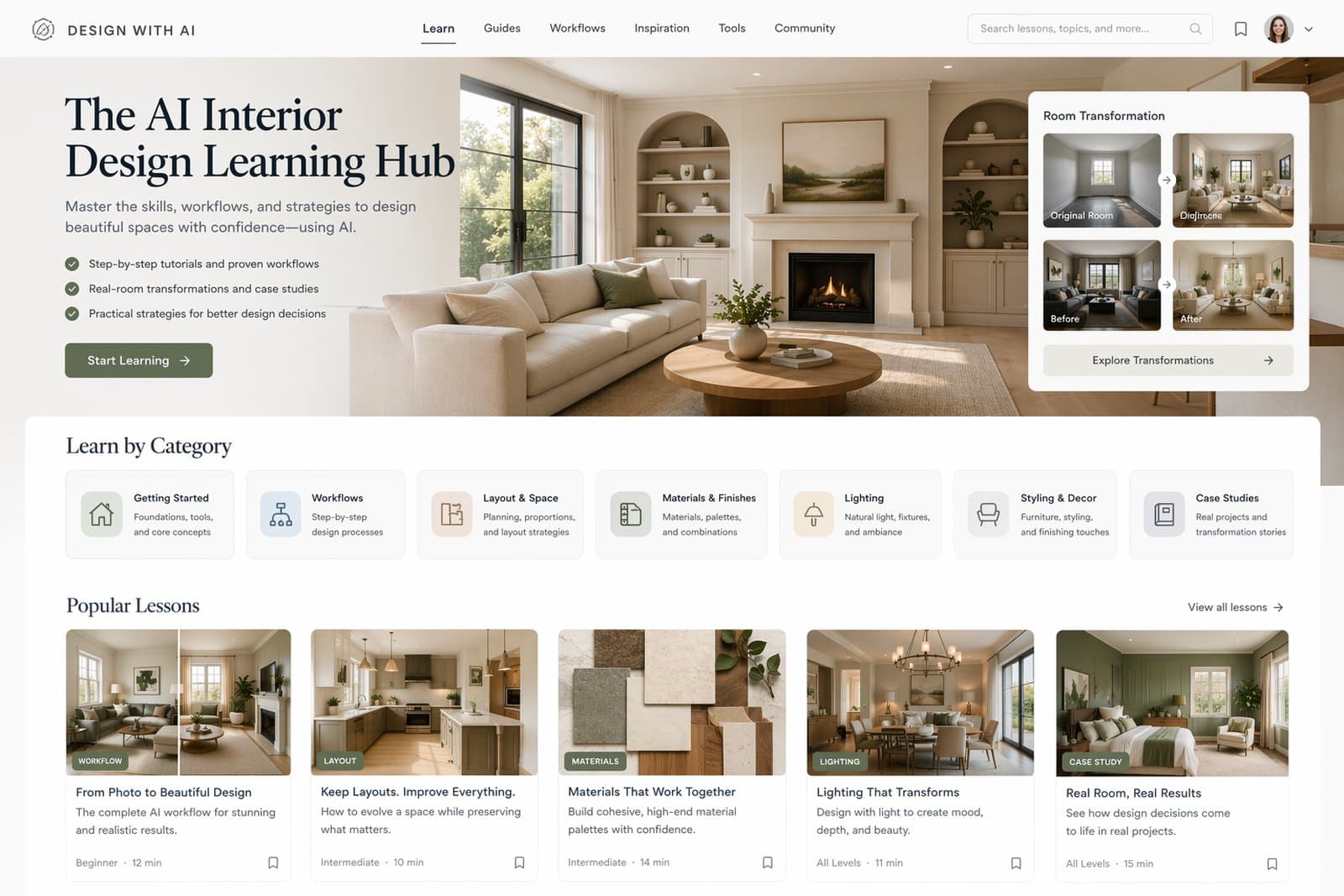
Learn how to get better results in Paintit.ai with practical guides for prompts, room redesigns, realism, real estate staging, rental refreshes, renovation planning, and professional design workflows.
These are the best entry points if you are new to Paintit.ai or want a faster way to improve results.
How to Get the Best Results in Paintit.ai
The main getting-started guide for photos, workflows, prompts, controls, and comparison logic.
How to Write Better Prompts for Paintit.ai
A practical prompting guide with stronger prompt structure, better constraints, and cleaner prompt logic.
How to Use Space Type and Design Style in Paintit.ai
Learn how the built-in controls improve room logic, style consistency, and overall output quality.
If you are not sure where to begin, start with these three. They give the biggest overall improvement the fastest.
These guides teach the system behind stronger results, not just one-off tricks.
How to Write Better Prompts for Paintit.ai
Build clearer prompts with stronger room logic, materials, mood, and constraints.
How to Use Pinterest Inspiration in Paintit.ai
Learn how to use references correctly without losing the logic of your original room.
How to Save, Compare and Organize Designs in Paintit Projects
Use Projects as a workflow system, not just a place to store images.
How to Generate More Realistic AI Interiors with Better Materials, Lighting and Constraints
Improve realism through cleaner material systems, better light logic, and stronger structural control.
How to Keep Layout and Architecture Unchanged in Paintit.ai
Learn how to preserve the room shell while still improving design direction, materials, and mood.
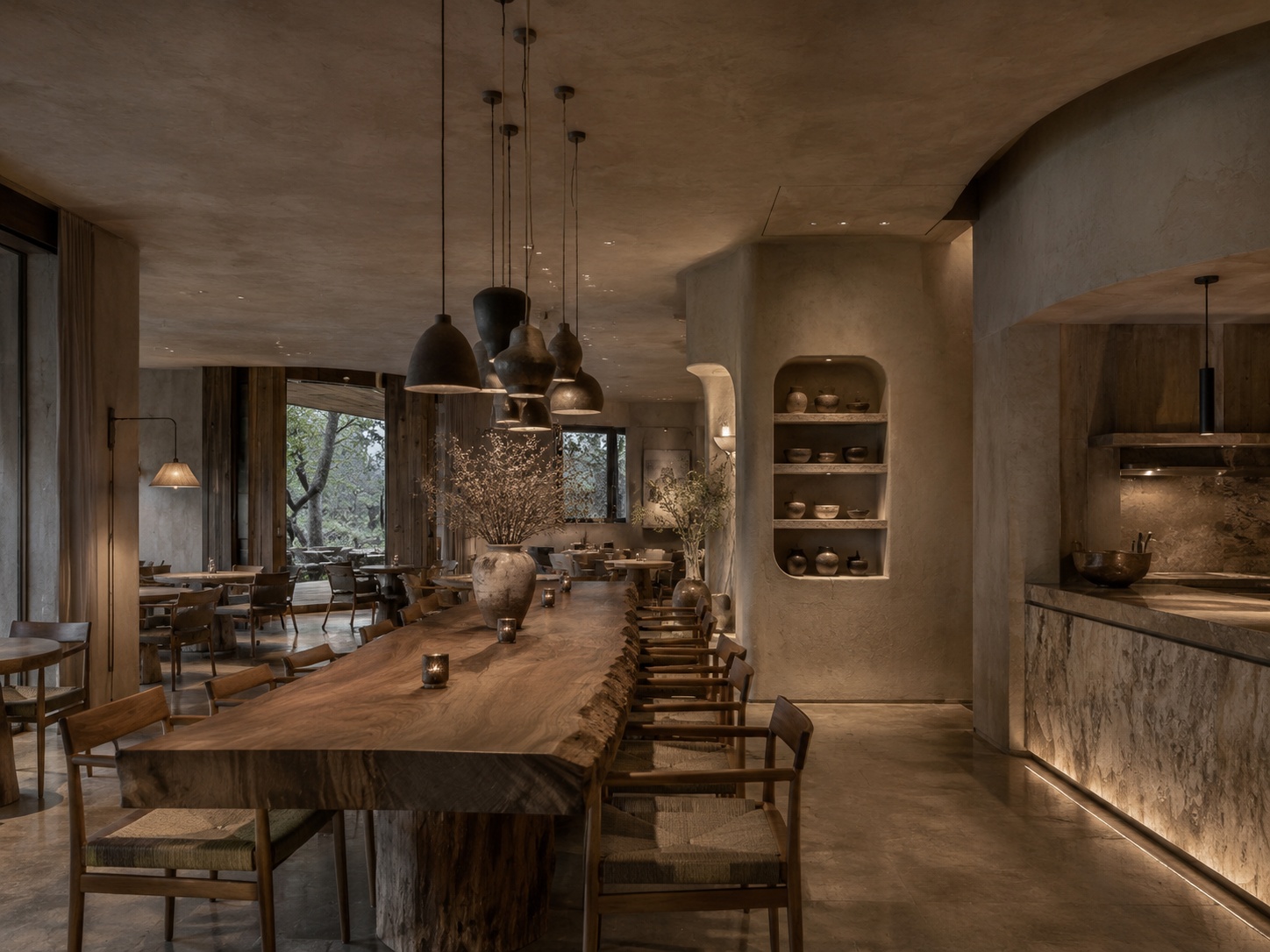
Choose the right workflow first. It usually matters more than writing a longer prompt.
How to Use Full Redesign in Paintit.ai
Best for testing a new overall direction for a room, facade, or commercial space.
How to Repaint a Room with Paintit.ai
Best for testing wall tones, finishes, and subtle updates while keeping the rest of the room stable.
How to Furnish an Empty Room with Paintit.ai
Best for blank spaces that need furniture, function, and stronger visual structure.
How to Use Pinterest Inspiration in Paintit.ai
Best when you already know the taste direction and want to transfer it into your actual room.
A useful rule is simple: one clear task per generation usually produces stronger results than one overloaded request.
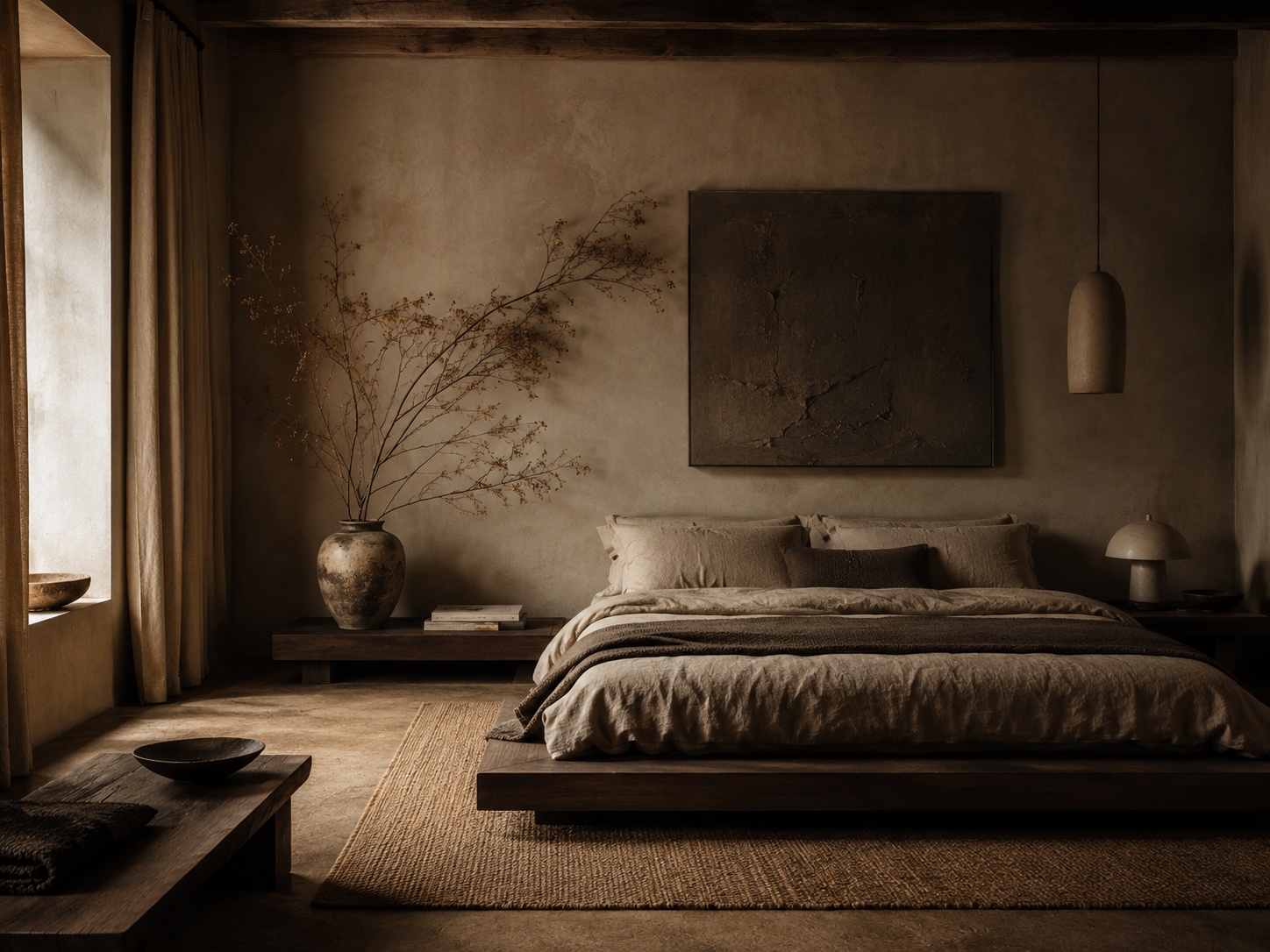
Use these when you are working on a specific room type and want more targeted, technical advice.
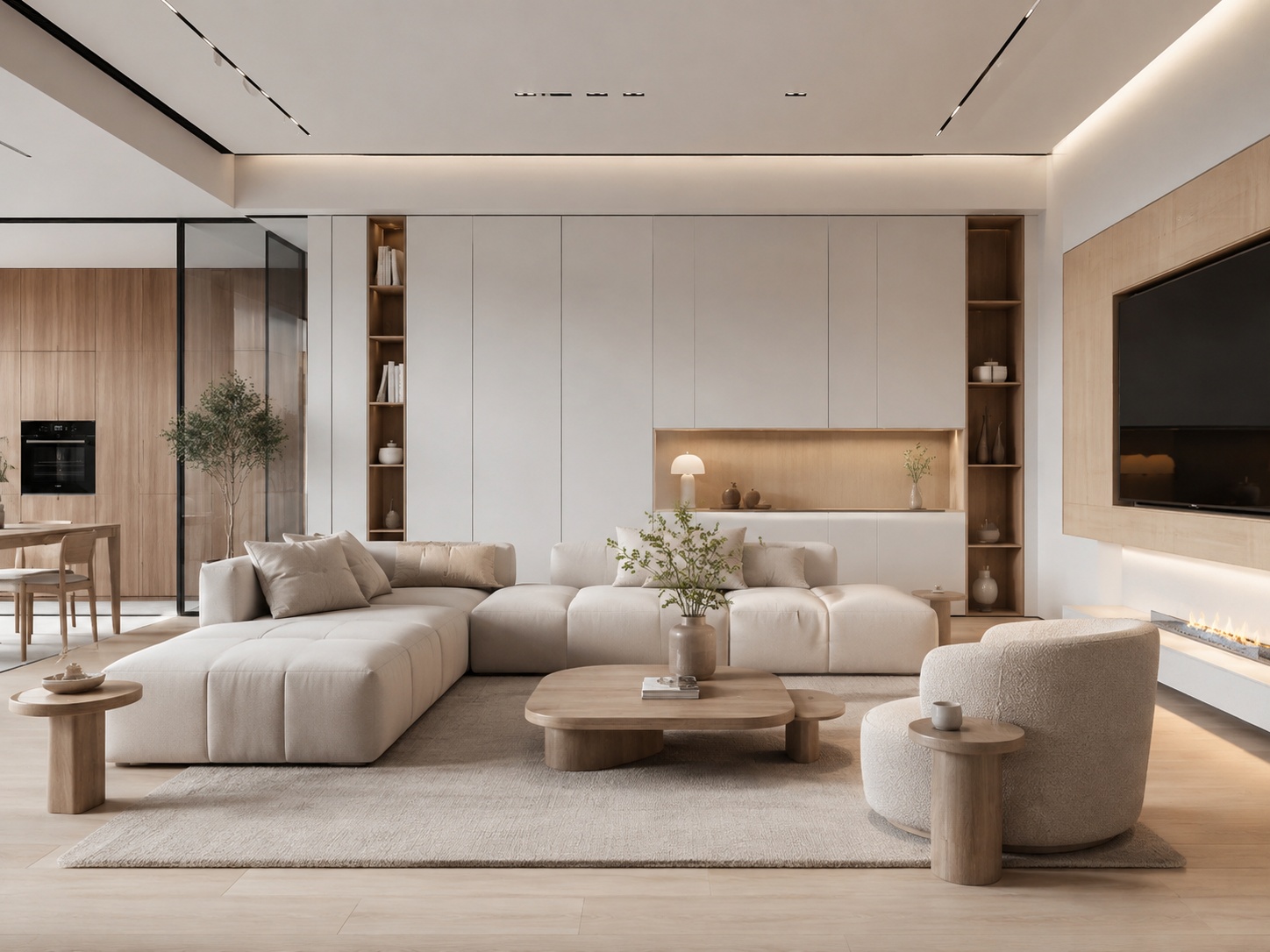
How to Redesign a Living Room with Paintit.ai
Better focal points, furniture scale, sofa logic, and stronger room composition.
How to Design a Bedroom with Paintit.ai
Better bed-wall logic, calmer mood, softer materials, and more believable bedroom atmospheres.
How to Visualize a Bathroom with Paintit.ai
Better wet-zone logic, material realism, vanity control, and cleaner bathroom outputs.
How to Design a Kitchen with Paintit.ai
Better cabinet rhythm, material hierarchy, appliance logic, and cleaner kitchen realism.
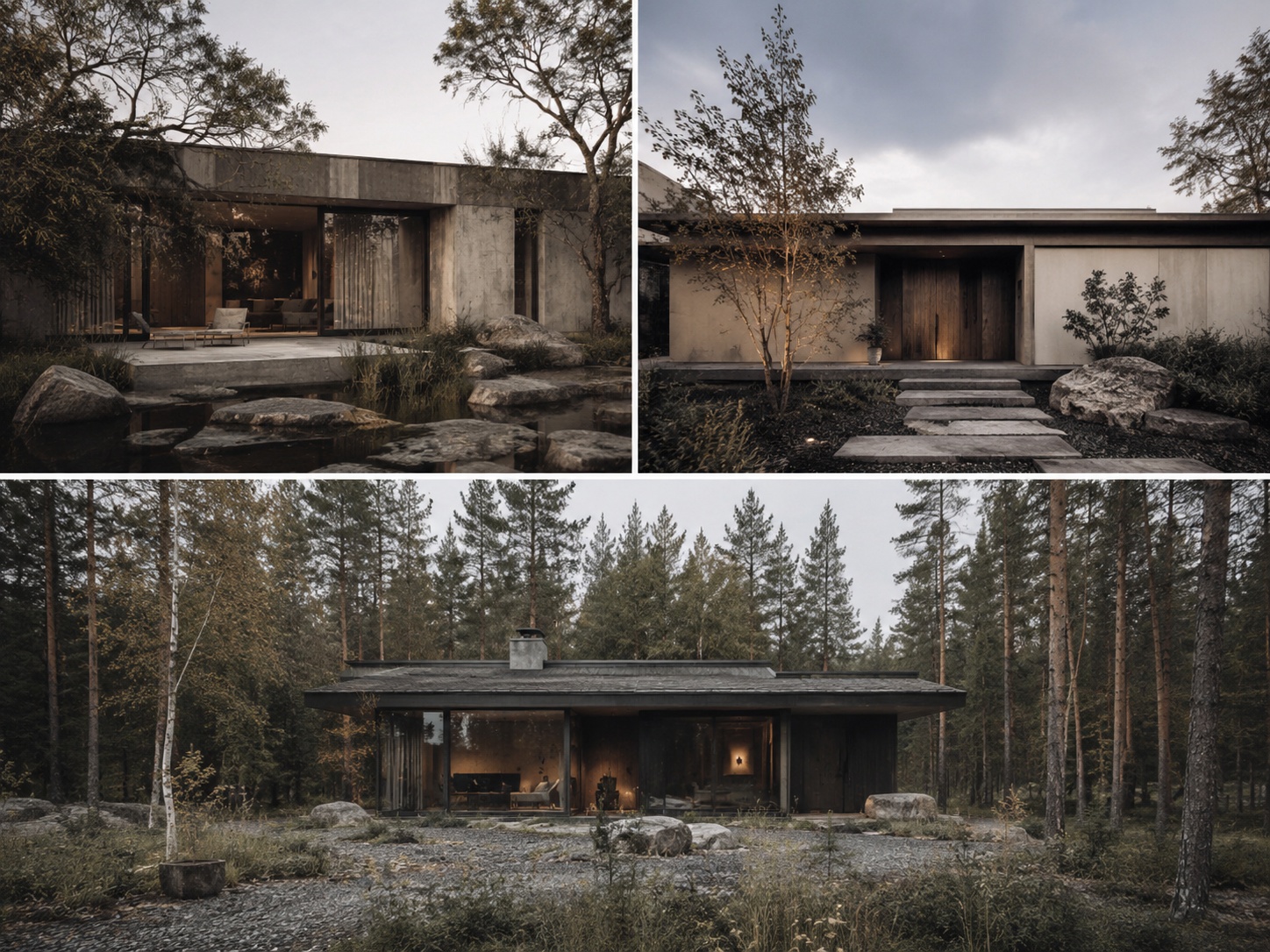
How to Redesign a Home Exterior with Paintit.ai
Better facade hierarchy, curb appeal, material transitions, and structural realism.
How to Visualize Commercial Spaces with Paintit.ai
Better zoning, circulation, brand fit, and commercially believable concepts.
These guides focus on users who need stronger workflow, presentation logic, and decision quality.
How Interior Designers Can Use Paintit.ai for Faster Client Concepts
Faster concept exploration, cleaner option building, and better revision structure for designers.
How Real Estate Agents and Stagers Can Use Paintit.ai
Buyer-friendly staging, empty-room visualization, listing refreshes, and safer property visuals.
How Short-Term Rental Hosts Can Refresh Spaces with Paintit.ai
Better listing appeal, guest-friendly refresh ideas, and stronger booking-oriented room presentation.
These guides are especially useful when the output needs to support a real client, guest, or buyer decision.
These are the most important guides when the room is real, the money is real, and the decision matters.
How to Generate More Realistic AI Interiors with Better Materials, Lighting and Constraints
Learn what makes results feel believable and how to reduce fake-looking outputs.
How to Keep Layout and Architecture Unchanged in Paintit.ai
Preserve the real shell while still upgrading finishes, materials, and design direction.
How Homeowners Can Test Renovation Ideas with Paintit.ai Before Spending Money
Compare renovation directions before committing money to paint, tile, cabinetry, furniture, and contractor work.
Step 1 — read the getting-started guide
Step 2 — read prompts and controls
Step 3 — choose the right room or workflow guide
Step 4 — read realism and layout-preservation guides
Step 5 — move into renovation or professional-use guides if the project is real and budget-sensitive
Start with “How to Get the Best Results in Paintit.ai,” then read the prompt guide and the controls guide.
The realism guide and the layout-preservation guide are the most important when you want believable results.
Start with the main getting-started guide, then prompts, then space type and design style, then the workflow pages.
The designer guide, real-estate guide, rental-host guide, commercial guide, and projects guide are the most useful professional pages.
No. Read the core guides first, then the specific workflow or room guides that match your project.
Start with getting better results, then prompts and controls, then your room-specific guide, then realism, layout preservation, and renovation planning.
Choose the guide that matches your room, workflow, or business goal and start getting stronger results faster.