1
Explore AI room design tools that are free. Instantly create and visualize stunning interiors with ease. Perfect for bedrooms, living rooms, and more. Start designing today!

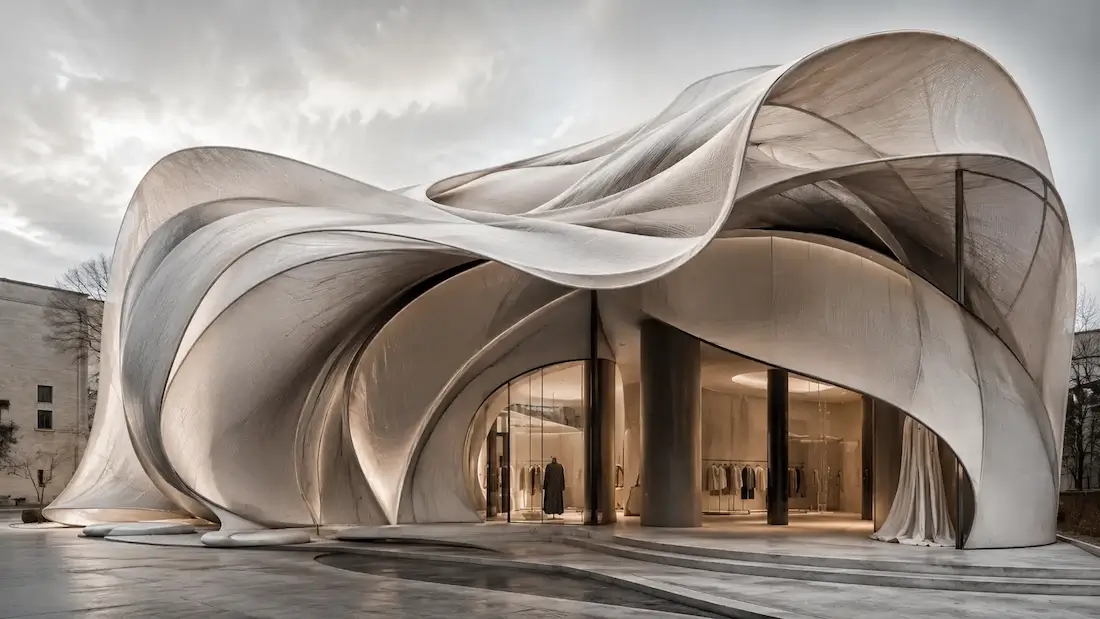
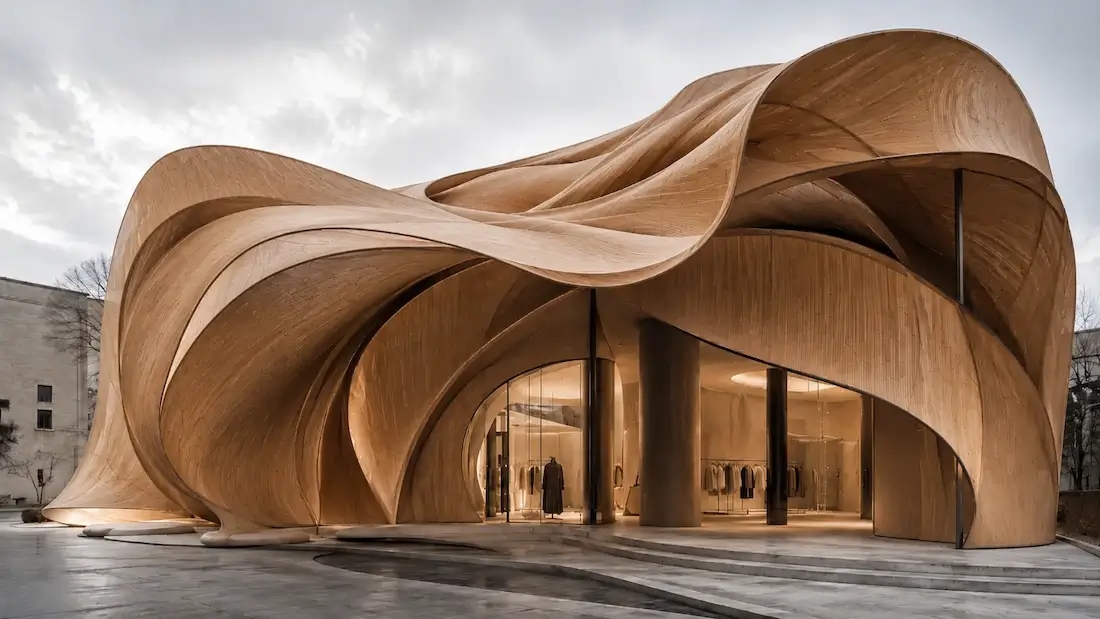
The earliest design decisions are the expensive ones — the longer a brief stays words-only, the more gets lost between you, your client, and your team. A concept generator closes that gap in the first meeting:
Built for architects, interior designers, and product or brand designers.
1
"Brainstorming sessions got way faster. I spin up three or four concept directions, pick a favorite, and we're aligning in the first meeting."
2
"I start with a short prompt and a couple of references. The generator gives me solid visual starters that I can refine instead of staring at a blank page."
3
"For interior mood boards, it's perfect — I test palettes and materials, save the best versions, and share them with clients for instant feedback."
4
"Pitch decks improved overnight. I can explore several stylistic paths, keep the strongest concepts, and move to execution with confidence."
Pitching a small café. Instead of a mood board, you type: cosy 30-seat café, terracotta plaster walls, rattan and oak furniture, hanging plants, warm morning light. Paintit returns four directions in under a minute — one mid-century, one rustic, one minimal. You pick the rustic one, ask for a darker floor and a visible coffee bar, and walk into the client meeting with a photoreal concept instead of a description.
Any style — minimalist, mid-century, industrial, Japandi, classic — and you can blend two to explore a hybrid.
Start free with an account — the Free plan includes 30 credits at 1K resolution, no credit card. Upgrade for more credits and higher-resolution exports: Starter (500 credits, 2K — $14.99/mo), Pro (1,500 credits, 4K, watermark-free, commercial licence — $29.99/mo), or Max (4,500 credits — $79.99/mo). No hidden fees, 7-day money-back, cancel anytime.
Describe an idea or drop a reference and get several photoreal directions in seconds. Free to start.
Generate Concepts FreeIt turns a written brief, a reference image, or a sketch into photorealistic design concepts you can refine and compare — for interiors, architecture, and products.
It is built for design concepts such as spaces and products, not illustration or character concept art.
A text description, a reference photo, or a rough sketch — or any combination.
Yes — interior room concepts and building exteriors.
In plain language: change style, colour, materials, lighting, or composition. Each refinement keeps what you liked.
No — if you can describe what you want, the tool handles the rest.
Several per generation, so you compare instead of committing to one.
Yes — 30 credits at 1K resolution, no credit card. Pro adds 4K and a commercial licence.
Yes — take it into AI room design or AI rendering in the same account.
Dive deeper into Paintit.ai and learn how AI can change not only room design but your whole creative process.
1
Explore AI room design tools that are free. Instantly create and visualize stunning interiors with ease. Perfect for bedrooms, living rooms, and more. Start designing today!
2
Discover endless creativity with our AI concept generator. Generate and refine design ideas for architecture, interiors, and more. Start creating today!
3
Redesign your home exterior effortlessly with our free AI house exterior design generator. Explore styles, materials, and textures tailored to your vision.
4
Create stunning house designs effortlessly with our free AI house generator. Explore styles, layouts, and features tailored to your vision. Start designing today!
5
Visualize paint colors for your home with the free AI house painter. Explore styles, match colors, and redesign walls effortlessly. Start designing now!
6
Create stunning outdoor designs with free AI landscape design tools. Generate gardens, patios, and yard layouts effortlessly. Start designing today!
7
Create stunning photorealistic renders for architecture and interior design with AI Rendering. Fast, easy, and accessible for all skill levels. Start for free today!
8
Design your dream home exterior with our easy-to-use home exterior design tool. Visualize colors, materials, and styles in real time. Try it for free today!
9
Upload a bathroom photo and visualize new tiles, vanities, fixtures, flooring, and lighting before you start renovation work. Try AI bathroom remodel ideas for free.
10
Create floor plan layouts from a text prompt or sketch. Plan room flow, dimensions, and layouts faster with an AI floor plan generator built for early design decisions.
11
Generate furniture concepts and place them directly inside your room photo. Explore sofas, tables, beds, shelving, lighting, and decor ideas in context.
12
Rearrange furniture in your room without moving heavy pieces. Test layouts, traffic flow, and furniture positions with AI before changing the real space.
13
Preview exterior renovation ideas for siding, trim, roofs, windows, doors, landscaping, and curb appeal updates using a photo of your current home.
14
Test paint colors on real room and exterior photos before buying samples. Compare palettes, accent walls, and finish directions in minutes.
15
Visualize kitchen remodel ideas with new cabinets, counters, backsplashes, flooring, lighting, and layouts before committing to a renovation plan.
16
See how different rugs look in your actual room. Compare styles, sizes, colors, and placement options before choosing the right rug.
17
Improve listing photos with AI enhancement for brighter, cleaner, more polished real estate visuals that help rooms look ready for buyers.
