1
Explore AI room design tools that are free. Instantly create and visualize stunning interiors with ease. Perfect for bedrooms, living rooms, and more. Start designing today!


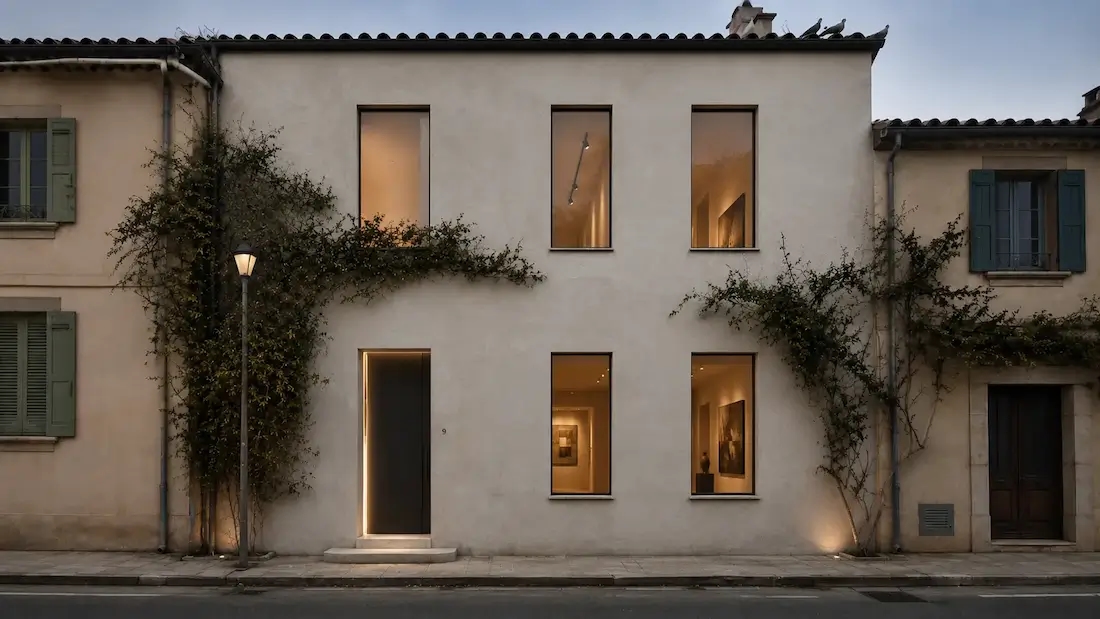
Make confident curb-appeal decisions by seeing changes on your actual house photo-fast, realistic, and easy.
1
"We uploaded a single photo and tried three siding/roof combos. The before/after made the choice obvious — and our contractor quoted it the same week."
2
"For exterior bids I show clients two AI concepts side-by-side. Approvals on color and trim happen in one meeting instead of three."
3
"Listing photos with a tasteful ‘after’ concept get more saves and showings. Buyers finally see the curb-appeal potential."
4
"As an architect, I use it for early façade studies. It’s fast for testing palettes and materials before I jump into detailed drawings."
Not all home exterior design apps are equal. What distinguishes ours is the ideal combination of power and ease of use.

Our system is built for real-time visualization, which means you get to see things change in real time as you adjust details such as siding, roofing, windows, doors, and colors. This real-time feedback enables faster decision-making and more confidence in your decisions.
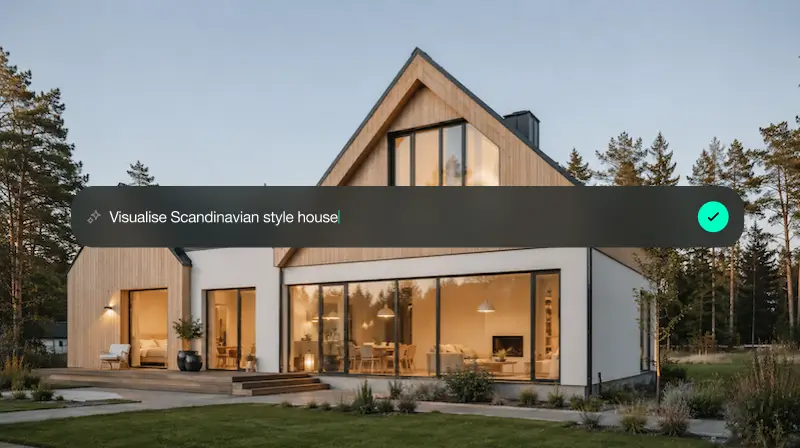
The interface is user-friendly and simple to operate. You do not need to be a design expert to use it. Anyone, whether first-time homeowners or veterans, can create lovely exteriors with a few clicks that appear custom and well-considered.
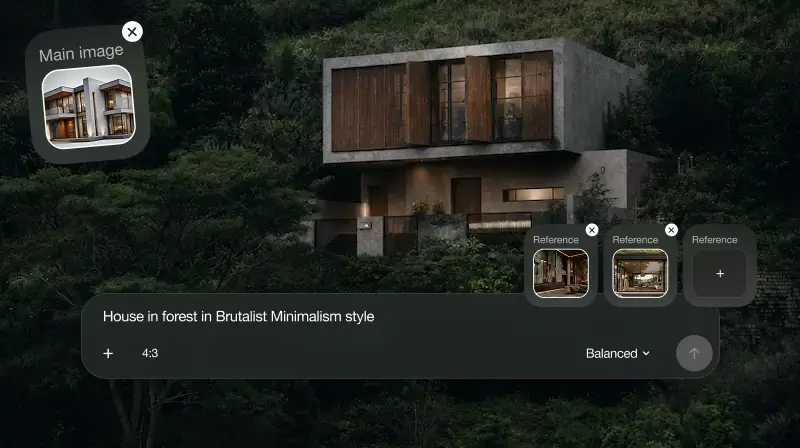
Accuracy matters, and that is where our photorealistic previews step in as a game changer. They give you a very realistic representation of your ideal design so that you can avoid costly errors and communicate more effectively and efficiently with contractors.
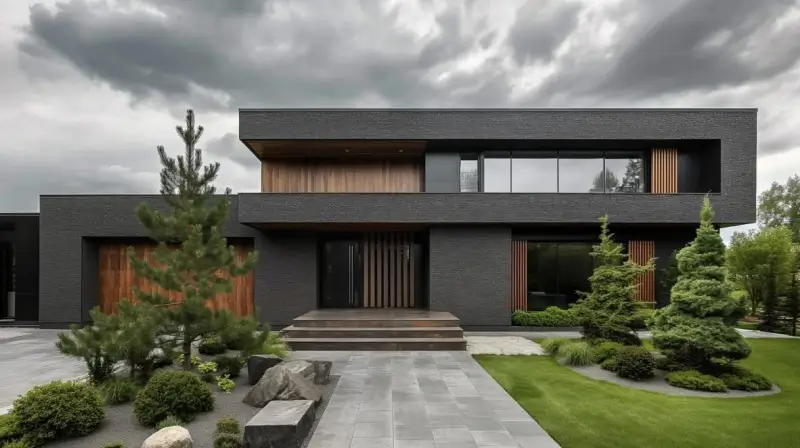
Our AI-powered suggestions are your personal design assistant. If you don't know what goes best, the tool offers curated pairings and style-matching recommendations that are personalized to your style and home characteristics. It's like having a pro designer in the palm of your hand.
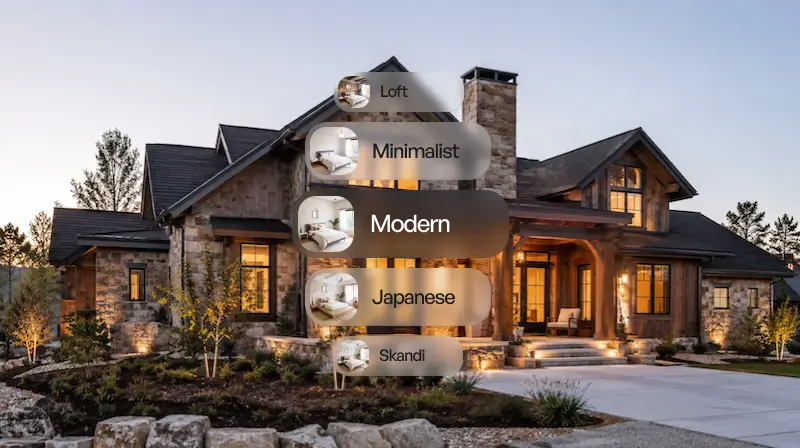
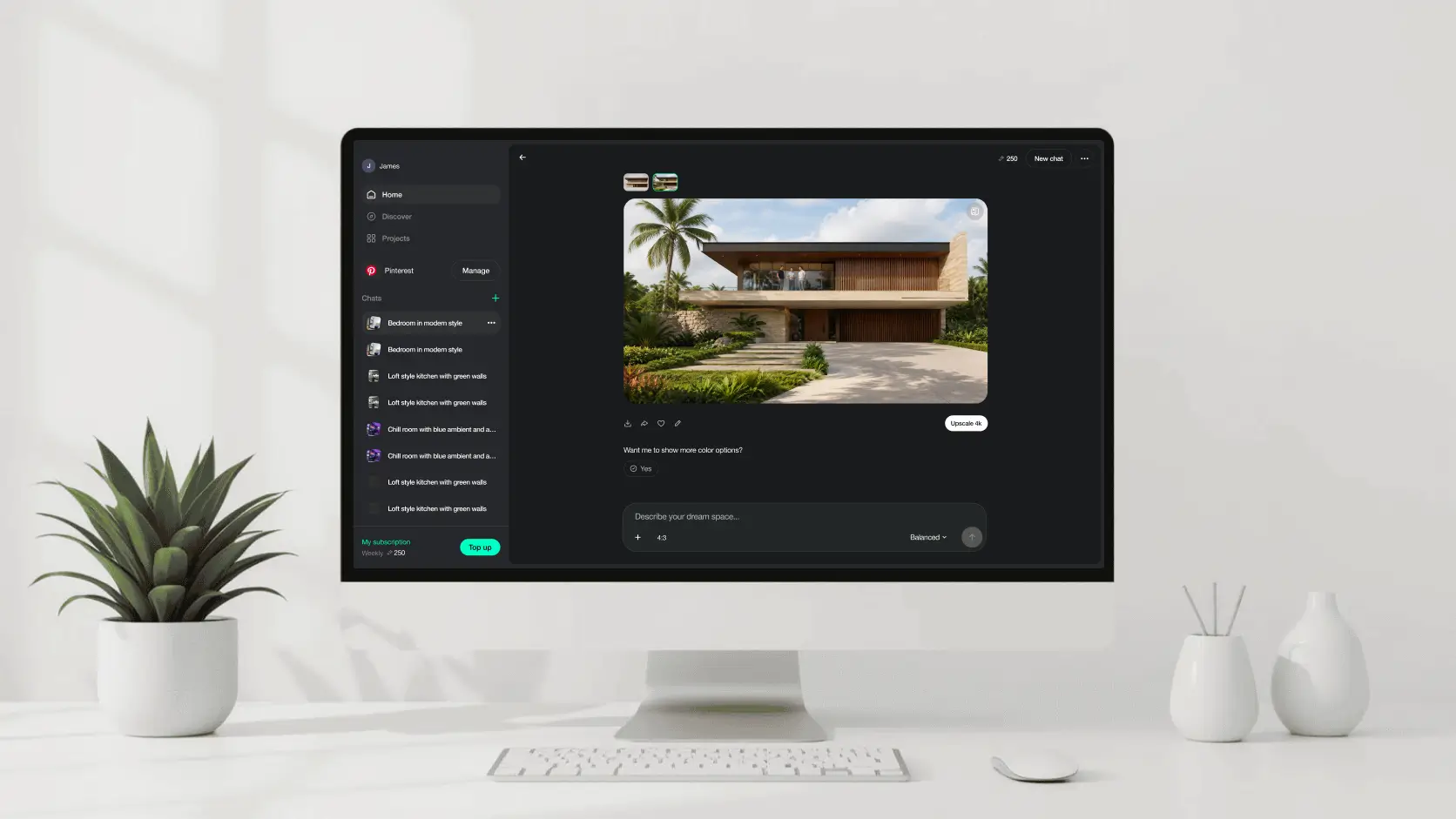
1. Upload a high-quality photo or select a sample house.
2. Outline key areas (roof, walls, trim) with our guided tools.
3. Customize using the intuitive drag-and-drop interface.
4. Visualize in 2D, 3D, or Photoreal mode.
5. Save and share your final design or revisit it anytime.

Want to refresh your home’s look without the stress of uncertainty? Our house exterior design app helps you experiment risk-free and make confident choices.

Utilize our exterior house design tool to present visual proposals to clients, accelerate approvals, and facilitate communication.
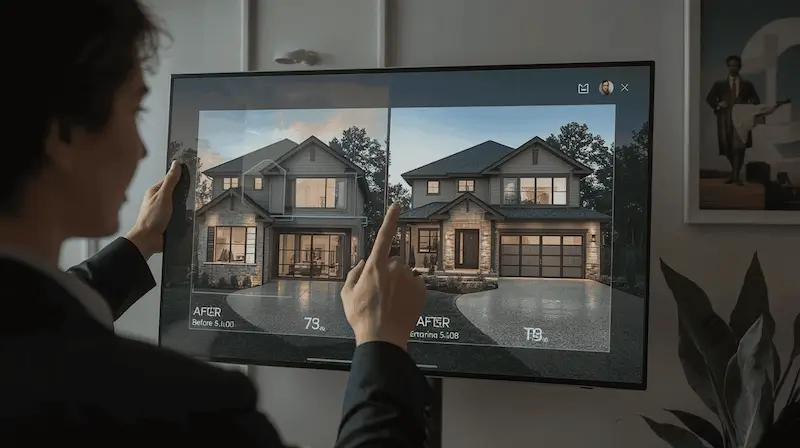
Improve property appeal and marketability by offering potential buyers a vision of what is possible.

Designing for fun or remodeling in earnest, our house exterior design tool offers multiple creative latitude with precision.
Start free with an account — the Free plan includes 30 credits at 1K resolution, no credit card. Upgrade for more credits and higher-resolution exports: Starter (500 credits, 2K — $14.99/mo), Pro (1,500 credits, 4K, watermark-free, commercial licence — $29.99/mo), or Max (4,500 credits — $79.99/mo). No hidden fees, 7-day money-back, cancel anytime.
Ready to transform your home's appearance? Explore the possibilities with our exterior design tool and design like a pro in minutes. No downloads. No commitments. Just pure creative power.
VISUALIZE MY FACADE NOWYes, a basic version is free with essential features.
Yes. Upload a photo for personalized exterior visualizations.
Yes. Our Pro plan is meant for professionals who need premium features.
Our AI gives photorealistic realism so you can see real-world results.
Yes, it's optimized for desktop, tablet, and smartphone.
Yes. The tool works with different styles, from colonial to contemporary.
Yes, the AI engine provides suggestions according to your home's features.
Yes, it's perfect for previewing designs before building.
While it's optimized for residential use, it also does light commercial projects.
Dive deeper into Paintit.ai and learn how AI can change not only room design but your whole creative process.
1
Explore AI room design tools that are free. Instantly create and visualize stunning interiors with ease. Perfect for bedrooms, living rooms, and more. Start designing today!
2
Discover endless creativity with our AI concept generator. Generate and refine design ideas for architecture, interiors, and more. Start creating today!
3
Redesign your home exterior effortlessly with our free AI house exterior design generator. Explore styles, materials, and textures tailored to your vision.
4
Create stunning house designs effortlessly with our free AI house generator. Explore styles, layouts, and features tailored to your vision. Start designing today!
5
Visualize paint colors for your home with the free AI house painter. Explore styles, match colors, and redesign walls effortlessly. Start designing now!
6
Create stunning outdoor designs with free AI landscape design tools. Generate gardens, patios, and yard layouts effortlessly. Start designing today!
7
Create stunning photorealistic renders for architecture and interior design with AI Rendering. Fast, easy, and accessible for all skill levels. Start for free today!
8
Design your dream home exterior with our easy-to-use home exterior design tool. Visualize colors, materials, and styles in real time. Try it for free today!
9
Upload a bathroom photo and visualize new tiles, vanities, fixtures, flooring, and lighting before you start renovation work. Try AI bathroom remodel ideas for free.
10
Create floor plan layouts from a text prompt or sketch. Plan room flow, dimensions, and layouts faster with an AI floor plan generator built for early design decisions.
11
Generate furniture concepts and place them directly inside your room photo. Explore sofas, tables, beds, shelving, lighting, and decor ideas in context.
12
Rearrange furniture in your room without moving heavy pieces. Test layouts, traffic flow, and furniture positions with AI before changing the real space.
13
Preview exterior renovation ideas for siding, trim, roofs, windows, doors, landscaping, and curb appeal updates using a photo of your current home.
14
Test paint colors on real room and exterior photos before buying samples. Compare palettes, accent walls, and finish directions in minutes.
15
Visualize kitchen remodel ideas with new cabinets, counters, backsplashes, flooring, lighting, and layouts before committing to a renovation plan.
16
See how different rugs look in your actual room. Compare styles, sizes, colors, and placement options before choosing the right rug.
17
Improve listing photos with AI enhancement for brighter, cleaner, more polished real estate visuals that help rooms look ready for buyers.
