1
Design your kitchen in seconds with AI. Explore layouts, materials, and styles instantly.

Upload a photo of your living room, choose a style — Scandinavian, Japandi, Modern, or Industrial — and get a photorealistic render in 15-20 seconds. Free to start, a free account is required.
DESIGN MY LIVING ROOM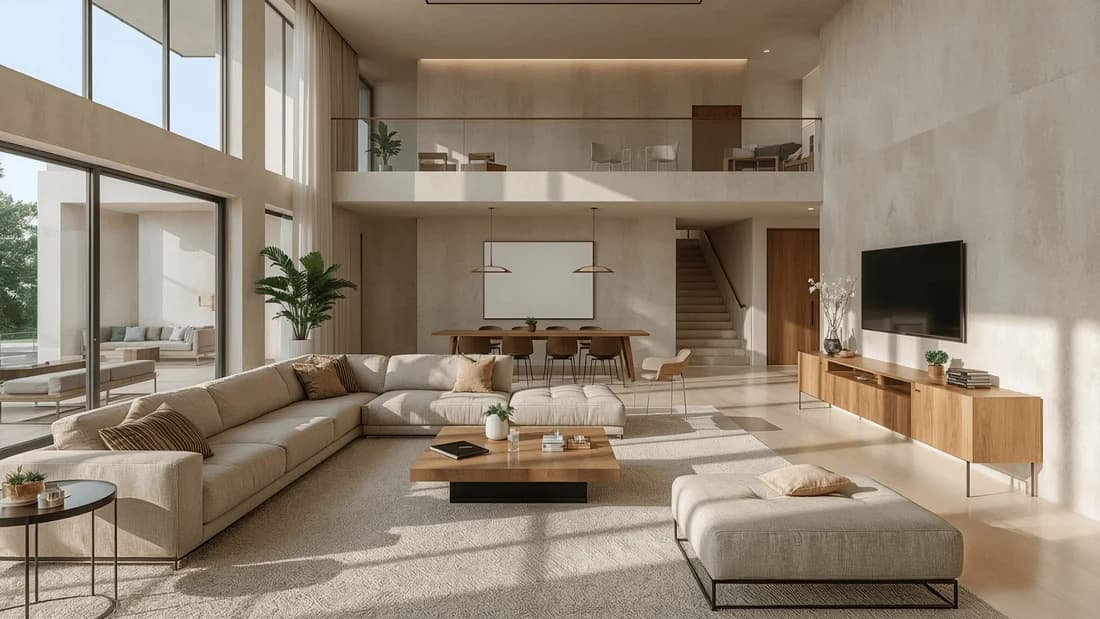
Not sure where to start? Our AI living room design software works from your actual room photo — not a blank canvas. Upload an image, pick a style, and the AI generates a concept based on your real proportions, lighting, and layout. No design experience needed.
Our free AI living room design software gives you 30 credits to start — enough to generate and compare several style directions. No credit card required. Test Scandinavian, Japandi, or Modern before committing to any changes in the real room.
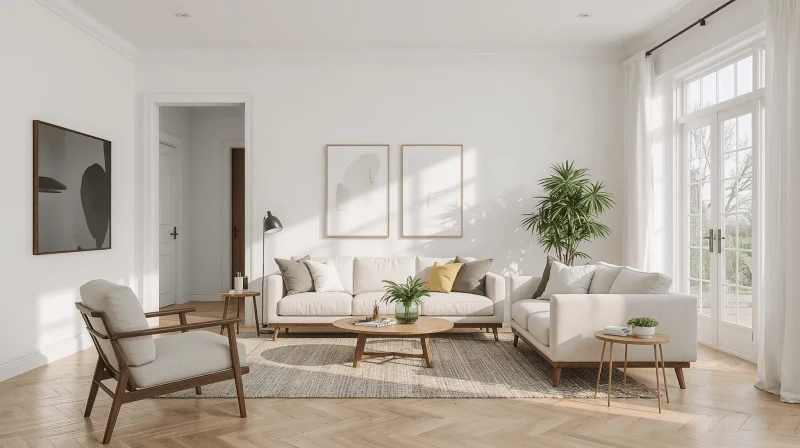
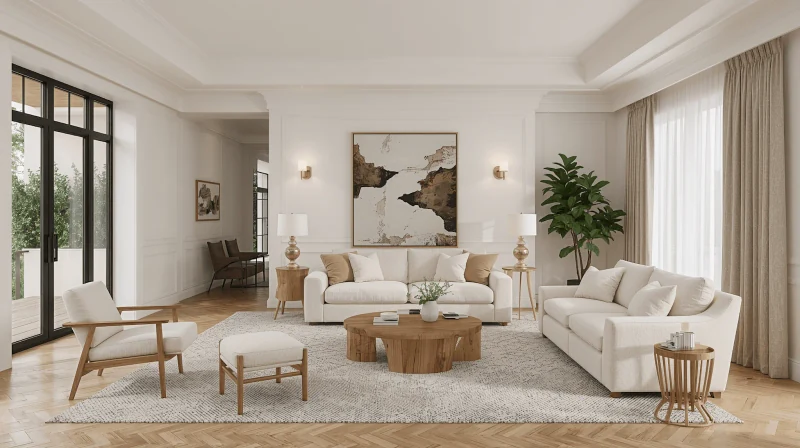
Upload a photo of your current living room and our living room interior design AI generates a render based on your actual space — your window positions, existing proportions, and lighting conditions. The result looks like your room, redesigned — not a generic showroom.
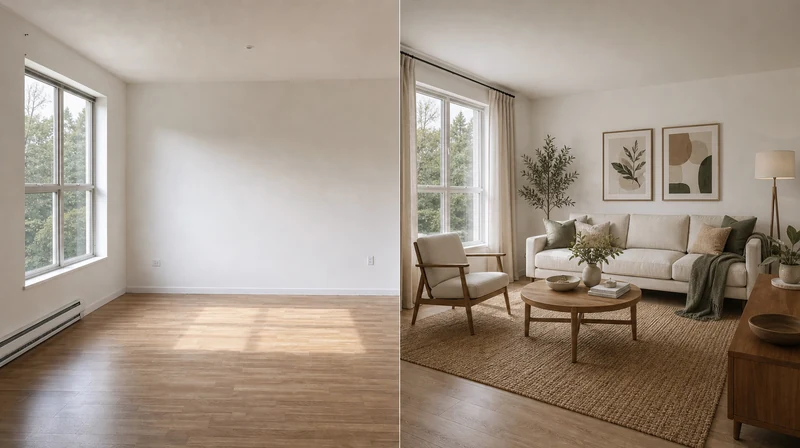
Test layouts, furniture placement, and color schemes before spending anything on renovation. Our free AI living room design generator lets you compare several directions in one session — each render takes 15-20 seconds, and you keep full control over what to change next.
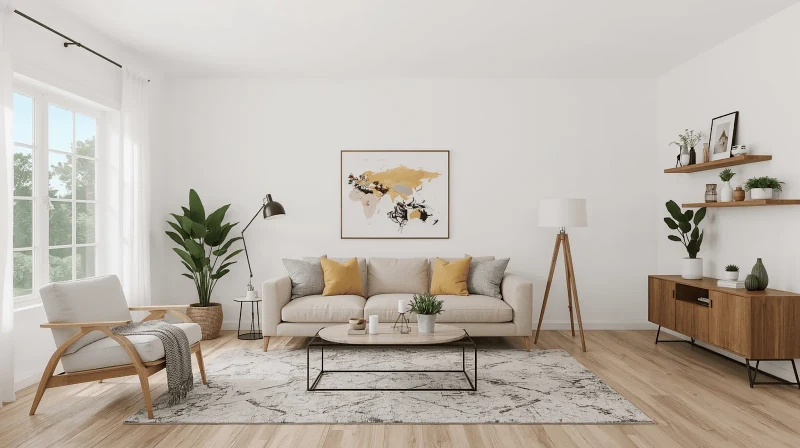
Here is what our living room design AI handles automatically:
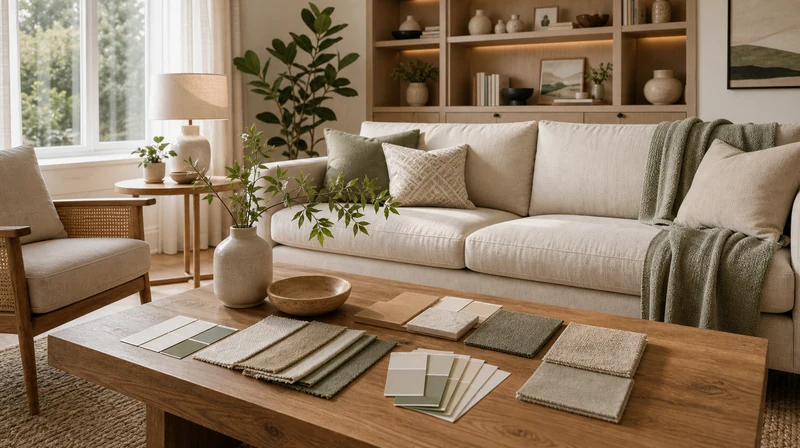
Describe your layout needs in the prompt — sofa against the wall, TV zone, open circulation — and the AI living room furniture design tool places pieces based on your actual room dimensions. Use KB constraint lines: "Keep the layout unchanged. Only change style and materials."
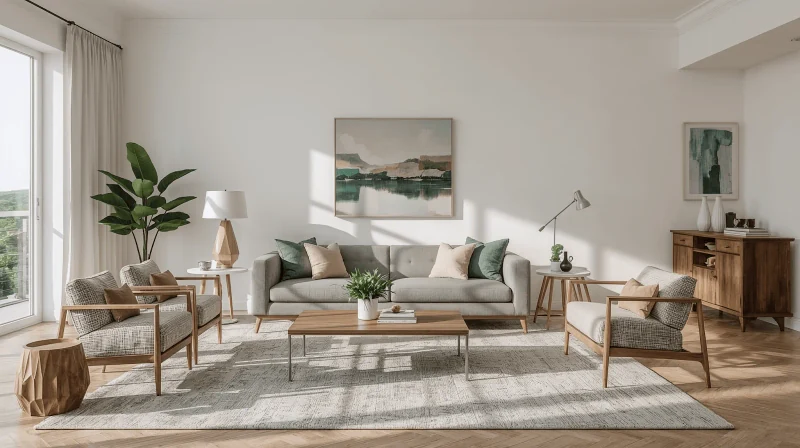
Whether you prefer the contemporary minimalist look, a cozy traditional ambiance, or a bohemian chic theme, our AI design for living room platform supports a broad range of customizable interior styles. Select your desired style and watch our AI redesign your space accordingly.
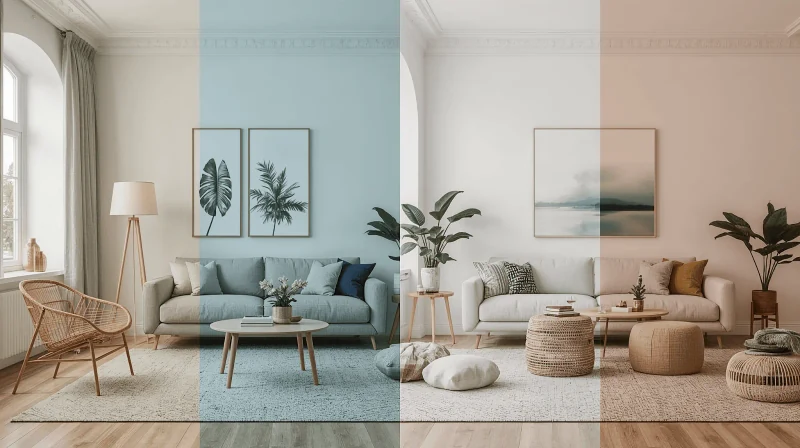
Each revision generates a new render in 15-20 seconds. Save multiple directions in Paintit Projects, share the link with family or a contractor, and compare versions side by side before deciding.
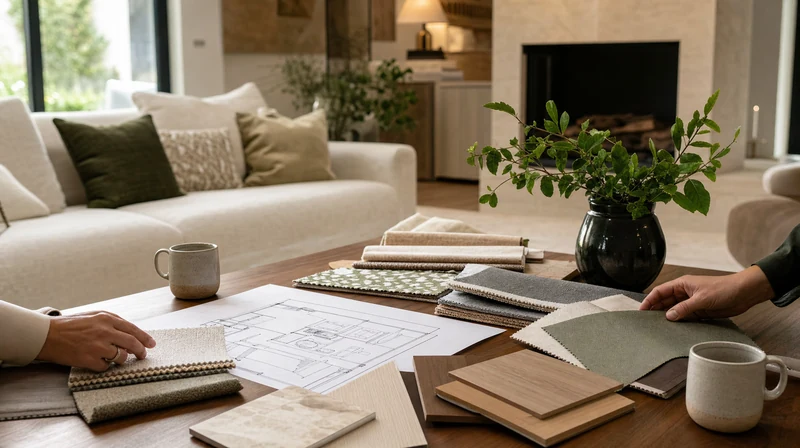
After the render is ready, Paintit.ai suggests real furniture pieces that match the design — with direct links to Amazon, IKEA, Jysk, and Ashley. You see a sofa in the render, you click the link. Our AI design for living room tool connects visualization directly to purchase.

Beginner- and expert-friendly with a minimal and intuitive interface.

Renders are based on your actual room photo — real proportions, your existing windows, your lighting. Not a template.

Free plan: 30 credits, no credit card. Starter: $14.99/month for 500 credits. Pro: $29.99/month for 1,500 credits and 4K export.

Each render takes 15-20 seconds. Generate several style directions in one session and compare them before making any real changes.
Upload your first living room photo and get a render in 15-20 seconds. The Free plan includes 30 credits — no credit card needed. Our AI living room design free tool is ready to use now. Paid plans from $14.99/month.
TRY IT FREEStart free with an account — the Free plan includes 30 credits at 1K resolution, no credit card. Upgrade for more credits and higher-resolution exports: Starter (500 credits, 2K — $14.99/mo), Pro (1,500 credits, 4K, watermark-free, commercial licence — $29.99/mo), or Max (4,500 credits — $79.99/mo). No hidden fees, 7-day money-back, cancel anytime.
An AI living room design generator is an intelligent digital tool that automatically creates personalized, realistic living room designs based on your inputs and selections.
Yes, Paintit.ai's platform is designed for individuals without design experience or technical skills. Our user-friendly tools simplify the design process and make it effortless.
Yes. The Free plan includes 30 credits — enough to generate several living room concepts. No credit card required. Paid plans start at $14.99/month and add more credits, private mode, and higher resolution exports.
Paintit.ai uses advanced AI algorithms to create highly realistic and accurate visualizations, which are very similar to professional renderings and real spaces.
Yes. Download the render as a high-resolution image and share it with family, a contractor, or an interior designer. After the render is ready, Paintit.ai also suggests matching furniture from Amazon, IKEA, Jysk, and Ashley with direct product links.
Paintit.ai uses 256-bit SSL encryption and tokenization. Your designs are private by default — only you can access them. Staff requires explicit permission to view your data.
Yes. Edit through a text prompt — swap furniture, change the color palette, shift the focal wall, or switch styles entirely. Save versions in Paintit Projects to compare directions before deciding.
Paintit.ai supports various interior design styles, including modern, traditional, minimalist, industrial, Scandinavian, bohemian, and more.
Yes. Our AI software optimizes and provides practical, creative design solutions especially for small and all shaped rooms.
Yes. Connect your Pinterest account (Pro plan) and your saved boards appear directly in Paintit.ai as style references. Or upload any Pinterest image manually as a reference on any plan — describe what to take from it: "Use this reference for palette and materials only. Keep my room layout unchanged."
Discover additional AI-based interior design solutions with Paintit.ai:
1
Design your kitchen in seconds with AI. Explore layouts, materials, and styles instantly.
2
Create stunning living room interiors with AI. Visualize layouts and styles instantly.
3
Generate beautiful bedroom designs with AI. Try different styles and furniture layouts.
4
Transform your bathroom with free AI design tools. Explore layouts and style variations.
5
Visualize your outdoor space instantly. AI generates garden and backyard design ideas.
6
Optimize closet space with AI. Create custom layouts for any wardrobe or storage area.
7
Design productive office spaces with AI. Get instant layouts for home and work offices.
8
See how a pool looks in your backyard with AI. Generate realistic pool layouts instantly.
9
Design an efficient laundry room in minutes. AI creates layouts for any space.
10
Create stunning restaurant interiors with AI. Perfect for cafés, bars, and dining spaces.
11
Plan functional classrooms with AI. Optimize layouts for learning and teaching.
12
Unlock your basement’s potential with AI. Visualize entertainment, gym, or office layouts.
