10 min. reading

Yulii Cherevko
CEO paintit.ai
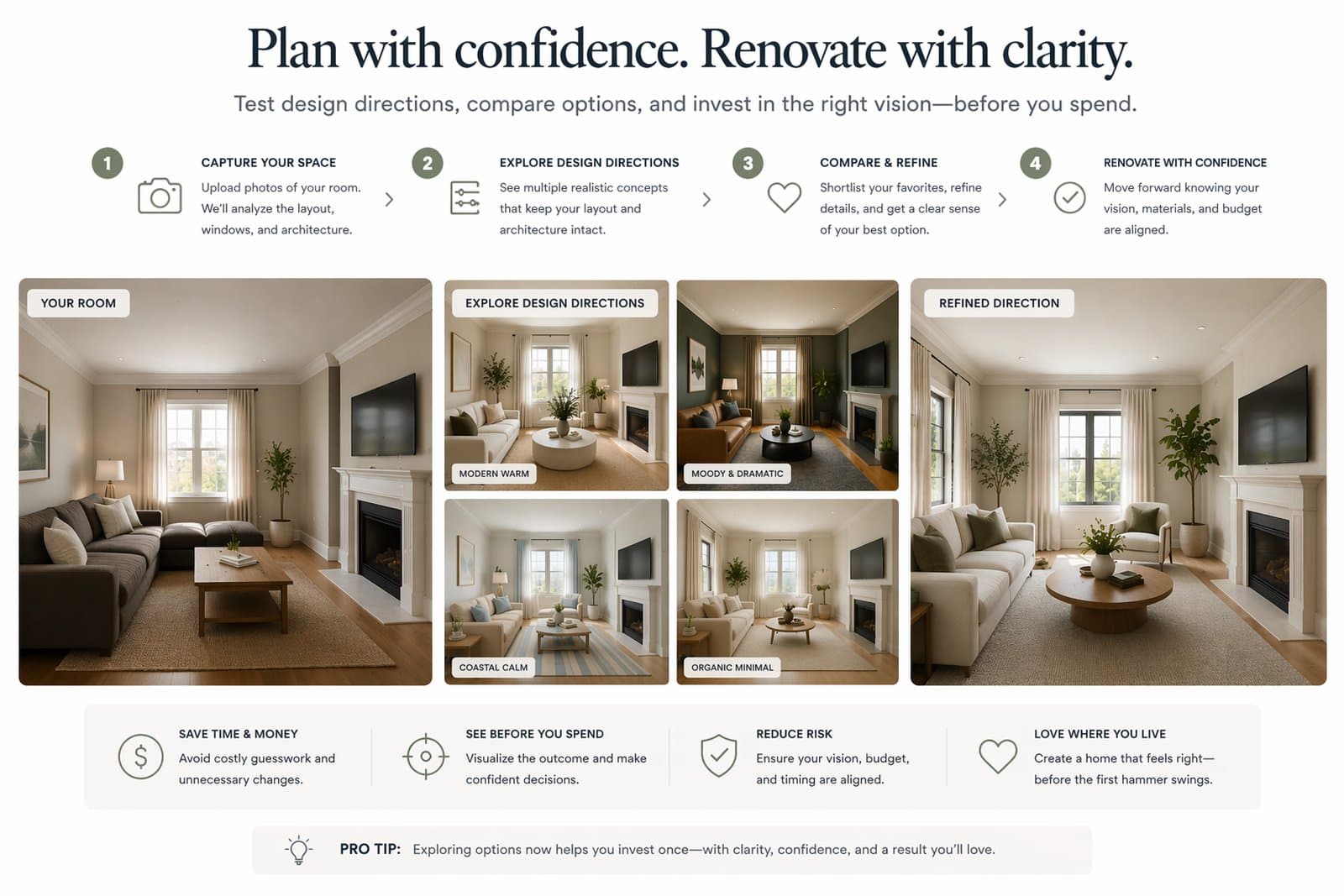
Renovation decisions become expensive when they are made too early or too vaguely. Paintit.ai helps homeowners test visual directions before buying materials, moving into renovation, or committing to a contractor brief. This guide shows how to use Paintit.ai to compare upgrade options, reduce costly mistakes, and make clearer decisions about finishes, furniture, layout-sensitive changes, and overall room direction.
The most expensive renovation mistake is often not bad taste. It is moving into action before the direction is clear.
Homeowners often spend money too early on paint, tile, cabinetry, furniture, lighting, or contractor work before they fully understand how the room should feel. Paintit.ai helps by making those decisions visible earlier. Instead of guessing, you can compare several plausible routes before choosing where real money should go.
It reduces expensive reversals — fewer wrong paint choices, wrong material pairings, or wrong furniture direction.
It speeds up decision clarity — the room starts to make visual sense before work begins.
It improves contractor communication — it is easier to explain what you want when you can show a direction.
It separates what is essential from what is optional — not every upgrade is worth paying for.
It lowers emotional chaos — homeowners can compare options more calmly instead of redesigning in their head over and over.
The platform is most useful when it helps you choose a direction before you choose a budget commitment.
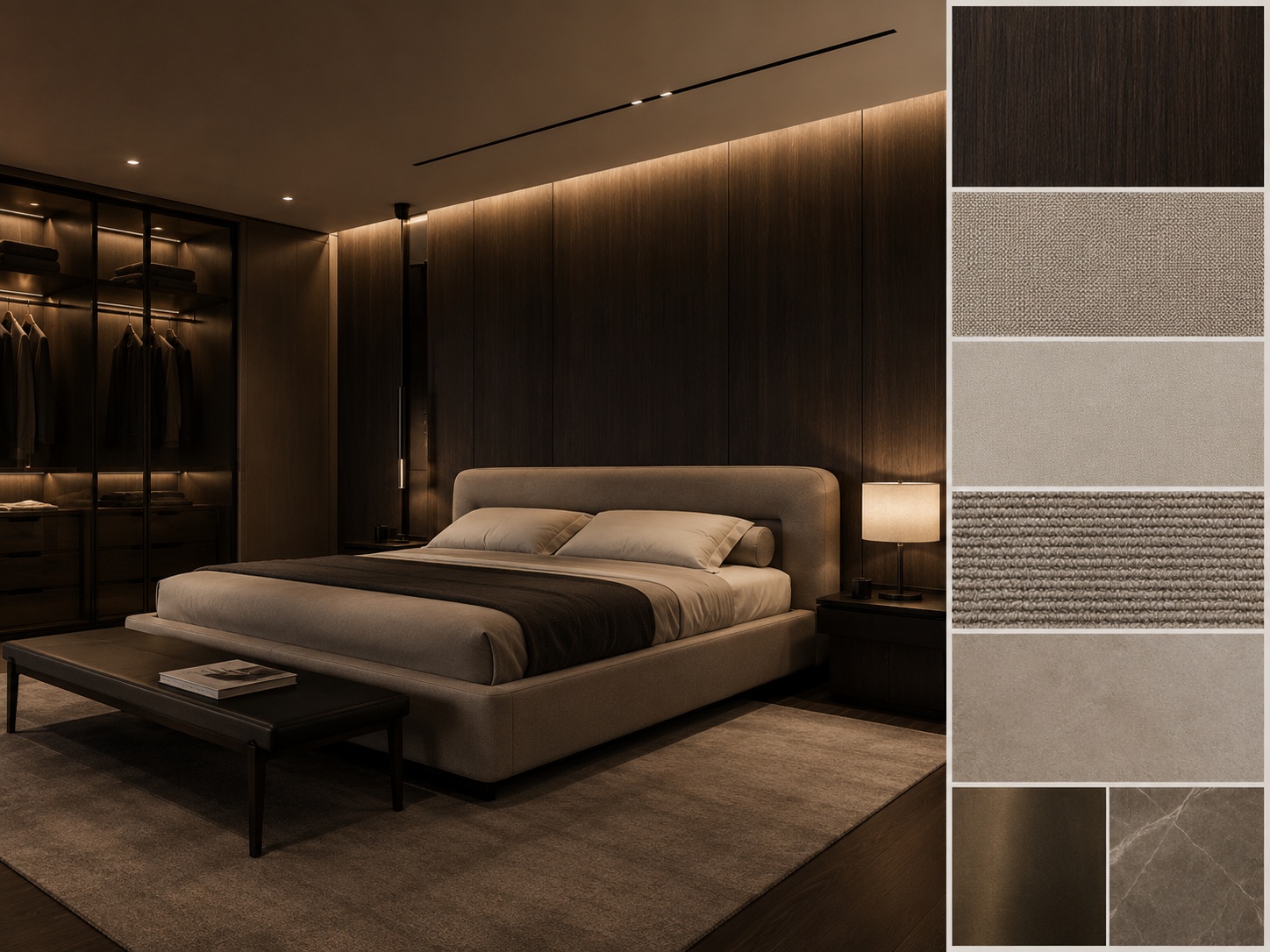
Some decisions are cheap to change. Others are expensive. Test the expensive ones first.
The smartest way to use Paintit.ai for renovation is not to test everything randomly. Start with the decisions that have the highest visual impact and the highest replacement cost.
Room direction — what overall style and mood actually fit the space?
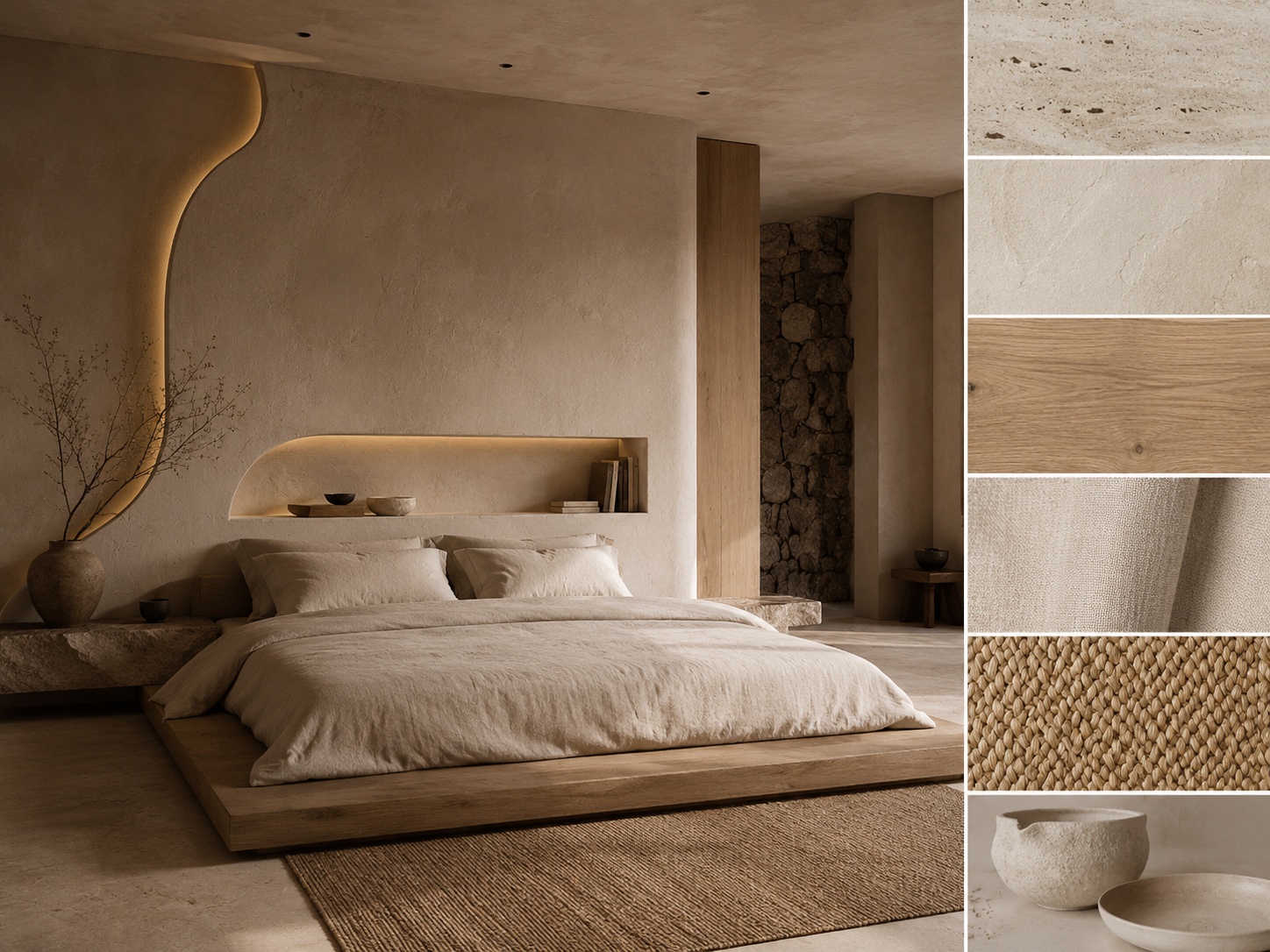
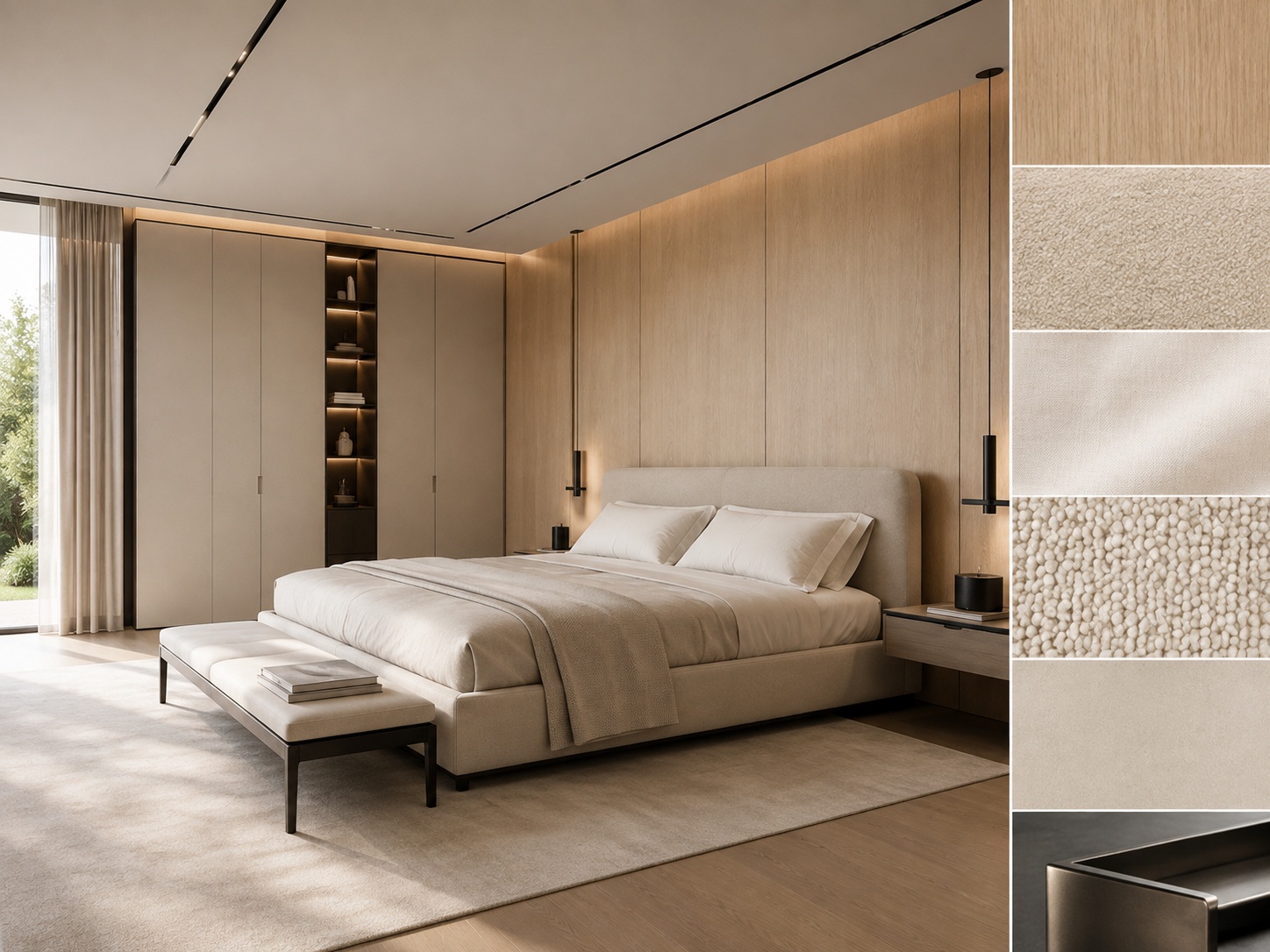
Main material family — wood tone, stone tone, plaster tone, cabinetry finish, flooring relationship.
Wall color system — especially if repainting will influence the whole house.
Furniture anchors — sofa composition, bed wall, dining logic, island, vanity, storage wall.
Lighting mood — airy, soft, warm, calm, premium, brighter listing-friendly, or deeper evening tone.
These decisions create the visual framework. Once they are clear, smaller decisions usually get much easier.
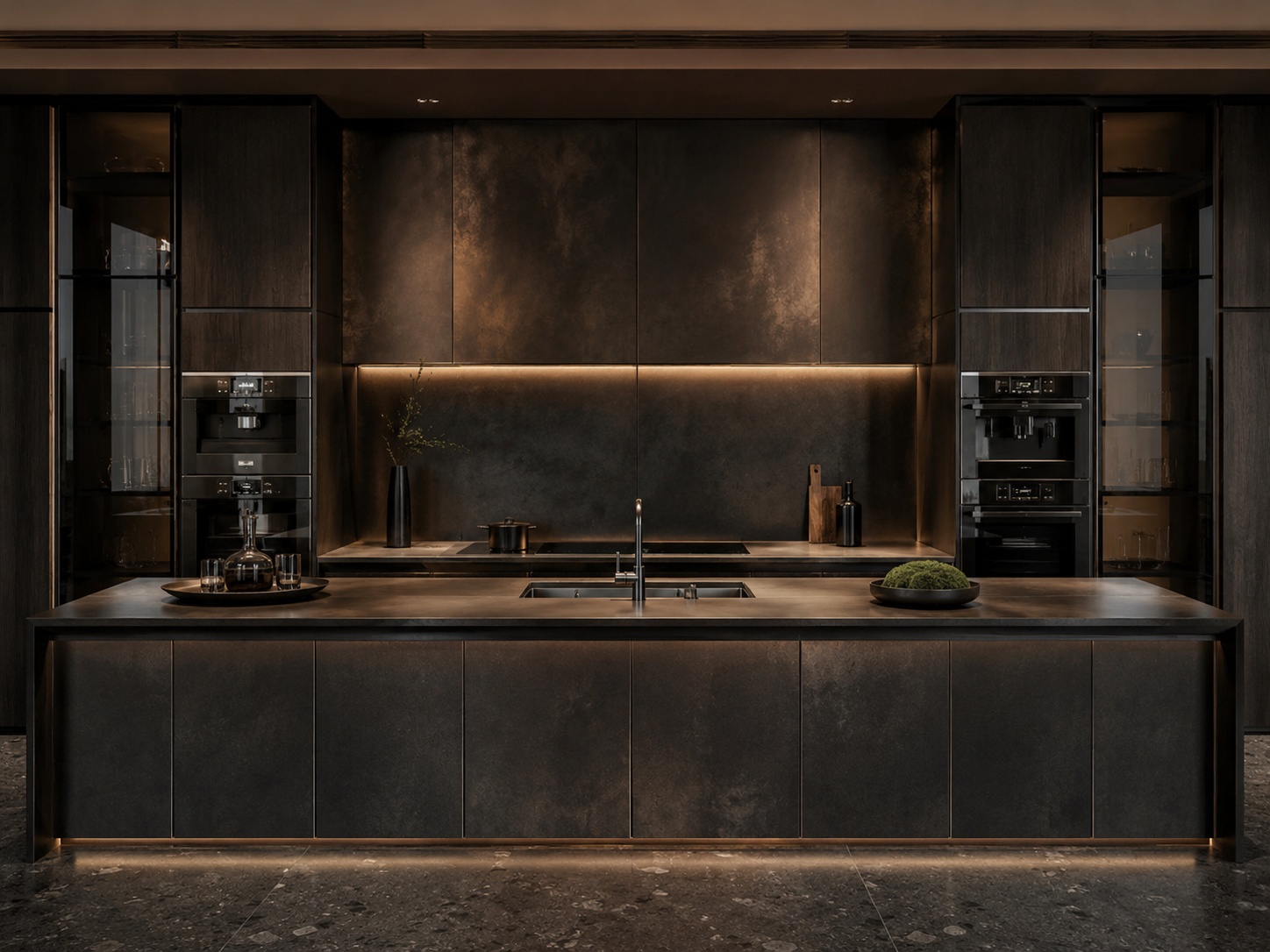
Not every attractive idea deserves renovation money.
One of the best uses of Paintit.ai is sorting visual changes into two groups: what can be changed later or cheaply, and what should be decided carefully before work begins.
Wall color
Decor density
Textiles and soft furnishings
Smaller lighting changes
Accessory styling and art direction
Cabinetry direction
Flooring system
Tile and stone selection
Kitchen and bathroom wet-zone logic
Major built-ins, structural joinery, and layout-sensitive changes
A useful rule is this: the harder something is to undo, the more it should be tested visually first.
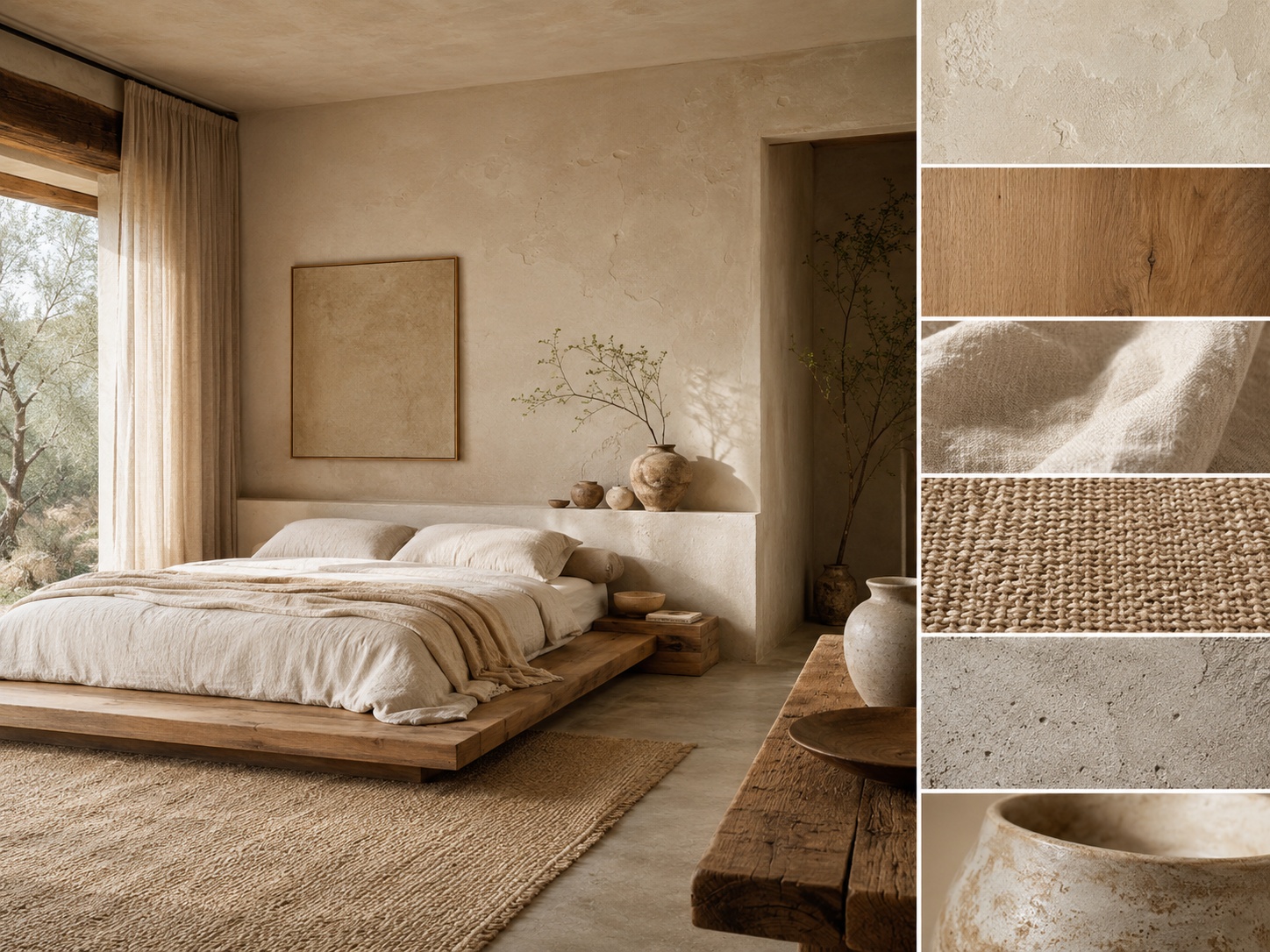
The right workflow matters more than writing a longer prompt.
Renovation planning gets easier when the task is separated cleanly. Different questions need different workflows.
Use Repaint — when the main question is wall tone, finish, or atmosphere shift.
Use Full Redesign — when you need a broader concept shift to test the right room identity.
Use Empty Room Setup — when the room is blank and you need to understand furnishing potential first.
Use References — when you already know the taste direction and want to test whether it fits your actual room.
Use strong constraints — when the room shell, plumbing logic, or architecture must stay believable.
The strongest renovation workflow is usually: first choose direction, then test realism, then decide where real spending should go.
If you are planning a real renovation, do not start with fantasy freedom. Start with a preserved-layout version first, then expand only if you need broader ideation.
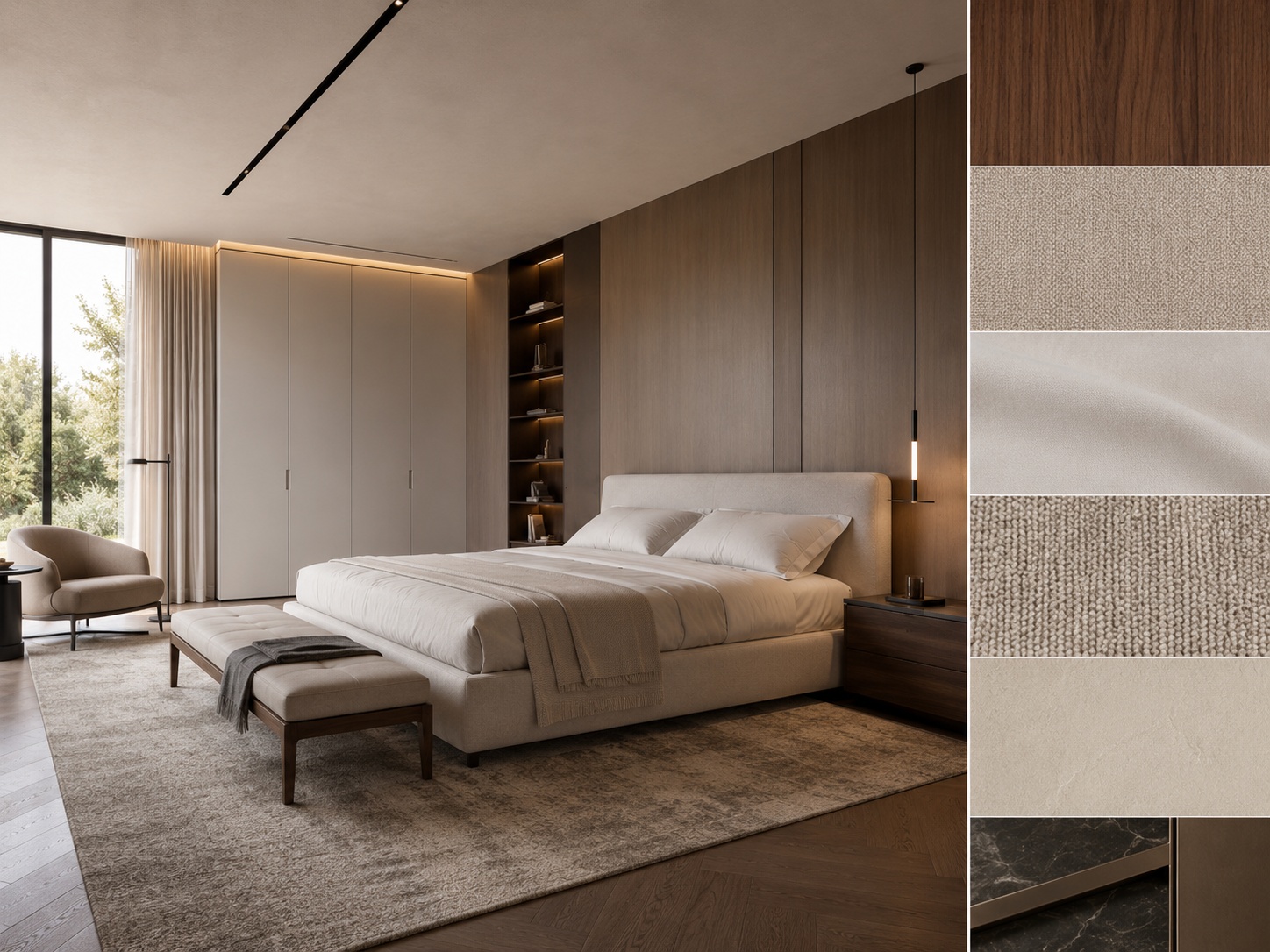
The best renovation prompts describe what should improve, what should stay real, and what the money should actually solve.
A weak renovation prompt might say “make it beautiful” or “make it modern.” A stronger one defines the room, the renovation goal, the material system, and the structural limits.
[Room type] + [Renovation goal] + [Main upgrade] + [Material system] + [Mood / lighting] + [Constraint]
Room type — living room, kitchen, bathroom, bedroom, entry, studio, exterior, office.
Renovation goal — modernize, brighten, warm up, simplify, make more premium, clarify function, improve resale appeal.
Main upgrade — cabinetry, wall tone, flooring, lighting mood, vanity wall, furniture anchor, facade palette.
Material system — define 2 to 4 coherent material cues instead of vague style words only.
Mood / lighting — airy daylight, calm warm light, brighter family-friendly, refined soft premium feel.
Constraint — keep layout, windows, proportions, or wet-zone logic unchanged when needed.
Example of a stronger renovation prompt:
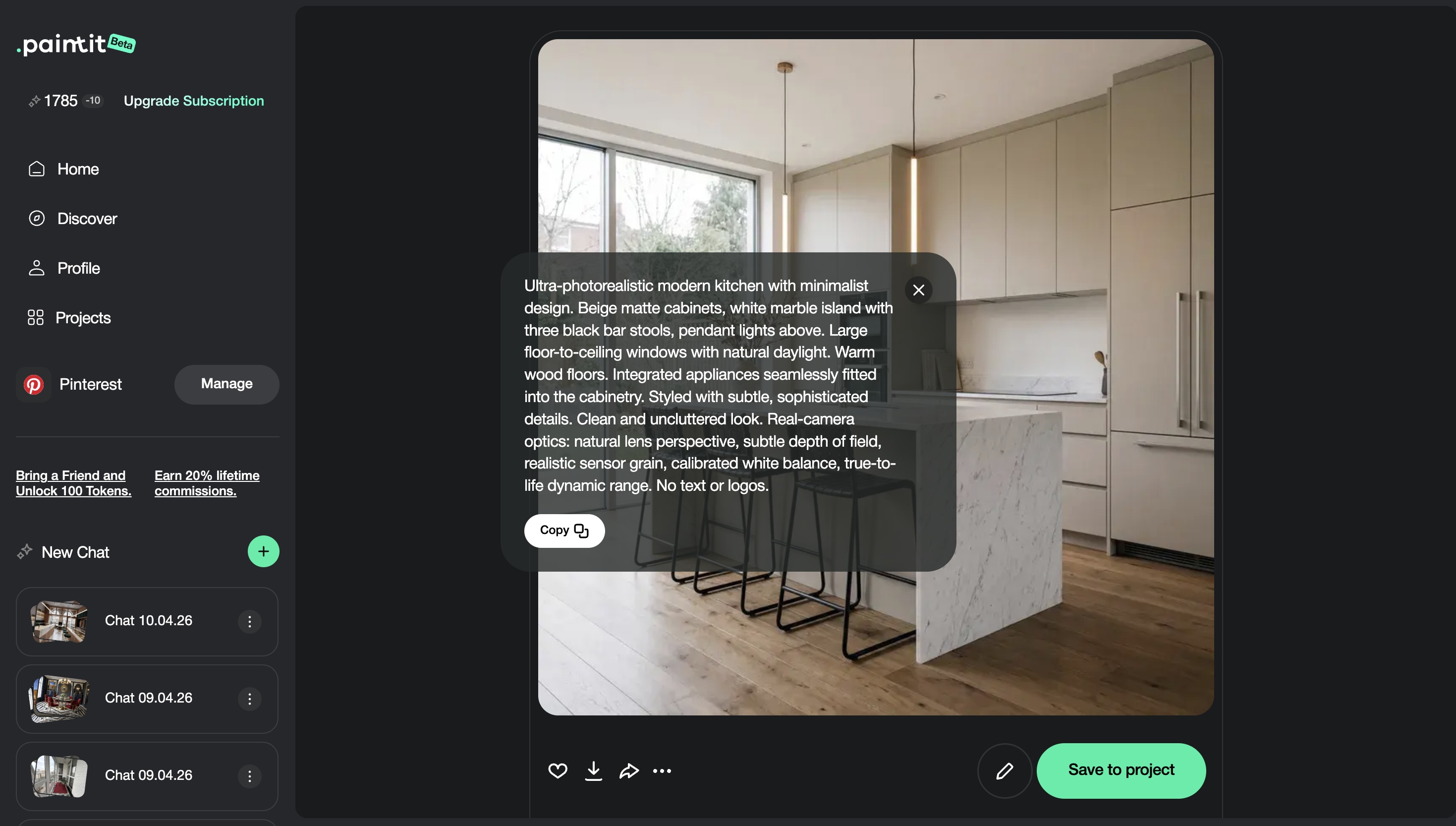
Redesign this kitchen to feel warmer and more premium with light oak cabinetry, a soft stone countertop, cleaner backsplash logic, integrated appliance treatment, and brighter but natural daylight. Keep the kitchen layout, sink position, and windows unchanged.
This works because it defines what the renovation is trying to improve without breaking the real room.
Use these as copy-ready starting points for common homeowner renovation decisions.
Living room modernization
Modernize this living room with a warmer material palette, cleaner sofa composition, softer wall tone, restrained styling, and brighter natural daylight. Keep the room layout, windows, and architecture unchanged.
Bathroom upgrade
Upgrade this bathroom with a softer stone material family, frameless glass, a cleaner vanity wall, and warm indirect lighting. Keep the wet-zone layout and fixture positions unchanged.
Kitchen refinement
Refine this kitchen to feel brighter, calmer, and more premium with warmer cabinetry, cleaner stone surfaces, softer lighting, and a restrained modern material system. Keep the layout, sink, and appliance logic unchanged.
Low-cost room refresh
Refresh this room with lighter wall color, cleaner furniture language, softer textiles, and a calmer brighter atmosphere while keeping the room structure unchanged.
Exterior curb-appeal upgrade
Improve this exterior with a cleaner facade palette, stronger entry emphasis, and restrained landscaping while keeping the building shape, roofline, and windows unchanged.
Best practice: test the biggest-cost decisions first, then use Paintit.ai to decide which lower-cost refinements are still worth doing.
The smartest renovation comparison is not endless variation. It is a small set of financially meaningful alternatives.
Homeowners usually benefit most from comparing a few clearly different upgrade paths rather than many minor variations. Each version should help answer a spending question.
Version 1 — lowest-cost visual improvement
Version 2 — balanced practical upgrade
Version 3 — more premium material route
Version 4 — strongest long-term winner if budget allows
This helps homeowners connect design decisions to actual budget logic instead of only reacting emotionally to images.
These habits make Paintit.ai much more useful as a renovation-planning tool.
If moving a wall, sink, or built-in would cost real money, protect it clearly in the prompt first.
First test what materials, paint, lighting, and furniture can already solve before assuming the room needs major work.
Compare low-cost refresh, mid-level refinement, and premium upgrade routes instead of one vague “best” version.
A style you love online may not fit your geometry, light, or room proportions. Test it visually first.
The strongest renovation workflow is not fantasy-driven. It is decision-driven: what actually improves the room enough to justify the spend?
The most valuable output is not the prettiest one. It is the one that helps you spend better.
Usually testing room direction, material family, wall tone, furniture anchors, and renovation priority before spending real money.
Start with the highest-cost and highest-impact decisions: room direction, materials, cabinetry, flooring, wet-zone logic, and major built-ins.
In many real renovation cases, yes. Preserving the shell usually makes the concept more realistic and easier to implement.
Test several coherent material routes visually first, then choose the one that still feels right when compared side by side.
Using AI only for fantasy inspiration instead of using it to clarify real spending decisions tied to the actual room.
Usually three to four financially meaningful options are enough before choosing the direction worth paying for.
Compare smarter renovation directions, reduce expensive mistakes, and make clearer room decisions in Paintit.ai before money leaves your account.