1
Explore AI room design tools that are free. Instantly create and visualize stunning interiors with ease. Perfect for bedrooms, living rooms, and more. Start designing today!

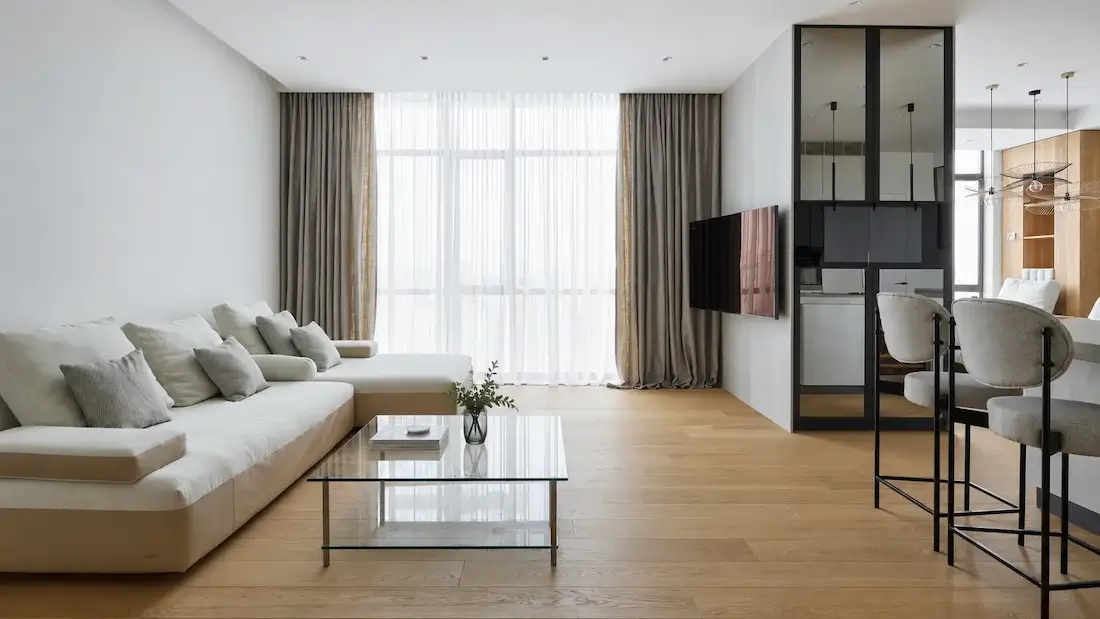
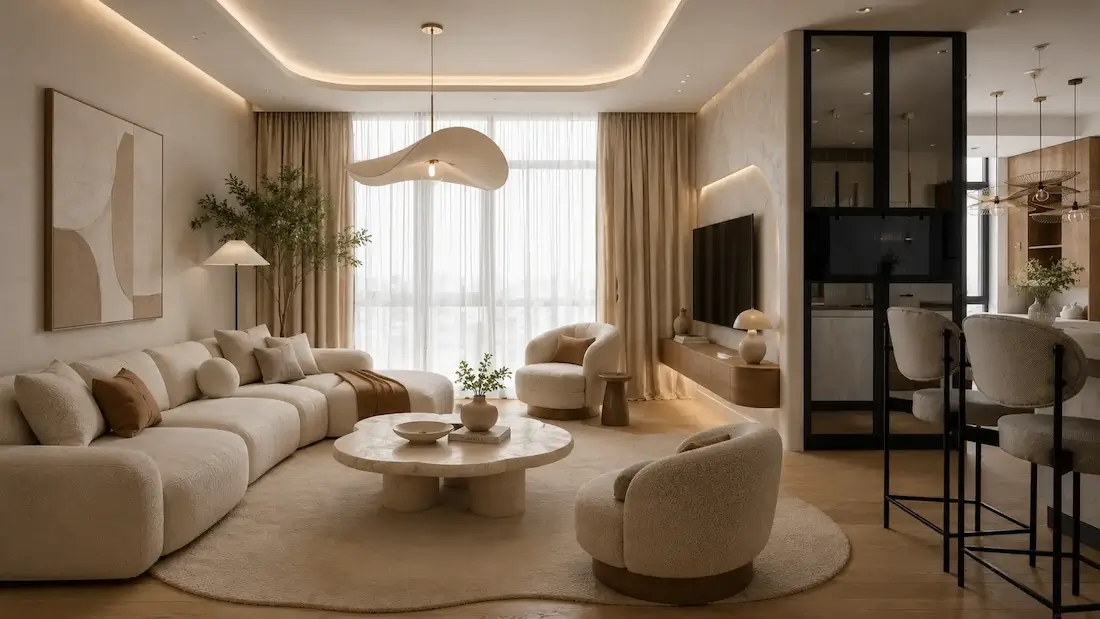
Deciding on a new look for your home is often the hardest part. Our AI room planner accelerates these interior decisions by turning a simple photo or a short text prompt into realistic visuals. This helps you align your vision with reality much earlier in the process.
1
"I uploaded our living room photo and tried three styles — modern, Japandi, and cozy traditional. The AI Room Design previews made it obvious which layout and palette worked."
2
"For quick client mood boards, the Room Planner is perfect. I generate two to three directions, tweak furniture and lighting, and approvals now happen in the first call."
3
"We used AI Room Design to plan a shared home office. Comparing side-by-side versions helped us pick the desk arrangement and color scheme without guesswork."
4
"As a real estate stager, I create before/after concepts on listing photos. The Room Planner helps buyers visualize potential — and showings have noticeably increased."
Our technology isn't just about pretty pictures; it's about functional design. We've combined smart algorithms to help you redesign and reimagine every corner of your home.
Our AI-powered room design generator will suggest ideas of layout, all smart algorithms combined, by your preferences.
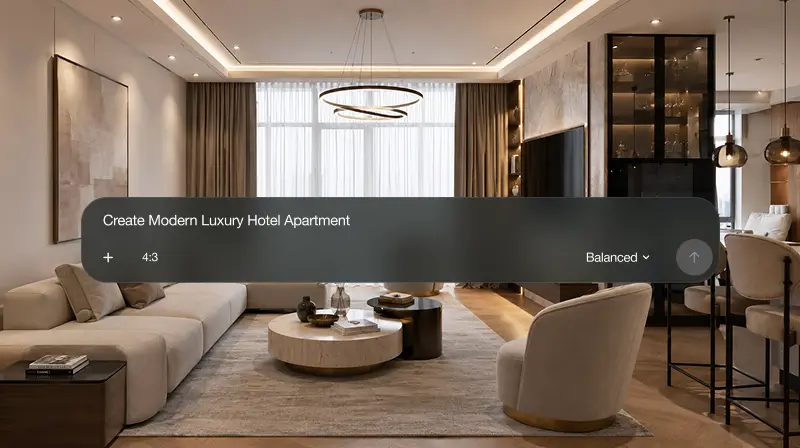
Need a fresh look? Feel free to use our AI "rearrange room" feature and easily explore a variety of furniture arrangements, color schemes, and decor styles.
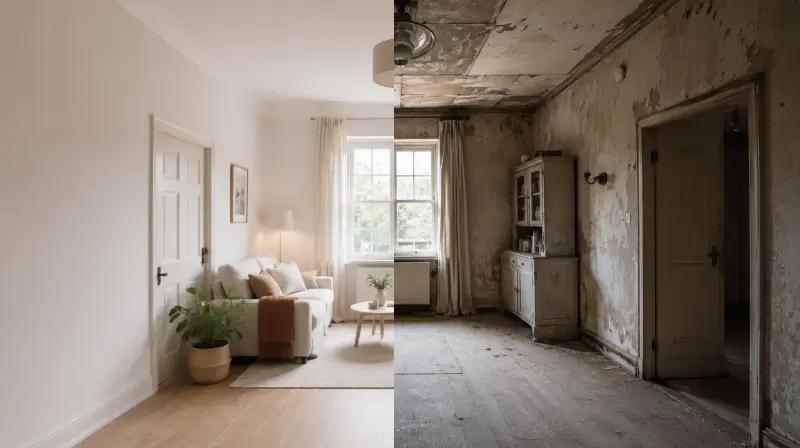
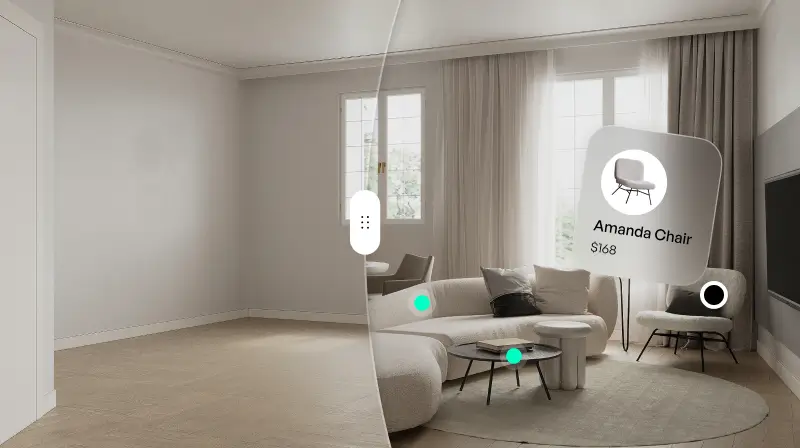
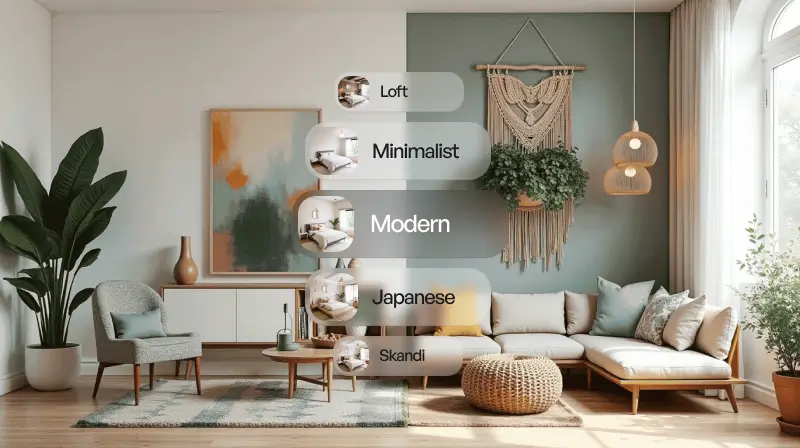
Get personal style recommendations according to your taste. From minimalist to boho-chic, contemporary, our AI room decorator can change its shape and style as you see fit.
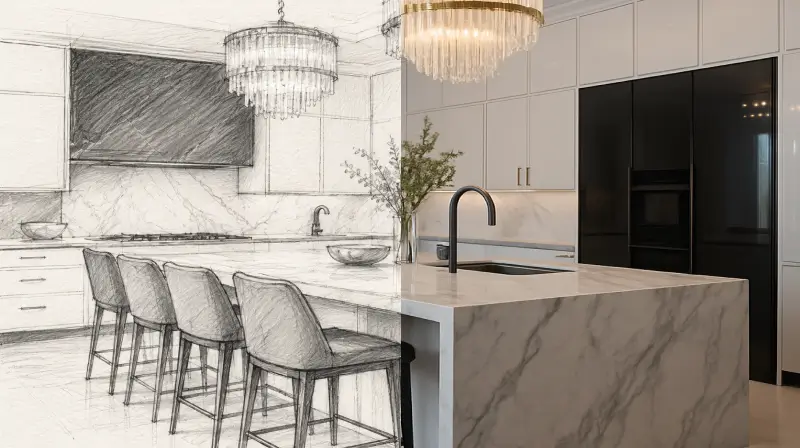
If you have a rough drawing on a napkin or a basic floor plan, upload it. Our AI room creator takes that sketch and brings it to life. It maintains the original structure of your space while layering in new design styles and furniture.
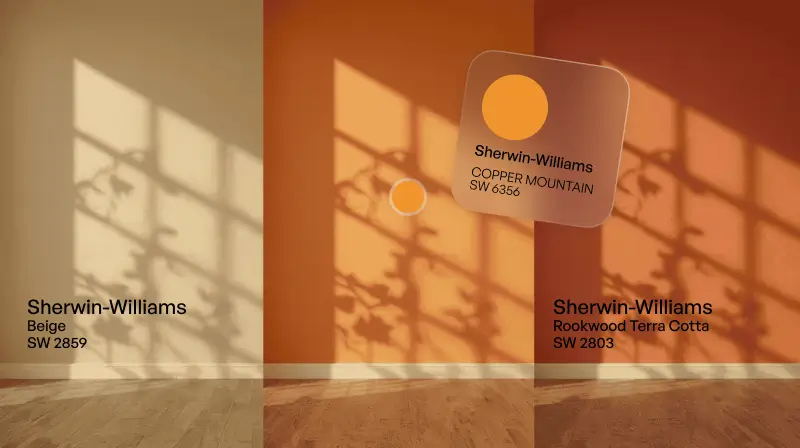
Choosing a color palette is stressful. Our AI suggests harmonious schemes and materials that complement your existing lighting. The right color palette can change everything while still preserving the original elements you love.
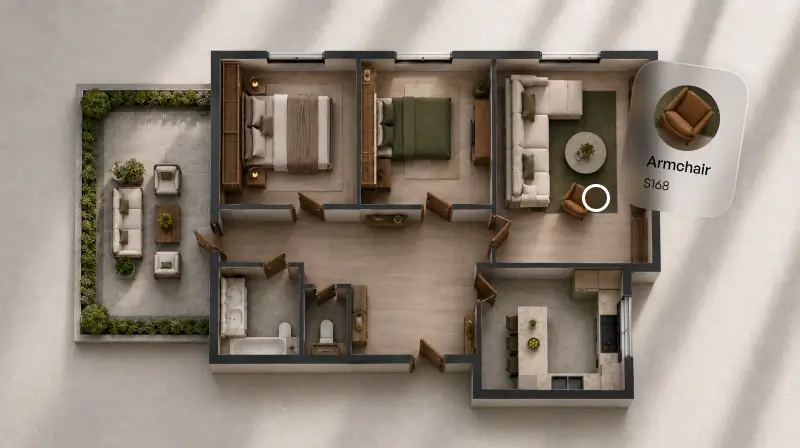
The AI interior design features act as your virtual assistant. If you've ever thought, "I want to AI design my room but don't know where to start," this is your answer. Upload a photo and let the system suggest layouts based on your specific preferences.
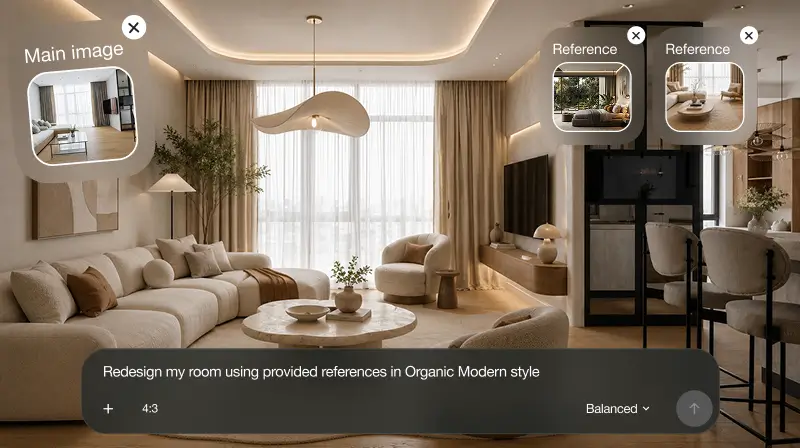
Using AI for room design changes the workflow for the better. It's not just about speed; it's about making better choices.

The tool analyzes room dimensions and furniture placement in seconds. It simplifies the entire design process, leaving you more time for fine-tuning.

Sometimes we get stuck in one way of thinking. AI introduces new ideas and unique color combinations you might not have considered.

Avoid expensive mistakes. Try out different design options in a virtual space before you buy anything. This reduces the risk of buying furniture that doesn't fit your style.

You don't need to be one of the top interior designers to use this. The interface is intuitive and friendly for everyone.
Try multiple design variations with ease. Change layouts, color schemes, and furniture with just a few clicks to give you maximum creative freedom without having to start from scratch every time.
Designing a room is about more than just picking a trendy style. It's about creating an environment that supports your actual lifestyle. Whether you are a professional designer or a homeowner, you have to think about both aesthetics and functionality.
With our free ai room design tool, you can explore everything from modern minimalism to cozy traditional vibes. Think about the mood: Do you want a calm retreat or a vibrant social hub? Our photorealistic renders help you see these ideas clearly before you commit.
Don't be afraid to iterate. The beauty of an online ai room design free tool is the freedom to fail and try again. Change the layouts, swap the decor, and refine your vision until it matches your dream home perfectly. Whether you are starting with a blank canvas or just looking for an ai room renovation, these tools empower you to create something truly inspiring.
Start free with an account — the Free plan includes 30 credits at 1K resolution, no credit card. Upgrade for more credits and higher-resolution exports: Starter (500 credits, 2K — $14.99/mo), Pro (1,500 credits, 4K, watermark-free, commercial licence — $29.99/mo), or Max (4,500 credits — $79.99/mo). No hidden fees, 7-day money-back, cancel anytime.
Upload a photo or describe your room and compare styles side by side. Free to start.
Design Your Room FreeYes. The Free plan includes 30 credits at 1K resolution and requires no credit card.
Yes — upload a room photo, or start a new design from a prompt or sketch.
Living rooms, bedrooms, kitchens, offices, bathrooms, kids' rooms, small spaces, dining rooms, hallways, and more.
Try modern, Scandinavian, Japandi, boho, industrial, coastal, and many more.
The same tool helps you plan the visual layout and restyle the décor.
Yes — try different visual arrangements and swap pieces in the generated design.
Yes — Paintit suggests exact products when available or similar real products through Shop Your Design.
Free includes 1K output. Starter adds 2K. Pro adds a 4K upscale, watermark-free export, and a commercial licence.
Explore modern, minimalist, Scandinavian, Japandi, mid-century, contemporary, industrial, boho, coastal, farmhouse, traditional, Art Deco, rustic, Zen, and more — pick one as a starting point and mix in your own details by prompt.
Dive deeper into Paintit.ai and learn how AI can change not only room design but your whole creative process.
1
Explore AI room design tools that are free. Instantly create and visualize stunning interiors with ease. Perfect for bedrooms, living rooms, and more. Start designing today!
2
Discover endless creativity with our AI concept generator. Generate and refine design ideas for architecture, interiors, and more. Start creating today!
3
Redesign your home exterior effortlessly with our free AI house exterior design generator. Explore styles, materials, and textures tailored to your vision.
4
Create stunning house designs effortlessly with our free AI house generator. Explore styles, layouts, and features tailored to your vision. Start designing today!
5
Visualize paint colors for your home with the free AI house painter. Explore styles, match colors, and redesign walls effortlessly. Start designing now!
6
Create stunning outdoor designs with free AI landscape design tools. Generate gardens, patios, and yard layouts effortlessly. Start designing today!
7
Create stunning photorealistic renders for architecture and interior design with AI Rendering. Fast, easy, and accessible for all skill levels. Start for free today!
8
Design your dream home exterior with our easy-to-use home exterior design tool. Visualize colors, materials, and styles in real time. Try it for free today!
9
Upload a bathroom photo and visualize new tiles, vanities, fixtures, flooring, and lighting before you start renovation work. Try AI bathroom remodel ideas for free.
10
Create floor plan layouts from a text prompt or sketch. Plan room flow, dimensions, and layouts faster with an AI floor plan generator built for early design decisions.
11
Generate furniture concepts and place them directly inside your room photo. Explore sofas, tables, beds, shelving, lighting, and decor ideas in context.
12
Rearrange furniture in your room without moving heavy pieces. Test layouts, traffic flow, and furniture positions with AI before changing the real space.
13
Preview exterior renovation ideas for siding, trim, roofs, windows, doors, landscaping, and curb appeal updates using a photo of your current home.
14
Test paint colors on real room and exterior photos before buying samples. Compare palettes, accent walls, and finish directions in minutes.
15
Visualize kitchen remodel ideas with new cabinets, counters, backsplashes, flooring, lighting, and layouts before committing to a renovation plan.
16
See how different rugs look in your actual room. Compare styles, sizes, colors, and placement options before choosing the right rug.
17
Improve listing photos with AI enhancement for brighter, cleaner, more polished real estate visuals that help rooms look ready for buyers.
