1
Explore AI room design tools that are free. Instantly create and visualize stunning interiors with ease. Perfect for bedrooms, living rooms, and more. Start designing today!

1
"We tested three styles in one evening and chose a darker wood siding. Now I know exactly what to order from the contractor."
2
"I show clients options on their own photos during meetings. It removes doubts and speeds up approvals on colors and materials."
3
"I could never decide on a roof color. I toggled a few palettes here and made the call in minutes — now we can move ahead with the renovation."
4
"For listings I create before/after exteriors. Buyers grasp the potential faster — and views on my properties have clearly gone up."
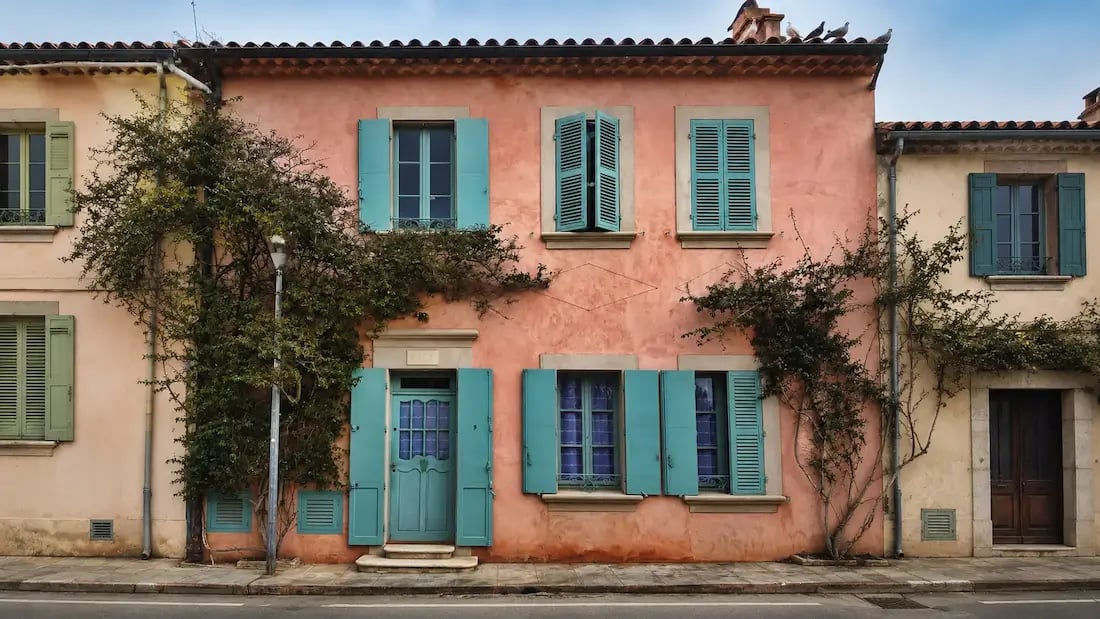
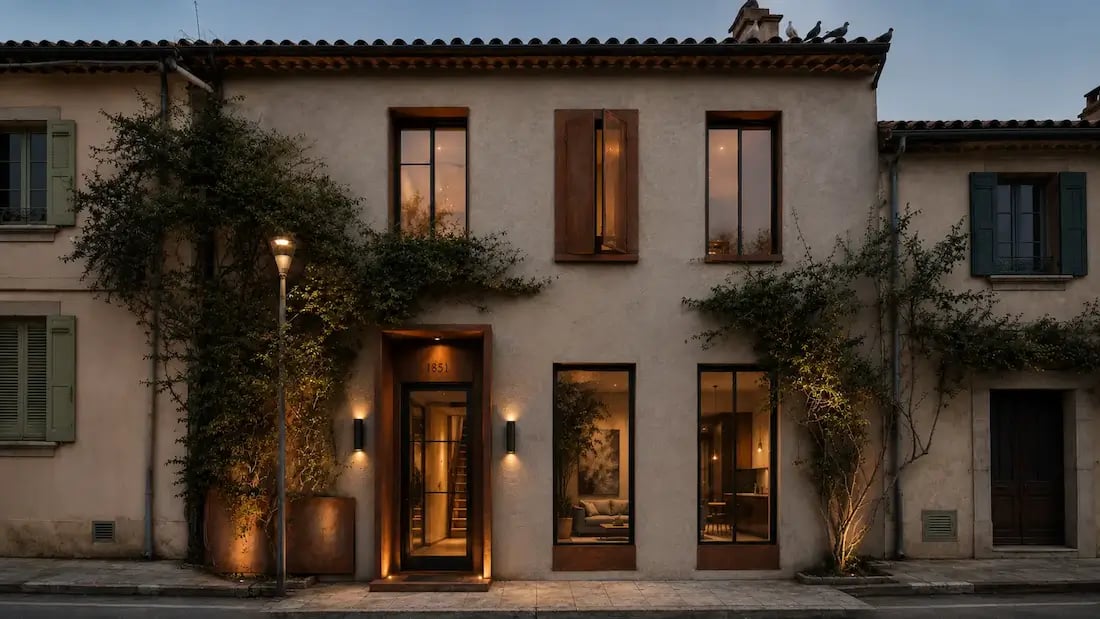
Paintit.ai speeds up exterior transformations with AI. From a new build to refreshing your current facade, start with a prompt or upload a photo, try materials and styles, and get high-quality previews fast.
At the center of our platform is the AI exterior design generator-smart technology that generates dozens of visually beautiful design options from just one house photo. Upload your photo, and the AI generates instantly realistic previews with a huge database of architectural styles, color schemes, and textures. The tool helps you visualize and achieve your desired outcome by transforming your preferences into tailored, actionable designs.
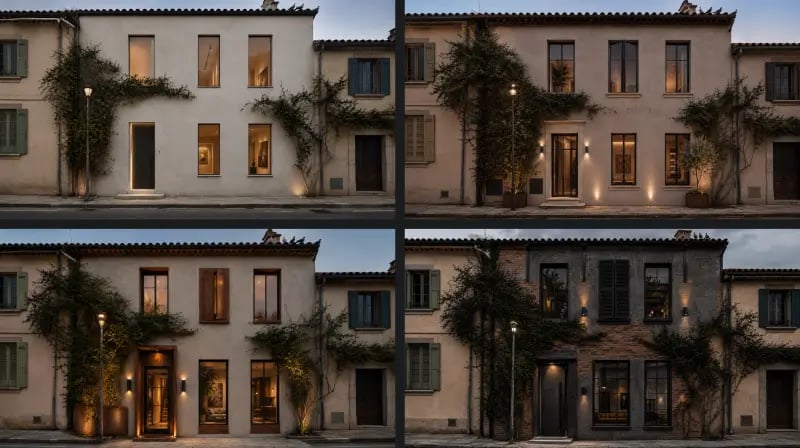
Need a full makeover or a quick update? Our AI house exterior design feature lets you experiment with changes in layout, exterior material, window style, and trim elements. You can visualize modernization ideas, restore historical elements, or completely re-design your exterior in a matter of clicks.
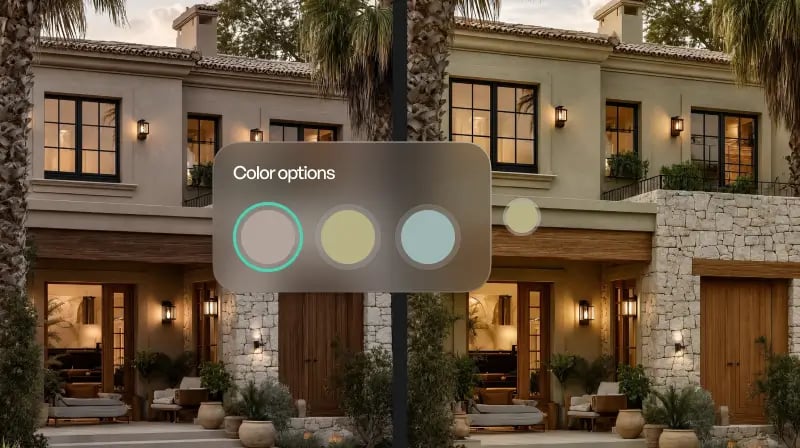
Every account starts free with 30 credits at 1K resolution, no credit card. Try the exterior design generator, explore styles and materials, and see real-time previews. For higher-resolution exports and a commercial licence, upgrade to Pro.
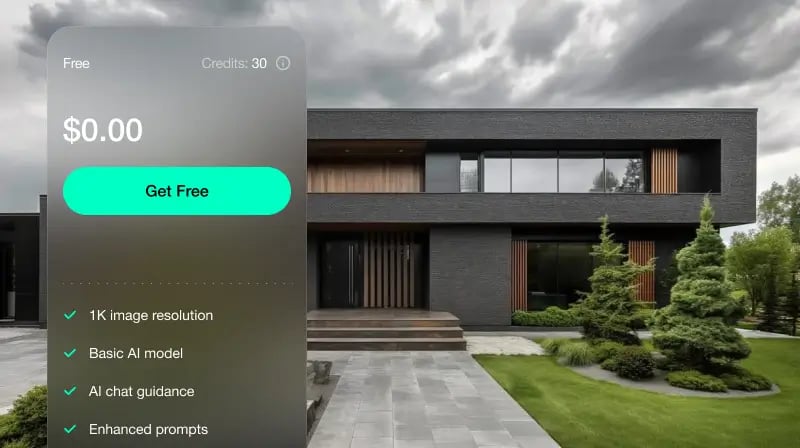
Upload a photo of your home's front and generate front elevation options — facade materials, colour, window and door styling, and trim — to compare online before you build or renovate. You can also begin with a prompt for a new exterior concept.
Swap siding to fiber-cement board, brick to stone veneer, or stucco to smooth render; update roof colour, window frames, and trim — and see each on your actual house with realistic light.
Renovating your home exterior can be overwhelming, but no longer with AI. With real-time generation of several exterior AI design concepts, you get to visualize different materials, styles, and colors before you decide. From a modern makeover to a timeless look that passes the test of time, AI gives you the freedom to fine-tune your idea without any hassle.
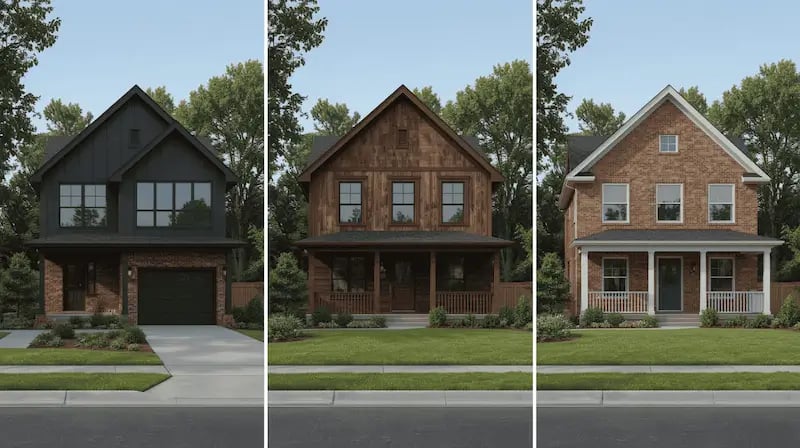
Classic exterior design plans are time-consuming and costly. Our AI tool makes it easy, providing immediate design possibilities without the need to hire a professional designer, hence saving time and money.
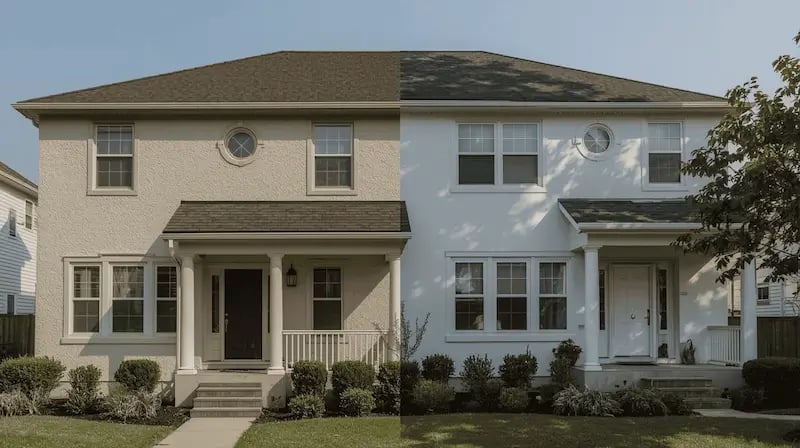
With AI, you can personalize designs based on your individual taste. From sleek modern facades to rural charm, the generator has a vast library of styles to suit your taste.
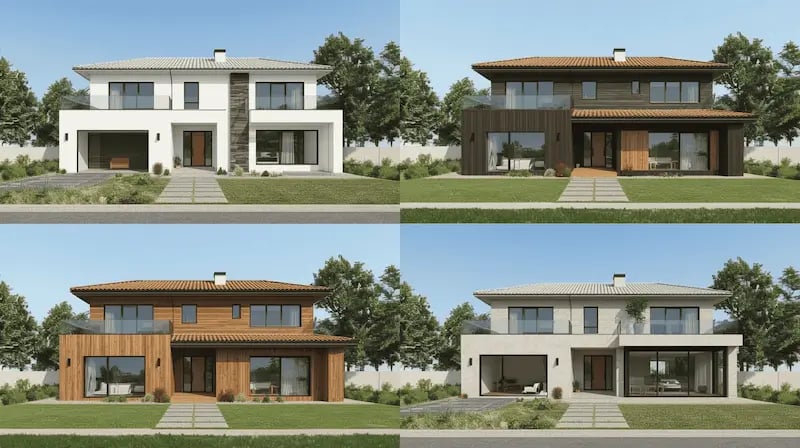
First impressions matter. Experiment with different combinations of colors, materials, and architectural details using our AI tool to make your house exterior look great easily.
1. Upload a House Image: Take a clear photo of your home's exterior and upload the house image to the platform.
2. Select a Style: Choose from a variety of architectural styles that appeal to you.
3. Customize Materials and Colors: Adjust elements such as siding, roofing, and trim to match your vision using the ai home exterior colour design tools.
4. Generate Design: Let the AI process your selections and present a realistic rendering of your redesigned home.
5. Download and Share: Save your design for later use or share it with contractors and friends to get feedback.
AI house exterior design offers a rich mix of styles to match different tastes in architecture. From a sleek, futuristic appeal to a cozy, country look, AI can generate realistic images based on your sense of style. By processing thousands of design parameters, the AI recommends the best combinations of materials, color, and textures. WithPaintit.ai, you can use AI to transform a variety of living spaces-including exteriors, gardens, and interiors.
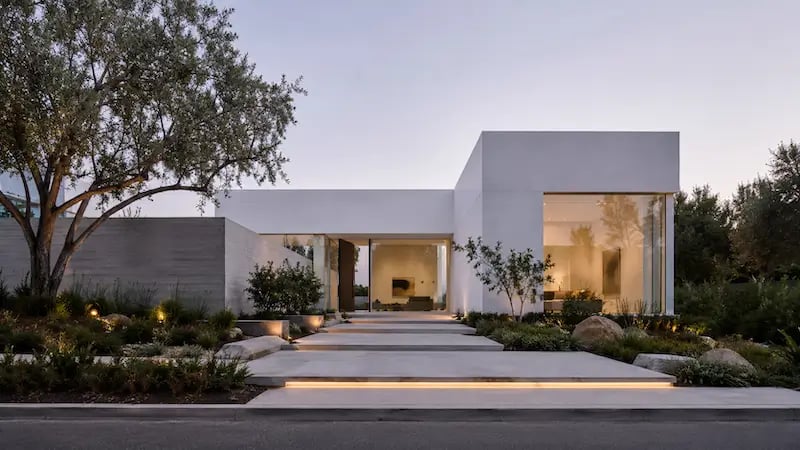
Characterized by minimalist aesthetics with simple lines, neutral colors, and functional elements, modern minimalist facades project simplicity and elegance.
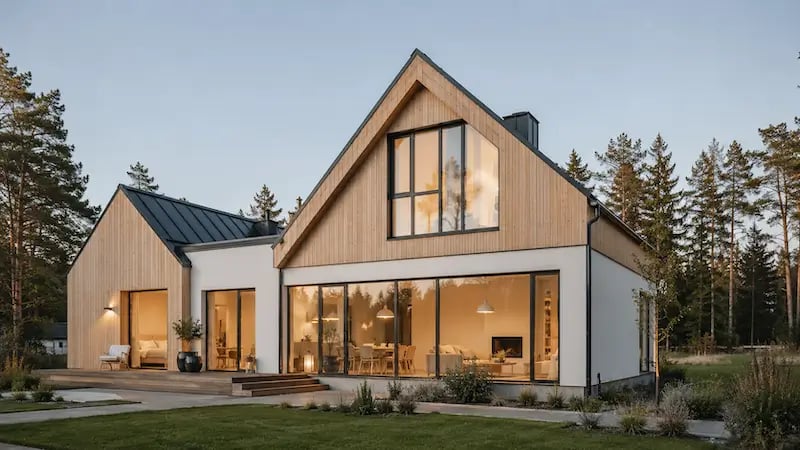
With an emphasis on organic materials, pale colors, and warm decor, Scandinavian designs create a cozy and inviting atmosphere.
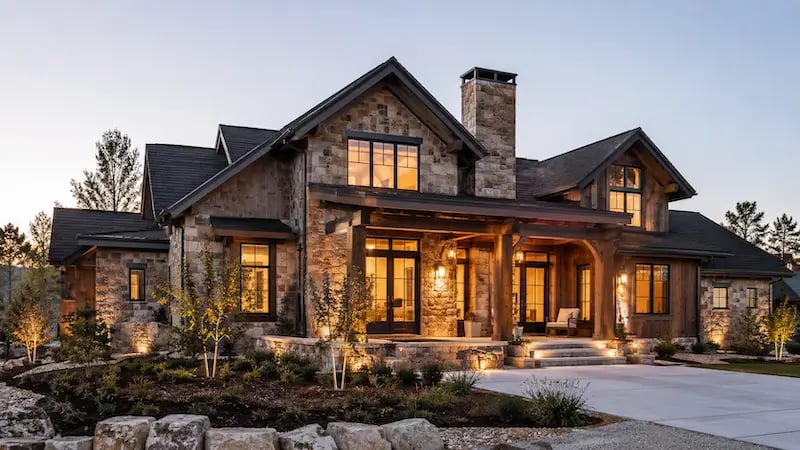
Utilizing organic textures like wood and stone, rustic designs create a charming, rural-like atmosphere in your environment.
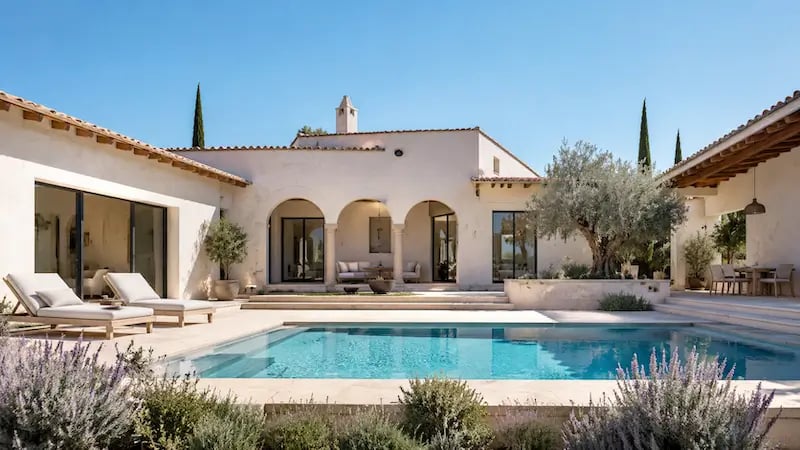
Warm colors, stucco walls, and terracotta flooring define this bright appearance, perfect for an easy yet refined look.
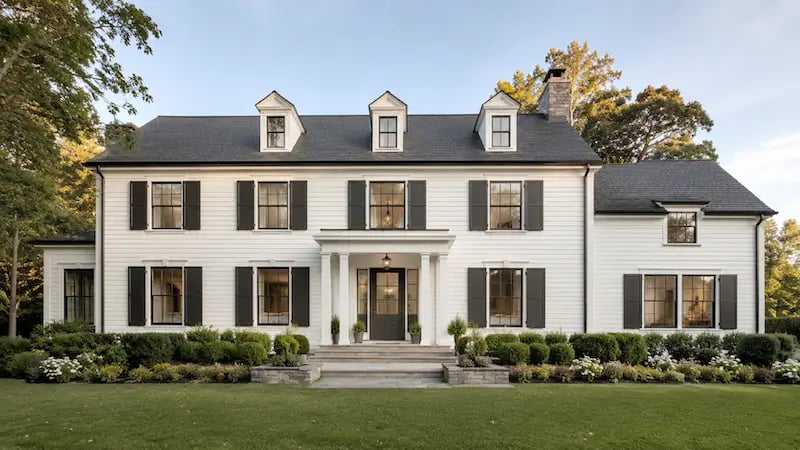
Symmetrical frontages, formal columns, and traditional ornamentation give these homes a traditional charm with an air of formality.
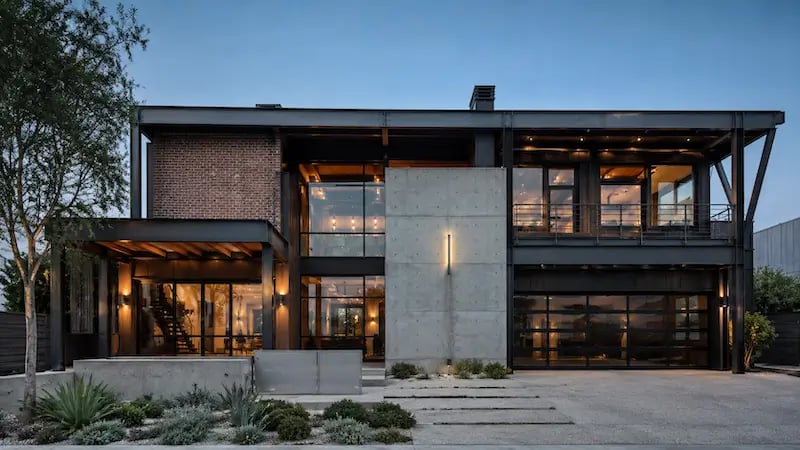
Warehouse and loft-like, this design uses metal, exposed brick, and large windows for a smooth but unfinished look.
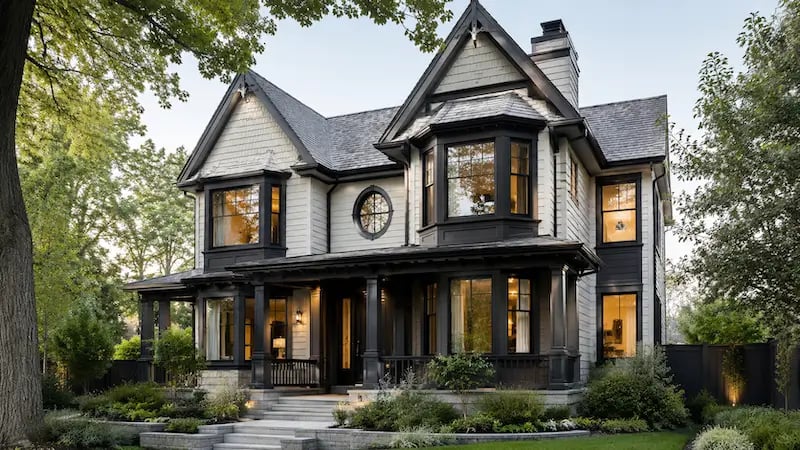
Elegant trim, rich color palettes, and luxurious details bring historical elegance to modern houses.
Start free with an account — the Free plan includes 30 credits at 1K resolution, no credit card. Upgrade for more credits and higher-resolution exports: Starter (500 credits, 2K — $14.99/mo), Pro (1,500 credits, 4K, watermark-free, commercial licence — $29.99/mo), or Max (4,500 credits — $79.99/mo). No hidden fees, 7-day money-back, cancel anytime.
Upload a photo or describe a new facade, then try materials, colours, and styles. Free to start.
Redesign Your ExteriorYes — the Free plan includes 30 credits at 1K resolution and requires no credit card.
You can upload a front or side photo of your house, or describe a new exterior with a text prompt.
Yes — explore facade, materials, colour, windows, and trim as a photorealistic concept.
Siding, brick, stone, render, roof colour, windows, trim, and overall style.
Exterior Design changes the whole facade, including materials and style. The AI House Painter focuses on exterior paint colour.
Modern, Scandinavian, rustic, Mediterranean, farmhouse, contemporary, and more.
Yes on Pro and above.
Yes — describe a new facade or exterior direction from scratch, or upload a photo to redesign an existing home.
Dive deeper into Paintit.ai and learn how AI can change not only room design but your whole creative process.
1
Explore AI room design tools that are free. Instantly create and visualize stunning interiors with ease. Perfect for bedrooms, living rooms, and more. Start designing today!
2
Discover endless creativity with our AI concept generator. Generate and refine design ideas for architecture, interiors, and more. Start creating today!
3
Redesign your home exterior effortlessly with our free AI house exterior design generator. Explore styles, materials, and textures tailored to your vision.
4
Create stunning house designs effortlessly with our free AI house generator. Explore styles, layouts, and features tailored to your vision. Start designing today!
5
Visualize paint colors for your home with the free AI house painter. Explore styles, match colors, and redesign walls effortlessly. Start designing now!
6
Create stunning outdoor designs with free AI landscape design tools. Generate gardens, patios, and yard layouts effortlessly. Start designing today!
7
Create stunning photorealistic renders for architecture and interior design with AI Rendering. Fast, easy, and accessible for all skill levels. Start for free today!
8
Design your dream home exterior with our easy-to-use home exterior design tool. Visualize colors, materials, and styles in real time. Try it for free today!
9
Upload a bathroom photo and visualize new tiles, vanities, fixtures, flooring, and lighting before you start renovation work. Try AI bathroom remodel ideas for free.
10
Create floor plan layouts from a text prompt or sketch. Plan room flow, dimensions, and layouts faster with an AI floor plan generator built for early design decisions.
11
Generate furniture concepts and place them directly inside your room photo. Explore sofas, tables, beds, shelving, lighting, and decor ideas in context.
12
Rearrange furniture in your room without moving heavy pieces. Test layouts, traffic flow, and furniture positions with AI before changing the real space.
13
Preview exterior renovation ideas for siding, trim, roofs, windows, doors, landscaping, and curb appeal updates using a photo of your current home.
14
Test paint colors on real room and exterior photos before buying samples. Compare palettes, accent walls, and finish directions in minutes.
15
Visualize kitchen remodel ideas with new cabinets, counters, backsplashes, flooring, lighting, and layouts before committing to a renovation plan.
16
See how different rugs look in your actual room. Compare styles, sizes, colors, and placement options before choosing the right rug.
17
Improve listing photos with AI enhancement for brighter, cleaner, more polished real estate visuals that help rooms look ready for buyers.
18
Turn room ideas into realistic interior renderings.
19
Preview wall colors, finishes, and design ideas in your space.
20
Explore door styles and exterior updates before renovating.
21
Visualize a floor plan as a realistic room design.
22
Compare flooring ideas in the context of your room.
23
Preview driveway layouts and materials for your home.
24
Explore paver patterns and surfaces for outdoor spaces.
25
Explore ideas for expanding your home's living space.
26
Turn a design sketch into a realistic visual concept.
27
Visualize an architectural elevation as a realistic render.
28
Preview cabinet styles, colors, and finishes in your room photo.
29
Explore deck concepts using a photo of your backyard.
30
Visualize garden layout and planting ideas for your yard.
31
Explore coordinated remodeling ideas across interior spaces.
32
Preview window styles and finishes on your home photo.
33
Try paint-color directions on a photo of your furniture.
34
Compare countertop materials and colors in your kitchen photo.
35
Preview outdoor lighting concepts in your real landscape.
36
See curtain styles, colors, and patterns on your own window.
37
Enhance an existing architectural or interior render for presentation.
