9 min. reading

Yulii Cherevko
CEO paintit.ai
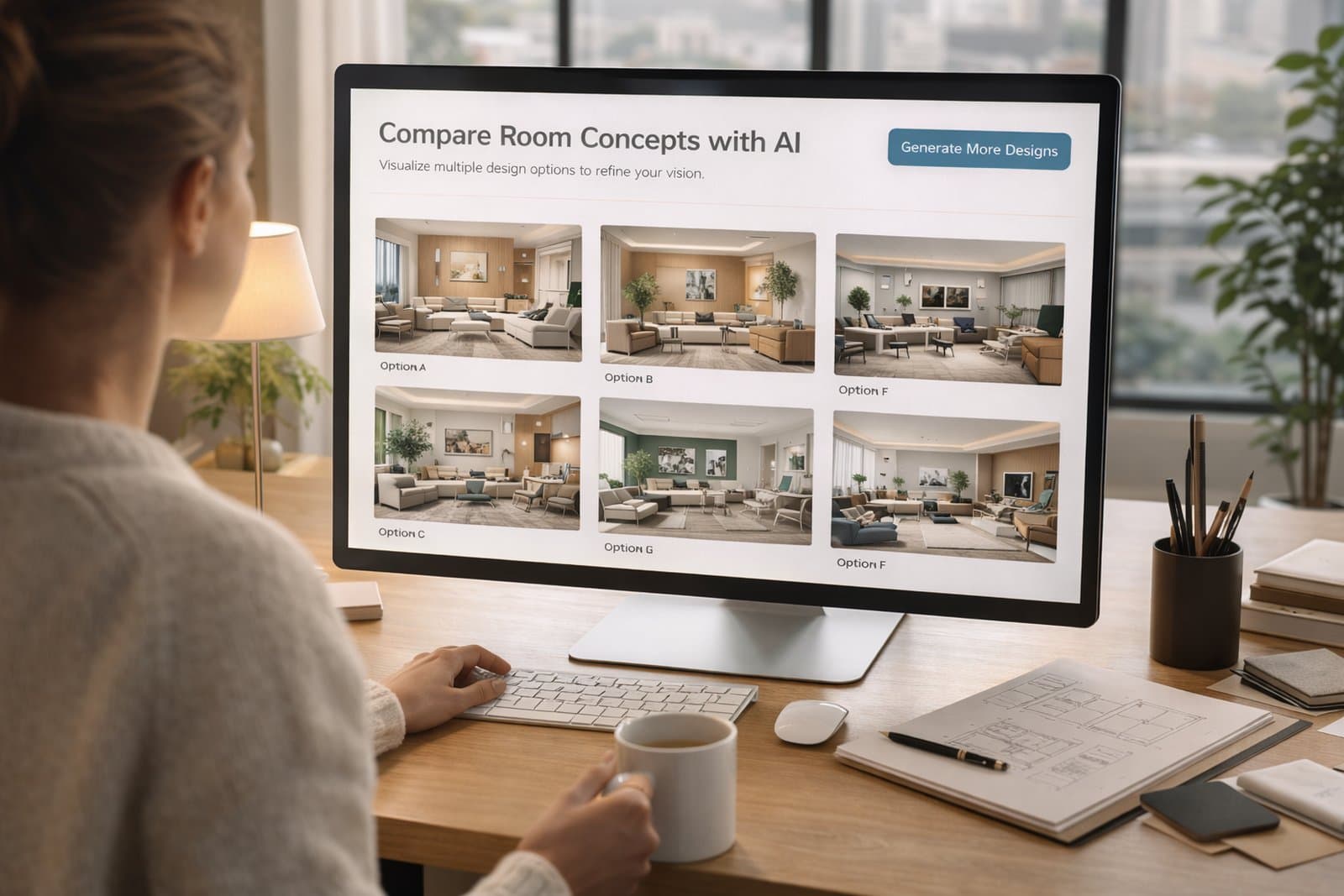
Paintit.ai is especially useful for designers when it is treated as a concept acceleration tool, not as a replacement for professional judgment. This guide shows how to use Paintit.ai to generate faster first directions, structure cleaner client options, reduce revision chaos, and move from idea to presentation with more control.
For designers, the value is speed of direction — not just speed of image generation.
The strongest professional use of Paintit.ai is early-stage concept exploration. Instead of spending too much time manually building first-round visuals for every possible direction, designers can use Paintit.ai to quickly test mood, furniture language, material families, and spatial tone.
Generate first-round options — explore multiple visual directions before committing deeper time.
Clarify client taste — use options to understand what the client reacts to emotionally and visually.
Shorten ambiguous briefing — turn vague words like cozy, elegant, premium, or modern into visible directions.
Reduce revision drift — compare cleaner concept branches instead of random disconnected changes.
Move faster toward presentation logic — convert raw ideas into a structured shortlist more efficiently.
Used well, Paintit.ai gives designers more speed in the fuzzy stage of the process — the stage where time is often lost.
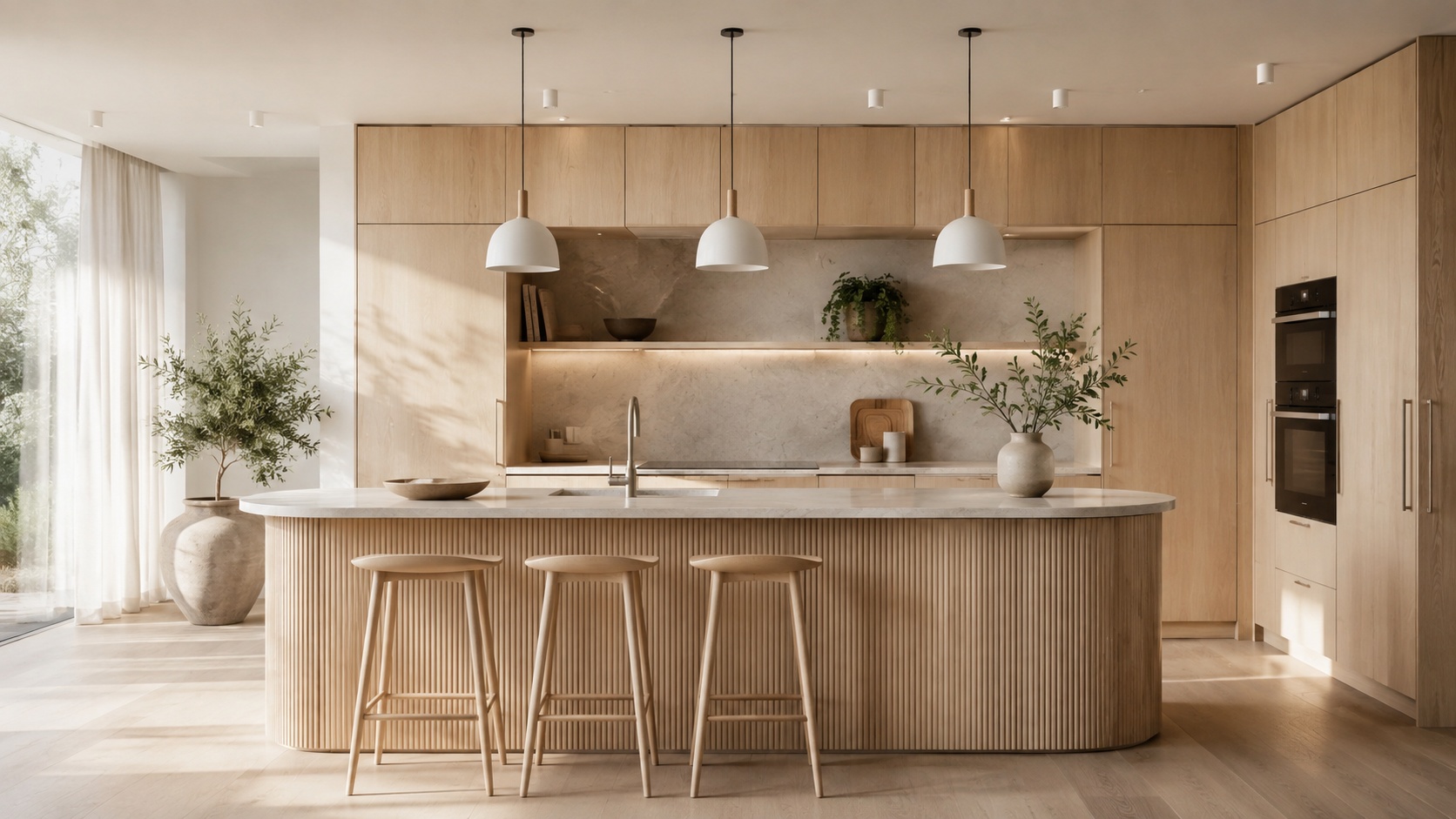
Paintit.ai works best before full specification, not after everything is already decided.
Designers usually get the most value when Paintit.ai is used between the brief and the polished design package. It is ideal for turning raw input into visual hypotheses, then narrowing those hypotheses into stronger directions.
Stage 1 — brief capture — client goals, room type, style preferences, constraints, budget tone, emotional cues.
Stage 2 — concept exploration — use Paintit.ai to generate 2 to 4 strategically different directions.
Stage 3 — client reaction filtering — identify what the client actually responds to: palette, softness, density, materials, mood.
Stage 4 — refinement — take the winning direction and develop it into a stronger concept path.
Stage 5 — professional translation — convert the selected direction into a more detailed designer-controlled solution.
The important point is this: Paintit.ai is strongest when used to reduce uncertainty early, not to replace final design discipline.
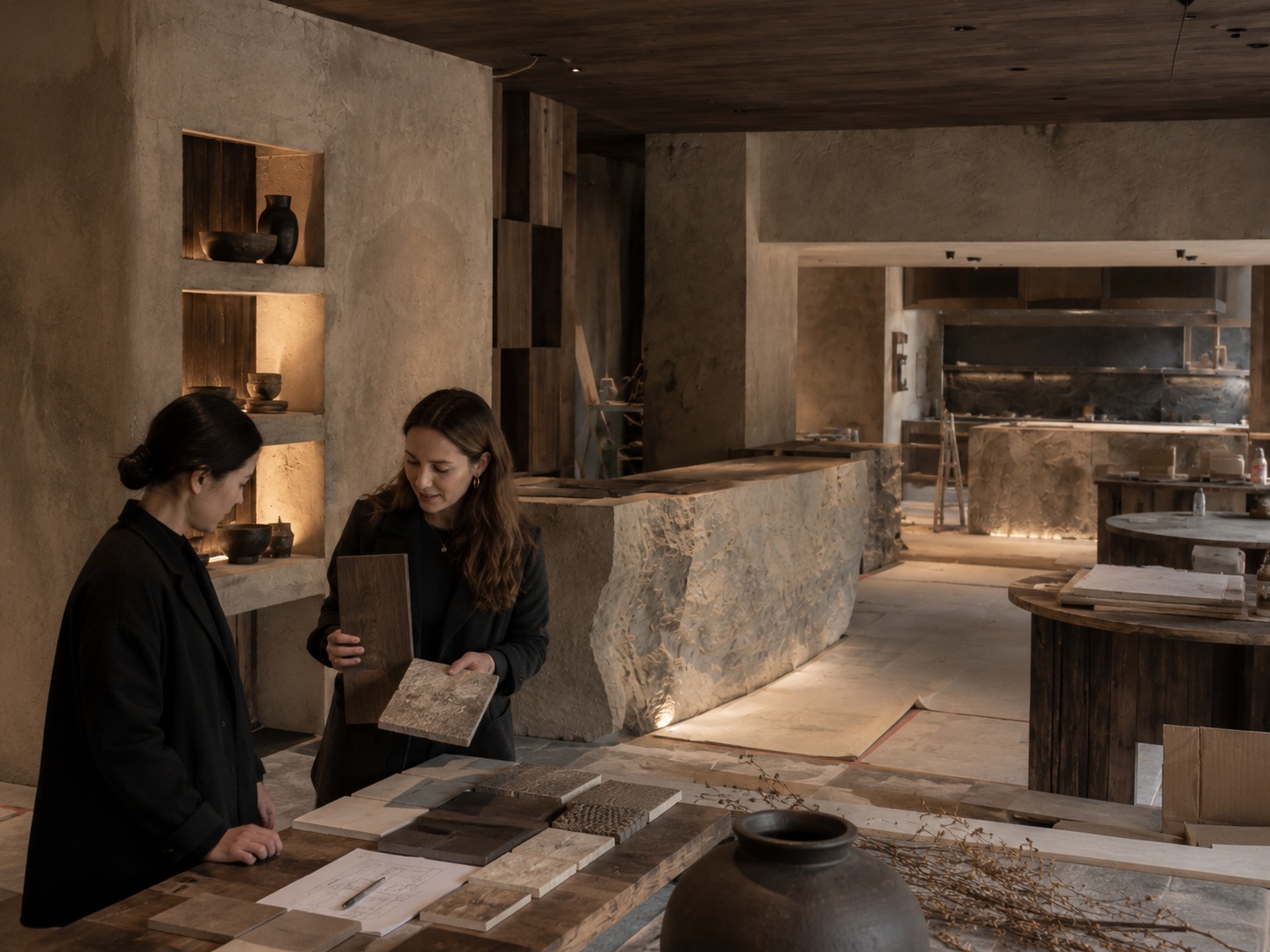
The goal is not to show many images. The goal is to show a few clear strategic options.
One of the biggest mistakes in client concept work is giving the client too many weak variations. A stronger method is to create a small number of clearly differentiated directions with purpose.
Option A — safe and aligned — easy to approve, commercially balanced, close to stated preferences.
Option B — warmer or softer — more emotional, more lifestyle-driven, more comfort-led.
Option C — stronger signature direction — more premium, more editorial, more distinctive.
Optional D — function-led alternative — same mood family, but a different use-case or layout emphasis.
This approach makes client feedback much clearer. Instead of saying “I do not know,” clients often respond more specifically: “I like the warmth of B, but the clarity of A,” which is much more actionable.
Make each option different by concept, not just by decoration. Different pillows do not create a true direction change. Different material language, mood, density, and hierarchy do.
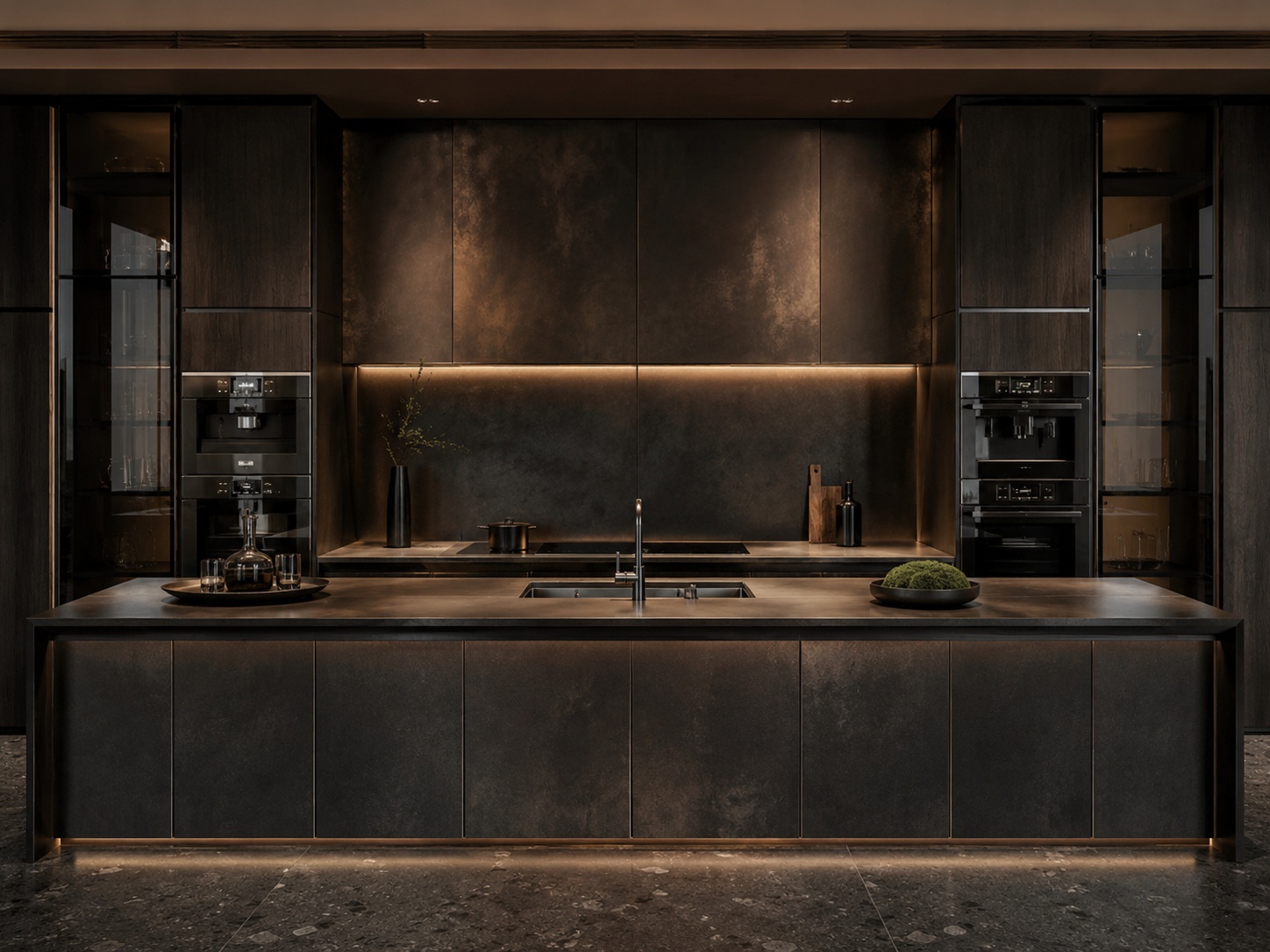
Presentation quality depends on editing, not just generation.
Clients do not always know how to interpret rough concept material. The designer’s role is to frame the options so the client understands what is changing and what is not.
Give each direction a name — for example Calm Scandinavian, Warm Organic Modern, Refined Boutique Minimal.
State the core idea in one line — what this direction is trying to achieve emotionally and spatially.
State what changes most — materials, softness, furniture language, mood, density, or premium feel.
Limit the set — three strong options usually work better than seven inconsistent ones.
The more structured the comparison is, the more useful the client’s feedback becomes. Paintit.ai helps with speed, but editing the narrative is what turns fast generations into professional concept communication.
Designer prompts are usually better when they combine client psychology, spatial logic, and design language.
A strong designer prompt should not only describe style. It should translate the brief into a clear design hypothesis.
[Room or project type] + [Target mood] + [Style language] + [Key furniture or architectural emphasis] + [Material system] + [Constraint]
Target mood — calm, elevated, family-friendly, editorial, soft luxury, understated premium, inviting.
Style language — not just “modern,” but a more precise visual framework.
Spatial emphasis — focal wall, bed anchor, sofa composition, vanity wall, island, facade entry, or zoning logic.
Material system — what surfaces and finishes define the concept family.
Constraint — preserve layout, openings, proportions, or other structural facts when realism matters.
Example of a designer-grade concept prompt:
Transform this living room into a warm organic modern concept for a premium family client, with a large neutral sofa composition, curved accent seating, textured stone and plaster surfaces, soft oak details, and a calm editorial atmosphere. Keep the room layout and window positions unchanged.
This works better because it does not only describe style. It encodes the intended client feeling and spatial hierarchy.
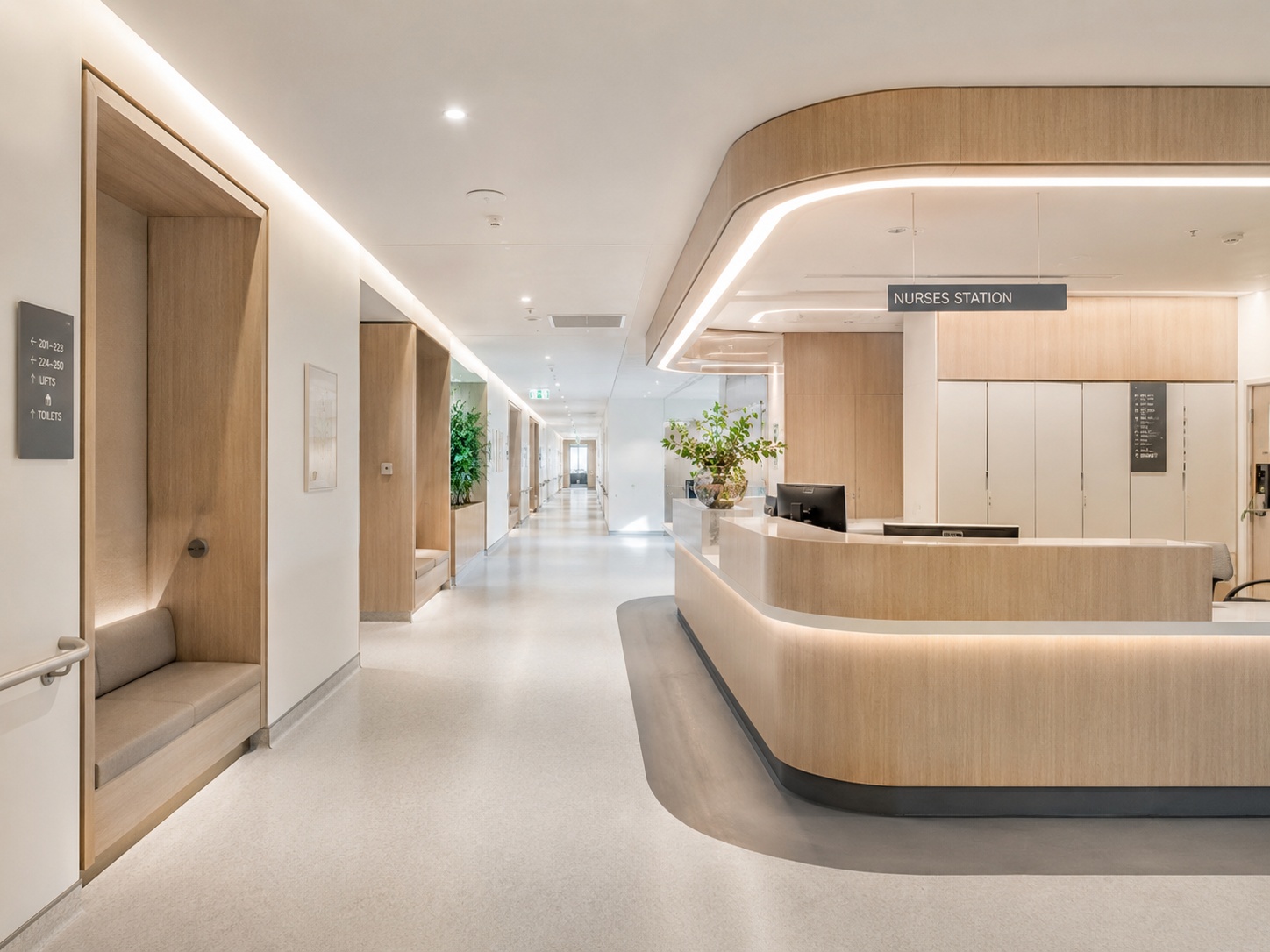
Use these as copy-ready starting points for common client concept situations.
Warm family living room direction
Redesign this living room as a warm family-focused concept with a comfortable deep sofa, soft natural materials, clean circulation, a calm welcoming atmosphere, and a premium but approachable finish language. Keep the room layout unchanged.
Calm bedroom direction
Transform this bedroom into a calm refined concept with a strong bed-wall anchor, layered neutral textiles, warm wood details, soft light, and an understated luxury mood. Preserve the architecture and proportions.
Bathroom spa direction
Redesign this bathroom as a soft spa-like concept with a floating vanity, quiet stone surfaces, restrained fixtures, diffused lighting, and a premium calm atmosphere. Keep the wet-zone layout unchanged.
Hospitality-led commercial concept
Redesign this commercial interior as a warm hospitality-driven space with clear zoning, soft premium materials, balanced seating density, and a welcoming branded atmosphere. Keep the circulation path and main room structure unchanged.
Client option B — stronger editorial direction
Create a more distinctive premium concept for this space with stronger contrast, cleaner architectural emphasis, more sculptural furniture language, and a refined editorial mood, while keeping the layout and room proportions unchanged.
Best practice: designer prompts should describe what the concept is trying to solve, not only what style it should imitate.
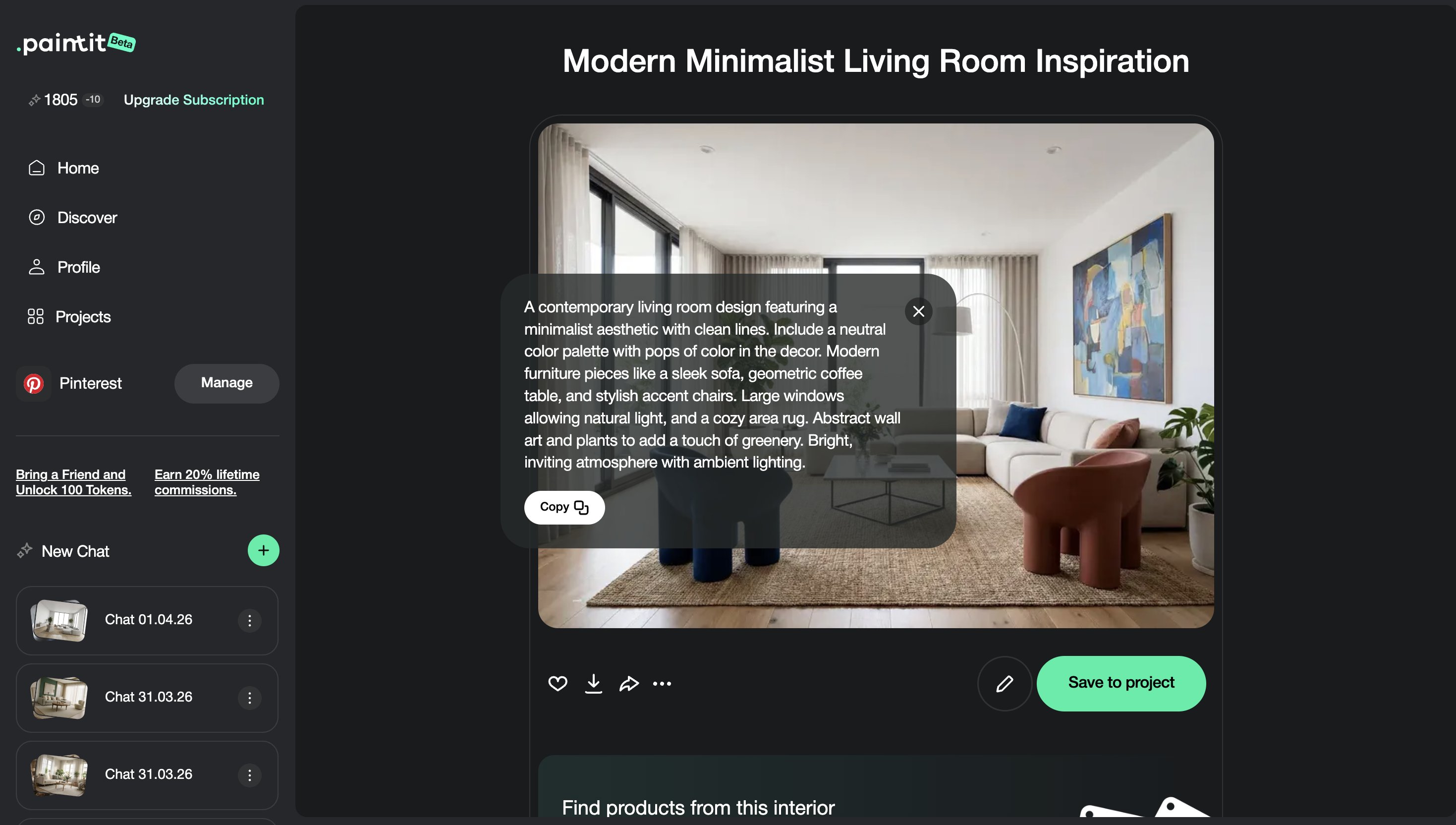
Most client chaos comes from losing the logic of what changed between versions.
Once a client starts reacting to images, the process can quickly become noisy. The best way to stay in control is to isolate variables instead of changing everything at once.
Round 1 — compare strategic directions.
Round 2 — refine the selected direction through one or two controlled changes only.
Round 3 — improve realism, detailing, and presentation readiness.
Rule — change one main variable per revision round whenever possible.
This makes client feedback easier to interpret. It also keeps Paintit.ai outputs more useful as part of a designer-managed process.
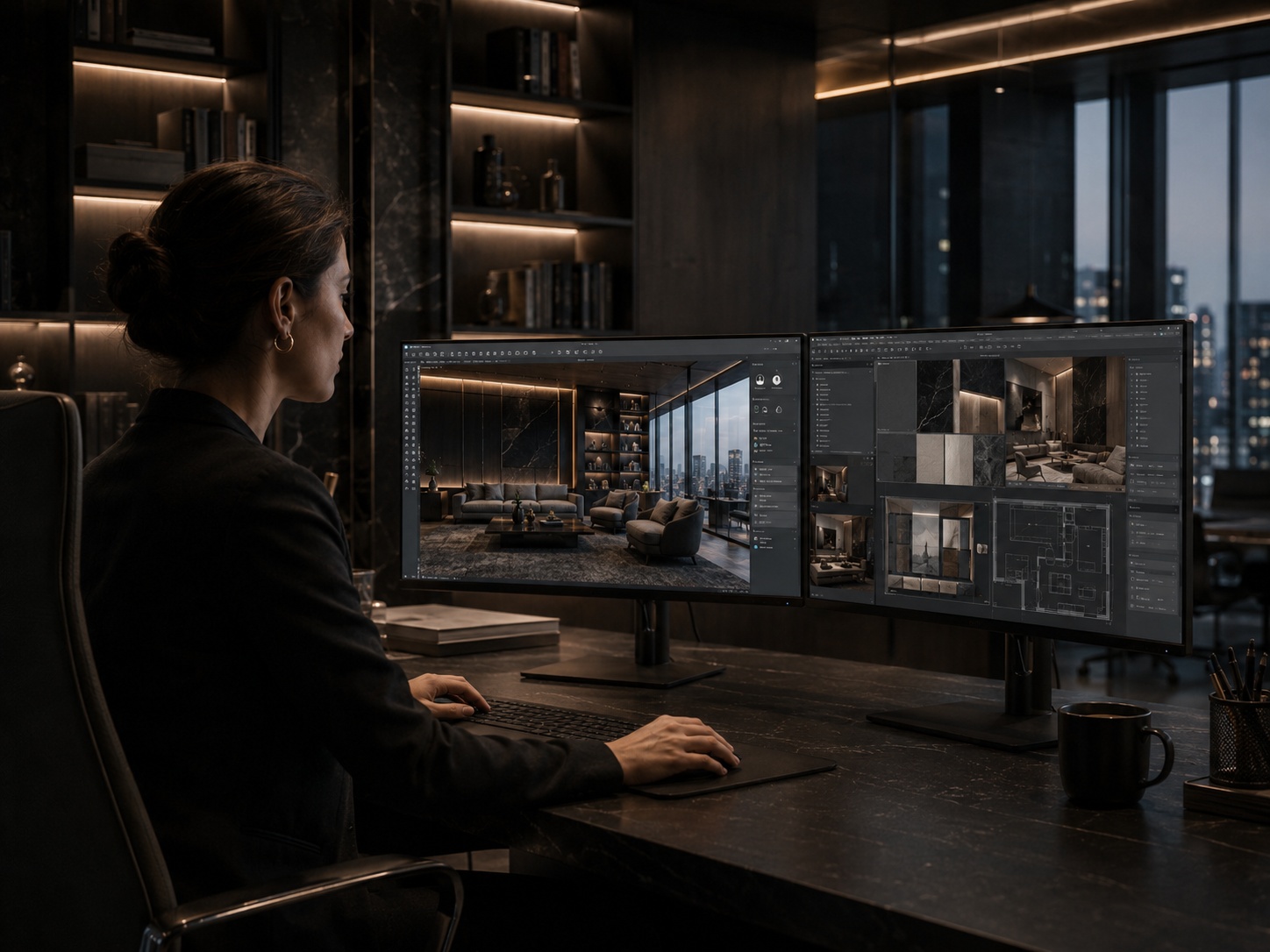
These small operational choices often make the tool much more valuable in professional hands.
Translate vague client words into more exact design language, but keep their emotional intent visible.
Use early concept rounds for taste alignment. Use later rounds for realism and refinement.
Clients often reveal deeper preferences only after seeing contrasts. Use that to sharpen the brief.
Present concept options as directional, then develop the chosen route more deeply.
The strongest professional workflow is not “AI made this.” It is “AI helped accelerate the concept phase under designer control.”
That mindset usually leads to better client trust and better internal decision quality.
Usually early concept exploration, client taste clarification, and faster first-round visual direction building.
No. Curate the strongest directions. Professional value comes from selection and framing, not from volume.
Usually two to four strategically different directions are enough before refining the selected route.
Treating fast images as final design instead of using them as structured concept tools inside a designer-led workflow.
Keep rounds controlled, isolate variables, and compare clearly different concepts before refining details.
It is much stronger as a concept accelerator inside a designer process than as a replacement for full design development.
Use Paintit.ai to move from vague client input to clearer concept options faster, while keeping the design process structured, curated, and professionally controlled.