1
Explore AI room design tools that are free. Instantly create and visualize stunning interiors with ease. Perfect for bedrooms, living rooms, and more. Start designing today!

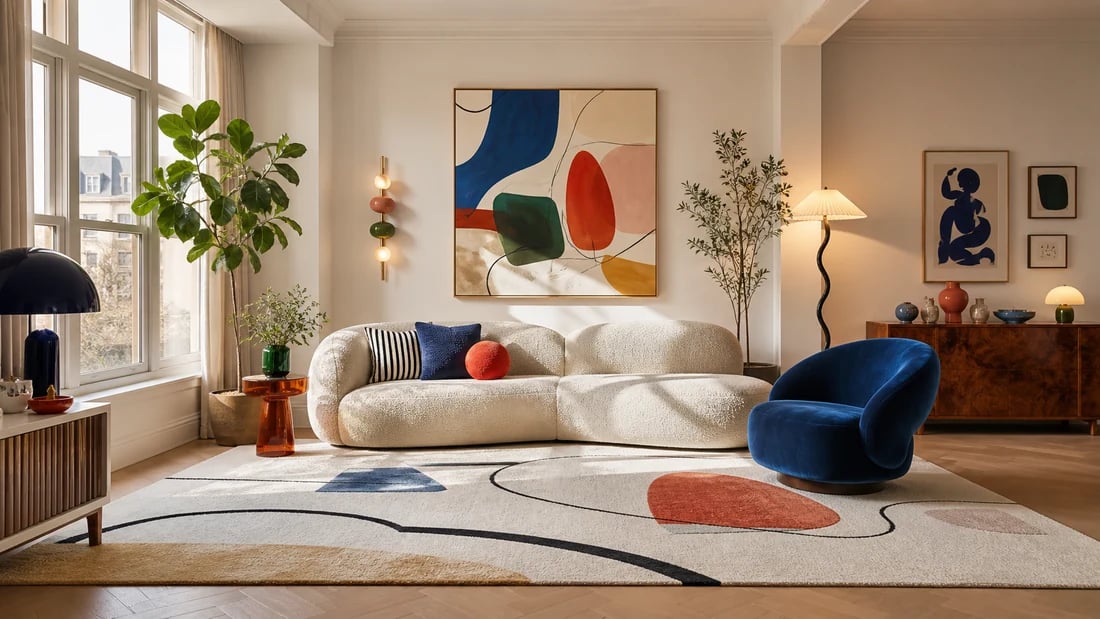
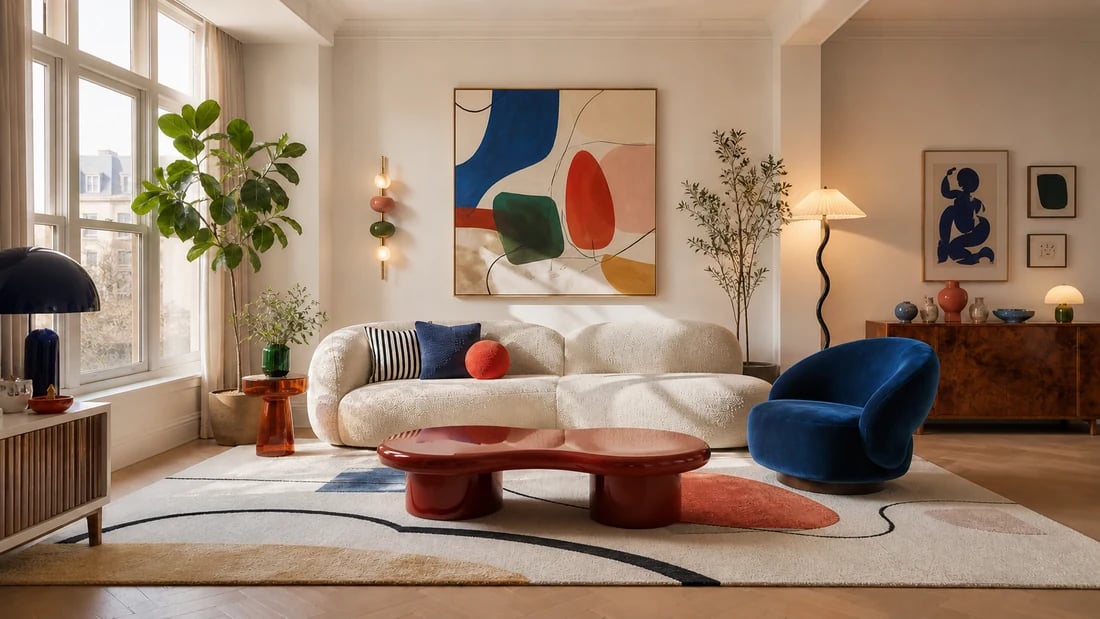
Seconds
Time to generate and place furniture in your room photo
Any style
Modern, Scandinavian, industrial, bohemian, classic - all supported
4 retailers
Shop real matching furniture via Amazon, IKEA, Jysk, and Ashley
Free
Starting plan - 30 credits, no card, a free account
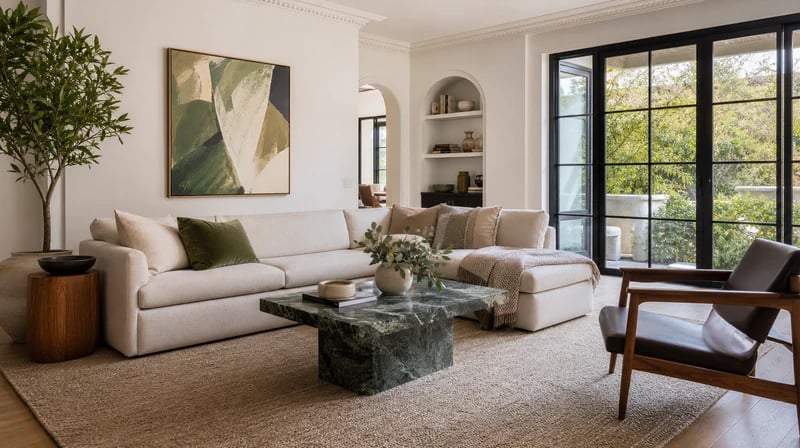
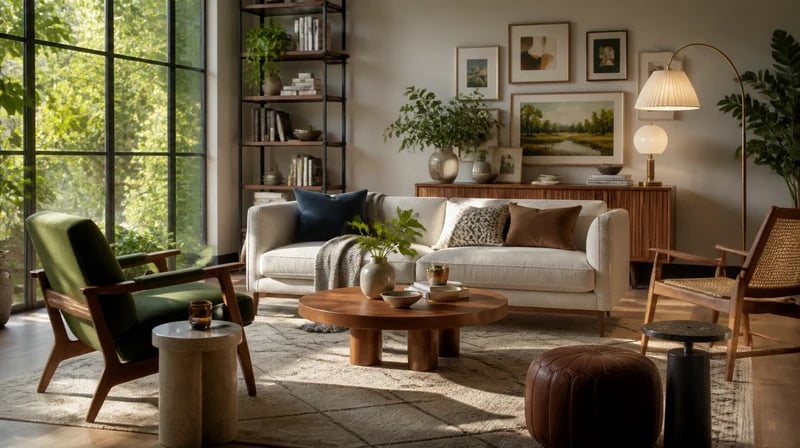
Sofas, armchairs, coffee tables, dining sets, beds, wardrobes, shelving, lighting, side tables, ottomans - the AI handles any furniture type from a plain-language description. Styles span the full residential range: modern minimalist, mid-century, Scandinavian, industrial, Japandi, bohemian, traditional, and more. Use it as an ai furniture layout generator to try different configurations - sofa facing the window versus centered on the wall, dining table under the pendant or off to the side. Each variation generates in seconds, so you can compare options before committing.

1
"I was moving into a new apartment with zero furniture and had no idea where to start. I uploaded a photo of my empty living room and described roughly what I was looking for - mid-century with warm tones. The AI generated four different setups and showed me where to buy each piece. I ended up ordering from IKEA and Ashley the same afternoon. The whole planning process took less than an hour."
2
"I use it to show clients furniture options in their actual room during the first meeting. Instead of showing them a catalog photo and asking them to imagine it, they see it placed in their space immediately. The Shop Your Design feature means clients can go home and order the exact pieces we discussed - which saves a follow-up conversation and speeds up project timelines considerably."

Other AI furniture generators show you the piece alone. Paintit.ai shows it in your room - your light, your floor, your walls, your proportions. The difference matters: a dark walnut sideboard that looks stunning in a showroom can overpower a small room. Seeing it in your actual space before buying removes the single biggest source of furniture regret. Use it as anai furniture layout generatorto test multiple arrangements before settling on one.

Every other tool in this category stops at the image. Paintit.ai connects your ai generated furniture concept to real products from Amazon, IKEA, Jysk, and Ashley with direct purchase links. You design with AI and shop from retailers you already trust - in the same flow. No manual searching, no trying to find something "similar" to what the AI showed you.

The Free plan includes 30 credits - enough to furnish an entire room at no cost. No CAD skills, no design background, no software to install. If you can describe what you want in plain language, the AI handles the rest. The free ai furniture design experience works in your browser on any device. Paid plans unlock more credits; Pro and above include commercial use for designers who use renders in client presentations.
Start free with an account — the Free plan includes 30 credits at 1K resolution, no credit card. Upgrade for more credits and higher-resolution exports: Starter (500 credits, 2K — $14.99/mo), Pro (1,500 credits, 4K, watermark-free, commercial licence — $29.99/mo), or Max (4,500 credits — $79.99/mo). No hidden fees, 7-day money-back, cancel anytime.
Stop browsing furniture catalogs without knowing if anything will work in your space. Describe what you want, see it placed in your actual room, then shop matching pieces from Amazon, IKEA, Jysk, and Ashley - all in one flow. Free to start, no download needed.
GENERATE FURNITURE FOR MY ROOM FREEAn AI furniture generator is a tool that creates photorealistic furniture concepts from a text description. Paintit.ai goes one step further - it places the generated furniture directly in a photo of your room, so you see how each piece looks in your actual space rather than a generic studio image. The result is accurate enough to use as a buying reference and a brief for an interior designer.
Yes - directly from the same session. Once you find a furniture design you like in your room render, Paintit.ai's Shop Your Design feature recommends real matching products from Amazon, IKEA, Jysk, and Ashley with direct purchase links. You go from AI generated furniture concept to a real product page in one click. No other AI furniture design tool in this category offers this full from-design-to-purchase flow.
Any residential furniture type: sofas, armchairs, sectionals, coffee tables, dining tables and chairs, beds, wardrobes, shelving units, sideboards, desks, lighting fixtures, side tables, ottomans, and decorative pieces. The AI understands spatial relationships - it places multiple pieces together in a coherent layout rather than adding them individually without context. For a full room transformation, combine it with theAI room design tool.
Start free with an account — the Free plan includes 30 credits at 1K resolution, no credit card. Upgrade for more credits and higher-resolution exports: Starter (500 credits, 2K — $14.99/mo), Pro (1,500 credits, 4K, watermark-free, commercial licence — $29.99/mo), or Max (4,500 credits — $79.99/mo). No hidden fees, 7-day money-back, cancel anytime.
Dive deeper into Paintit.ai and learn how AI can change not only room design but your whole creative process.
1
Explore AI room design tools that are free. Instantly create and visualize stunning interiors with ease. Perfect for bedrooms, living rooms, and more. Start designing today!
2
Discover endless creativity with our AI concept generator. Generate and refine design ideas for architecture, interiors, and more. Start creating today!
3
Redesign your home exterior effortlessly with our free AI house exterior design generator. Explore styles, materials, and textures tailored to your vision.
4
Create stunning house designs effortlessly with our free AI house generator. Explore styles, layouts, and features tailored to your vision. Start designing today!
5
Visualize paint colors for your home with the free AI house painter. Explore styles, match colors, and redesign walls effortlessly. Start designing now!
6
Create stunning outdoor designs with free AI landscape design tools. Generate gardens, patios, and yard layouts effortlessly. Start designing today!
7
Create stunning photorealistic renders for architecture and interior design with AI Rendering. Fast, easy, and accessible for all skill levels. Start for free today!
8
Design your dream home exterior with our easy-to-use home exterior design tool. Visualize colors, materials, and styles in real time. Try it for free today!
9
Upload a bathroom photo and visualize new tiles, vanities, fixtures, flooring, and lighting before you start renovation work. Try AI bathroom remodel ideas for free.
10
Create floor plan layouts from a text prompt or sketch. Plan room flow, dimensions, and layouts faster with an AI floor plan generator built for early design decisions.
11
Generate furniture concepts and place them directly inside your room photo. Explore sofas, tables, beds, shelving, lighting, and decor ideas in context.
12
Rearrange furniture in your room without moving heavy pieces. Test layouts, traffic flow, and furniture positions with AI before changing the real space.
13
Preview exterior renovation ideas for siding, trim, roofs, windows, doors, landscaping, and curb appeal updates using a photo of your current home.
14
Test paint colors on real room and exterior photos before buying samples. Compare palettes, accent walls, and finish directions in minutes.
15
Visualize kitchen remodel ideas with new cabinets, counters, backsplashes, flooring, lighting, and layouts before committing to a renovation plan.
16
See how different rugs look in your actual room. Compare styles, sizes, colors, and placement options before choosing the right rug.
17
Improve listing photos with AI enhancement for brighter, cleaner, more polished real estate visuals that help rooms look ready for buyers.
18
Turn room ideas into realistic interior renderings.
19
Preview wall colors, finishes, and design ideas in your space.
20
Explore door styles and exterior updates before renovating.
21
Visualize a floor plan as a realistic room design.
22
Compare flooring ideas in the context of your room.
23
Preview driveway layouts and materials for your home.
24
Explore paver patterns and surfaces for outdoor spaces.
25
Explore ideas for expanding your home's living space.
26
Turn a design sketch into a realistic visual concept.
27
Visualize an architectural elevation as a realistic render.
28
Preview cabinet styles, colors, and finishes in your room photo.
29
Explore deck concepts using a photo of your backyard.
30
Visualize garden layout and planting ideas for your yard.
31
Explore coordinated remodeling ideas across interior spaces.
32
Preview window styles and finishes on your home photo.
33
Try paint-color directions on a photo of your furniture.
34
Compare countertop materials and colors in your kitchen photo.
35
Preview outdoor lighting concepts in your real landscape.
36
See curtain styles, colors, and patterns on your own window.
37
Enhance an existing architectural or interior render for presentation.
