9 min. reading

Yulii Cherevko
CEO paintit.ai
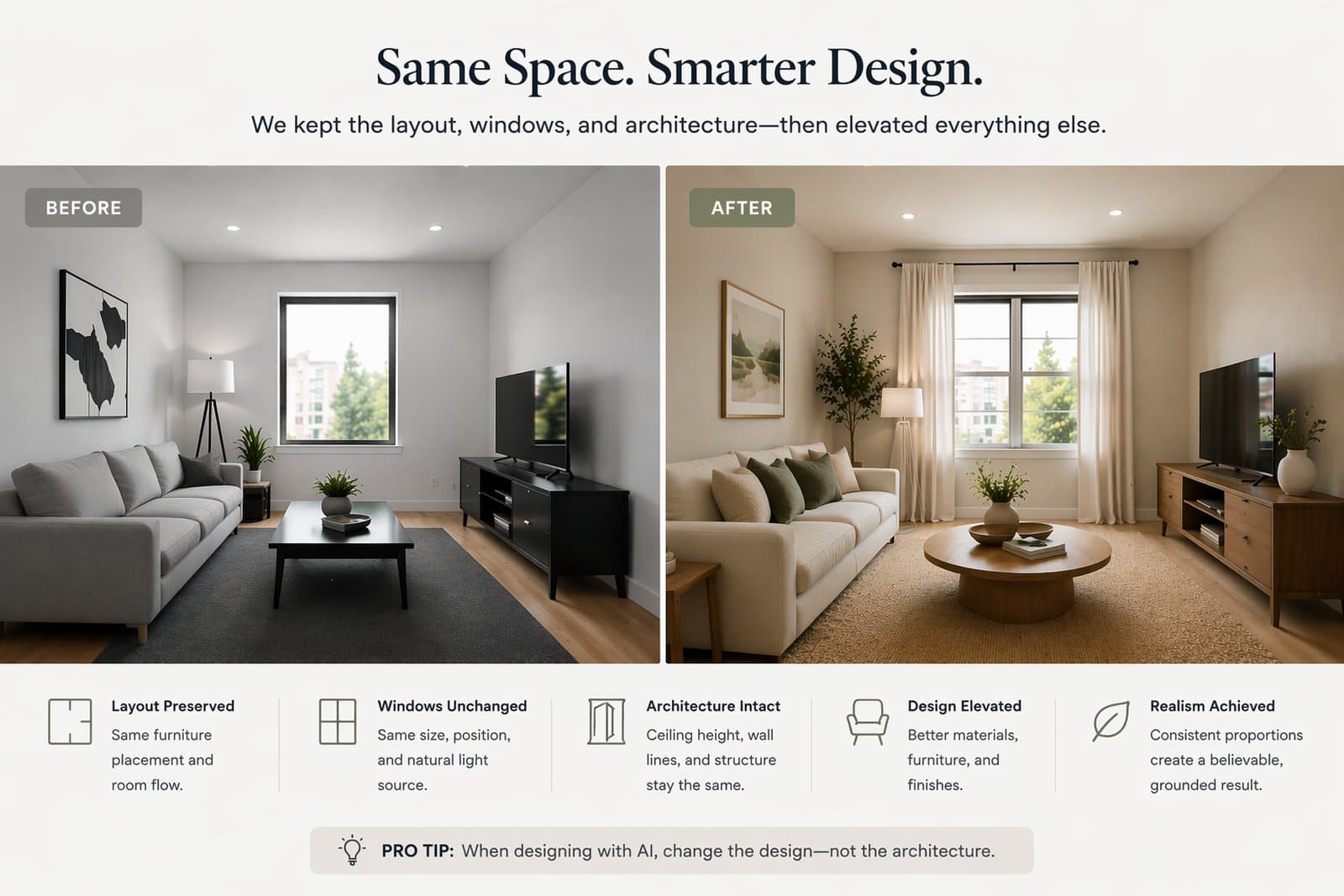
One of the most important skills in Paintit.ai is learning how to improve a room without losing the room. This guide shows how to preserve layout, windows, proportions, wet-zone logic, and architectural structure while still changing style, materials, furniture language, mood, and finish quality.
Many of the most useful Paintit.ai results are not full reinventions. They are controlled upgrades.
In real projects, users often want a room to feel better without changing its actual geometry. This is especially true for real estate, rentals, client work, renovation planning, bathrooms, kitchens, and any case where the room already has fixed architecture or plumbing logic.
It increases realism — the result still feels like the same property or room.
It improves usefulness — the concept becomes easier to implement in real life.
It protects trust — especially in listings, client work, and renovation planning.
It reduces randomness — the model has fewer degrees of freedom to distort the space.
It makes comparison cleaner — you can judge style or material change without structural drift.
This is why constraint-based prompting is not a small detail. It is one of the most important control systems in Paintit.ai.
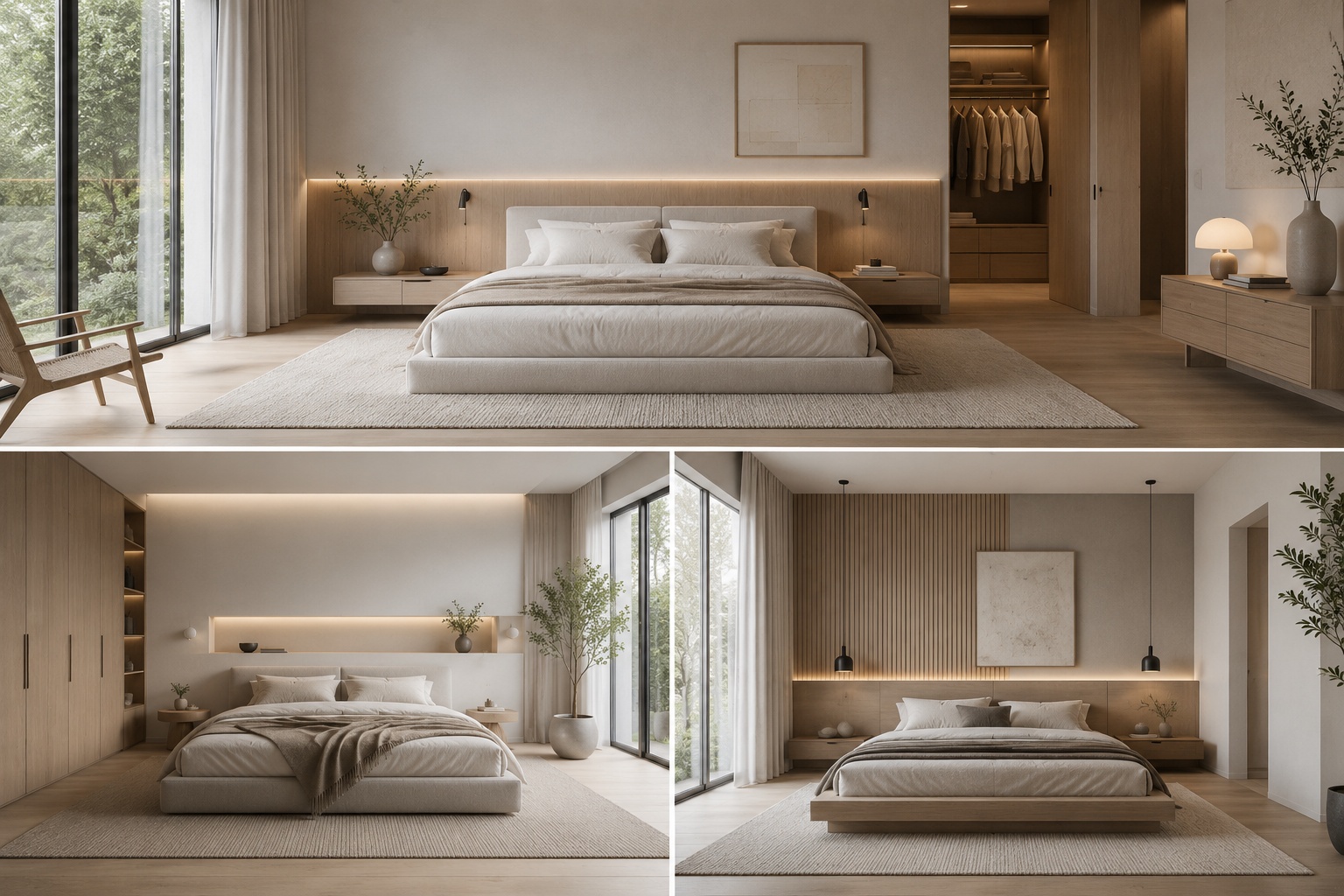
Not every room needs the same level of preservation, but some elements are usually more important than others.
The most common mistake is being too vague about what needs to stay fixed. If a user says only “keep it similar,” the model still has too much freedom. Better results come from naming the actual structural elements clearly.
Room layout — the overall arrangement and main spatial logic.
Windows and openings — positions of windows, doors, arches, and visible structural breaks.
Architecture and proportions — wall relationships, ceiling height impression, and room scale.
Wet-zone logic — especially for kitchens and bathrooms.
Exterior massing — building shape, roofline, window rhythm, and facade geometry.
Usually, the more fixed and expensive the element is in real life, the more clearly it should be protected in the prompt.
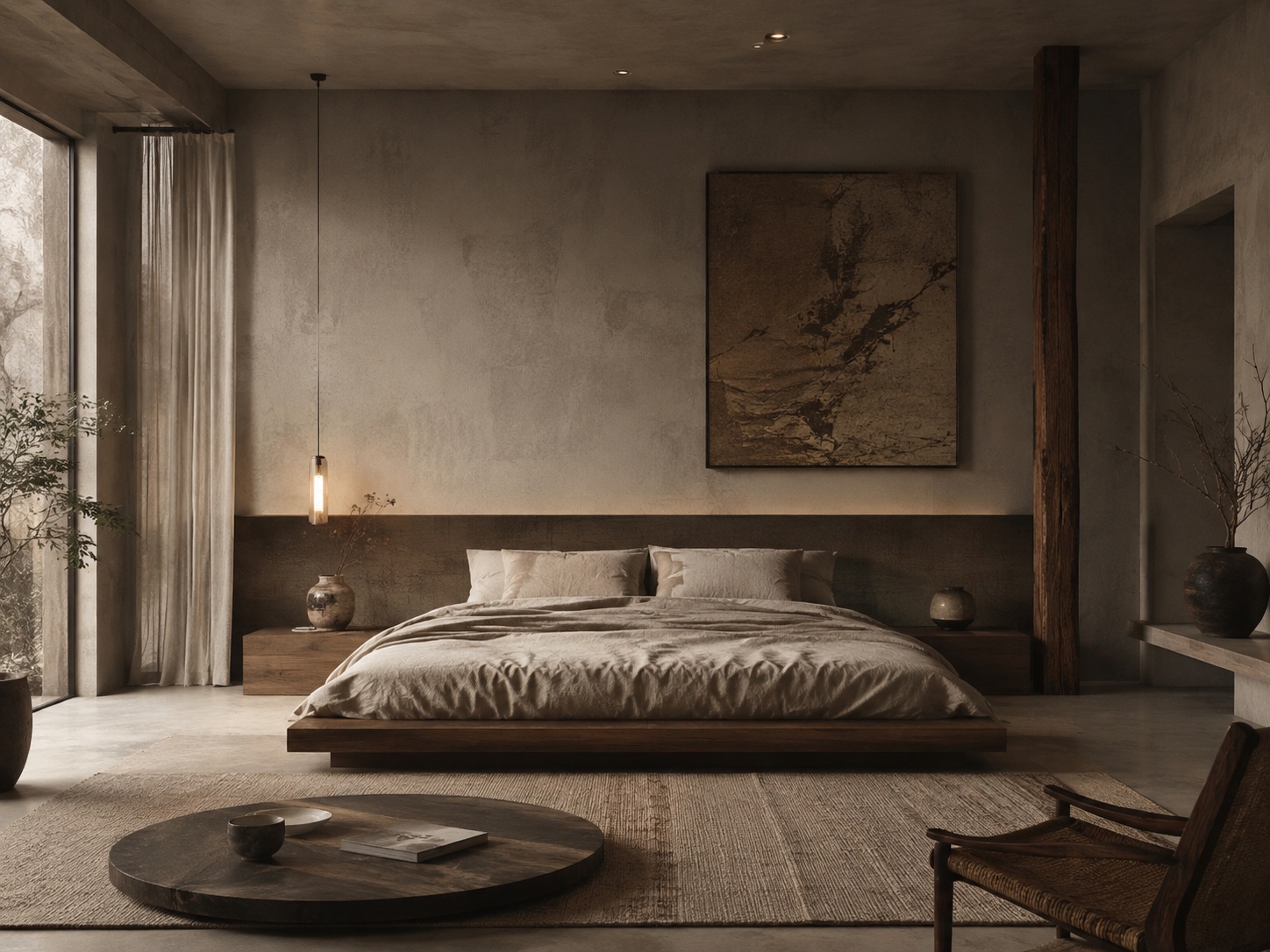
The right amount of change depends on the use case.
Not every project needs the same level of control. Some workflows benefit from very strict preservation, while others allow more freedom. The key is knowing which kind of output you actually need.
You are working with real estate — buyers need to trust the room.
You are testing renovation ideas — the concept should still match the real shell.
You are designing bathrooms or kitchens — plumbing and built-in logic usually matter.
You are presenting to clients — especially when the room already exists and the concept should feel implementable.
You want realism more than fantasy — especially in mature workflows.
The goal is broad ideation, mood exploration, or early-stage concept play where strict realism is not yet the priority.
A useful rule is this: if the image will influence a real decision, preservation usually matters more.
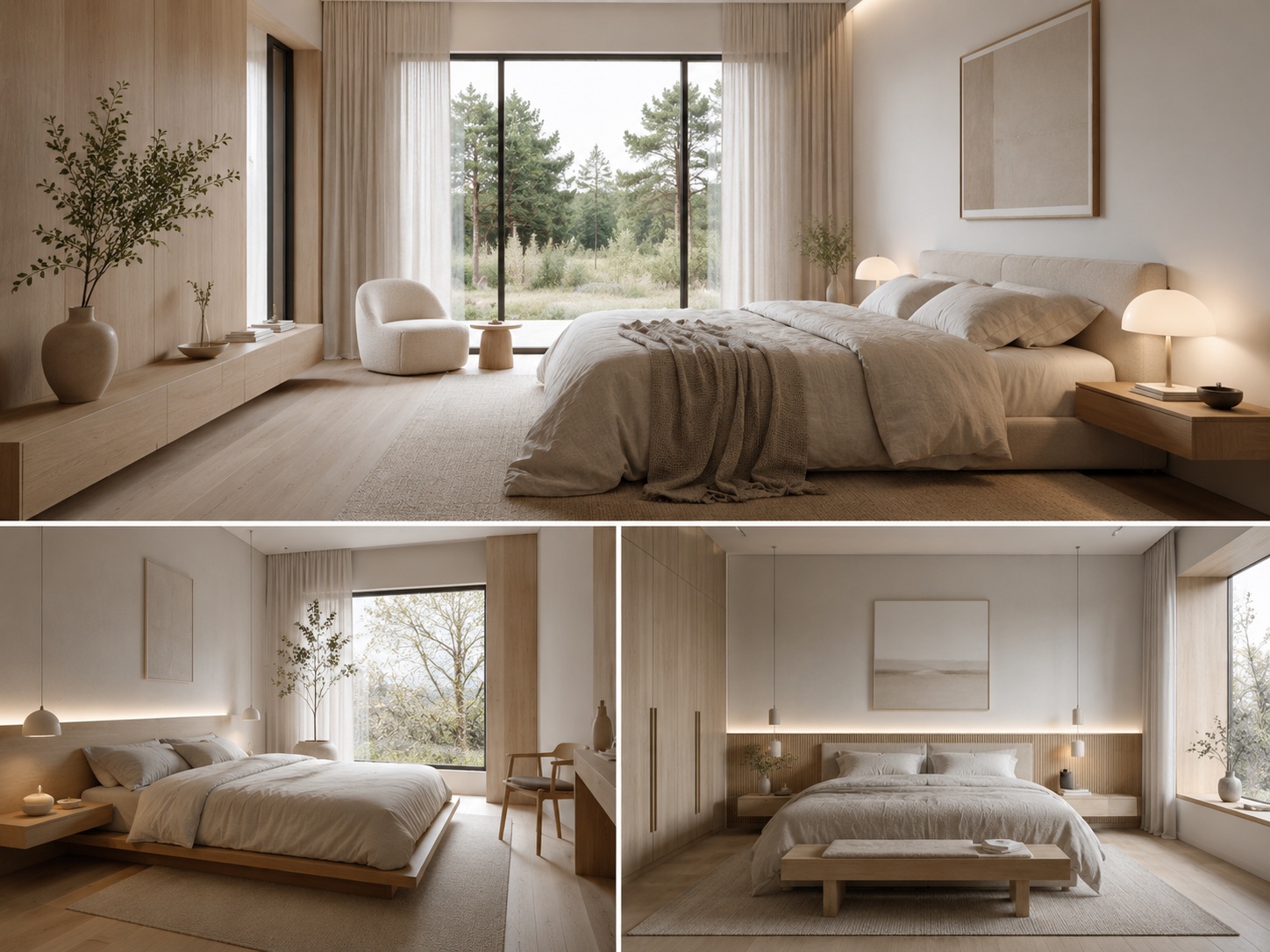
Good constraints are precise, direct, and structural.
Constraint language works best when it names exactly what the model should not change. General phrases are weaker than specific structural instructions.
Keep the room layout unchanged.
Preserve the architecture and proportions.
Keep windows and doors in their original positions.
Do not change the structure of the room.
Keep the kitchen layout and sink position unchanged.
Keep the wet-zone layout unchanged.
Keep the building shape, roofline, and window placement unchanged.
These lines are strongest when they appear near the end of the prompt, after the style and material directions are already clear.
Constraint language works better when it protects 2 to 4 key facts clearly than when it tries to protect everything vaguely.
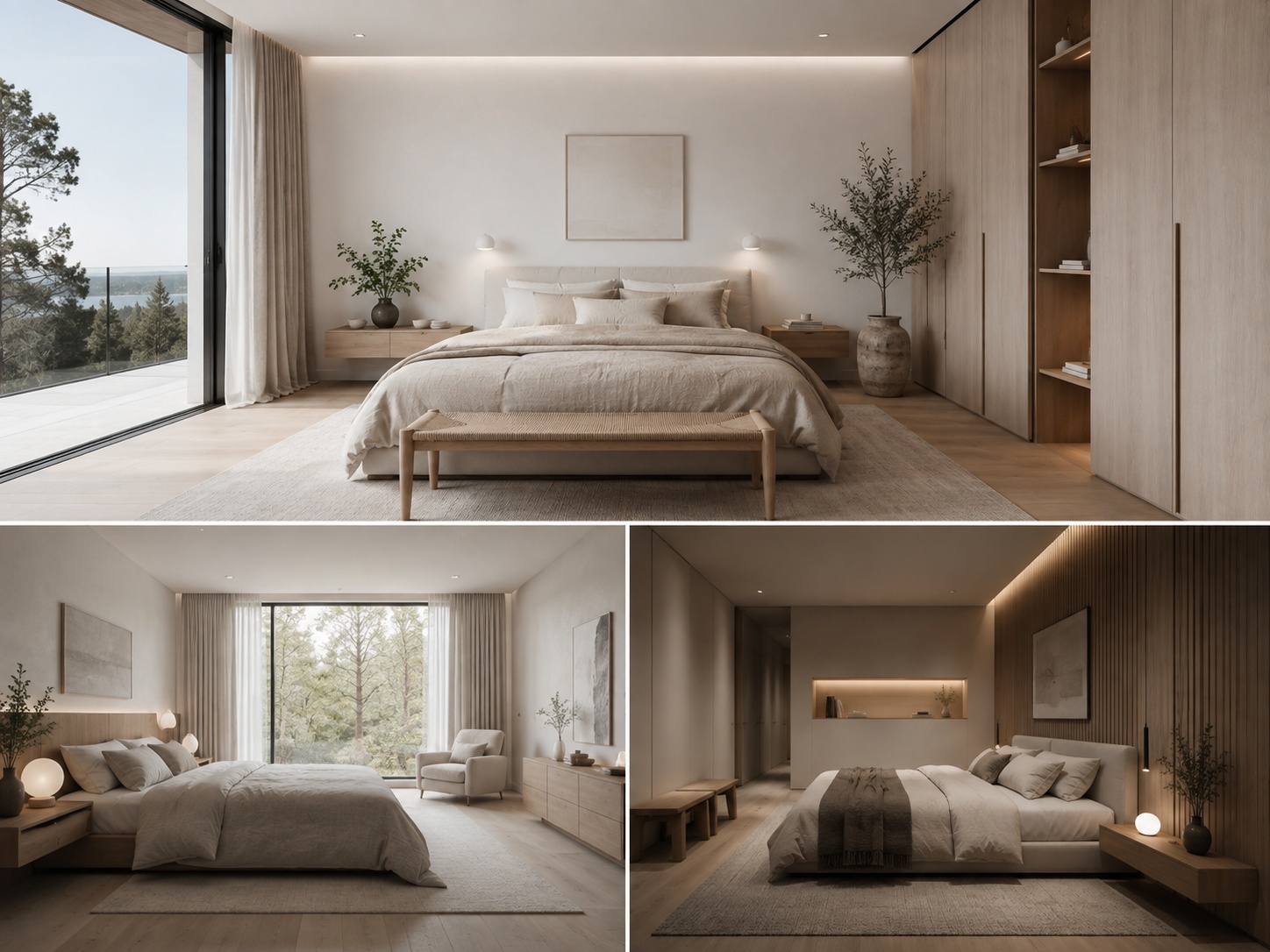
The most useful redesigns often change surfaces, furniture language, and mood while keeping the shell intact.
The strongest controlled redesigns usually work by changing what is visually flexible: color, finish, lighting, styling density, furniture character, textiles, and material mood. They do not need to invent new windows or reshape the room to feel like a real upgrade.
Material system — plaster, stone, wood, paint, textiles, cabinetry finishes.
Furniture language — more modern, warmer, calmer, more premium, more minimal.
Lighting mood — soft daylight, layered ambient light, warmer indirect light.
Styling density — remove clutter, simplify, or add a cleaner focal point.
Palette — often the easiest high-impact shift without structural distortion.
In many cases, this produces a stronger and more believable result than trying to redesign the architecture itself.
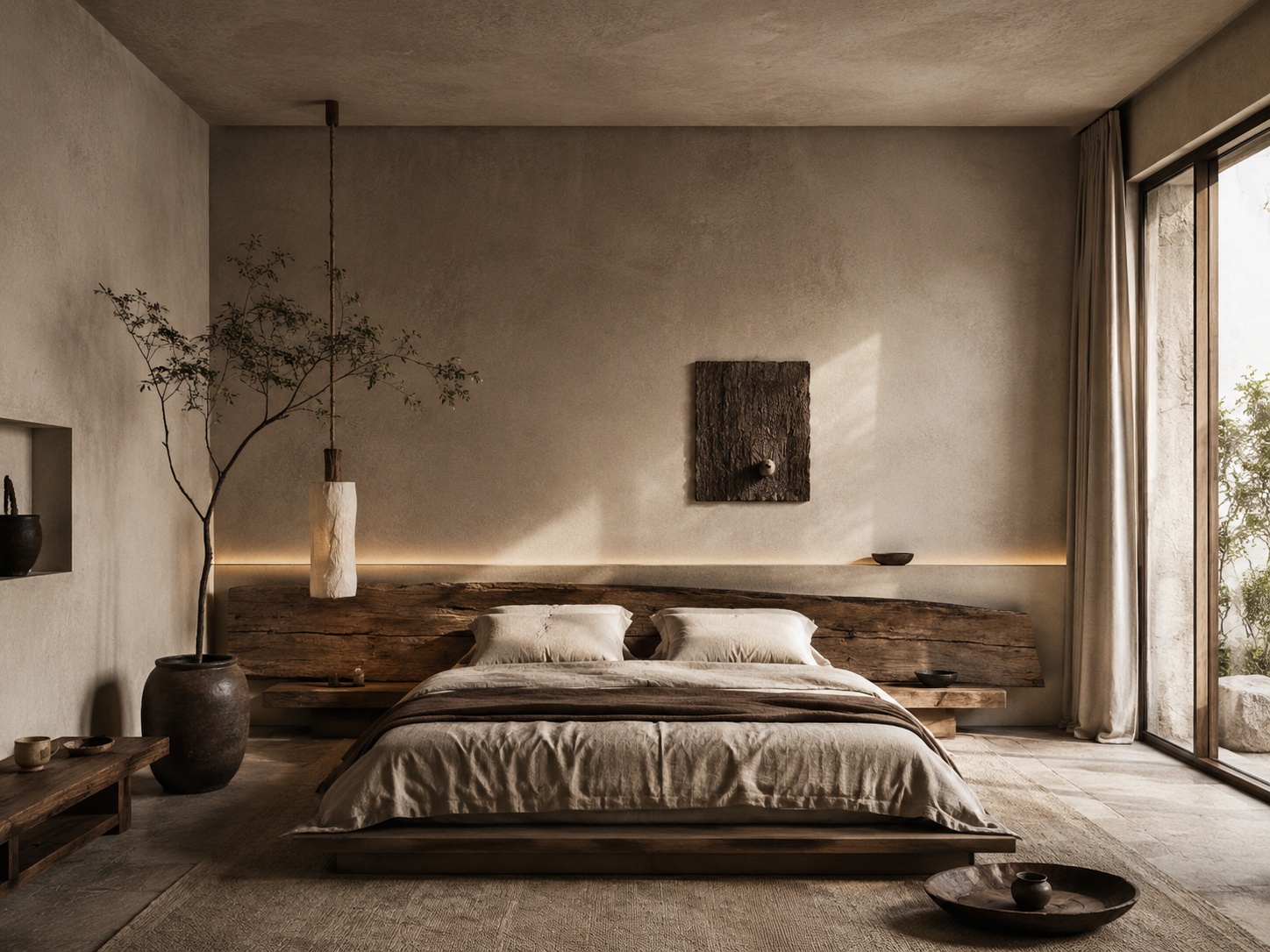
Use these as copy-ready starting points when structural honesty matters.
Living room upgrade with preserved layout
Redesign this living room with a warmer contemporary material palette, a calmer sofa composition, lighter finishes, and soft natural daylight. Keep the room layout, windows, and architecture unchanged.
Bathroom upgrade with preserved wet zone
Refine this bathroom with a floating vanity, softer stone surfaces, frameless glass, and warm indirect lighting. Keep the wet-zone layout, fixtures, and room proportions unchanged.
Kitchen refinement with preserved structure
Redesign this kitchen with warmer cabinetry, cleaner countertop and backsplash logic, softer lighting, and a more premium restrained finish language. Keep the layout, sink position, appliance logic, and windows unchanged.
Real estate-safe room refresh
Refresh this room to feel brighter, cleaner, and more buyer-friendly while preserving the real layout, windows, openings, and room proportions. Improve only the furniture language, palette, and surface mood.
Exterior upgrade with preserved building mass
Improve this house exterior with a cleaner material palette, stronger entry emphasis, and restrained landscaping while keeping the building shape, roofline, and window rhythm unchanged.
Best practice: when realism matters, protect the shell and redesign the experience inside the shell.
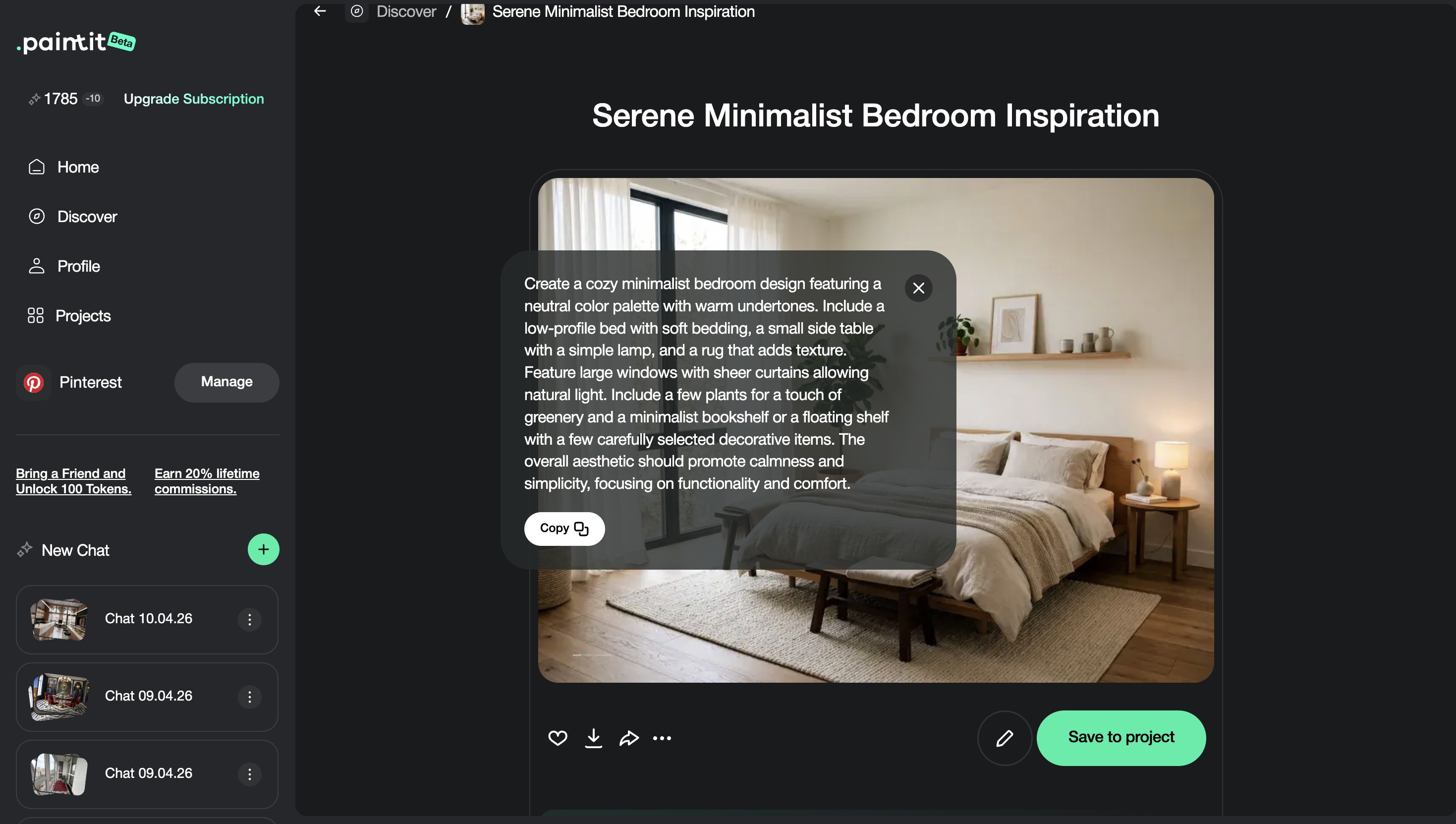
These techniques help when you want more control without making the prompt too rigid.
If a real renovation would not move the wall, window, or plumbing, the prompt should usually not move it either.
First stabilize layout, then refine materials, then lighting, then furniture or decor.
“Keep layout unchanged” is stronger than “keep it similar,” and “keep sink position unchanged” is stronger than both.
If the prompt is too overloaded, the model may struggle to preserve the important parts cleanly.
Generate two or three preserved-layout versions with different material or mood directions instead of one overcomplicated request.
In practice, preservation gets stronger when the prompt is cleaner, not longer.
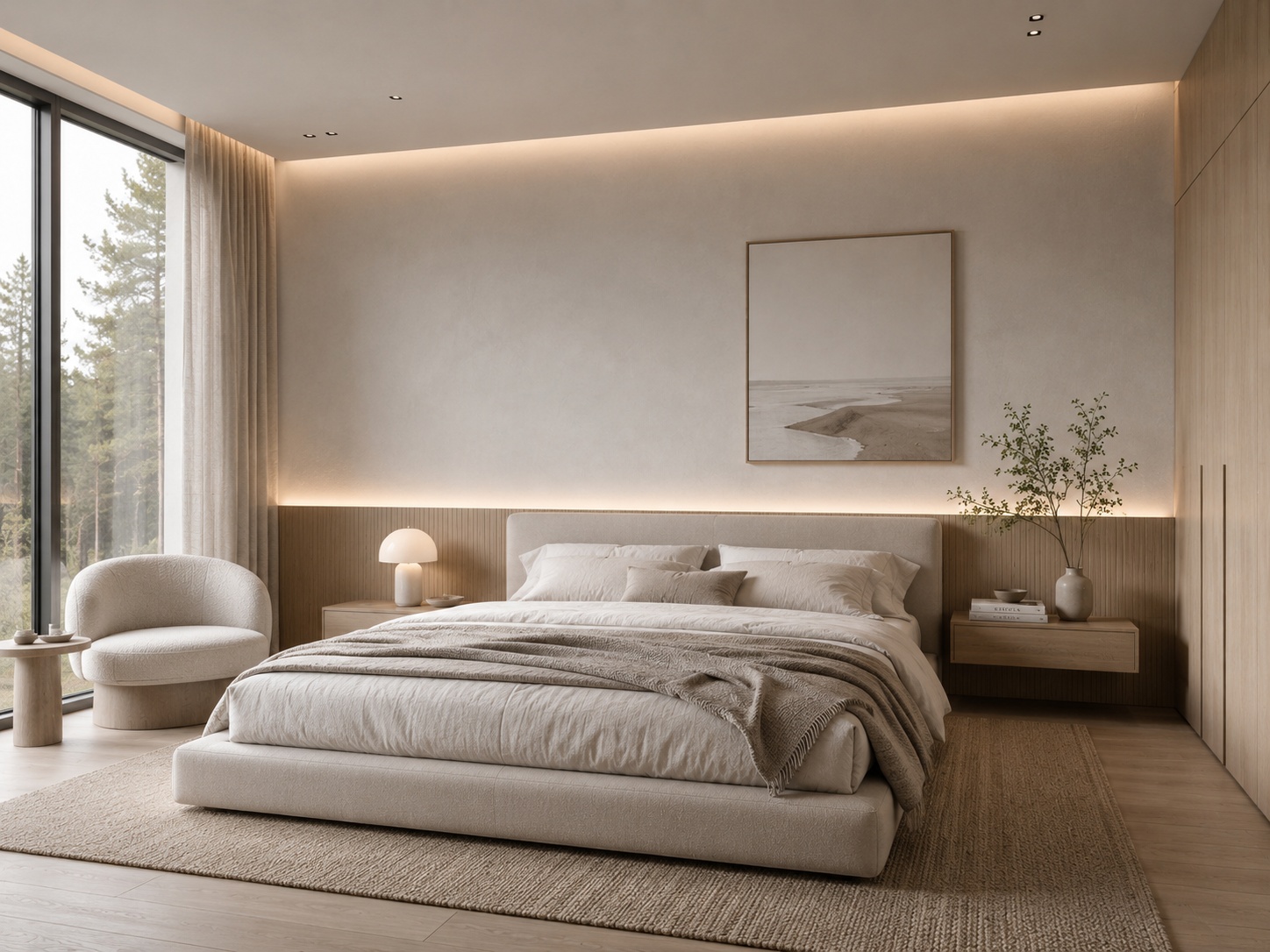
Usually keeping the layout, windows, and main room proportions unchanged is the strongest starting point.
Not always, but very often when the result needs to feel implementable, credible, or tied to a real property.
Usually because the structural instructions were too vague or the prompt tried to change too many other things at once.
Bathrooms, kitchens, real-estate rooms, rental spaces, and client projects usually benefit most from stricter structural control.
Yes. Materials, furniture language, lighting, palette, and styling density can change a lot while the shell stays intact.
Being too vague about what must stay fixed, then asking for a major redesign at the same time.
Preserve the shell, protect the architecture, and upgrade the room through cleaner materials, lighting, and furniture logic in Paintit.ai.