1
Explore AI room design tools that are free. Instantly create and visualize stunning interiors with ease. Perfect for bedrooms, living rooms, and more. Start designing today!

2 min
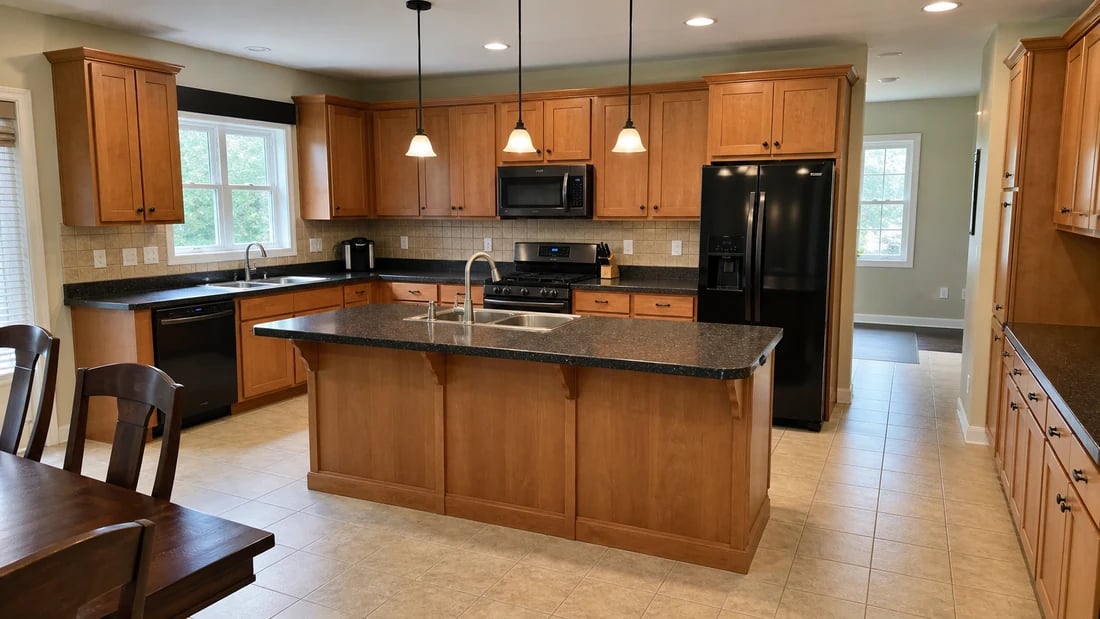
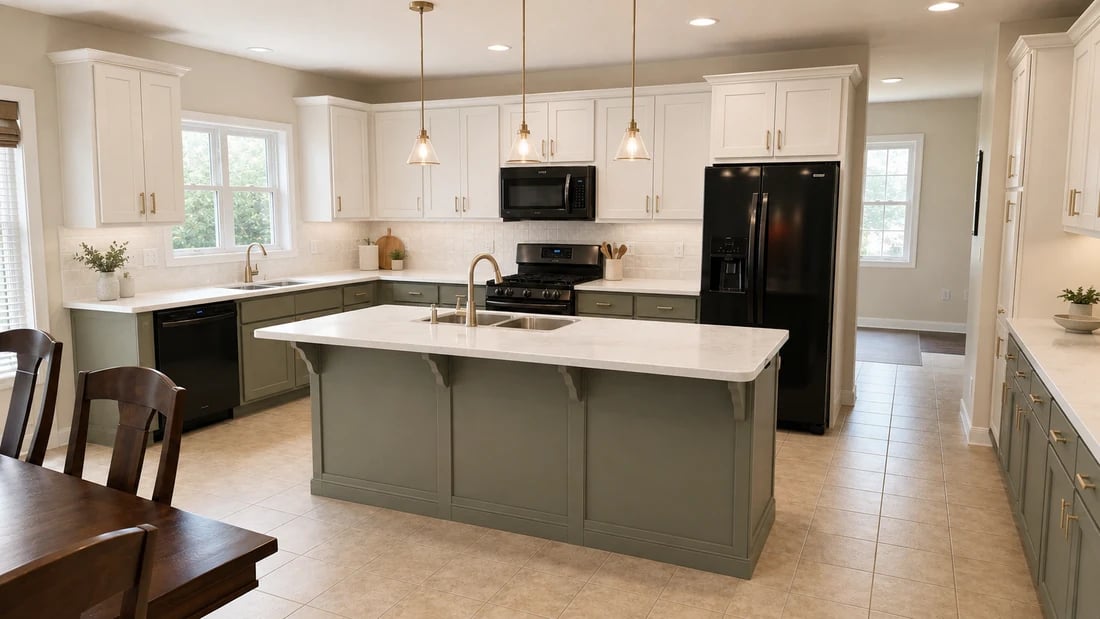
Average time to generate a photorealistic kitchen remodel render
50+
Kitchen styles available - from modern farmhouse to minimalist
+15%
Average boost to property value after a kitchen renovation
Free
Starting price to try the AI kitchen remodel tool
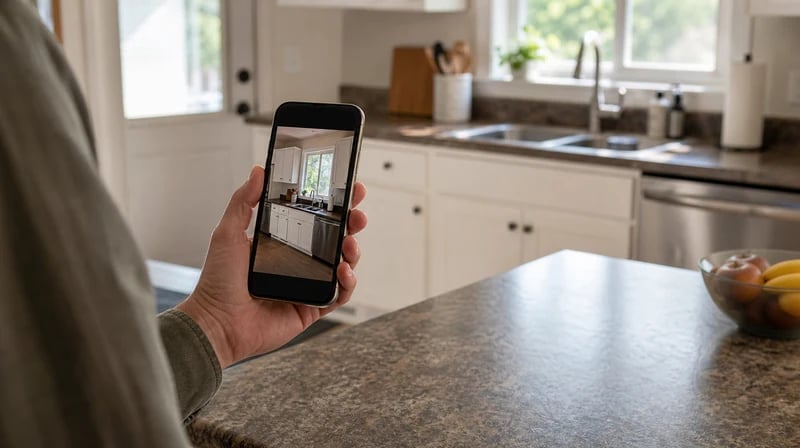
The process starts with a photo of your existing kitchen - a smartphone shot taken in normal daylight works perfectly. The AI reads the spatial structure: cabinet layout, countertop lines, wall surfaces, and floor plane. Everything the AI generates is applied to your actual kitchen, not a stock image. The result looks like a real remodel, not a digital collage.
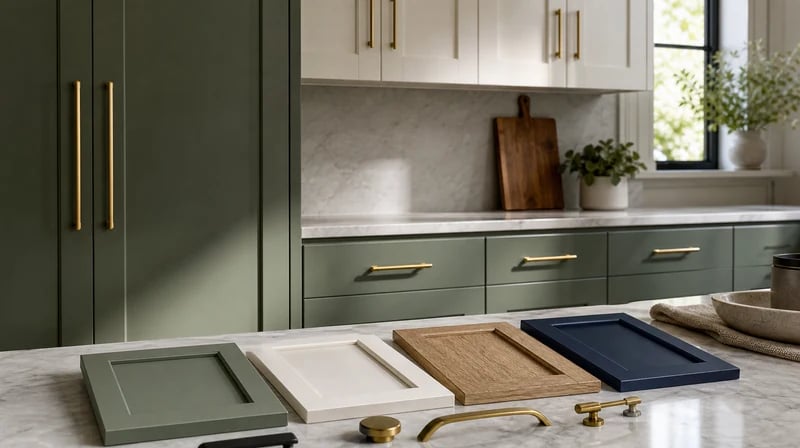
Quartz, marble, granite, butcher block, or concrete - countertop material changes the character of a kitchen completely. The AI applies surface textures realistically, including how light reflects off polished versus honed finishes. Pair it with a new backsplash - subway tile, zellige, large format stone, or patterned mosaic - and see the full composition before you order a single sample.
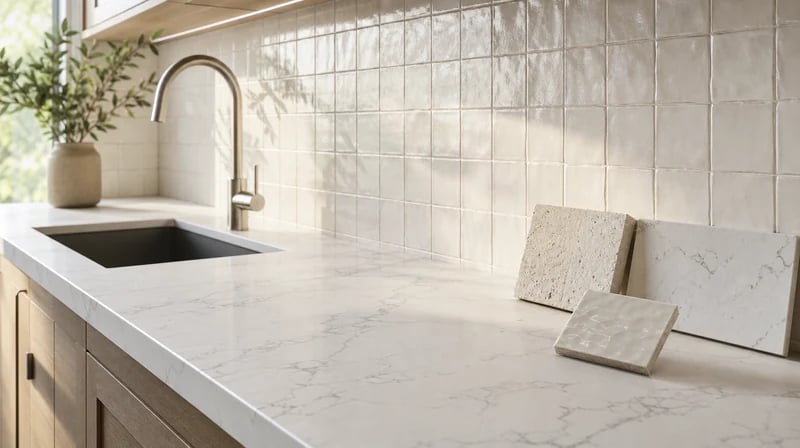
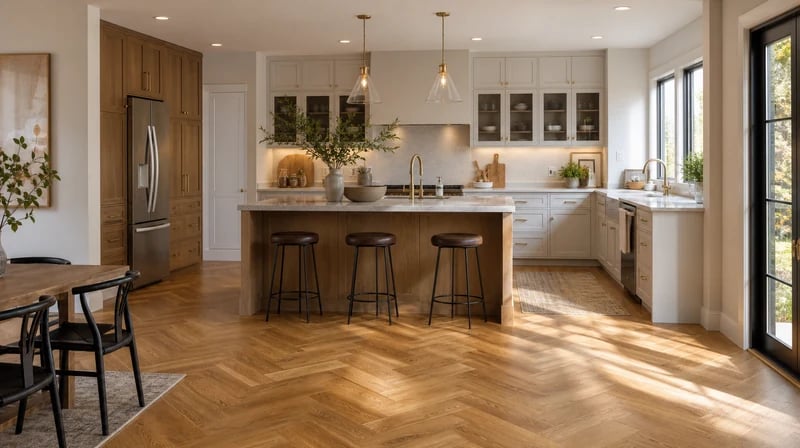
Whether you're planning a modern kitchen remodel, a small kitchen remodel that needs to feel larger, or a full farmhouse transformation, the AI works across every residential kitchen aesthetic. Describe what you want - "bright Scandinavian kitchen with open shelving and warm wood accents" - or pick a style from the library. The result applies to your specific layout, not a generic showroom.
1
"I spent three weeks scrolling Pinterest trying to figure out what style I wanted for our kitchen. I uploaded a photo to Paintit and had a before and after render in two minutes. It turned out I wanted sage green cabinets with brass hardware - something I never would have picked from a mood board alone. Showed it to our contractor and he quoted exactly that."
2
"I use the kitchen remodel renders for listings with dated kitchens. A quick before and after shows buyers the potential without them needing to imagine it themselves. It's changed how I present properties that need work - buyers stop seeing the problem and start seeing the opportunity."
3
"Client presentations used to start with a long discussion about what they didn't want. Now I generate three kitchen remodel options before the first meeting and we spend the time refining a direction instead. It's saved me hours per project."
4
"We rent and can't actually remodel, but I used the tool to plan what I'd do if we owned it - just to see. The results were so clear that when we do buy, I already know exactly what I want and roughly what it would look like. It's basically a dream kitchen planner."

Kitchen remodel inspiration doesn't arrive on a schedule - it hits on a Sunday afternoon when you're tired of looking at your cabinets. Paintit.ai generates a remodel render in under two minutes, so you can explore the idea while it's fresh. No appointment, no waiting, no commitment.

Our AI applies materials, finishes, and lighting in a way that reflects how they actually look in real kitchens - not idealized CGI. Contractors who receive Paintit renders as briefs tell us they're clearer than most hand-drawn specifications. The render becomes the reference document that prevents the "that's not what I meant" conversation mid-project.

A kitchen design consultation costs $150–$500. A professional 3D render of a single concept runs $300–$800. With Paintit.ai's free AI kitchen remodel tool, you can generate and compare multiple complete remodel directions before spending anything. It's a free kitchen remodel app for the exploration phase - you only spend money when you know what you want.
Start free with an account — the Free plan includes 30 credits at 1K resolution, no credit card. Upgrade for more credits and higher-resolution exports: Starter (500 credits, 2K — $14.99/mo), Pro (1,500 credits, 4K, watermark-free, commercial licence — $29.99/mo), or Max (4,500 credits — $79.99/mo). No hidden fees, 7-day money-back, cancel anytime.
Yes. Paintit.ai's AI kitchen remodel tool lets you upload a photo of your existing kitchen and generate a photorealistic render showing new cabinets, countertops, flooring, backsplash, and lighting - all applied to your actual kitchen space. The process takes under two minutes and requires no design experience.
Yes. The Free plan includes 30 credits at no cost - enough to generate and compare multiple kitchen remodel directions. No credit card is required to sign up. Upload a photo, describe what you want to change, and get a photorealistic render immediately.
The AI preserves your kitchen's actual spatial structure - cabinet layout, wall positions, window light, and floor plane - and applies the new finishes on top. The result is accurate enough to use as a contractor brief. For structural changes like moving walls or reconfiguring plumbing, the renders show the aesthetic intent clearly, but you'll still need a contractor to assess technical feasibility.
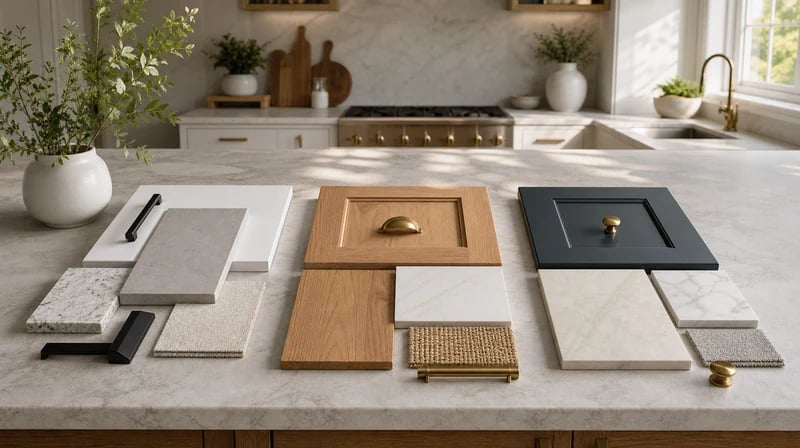
You can change cabinet color, door style, and hardware. Countertop material and color. Backsplash tile type and pattern. Flooring material and color. Wall paint color. Lighting fixture style. Overall architectural style - modern, farmhouse, Scandinavian, industrial, transitional, and more. You can also test combinations: for example, keep existing cabinet layout but update just the countertop and backsplash.
Paintit.ai runs entirely in the browser - no app download required. It works on desktop, tablet, and mobile. You upload your photo, chat with the AI, and generate renders all in one interface. If you're looking for a free kitchen remodel app experience without downloading anything, this is it.
Yes - this is one of the most common uses. Download your render as a high-resolution image and send it directly to your contractor as a visual brief. Users on Pro and above have a commercial license that covers using the renders in professional contexts including contractor proposals, client presentations, and real estate listings. For real estate applications, the tool pairs naturally withvirtual staging for real estate listings.
Yes. The AI works with any kitchen size and configuration - galley kitchens, L-shaped, U-shaped, open plan, and small kitchen layouts. For a small kitchen remodel specifically, describing space-saving goals ("make it feel more open", "reduce visual clutter", "add more light") in the prompt helps the AI generate layouts and finishes that address those specific challenges.
Stop wondering what your kitchen could look like. Upload a photo and get a photorealistic AI kitchen remodel render in under two minutes - free to start, no design experience needed, no credit card required.
START MY KITCHEN REMODEL FREEDive deeper into Paintit.ai and learn how AI can change not only room design but your whole creative process.
1
Explore AI room design tools that are free. Instantly create and visualize stunning interiors with ease. Perfect for bedrooms, living rooms, and more. Start designing today!
2
Discover endless creativity with our AI concept generator. Generate and refine design ideas for architecture, interiors, and more. Start creating today!
3
Redesign your home exterior effortlessly with our free AI house exterior design generator. Explore styles, materials, and textures tailored to your vision.
4
Create stunning house designs effortlessly with our free AI house generator. Explore styles, layouts, and features tailored to your vision. Start designing today!
5
Visualize paint colors for your home with the free AI house painter. Explore styles, match colors, and redesign walls effortlessly. Start designing now!
6
Create stunning outdoor designs with free AI landscape design tools. Generate gardens, patios, and yard layouts effortlessly. Start designing today!
7
Create stunning photorealistic renders for architecture and interior design with AI Rendering. Fast, easy, and accessible for all skill levels. Start for free today!
8
Design your dream home exterior with our easy-to-use home exterior design tool. Visualize colors, materials, and styles in real time. Try it for free today!
9
Upload a bathroom photo and visualize new tiles, vanities, fixtures, flooring, and lighting before you start renovation work. Try AI bathroom remodel ideas for free.
10
Create floor plan layouts from a text prompt or sketch. Plan room flow, dimensions, and layouts faster with an AI floor plan generator built for early design decisions.
11
Generate furniture concepts and place them directly inside your room photo. Explore sofas, tables, beds, shelving, lighting, and decor ideas in context.
12
Rearrange furniture in your room without moving heavy pieces. Test layouts, traffic flow, and furniture positions with AI before changing the real space.
13
Preview exterior renovation ideas for siding, trim, roofs, windows, doors, landscaping, and curb appeal updates using a photo of your current home.
14
Test paint colors on real room and exterior photos before buying samples. Compare palettes, accent walls, and finish directions in minutes.
15
Visualize kitchen remodel ideas with new cabinets, counters, backsplashes, flooring, lighting, and layouts before committing to a renovation plan.
16
See how different rugs look in your actual room. Compare styles, sizes, colors, and placement options before choosing the right rug.
17
Improve listing photos with AI enhancement for brighter, cleaner, more polished real estate visuals that help rooms look ready for buyers.
18
Turn room ideas into realistic interior renderings.
19
Preview wall colors, finishes, and design ideas in your space.
20
Explore door styles and exterior updates before renovating.
21
Visualize a floor plan as a realistic room design.
22
Compare flooring ideas in the context of your room.
23
Preview driveway layouts and materials for your home.
24
Explore paver patterns and surfaces for outdoor spaces.
25
Explore ideas for expanding your home's living space.
26
Turn a design sketch into a realistic visual concept.
27
Visualize an architectural elevation as a realistic render.
28
Preview cabinet styles, colors, and finishes in your room photo.
29
Explore deck concepts using a photo of your backyard.
30
Visualize garden layout and planting ideas for your yard.
31
Explore coordinated remodeling ideas across interior spaces.
32
Preview window styles and finishes on your home photo.
33
Try paint-color directions on a photo of your furniture.
34
Compare countertop materials and colors in your kitchen photo.
35
Preview outdoor lighting concepts in your real landscape.
36
See curtain styles, colors, and patterns on your own window.
37
Enhance an existing architectural or interior render for presentation.
