Door style
shaker, flat-panel, raised-panel, glass-front. Prompt cue: "Use white shaker cabinet doors."
This Paintit.ai tool turns a photo of your kitchen or bathroom into a cabinet style preview. Use an AI cabinet design tool to test shaker, flat-panel, or two-tone cabinets in new colors and finishes before you buy or install anything.
Upload your kitchen or bathroom photo in the app, describe the cabinet style and color you want, then tell Paintit.ai what should stay fixed. The output is best for early style decisions and contractor conversations. It is not an exact manufacturer match or an installer's quote.
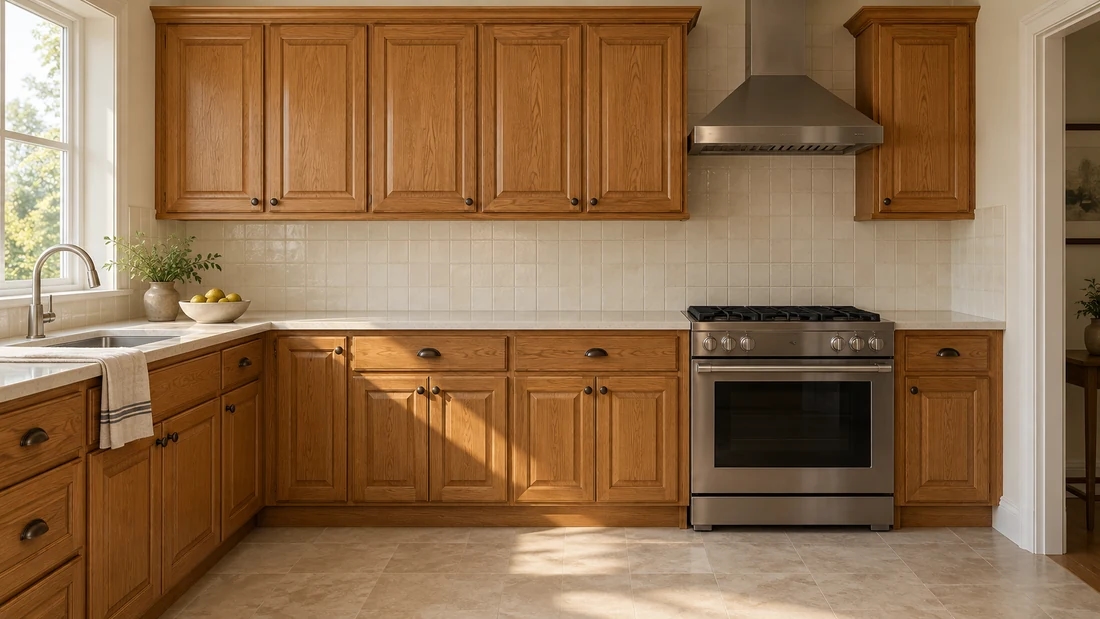
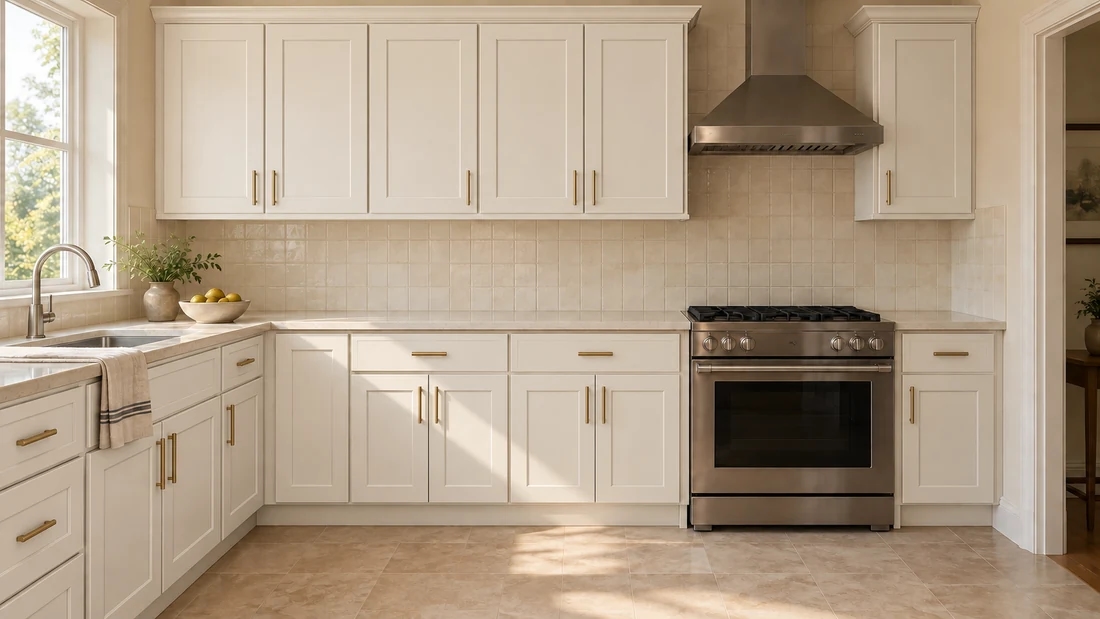
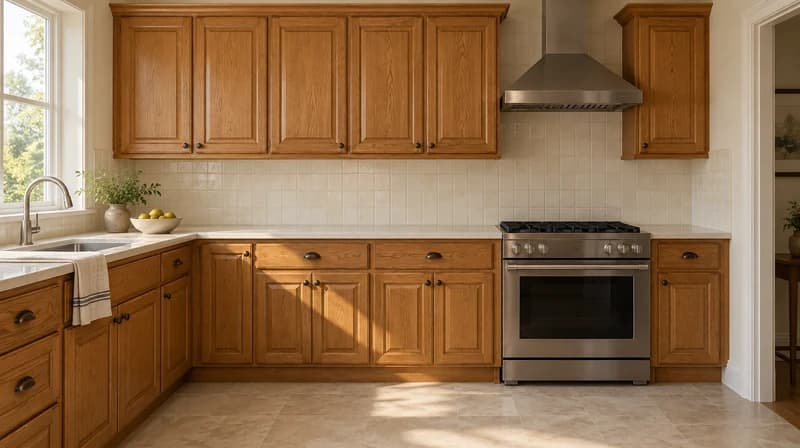
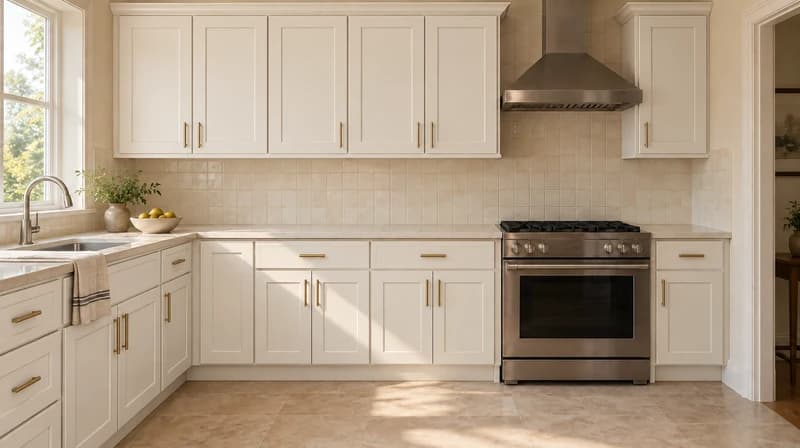
Cabinet search intent is narrower than a full kitchen or bathroom redesign. This block states explicitly what stays fixed while the cabinets change, the same pattern used on the curtain and window visualizer pages.
Prompt examples: Change only the cabinet doors to white shaker style. Keep the countertops and appliances unchanged. Try a two-tone cabinet look, navy lower cabinets and white upper cabinets. Keep the layout the same. Update the cabinet hardware to brushed brass. Do not change anything else.
Limitation note: Paintit.ai can visually preserve countertops, appliances, and layout when prompted, but it does not verify exact manufacturer SKUs, cabinet measurements, or installation feasibility.
| Preserve | Change |
|---|---|
| Countertops and backsplash | Cabinet door style: shaker, flat-panel, raised-panel |
| Appliances and fixtures | Cabinet color and finish |
| Room layout and walls | Hardware: handles, knobs, pulls |
| Flooring | Two-tone or upper/lower color combinations |
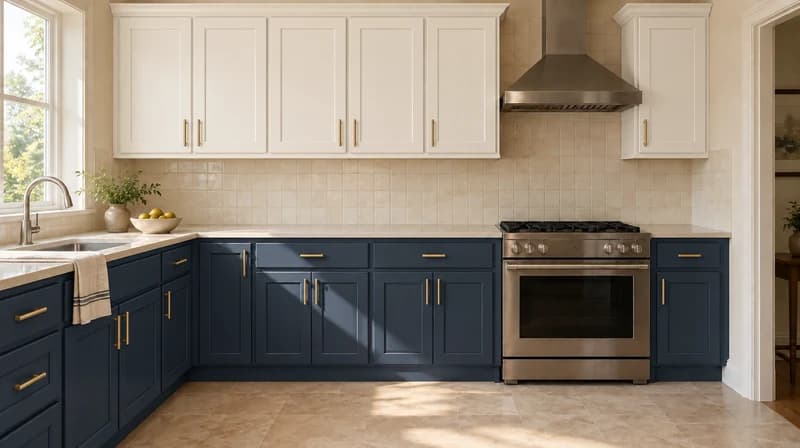
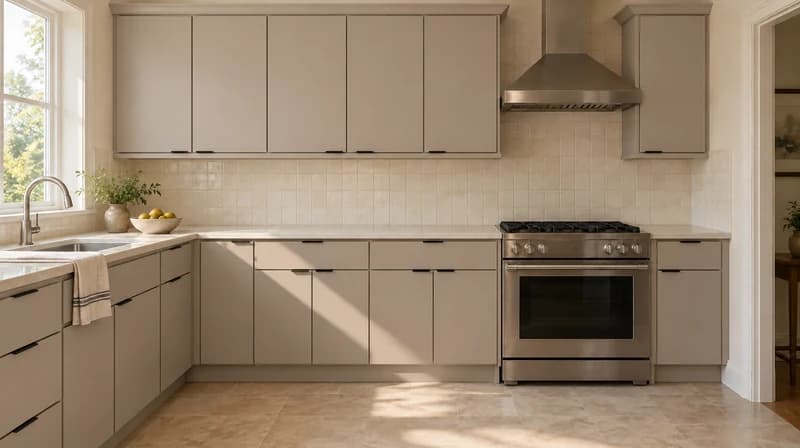
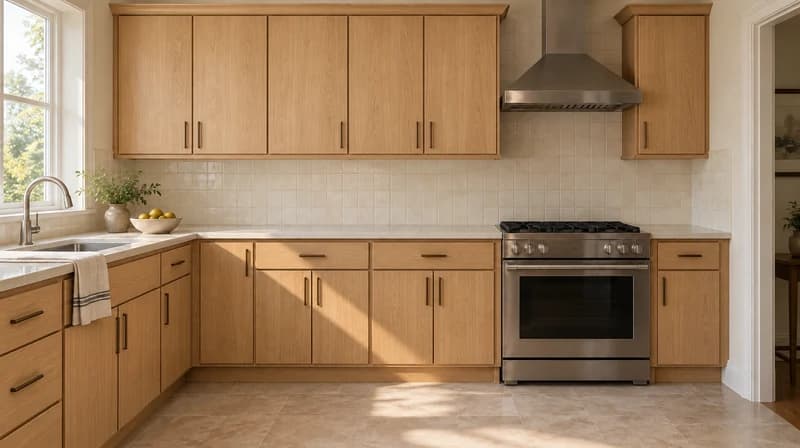
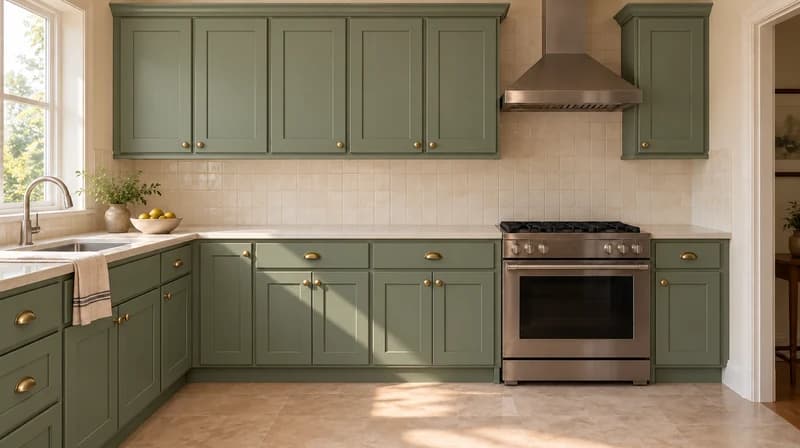
| Workflow | Good for | Limitation | Where Paintit.ai helps |
|---|---|---|---|
| Vendor/dealer cabinet visualizers (Collov-style) | Testing a specific brand's SKU catalog before ordering | Locked to that dealer's product line; usually not self-serve for homeowners | Works on any style direction, no vendor lock-in |
| Showroom samples | Seeing real material and finish quality | Doesn't show the cabinets in your actual kitchen | Previews the style in your real space and lighting |
| Generic AI image generators | Fast text-to-image inspiration | Ignores your actual cabinets, layout, and countertops | Starts from your own photo and preserves what should stay |
| Paintit.ai cabinet design | Early style and color direction, before ordering or hiring | Not a manufacturer match or installer quote | Narrows the shortlist before that conversation |
Prompt template
[kitchen/bathroom photo] + [cabinet style] + [color/finish] + [hardware] + [what to preserve]
Kitchen photo, white shaker cabinet doors with brushed brass hardware, keep the countertops and appliances unchanged.
Start free with an account — the Free plan includes 30 credits at 1K resolution, no credit card. Upgrade for more credits and higher-resolution exports: Starter (500 credits, 2K — $14.99/mo), Pro (1,500 credits, 4K, watermark-free, commercial licence — $29.99/mo), or Max (4,500 credits — $79.99/mo). No hidden fees, 7-day money-back, cancel anytime.
Yes. You can upload a kitchen or bathroom photo and generate your first cabinet design previews for free.
Yes, if the prompt is explicit. Use wording like: "Change only the cabinets to white shaker style. Keep the countertops and appliances unchanged."
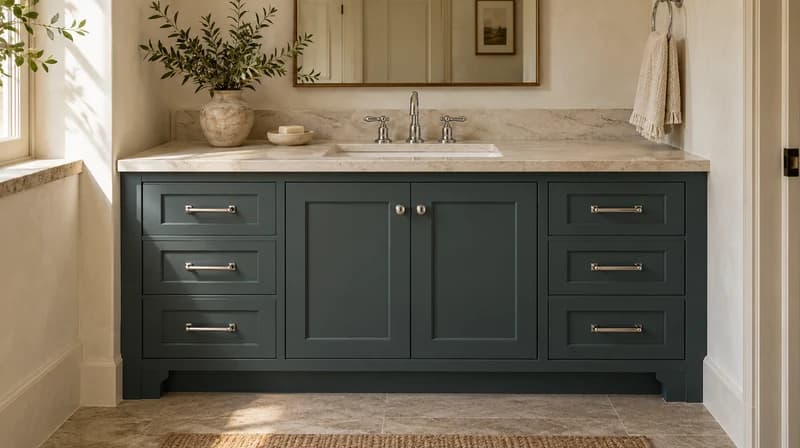
Yes. Upload a bathroom photo and preview new vanity cabinet colors, finishes, and hardware the same way.
Shaker, flat-panel, raised-panel, two-tone, and natural wood finishes, plus any custom style you describe.
No. Paintit.ai creates visual concepts, not an exact SKU match. Confirm exact products and pricing with a cabinet retailer or installer.
Yes. Vendor tools are usually locked to one dealer's catalog. Paintit.ai works on any style direction from your own photo, without being tied to a specific brand.
Upload a kitchen or bathroom photo and preview new cabinet styles, colors, and finishes with Paintit.ai.
DESIGN MY CABINETSDive deeper into Paintit.ai and learn how AI can change not only room design but your whole creative process.
1
Explore AI room design tools that are free. Instantly create and visualize stunning interiors with ease. Perfect for bedrooms, living rooms, and more. Start designing today!

2
Discover endless creativity with our AI concept generator. Generate and refine design ideas for architecture, interiors, and more. Start creating today!
3
Redesign your home exterior effortlessly with our free AI house exterior design generator. Explore styles, materials, and textures tailored to your vision.
4
Create stunning house designs effortlessly with our free AI house generator. Explore styles, layouts, and features tailored to your vision. Start designing today!
5
Visualize paint colors for your home with the free AI house painter. Explore styles, match colors, and redesign walls effortlessly. Start designing now!
6
Create stunning outdoor designs with free AI landscape design tools. Generate gardens, patios, and yard layouts effortlessly. Start designing today!
7
Create stunning photorealistic renders for architecture and interior design with AI Rendering. Fast, easy, and accessible for all skill levels. Start for free today!
8
Design your dream home exterior with our easy-to-use home exterior design tool. Visualize colors, materials, and styles in real time. Try it for free today!
9
Upload a bathroom photo and visualize new tiles, vanities, fixtures, flooring, and lighting before you start renovation work. Try AI bathroom remodel ideas for free.
10
Create floor plan layouts from a text prompt or sketch. Plan room flow, dimensions, and layouts faster with an AI floor plan generator built for early design decisions.
11
Generate furniture concepts and place them directly inside your room photo. Explore sofas, tables, beds, shelving, lighting, and decor ideas in context.
12
Rearrange furniture in your room without moving heavy pieces. Test layouts, traffic flow, and furniture positions with AI before changing the real space.
13
Preview exterior renovation ideas for siding, trim, roofs, windows, doors, landscaping, and curb appeal updates using a photo of your current home.
14
Test paint colors on real room and exterior photos before buying samples. Compare palettes, accent walls, and finish directions in minutes.
15
Visualize kitchen remodel ideas with new cabinets, counters, backsplashes, flooring, lighting, and layouts before committing to a renovation plan.
16
See how different rugs look in your actual room. Compare styles, sizes, colors, and placement options before choosing the right rug.
17
Improve listing photos with AI enhancement for brighter, cleaner, more polished real estate visuals that help rooms look ready for buyers.
18
Turn room ideas into realistic interior renderings.
19
Preview wall colors, finishes, and design ideas in your space.
20
Explore door styles and exterior updates before renovating.
21
Visualize a floor plan as a realistic room design.
22
Compare flooring ideas in the context of your room.
23
Preview driveway layouts and materials for your home.
24
Explore paver patterns and surfaces for outdoor spaces.
25
Explore ideas for expanding your home's living space.
26
Turn a design sketch into a realistic visual concept.
27
Visualize an architectural elevation as a realistic render.
28
Preview cabinet styles, colors, and finishes in your room photo.
29
Explore deck concepts using a photo of your backyard.
30
Visualize garden layout and planting ideas for your yard.
31
Explore coordinated remodeling ideas across interior spaces.
32
Preview window styles and finishes on your home photo.
33
Try paint-color directions on a photo of your furniture.
34
Compare countertop materials and colors in your kitchen photo.
35
Preview outdoor lighting concepts in your real landscape.
36
See curtain styles, colors, and patterns on your own window.
37
Enhance an existing architectural or interior render for presentation.
