AI Interior Design Tool for Interior Designers
Create client-ready interior concepts from real photos, sketches, references, or prompts — then refine them with simple chat instructions.
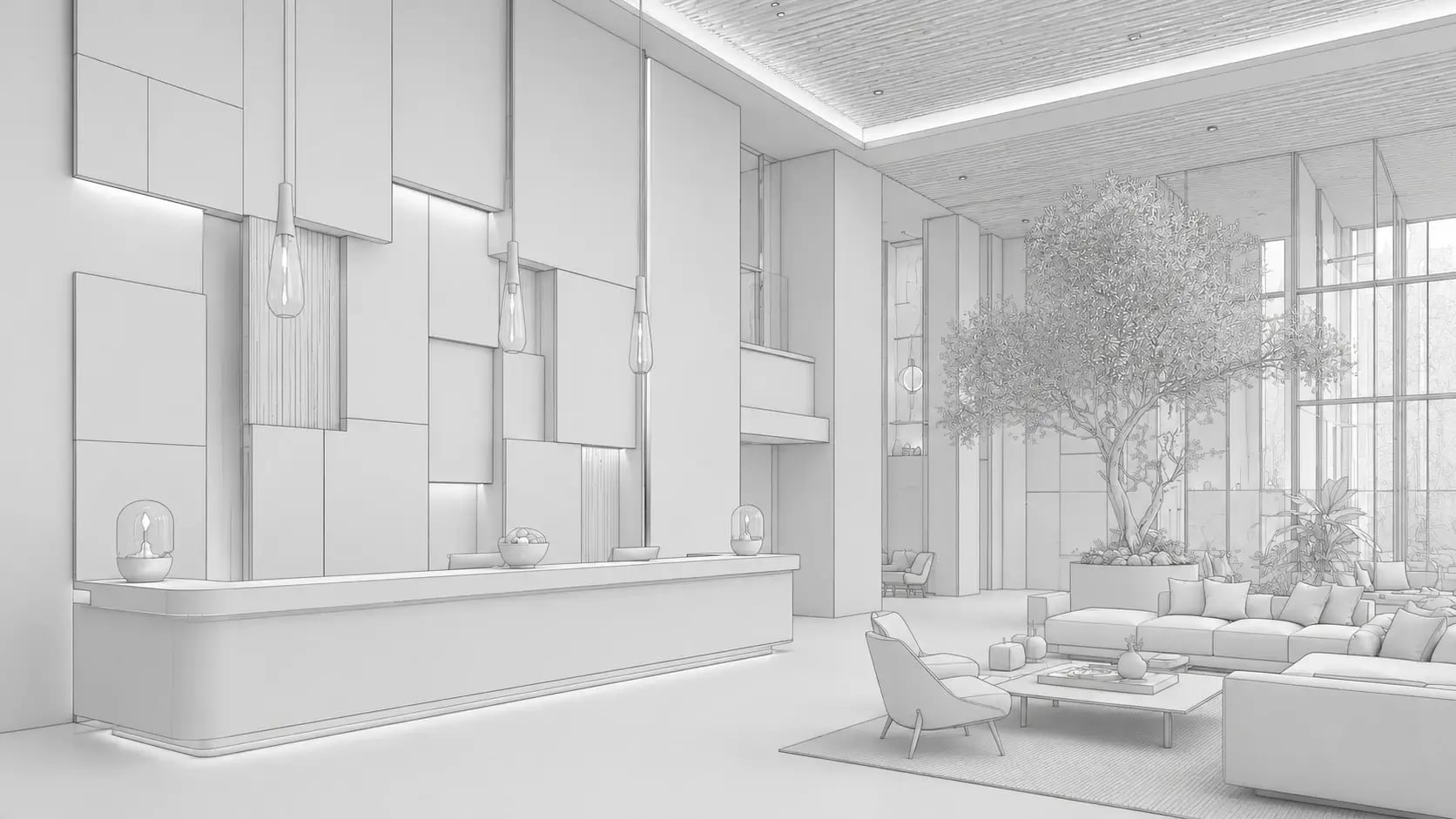
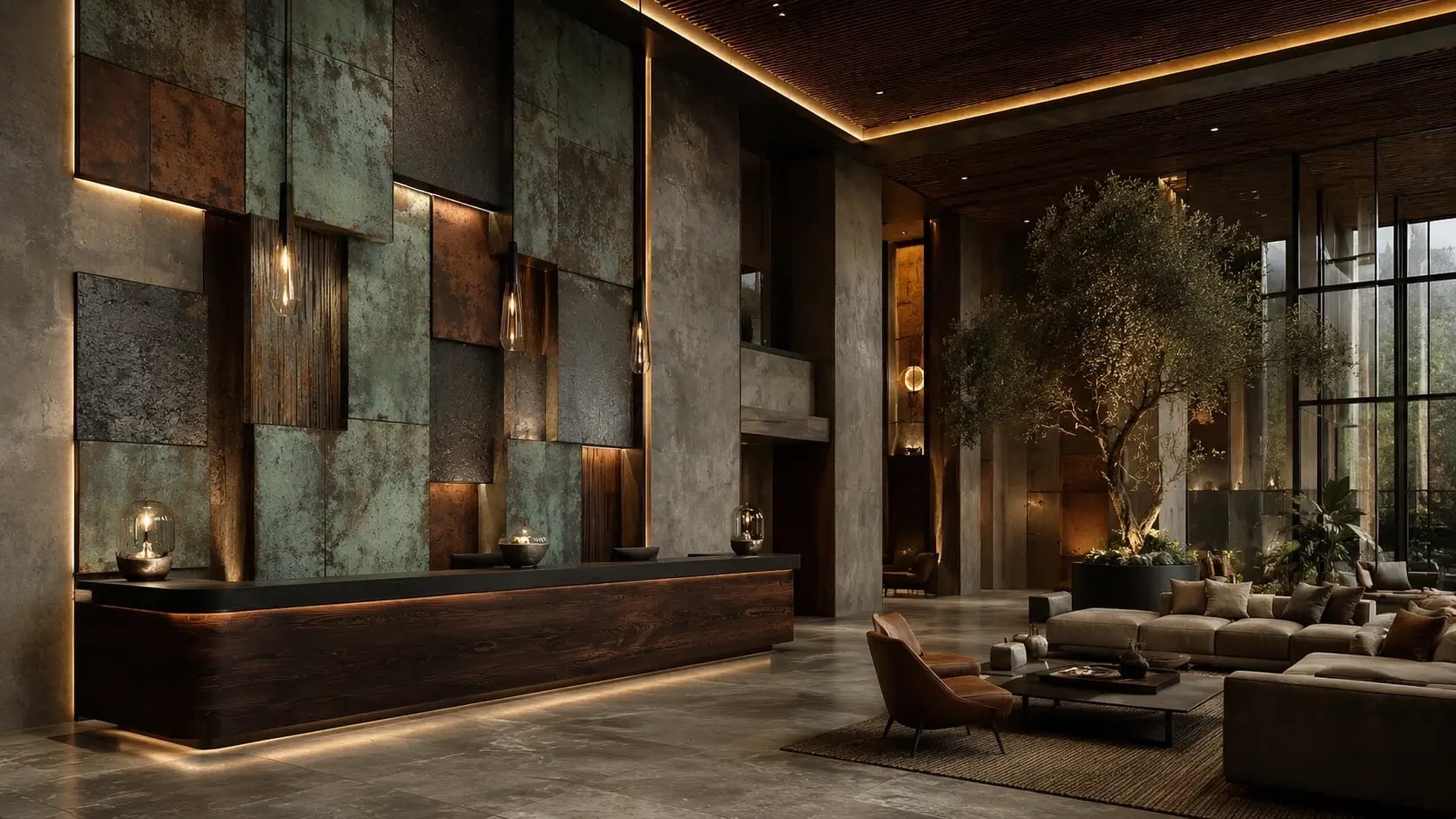
Paintit.ai helps interior designers move faster from first idea to visual direction. Upload a room photo, describe the style, test furniture, materials, colors, lighting, and layout ideas, then generate polished visuals your clients can understand without long explanations.
It is not here to replace your taste, process, or final technical work. It is here to speed up early concepts, client alignment, visual revisions, and presentation-ready design exploration.
Interior design clients do not need more imagination. They need to see it.
Clients often struggle to approve ideas from moodboards, references, or verbal descriptions alone. A sofa, wall color, lighting direction, or material palette can sound right — and still feel wrong once they see it in their actual space.
Paintit.ai gives you a faster way to turn design conversations into visuals. Instead of waiting for a full 3D model or outsourcing every early render, you can create quick, realistic directions and use them to align the client before deeper production work begins.
Too many early ideas, not enough time
Create several directions before investing hours into detailed modeling.
Clients cannot visualize decisions
Show the room, not just the reference.
Revisions kill momentum
Use chat to adjust the concept instead of restarting the process.
Moodboards stop before execution
Move from inspiration toward furniture, decor, and real buying direction.
A faster way to create client-ready design concepts
Paintit.ai is built for the messy early stage of interior design: when the client likes “modern,” but also wants it warmer; when the room photo is imperfect; when the layout should mostly stay; when you need three strong directions before the next call.
Use it to create visual options, refine them in natural language, and turn abstract preferences into something the client can react to.
Generate first concepts in minutes
Upload a photo or start from a prompt. Explore styles, colors, materials, lighting, and furniture directions without opening heavy 3D software.
Revise without starting over
Ask for changes in plain English: “make it more premium,” “keep the sofa,” “change the walls to warm white,” “add a larger rug,” or “try a Japandi version.”
Present ideas clients understand
Use visuals to reduce confusion, shorten feedback loops, and help clients make decisions faster.
Move from image to real-world direction
Paintit.ai can suggest furniture and decor ideas from generated designs, helping bridge the gap between visual concept and shopping direction.
How interior designers use Paintit.ai
Move from the first photo or reference to clear client-ready visual options, then refine the direction before deeper production work begins.
Interior Design Renders
Explore AI-generated concepts for residential, commercial, and hospitality projects before moving into final presentations.
Paintit.ai vs traditional interior design visualization workflows
Workflow
Good for
Limitation
Where Paintit.ai helps
Workflow
Moodboards
Good for
Inspiration and style direction
Limitation
Clients still need to imagine the result
Where Paintit.ai helps
Turns references into visuals inside the real space
Workflow
Manual 3D rendering
Good for
Final polished presentation
Limitation
Slow and expensive for early exploration
Where Paintit.ai helps
Helps test directions before full production
Workflow
Generic AI image tools
Good for
Fast inspiration
Limitation
Often changes too much or ignores the actual room
Where Paintit.ai helps
Uses room-photo workflow and chat-based refinement
Workflow
Paintit.ai
Good for
Early concepts, revisions, staging, client alignment
Limitation
Not a replacement for final CAD/spec documentation
Where Paintit.ai helps
Speeds up visual decision-making and presentation prep
Pricing
Start with a free AI interior design tool, then upgrade for more credits, higher-resolution exports, private mode and commercial usage. Built for fast AI design — interior, exterior and commercial.
AI interior design for designers: questions answered
Is Paintit.ai suitable for professional interior designers?
Yes. Paintit.ai is useful for interior designers who need fast concept visuals, client presentation options, style exploration, virtual staging, and quick design revisions. It works best in the early and middle stages of a project, before final technical documentation.
Can I use Paintit.ai for client presentations?
Yes, if your plan includes the right export quality and commercial usage rights. For client work, choose a plan that clearly includes commercial use, watermark-free outputs, and higher-resolution export options.
Does Paintit.ai replace 3D rendering software?
No. Paintit.ai is not a full replacement for advanced 3D rendering, CAD, or technical design documentation. It is best used to speed up concepts, visual exploration, mood alignment, and client feedback before final production work.
Do I need advanced AI prompting skills?
No. Paintit.ai is built for natural design conversations. You can describe the room, style, mood, materials, constraints, or client goals in plain language and refine the direction step by step.
Can I upload real room photos?
Yes. Paintit.ai supports real photo workflows, so you can upload an existing room and redesign, restyle, repaint, stage, or adjust it with AI.
Can I ask for specific changes?
Yes. Paintit.ai uses a chat-based workflow, so you can ask for changes in natural language: change the wall color, replace furniture, make the room warmer, add lighting, try another style, or refine the mood.
Can I use Paintit.ai for commercial interiors?
Yes. Paintit.ai can help visualize offices, cafes, restaurants, hotels, showrooms, lobbies, and other commercial spaces. For business use, choose a plan that includes commercial usage rights.
Can Paintit.ai help with furniture sourcing?
Yes. Paintit.ai can suggest furniture and decor ideas from generated designs, helping you move from a visual concept toward a more actionable shopping direction.
Is there a free version?
Yes. Paintit.ai has a free plan, so you can test the workflow before upgrading. Paid plans add more credits, better quality, private mode, watermark-free exports, Pinterest connection, commercial usage, or shared projects depending on the plan.