1
Explore AI room design tools that are free. Instantly create and visualize stunning interiors with ease. Perfect for bedrooms, living rooms, and more. Start designing today!

Seconds
Time to render any furniture placement option in your room photo
Any layout
Test as many arrangements as you need in the same session
4 retailers
Shop real matching furniture via Amazon, IKEA, Jysk, and Ashley
Free
Starting plan - 30 credits, no credit card required
1
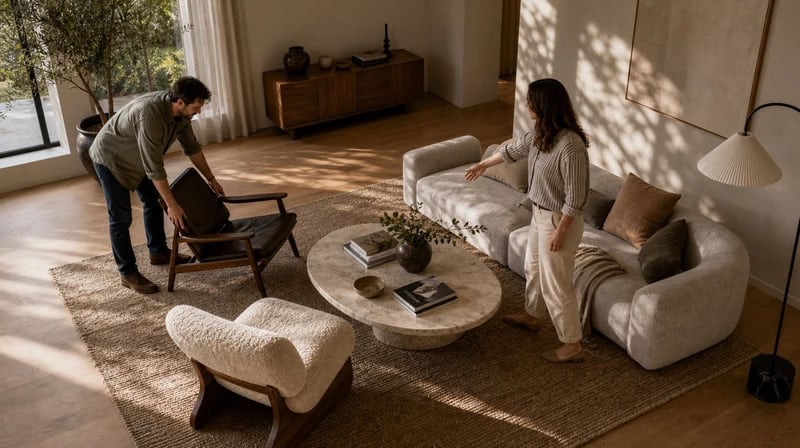
"My partner and I had completely different ideas about where the sofa should go. Instead of arguing, we uploaded a photo of our living room and tested four different arrangements in about fifteen minutes. We both liked the same one. No moving, no arguing, no putting it back. The AI got it right on the second try."
2
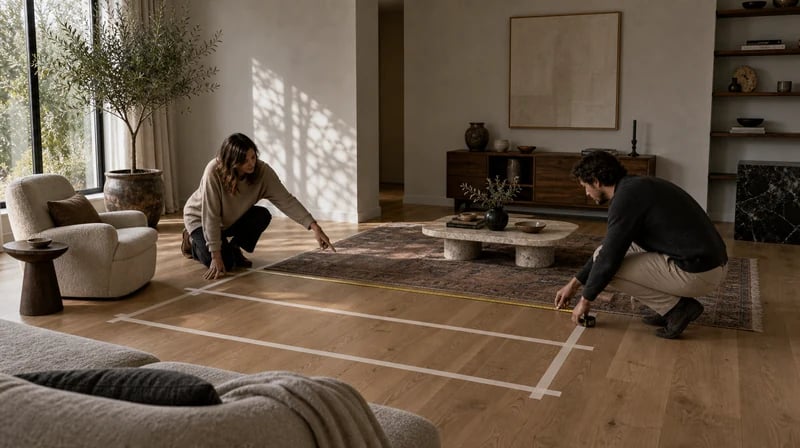
"I use it before client walkthroughs. I photograph the room on the first visit, generate two or three furniture placement options overnight, and arrive at the next meeting with visuals instead of sketches. Clients make faster decisions when they can see the actual room instead of a floor plan. It's cut my proposal approval time significantly."

Moving heavy furniture to test a layout and then moving it back is one of the most frustrating parts of home decorating. Buying a sofa that doesn't fit is expensive. Paintit.ai removes both risks. Test the arrangement in a photo, confirm it works, then either move the furniture once - into the right position - or order the new pieces knowing exactly how they'll sit in the room.

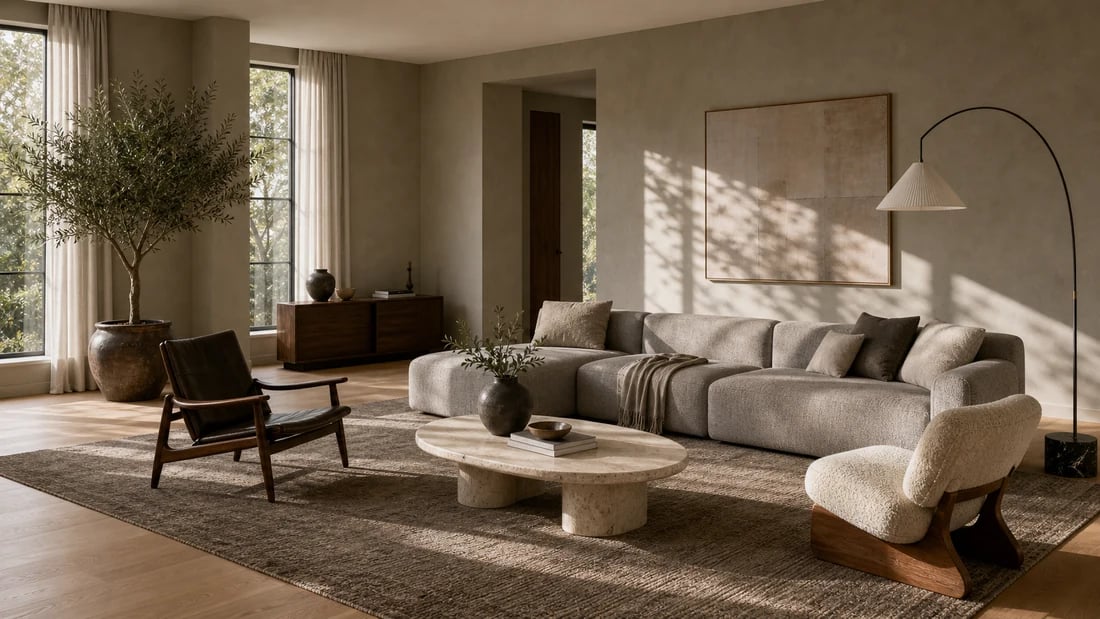
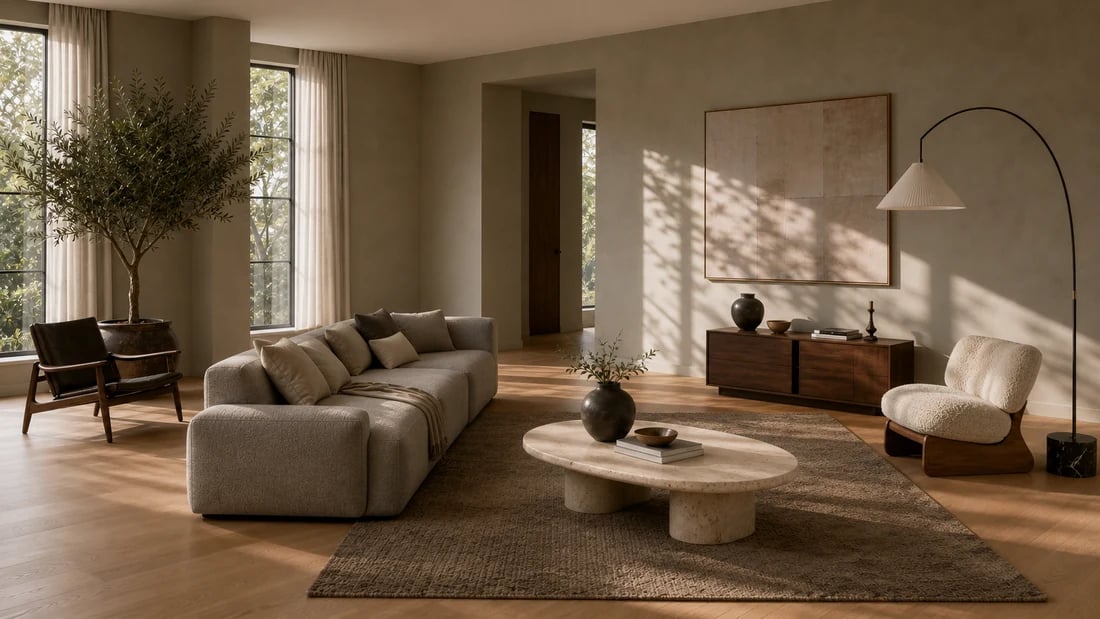
Dragging furniture icons around a 2D floor plan doesn't tell you whether the room will feel cramped. Paintit.ai places furniture in a photo of your actual room and renders the result in three dimensions, with correct scale, natural light response, and spatial depth. The AI understands furniture clearances, traffic paths, and visual weight - not just coordinates. Use it as avirtual furniture placementtool that shows you how the room actually feels, not just how it measures.

No other free AI furniture placement tool connects the visualization to a purchase. Paintit.ai's Shop Your Design feature shows you real matching products from Amazon, IKEA, Jysk, and Ashley the moment you find a layout you like. You design the arrangement, confirm it works in your room, and shop the pieces - all without switching tools or restarting a search. Start with afloor planif you're working from scratch, then use placement to finalize the layout.
Start free with an account — the Free plan includes 30 credits at 1K resolution, no credit card. Upgrade for more credits and higher-resolution exports: Starter (500 credits, 2K — $14.99/mo), Pro (1,500 credits, 4K, watermark-free, commercial licence — $29.99/mo), or Max (4,500 credits — $79.99/mo). No hidden fees, 7-day money-back, cancel anytime.
Stop guessing and start seeing. Upload a room photo, describe the layout you want, and get a photorealistic AI furniture placement render in seconds - then shop the pieces from Amazon, IKEA, Jysk, and Ashley without leaving the app. Free to start, no download needed.
TRY FREE AI FURNITURE PLACEMENTYes. Paintit.ai's AI furniture placement tool takes a photo of your current room and renders new furniture arrangements based on your description - without moving anything physically. Describe where you want each piece, and the AI shows you the result in your actual room in seconds. You can test multiple arrangements and compare them before deciding which one to commit to.
Yes. The Free plan includes 30 credits at no cost - no credit card required to sign up. That covers multiple furniture placement and rearrangement options in your room. Paintit.ai works in your browser on any device, so there's nothing to download or install. The free ai furniture placement experience includes the full Shop Your Design feature with purchase links from Amazon, IKEA, Jysk, and Ashley.
The AI places furniture in your room photo at correct proportions based on the spatial context it reads from the image - wall positions, floor area, existing furniture scale, and perspective. If you specify dimensions in your prompt ("a 96-inch sofa" or "a 30-inch side table"), the AI uses them to scale the placement accurately. The results are reliable enough to use as a reference for purchasing decisions and contractor briefings. For precise architectural planning, combine with theAI floor plan generator.
Yes. Describe the new piece you're considering - material, dimensions, style - and the AI places it in your room at accurate scale alongside your existing furniture. This is one of the most common uses: confirming that a new sofa, bed, or dining table actually fits and looks right before purchasing. When you find the right piece, Paintit.ai shows you where to buy it from Amazon, IKEA, Jysk, or Ashley with a direct product link.
Dive deeper into Paintit.ai and learn how AI can change not only room design but your whole creative process.
1
Explore AI room design tools that are free. Instantly create and visualize stunning interiors with ease. Perfect for bedrooms, living rooms, and more. Start designing today!
2
Discover endless creativity with our AI concept generator. Generate and refine design ideas for architecture, interiors, and more. Start creating today!
3
Redesign your home exterior effortlessly with our free AI house exterior design generator. Explore styles, materials, and textures tailored to your vision.
4
Create stunning house designs effortlessly with our free AI house generator. Explore styles, layouts, and features tailored to your vision. Start designing today!
5
Visualize paint colors for your home with the free AI house painter. Explore styles, match colors, and redesign walls effortlessly. Start designing now!
6
Create stunning outdoor designs with free AI landscape design tools. Generate gardens, patios, and yard layouts effortlessly. Start designing today!
7
Create stunning photorealistic renders for architecture and interior design with AI Rendering. Fast, easy, and accessible for all skill levels. Start for free today!
8
Design your dream home exterior with our easy-to-use home exterior design tool. Visualize colors, materials, and styles in real time. Try it for free today!
9
Upload a bathroom photo and visualize new tiles, vanities, fixtures, flooring, and lighting before you start renovation work. Try AI bathroom remodel ideas for free.
10
Create floor plan layouts from a text prompt or sketch. Plan room flow, dimensions, and layouts faster with an AI floor plan generator built for early design decisions.
11
Generate furniture concepts and place them directly inside your room photo. Explore sofas, tables, beds, shelving, lighting, and decor ideas in context.
12
Rearrange furniture in your room without moving heavy pieces. Test layouts, traffic flow, and furniture positions with AI before changing the real space.
13
Preview exterior renovation ideas for siding, trim, roofs, windows, doors, landscaping, and curb appeal updates using a photo of your current home.
14
Test paint colors on real room and exterior photos before buying samples. Compare palettes, accent walls, and finish directions in minutes.
15
Visualize kitchen remodel ideas with new cabinets, counters, backsplashes, flooring, lighting, and layouts before committing to a renovation plan.
16
See how different rugs look in your actual room. Compare styles, sizes, colors, and placement options before choosing the right rug.
17
Improve listing photos with AI enhancement for brighter, cleaner, more polished real estate visuals that help rooms look ready for buyers.
18
Turn room ideas into realistic interior renderings.
19
Preview wall colors, finishes, and design ideas in your space.
20
Explore door styles and exterior updates before renovating.
21
Visualize a floor plan as a realistic room design.
22
Compare flooring ideas in the context of your room.
23
Preview driveway layouts and materials for your home.
24
Explore paver patterns and surfaces for outdoor spaces.
25
Explore ideas for expanding your home's living space.
26
Turn a design sketch into a realistic visual concept.
27
Visualize an architectural elevation as a realistic render.
28
Preview cabinet styles, colors, and finishes in your room photo.
29
Explore deck concepts using a photo of your backyard.
30
Visualize garden layout and planting ideas for your yard.
31
Explore coordinated remodeling ideas across interior spaces.
32
Preview window styles and finishes on your home photo.
33
Try paint-color directions on a photo of your furniture.
34
Compare countertop materials and colors in your kitchen photo.
35
Preview outdoor lighting concepts in your real landscape.
36
See curtain styles, colors, and patterns on your own window.
37
Enhance an existing architectural or interior render for presentation.
