Paint and color
Accent walls, whole-room color, ceiling/wall combinations, warmer or cooler palettes.
This Paintit.ai tool helps you design a wall online from a real room photo. Preview paint colors, accent walls, wallpaper, wood paneling, murals, stone or brick textures, gallery walls, and wall decor before you buy supplies or drill into the wall.
Upload the room, describe the wall idea, and keep the rest of the space in context. The goal is simple: see whether the wall works with your furniture, flooring, lighting, rug, and room style before you commit.
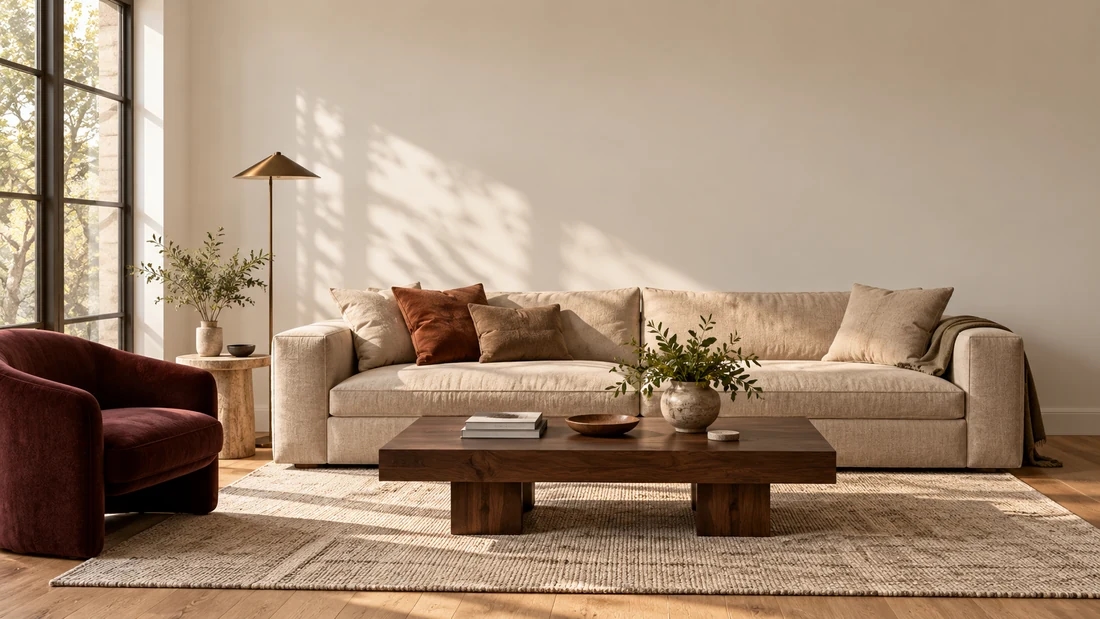
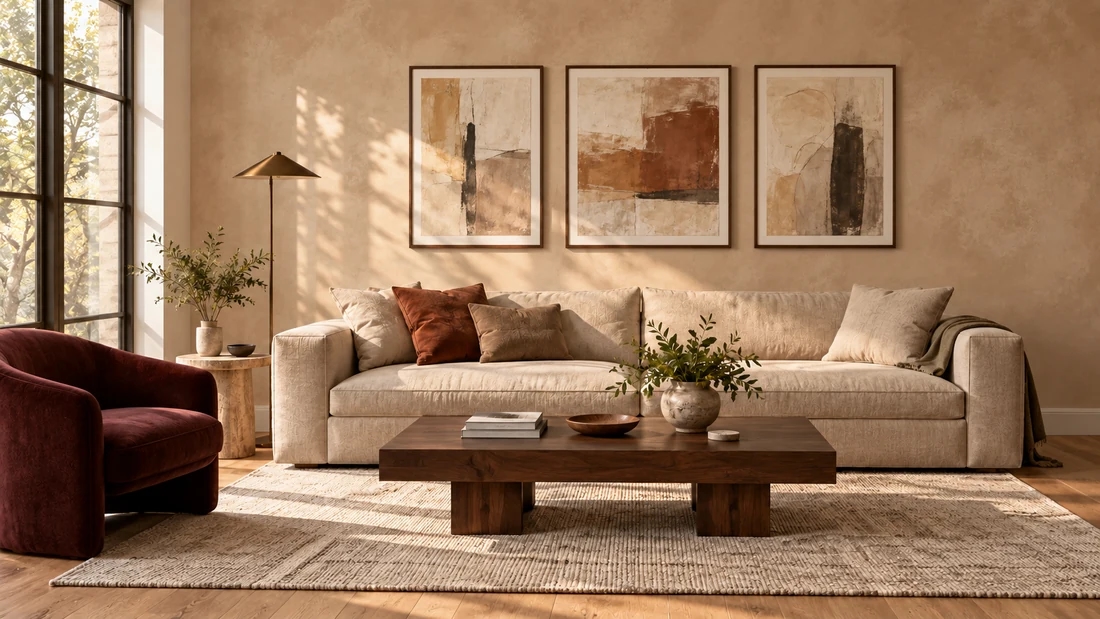
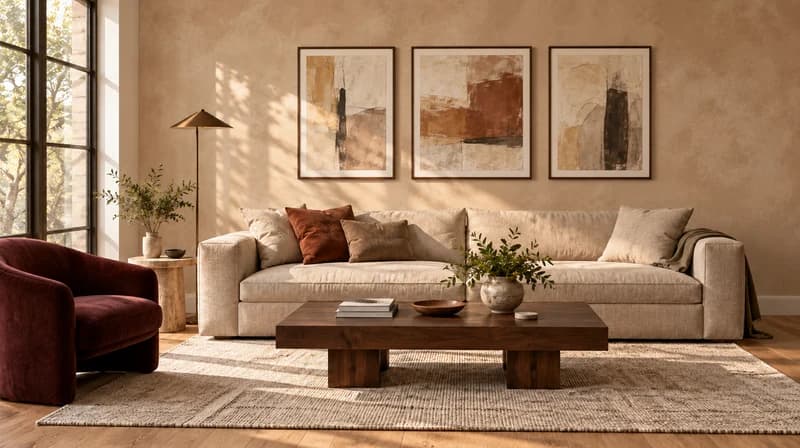
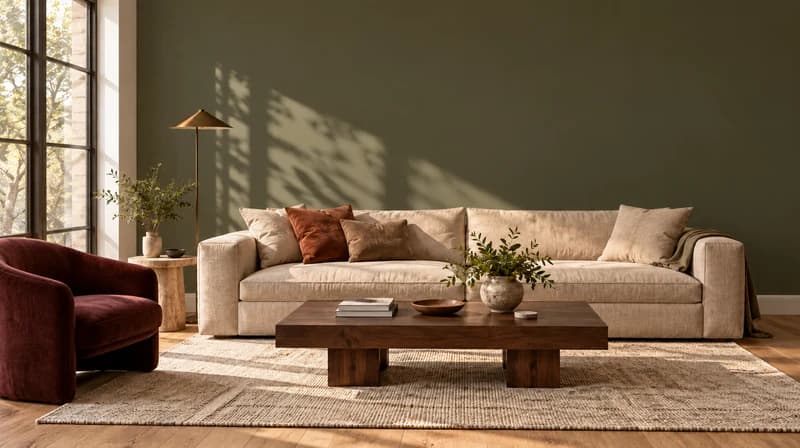
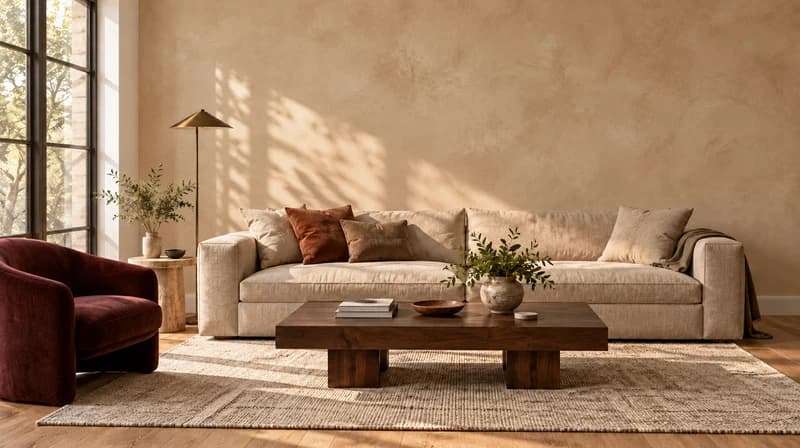
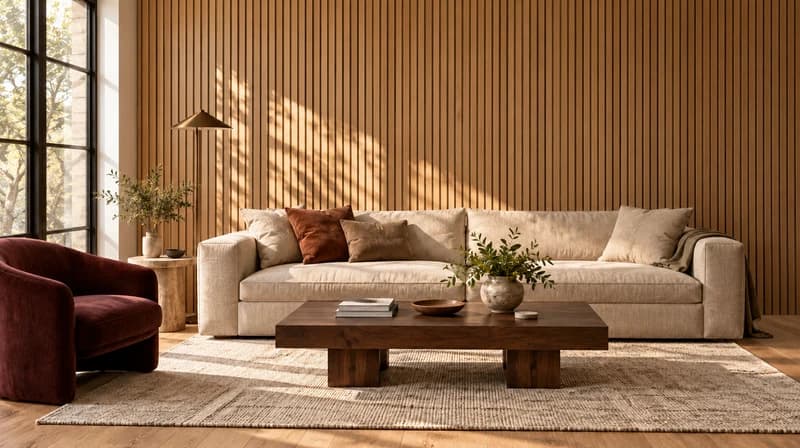
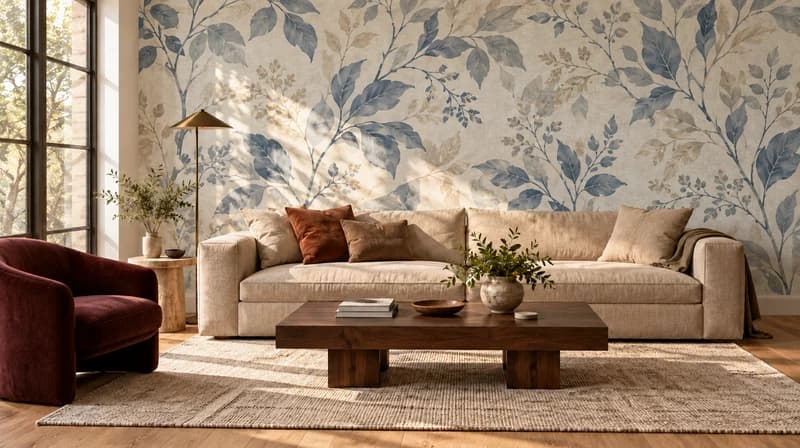
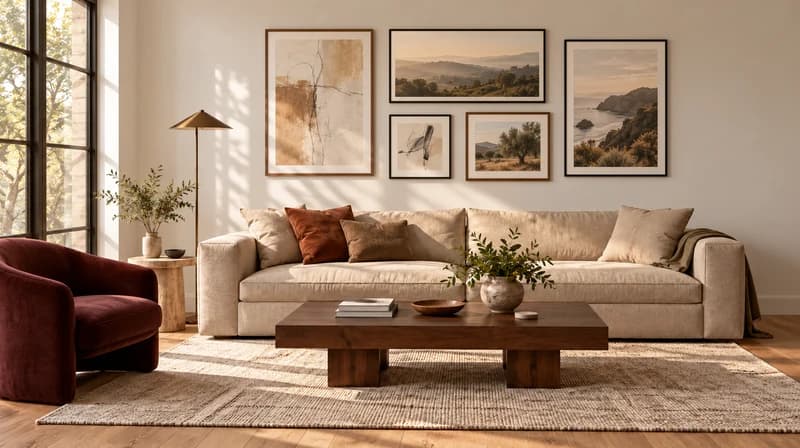
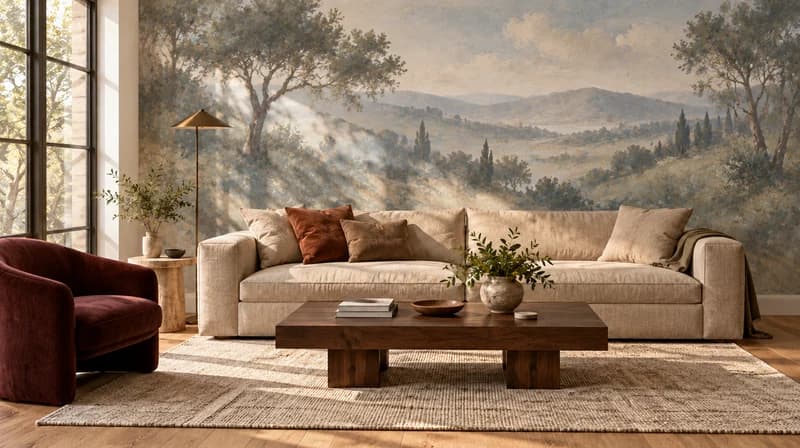
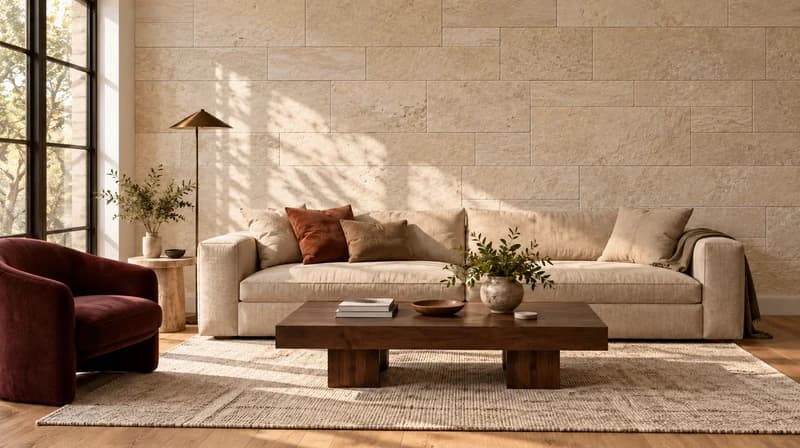
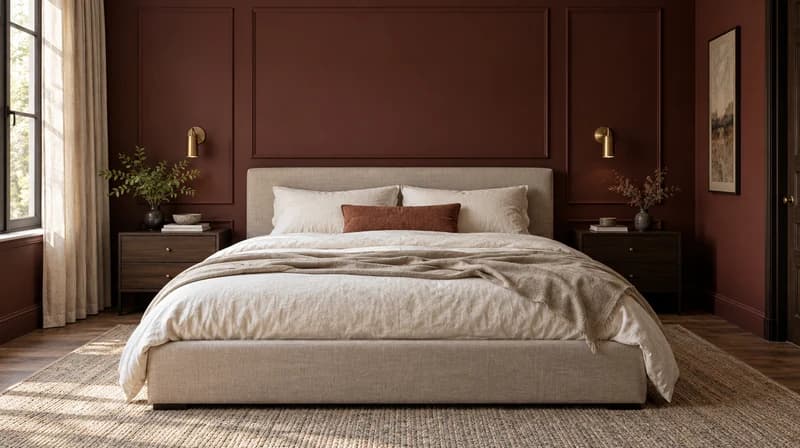
Prompt template
[Wall location] + [Wall treatment] + [Color/material/decor] + [Room style] + [What to keep unchanged]
Wall behind the sofa, muted olive painted accent wall, simple gallery wall with black frames, warm modern living room, keep sofa and floor unchanged.
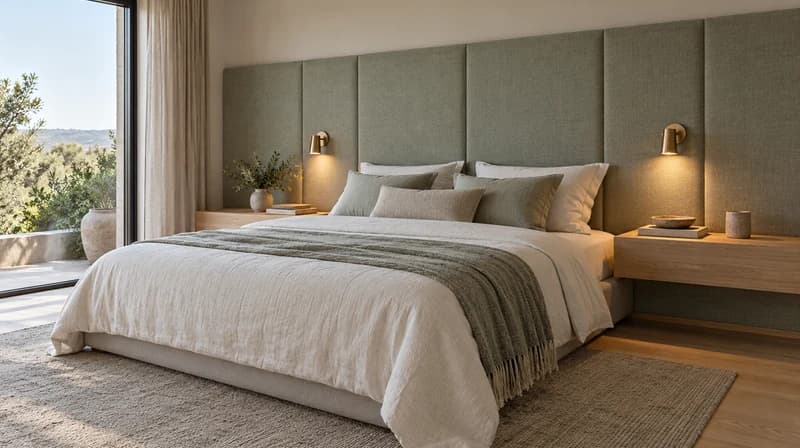
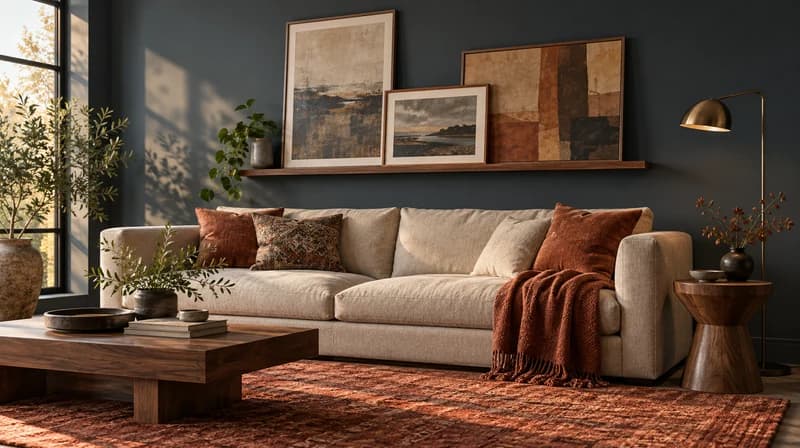
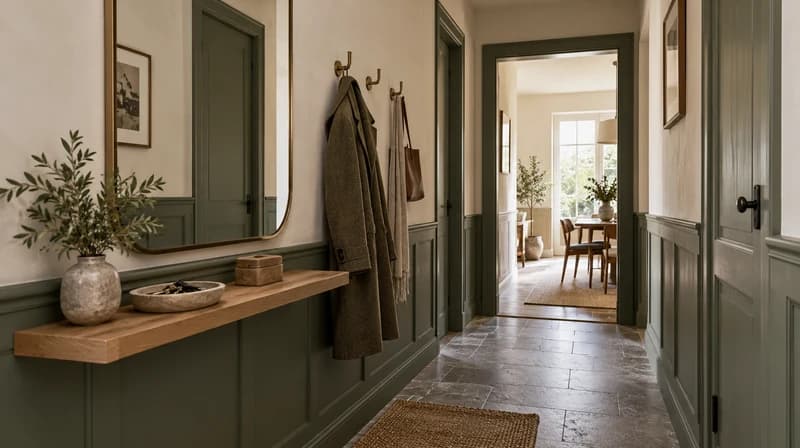
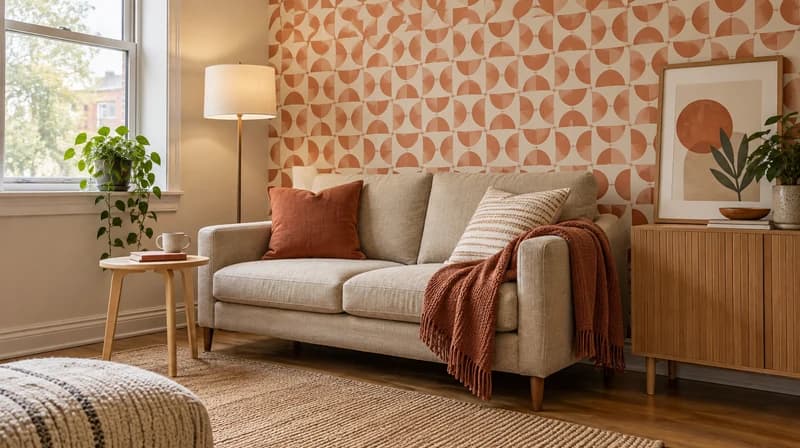
| Good for | Limitation | Where Paintit.ai helps | |
|---|---|---|---|
| Paint color preview | Testing wall color, ceiling color, accent walls | Does not solve decor or furniture mismatch by itself | Connects color with the whole room and related Paintit tools. |
| Wallpaper or panel preview | Pattern, scale, material feel, focal walls | Product samples and measurements still matter | Lets users see whether the treatment fits the room before buying. |
| Wall decor layout | Art, mirrors, shelves, sconces, gallery walls | Final hanging height and hardware still need real measurements | Helps compare spacing and composition visually. |
| Full room redesign | When the wall change affects furniture, rug, lighting, or storage | More than a wall-only decision | Continues into AI room design, furniture, rug, and rendering workflows. |
| Paintit.ai wall design | Early concept, color, texture, decor, and room-context planning | Not contractor or installation documentation | Helps pick a wall direction before purchases and physical work. |

A sample wall is not enough. Paintit.ai shows the idea with your light, floor, furniture, and room proportions.

Test color, wallpaper, panels, texture, murals, wall art, shelves, and accent-wall directions in one planning flow.

Preview the wall before buying wallpaper rolls, paint gallons, panels, art, or installation materials.

If the wall changes the mood of the space, keep going with room design, rug, furniture, or rendering tools.
Start free with an account — the Free plan includes 30 credits at 1K resolution, no credit card. Upgrade for more credits and higher-resolution exports: Starter (500 credits, 2K — $14.99/mo), Pro (1,500 credits, 4K, watermark-free, commercial licence — $29.99/mo), or Max (4,500 credits — $79.99/mo). No hidden fees, 7-day money-back, cancel anytime.
AI wall design uses artificial intelligence to preview wall colors, textures, materials, accent walls, murals, paneling, wallpaper, or decor on a real room photo. It helps you see the wall idea online before buying paint, art, panels, or installation materials.
Yes. Paintit.ai has a Free plan with 30 credits. You can start by uploading a room photo and testing wall color or design directions before deciding whether you need a paid plan for more credits or higher-resolution exports.
Yes. Upload a clear photo of the room and describe which wall should change. For best results, mention what should stay unchanged, such as flooring, windows, furniture, trim, or the rest of the room color.
You can test paint colors, accent walls, wallpaper, wood panels, limewash, plaster, stone or brick texture, murals, gallery walls, mirrors, shelves, sconces, and wall art direction.
No. Paint color is one use case, but the page should cover broader wall design: color, surface treatment, wall decor, pattern, texture, and how the wall works with the rest of the room.
Yes. Renters can preview reversible ideas such as removable wallpaper, peel-and-stick panels, art layouts, mirrors, shelves, lighting, or decor before buying anything. Always check lease rules before installing.
No. Use Paintit.ai for concept direction and visual planning. For measurements, wall preparation, electrical work, mounting hardware, structural concerns, and installation, use the right professional or product instructions.
An AI wall design tool focuses on one or more wall surfaces: color, texture, material, or decor. An AI room design tool changes the wider room concept, including furniture, layout, lighting, materials, and styling.
Upload a room photo, choose the wall you want to change, and preview paint, wallpaper, panels, texture, or decor in context with Paintit.ai.
DESIGN MY WALLDive deeper into Paintit.ai and learn how AI can change not only room design but your whole creative process.
1
Explore AI room design tools that are free. Instantly create and visualize stunning interiors with ease. Perfect for bedrooms, living rooms, and more. Start designing today!

2
Discover endless creativity with our AI concept generator. Generate and refine design ideas for architecture, interiors, and more. Start creating today!
3
Redesign your home exterior effortlessly with our free AI house exterior design generator. Explore styles, materials, and textures tailored to your vision.
4
Create stunning house designs effortlessly with our free AI house generator. Explore styles, layouts, and features tailored to your vision. Start designing today!
5
Visualize paint colors for your home with the free AI house painter. Explore styles, match colors, and redesign walls effortlessly. Start designing now!
6
Create stunning outdoor designs with free AI landscape design tools. Generate gardens, patios, and yard layouts effortlessly. Start designing today!
7
Create stunning photorealistic renders for architecture and interior design with AI Rendering. Fast, easy, and accessible for all skill levels. Start for free today!
8
Design your dream home exterior with our easy-to-use home exterior design tool. Visualize colors, materials, and styles in real time. Try it for free today!
9
Upload a bathroom photo and visualize new tiles, vanities, fixtures, flooring, and lighting before you start renovation work. Try AI bathroom remodel ideas for free.
10
Create floor plan layouts from a text prompt or sketch. Plan room flow, dimensions, and layouts faster with an AI floor plan generator built for early design decisions.
11
Generate furniture concepts and place them directly inside your room photo. Explore sofas, tables, beds, shelving, lighting, and decor ideas in context.
12
Rearrange furniture in your room without moving heavy pieces. Test layouts, traffic flow, and furniture positions with AI before changing the real space.
13
Preview exterior renovation ideas for siding, trim, roofs, windows, doors, landscaping, and curb appeal updates using a photo of your current home.
14
Test paint colors on real room and exterior photos before buying samples. Compare palettes, accent walls, and finish directions in minutes.
15
Visualize kitchen remodel ideas with new cabinets, counters, backsplashes, flooring, lighting, and layouts before committing to a renovation plan.
16
See how different rugs look in your actual room. Compare styles, sizes, colors, and placement options before choosing the right rug.
17
Improve listing photos with AI enhancement for brighter, cleaner, more polished real estate visuals that help rooms look ready for buyers.
18
Turn room ideas into realistic interior renderings.
19
Preview wall colors, finishes, and design ideas in your space.
20
Explore door styles and exterior updates before renovating.
21
Visualize a floor plan as a realistic room design.
22
Compare flooring ideas in the context of your room.
23
Preview driveway layouts and materials for your home.
24
Explore paver patterns and surfaces for outdoor spaces.
25
Explore ideas for expanding your home's living space.
26
Turn a design sketch into a realistic visual concept.
27
Visualize an architectural elevation as a realistic render.
28
Preview cabinet styles, colors, and finishes in your room photo.
29
Explore deck concepts using a photo of your backyard.
30
Visualize garden layout and planting ideas for your yard.
31
Explore coordinated remodeling ideas across interior spaces.
32
Preview window styles and finishes on your home photo.
33
Try paint-color directions on a photo of your furniture.
34
Compare countertop materials and colors in your kitchen photo.
35
Preview outdoor lighting concepts in your real landscape.
36
See curtain styles, colors, and patterns on your own window.
37
Enhance an existing architectural or interior render for presentation.
