8 min. reading

Yulii Cherevko
CEO paintit.ai
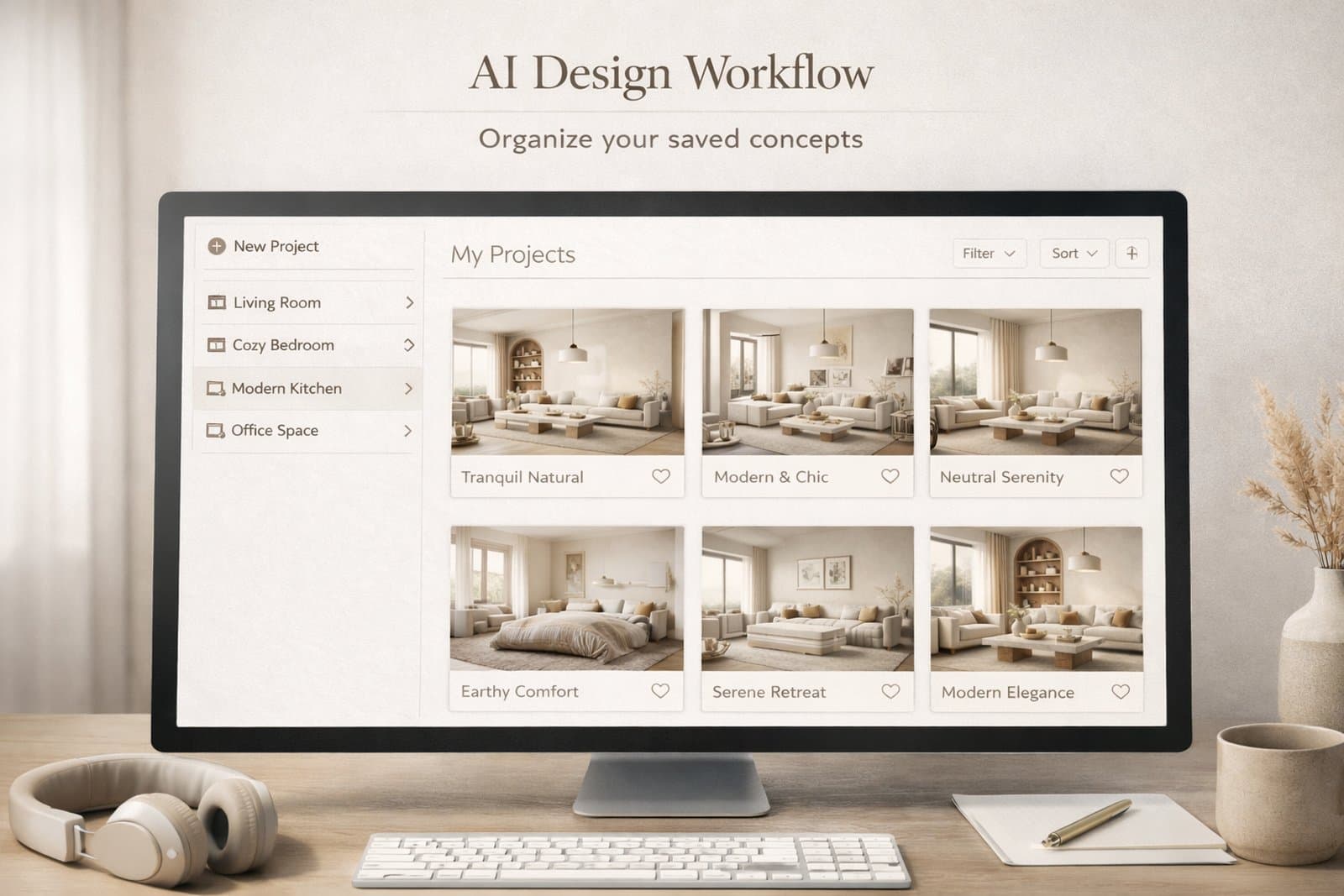
Paintit Projects become much more powerful when you use them as a working system, not just a place to store images. This guide shows how to save stronger versions, compare concepts faster, organize rooms more clearly, and keep your design workflow easier to manage.
The real value of Projects is not storage. It is decision quality.
Most users lose time because they keep generating new images without a clean way to organize them. After a few iterations, the strongest direction becomes harder to identify. Projects solve this by turning scattered generations into a structured design workflow.
Version clarity — you stop losing strong directions inside random generations.
Comparison speed — it becomes easier to review safe, bold, warm, minimal, or premium options side by side.
Project memory — you keep a record of what worked, what did not, and what should be refined later.
Multi-room control — you can keep separate logic for living room, bedroom, kitchen, exterior, or client zones.
This matters even more when you work on several rooms, several design directions, or client-facing concepts.
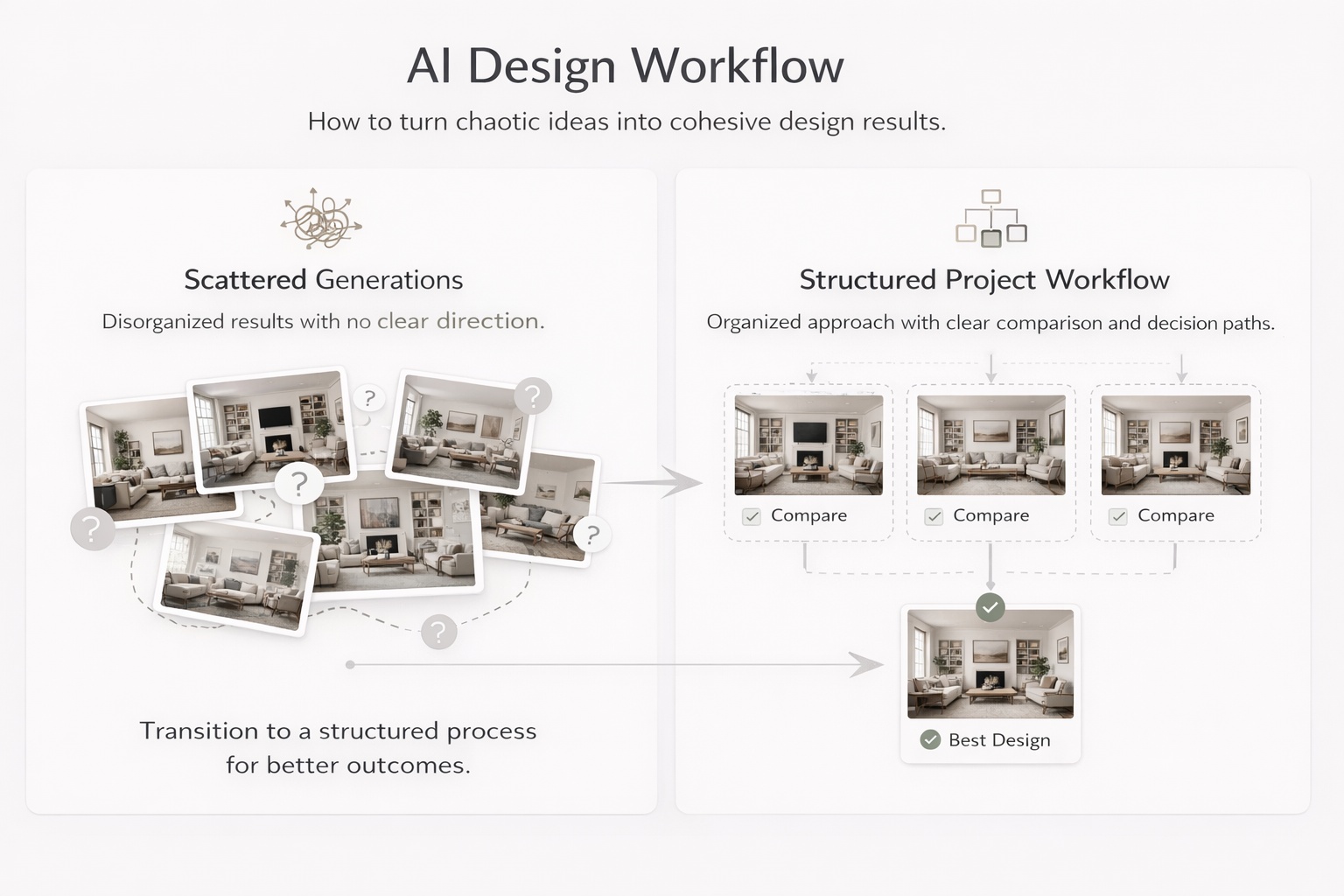
Do not save everything. Save decision points.
One of the easiest ways to create clutter is to save too many weak or nearly identical images. A better approach is to save only meaningful versions — the ones that represent a useful direction, a strong improvement, or a clear alternative.
The concept direction changes — for example, Scandinavian versus Organic Modern.
The room function becomes clearer — for example, a guest room versus a home office.
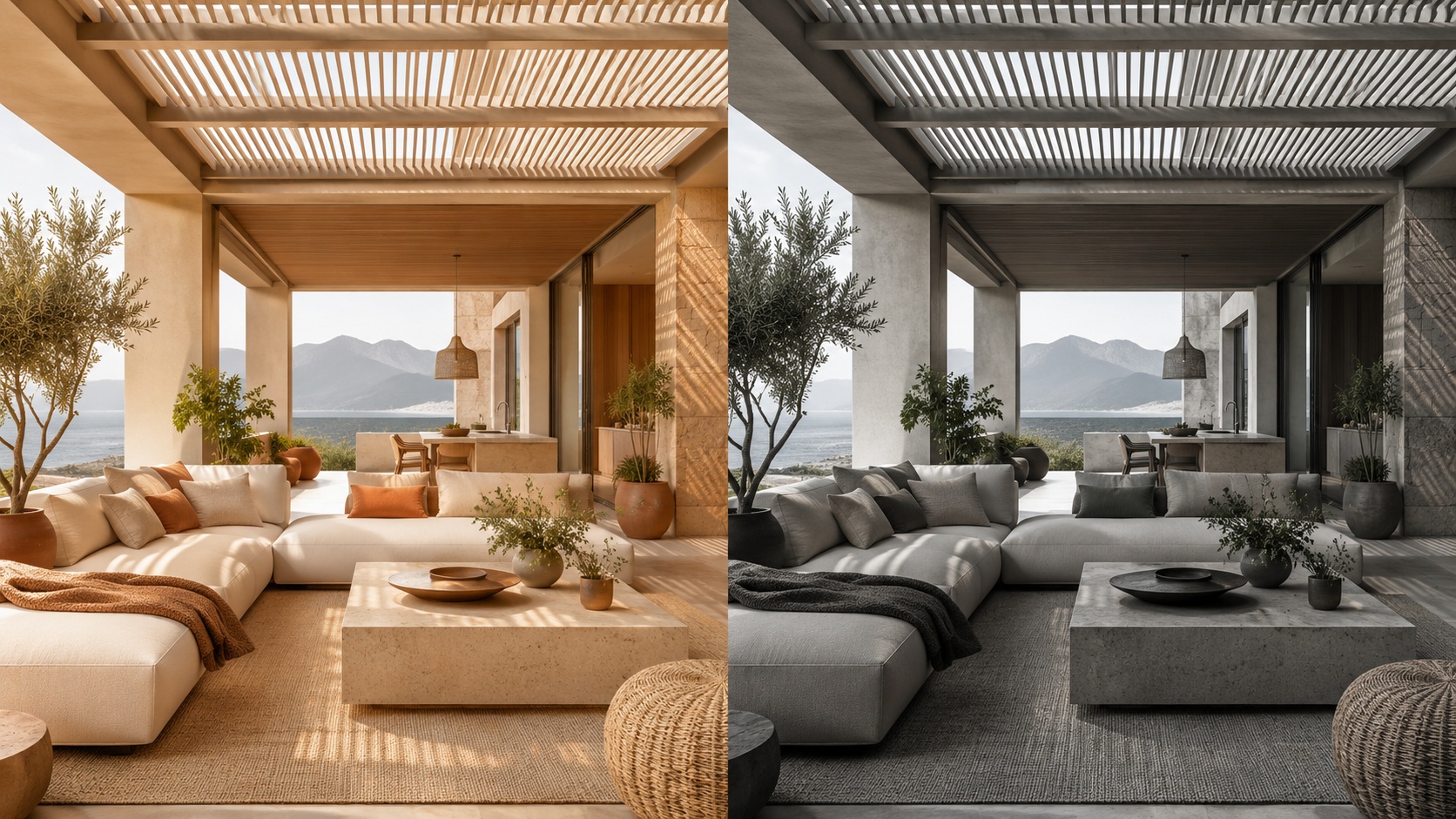
The palette or mood changes meaningfully — warmer, softer, darker, more premium, more minimal.
The result becomes more realistic — better scale, cleaner composition, stronger logic.
The image is presentation-worthy — good enough to show, compare, or return to later.
A useful rule is this: if you would explain why this version is different, it is probably worth saving. If you cannot explain the difference clearly, it probably is not.
A clean structure reduces decision fatigue and makes refinement much faster.
The biggest mistake in project organization is mixing too many unrelated versions into one flat folder-like space. A stronger system gives every saved image a role.
Project level — one property, one client, one apartment, one house, or one design goal.
Room level — separate the living room, bedroom, bathroom, kitchen, office, exterior, and other spaces.
Direction level — safe, warm, premium, minimal, bold, rental-friendly, client option A, client option B.
Status level — draft, shortlist, finalist, ready to present.
Even if Paintit does not force this structure formally, you should think this way while saving and comparing work. It prevents the project from becoming visually noisy.
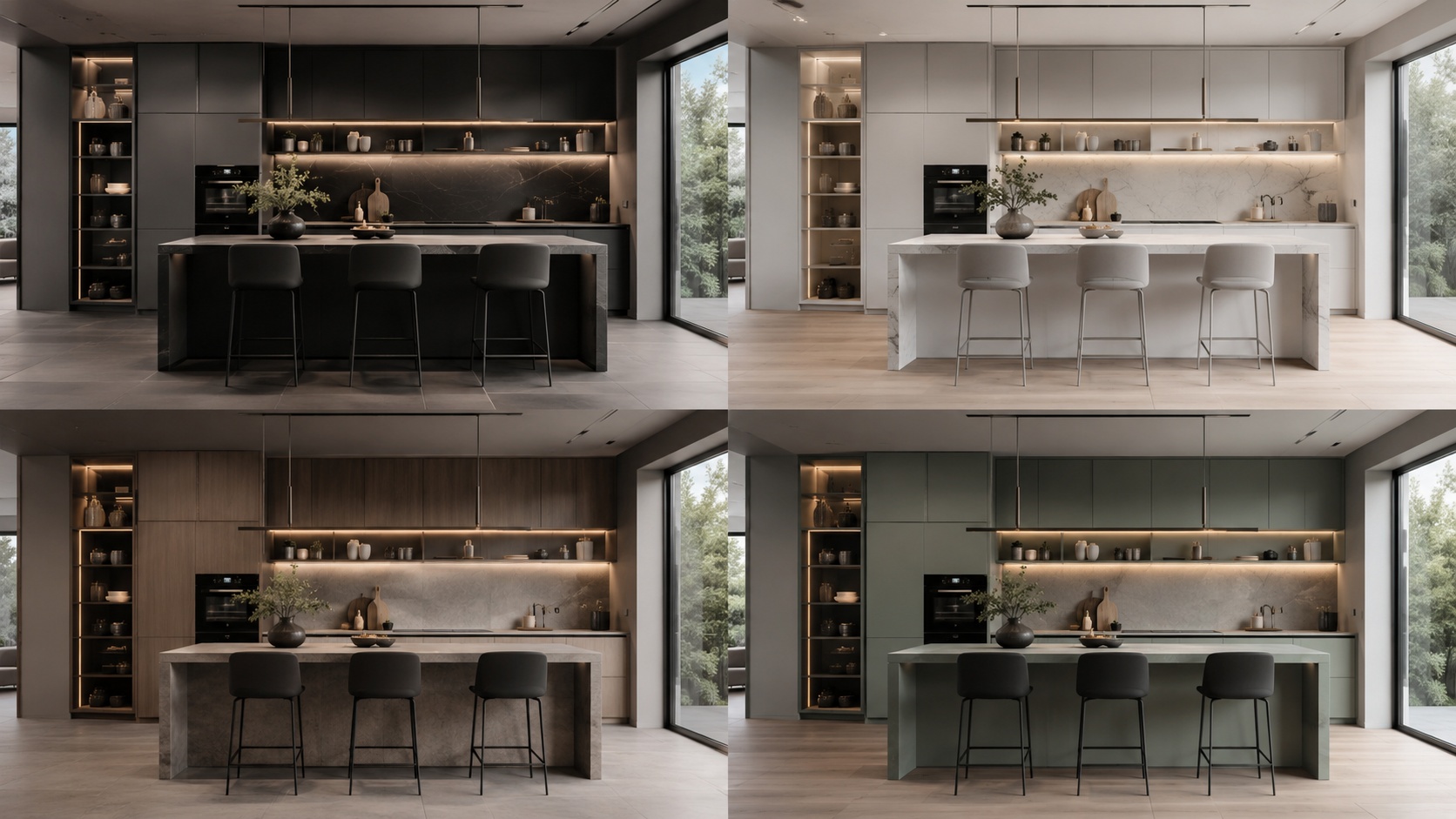
Comparison is more useful when every version answers a different question.
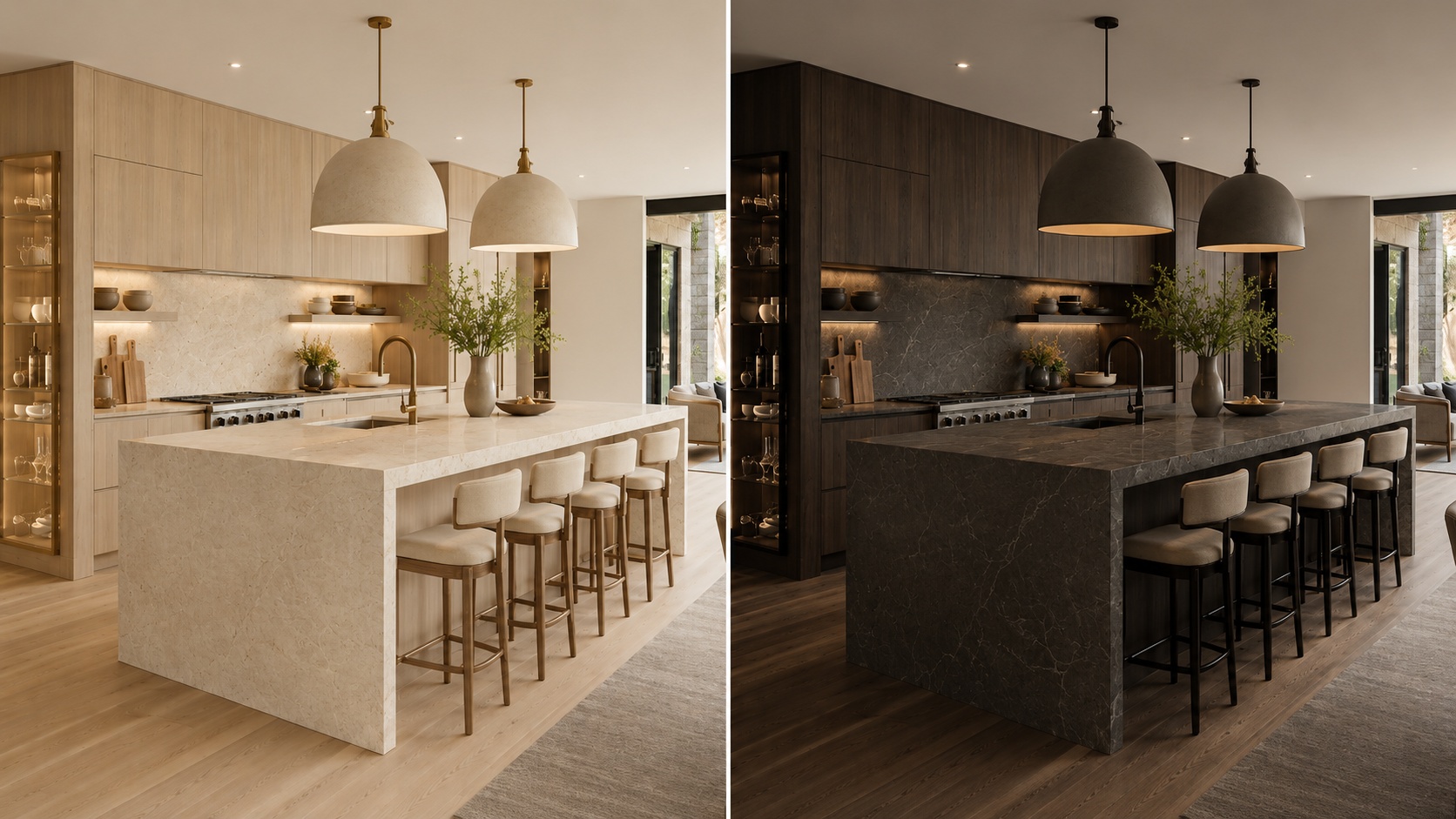
Most users compare too many weakly separated versions. A better method is to make each saved option represent a clear design hypothesis.
One safe option — commercially clean, broadly appealing, easy to approve.
One warm or softer option — more emotional, cozy, or relaxed.
One bolder option — more premium, more editorial, or more distinctive.
One practical winner — the version that balances realism, taste, and usability best.
This is much better than saving four versions that all look almost the same. Strong comparison depends on contrast with purpose.
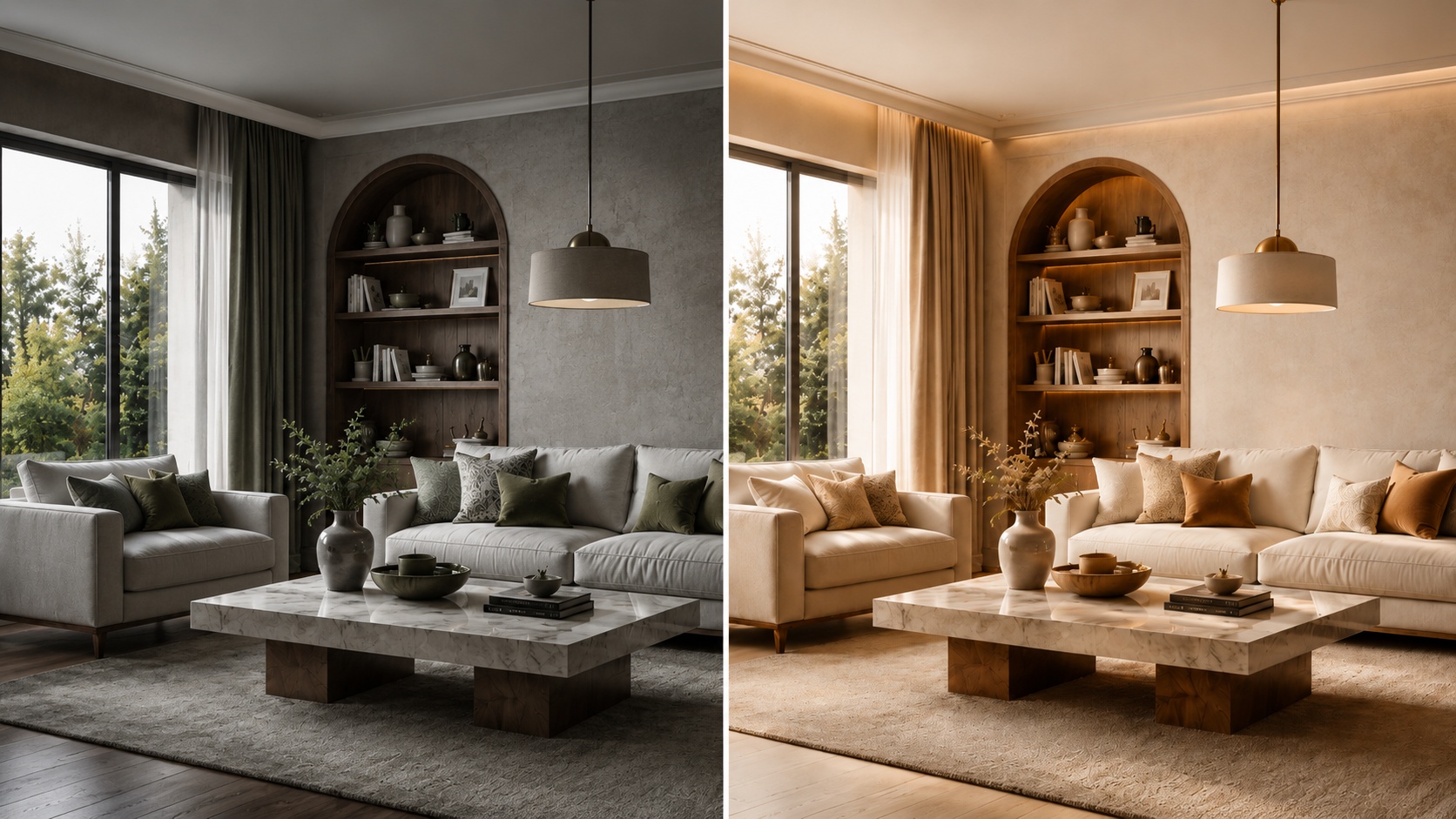
The easiest way to stay organized is to name versions by what changed.
Good versioning is not about numbering images randomly. It is about making it obvious why one version exists. This helps both personal workflows and team or client review.
[Room] + [Direction] + [Key change]
Examples:
Living Room — Scandinavian — Warm Oak
Bedroom — Japandi — Softer Light
Bathroom — Spa — Beige Stone
Exterior — Organic Modern — Dark Frames
This is especially helpful when you return to a project after a few days. A clear name brings back the logic faster than a random sequence of visually similar images.
Name the version according to the strongest visible change, not according to the prompt length. The name should help you compare outcomes, not remember the wording of the prompt.
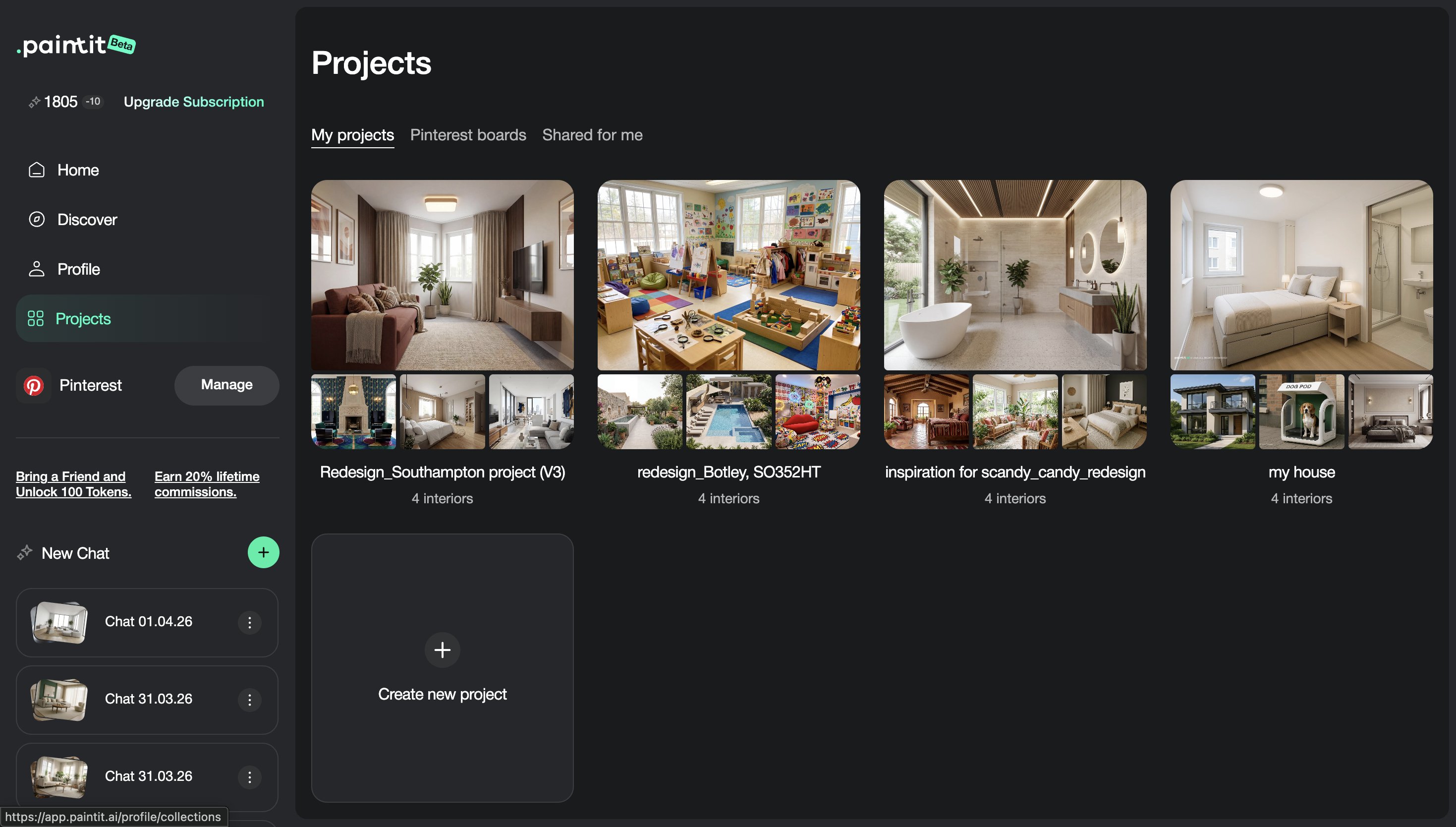
Projects become much more valuable when you treat each room as part of a larger decision system.
For multi-room work, the goal is not only to make each room look good. It is to maintain coherence across the whole project. For client workflows, the goal is to present differences clearly and avoid visual chaos.
Room-first — organize by living room, bedroom, kitchen, bathroom, office, exterior.
Direction-second — inside each room, separate minimal, warm, premium, bold, or client A / client B routes.
Presentation-third — keep a smaller shortlist of the strongest directions only.
For client review, fewer stronger options almost always work better than a large uncontrolled set. The best project workflows reduce noise before presentation.
These techniques help when you want a more professional, less chaotic workflow.
Keep draft experimentation mentally separate from shortlist-quality versions. Do not review both in the same way.
Save versions that answer different questions. Avoid filling the project with tiny low-value variations.
For each room, try to maintain one logical evolution from broad concept to refined winner.
After a break, the strongest versions usually become more obvious. Good organization makes this easier.
A good project tells the story of how the idea evolved and why the final direction was chosen.
This is one of the biggest differences between casual generation and professional workflow. Professionals do not only generate. They organize decisions.
No. Save decision points, strong alternatives, and versions that are meaningfully different or presentation-worthy.
Compare a small set of clearly different directions, such as safe, warm, bold, and practical winner.
Start by room, then by direction, then by shortlist or status. This keeps the project easier to navigate and present.
If the version changes the concept, palette, function, mood, realism, or presentation quality in a meaningful way, it is usually worth saving.
No. Even for homeowners, good project organization makes decisions much easier and reduces confusion after multiple iterations.
Saving too many weak or similar versions without a clear logic for comparison or refinement.
Save cleaner directions, compare stronger options, and turn scattered generations into a more professional design workflow.