Key Takeaways
- The AI design tool market is rapidly expanding, offering diverse solutions beyond single-function platforms.
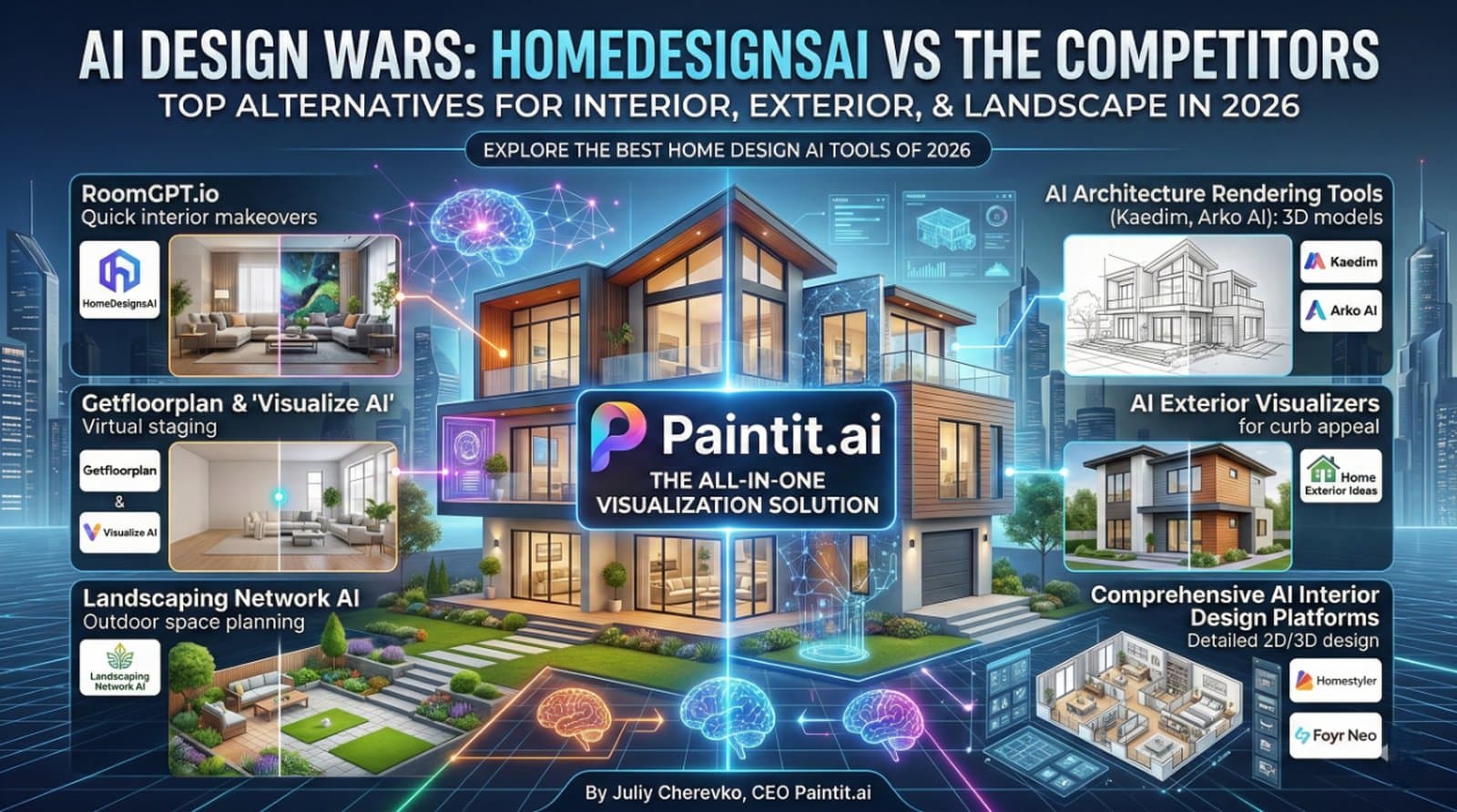
- Key homedesignsai competitors 2026 offer specialized strengths in interior redesign, exterior visualization, architectural rendering, virtual staging, or comprehensive design.
- Choosing the right tool depends on your specific needs: speed, realism, control, or scope (interior vs. exterior vs. landscape).
- Paintit.ai serves as a versatile, all-in-one platform, allowing users to visualize and test various interior, exterior, and landscape concepts on their own photos before committing to a design.
- Virtual staging tools are crucial for real estate, transforming vacant listings into appealing homes without physical staging costs.
- AI visualizations are powerful tools for inspiration and client communication but should be validated by professionals for structural and practical implementation.
Introduction
As AI continues to reshape creative industries, finding the right design visualization software is key. If you're exploring homedesignsai competitors and seeking top homedesignsai rivals for professional designers or solutions for photorealistic rendering, you're in the right place. While platforms like HomeDesignsAI offer solutions, the market is rich with specialized and versatile homedesignsai market alternatives. This guide dives deep into the best tools available, helping you compare features, understand capabilities, and ultimately choose the software that best fits your workflow. We included these competitors: RoomGPT, Kaedim, Arko AI, Homestyler, Foyr Neo, Getfloorplan, Visualize AI, and others. Ready to see your ideas in real-time? Explore the possibilities instantly by uploading your room photo to Paintit.ai – your go-to for visualizing any design project before it happens.
Types of AI tools in this category (Buyer-friendly tech stack)
The landscape of AI design tools can be broadly categorized by their primary function and user base. You'll find instant visualizers that offer quick style changes, typically for homeowners or early concepting. Then there are specialized tools focusing on specific areas like AI exterior house visualizer or AI landscape design generator, catering to those with niche needs. For real estate professionals, virtual staging AI software is essential. Finally, more comprehensive AI interior design tools and professional AI architecture rendering platforms provide detailed 2D/3D design, extensive asset libraries, and high-fidelity output for designers and architects.
Comparison table (Market segmentation)
| Primary Use Case |
Input Method |
Strengths |
Limitations |
Example Tools |
Best User |
| Rapid Interior Redesign |
Photo Upload |
Fast, easy style exploration |
Limited structural control, less detail |
RoomGPT |
Homeowners, quick concepting |
| Architectural Visualization |
Sketch, 3D Model, Text |
High-fidelity rendering, complex structures |
Steep learning curve, requires existing models |
Kaedim, Arko AI |
Architects, 3D artists |
| Exterior Home Makeovers |
Photo Upload |
Focus on curb appeal, material changes |
May oversimplify landscape/structural elements |
Home Exterior Ideas |
Homeowners, exterior contractors |
| Property Staging (Real Estate) |
Empty Room Photo |
Transforms vacant listings, quick marketing |
Can look generic, less customization |
Getfloorplan, Visualize AI |
Real estate agents, property managers |
| Landscape Planning |
Photo Upload, Sketch |
Garden layouts, outdoor features |
May not account for climate-specific planting |
Landscaping Network AI tools |
Homeowners, landscape designers |
| Comprehensive 2D/3D Design |
Floor Plan, Model |
Detailed planning, extensive asset libraries |
Complex interface, longer rendering times |
Homestyler, Foyr Neo |
Professional designers, serious DIYers |
| All-in-One Visualization |
Photo Upload |
Versatile interior, exterior, landscape |
Users might not leverage full range of tools |
Paintit.ai |
Homeowners, designers, real estate agents (all-around) |
Top Target Competitor alternatives in 2026
RoomGPT.io — Quick Interior Makeovers
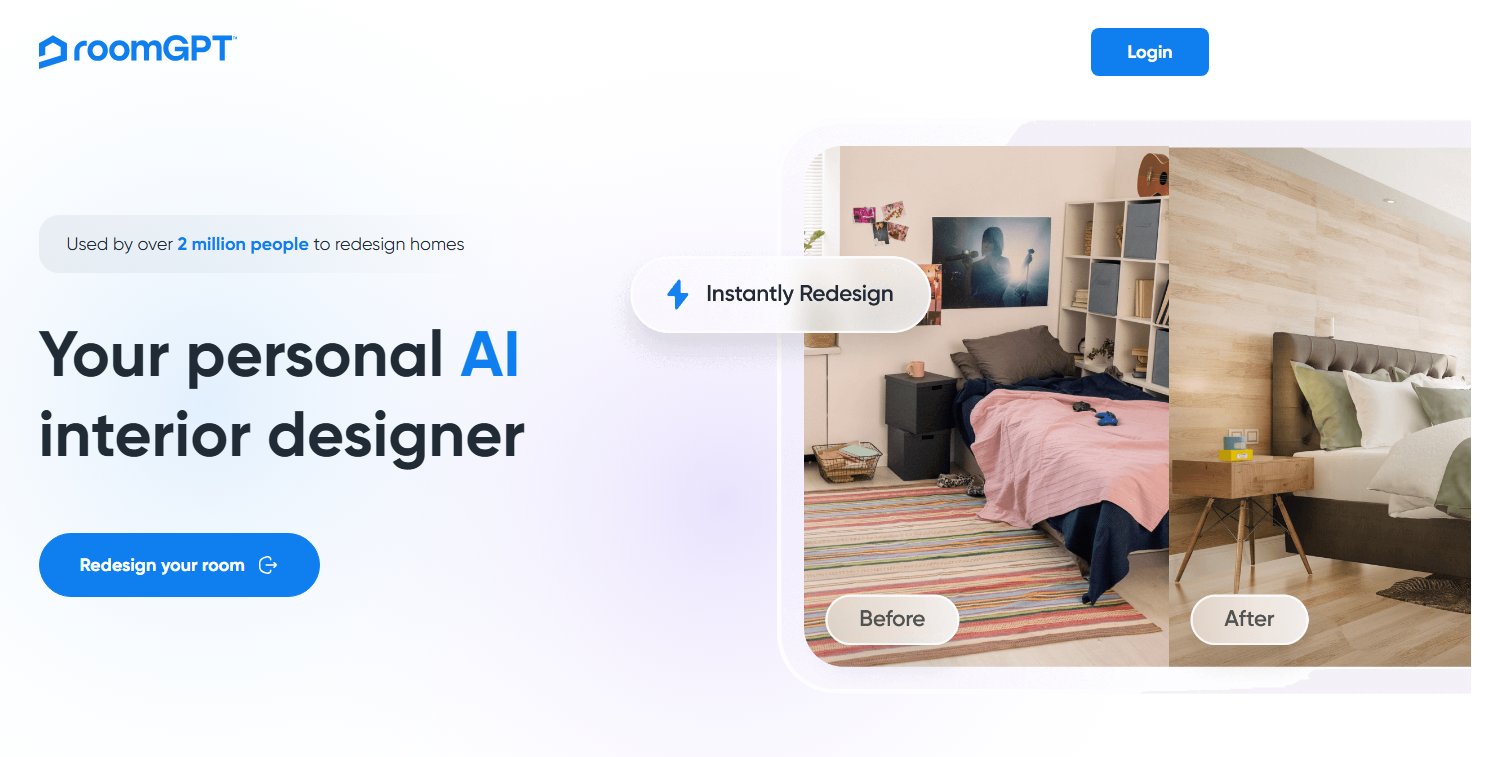
RoomGPT.io is primarily an AI room makeover tool focused on generating interior design concepts from uploaded photos. It excels at providing quick style changes, making it ideal for homeowners or designers seeking rapid ideation. Unlike HomeDesignsAI, which often covers both interior and exterior, RoomGPT specializes purely in interior aesthetics, offering a simpler, more direct approach to visualize new paint, flooring, and furniture styles.
- Best for: Homeowners and quick interior concepting.
- Key features: AI-powered interior redesign, multiple style options from a single photo, focus on wall colors and furniture arrangements.
- Pros: Very easy to use; fast generation of diverse design styles; excellent for initial inspiration.
- Cons / limitations: Limited control over specific material textures; can sometimes produce unrealistic furniture placements; lacks exterior or landscape capabilities.
- Pricing: Varies—check the official site.
- Try-on tip: Upload a photo of your living room to RoomGPT to see new wall colors and furniture styles. Then, upload the same photo to Paintit.ai’s AI Room Design tool to experiment not just with paint, but also different flooring materials and furniture layouts before you commit.
- If you choose this over others: You prioritize speed and simplicity for interior style generation, and don't require detailed material control or exterior visualization, which HomeDesignsAI might offer more broadly.
AI Architecture Rendering Tools (e.g., Kaedim, Arko AI) — 3D Model & Concept Visualization

Tools like Kaedim and Arko AI specialize in professional AI architecture rendering, transforming 2D concepts or basic 3D models into high-fidelity, photorealistic visualizations. These platforms are built for architects and 3D modelers who need to represent complex structures and detailed material finishes accurately. Unlike HomeDesignsAI, which often streamlines the design process for less technical users, these tools cater to a more technical audience, providing granular control over materials, lighting, and environmental factors crucial for architectural presentations.
- Best for: Architects, 3D modelers, and visualization specialists.
- Key features: 3D model generation from sketches, high-fidelity rendering, advanced material and lighting simulation, architectural visualization.
- Pros: Superior photorealism for structural elements; precise control over architectural details; ideal for detailed client presentations.
- Cons / limitations: Steeper learning curve; often requires pre-existing 3D models or detailed sketches; can be resource-intensive.
- Pricing: Varies—check the official site.
- Try-on tip: If you have a basic architectural sketch, try feeding it into an AI rendering tool. Afterwards, upload your existing floor plan or a 3D model to Paintit.ai’s AI Rendering tool to explore photorealistic exterior finishes and lighting scenarios, visualizing how different materials like a warm terracotta brick versus a cool grey stone facade would look.
- If you choose this over others: Your primary need is to produce highly detailed, structurally accurate 3D renderings from architectural inputs, a level of precision typically beyond HomeDesignsAI's scope.
AI Exterior Visualizers (e.g., Home Exterior Ideas) — Curb Appeal Transformations
Dedicated AI exterior house visualizer platforms, such as Home Exterior Ideas, focus specifically on facade redesign and enhancing curb appeal. They allow users to experiment with siding, roof colors, window styles, and other architectural features. Compared to HomeDesignsAI, which may include exterior options as part of a broader suite, these specialized tools often offer more in-depth material libraries and visual accuracy for exterior elements, making them perfect for homeowners or contractors planning outdoor renovations.
- Best for: Homeowners, exterior contractors, and real estate professionals focusing on curb appeal.
- Key features: Changing siding, roof colors, window styles; adding architectural features like porches; wide range of exterior paint and material options.
- Pros: Excellent for visualizing exterior transformations; user-friendly for non-designers; focused material libraries for facades.
- Cons / limitations: May oversimplify structural changes or landscaping elements; limited ability to show detailed material transitions; primarily focuses on existing structures.
- Pricing: Varies—check the official site.
- Try-on tip: Use an exterior visualizer to test a new paint color on your home. Then, upload your exterior photo to Paintit.ai’s AI Exterior Design tool to not only preview that paint color but also experiment with different siding materials, roof styles, and even landscaping elements simultaneously, getting a holistic view of the transformation.
- If you choose this over others: You are specifically targeting exterior renovations or curb appeal enhancements and require a tool with a deep focus on exterior materials and styles, which can be more specialized than a general HomeDesignsAI offering.
Virtual Staging AI Software (e.g., Getfloorplan, Visualize AI) — Real Estate Listing Enhancement
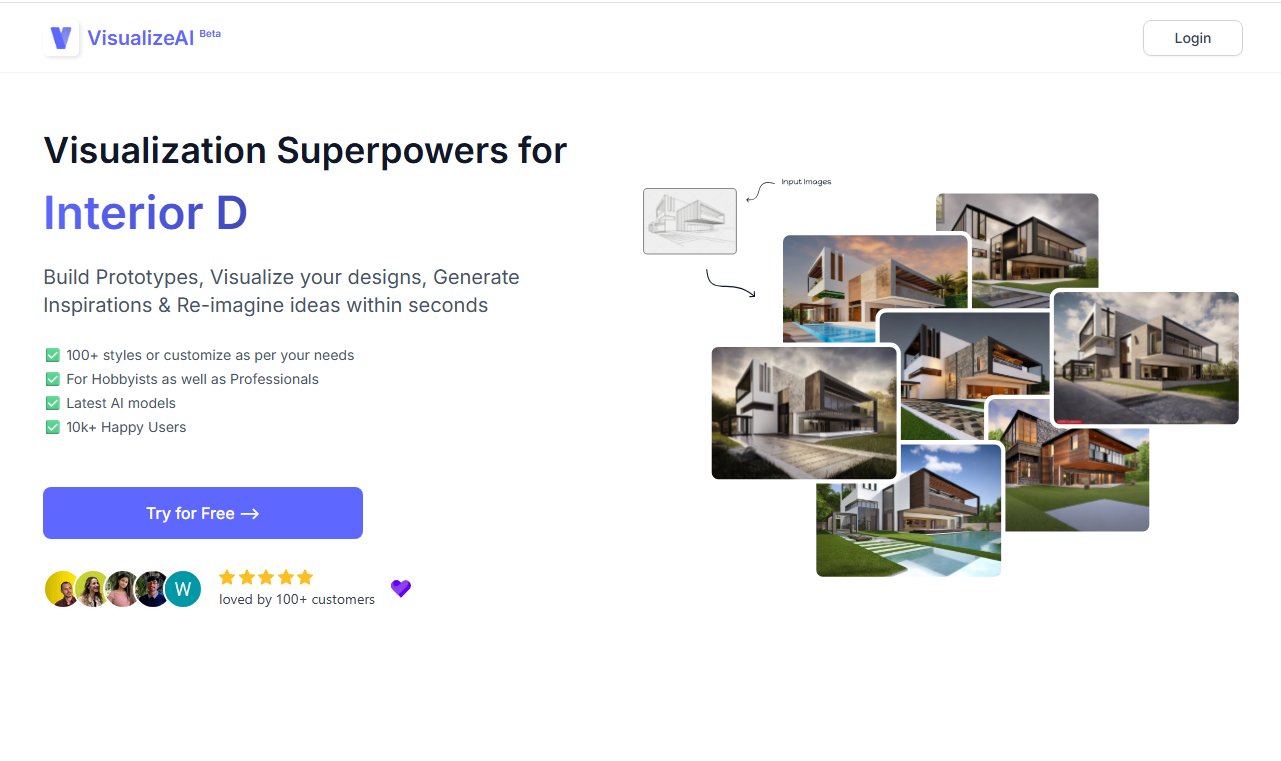
Virtual staging AI software like Getfloorplan and Visualize AI are purpose-built for real estate professionals. These tools enhance empty property listings by populating vacant rooms with realistic virtual furniture and decor. Unlike HomeDesignsAI, which might offer design generation, virtual staging focuses on presenting existing spaces in their most appealing light to potential buyers. This specialization makes them highly efficient for creating attractive property visuals without the cost and logistics of physical staging.
- Best for: Real estate agents, property managers, and home sellers.
- Key features: Populating vacant spaces with virtual furniture; various decor styles (modern, traditional, etc.); enhancing listing photos with appealing layouts.
- Pros: Significantly reduces staging costs and time; makes vacant properties more appealing; easy to use with minimal design experience.
- Cons / limitations: Can sometimes look generic or artificial if not done well; limited customization beyond pre-set styles; does not assist with structural design changes.
- Pricing: Varies—check the official site.
- Try-on tip: Explore virtual staging services to see how they can enhance a vacant listing. For a more hands-on approach, upload your empty room photo to Paintit.ai’s AI Virtual Staging tool and choose from various styles like 'Modern Minimalist' or 'Bohemian Chic' to see how different furniture arrangements and decor pieces instantly change the room's feel.
- If you choose this over others: Your goal is specifically to market vacant properties more effectively by adding virtual furniture, a focused need that a general HomeDesignsAI tool may not address with the same precision.
AI Landscape Design Generators (e.g., Landscaping Network AI tools) — Outdoor Space Planning
For outdoor projects, AI landscape design generator tools, such as those found on the Landscaping Network, enable users to visualize garden layouts, pathways, patio areas, and even pool designs. These tools provide specific functionalities for plant suggestions and hardscaping elements. Unlike a general HomeDesignsAI tool, which might offer some exterior context, these generators focus entirely on the nuances of AI landscape design generator, allowing for detailed planning of green spaces and outdoor living areas.
- Best for: Homeowners, landscape designers, and gardeners.
- Key features: Generating garden beds, pathways, patio areas, pool designs; plant suggestions; visualization of hardscaping materials.
- Pros: Excellent for planning outdoor renovations; offers diverse plant and hardscape options; helps visualize seasonal changes.
- Cons / limitations: May produce unrealistic plant growth or hardscape integration; might not account for climate-specific planting needs without manual input.
- Pricing: Varies—check the official site.
- Try-on tip: If you're considering a new patio, use a landscape generator for initial ideas. Then, upload your backyard photo to Paintit.ai’s AI Landscape Design generator to visualize not only the patio but also new planting schemes, lawn textures, and how different garden lighting might illuminate the space at dusk.
- If you choose this over others: You require a dedicated tool for outdoor space planning and visualization, with specific features for plants, hardscaping, and garden layouts, a depth that often surpasses general design platforms like HomeDesignsAI.
Comprehensive AI Interior Design Platforms (e.g., Homestyler, Foyr Neo) — Detailed 2D/3D Design
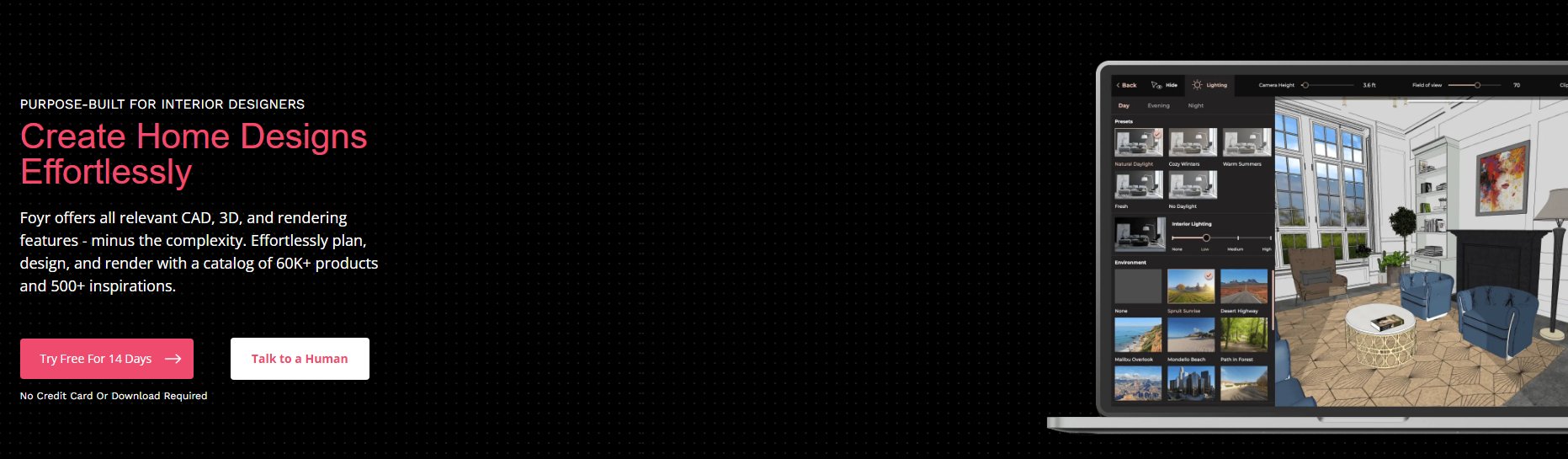
Platforms like Homestyler and Foyr Neo are robust, feature-rich AI interior design tools that offer extensive capabilities for 2D/3D design, rendering, and visualization. They provide floor plan creation, drag-and-drop interfaces, and large asset libraries. These are designed for top homedesignsai rivals for professional designers and serious DIYers who need to plan entire spaces in detail. Unlike HomeDesignsAI's often more generative approach, these platforms provide more manual control over every design element, from structural changes to furniture placement and custom material application.
- Best for: Professional designers, architects, and homeowners undertaking major renovations.
- Key features: Floor plan creation, drag-and-drop interface, large furniture/decor catalogs, high-quality rendering options, detailed material and lighting controls.
- Pros: Extensive control over design elements; professional-grade rendering capabilities; comprehensive asset libraries.
- Cons / limitations: Can be complex to master; rendering times can be long; reliance on library assets might limit unique design expression.
- Pricing: Varies—check the official site.
- Try-on tip: For projects requiring detailed planning, explore comprehensive platforms like Homestyler. Once you have a basic layout, upload your room photo to Paintit.ai’s AI Room Design tool to rapidly test multiple style concepts, color schemes, and furniture arrangements, visualizing dozens of possibilities in minutes without needing to build complex 3D models.
- If you choose this over others: You need a highly controlled environment for detailed interior space planning, material specification, and extensive asset integration, providing a deeper level of customization than HomeDesignsAI’s typical generative outputs.
Paintit.ai: The All-in-One Visualization Solution
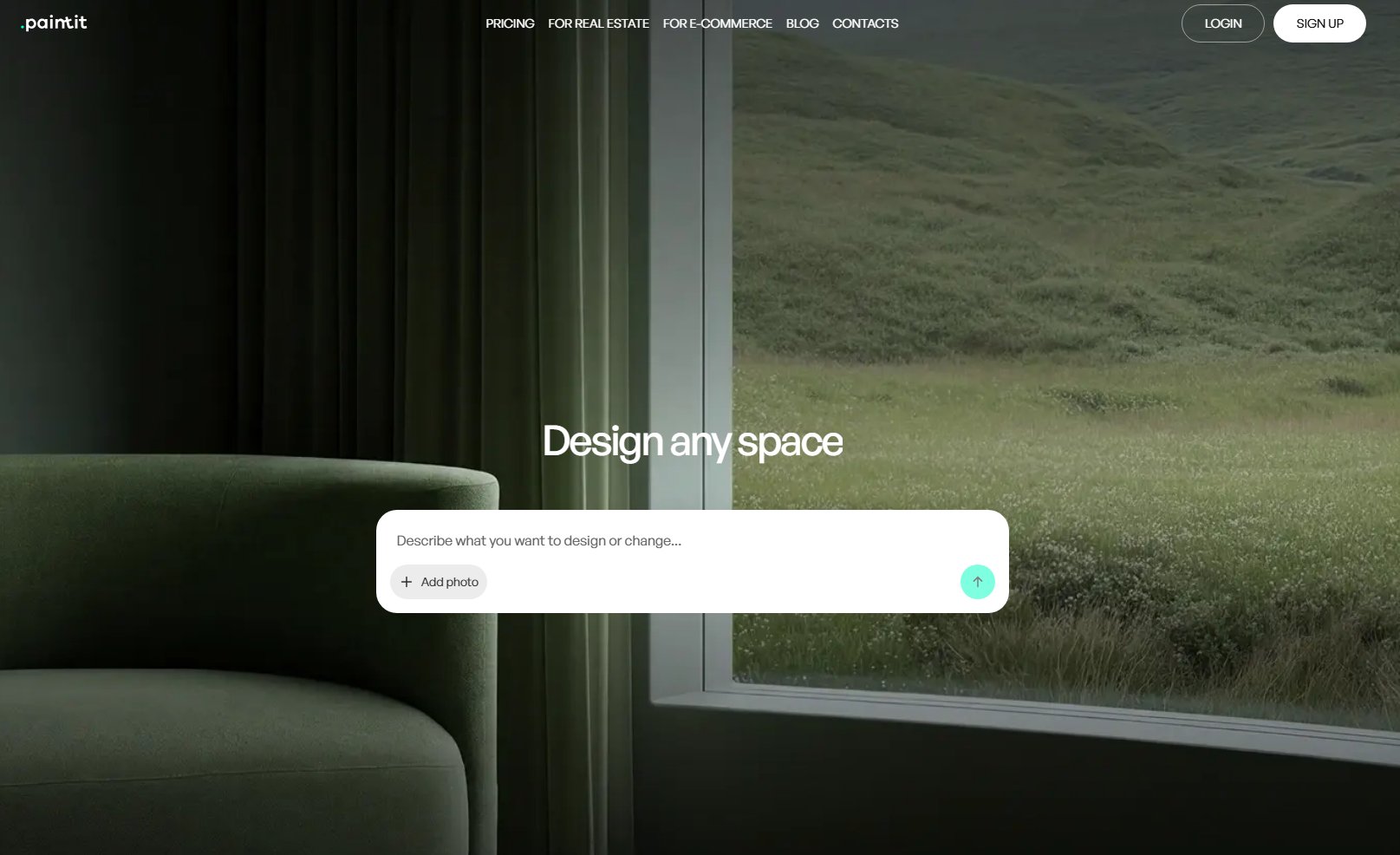
Paintit.ai stands out as a versatile, intuitive platform designed to empower users to visualize any space before committing to changes. It offers a unique try-on workflow: upload your own photo (interior, exterior, or landscape), and AI instantly generates redesigns, new concepts, or even virtual staging. This approach provides immediate visual feedback, allowing for rapid experimentation with styles, colors, and materials across various project types. Unlike HomeDesignsAI, which might offer a more fixed set of design options, Paintit.ai focuses on giving users broad creative freedom to test countless possibilities on their specific space.
- Best for: Homeowners, designers, real estate agents, and e-commerce teams seeking quick, versatile, and realistic visualizations for any project type.
- Key features: Upload photos for instant redesigns (interior, exterior, landscape); AI concept generation; virtual staging AI software; architectural visualization; material and color testing; easy-to-use interface.
- Pros: Highly versatile for diverse project needs; intuitive interface for rapid visualization; allows instant "try-on" for real-world photos; quick iteration of design ideas.
- Cons / limitations: Users might not leverage the full range of tools (interior, exterior, landscape) if they only focus on one feature; for extremely complex architectural modeling, dedicated CAD/BIM software might be needed as a precursor.
- Pricing: Varies—check the official site.
- Try-on tip: Don't just read about visualization tools. Upload your own photo to Paintit.ai right now! Whether it's your living room needing a refresh, your home's exterior needing an update, or your backyard needing a redesign, see your ideas come to life instantly. Compare paint colors, test materials, and preview different styles before you buy a single thing.
- If you choose this over others: You value a single, comprehensive platform that handles various visualization needs—from AI room makeover tool concepts to AI exterior house visualizer updates and AI landscape design generator ideas—with an emphasis on real-photo input and rapid, actionable previews, a more flexible and immediate approach than many companies like homedesignsai for interior visualization.
Detailed feature comparison (Buyer-centric)
| Feature |
Paintit.ai |
RoomGPT.io |
AI Architecture Tools |
AI Exterior Visualizers |
Virtual Staging AI |
AI Landscape Generators |
Comprehensive Platforms |
| Input Method |
Photo Upload |
Photo Upload |
Sketch/3D Model |
Photo Upload |
Empty Room Photo |
Photo Upload/Sketch |
Floor Plan/3D Model |
| Interior Design |
Yes |
Yes |
Limited |
No |
Yes |
No |
Yes |
| Exterior Design |
Yes |
No |
Yes |
Yes |
No |
Limited |
Limited |
| Landscape Design |
Yes |
No |
Limited |
Limited |
No |
Yes |
No |
| Photorealism |
High |
Medium-High |
Very High |
High |
High |
Medium-High |
High |
| Speed of Generation |
Very Fast |
Very Fast |
Moderate |
Fast |
Fast |
Moderate |
Slower (rendering) |
| Customization Level |
Medium-High |
Medium |
Very High |
Medium-High |
Medium |
Medium-High |
Very High |
| Asset Library Size |
AI-generated |
AI-generated |
User/Platform Assets |
AI-generated |
Curated Furniture |
AI-generated |
Extensive |
| Target User |
All (Homeowner-Pro) |
Homeowner |
Pro Architect |
Homeowner/Contractor |
Real Estate Pro |
Homeowner/Designer |
Pro Designer/DIY |
| 2D/3D Floor Plans |
No (visual only) |
No |
Yes (from 3D) |
No |
Yes (integration) |
No |
Yes |
| Commercial Use |
Yes |
Check licensing |
Yes |
Check licensing |
Yes |
Check licensing |
Yes |
| Learning Curve |
Low |
Low |
High |
Low-Medium |
Low |
Medium |
Medium-High |
Professional tools for advanced users
While AI interior design tools like HomeDesignsAI and its alternatives excel at rapid visualization and concept generation, professional designers, architects, and contractors often require a deeper level of control for project execution. Tools such as SketchUp, AutoCAD, Revit, and Chief Architect remain indispensable for creating precise 2D drawings, 3D models with exact measurements, and building information modeling (BIM). These platforms integrate with structural analysis, material specifications, and construction documentation workflows. AI visualizers are powerful for initial ideation and client presentations, but for the detailed planning and engineering required in complex projects, professionals will typically move to traditional CAD or BIM software to finalize designs.
Strategic recommendations (Decision framework)
- If you need quick interior style ideas for a single room, choose RoomGPT.io for its speed and simplicity.
- If your focus is on photorealistic AI rendering for real estate or transforming vacant properties, opt for virtual staging AI software like Getfloorplan or Visualize AI.
- If you're an architect needing to visualize complex structures from sketches or 3D models, consider specialized AI Architecture Rendering Tools like Kaedim or Arko AI.
- If exterior renovation and curb appeal are your priority, an AI exterior house visualizer such as Home Exterior Ideas will serve you best.
- If you're planning a garden, patio, or comprehensive outdoor living space, an AI landscape design generator is the right choice.
- If you require comprehensive 2D/3D planning with extensive asset libraries and granular control for full interior projects, platforms like Homestyler or Foyr Neo offer more depth.
- If you want a versatile tool that can handle quick interior, exterior, and landscape visualizations from your own photos, choose Paintit.ai for its all-in-one capability and ease of use.
The ultimate hybrid workflow (Step-by-step)
Combining the strengths of different AI tools can create a highly efficient design workflow:
- Ideation & Initial Visualization (Paintit.ai): Start by uploading existing photos of your space (interior, exterior, or landscape) to Paintit.ai. Rapidly generate numerous design concepts, styles, and material options in minutes. This stage focuses on broad exploration and quickly finding directions you like. For example, test dozens of paint colors or furniture layouts for a living room, or different siding materials for an exterior.
- Refine & Detail Concepts (Specialized AI Tools): Once you have a few promising concepts from Paintit.ai, take the best ones to more specialized AI tools. For instance, if you liked an exterior concept, use an AI exterior house visualizer for more detailed material comparisons. If you're working on an interior, use a comprehensive platform like Foyr Neo to build out a floor plan and integrate specific furniture pieces from their library.
- Advanced Rendering & Presentation (AI Rendering Tools): For final client presentations or detailed visual reviews, utilize professional AI architecture rendering tools for high-fidelity outputs. These tools can take refined 3D models or even detailed concepts and produce stunning, photorealistic AI rendering for real estate or architectural projects. Paintit.ai’s AI Rendering tool can also be used at this stage for generating polished visualizations from existing 3D models or detailed concepts.
- Implementation & Verification (Professional Consultation): Always bring your AI-generated visuals to a human professional (architect, interior designer, contractor) for feasibility, structural integrity, budgeting, and code compliance. AI excels at visualization, but human expertise is critical for successful execution.
Managing expectations (Current AI limitations)
While AI design tools are incredibly powerful, it's crucial to manage expectations. AI-generated visuals are concepts, not blueprints. They may occasionally produce subtle inaccuracies in scale, struggle with highly complex or custom architectural details, or misinterpret specific material textures in unique lighting conditions. AI models are trained on vast datasets, but unique design intent or very niche applications might require manual adjustments or further refinement. Always verify dimensions, material specifications, and structural viability with professionals. Real-world lighting and material properties can also differ from digital renders, so obtaining physical samples for final choices is always recommended.
FAQ
Q: Can AI design tools replace professional interior designers or architects?
A: AI tools are powerful visualization aids, excellent for generating ideas, testing concepts quickly, and enhancing client presentations. However, they typically lack the nuanced understanding of structural engineering, building codes, material science, and client psychology that professional designers and architects provide. They are best used as collaborative tools, not replacements.
Q: How realistic are the renderings from AI design software?
A: Realism varies significantly by tool. Advanced AI rendering engines can produce highly photorealistic results, simulating lighting and textures convincingly. However, subtle inaccuracies in scale, material reflection, or context can occur. Physical samples are always recommended for final material choices.
Q: What is the difference between AI interior design tools and traditional software like SketchUp?
A: Traditional software like SketchUp requires manual 3D modeling, offering high control but demanding significant skill and time. AI tools generate designs based on input (photos, prompts, sketches), offering speed and ease of use for concept exploration, often with less granular control than manual modeling.
Q: Are AI design tools suitable for renters?
A: Absolutely. AI tools like Paintit.ai are perfect for renters wanting to visualize changes like new wall colors, temporary flooring options, or furniture arrangements without making permanent alterations. Upload a photo and see countless possibilities instantly.
Q: How much do AI design tools typically cost?
A: Costs vary widely. Many offer free tiers or trials with basic features. Premium subscriptions can range from $10-$50 per month for individual users, while professional enterprise solutions can cost hundreds or thousands per year, often based on features, usage limits, and rendering power.
Conclusion
Navigating the evolving landscape of AI interior design tools and homedesignsai market alternatives in 2026 requires understanding your specific needs. Whether you're a homeowner dreaming of a new look, a real estate agent enhancing listings, or a professional architect visualizing complex structures, there's an AI tool tailored for you. From quick interior makeovers offered by RoomGPT to the detailed professional AI architecture rendering by tools like Kaedim, the options are diverse.
For professionals and individuals who need a versatile, immediate, and comprehensive visualization solution, Paintit.ai stands out. Its ability to transform your own photos into stunning interior, exterior, and landscape design concepts makes it an invaluable asset for exploring ideas and presenting them with confidence. For real estate professionals, Paintit.ai's virtual staging capabilities can significantly streamline property marketing.
Don't settle for limited visualization options. Explore how Paintit.ai can streamline your design process and enhance client presentations. Start visualizing your next project with confidence today.