8 min. reading

Yulii Cherevko
CEO paintit.ai
Dreaming of a kitchen refresh but hesitant about committing to a cabinet color change? The thought of painting or refacing cabinets can be daunting, often leading to costly mistakes or results that don't match expectations. Fortunately, technology offers a powerful solution. With Paintit.ai, you can now effortlessly change kitchen cabinet color directly on your own photos. This ultimate AI visualization guide will walk you through how to preview countless color possibilities, finishes, and styles, ensuring you get the perfect look before lifting a paintbrush.
Changing kitchen cabinet color is a significant decision. A misstep can impact the entire feel of your home and incur substantial costs to correct. Traditional methods—like paint swatches taped to doors or small sample cans—rarely convey the full visual impact. They don't account for your kitchen's specific lighting, surrounding finishes, or overall architectural style.
This is where AI visualization shifts the paradigm. By analyzing your existing kitchen photo, AI algorithms can realistically simulate new colors, finishes, and even materials. This allows you to rapidly iterate through design ideas, assess color harmony, and make informed choices with unprecedented confidence. It’s about mitigating risk and making precise aesthetic decisions, all from your desktop or phone.
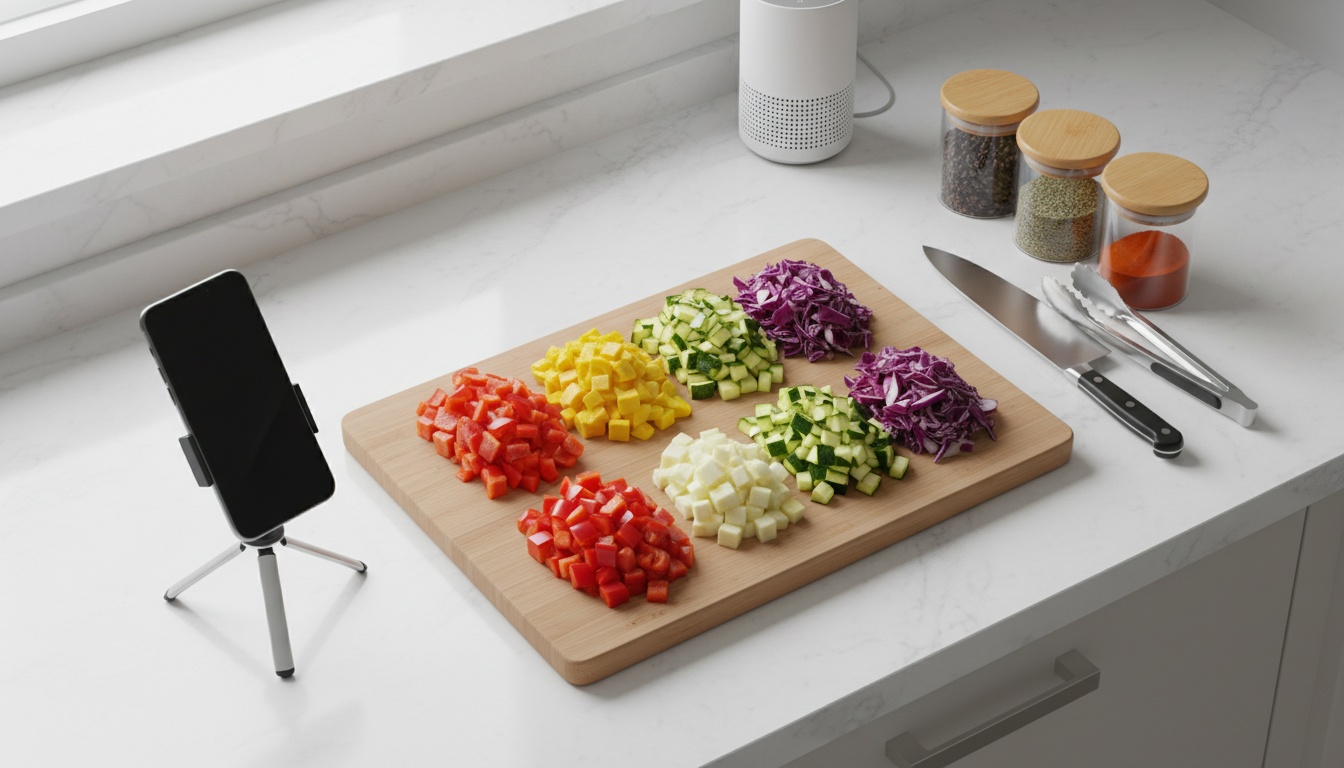
The quality of your AI visualization starts with the quality of your input photo. Think of it as preparing your canvas. A good reference image allows the AI to accurately render new colors and textures.
Choosing the right color is a blend of personal taste, current trends, and understanding how different hues interact with light and surrounding elements. AI tools empower you to explore this spectrum without commitment.
White and off-white cabinets remain a classic for their brightness and ability to open up a space. Greiges (a blend of gray and beige) offer a sophisticated neutral that balances warm and cool tones. For a bolder statement, deep navies, charcoal grays, and even muted sage greens are popular, adding depth and personality.
With AI visualization, you can apply these colors directly to your cabinet photo. Experiment with varying shades: a cooler white versus a creamy off-white, a warmer greige versus one leaning more gray. Observe how they react to your kitchen's light and complement existing flooring, countertops, and backsplashes. This iterative process is how you fine-tune your vision and truly change cabinet color effectively.
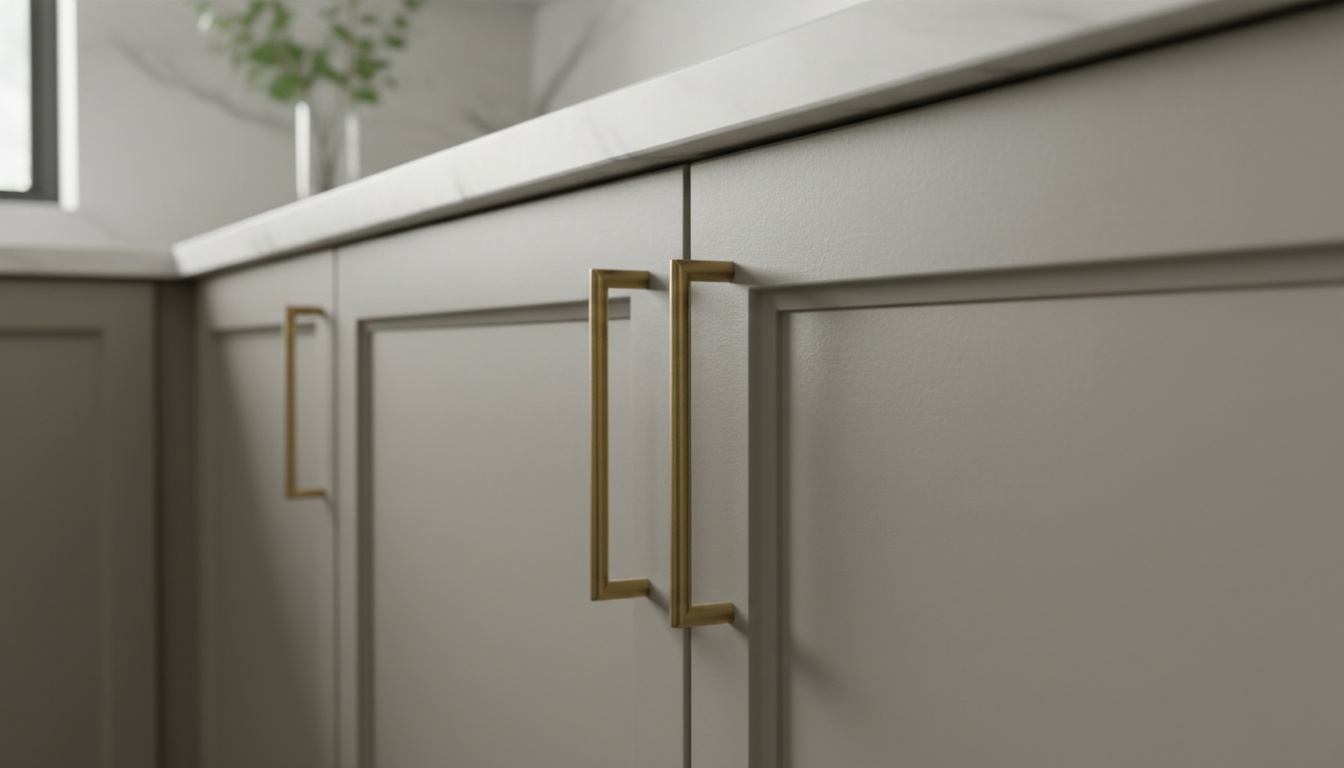
Color is just one layer of the aesthetic. The finish, material texture, and hardware selections play an equally crucial role in defining your kitchen's style. AI visualization allows you to simulate these nuances.
Understanding how to change kitchen cabinet color comes alive with examples. Here are specific style transformations you can achieve using AI visualization, complete with color notes, material suggestions, and common pitfalls to avoid.
This vibe is bright, airy, and timeless. Envision shaker-style doors with a matte white finish, complemented by minimalist hardware. This look opens up the kitchen, providing a neutral base that pairs well with natural wood accents and subway tile backsplashes. A common mistake is using a high-gloss white that can appear sterile; opt for a matte or satin finish for a softer feel.
A sophisticated blend of traditional comfort and modern clean lines. Greige (gray-beige) offers a complex, muted neutral suitable for shaker or raised-panel doors. Pair with brushed nickel hardware and marble or quartz countertops. AI helps you test various greige shades to ensure the right balance of warmth, avoiding colors that lean too cool.
Bold, dramatic, and chic. Sleek, flat-panel, or minimalist shaker doors in a deep navy blue create a strong focal point. Brass or polished chrome hardware and light quartz countertops provide contrast. Crucially, AI visualization can prevent overwhelming the space by showing how navy cabinets interact with ample task and ambient lighting.
Minimalist, functional, and naturally warm. Flat-panel doors with visible light wood grain (birch, maple) are key. Simple, linear hardware or a handle-less design, paired with white or light gray countertops, creates a bright, uncluttered feel. AI can simulate natural wood veneers with a clear matte or satin finish.
Dramatic, modern, and sophisticated. Matte black flat-panel cabinets are striking when balanced with warm wood elements like flooring, an island base, or open shelving. Gold or brass hardware provides a luxurious touch. AI helps ensure the black isn't too heavy, visualizing it with bright countertops and strategic wood placements.
Calm, grounded, and natural. Muted sage green shaker or subtly detailed doors evoke the outdoors. Brushed brass or matte black hardware, creamy white countertops, and textured backsplashes complete the look. AI can fine-tune the sage green to avoid overly bright or yellow undertones, ensuring a soothing organic feel.
Warm, inviting, and softly traditional. Creamy off-white shaker or beaded inset doors offer a gentler alternative to stark white. They have warm yellow or beige undertones that pair beautifully with wood tones and warm metal hardware. AI helps select an off-white that feels sophisticated rather than dated or too yellow.
Modern, dynamic, and visually interesting. White upper cabinets keep the space feeling open, while dark lower cabinets (navy, charcoal, black) add grounding depth. Contrasting hardware and a neutral backsplash complete the look. AI visualization is essential here to ensure the two colors work harmoniously together.
Edgy, urban, and robust. Shaker or simple flat-panel doors with a dark stained wood or painted dark gray/black finish. Metal hardware (black, stainless steel) and concrete or dark granite countertops define this aesthetic. AI helps balance the dark tones with bright task lighting and lighter countertops to prevent the kitchen from feeling too enclosed.
Relaxed, breezy, and serene. Shaker or louvered-style doors in a soft blue-gray or seafoam green. Brushed nickel or chrome hardware, light quartz countertops, and a subtle tile backsplash evoke coastal living. AI assists in achieving the perfect muted blue-gray that avoids appearing artificial or clashing.
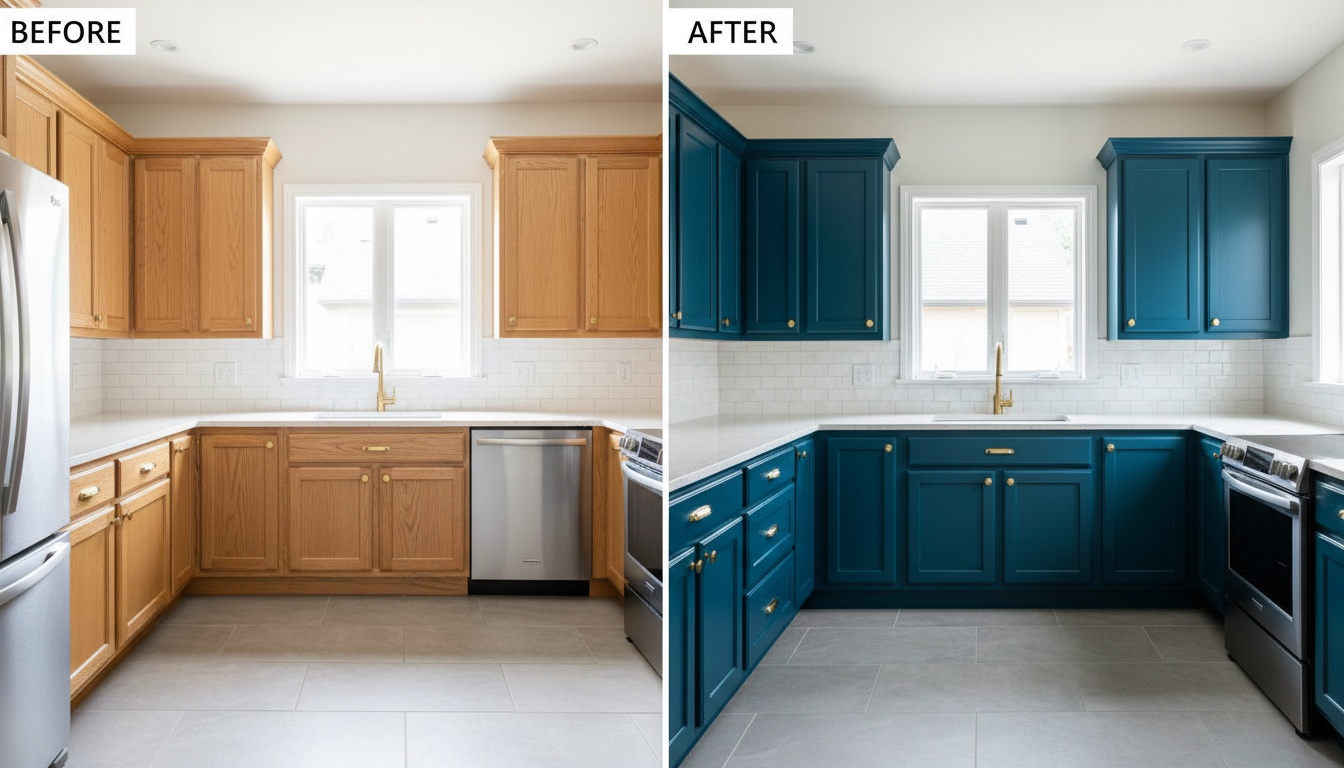
Paintit.ai streamlines the process of visualizing your cabinet color change. Our platform is built for designers and homeowners alike, providing a powerful yet intuitive interface to transform your kitchen photos.
This workflow eliminates guesswork, giving you unparalleled control over your kitchen's aesthetic future.
Once you've finalized your design with AI visualization, the next step is to bring it to life. A successful cabinet repaint or refacing relies heavily on preparation and quality materials.
For maintenance, clean spills immediately. Use a soft, damp cloth with mild soap for regular cleaning, avoiding abrasive cleaners that can damage the finish. A well-painted cabinet, properly cared for, can maintain its fresh look for many years.
Q: Can I truly get an accurate preview of my new cabinet color using AI?
A: Yes, AI tools like Paintit.ai analyze your uploaded photo to realistically simulate different colors and finishes on your specific cabinets, providing a highly accurate preview before you commit to painting or refacing.
Q: How long does it take to change kitchen cabinet color using AI visualization?
A: Visualizing with AI typically takes minutes. Uploading your photo and experimenting with colors is quick, allowing you to explore numerous options rapidly without the physical effort or mess of traditional sampling.
Q: Is AI visualization useful if my kitchen has a lot of natural light or specific undertones?
A: Absolutely. AI can simulate how colors will appear under various lighting conditions and account for existing undertones in your walls, countertops, and flooring, helping you choose the best match.
Q: What's the difference between AI visualization and using physical paint swatches?
A: Paint swatches show color in isolation, while AI visualization shows how a color looks on your actual cabinets in your kitchen's lighting and context, providing a much more accurate representation than small physical samples.
Q: Can AI show different cabinet finishes (matte, gloss) as well as colors?
A: Many advanced AI tools, including Paintit.ai, can simulate various finishes (matte, satin, gloss) in addition to colors, giving you a comprehensive preview that includes textural impact.