13 min. reading

Yulii Cherevko
CEO paintit.ai
Published: Updated:

The most useful Styldod alternatives depend on what you want to replace. BoxBrownie and Stuccco offer done-for-you staging. Collov and Virtual Stage Pro offer self-service photo workflows, while ApplyDesign adds hands-on furniture placement. Paintit.ai suits room concepts you want to develop through a photo, references and chat.
This 2027 edition uses information available on November 4, 2026, not future prices or features. Where only annual billing could be confirmed or current prices were unavailable, earlier offers are dated separately.
That distinction matters more than the lowest advertised price. A tool that furnishes one empty room does not necessarily replace a service handling staging, cleanup, floor plans and revisions for an entire listing.
Published by Paintit.ai. This comparison uses publicly documented features and prices checked November 4, 2026; it is not a controlled image-quality test. Prices are in US dollars unless noted. Turnaround times are vendor offers, not delivery times we measured.
Styldod offers more than an automatic furniture filter. Its expert services include human-delivered virtual staging and other property-media work. Before switching, list what your last order actually contained: furnished rooms, object removal, twilight edits, floor plans or renders. A cheaper staging image may cover only one item on that list.
The published virtual-staging rate is $23 per image for orders below eight images and $16 per image for orders of eight or more. Rush delivery has separate charges. For a small order, use the $23 rate in your comparison; do not assume the bulk price applies to every job.
For example, six standard staging images would total $138 at the published small-order rate. That is a staging-only baseline, not a quote for removing existing furniture, preparing a floor plan or completing every image in a marketing package.
REimagineHome's terms identify Styldod, Inc. as the company providing the service. It is worth considering if your objection is the managed-service workflow and you prefer self-service image editing. It is not an independent alternative if you specifically want another provider.
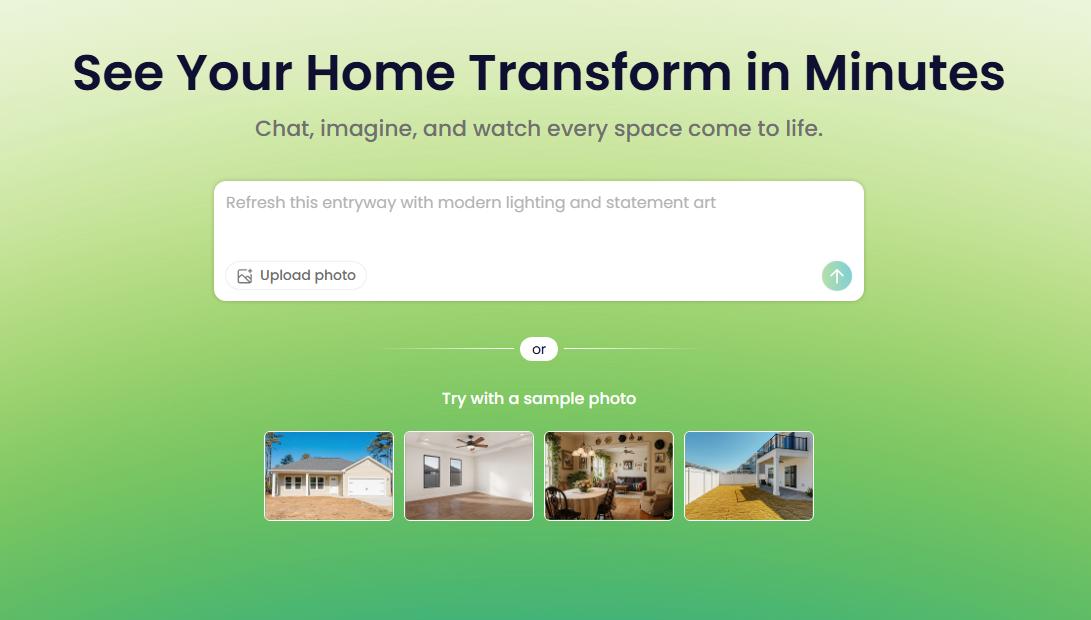
A change of interface also changes who checks the result. With a self-service product, allow time to review furniture scale, fixed fittings and consistency between views. Do not assume that an image generator includes the same revision process as a human-delivered order.
Styldod competitors fall into two groups: services that deliver edited listing images and tools you operate yourself. Compare those groups separately so a low per-image price does not hide work you still need to do.
| Option | Useful For | Published Cost Basis | Check Before Buying |
|---|---|---|---|
| Paintit.ai | Photo-based room concepts and reference-led edits | Free credits after registration; paid plans | Commercial use is listed for Pro and Max; check current plan terms |
| BoxBrownie | Done-for-you staging | $30 per standard image | Separate services and delivery deadline |
| Collov | Recurring self-service photo work | Standard shown at $19/month, billed $228 yearly, with 60 monthly photo credits | Annual commitment; higher-tier editing features |
| ApplyDesign | Manual furniture placement or automatic staging | DIY 2D: one coin; automatic 2D: 1.5 coins. Coins cost $7-$10 by pack size | Prepaid purchase and the mode used |
| Virtual Stage Pro | Occasional self-service staging | $3.99 per photo; two free photo credits after signup | Output quality and rights for your intended use |
| Stuccco | Human-designed, done-for-you staging | $35 per photo for Add Furniture/Decor; prepaid discounts | Bundle commitment and expiry |
Paintit.ai is a fit when you want to explore how a room could be furnished, not simply send a batch to an editing service. Use your room photo as the Main Image, describe the change, and add a reference when you need to communicate a material, style or furnishing direction.
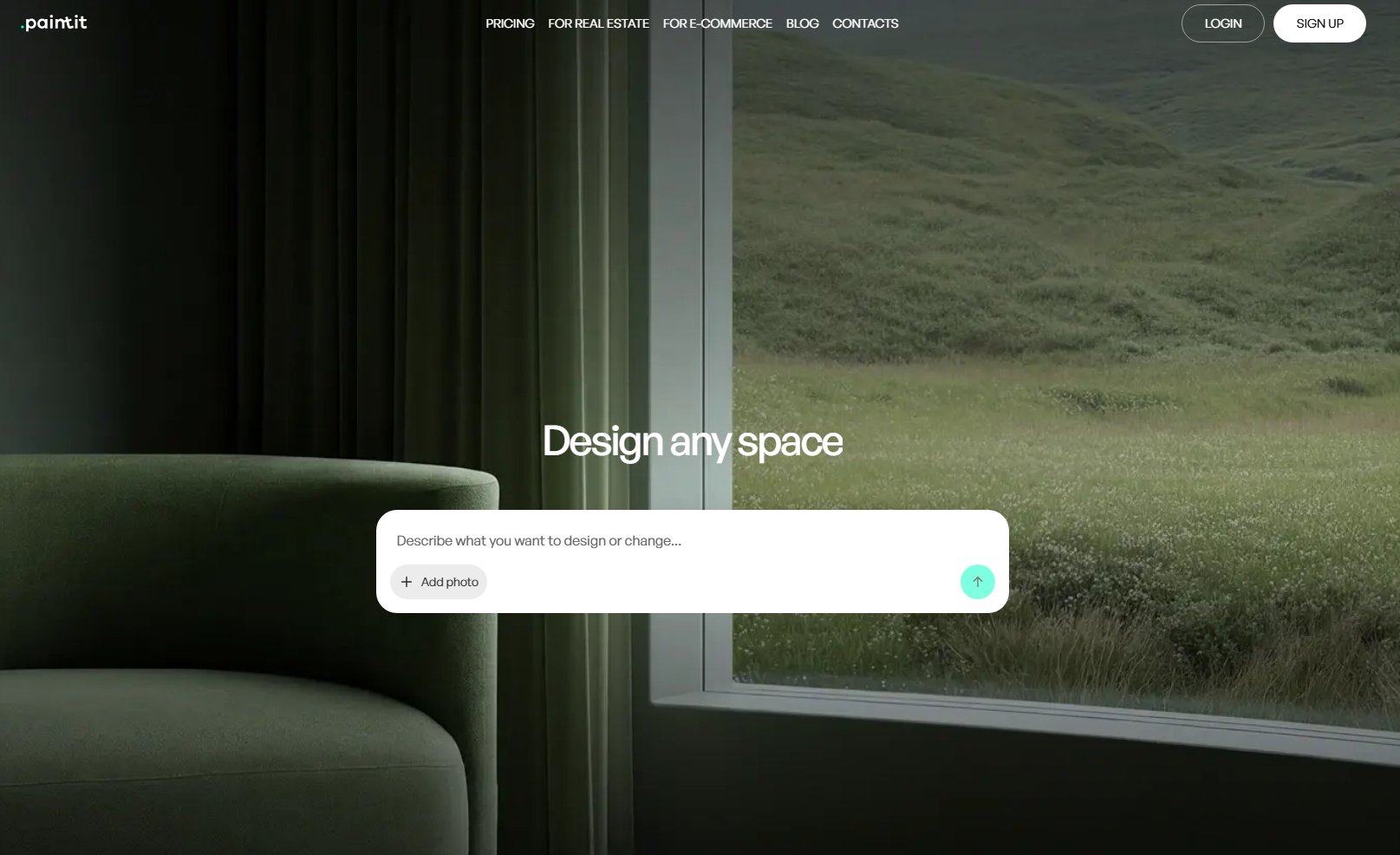
Give the chat a specific brief: "Explore a furnished living room with a compact sofa and a reading chair. Keep the window, fireplace and doorway in their original positions." Treat those instructions as requirements to verify in the output, not a guarantee that the image will preserve every detail.
The room-photo staging tool is relevant to this concept stage. It should not be confused with ordering a professionally checked listing package or obtaining a measured floor plan.
Free credits are available after registration. The current plan comparison lists commercial use for Pro and Max; check the current Paintit subscription options before using outputs in client marketing. A commercial-use permission does not remove your responsibility to review the image or meet listing rules.
Choose Paintit when: you want to refine the furnishing brief yourself. Choose a managed service instead if you need an editor to take responsibility for completing an agreed batch of listing photos.
BoxBrownie currently lists US$30 for ordinary staging in the November 4 public price response. It is a human editing service rather than a prompt-only generator. Earlier US browser evidence showed US$24, so confirm the actual quote and delivery deadline before ordering. Its other photo services are priced separately.
Its other property-photo services should be scoped separately. Confirm the full order and revision requirements rather than assuming that the staging rate includes every edit.
Choose it when: you want to submit photos and receive edited files. Its new-account offer for image enhancement and day-to-dusk work is not a free virtual-staging allowance.
Collov combines AI virtual staging with property-photo editing. Its plan choice matters: the displayed Standard tier covers basic staging and furniture removal, while features such as chat editing and multi-angle work appear on higher tiers.
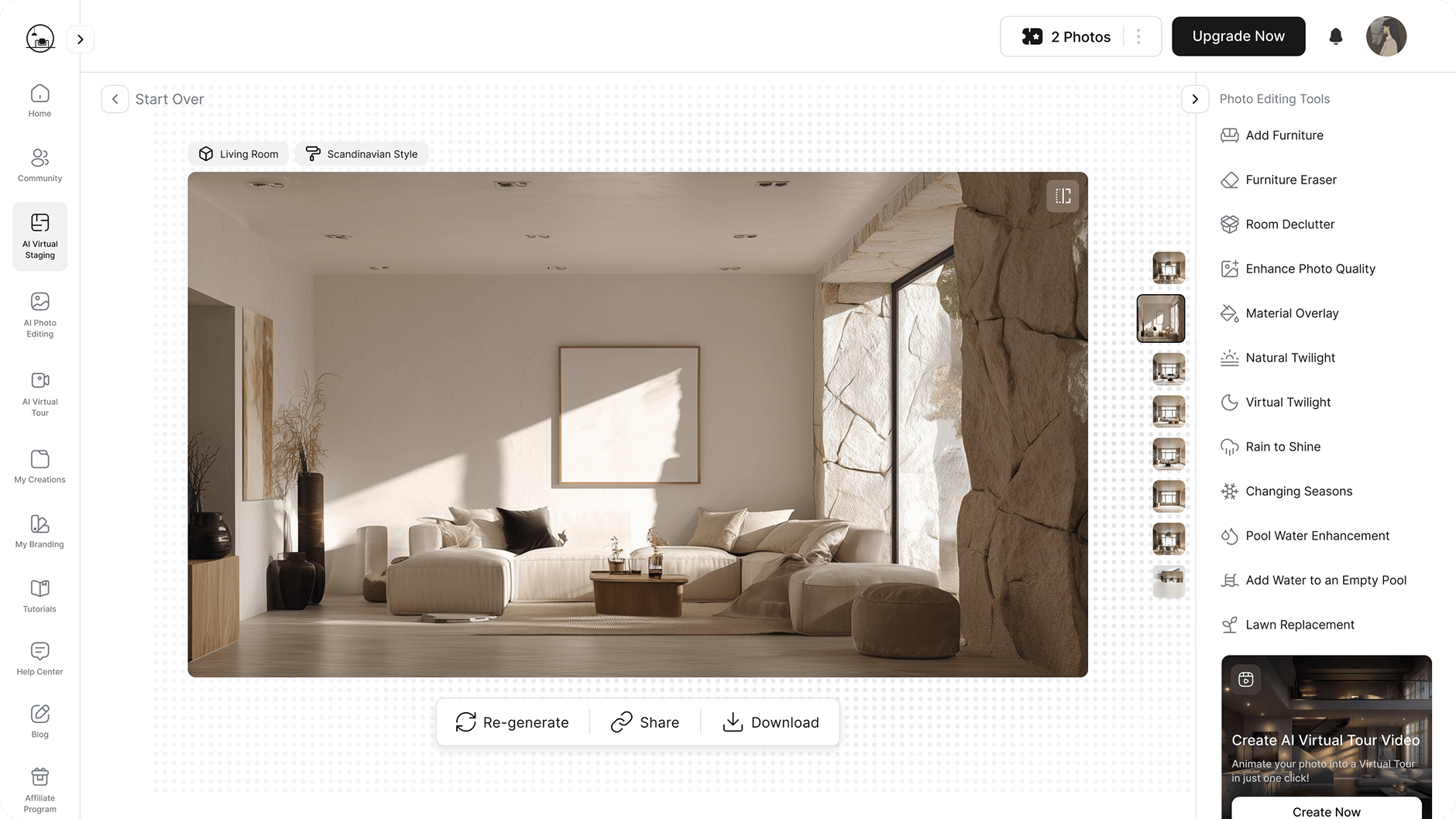
The November 4 annual cards show Standard at US$19/month equivalent, US$228 billed yearly, for 60 monthly photo credits. Advanced is US$49 equivalent, US$588 yearly, for 150 and adds multi-angle/chat editing. These are annual commitments, not verified cancel-anytime monthly amounts.
Collov distinguishes uploading a new photo from regenerating a photo already uploaded. Its regeneration allowance does not mean you can introduce unlimited new source images. Count the distinct photographs in your monthly work, then check whether the required editing functions are in your chosen tier.
Choose it when: you have repeat photo work and want to operate the editing process yourself. Test two angles of one room before committing to a larger property batch.
ApplyDesign is useful when "make this room modern" is not enough direction. Its DIY workflow lets you work with furniture placement; automatic staging is a separate option with a different coin cost.
The published coin price is $10 for purchases of one to nine coins, $8 for ten to nineteen, and $7 for twenty or more. A DIY 2D image costs one coin, making its effective rate $7-$10. Automatic 2D staging costs 1.5 coins, or $10.50-$15 at those pack rates.
The lowest rate therefore requires a larger prepaid purchase. For an occasional listing, compare the cash you need to spend now, not just the theoretical cost per image after using an entire pack.
Choose it when: furniture position is part of your brief and you want direct involvement. Review the final placement against the actual room; a visual staging editor is not a measured drawing.
Virtual Stage Pro offers photo-based furnishing and furniture removal. It publishes a pay-as-you-go price of $3.99 per photo, with two free photo credits after signup and no subscription.

Read its "unlimited photo processing" wording alongside the per-photo charge. It is not an unlimited free plan. Start with a representative image, inspect the result closely, and confirm the usage terms before committing client work.
Choose it when: you want a small self-service order without an annual plan. Compare the revision effort with the cost of outsourcing the same job.
Stuccco advertises human-designed staging with a 24-hour turnaround and unlimited revisions. Its November 4 public Add Furniture/Decor pay-as-you-go example is US$35 per photo. The delivery promise and revisions are vendor service terms, not independently measured performance.
The lower bundle rates require prepayment: $399 for the Essential bundle or $799 for Plus, with credits expiring after twelve months. These are one-time purchases, not monthly subscriptions.
Choose it when: you want a human-delivered service rather than software to operate. Ask for the full scope and delivery expectations for your particular order.
Not every interior-design tool replaces listing-photo staging. A seller exploring a renovation may want a proposed new room, while a buyer viewing a listing needs an accurate picture of the property that exists. Keep those deliverables separate when choosing software.
Home Design AI, at home-design.ai, presents interior and exterior design workflows. It is relevant to exploring a property's potential, but that alone does not establish a managed listing-photo service or a dimensionally accurate renovation plan.

The current site asks users to log in to claim free credits. Do not rely on the older no-signup, unlimited-free wording visible in the screenshot when budgeting a new project.
An October 26 review described RapidRender at rapidrender.app as a 3D design, rendering and CRM workflow, rather than an empty-room photo stager. Its current operation and pricing could not be verified on November 4. Its historical illustration is context for the model-based category, not evidence of present availability.

Consider a model-based workflow if you already work with 3D assets or need to arrange products in a designed space. Do not treat the screenshot's speed or conversion claims as a benchmark for your listing work.
A different wall color can help a seller decide which work to undertake before photography. It should not quietly turn the current listing into a picture of a renovation that has not happened.
For a proposed finish, Paintit lets you select colors from Behr, Benjamin Moore, Dulux, Nippon Paint and Sherwin-Williams catalogs, with search by name, code or HEX. Use the preview to narrow a shortlist, then check physical samples in the property. A screen image is not a calibrated prediction of the finished paint.
Keep proposed repainting concepts separate from the photos used to represent the home's current condition. Label the proposal clearly, particularly if the owner has not approved or completed the work.
For real estate photo editing beyond staging, request separate prices for cleanup, twilight edits and other deliverables. A furnished-room image does not replace the rest of a property-media order.
Start with the actual deliverables. Six empty-room photographs are a different job from six occupied rooms requiring furniture removal, matching replacements and several approval rounds.
For six standard staging images, the published rates above give $138 at Styldod, $180 at BoxBrownie and $23.94 at Virtual Stage Pro, before taxes or additional services. Those totals compare price arithmetic, not equal service, image quality or revision support. A subscription or prepaid coin purchase has a different cash commitment again.
Record three numbers for your own trial: money spent, time spent checking and correcting outputs, and images you can actually use. If only three of six files pass your checks, the cost per accepted image is twice the nominal per-image rate, even before your time is included.
For repeat property work, the Paintit real-estate visualization workflow can help you assess where concept images fit. Keep floor plans, listing photography and other commissioned deliverables in the budget unless you have verified a replacement for each one.
The National Association of REALTORS' consumer guide to home staging advises disclosing material photo alterations so buyers receive a true picture. Keep an unaltered version available and check the specific requirements of your MLS, portal and jurisdiction.
Rental properties need the same distinction between current condition and a furnishing suggestion. Our guide to presenting virtually staged rental rooms covers that workflow in more detail.
Ask a service to confirm which details a revision can correct within the original order. Ask a self-service tool how another generation is charged. Repositioning the same sofa, removing clutter and replacing a whole room design may be different operations even if each ends in one downloaded image.
For two angles of a room, state the furniture arrangement once and review both views together. A managed brief, an object-placement editor and an image generator place different amounts of checking work on you. Price those responsibilities alongside the files.
BoxBrownie and Stuccco are the closest service-model matches in this comparison. Self-service tools put more of the briefing, editing and checking work in your hands. Choose according to the responsibility you want to retain, not just the price difference.
There are limited free allowances, not a reason to assume unlimited commercial staging. Paintit offers free credits after registration; Virtual Stage Pro advertises two photo credits after signup. Check the plan's usage rights before treating a free test as permission to publish client work.
It is a different product within the same company ecosystem: its terms name Styldod, Inc. Consider it as a workflow change, not an independent-provider comparison.
A furnished photograph does not supply measurements or establish a plan's accuracy. If floor plans are part of your current order, evaluate that deliverable separately. Do not infer CAD export or measured reconstruction from a tool's ability to create an attractive room image.