5 min. reading

Yulii Cherevko
CEO paintit.ai
Published:
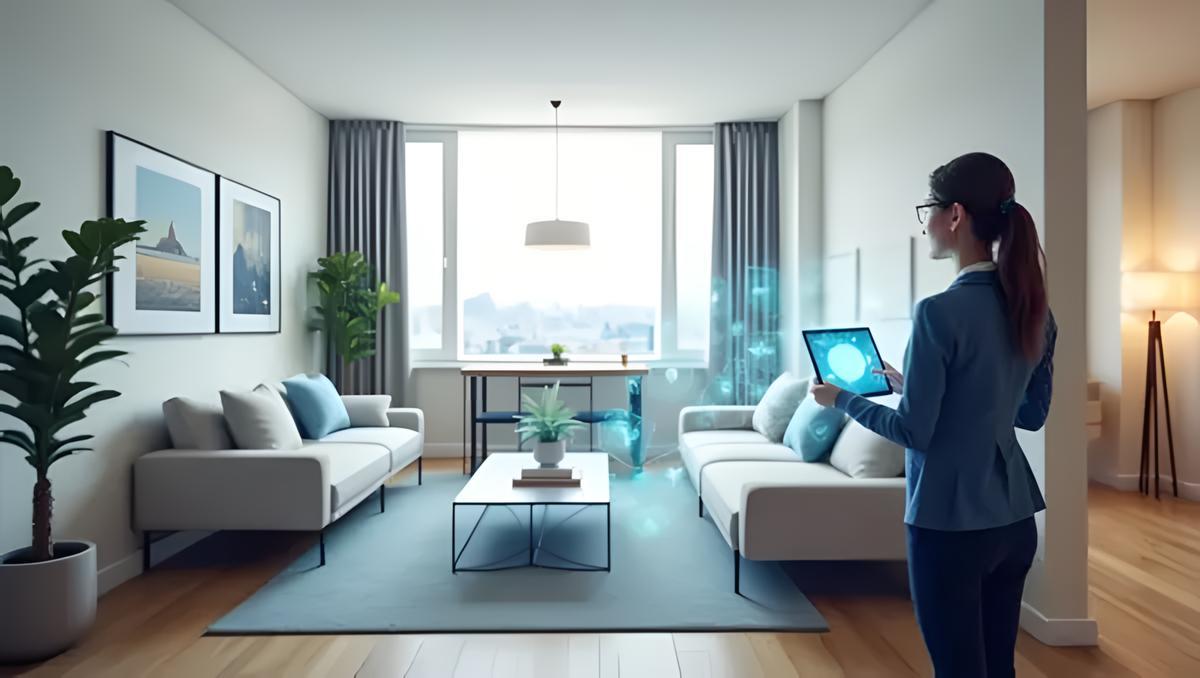
AI virtual staging helps an estate agent show what an empty, dated, or partially furnished rental could look like without moving furniture into the property. It is most useful when the original room is still recognisable: the walls, windows, floor, ceiling height, and fixed fittings should stay true to the photo. Use the staged image to explain the room's potential, then clearly label it as virtually staged.
Key takeaways
For rental listings, start with the rooms that decide whether a viewer books a viewing: the living room, primary bedroom, and kitchen-dining area. In the National Association of REALTORS' 2025 home-staging report, agents rated listing photos as more important to clients than physical or virtual staging. That is a useful reminder: the original photo still has to be well lit, tidy, and accurately framed before any AI edit is added.
Use virtual staging when a room is vacant, sparsely furnished, or contains old furniture that makes the proportions hard to read. It can also help an agent show two sensible uses for the same space, such as a second bedroom or a home office. It is not a substitute for repair work, photography, or a clear floor plan.
Do not use AI to remove damage, conceal a poor view, change the room size, add storage that is not there, or make a property look more finished than it is. A staged image should help someone picture furnishing the actual room, not create a different property.
Use a straight, well-exposed image that shows the main walls, windows, and floor. Remove temporary personal items in person where possible. If the room is occupied, get the appropriate permission to use the photo and avoid displaying personal documents, family photos, or valuable items.
Choose a broad, practical direction rather than trying to stage for every possible tenant. A compact city flat might need a small dining table and visible storage; a family rental may need a durable sofa and dining seating. Keep the style neutral enough that the room, rather than the decor, does the selling.
Upload the photo to Paintit.ai's AI Virtual Staging tool and ask for furniture that fits the existing perspective. Do not change the architecture, window placement, flooring, or fixed appliances. Review the generated image at full size before it reaches a portal or social post.
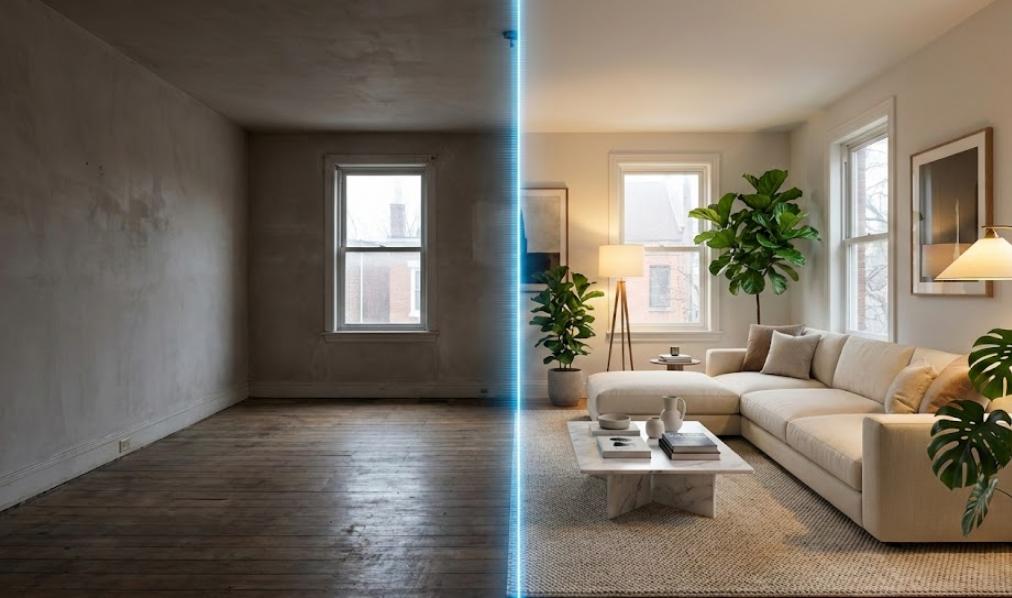
Store both files with the listing record. Use a label such as “Virtually staged for illustration. Furniture is not included.” The wording should match the requirements of the local portal, MLS, landlord, and jurisdiction. In the US, the 2026 NAR Code of Ethics requires REALTORS to present a true picture in advertising and prohibits misleading images. Other markets have their own rules, so this is not legal advice.
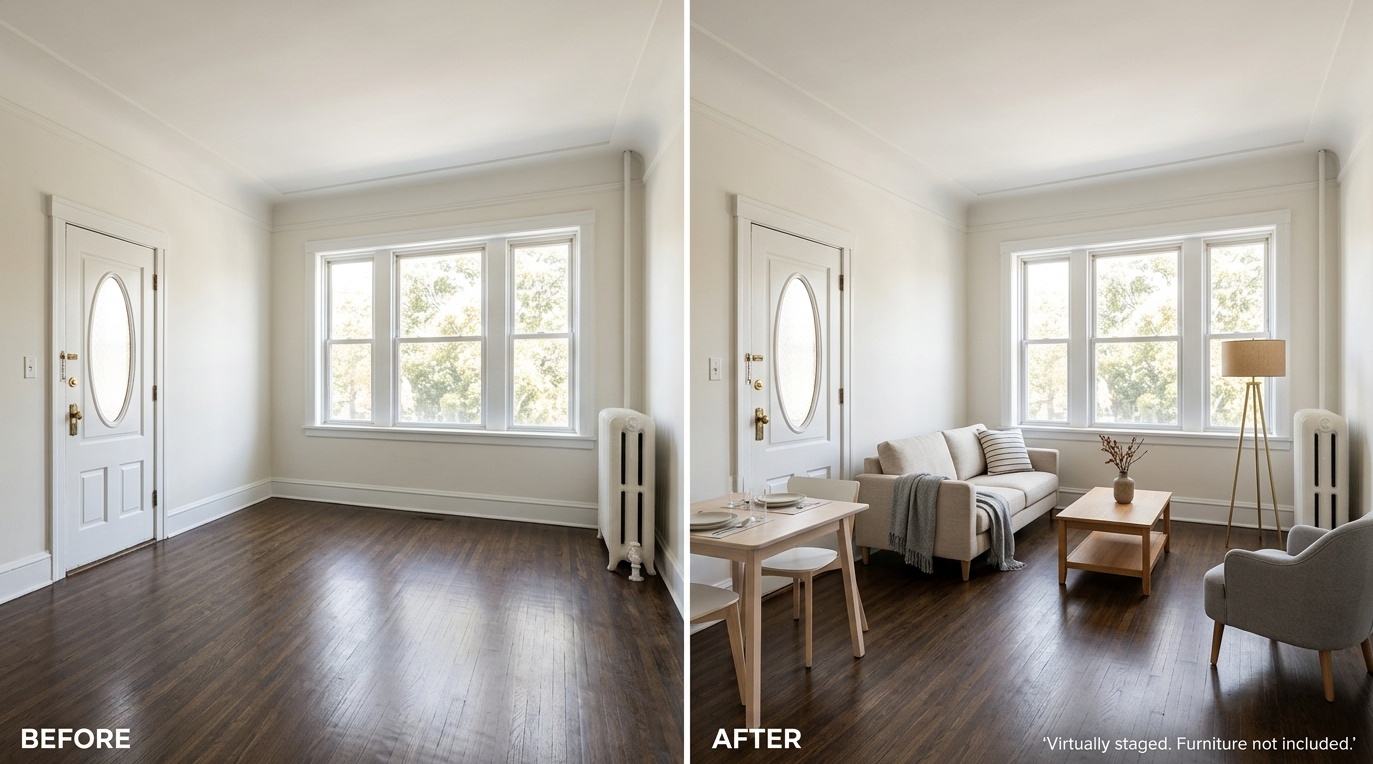
The best tool is the one that produces a believable image of the actual room and fits the rules of the channel where you publish it. Test one real listing photo before committing to a workflow, then compare the output against the original at full size.
Check whether the tool respects the photo's walls, windows, doors, radiators, floor lines, and scale. A sofa that blocks a door or a bed that cannot fit between two windows is a quick way to lose trust.
Choose a tool that lets you keep the architecture unchanged while specifying the room type, furniture scale, and style. For rental marketing, adding furniture is usually more useful than changing floors, walls, or fixtures.
Make sure you can download a clear image, retain the original, and review each generation before it is published. The tool should support a repeatable process for your team rather than encourage one-click posting.
Confirm how you will label virtually staged images and whether the listing portal or MLS has its own requirements. You also need permission to upload and publish the source photo. Paintit.ai's AI Virtual Staging tool can be tested with one representative room before you apply a style across an entire rental listing.
Give the tool details that exist in the photo and only the furniture direction you need. Shorter, constrained prompts usually produce a more credible rental listing image.
Prompt: “Keep the room dimensions, windows, flooring, ceiling, and architecture unchanged. Add a compact neutral sofa, one armchair, a small coffee table, floor lamp, and a dining table for two. Bright, practical rental styling. Do not alter the view or fixed features.”
Prompt: “Keep the room layout, window, radiator, and flooring unchanged. Add a double bed with plain white bedding, two small bedside tables, a narrow wardrobe, and warm lighting. Make sure the furniture fits the visible floor area.”
Prompt: “Keep all architectural features unchanged. Stage this room as a compact home office with one desk, task chair, shelving, and a small sofa bed. Leave a clear walking route from the door to the window.”
Virtual staging can make a listing easier to understand, especially when the room is empty. It should sit alongside accurate photography, a floor plan, and a plain-language description of what is and is not included in the tenancy. The strongest rental listings make the space clearer without asking a prospective tenant to guess what is real.
Before publishing, use AI Room Design to test an alternative layout, then choose the version that best matches the actual room. Keep the original photo available and label the finished image clearly.
It can be, but the rules depend on the jurisdiction, listing portal, MLS, and agency policy. A sensible baseline is to label the image as virtually staged, keep the original available, and avoid edits that hide defects or alter permanent features. Check local requirements before publishing.
Yes. The original photo shows the current condition; the staged version helps viewers understand scale and potential. Showing both is clearer than presenting an altered image alone.
It can, but use it carefully. Removing personal clutter may make a room easier to read, while removing a built-in, a defect, or a limitation could mislead viewers. The edited image needs a clear label and should not replace the original property record.
Start with the living room, main bedroom, and kitchen-dining area. These rooms usually carry the most weight when someone decides whether the rental is worth a viewing. Stage only the rooms where furniture genuinely improves understanding of the layout.


