We use essential cookies to make our site work. With your consent, we may also use non-essential cookies to improve user experience, personalize content, and analyze website traffic. For these reasons, we may share your site usage data with our social media and analytics partners. By clicking “Accept,“ you agree to our website's cookie use as described in our Cookie Policy. You can change your cookie settings at any time on your browser preferences.
  • About
  • Blog
  • Contacts
  • Affiliate program
AiEi

Products

  • For E-commerce
  • For Real Estate

Tools

  • AI architecture generator
  • AI concept generator
  • AI exterior design
  • AI house generator
  • AI house painter
  • AI landscape design
  • AI rendering
  • AI room design
  • Home exterior design tool
  • AI Virtual Staging

Use Cases

  • AI Kitchen Design
  • AI Living Room Design
  • AI Bedroom Design
  • AI Bathroom Design
  • AI Closet Design
  • AI Office Design
  • AI Pool Design
  • AI Laundry Room Design
  • AI Restaurant Design
  • AI Classroom Design
  • AI Basement Design
  • Terms of Service
  • Privacy Policy
Logo
Paintit.ai - Free AI Interior Design Tool

© 2026

Stand with Ukraine
PAINTITAI LTD, 52 Leytonstone road, London, E15 1SQ, UK
Paintit.ai - ai home design free
  • Pricing
  • For Real Estate
  • For E-commerce
  • Blog
  • Contacts
/Blogs/Best Free AI Interior Design Apps
AI interior design
29 april 2026

5 min. reading

The Best Free AI Interior Design Apps for Every Room: From Kitchens to Bedrooms 

avatar-blog

Yulii Cherevko

CEO paintit.ai

Share
  • ChatGPT
  • Perplexity
  • Claude
  • Grok
  • Google AI
The Best Free AI Interior Design Apps for Every Room: From Kitchens to Bedrooms

Page [break] Contents: 

  • 1. Key Takeaways
  • 2. Introduction
  • 3. Types of AI Used in Interior Design
  • 4. Comparison of AI Interior Design Software (table)
  • 5. Top AI Interior Design Tools in 2026
  • 6. Detailed Feature Comparison (table)
  • 7. Professional Tools for Advanced Users
  • 8. Strategic Recommendations
  • 9. The Ultimate Hybrid Workflow
  • 10. Managing Expectations: Current AI Limitations
  • 11. FAQ
  • 12. Conclusion

Key Takeaways

  • Free AI interior design apps make visualization accessible to everyone, letting you play with home decor ideas without breaking the bank.
  • Every app has its own strengths, whether it's simple room refreshes or more advanced creative inspiration.
  • Free tools often come with limits: less realistic pictures and smaller design libraries.
  • Paintit.AI can really level up those initial free visualizations with super realistic previews and tons of design options.
  • AI is a fantastic starting point for ideas and layouts; but remember, your personal style and a human eye are still super important.
  • The best free AI interior design app for you really depends on what you need, like if you're planning a new kitchen or just want to spruce up your bedroom.

Introduction

Dreaming of a gorgeous home makeover but dreading the cost of a professional designer? You're not alone. Figuring out new paint colors, furniture arrangements, or decor styles can feel overwhelming, especially on a budget. Luckily, thanks to artificial intelligence, powerful, best free AI interior design apps are now right at your fingertips. These clever tools let you mess around with countless design possibilities, virtually transforming your space before you even think about buying a can of paint or a single piece of furniture. We've included some notable names like RoomGPT, Homestyler, Planner 5D, and Canva AI. Ready to see what's out there and check out top AI tools for interior design? Come explore the world of AI-powered design and learn how tools like Paintit.AI can help make your vision real.

Types of AI Used in Interior Design

The cool part about these virtual transformations? It's all thanks to some smart AI technology. Knowing a bit about these different types can help you get more out of the tools.

Generative AI for Style Inspiration

Generative AI is a powerful force in design. These models can invent brand new design concepts, suggest furniture layouts, and combine aesthetics based on what you ask for or a picture of your room. They learn from huge collections of interior images, then create fresh ideas, giving you endless inspiration without you having to manually design a thing. This is especially useful for getting your creative juices flowing and exploring styles you might never have thought of.

Image Recognition and Room Mapping

Another key part of AI here is image recognition. When you upload a photo of your room, AI algorithms look at the image to pinpoint architectural features, existing furniture, and room sizes. This lets the app accurately map out your space. That's how it can virtually "put" new items in, change wall colors, or rearrange layouts. For example, if you want to see how AI can help with your bedroom ideas, these tools precisely map your current bedroom to help you picture the changes.

Comparison of AI Interior Design Software (table)

Tool Name Primary Focus Ease of Use Output Quality (Free Tier)
Paintit.AI Photo-realistic visualization, style generation Very Easy High
RoomGPT Quick room restyling Easy Medium
Homestyler 3D floor plans, virtual staging Medium Medium
Planner 5D Detailed room layouts, floor plans Medium Medium
Canva AI Mood boards, graphic design ideas Easy Low to Medium

Top AI Interior Design Tools in 2026

When you're hunting for the best free AI interior design app, it's smart to think about what each platform does best. Here's a rundown of the top choices available in 2026.
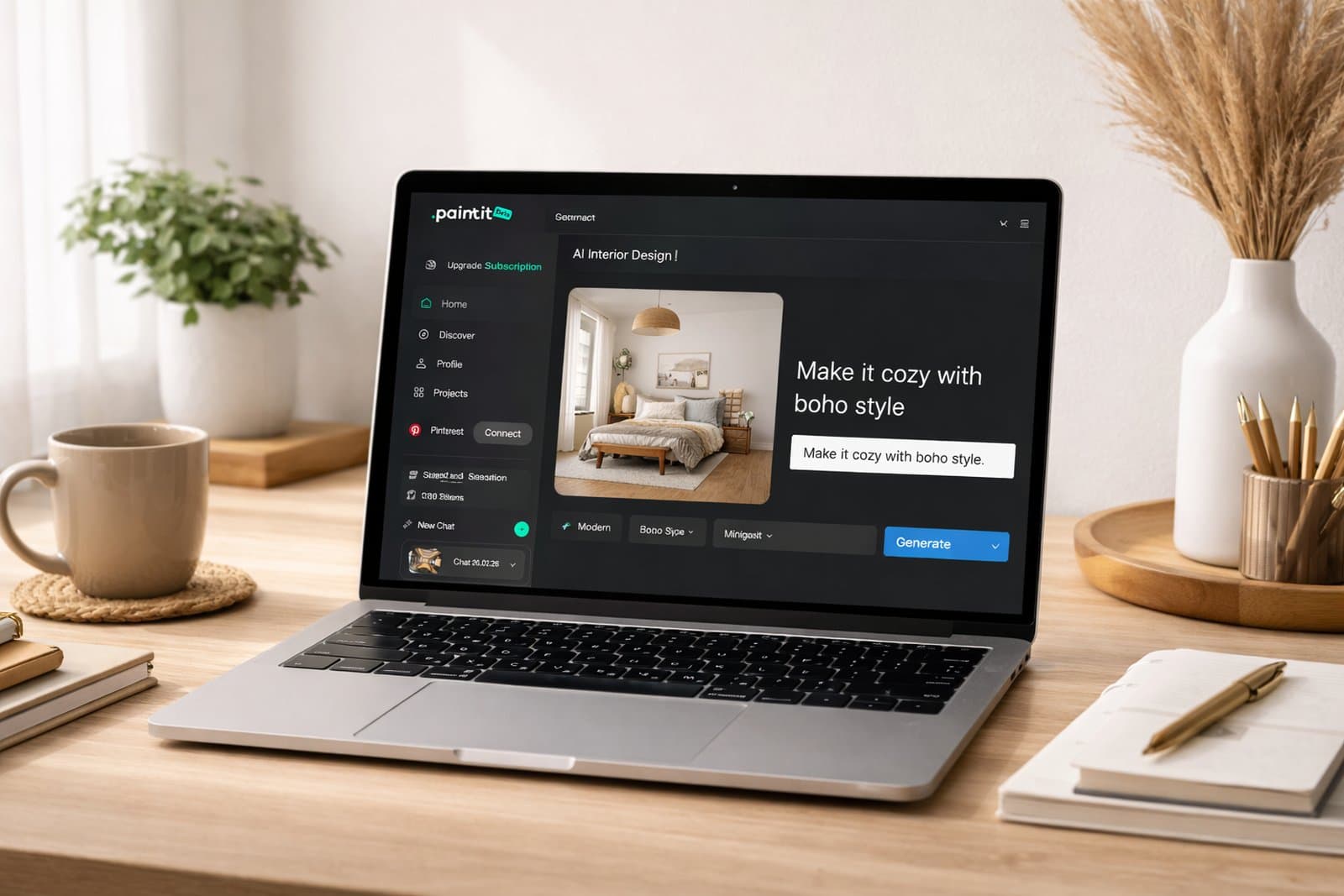
Paintit.AI - Best for Photo-Realistic Visualization

Paintit.ai

Paintit.AI really stands out because of its incredibly realistic AI renderings. It takes your uploaded room photos and turns them into stunning visual concepts. While we do have premium features, our core ability to visualize design changes is super valuable for anyone who wants to see their ideas come to life with amazing detail. It's perfect for those "try-on" moments, letting you experiment with different styles, colors, and materials right on your existing space.
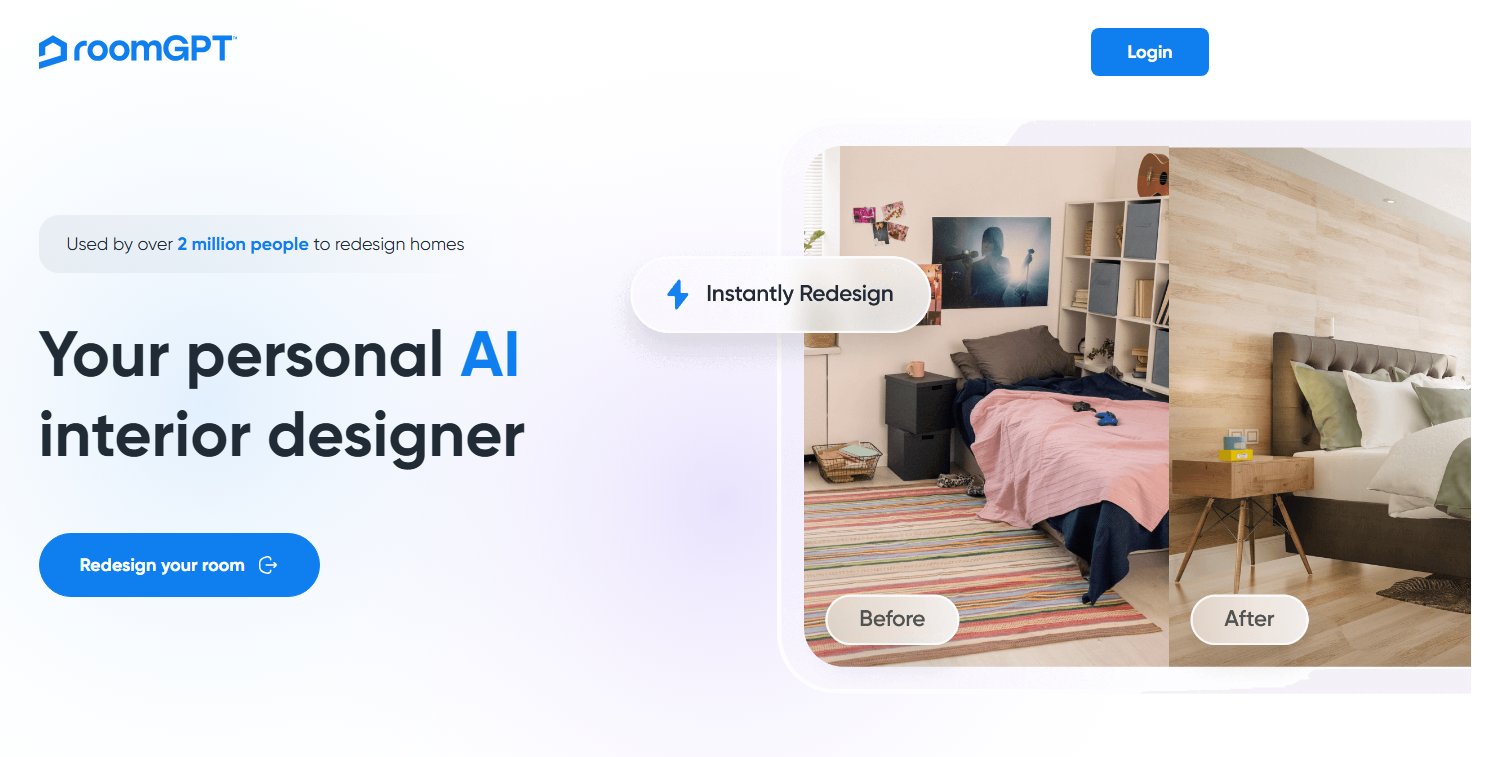
  • Pros: Super realistic pictures, huge style library, simple photo upload, easy-to-use interface, fantastic for seeing colors and materials.
  • Cons: The free version has usage limits; most advanced features require a paid subscription.
  • Best for: Homeowners who want to see exact changes on their own photos, visualize paint colors, furniture styles, and material textures accurately before buying anything. It's a great next step after you've done some initial brainstorming with simpler tools; you can try Paintit.AI's AI Room Design feature for free.

RoomGPT - Best Free AI Room Redesign

RoomGPT.io

RoomGPT offers a very simple, completely free way to redesign your room with AI. You upload a picture of your room, pick a style you like, and the AI cooks up a new design concept. It's brilliant for getting fast inspiration and seeing big changes without spending a dime.

  • Pros: Totally free, incredibly easy to use, quickly generates concepts, great for quick inspiration.
  • Cons: The picture quality can vary, customization is limited compared to more robust tools, fewer specific furniture choices.
  • Best for: Anyone looking for free AI home design inspiration, getting quick room makeovers, and checking out different aesthetic styles without committing to a platform. Check their official RoomGPT site for more details.

Homestyler - Best for 3D Floor Planning and Virtual Staging

Homestyler gives you a more comprehensive set of tools for both 2D floor plans and 3D visualization. While it offers a premium version, its free tier lets users create detailed floor plans, fill rooms with a decent collection of items, and render basic 3D images. It's a fantastic option if you need to visualize not just the look but also how everything fits spatially.
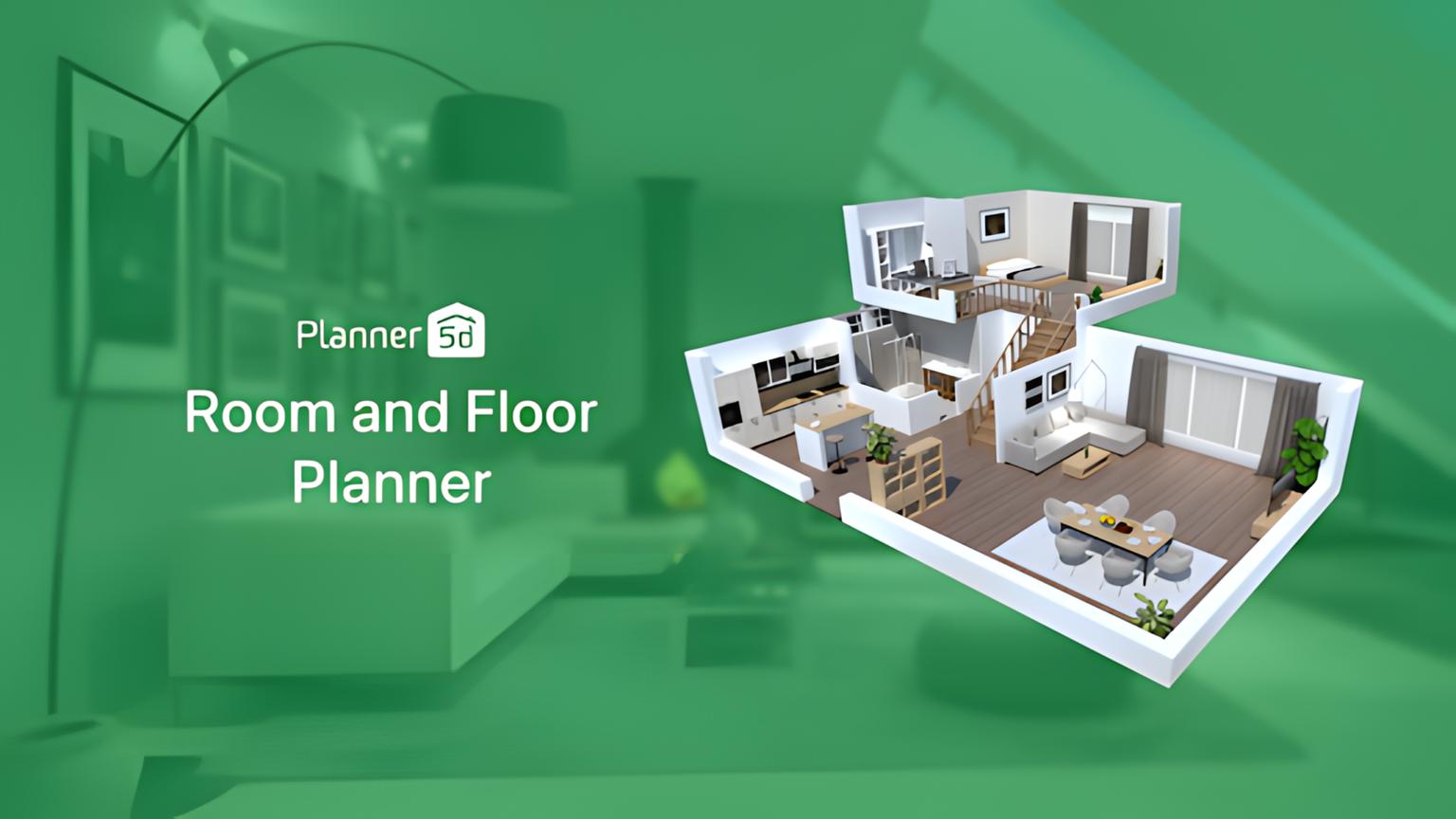
  • Pros: Strong capabilities for 2D and 3D floor planning, a large furniture library in the free tier, good for virtual staging.
  • Cons: Has a steeper learning curve than simpler apps, free rendering quality isn't always photo-realistic, some advanced features are behind a paywall.
  • Best for: Users who need to plan room layouts, test where furniture goes, and create full floor plans alongside aesthetic visualizations. Learn more on the Homestyler website.

Planner 5D - Best for Detailed Layouts

Planner 5D is another popular choice for creating detailed home and interior designs, focusing heavily on floor plans and architectural bits. Its free version provides access to a big catalog of items and lets you create 2D and 3D layouts, making it a powerful AI app for home decor planning.
  • Pros: Huge catalog of items (furniture, decor, appliances), solid 2D/3D planning tools, works on different devices.
  • Cons: Rendering quality can be pretty basic on the free tier, the free item catalog is big but certain high-end items are locked.
  • Best for: Individuals wanting a thorough free AI interior design app that allows for detailed architectural planning, room layout, and furnishing with a wide selection of items. Visit Planner 5D's site for more.

Canva AI - Best for Mood Boards and Graphic Design Ideas

Canva AI

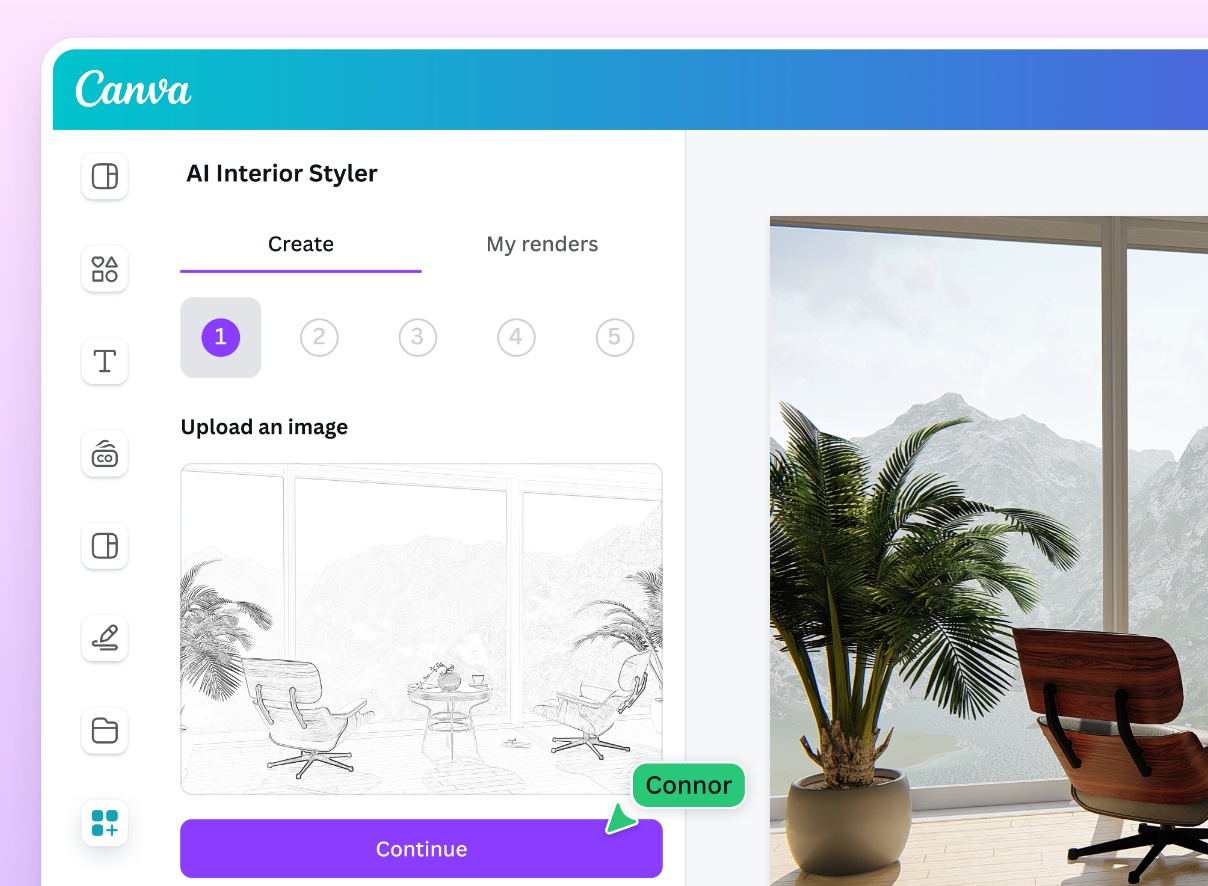
Canva isn't a dedicated 3D interior design app, but its AI features - like Magic Design and text-to-image generation - make it an excellent tool for whipping up interior design mood boards. You can create conceptual images, mix and match different elements, and pull together color palettes, making it a valuable step in the early design process.

  • Pros: Super easy to use, perfect for mood boards and visualizing concepts, strong graphic design tools, integrates well with other design elements.
  • Cons: Not a real 3D room visualizer, AI image generation can sometimes be a bit abstract or need finessing, limited to 2D pictures.
  • Best for: Designers and hobbyists who want to create aesthetic mood boards, gather style inspiration, and explore graphic concepts for their interior design projects.

Detailed Feature Comparison (table)

Feature Paintit.AI RoomGPT Homestyler Planner 5D Canva AI
Photo Upload Redesign Yes Yes Limited No Limited
Text-to-Image AI Yes Yes No No Yes
2D Floor Plan Creator No No Yes Yes No
3D Visualization Yes (realistic) Yes (basic) Yes (medium) Yes (medium) No
Furniture Library Extensive Basic Extensive Extensive No
Material/Texture Swap Yes Limited Yes Yes No
Style Presets Yes Yes Yes Yes Yes
Augmented Reality (AR) No No Some Some No

Professional Tools for Advanced Users

While the best free AI interior design apps are fantastic for initial ideas and budget-friendly exploration, professionals or serious DIYers might eventually want more advanced capabilities. Tools like AutoCAD, SketchUp, or Adobe Substance 3D offer unmatched precision, customization, and smooth integration with professional workflows. These platforms allow for detailed architectural drawings, intricate 3D modeling, and highly realistic renders, often coming with vast asset libraries and collaboration features. They're an investment, but they provide the depth needed for big projects or working with clients.

Strategic Recommendations

Picking the best AI interior design app really depends on what you're trying to achieve:

  • For quick inspiration and exploring styles: Go with RoomGPT or Paintit.AI's generative AI features. They're great for churning out lots of different ideas fast.
  • For detailed room layouts and placing furniture: Homestyler or Planner 5D will be your best friends, letting you precisely plan spatial arrangements.
  • For high-quality pictures of specific changes (colors, materials, furniture): Paintit.AI is unbeatable. It gives you the most realistic preview of how actual products will look in your space.
  • For creating mood boards and conceptual graphic design: Canva AI offers a user-friendly way to gather and visualize your aesthetic direction.

The Ultimate Hybrid Workflow

To get the absolute most out of free AI tools and elevate your design process, consider trying this mixed approach:

  1. Brainstorm with a free generative AI app (e.g., RoomGPT or Canva AI): Quickly generate a wide range of styles and ideas for your room. Don't worry about perfection yet; just aim for inspiration.
  2. Refine layouts with a 2D/3D planner (e.g., Homestyler or Planner 5D): Once you have a general style direction, use one of these tools to map out your room dimensions, place furniture, and try different layouts for the best flow.
  3. Visualize with Paintit.AI for realism: Take photos of your actual room and upload them to Paintit.AI. Use the platform to apply specific paint colors, check out material finishes, and preview furniture styles from your layout plans. This step allows you to see your kitchen designs or any other room with photographic accuracy before making any purchases.
  4. Create a detailed mood board (e.g., Canva AI or a physical board): Combine realistic pictures from Paintit.AI with inspirational images, material swatches, and color palettes to create a complete visual guide for your project.
  5. Budget and source: With a clear vision and realistic previews, you can confidently budget for and find materials and furniture, helping you avoid expensive mistakes.

Managing Expectations: Current AI Limitations

While AI interior design tools are incredibly powerful, it's important to approach them with realistic expectations.

  • Realism vs. Reality: Free apps might not always give you perfectly photo-realistic pictures. Textures, lighting, and how materials shine can sometimes look a bit fake. High-quality rendering often needs more advanced (and usually paid) software like Paintit.AI.
  • Lack of Human Intuition: AI can't match the nuanced understanding of a human designer's eye, personal taste, or the emotional connection you have to a space. AI suggestions are based on data, not feelings.
  • Limited Customization: Free tools usually come with predefined furniture libraries and style options. If you have unique or custom pieces in mind, these tools might struggle to show them accurately.
  • Structural Limitations: Most AI tools focus on how things look and where they go, not on structural changes or complicated architectural modifications. For renovations that involve load-bearing walls, plumbing, or electrical work, always talk to qualified professionals.

FAQ

What's the main difference between free AI interior design apps and paid software?

Free apps typically offer basic visualization, limited features, and smaller libraries of furniture and decor. Paid or premium software often provides more realistic rendering, advanced editing tools, extensive asset libraries, and integration with purchasing platforms.

Can free AI interior design apps create realistic 3D models?

Some free apps can generate basic 3D visualizations, but their realism is often limited. High-fidelity 3D modeling and rendering usually require more advanced software. Free tools are best for conceptualizing and initial visualization.

How accurate are the AI design suggestions?

AI suggestions are based on algorithms and vast datasets of existing designs. While they can offer excellent starting points and identify popular trends, they may not always align perfectly with personal taste or the specific nuances of a unique space. Human oversight and personal preference remain crucial.

Can I use these apps to plan a whole house renovation?

Free apps are generally best suited for redesigning individual rooms or specific areas. Planning a whole-house renovation involves complex structural, electrical, and plumbing considerations that go beyond the scope of most free AI interior design tools.

How do I get the best results from a free AI interior design app?

Start with clear, well-lit photos of your space. Be specific with your design prompts if the app uses text input. Experiment with different styles and features, and don't be afraid to iterate. Remember to use these tools as a starting point, not a final blueprint.

What is the best free AI interior design app?

The best free AI interior design app depends on your specific needs. For quick style inspiration, RoomGPT is excellent. For detailed floor plans, Homestyler or Planner 5D are strong choices. For those seeking a blend of conceptualization and high-quality rendering, utilizing a free tier of a tool like Paintit.AI in conjunction with other free apps can be very effective.

Conclusion

The fact that free AI interior design apps are so widely available has really changed how homeowners and renters approach decorating. It makes professional-level visualization accessible to everyone. Whether you're generating quick design ideas for a living room or meticulously planning a kitchen layout, these tools offer an empowering way to experiment with your space without a big financial commitment.

While free apps are fantastic for initial inspiration and basic planning, combining their strengths with the super realistic visualization capabilities of platforms like Paintit.AI can seriously elevate your design process. By using a hybrid workflow, you can go from broad ideas to highly detailed, accurate previews of your dream home. This ensures your decorating decisions are well-informed and confident. So, start exploring the possibilities today and turn your interior design visions into reality.


Trending 

AI interior design
5 min read

The Best Free AI Interior Design Apps for Every Room: From Kitchens to Bedrooms

Landscape
6 min read

How to Use AI for Landscape Design: From a Backyard Photo to a Professional Plan in 30 Seconds

AI interior design
6 min read

The Ultimate Guide to Architectural Rendering Styles: From Photorealism to Artistic Sketches

AI technologies
6 min read

From Pixels to Pallets: Automating Bulk Material Orders with Agentic AI and 3D Design Data

Alternatives
8 min read

Best Wayfair Decorify Alternatives & Competitors in 2026: Full Review

Related articles 

Automation is Right Here: How Agentic AI is Changing Outdoor Furniture and Landscape Design
LandscapeAI technologies
30 april 2026

7 min read

Automation is Right Here: How Agentic AI is Changing Outdoor Furniture and Landscape Design

See how Agentic AI is changing outdoor furniture sourcing, landscape procurement, and material selection — from climate-matched specs to autonomous ordering.

avatar-blog

Yulii Cherevko

CEO paintit.ai

The Best Free AI Interior Design Apps for Every Room: From Kitchens to Bedrooms
AI interior design
29 april 2026

5 min read

The Best Free AI Interior Design Apps for Every Room: From Kitchens to Bedrooms

Explore the best free AI interior design apps for kitchens, bedrooms, and more. Compare tools, see how they work, and start visualizing your space today.

avatar-blog

Yulii Cherevko

CEO paintit.ai

How to Use AI for Landscape Design: From a Backyard Photo to a Professional Plan in 30 Seconds
LandscapeAI technologies
28 april 2026

6 min read

How to Use AI for Landscape Design: From a Backyard Photo to a Professional Plan in 30 Seconds

Turn a backyard photo into a professional landscape plan in seconds. Explore AI landscape design ideas, styles, and step-by-step tips with Paintit.ai.

avatar-blog

Yulii Cherevko

CEO paintit.ai

The Ultimate Guide to Architectural Rendering Styles: From Photorealism to Artistic Sketches
AI interior design
27 april 2026

6 min read

The Ultimate Guide to Architectural Rendering Styles: From Photorealism to Artistic Sketches

Explore all major architectural rendering styles — photorealistic, watercolor, sketch, conceptual — and learn how AI tools make them faster to produce.

avatar-blog

Yulii Cherevko

CEO paintit.ai

From Pixels to Pallets: Automating Bulk Material Orders with Agentic AI and 3D Design Data
AI technologies
24 april 2026

6 min read

From Pixels to Pallets: Automating Bulk Material Orders with Agentic AI and 3D Design Data

See how agentic AI and 3D design data automate material procurement — from BOM generation to bulk ordering and supply chain optimization.

avatar-blog

Yulii Cherevko

CEO paintit.ai

Best Wayfair Decorify Alternatives & Competitors in 2026: Full Review
Alternatives
23 april 2026

8 min read

Best Wayfair Decorify Alternatives & Competitors in 2026: Full Review

Compare the best Wayfair Decorify alternatives in 2026 — Paintit.ai, RoomGPT, Planner 5D, Homestyler, Havenly and more. Find the right tool for your needs.

avatar-blog

Yulii Cherevko

CEO paintit.ai