6 min. reading

Yulii Cherevko
CEO paintit.ai
Published:
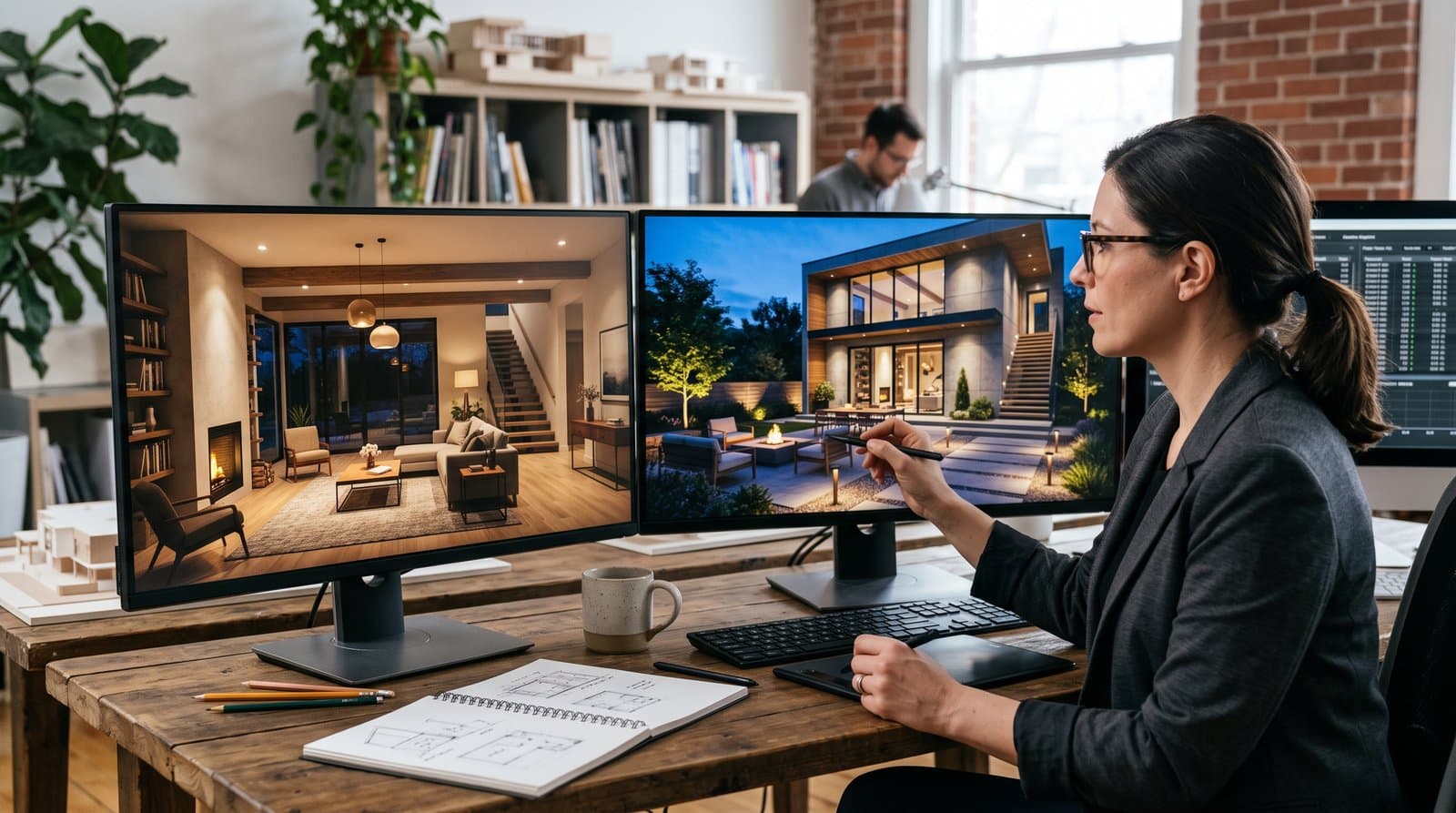
AI lighting design is useful for seeing a lighting direction in the context of an actual room, patio, facade, or garden before anyone orders fixtures. It can help you compare a warmer evening mood with a brighter task-focused option, place a few visual focal points, or show how a dark path may read after sunset. It cannot confirm electrical safety, code compliance, glare control, fixture performance, or the amount of light on a surface. Use the image to make the brief clearer, then let the appropriate professional turn it into a buildable lighting plan.
Key takeaways
AI can generate a fast visual concept when you give it a clear photo, plan, or description. It is good at answering questions such as: Would two pendant lights make this island feel crowded? Does a wall-wash make this textured wall worth keeping? Would low path lights make the route from the driveway to the door easier to understand at night?
It is less reliable when the decision depends on photometry, wiring, control compatibility, a local regulation, emergency lighting, or a product datasheet. Those are specification questions. Ask AI to identify what needs checking, but verify the answer against the actual product information and the project requirements.
| Use AI for | Do not rely on AI alone for |
|---|---|
| Comparing visual moods, fixture locations, and lighting layers. | Electrical design, circuit capacity, fixture ratings, and installation. |
| Testing whether a room or patio reads as calm, focused, social, or dramatic. | Lux calculations, code compliance, accessibility, or safety sign-off. |
| Preparing a clearer brief for an architect, lighting designer, electrician, or client. | Assuming that a rendered colour or brightness will match the finished space. |
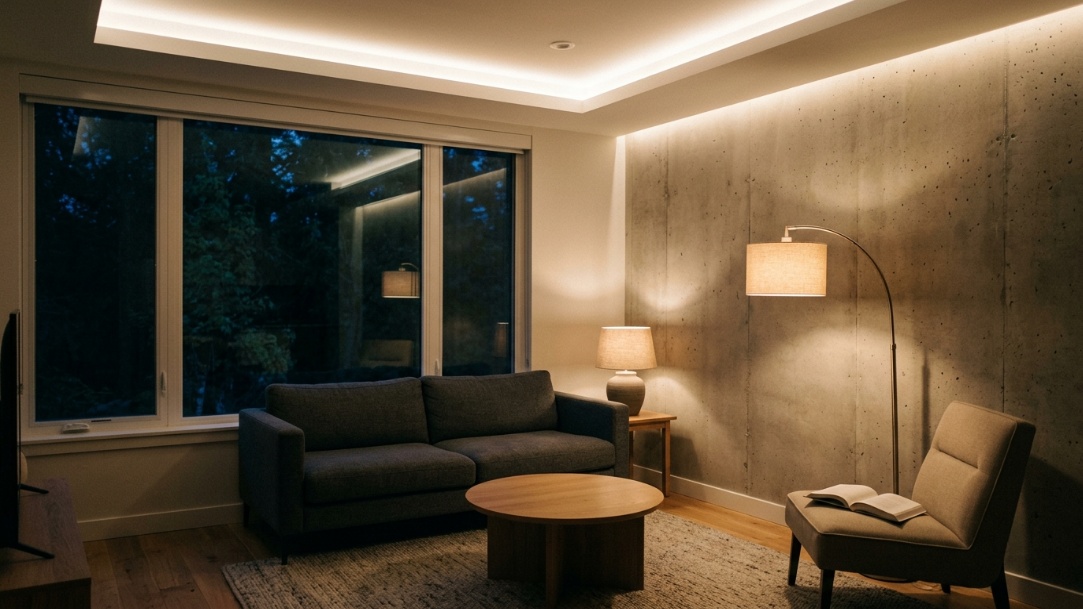
Begin with the activity, not with a fixture. A kitchen needs a different conversation around the island and worktop than a living room needs around a sofa or artwork. Good interior lighting usually has an ambient layer that makes the room usable, task light where people work, and accent light where the eye needs a reason to pause.
Take a level photo that includes windows, ceiling height, doors, fixed joinery, and the main furniture. Turn on the lights you already have, then take a second image with them off. These two views make it easier to describe what is daylight, what is an existing fixture, and what you want the AI to change.
Do not ask for “better lighting” and hope for the best. Ask for a reading corner with a lamp that does not block the window, a dining table that feels intimate without darkening the rest of the room, or a home office that reduces harsh contrast around the screen. One task produces a design you can actually discuss.
Generate one conservative option and one alternative. For example, a living room might use a floor lamp and wall wash in one image, then a pendant and table lamps in the other. Keep the architecture and furniture fixed so that the light, rather than a surprise new sofa, is what you are comparing.
Use AI Room Design to create an interior concept from a photo, then keep the strongest result as a briefing image. It is more useful when the prompt says what cannot change than when it lists every lighting term you know.
AI outdoor lighting design works best when you treat the exterior as a set of separate zones. The front path needs to be legible. Stairs and changes in level need to be visible. A patio needs light for people, faces, food, and movement. A tree, facade, or garden wall can be an accent, but it should not become a source of glare for the whole street.
For a first concept, decide which areas need light and which areas can remain dark. The Illuminating Engineering Society's outdoor-lighting guidance treats pedestrian visibility, glare, and environmental context as design issues alongside appearance. That is a useful check before an attractive render turns into an overlit installation.
Ask the AI to make the route visible without turning the ground into a runway. Low, shielded fixtures can show the edge of a path or stair, while a brighter but controlled pool of light at the door makes arrival easier to read. Keep the prompt specific about every step, retaining wall, gate, and change in level that must remain visible.
Separate dining light from cooking light. A warm, low-level scene may suit a dinner table, but the grill and prep surface need enough usable light for the task. Generate different images for those two situations instead of trying to force one setting to do both jobs.
Use one or two focal points. A grazing light can show stone texture; an uplight can give a mature tree shape after dark. Ask the AI to keep the source of light concealed where possible and to avoid beams pointed into neighbours' windows, drivers' sightlines, or the sky.
Prompt: "Keep the desk, monitor, window, ceiling, and room dimensions unchanged. Add a practical layered lighting plan for a home office: glare-controlled task lighting at the desk, soft ambient light, and one warm accent light behind the seating area. Preserve the current furniture and camera angle. Show an evening scene with realistic brightness and no exposed wires."
Prompt: "Keep the kitchen layout, cabinetry, island, appliances, windows, and flooring unchanged. Create two lighting layers: focused but comfortable light over the island work surface and a warmer dimmable mood over the dining table. Use fixtures that fit the ceiling height and leave clear sightlines across the room. Do not change finishes, architecture, or furniture."
Prompt: "Keep the facade, driveway, path, front door, planting, steps, and property boundaries unchanged. Create a restrained outdoor lighting concept that makes the path, steps, and entrance easy to see at dusk. Use shielded fixtures, gentle downlighting, and minimal facade accent light. Avoid floodlighting, glare into the street, added landscaping, cars, people, text, or logos."
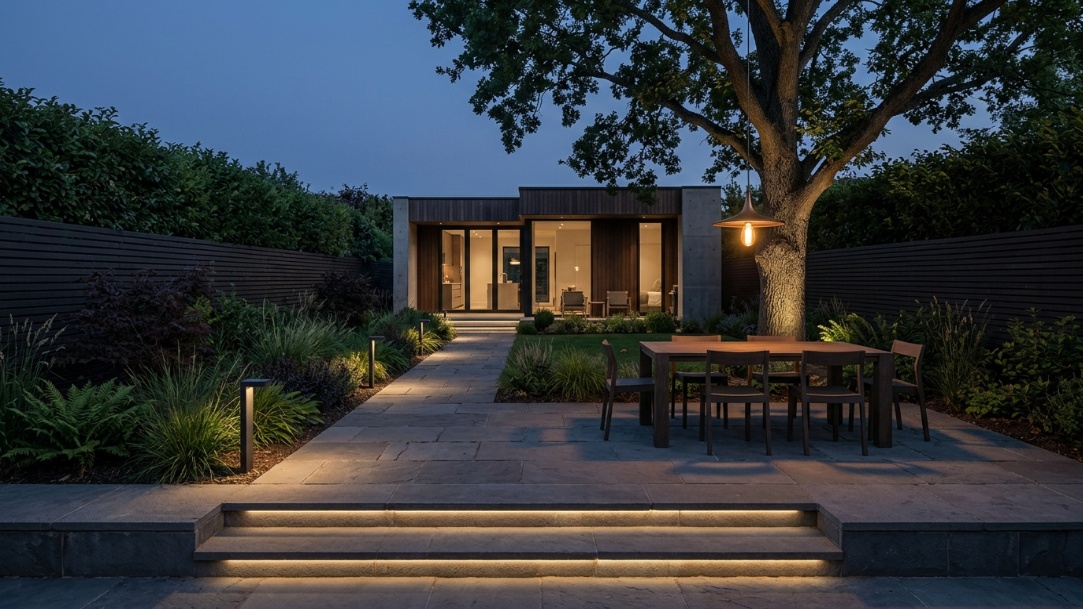
Prompt: "Keep the patio size, doors, windows, dining table, planting, and all existing architecture unchanged. Add warm outdoor dining light, subtle step markers, and a single accent light on the planting wall. Preserve dark areas beyond the patio and avoid over-lighting the garden. Realistic evening architectural photography."
For a facade, garden, or patio concept, AI Exterior Design can help you test the night-time composition on the actual property photo. Keep the final output as a visual reference, not as an electrical drawing or an installation instruction.
Bring in a qualified lighting designer, electrician, architect, or engineer when the project includes a new circuit, a commercial space, public access, emergency lighting, a pool or wet location, significant exterior lighting, accessibility requirements, listed-building restrictions, or any question about compliance. A good visual concept makes that conversation faster. It does not reduce the responsibility to check the real conditions.
AI for lighting design uses a photo, plan, or written brief to generate a visual lighting concept. It can help a homeowner or designer compare lighting moods, placements, and layers before purchasing fixtures. It is best used as an early design and communication tool.
Yes. AI can show ideas for paths, entrances, patios, facades, trees, and gardens after dark. Use a clear property photo and specify what must stay unchanged. Then have a professional check fixture selection, glare, electrical requirements, safety, and any local rules.
AI can help organize the question, but it should not be the final authority on lighting levels or fixture counts. Those depend on the exact room, surface finishes, task, luminaire distribution, mounting height, daylight, controls, and applicable standards. Use a proper lighting calculation and product data for a final plan.
Start with a straight, well-exposed photo. State which architectural features must not change, describe one lighting purpose, and ask for restrained brightness and believable shadows. Make one change at a time. A prompt that asks for path visibility or a reading lamp is easier to evaluate than one that asks for a completely transformed scene.
A useful lighting image gives everyone the same starting point: the homeowner, designer, electrician, and client can see the intended mood and the places where light needs to work. Use AI to get to that conversation faster. Use real product data, site conditions, and professional review to make the result real.