12 min. reading

Yulii Cherevko
CEO paintit.ai
Published: Updated:

For a room-photo redesign, start with Paintit.ai, HomeDesignsAI, RoomGPT, or REimagineHome. For a layout you can draw, furnish, and revise in 3D, compare Planner 5D, Floorplanner, Sweet Home 3D, and Foyr Neo. The right choice depends on whether you need a picture of an idea or a project with editable walls and furniture.
These Homestyler alternatives solve different problems. A convincing image can help you choose a finish, but it cannot tell you whether a sofa fits through the doorway. An editable plan answers different questions, provided you enter accurate measurements.
Review basis: Features and public pricing were checked on October 26, 2026. This is a vendor-document comparison, not a paid image-quality or rendering-speed benchmark. Paintit publishes this guide and is included in the comparison.
| Tool | Useful For | Free Access or Trial | Cost or Export Limit to Check |
|---|---|---|---|
| Homestyler, the baseline | Editable 3D planning plus AI workflows | Basic includes unlimited 1K renders | Paid AI allowances and export features depend on the plan |
| Paintit.ai | Developing a room-photo concept through chat and references | Free credits after registration | Check the current plan and usage allowance; no paid price quoted here |
| HomeDesignsAI | Photo-based interior, exterior, and garden concepts | Check current entry offers | Standard $27/month; Pro $29/month in the checked monthly view |
| Planner 5D | Editable room layouts and furnished 3D projects | Unlimited free projects; 50% of the furniture catalog | Premium displayed at EUR19.99 monthly or EUR59.99 for a year |
| RoomGPT | A focused photo-to-room-concept workflow | Confirm the current starting allowance | One-time credit purchases; current pack prices not verified |
| REimagineHome | Room redesign, staging, and reference-guided concepts | Five introductory designs | Essential $19/month for 30 credits; Pro $36/month for 200 |
| Foyr Neo | Editable 3D projects and client presentations | 14-day trial | Monthly view: Basic EUR35, Standard EUR85, Premium EUR145 |
| Floorplanner | Drawing and furnishing a floor plan in a browser | Five projects; SD exports carry a watermark | Project upgrades use credits; five credits displayed at $8.15 |
| Sweet Home 3D | Offline desktop planning with a 2D plan and 3D view | Free desktop download | Paid store editions have different bundled catalogs |
Dollar figures above are USD. Planner 5D and Foyr displayed EUR in the checked regional view; they are not converted US prices. Annual commitments, tax, promotions, and plan-specific export conditions can change the checkout total.
Homestyler is an editable home-design platform with AI features alongside its room-building workflow. Its current offer includes AI planning, staging, rendering, and conversational design tools. Calling it a purely manual, pre-AI product gives you the wrong starting point for a comparison.
The free Basic plan includes unlimited 1K renders. That does not mean every AI action, high-resolution export, or professional feature is unlimited. Compare the allowance for the task you actually use rather than judging the whole product by one free feature.
Homestyler pricing also needs a billing-period check: an advertised monthly equivalent on a longer commitment is not necessarily a cancel-anytime monthly price. If your existing project already works, price the missing export or feature before rebuilding it elsewhere.
Paintit suits a homeowner who has a real room to change and wants to work through its appearance before building a detailed model. Upload the space as the Main Image, describe the changes, and use a Reference Image for selected cues such as a finish, fabric, or lighting mood.
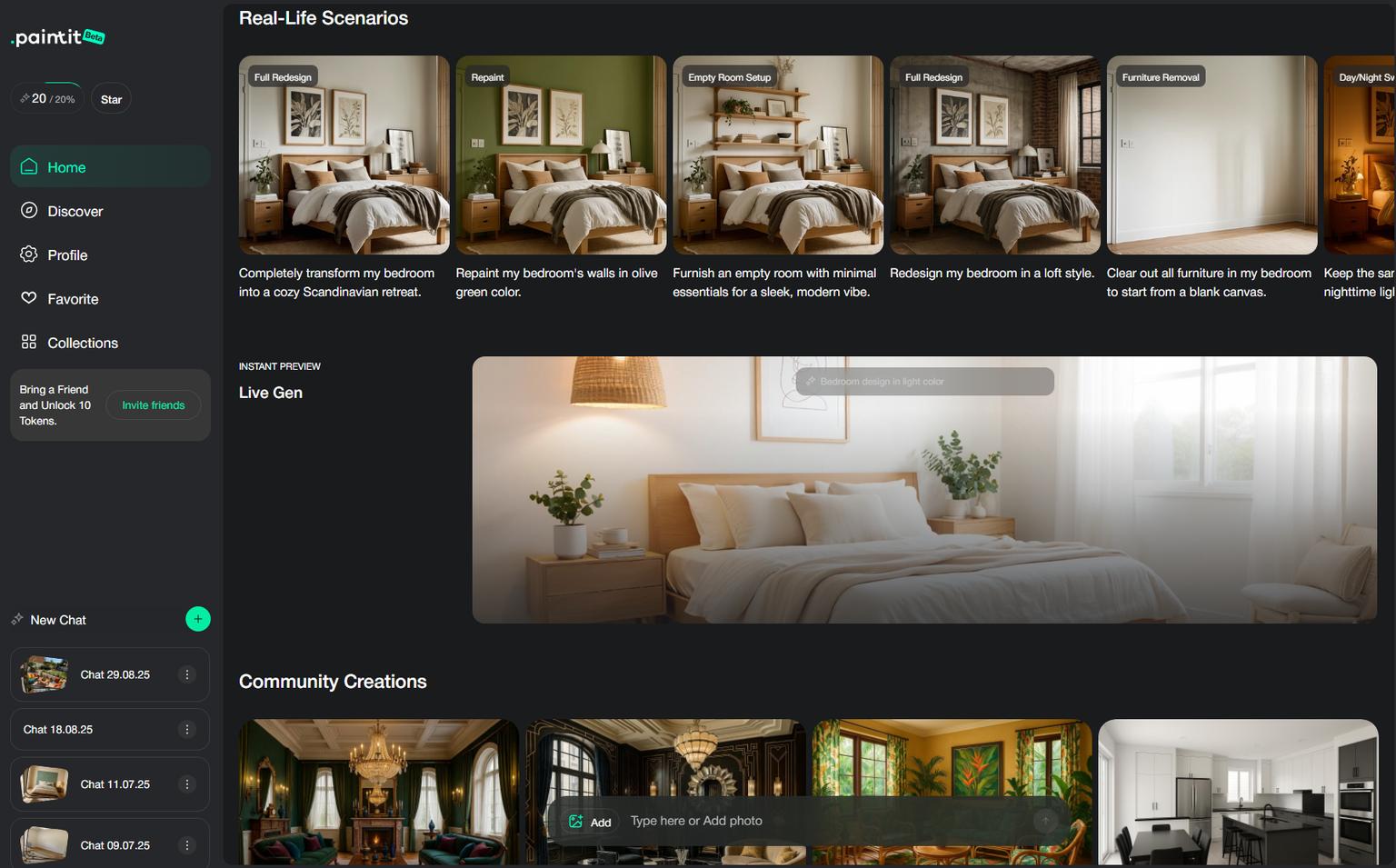
The distinction matters. Your room photo supplies the starting space; a reference supplies the details you want to borrow. For example, ask for the warm wood finish from a reference while keeping the room's existing window arrangement. Review the result for unintended changes instead of assuming every architectural detail has been preserved.
The photo-led AI room design workflow is appropriate when the decision is visual: whether a darker wall works with the floor, or whether a furnishing direction suits the room. It is not a substitute for an editable, measured floor plan or construction documentation.
Cost and limitation: Free credits are available after registration. Before a larger project, check the paid allowance and the rights attached to your plan. A reference image guides a concept; it does not guarantee exact reproduction of a product.
HomeDesignsAI covers interior, exterior, and garden-image workflows. It belongs on the shortlist when your project extends beyond a single furnished room, such as comparing a living-room direction with an exterior concept for the same property.
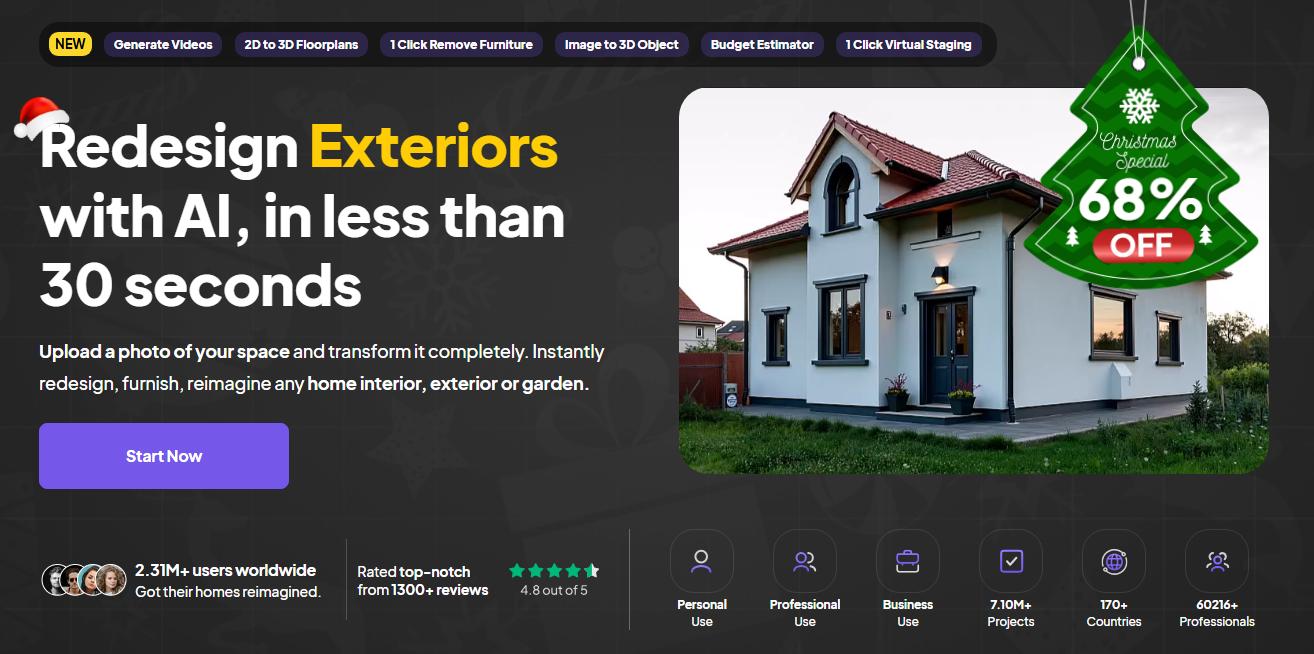
Choose the task before buying the plan. A design credit and access to a particular editing feature are different things; a larger allowance does not automatically unlock every workflow. The current monthly cards show Standard at $27 and Pro at $29, so check both the feature gate and the allowance rather than choosing by the small price difference alone.
Choose it when: You want several photo-based design workflows in one service. If your deliverable is a dimensioned layout that another person must revise, confirm that specific output rather than treating a generated property image as an editable building model.
Planner 5D is a Homestyler competitor for people who want to draw a room, place furniture, and return to the project to make changes. It makes more sense than a photo-only concept tool when moving a wall or adjusting a furniture footprint is central to the task.
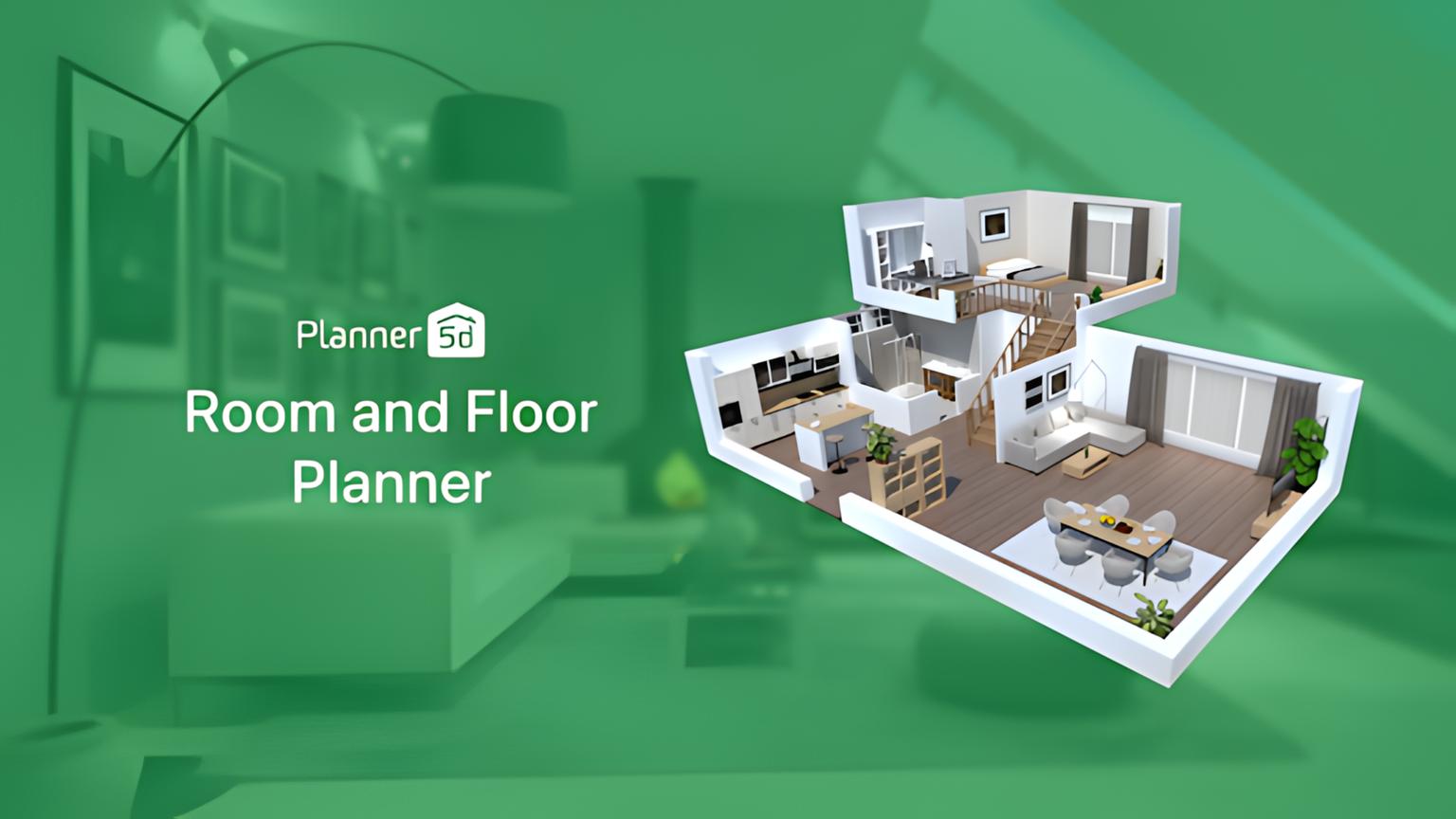
The free plan allows unlimited projects and access to half of the furniture catalog. Premium unlocks more of the offer. In the checked regional view, Premium cost EUR19.99 on monthly billing or EUR59.99 for a year; the annual total should not be presented as a monthly subscription price.
Homestyler vs Planner 5D: Build the same small room in both and compare the furniture you need, the effort required to revise dimensions, and the export available on your intended plan. Both cover editable planning, so a blanket claim that one is AI and the other is manual will not help you decide.
For a wider shortlist of editable and photo-based options, the Planner 5D comparison by project type explains where a planner and a concept generator serve different needs.
RoomGPT is a Homestyler alternative for someone who wants to explore a room concept from an image without first drawing the room. That narrower job can be enough when you are still deciding on a style and do not need to reposition individual objects in an editable 3D file.
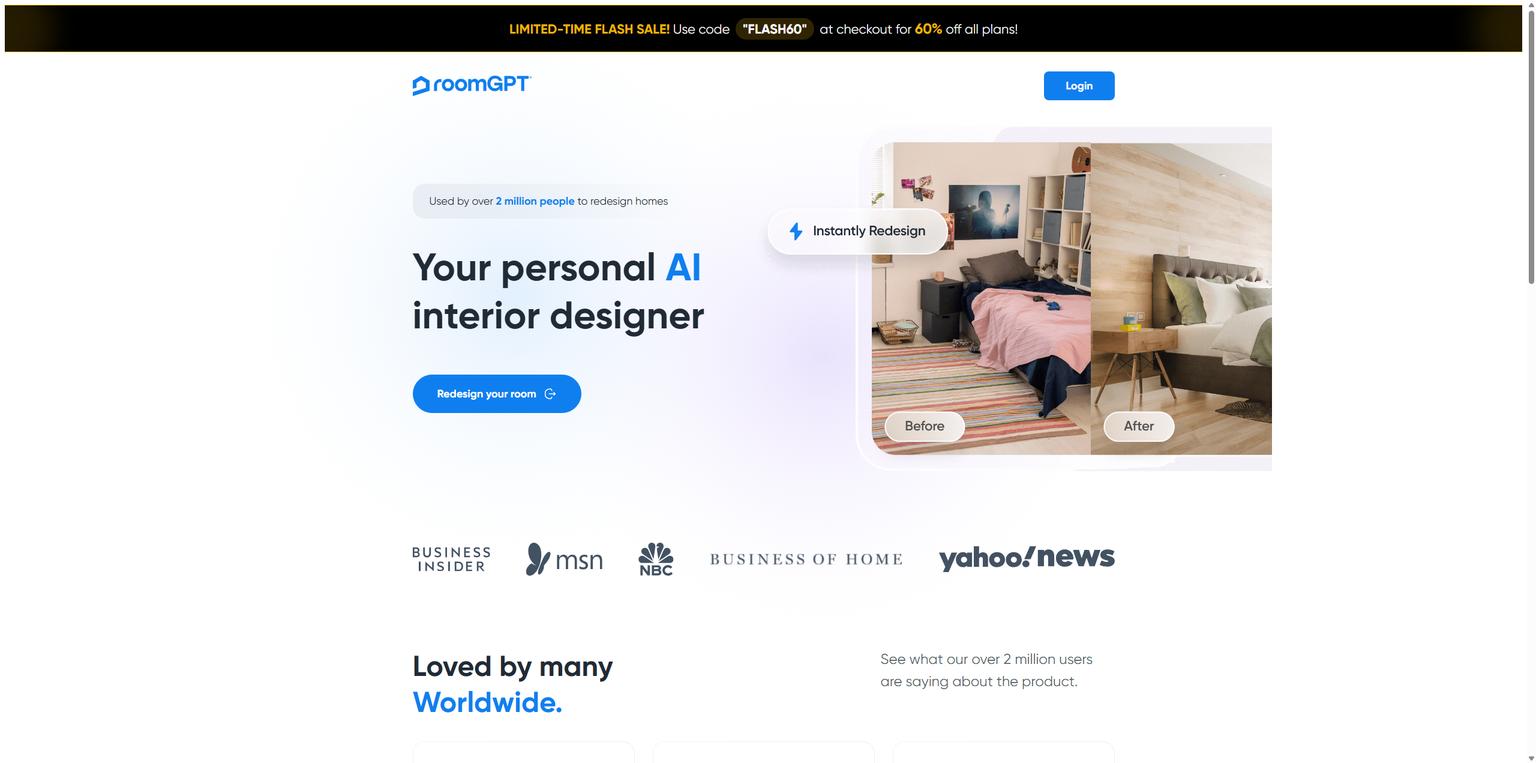
Its fulfillment policy describes one-time credit purchases, not recurring subscriptions. Compare the credit pack with your expected number of attempts, including revisions you may discard, and confirm the current pack amount before paying.
Check before paying: Whether the supported input and output suit your room, what an action costs, and whether the result can be used for your intended purpose. Do not choose on an unsupported promise of a ten-second render or assume an image is a portable room model.
REimagineHome covers more than vacant-room staging. Its current plans distinguish basic staging and light edits from conversational design, reference-photo guidance, and real-product discovery. A homeowner comparing finishes and an agent preparing listing concepts may therefore need different tiers.
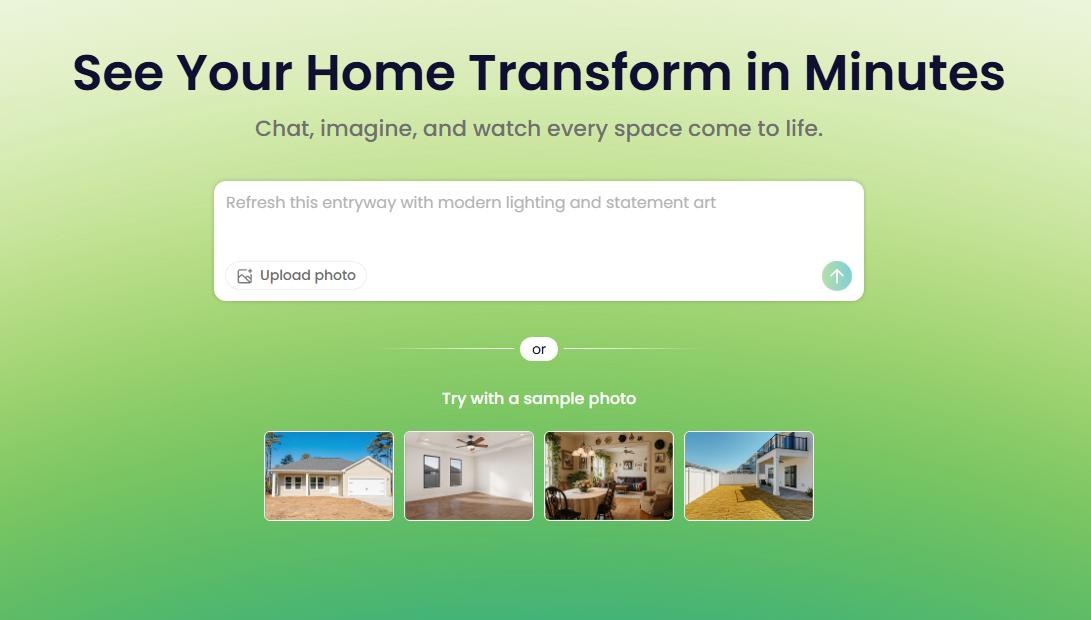
New users are offered five introductory designs. Essential is $19 per month with 30 credits; Pro is $36 with 200. The checked feature list places conversational design, reference photos, and real-product workflows on Pro rather than Essential.
Choose it when: Those plan-specific photo workflows match the work you need. Product discovery still requires a separate check of availability, dimensions, and the generated depiction. A shopping-related feature is not proof that every pictured object reproduces an exact purchasable SKU.
Foyr Neo is worth comparing when you expect to develop a room in 3D and present it to a client, rather than stop at a single photo concept. Its catalog, design tools, and rendering allowances are organized into plans for different volumes of work.
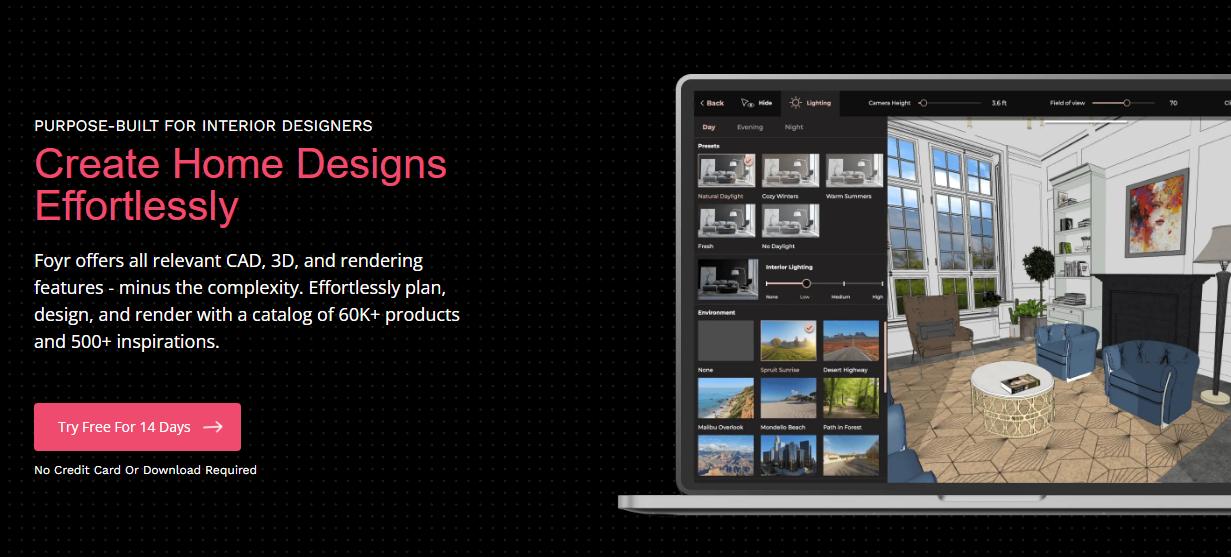
The checked monthly view showed Basic at EUR35, Standard at EUR85, and Premium at EUR145. A 14-day trial was advertised. These are the regional prices displayed during the check, not a claim about US checkout prices or an annual monthly equivalent.
Plan gates matter more than a generic “professional” label. Floor-plan export appeared on Standard, while true-to-scale elevation export appeared on Premium. Confirm the required deliverable before subscribing. Neither a render nor a software export, on its own, establishes that a drawing is construction-ready or suitable for permit submission.
Floorplanner is a useful Homestyler competitor if the immediate problem is arranging a space rather than generating a new appearance from a photograph. You can work on a floor plan and furnish it, then use the 3D view to inspect the arrangement.
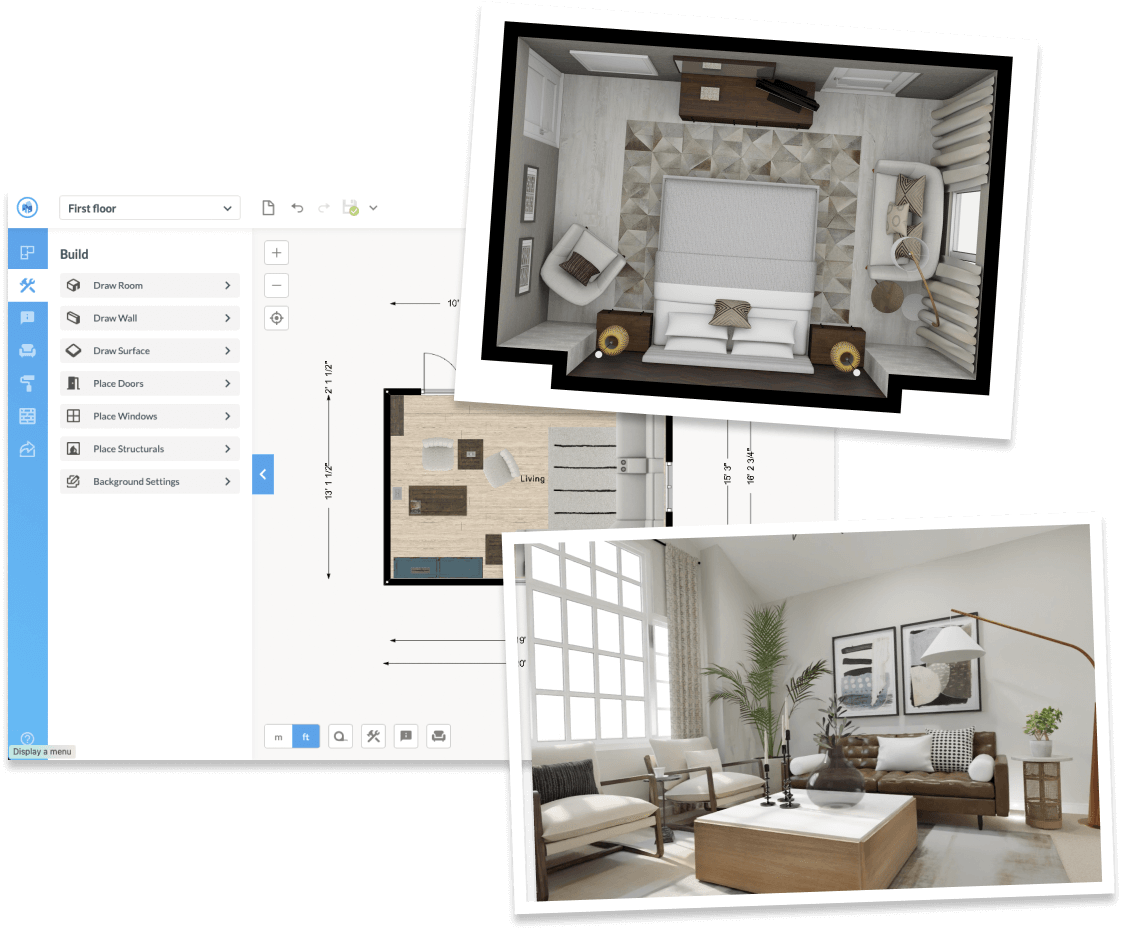
The free allowance is concrete: five projects, limited to three floors with three designs total, and standard-definition exports with a watermark. Higher-quality outputs and other project upgrades use credits. The public page displayed five credits for $8.15 as a one-off purchase; that does not mean five credits buy every possible upgrade.
Homestyler vs Floorplanner: Compare your required export and the project upgrade cost, not just whether both accounts are free. If an occasional layout is enough, a project-based upgrade may fit better than a recurring plan. For frequent client work, compare subscriptions and branding requirements separately.
Sweet Home 3D is free interior design software with a desktop workflow for drawing a plan, placing furniture, and checking the space in 3D. It is a practical option when you prefer a locally installed application and want to keep revising the layout without a photo-generation allowance.
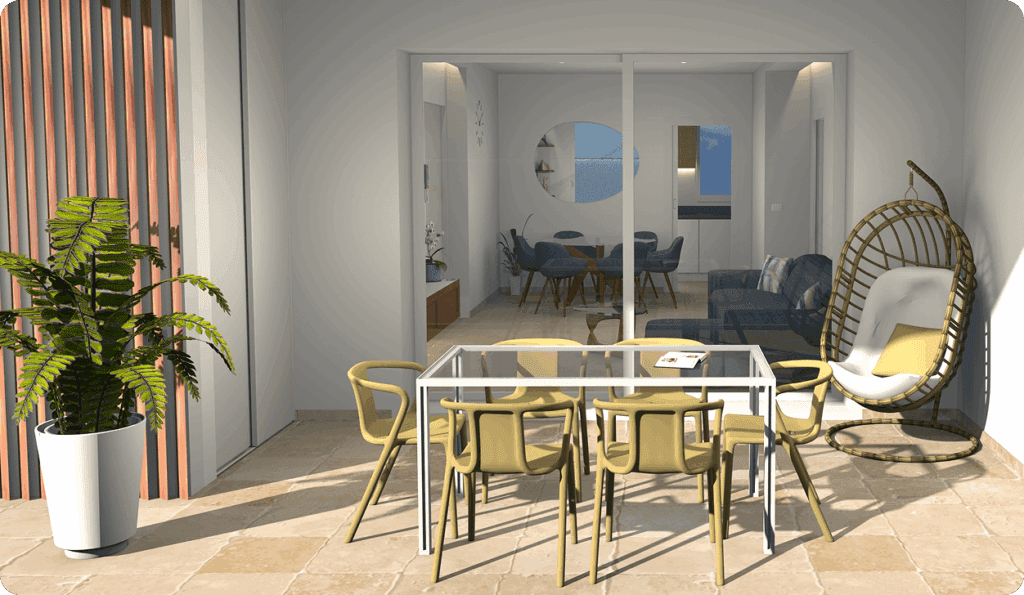
The official site offers free desktop downloads for Windows, macOS, and Linux. Paid store editions include different bundled furniture and texture libraries, so “free desktop download” and “every edition is free” are not the same claim.
The tradeoff: You will spend time constructing and furnishing the project. An existing photograph does not become a verified, dimensionally accurate model merely because it is available as a reference. Check the import and export options for the desktop edition you plan to use, especially if another person needs to open the project.
For an editable plan, start with Floorplanner or the free desktop edition of Sweet Home 3D. Planner 5D also permits free projects, with a limited furniture catalog. Homestyler's own Basic offer remains worth comparing if its 1K renders already meet your needs.
For a photo concept, an introductory credit allowance is a different kind of free access. Paintit provides free credits after registration, while REimagineHome advertises five introductory designs. Neither should be described as unlimited free work. Check the next paid step before spending time setting up several rooms.
Among apps like Homestyler, the useful question is what remains possible after the introduction ends. Can you reopen and revise the project? Does a new export cost more? Does deleting a project restore the allowance? Record those answers for your own shortlist instead of comparing the word “free” across unrelated offers.
A short trial with a consistent brief will tell you more than a gallery of unrelated rooms. The following is an example you can adapt, not a benchmark already performed on these tools.
For wall-color decisions in Paintit, you can search Behr, Benjamin Moore, Dulux, Nippon Paint, and Sherwin-Williams catalogs by color name, code, or HEX. Compare a named shade against your existing floor and furniture, then test a physical sample. Catalog references and an AI preview do not guarantee a calibrated match to paint on the wall.
Review a plausible-looking result for missing doors, altered windows, impossible furniture, and invented details. NIST's guidance on generative AI risks identifies confidently incorrect output as a known risk. For a room concept, check the features that would be expensive or impossible to change in real life.
Choose Paintit or another photo-based service when you want to explore how a room could look. Choose an editable planner when the decision depends on dimensions, furniture footprints, or a layout another person needs to revise. For many projects, a concept image and a measured plan are separate deliverables that support each other.
For client work, the Paintit concept process for interior designers can support the visual discussion before a measured plan and specification are finalized. Keep the approved concept, material references, and measurements distinct so the client knows what has and has not been resolved.
Before switching, save what your current plan permits: room dimensions, furniture references, and useful exported views. An image export is not an editable project migration. Do not assume that a new service can open a native Homestyler project unless that import is explicitly supported.
For a photo-led decorating decision, Paintit is an option for developing the concept through chat and visual references. For planning furniture positions with dimensions, compare Planner 5D, Floorplanner, or Sweet Home 3D. The deciding factor is the output you need, not a universal ranking of tools that do different jobs.
Yes. Homestyler AI features sit alongside its editable 3D planning tools, including planning, staging, rendering, and conversational workflows. Check the allowance and tier for the specific feature you need. Using AI does not mean every output is unlimited or that all paid export options are included in Basic.
Not by assuming the image contains a measured model. A photo concept shows appearance; an editable plan needs geometry and dimensions. Use a planning tool that supports the required project format, enter or verify the measurements, and check the exported file before depending on it for furniture fitting or construction work.
It depends on your workload and the action each credit buys. RoomGPT uses one-time purchases, Floorplanner uses credits for project upgrades, and several other services include monthly allowances. Compare the cost of the room, revisions, and export you need. A lower headline price can still omit an essential output.
Check each service's current terms and your plan. Paintit's public pricing identifies commercial use on Pro and Max; do not extend that permission to every account or to every tool in this list. You also need appropriate rights to uploaded photos, references, and any third-party assets. “AI-generated” does not mean automatically copyright-free.


