1
Explore AI room design tools that are free. Instantly create and visualize stunning interiors with ease. Perfect for bedrooms, living rooms, and more. Start designing today!

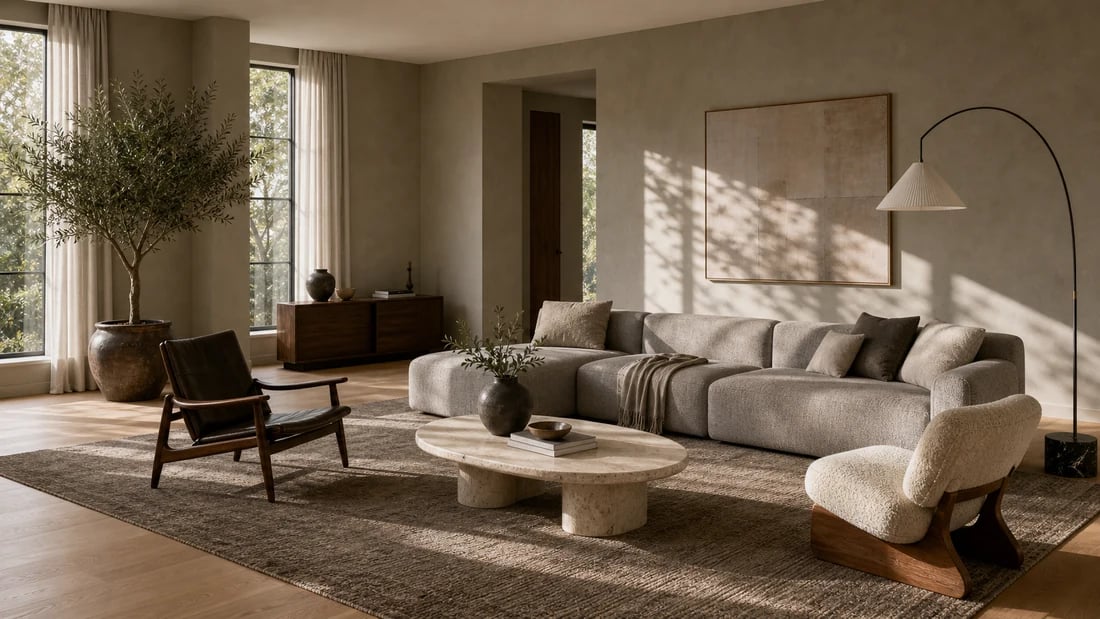
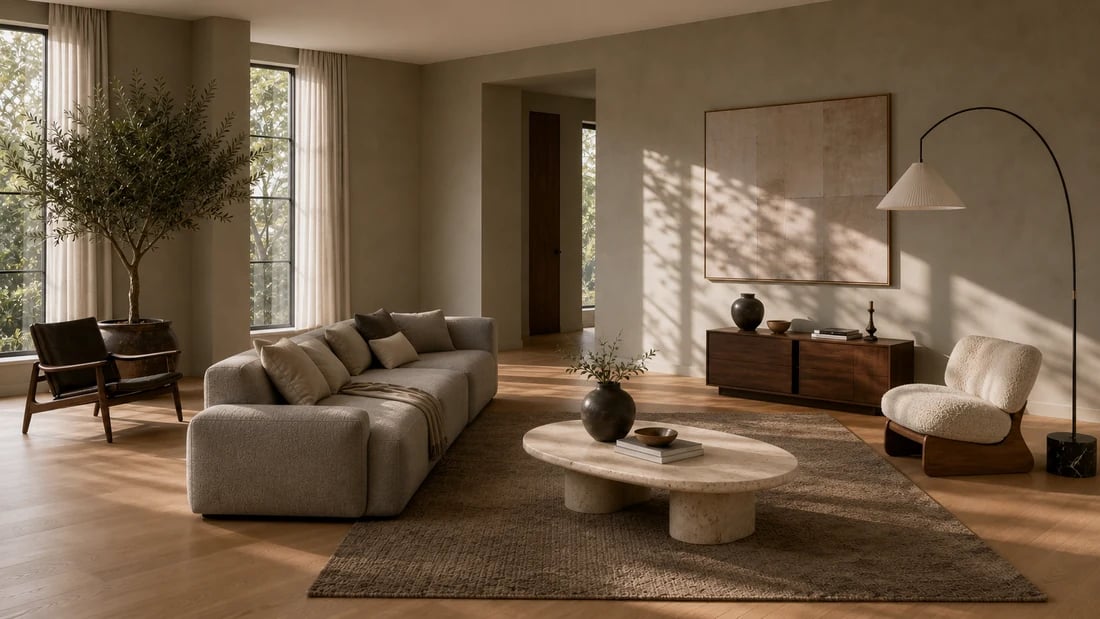
Sekunden
Zeit, um jede Möbelplatzierung in deinem Raumfoto zu rendern
Beliebiges Layout
Teste so viele Anordnungen wie nötig in derselben Session
4 Händler
Passende echte Möbel über Amazon, IKEA, Jysk und Ashley kaufen
Kostenlos
Startplan - 30 Credits, keine Kreditkarte erforderlich
1
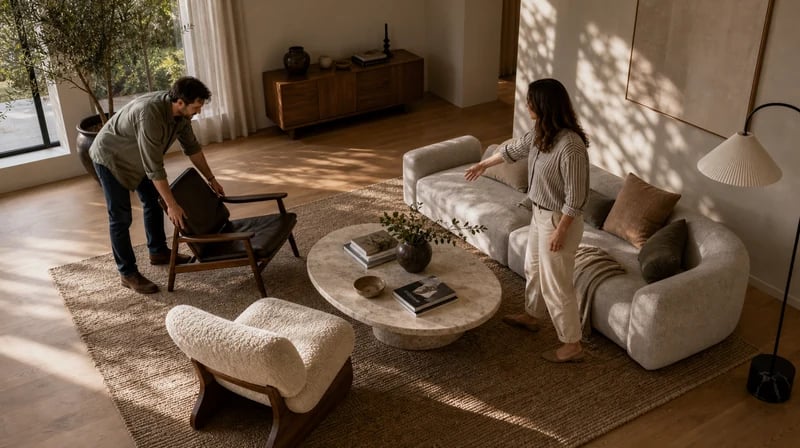
"Mein Partner und ich hatten völlig unterschiedliche Vorstellungen davon, wo das Sofa hingehört. Anstatt zu streiten, haben wir ein Foto unseres Wohnzimmers hochgeladen und in etwa fünfzehn Minuten vier verschiedene Arrangements getestet. Uns beiden gefiel das Gleiche. Kein Bewegen, kein Streiten, kein Zurückstellen. Die KI hat es beim zweiten Versuch richtig gemacht."
2
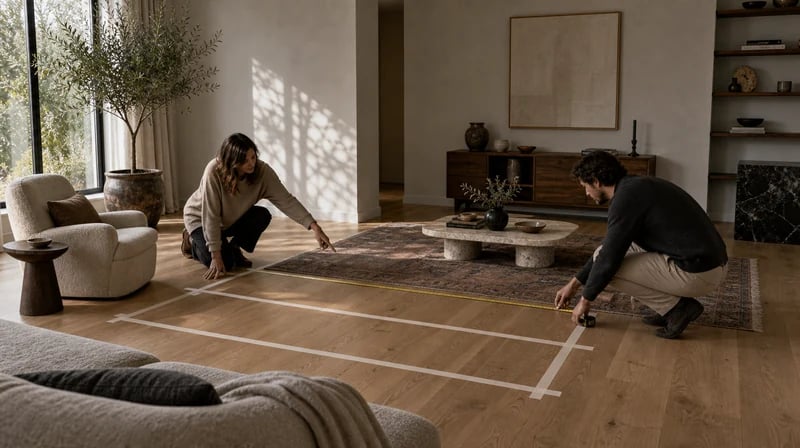
"Ich verwende es vor Kunden-Komplettlösungen. Ich fotografiere den Raum beim ersten Besuch, erarbeite über Nacht zwei oder drei Möbelplatzierungsoptionen und komme beim nächsten Treffen mit Bildern statt Skizzen an. Kunden treffen schnellere Entscheidungen, wenn sie den tatsächlichen Raum anstelle eines Grundrisses sehen können. Es hat die Zeit für die Genehmigung meines Vorschlags erheblich verkürzt."

Das Bewegen schwerer Möbel, um einen Grundriss zu testen, und das anschließende Zurückstellen ist einer der frustrierendsten Teile der Inneneinrichtung. Ein Sofa zu kaufen, das nicht passt, ist teuer. Paintit.ai beseitigt beide Risiken. Testen Sie die Anordnung auf einem Foto, vergewissern Sie sich, dass sie funktioniert, und verschieben Sie dann entweder die Möbel einmal – in die richtige Position – oder bestellen Sie die neuen Teile mit der Gewissheit, genau zu wissen, wie sie im Raum passen.

Dragging furniture icons around a 2D floor plan doesn't tell you whether the room will feel cramped. Paintit.ai places furniture in a photo of your actual room and renders the result in three dimensions, with correct scale, natural light response, and spatial depth. The AI understands furniture clearances, traffic paths, and visual weight - not just coordinates. Use it as avirtuelle MöbelplatzierungEin Tool, das dir zeigt, wie sich der Raum tatsächlich anfühlt, nicht nur, wie er misst.

No other free AI furniture placement tool connects the visualization to a purchase. Paintit.ai's Shop Your Design feature shows you real matching products from Amazon, IKEA, Jysk, and Ashley the moment you find a layout you like. You design the arrangement, confirm it works in your room, and shop the pieces - all without switching tools or restarting a search. Start with aGrundrissif you're working from scratch, then use placement to finalize the layout.
Starten Sie kostenlos mit einem Konto: Der Free-Tarif enthält 30 Credits und 1K-Auflösung, ohne Kreditkarte. Upgrades bieten mehr Credits und höhere Auflösungen: Starter (500 Credits, 2K — 14,99 $/Monat), Pro (1.500 Credits, 4K, ohne Wasserzeichen und mit kommerzieller Lizenz — 29,99 $/Monat) oder Max (4.500 Credits — 79,99 $/Monat). Keine versteckten Gebühren, 7 Tage Geld-zurück-Garantie, jederzeit kündbar.
Hören Sie auf zu raten und beginnen Sie zu sehen. Lade ein Raumfoto hoch, beschreiben Sie das gewünschte Layout und erhalten Sie in Sekundenschnelle eine fotorealistische KI-Möbelplatzierungsdarstellung – dann kaufen Sie die Stücke von Amazon, IKEA, Jysk und Ashley ein, ohne die App zu verlassen. Kostenlos zum Start, kein Download erforderlich.
KI-MÖBELPLATZIERUNG KOSTENLOS TESTENJa. Das KI-Möbelplatzierungstool von Paintit.ai macht ein Foto deines aktuellen Raums und rendert neue Möbelanordnungen basierend auf deiner Beschreibung – ohne etwas physisch zu bewegen. Beschreibe, wo Sie jedes Teil haben möchten, und die KI zeigt dir das Ergebnis in Sekundenschnelle in deinem tatsächlichen Raum. Du kannst mehrere Vereinbarungen testen und vergleichen, bevor Sie sich für eine entscheiden.
Ja. Der Free-Plan beinhaltet 30 kostenlose Credits – für die Anmeldung ist keine Kreditkarte erforderlich. Dies deckt mehrere Möglichkeiten zur Platzierung und Neuanordnung von Möbeln in deinem Raum ab. Paintit.ai funktioniert in deinem Browser auf jedem Gerät, sodass Sie nichts herunterladen oder installieren müssen. Das kostenlose KI-Möbelplatzierungserlebnis umfasst die vollständige Funktion „Shop Your Design“ mit Kauflinks von Amazon, IKEA, Jysk und Ashley.
The AI places furniture in your room photo at correct proportions based on the spatial context it reads from the image - wall positions, floor area, existing furniture scale, and perspective. If you specify dimensions in your prompt ("a 96-inch sofa" or "a 30-inch side table"), the AI uses them to scale the placement accurately. The results are reliable enough to use as a reference for purchasing decisions and contractor briefings. For precise architectural planning, combine with theKI-Grundrissgenerator.
Ja. Beschreibe das neue Stück, das Sie in Betracht ziehen – Material, Abmessungen, Stil – und die KI platziert es maßstabsgetreu neben deinen vorhandenen Möbeln in deinem Raum. Dies ist einer der häufigsten Verwendungszwecke: Vor dem Kauf muss überprüft werden, ob ein neues Sofa, Bett oder ein neuer Esstisch tatsächlich passt und gut aussieht. Wenn du das richtige Teil gefunden haben, zeigt dir Paintit.ai mit einem direkten Produktlink, wo Sie es bei Amazon, IKEA, Jysk oder Ashley kaufen können.
Dive deeper into Paintit.ai and learn how AI can change not only room design but your whole creative process.
1
Explore AI room design tools that are free. Instantly create and visualize stunning interiors with ease. Perfect for bedrooms, living rooms, and more. Start designing today!
2
Discover endless creativity with our AI concept generator. Generate and refine design ideas for architecture, interiors, and more. Start creating today!
3
Redesign your home exterior effortlessly with our free AI house exterior design generator. Explore styles, materials, and textures tailored to your vision.
4
Create stunning house designs effortlessly with our free AI house generator. Explore styles, layouts, and features tailored to your vision. Start designing today!
5
Visualize paint colors for your home with the free AI house painter. Explore styles, match colors, and redesign walls effortlessly. Start designing now!
6
Create stunning outdoor designs with free AI landscape design tools. Generate gardens, patios, and yard layouts effortlessly. Start designing today!
7
Create stunning photorealistic renders for architecture and interior design with AI Rendering. Fast, easy, and accessible for all skill levels. Start for free today!
8
Design your dream home exterior with our easy-to-use home exterior design tool. Visualize colors, materials, and styles in real time. Try it for free today!
9
Upload a bathroom photo and visualize new tiles, vanities, fixtures, flooring, and lighting before you start renovation work. Try AI bathroom remodel ideas for free.
10
Create floor plan layouts from a text prompt or sketch. Plan room flow, dimensions, and layouts faster with an AI floor plan generator built for early design decisions.
11
Generate furniture concepts and place them directly inside your room photo. Explore sofas, tables, beds, shelving, lighting, and decor ideas in context.
12
Rearrange furniture in your room without moving heavy pieces. Test layouts, traffic flow, and furniture positions with AI before changing the real space.
13
Preview exterior renovation ideas for siding, trim, roofs, windows, doors, landscaping, and curb appeal updates using a photo of your current home.
14
Test paint colors on real room and exterior photos before buying samples. Compare palettes, accent walls, and finish directions in minutes.
15
Visualize kitchen remodel ideas with new cabinets, counters, backsplashes, flooring, lighting, and layouts before committing to a renovation plan.
16
See how different rugs look in your actual room. Compare styles, sizes, colors, and placement options before choosing the right rug.
17
Improve listing photos with AI enhancement for brighter, cleaner, more polished real estate visuals that help rooms look ready for buyers.
18
Turn room ideas into realistic interior renderings.
19
Preview wall colors, finishes, and design ideas in your space.
20
Explore door styles and exterior updates before renovating.
21
Visualize a floor plan as a realistic room design.
22
Compare flooring ideas in the context of your room.
23
Preview driveway layouts and materials for your home.
24
Explore paver patterns and surfaces for outdoor spaces.
25
Explore ideas for expanding your home's living space.
26
Turn a design sketch into a realistic visual concept.
27
Visualize an architectural elevation as a realistic render.
28
Preview cabinet styles, colors, and finishes in your room photo.
29
Explore deck concepts using a photo of your backyard.
30
Visualize garden layout and planting ideas for your yard.
31
Explore coordinated remodeling ideas across interior spaces.
32
Preview window styles and finishes on your home photo.
33
Try paint-color directions on a photo of your furniture.
34
Compare countertop materials and colors in your kitchen photo.
35
Preview outdoor lighting concepts in your real landscape.
36
See curtain styles, colors, and patterns on your own window.
37
Enhance an existing architectural or interior render for presentation.
