7 min. reading

Yulii Cherevko
CEO paintit.ai
Key takeaways
A bathroom renovation is one of the more expensive decisions in home improvement — and one of the hardest to visualize without seeing it first. Choosing the wrong tile at $15 per square foot across 80 square feet is a $1,200 mistake. The wrong vanity layout means replumbing. AI bathroom design tools exist specifically to let you work through these decisions visually before anything gets ordered or installed.
This comparison covers eight tools across the full range: free photo-based apps, detailed layout planners, product sourcing platforms, and professional rendering software. We tested each against real bathroom photos to see where they perform and where they fall short.
According to the National Kitchen and Bath Association's 2025 Kitchen & Bath Market Outlook, bathroom renovation is the second most common home improvement project in the U.S. At a median spend of $14,000–$25,000 for a mid-range remodel, the $0 cost of uploading a photo and testing ten different tile combinations before purchase is genuinely hard to argue against.
These eight tools cover different parts of the renovation workflow. No single platform does everything well — the differences are real and worth understanding before you invest time learning any of them.
| Software | Primary focus | Ideal user | Key differentiator |
|---|---|---|---|
| Paintit.ai | AI-powered visualization & style exploration | Homeowners, DIYers, rapid conceptualization | Instant photo-to-design transformation |
| Planner 5D | Detailed floor plans & interior design | Planners, layout-focused users | Extensive catalog & precise 2D/3D plans |
| Homestyler | 3D interior design & product integration | Designers, DIYers, product sourcing | Realistic renderings with real products |
| Cedreo | Professional home design & construction plans | Architects, home builders, remodelers | Full home project scope, accurate plans |
| Foyr | AI-powered 3D rendering for designers | Interior designers, stagers | Fast, high-quality 3D renders & walk-throughs |
| Houzz | Inspiration, products, & professional connection | Homeowners, renovators, shoppers | Broad marketplace, photo ideabooks |
| Coohom | Professional 3D design & visualization | Designers, furniture retailers | High-fidelity rendering, VR capabilities |
| Decorilla | Full-service interior design | Homeowners wanting professional guidance | Human designer + AI-generated concepts |
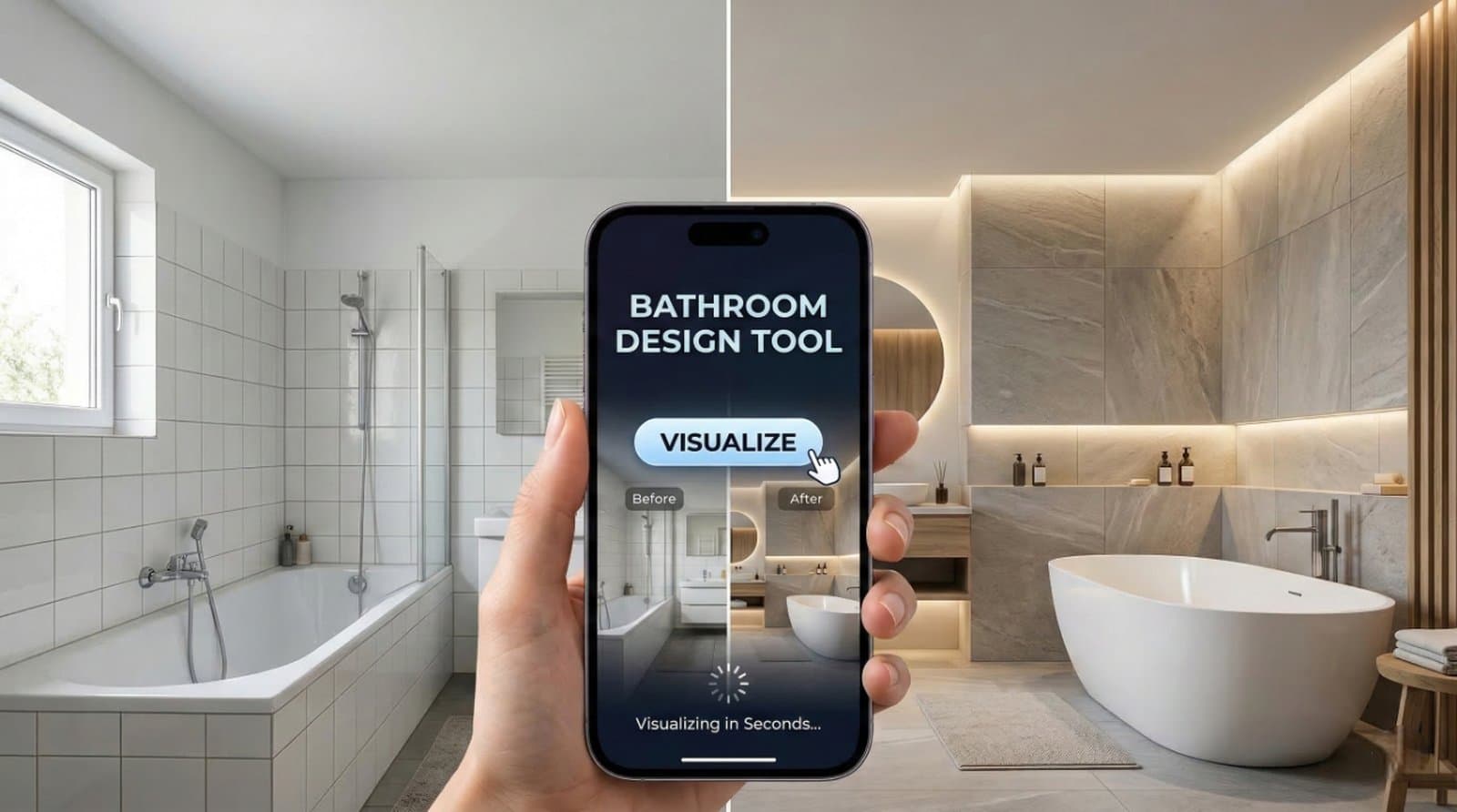
Paintit.ai's approach is straightforward: upload a photo of your existing bathroom, pick a style or describe what you want, and the AI generates a photorealistic redesign in seconds. It handles the decisions that most homeowners actually care about — tile patterns, wall colors, vanity finishes, fixture styles — without requiring any floor plan drawing or 3D modeling knowledge. For AI-guided decisions on wall paint and surface finishes, it's the fastest option in this comparison.
It's not a floor planner. If you need to rearrange fixtures, add a window, or calculate whether a freestanding tub fits a specific wall, you'll need a separate tool for that step. But for the visual decisions — the ones where you're choosing between materials, colors, and styles — Paintit.ai removes the guesswork faster than anything else here.
Explore the AI bathroom design tool to see what it generates from your specific space.
| Plan | Price | Credits/month |
|---|---|---|
| Free | $0 | 30 credits |
| Starter | $14.99 | 500 credits |
| Pro | $29.99 | 1,500 credits |
| Max | $79.99 | 4,500 credits |
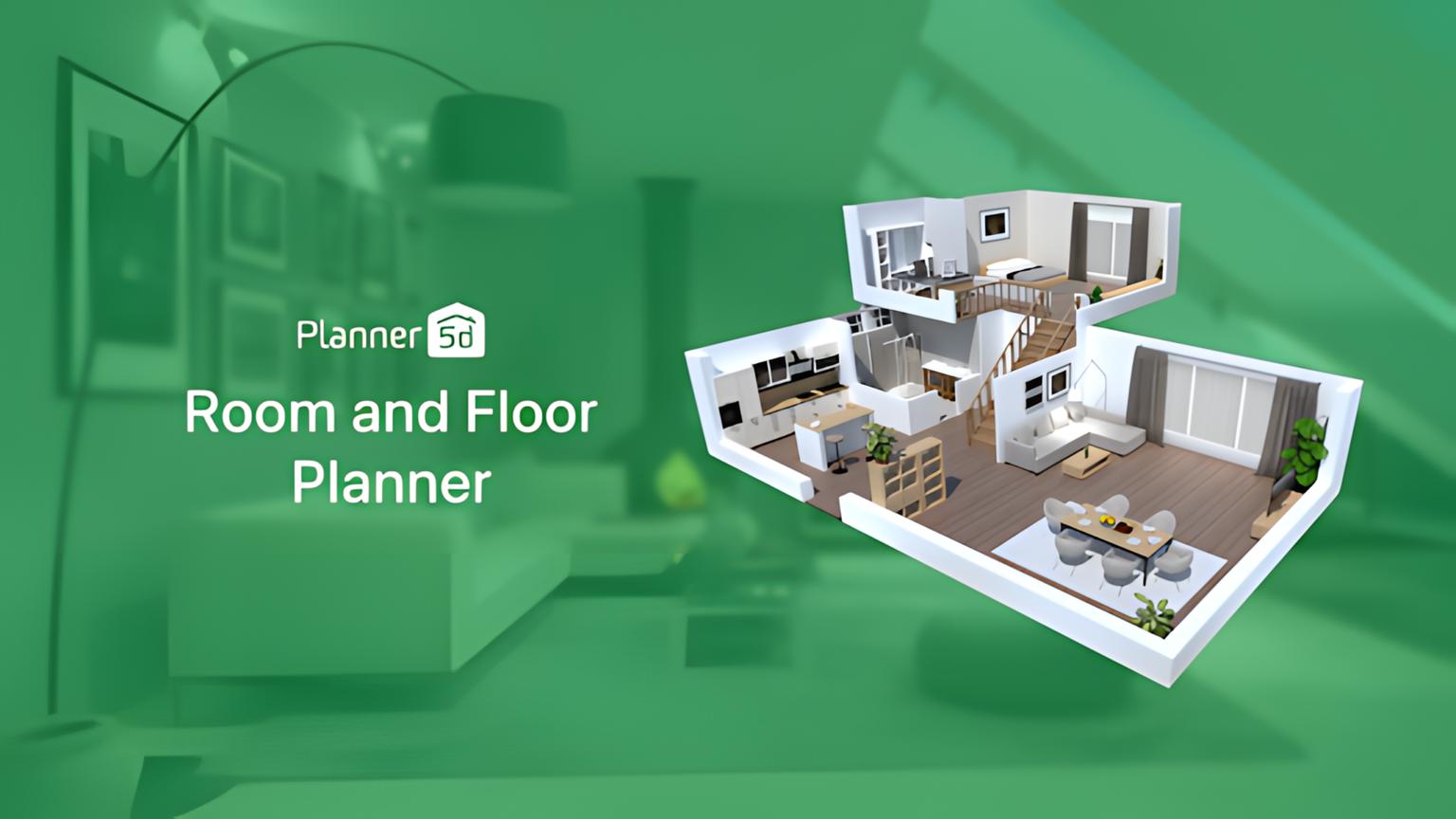
Planner 5D is a floor-plan-first tool. You draw the room, place structural elements, and add fixtures from a large catalog — all with precise dimensions. This matters when you're deciding whether a double vanity actually fits on a 7-foot wall, or whether a walk-in shower leaves enough clearance for the door swing. The AI features here are more about smart snapping and auto-suggestions than photo transformation, but the spatial precision is real and useful.
The free tier is fully functional for single-room projects, which makes it one of the more accessible options for homeowners planning a bathroom renovation without professional help. The learning curve is steeper than Paintit.ai but considerably shallower than professional CAD software.
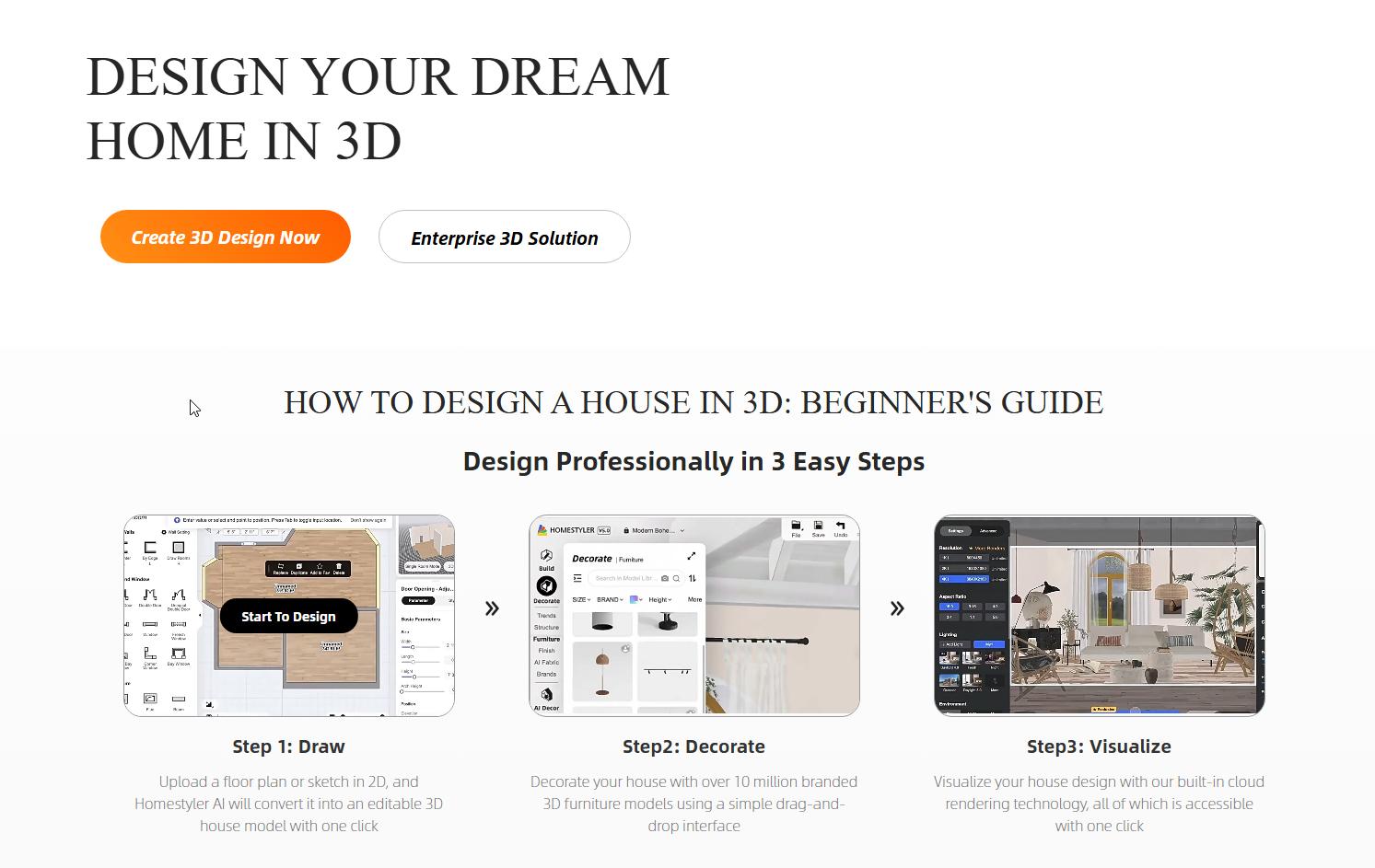
Homestyler connects design visualization with actual purchasable products. You build a bathroom in 3D, then replace generic placeholders with real items from brand catalogs — a specific Delta faucet, a Kohler tub, a tile from a supplier with an active integration. The rendering quality is high and the product library is extensive.
The practical value comes in the later stages of a project: once you know roughly what you want, Homestyler helps you find specific products that match the vision and see exactly how they look together. It's less useful for early-stage exploration, where the range of options is too wide to browse a product catalog efficiently.
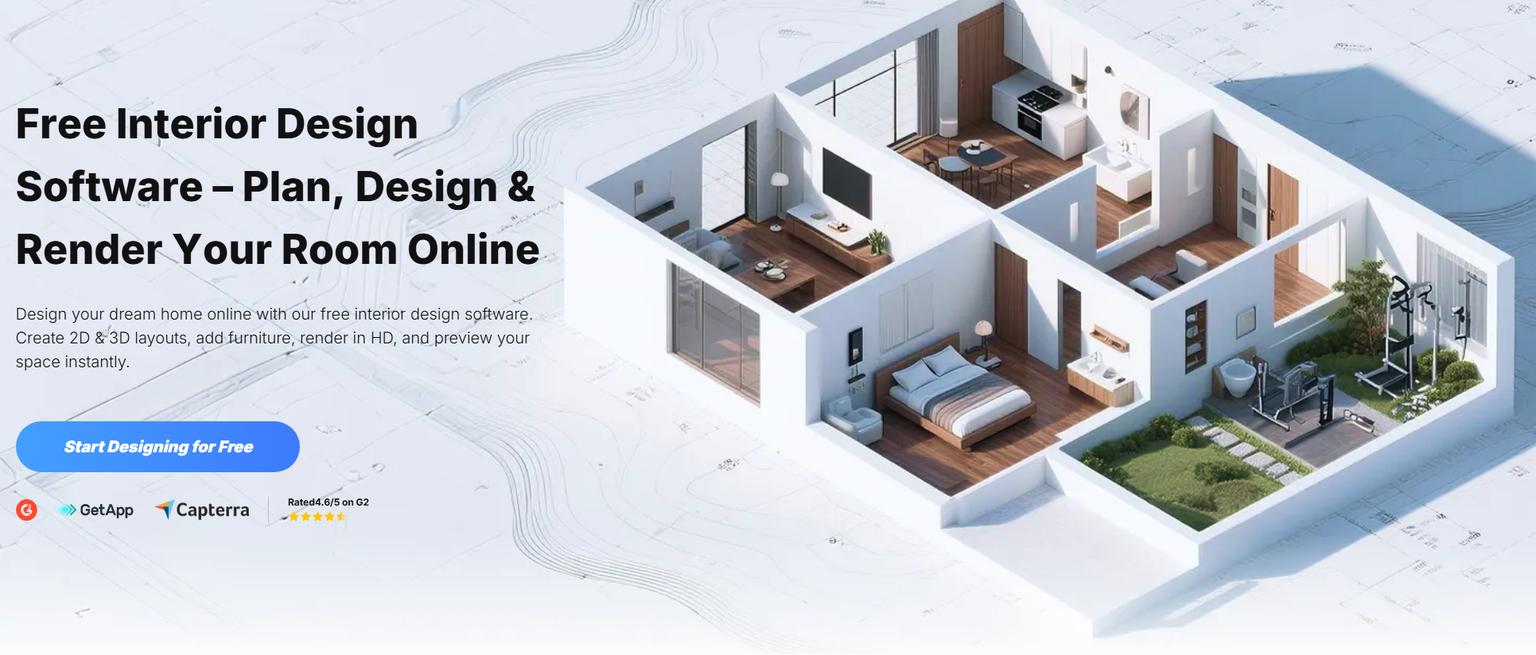
Coohom produces the most photorealistic output in this comparison. The material library is large, lighting simulation is accurate, and the rendering engine handles subtle details — the way marble catches light, the depth of a matte tile finish — better than any other consumer-facing tool. Interior designers and furniture retailers use it for presentation-quality visuals that hold up under close inspection.
The trade-off is complexity. Coohom requires time to learn, and the free tier has meaningful limitations. For homeowners doing a one-time bathroom redesign, the learning investment may not be worth it unless you're planning multiple rooms or need output at a level suitable for client or contractor presentations.
Every major tool in this comparison has a free tier, but "free" means different things across platforms. Here's what you actually get without paying.
Paintit.ai's Free plan gives 30 credits per month with no trial expiration — enough to generate 15–30 bathroom visualizations depending on generation settings. There's no watermark on outputs and no signup required to run the first few renders. For most homeowners working on a single bathroom project, the free plan covers enough generations to reach a clear design direction.
Planner 5D offers a fully functional free tier for single-room projects with access to a core object library. Homestyler and Coohom both have free plans allowing basic design and rendering, with premium features (higher resolution exports, expanded product libraries) gated behind subscriptions. The tools that advertise "completely free, no signup" — like home-design.ai and similar platforms — typically deliver lower rendering quality with no persistent project saving. They work for quick one-off experiments but aren't practical for planning a real renovation. For a broader comparison including tools beyond bathroom-specific platforms, see our guide to the best free AI interior design apps.
Photo-to-design is the most practically useful feature in AI bathroom tools — and the most frequently misunderstood. Here's what it actually does well.
When you upload a photo of your existing bathroom to a tool like Paintit.ai, the AI analyzes the spatial structure: wall positions, light sources, existing fixture placement. It then applies a style transformation — Modern, Farmhouse, Spa, Coastal, Scandinavian — while preserving the room's fundamental geometry. The result is a photorealistic image showing your actual bathroom with new surfaces, colors, and fixtures applied.
Where photo-based AI is genuinely strong: surface material decisions. Tile selection, wall paint, vanity finish, shower glass type, grout color — these are the decisions homeowners most often get wrong because they're choosing from physical samples that don't communicate how a material reads across an entire room at scale. Photo-based AI solves this directly. The best AI paint visualizers work on the same principle for wall colors specifically.
Where photo-based AI falls short: structural changes. Moving a toilet, relocating a shower drain, adding a window — these can be shown conceptually but the output isn't a plumbing or construction plan. For layout changes, you need a floor planning tool like Planner 5D alongside the photo-based visualization. The AI room design tool covers a broader range of room types using the same photo-based approach if you're working on multiple spaces in a project.
| Feature | Paintit.ai | Planner 5D | Homestyler | Coohom |
|---|---|---|---|---|
| Photo-to-design AI | Yes | Limited (trace) | Limited (trace) | No |
| 2D/3D floor planning | No | Yes | Yes | Yes |
| Generative AI style suggestions | Yes | No | No | No |
| Material & texture library | Extensive | Extensive | Extensive | Extensive |
| Realistic rendering | High | Medium | High | Very High |
| Product integration | No | Yes | Yes | Yes |
| Learning curve | Low | Medium | Medium | High |
| Free tier available | Yes (30 credits/month) | Yes | Yes | Yes |
| Ideal for | Quick concept & material decisions | Layout planning | Product sourcing | Pro rendering |
Cedreo and Foyr serve a different category of user — professionals who need output that meets construction or client presentation standards.
Cedreo is built for architects, home builders, and remodelers. It generates floor plans, elevations, and 3D renderings that can be shared with contractors and used as actual project documentation. Bathroom-specific features include precise fixture dimensioning, plumbing placement, and multiple view angles of the same space. For a full bathroom renovation where you're working with a contractor, Cedreo's output gives both parties a shared reference that reduces miscommunication and change orders mid-project.
Foyr focuses on speed and rendering quality for interior designers. Its AI-assisted workflow produces high-quality 3D visualizations faster than most traditional rendering pipelines — useful for design firms presenting multiple concepts to clients quickly. The bathroom-specific features include detailed lighting simulation and a large material library. For complex or unconventional design briefs, an AI concept generator can produce strong starting directions before committing to a full professional rendering workflow.
The right tool depends on where you are in the process, not which platform has the longest feature list.
In the early stages — choosing a visual direction, deciding between Modern and Spa, figuring out whether you want a freestanding tub or a walk-in shower — Paintit.ai is the right starting point. Upload a photo, generate ten variations, narrow to two or three directions. This takes 20 minutes and costs nothing on the free plan. You're eliminating bad options early without committing to anything.
Once you have a clear direction and need to work out layout details — whether the double vanity fits, where the shower glass panel sits, how much clearance remains after fixture placement — move to Planner 5D. Draw the room from dimensions, place fixtures, and confirm everything fits before ordering. The visual output isn't as realistic as Paintit.ai, but spatial accuracy is what matters at this stage.
When you're ready to choose specific products and finishes, Homestyler's catalog is the most useful tool in this set. You can place the actual faucet model you're considering and see exactly how it reads in the room. Use Coohom if you need output at presentation quality — for sharing with a contractor, architect, or other decision-makers who need photorealistic visuals before approving the project.
Most bathroom renovation projects benefit from using two or three tools at different stages rather than trying to do everything in one platform.
A practical sequence: start with Paintit.ai to establish a visual direction using your actual bathroom photo. Once you've narrowed to a style and material palette, move to Planner 5D to confirm the layout works spatially with accurate dimensions. Use Homestyler to source and verify specific products — particular tile brands, faucet models, vanity lines — and see how they look together in the finalized room. For a final presentation-quality render before briefing a contractor, generate an AI rendering of the completed design.
This approach takes more time than using a single tool, but the output is considerably more useful: you arrive at contractor conversations with a photorealistic visual, a dimensioned floor plan, and a specific product list. That level of clarity reduces miscommunication, speeds up quotes, and typically produces fewer surprises during the build.
AI bathroom design tools are good at one specific thing: showing you what surfaces and styles look like in a real space before you commit to them. For that task, they're genuinely fast and useful.
What they don't do: account for structural constraints, plumbing code, electrical requirements, or load-bearing walls. A photo-based AI will show you a wall removed or a shower relocated to the other side of the room — but it has no idea whether either is structurally or legally possible in your specific house. Any design involving moved plumbing, electrical, or structural elements needs professional review before it moves beyond the visualization stage.
Material accuracy is good but imperfect. Colors can shift between a digital render and a physical sample depending on screen calibration, the room's actual light conditions, and the specific material batch you receive. Use AI visualizations as directional guides, then verify with physical samples before finalizing anything at scale. For how the same tradeoffs apply in a different room type, see our review of the best AI kitchen design tools.
The most expensive bathroom design mistakes happen before a single fixture is purchased — choosing a tile that reads wrong in the actual room, committing to a layout that doesn't work spatially, picking a vanity that clashes with the floor. AI visualization tools exist specifically to catch these decisions before they become costly.
Start with a photo-based tool to establish a direction. Move to a layout planner to confirm dimensions work. Use a product sourcing platform to verify specific items look right together. The entire process is free at the entry tier and produces clearer, more confident renovation decisions than designing from samples and swatches alone.
Yes. Paintit.ai's Free plan gives 30 credits per month — enough for 15–30 bathroom visualizations — with no trial expiration. Planner 5D, Homestyler, and Coohom also have free tiers with real functionality. Fully free no-signup tools like home-design.ai work for quick experiments but have lower rendering quality and no project saving.
Yes. Upload a photo of your existing bathroom to Paintit.ai and the tool generates photorealistic redesigns applying different styles, tile patterns, wall colors, and vanity finishes to your actual space. It preserves the room's geometry while transforming the visual surface elements. For structural changes like relocating fixtures, you'll also need a floor planning tool like Planner 5D.
It depends on the project stage. For fast visual exploration from a photo, Paintit.ai is the clearest starting point — low learning curve, free tier, photorealistic output. For precise layout planning, Planner 5D. For sourcing real products that match a design direction, Homestyler. For professional-quality rendering, Coohom. Most projects benefit from using two of these at different stages rather than trying to make one tool do everything.
Accurate enough for material and style decisions. Modern tools represent tiles, paint colors, and finishes reliably enough that you can make informed choices. The main gap is lighting: digital renders can't perfectly replicate how a material looks under your bathroom's specific light conditions. Use AI output as a directional guide, then order physical samples for any surface you're committing to across a large area.
Yes, and they're especially useful in tight spaces where a bad material or layout decision affects the entire room. AI visualization lets you test whether a darker tile makes the space feel cramped, or whether a floating vanity creates enough visual clearance, before purchasing. For spatial layout questions in small bathrooms specifically, Planner 5D's dimensioning is more useful than photo-based tools.
No. Paintit.ai and Homestyler are designed for homeowners with no professional background — upload a photo, select a style, and the AI handles the visual output. Planner 5D requires more input (you draw the room from scratch) but the interface is guided and doesn't require CAD knowledge. Coohom and Cedreo have steeper learning curves and suit designers or people planning multiple rooms.