18 min. reading

Yulii Cherevko
CEO paintit.ai
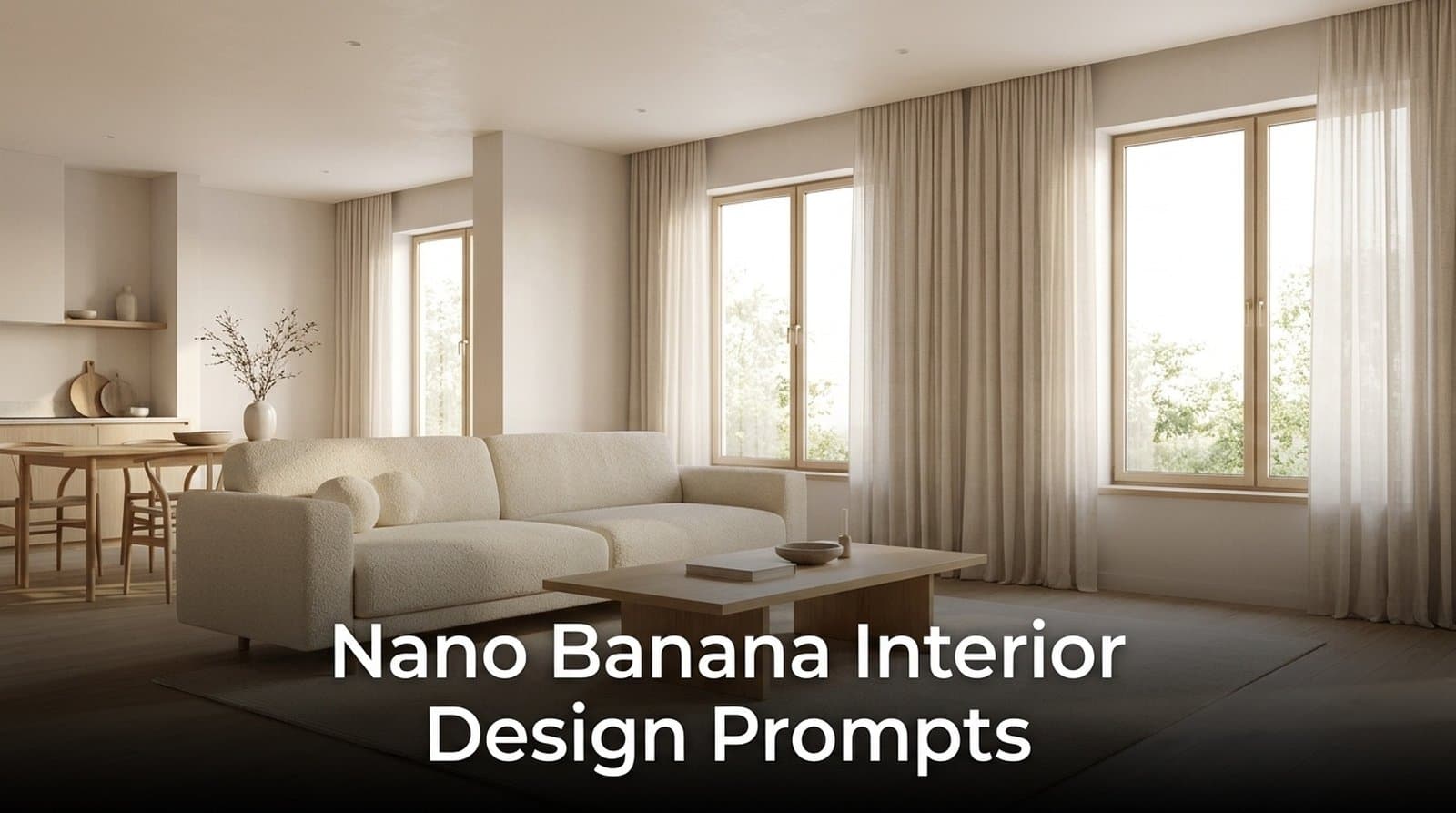
Nano Banana interior design prompts are copy-ready text instructions for Google’s Gemini 2.5 Flash Image model, often called Nano Banana, used to create or edit photorealistic room concepts. The best results usually follow a simple rhythm: name the room idea, add materials, lighting, camera, and constraints, then refine with 2 or 3 short follow-up prompts.
This guide gives you 30 room makeover prompts. More importantly, it fixes the part most prompt lists skip: how people actually write. Based on Paintit.ai data, most users begin with short phrases like “modern kitchen” or “make it cozy,” then adjust step by step. That is not wrong. It just needs a better workflow.
The reason this matters goes beyond prompt trends. Grand View Research reports that the AI in interior design market was valued at $3.3 billion in 2025 and is projected to grow from $4.0 billion in 2026 to $15.0 billion by 2033. Adoption is already mainstream too: Adobe reports that nearly half of Americans surveyed, 49%, have already used AI for an interior design project. Better prompts now shape real paint, furniture, and renovation decisions, not just experimental images.
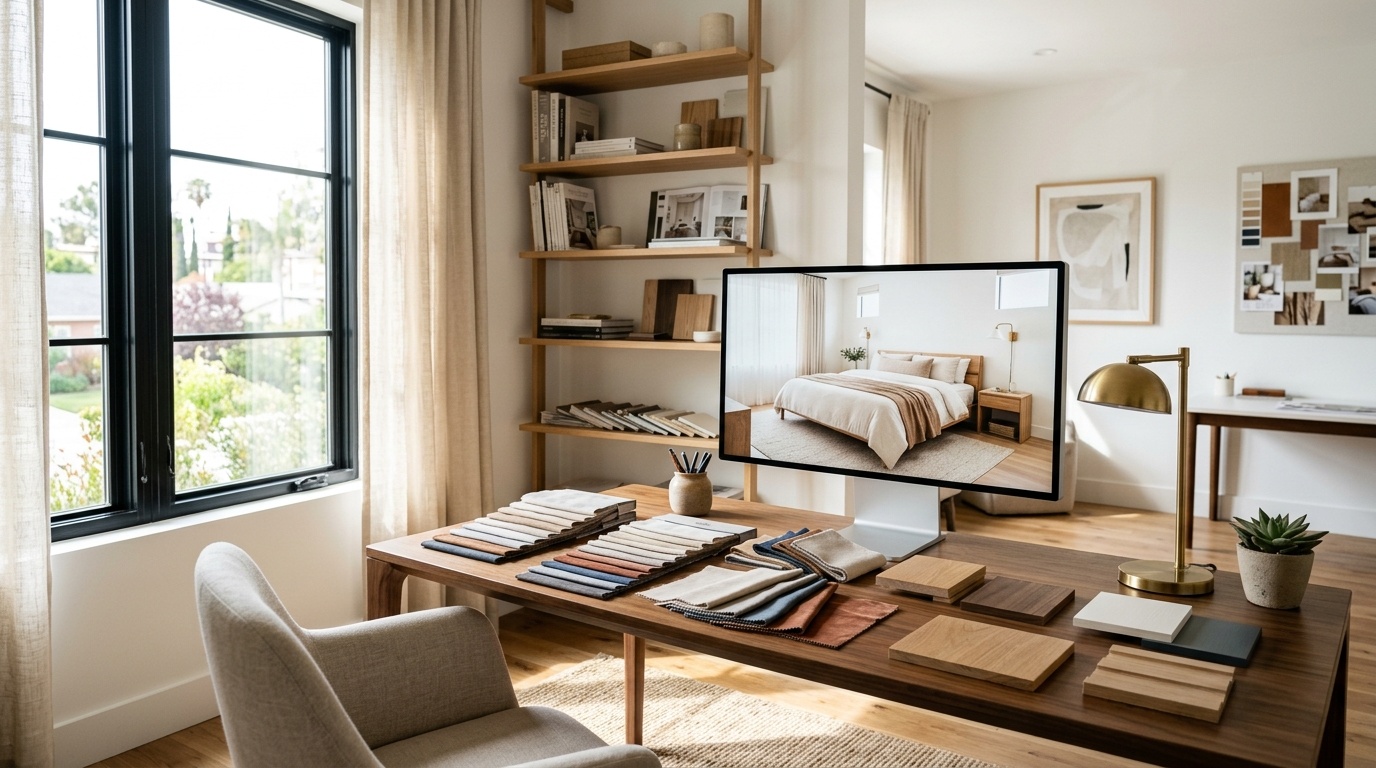
Nano Banana is the informal name for Google Gemini 2.5 Flash Image, an AI image model made for fast photo editing and image generation. In interior design, it works best for surface-level room concepts: paint color, furniture mood, material texture, lighting, and styling changes from a single image or text brief.
Think of it like choosing a track in a design playlist. You set the style, the model plays the first version, then you adjust the tempo: warmer light, softer sofa, less clutter, more walnut, calmer palette.
Nano Banana is useful because it understands natural language. You can write “make this living room Japandi with cream bouclé, oak, and diffused morning light,” and it will usually create a believable visual direction in seconds.
The limitation matters. It is not a true architectural model. It may make a room look real while quietly moving a door, changing a window, or inventing a layout. For mood exploration, fine. For a real furniture plan, you need a photo-based workflow with tighter control.
At Paintit.ai, we usually place Nano Banana at the concept stage: fast, intuitive, expressive. If you want to sketch several directions before committing, you can also start with a first concept in the Paintit.ai flow and compare the visual rhythm before moving into a real-room render.
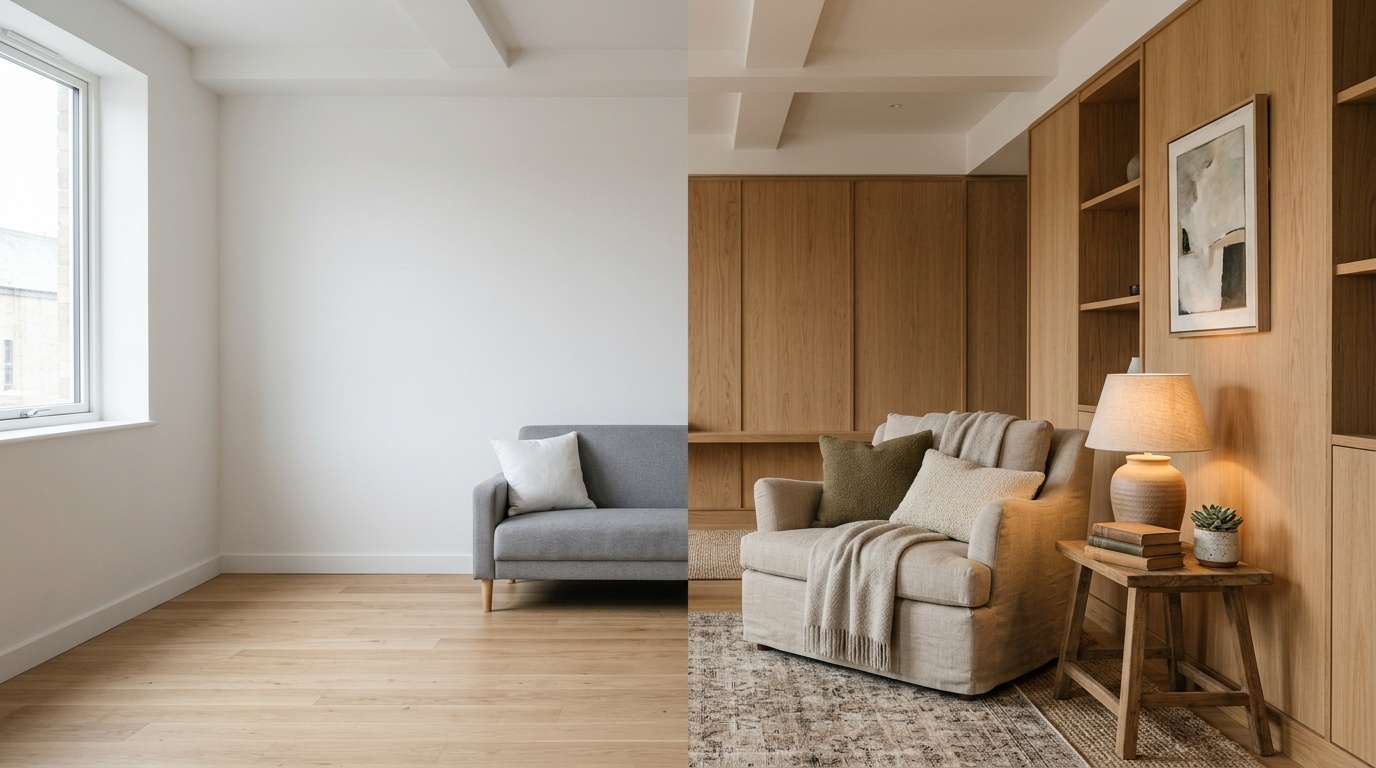
Most weak outputs come from prompts that are too short, not from a lack of taste. Based on Paintit.ai data, 70.7% of interior prompts from real users are low-detail, with 0 to 1 modifiers, while only 3.6% include 6 or more professional-level descriptors.
That matters because image models need more than a style label. “Modern bedroom” tells the AI almost nothing about wall color, bed frame, textile texture, window direction, lighting temperature, lens, or what to avoid.
In our analysis of Paintit.ai user prompts, people naturally mention color 27.6% of the time, room type 22.1%, materials 19.0%, and style 17.1%. Those are the intuitive details. The missing details are usually technical.
The biggest gaps are:
That is the difference between a generic AI room and something closer to an editorial photograph. Add just 3 technical tags and you can move ahead of most beginner prompts:
A basic prompt looks like this:
Make this room Scandinavian.
A stronger prompt looks like this:
Wide-angle interior photograph of this living room, keep the existing layout, Scandinavian style with warm white walls, light oak furniture, linen sofa, wool rug, diffused morning light from the left window, shot at eye level on a 35mm lens, calm and lived-in, no people, no clutter, no watermark.
That prompt is not longer for the sake of being long. Every phrase gives the model a job.
Nano Banana is best for realistic edits to photos, Midjourney is best for artistic concept images, and ChatGPT is best for conversational planning and prompt drafting. The right choice depends on whether you need 1 real-room edit, 3 mood directions, or a structured design brief.
| Tool | Best use | Strength | Main limitation |
|---|---|---|---|
| Nano Banana | Photo edits and material changes | Realistic surfaces, lighting, quick iteration | Can distort spatial geometry |
| Midjourney | Mood boards and highly styled concepts | Strong visual imagination and atmosphere | Less reliable for exact edits |
| ChatGPT | Prompt writing and design planning | Clear brief structure and refinement | Needs an image model to render visuals |
Nano Banana is the strongest choice when your prompt is practical: repaint the walls, change flooring, try walnut cabinets, shift from cool daylight to warm evening light. It is direct and personal, closer to “Type. See. Tweak. Buy.”
Midjourney is better when you want a mood that feels cinematic or more stylized. If you want to compare that route, we keep a separate guide where you can see how Midjourney interior prompts are built before deciding which tool fits your project.
ChatGPT helps when you do not know what to ask for yet. It can turn “I want a calm bedroom” into a 5-part prompt with style, palette, materials, lighting, and constraints. But the actual image still needs a rendering model or design platform.
The practical decision rule is simple:
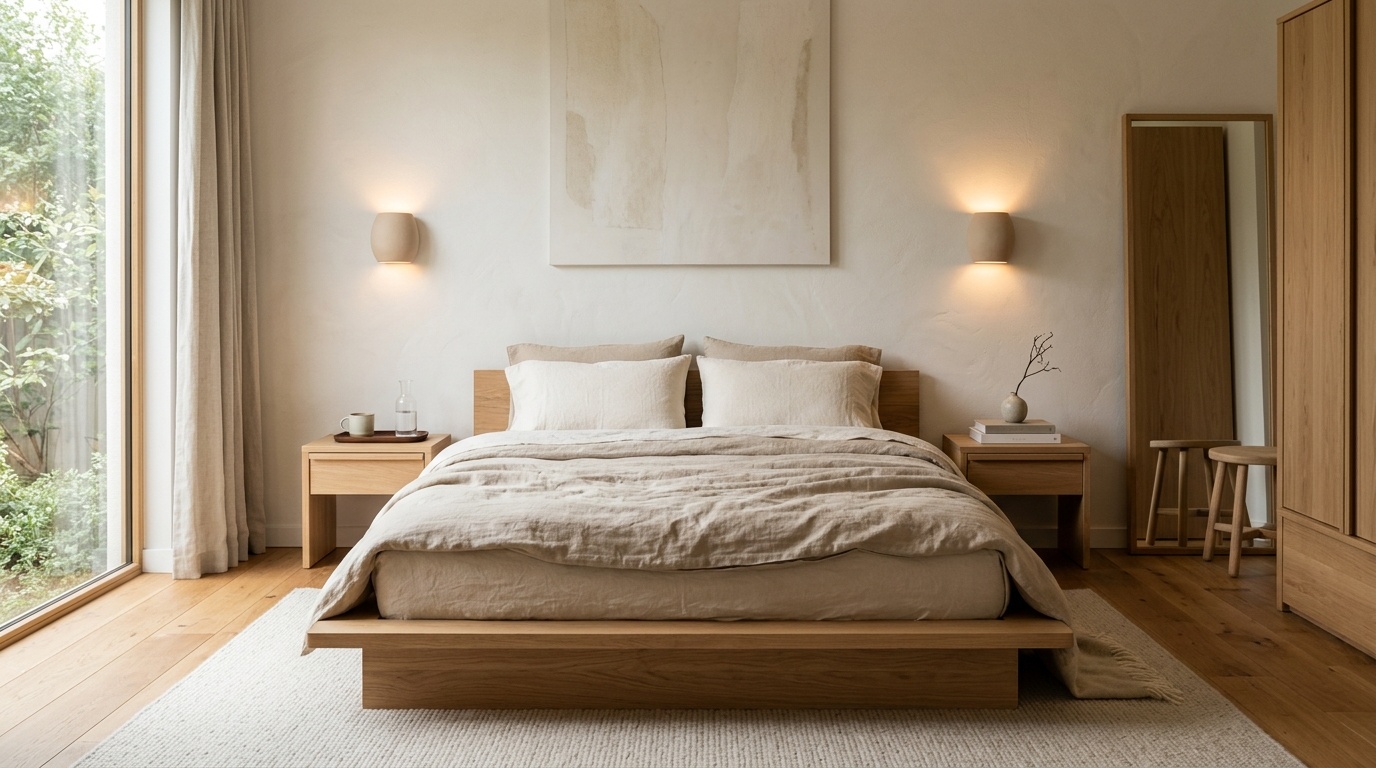
Strong nano banana pro interior design prompts use a 5-part structure: room, style, materials, lighting, and constraint. Professional prompts are not just descriptive; they tell the model what to keep, what to remove, what to change, and what must remain spatially stable.
A reliable nano banana prompts interior design structure looks like this:
Room and camera: Wide-angle interior photograph of a small bedroom, shot at eye level on a 35mm lens.
Style: Warm minimal Scandinavian with Japandi influence.
Materials: Oak platform bed, off-white linen bedding, wool rug, matte clay bedside lamps.
Lighting: Soft morning light from the right window, warm bedside lamps at 2700K.
Constraints: Keep the room layout unchanged, preserve window and door positions, no people, no clutter, no extra furniture.
In our analysis, we found 243 mega-prompts that behaved like structured design briefs. 62% came from interior designers. These prompts often used direct blocks such as KEEP:, REMOVE:, MATERIALS:, LIGHTING:, CRITICAL:, and KEEP_GEOMETRY: yes.
Here is the professional version of a simple request:
KEEP: existing walls, window location, ceiling height, and floor area.
REMOVE: clutter, outdated rug, mismatched side tables.
MATERIALS: walnut bed frame, off-white linen, jute rug, ceramic lamps, brushed brass handles.
LIGHTING: diffused morning daylight from the right window plus warm 2700K bedside lamps.
CRITICAL: keep_geometry yes, no people, no distorted furniture, no added doors.
For design studios, that structure becomes a repeatable workflow. You can use Nano Banana for rough concept studies, then create client-ready variations in Paintit.ai when the presentation needs cleaner visual control, shared projects, and a commercial usage path.
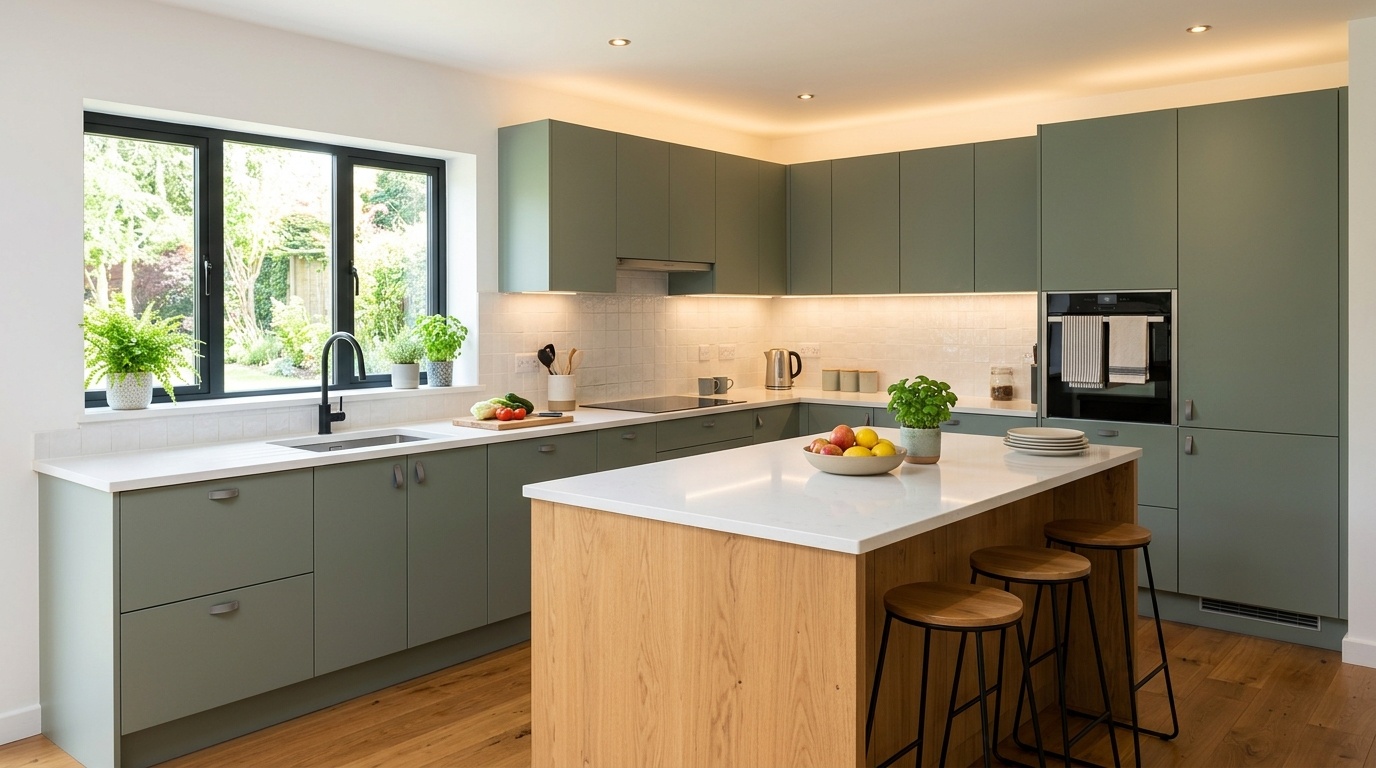
The following interior design nano banana prompts are written for copy-paste testing in 6 groups of 5. Each prompt includes room type, material details, lighting, and mood, so you can start with a stronger brief instead of asking for a vague makeover.
The best Nano Banana workflow is not one perfect prompt; it is a 3-turn conversation. Based on Paintit.ai user behavior, 15% of prompts contain refinement language such as “now make it warmer,” and 509 chats involved 5 or more turns.
This matters because real design thinking is rarely linear. You try a look, feel the mismatch, adjust the palette, remove a chair, soften the lighting, then test again. That is the natural flow from idea to buy.
Use this 3-step method:
Example sequence:
Prompt 1: Make this living room warm Japandi with cream upholstery, oak furniture, and calm natural light.
Prompt 2: Now make the wall color softer, closer to warm white plaster, and add a round light oak coffee table.
Prompt 3: Keep the layout unchanged. Add a woven rug, remove visual clutter, use diffused morning light from the left window, no people, no watermark.
If you prefer to draft the conversation first, it can help to build the brief in a ChatGPT-style conversation and then paste the final visual brief into Nano Banana.
The rule is one change per turn. Ask for 9 changes at once and the model may obey 5, then pretend the other 4 never happened. Ask for 1 or 2 changes, and you can keep the rhythm under control.
Nano Banana can make rooms look believable, but it can lose spatial truth. The most common failure is geometry drift: doors move, windows resize, rooms flip, ceiling lines change, and furniture appears where it could not physically fit in a real 2D or 3D space.
This is the geometry and logic fallacy. A render can look polished and still be wrong.
Watch for these 5 failure modes:
The rarest but most useful constraint in our data is keep_geometry, appearing in only 0.7% of prompts. Use it often, but be honest about its limits. It can reduce drift; it cannot turn Nano Banana into a measured interior planning tool.
A safer prompt for a real photo is:
Redesign this room in warm Scandinavian style. Keep the exact wall positions, window locations, door locations, ceiling height, and floor area. Do not move architectural elements. Add light oak furniture, white linen sofa, wool rug, warm daylight, no people, no clutter.
If the result still moves the room, stop iterating there. Use Nano Banana as a mood reference, not a final plan. For actual rooms, you can test a style on your current room photo in Paintit.ai, where the workflow is built around preserving the room you already have.
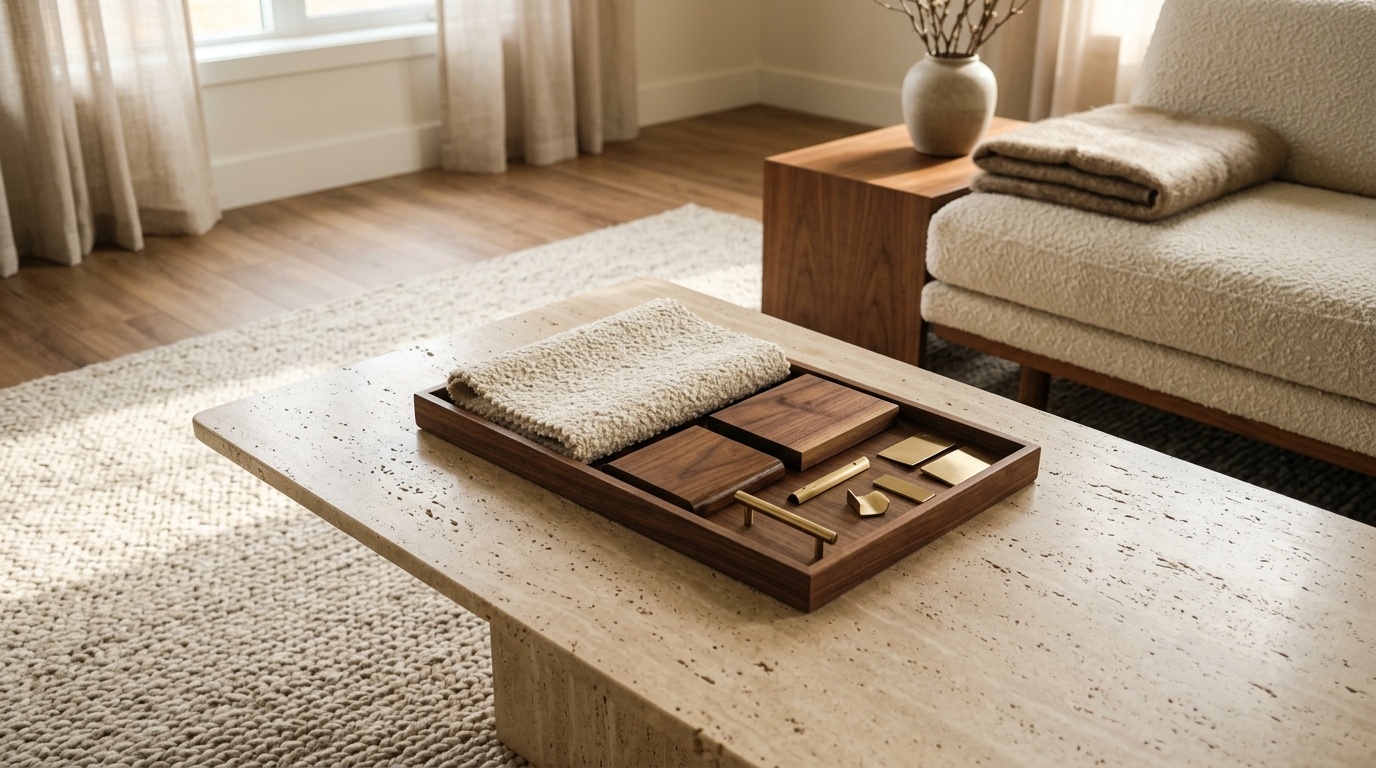
The practical workflow is simple: use Nano Banana for mood discovery, then use Paintit.ai for room-specific visualization. In 4 steps, you move from a loose concept to a real photo render that respects your walls, doors, windows, materials, and furniture-buying decisions.
This is also where the Pinterest workflow helps. Use a 3-part stack: anchor reference for the main style, material reference for textures, and mood reference for atmosphere. The key constraint is: Use this reference for style, palette, materials, and mood. Do not copy exact composition. Keep my room layout unchanged.
Paintit.ai is not a structural engineering tool, and we do not claim it can approve load-bearing changes or replace a contractor. It is a visualization companion designed for empathy and decision clarity: see the idea, tweak the room, compare options, then choose real furniture with more confidence.
That early visualization has budget value too. In Adobe’s survey, respondents using AI tools for interior design estimated saving $371. The safest way to capture that value is to test paint, materials, and furniture visually before buying, while still treating the output as decision support rather than construction approval.
For shopping-oriented workflows, Paintit.ai can suggest real furniture from partners such as Amazon, IKEA, Jysk, and Ashley. The goal is not fantasy for its own sake. It is design that feels personal, with a path from idea to buy.
These 5 questions cover the most common real searches around nano banana prompts for interior design: what the name means, how accurate it is, how it compares with other tools, how to improve renders, and when to move into a photo-based design workflow.
Nano Banana is the informal codename for Google Gemini 2.5 Flash Image. In interior design, people use it to generate room concepts, repaint spaces, change materials, test lighting, and create photorealistic visual ideas from text prompts or uploaded room images.
Not reliably. Nano Banana can create a room that looks plausible, but it does not truly convert 2D CAD plans or floor plans into measured 3D interiors. If exact dimensions, doors, windows, and circulation matter, use a room-photo or technical workflow instead.
Add 3 details most users skip: camera, lighting, and negative instructions. For example, write “wide-angle photograph, shot at eye level on a 35mm lens, diffused morning light from the left, no people, no clutter, no watermark.”
Nano Banana is usually better for practical photo edits, material swaps, and lighting changes. Midjourney is usually stronger for expressive visual concepts and stylized mood boards. If you need exact edits to your existing room, neither should be treated as a measured planning tool.
Use Nano Banana when you want quick mood ideas and visual inspiration. Use Paintit.ai when you want to test a style on your actual room photo, preserve the room’s spatial logic, compare paint or furniture choices, and move from idea to buy with more confidence.