
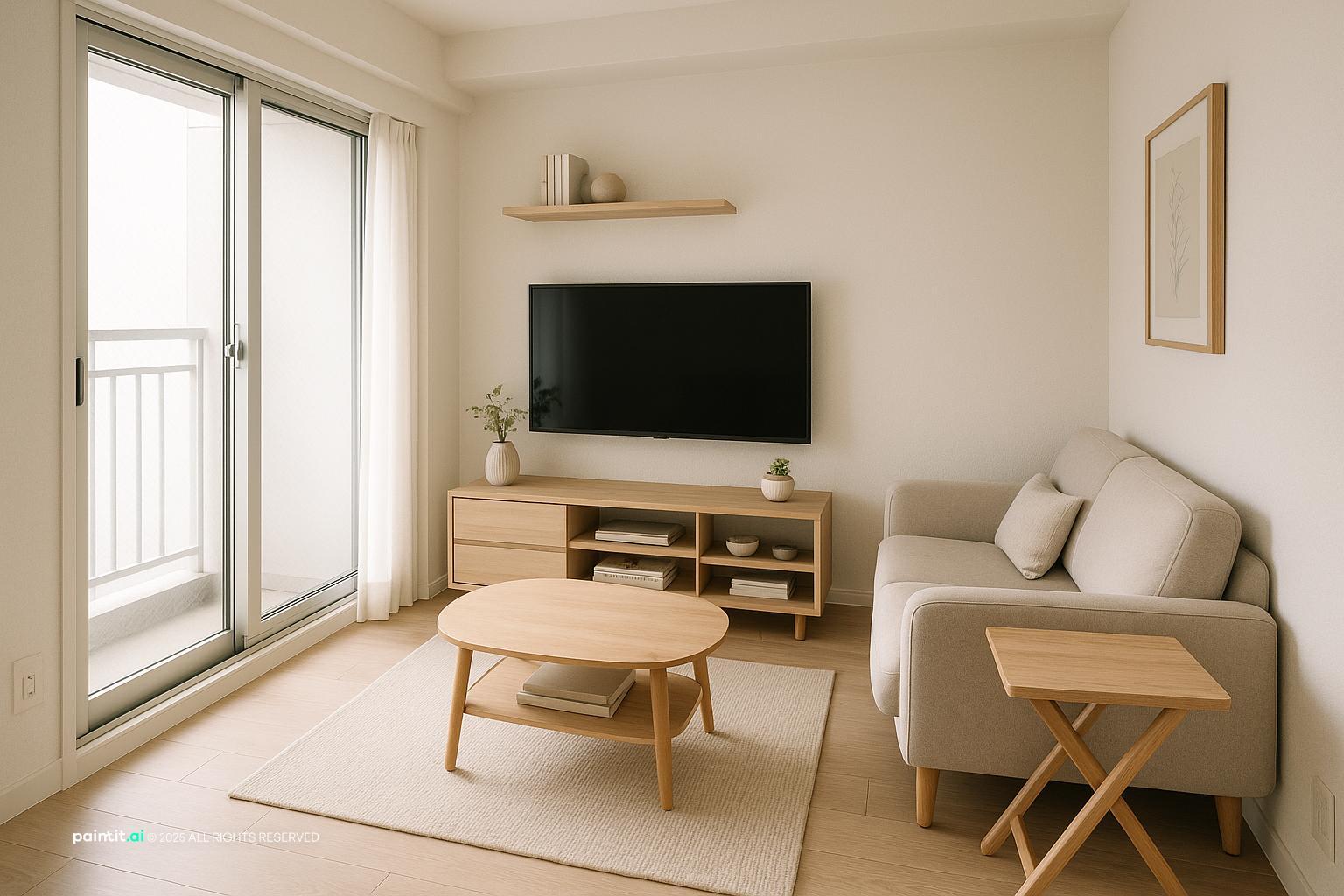
Compact Living Room Design with Space-Saving Solutions
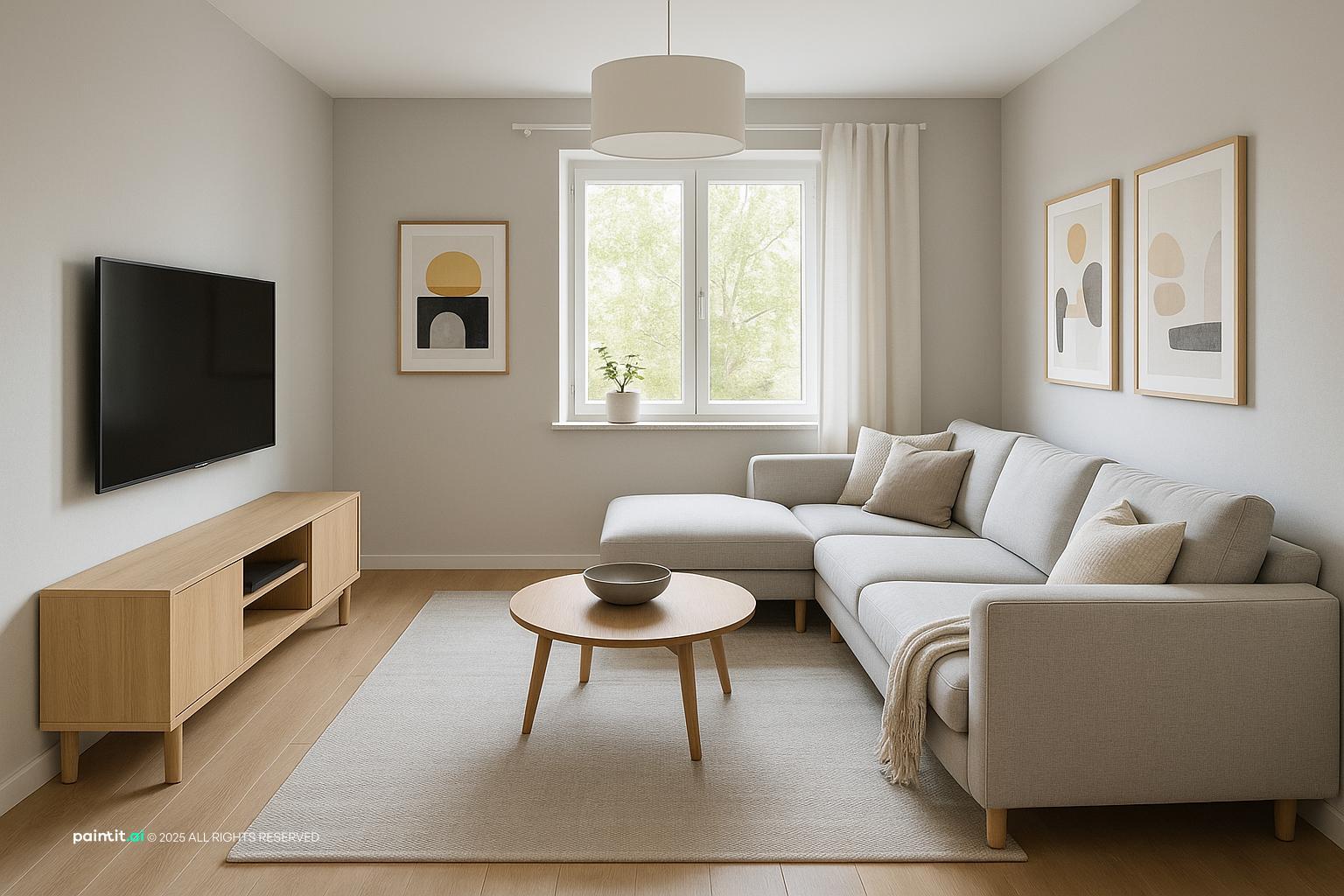
Compact Living Room Design with Space-Saving Solutions uses TV wall focus, layered neutrals and natural light in a living room setting.
The best living room tv wall ideas are not really about decorating around a screen. They are about fixing the things people notice every day: glare on the TV, cables under the console, a screen mounted too high, storage that does not fit devices, and a black rectangle that pulls too much attention. Start simple. Place the TV. Decide what sits below it. Then choose what frames it, what stores the clutter, and what should disappear. In real rooms, a strong TV wall is almost always built in layers, not solved with one dramatic feature.
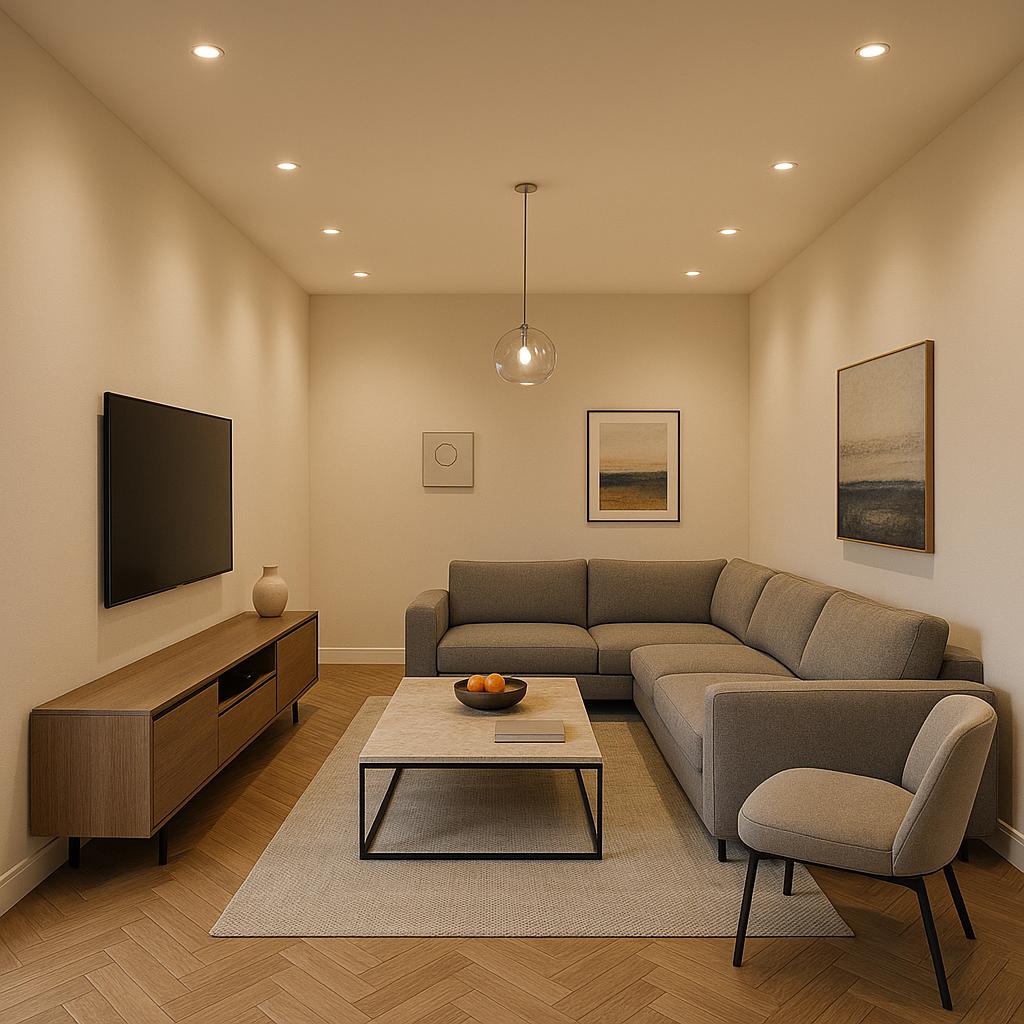
A living room tv wall works when the screen belongs to the seating area instead of looking like it was added after everything else. Check sofa distance, seated eye level, the walking path, window glare, outlet position, and whether the wall needs storage, texture, or simply better proportions. If you are changing more than one part of the room, an AI room design tool can help you compare layouts before you move furniture or drill into the wall.
In Paintit.ai, we often see people begin with very short requests, the same way they might search online. A prompt can be as basic as add TV, create media wall, or even something like "Add queen bed and tv" in another room. That is normal. The useful part comes next: make the console longer, keep the fireplace, add wood, less clutter, warmer lighting. Treat living room tv wall ideas as a sequence: first position the screen and base, then test material, lighting, built-ins, and styling one decision at a time.
Use the first gallery to compare how different wall treatments change the same basic setup: a wall mounted TV, a console or built-ins, and a few strong vertical or horizontal lines that make the media area feel planned instead of accidental.
Compact Living Room Design with Space-Saving Solutions uses TV wall focus, layered neutrals and natural light in a living room setting.
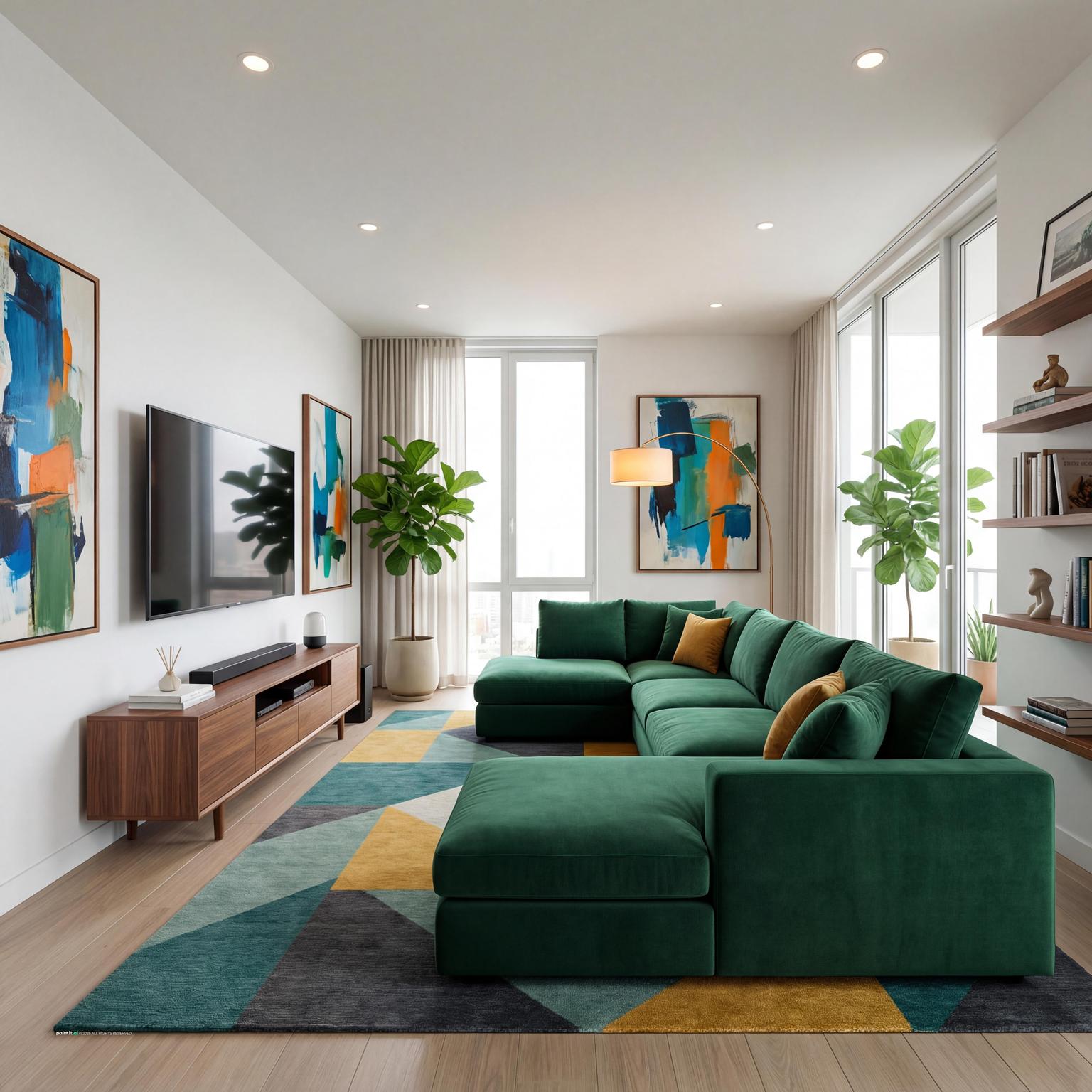
Bright Contemporary Living Room Design balances TV wall focus, seating facing the screen and clean-lined furniture in a living room setting.
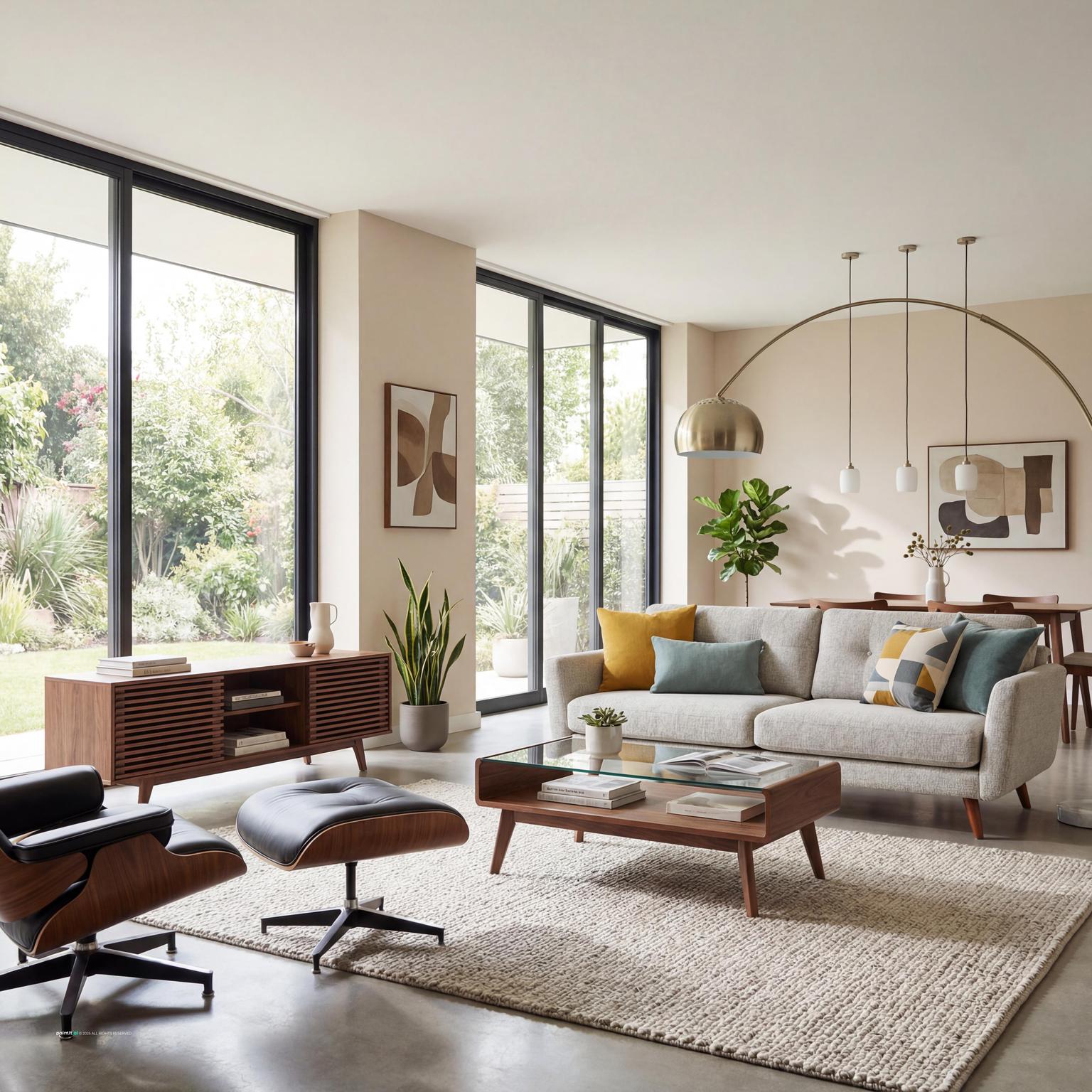
Stunning Mid-Century Modern Living Room pairs TV wall focus, warm wood and soft textiles in a living room setting.
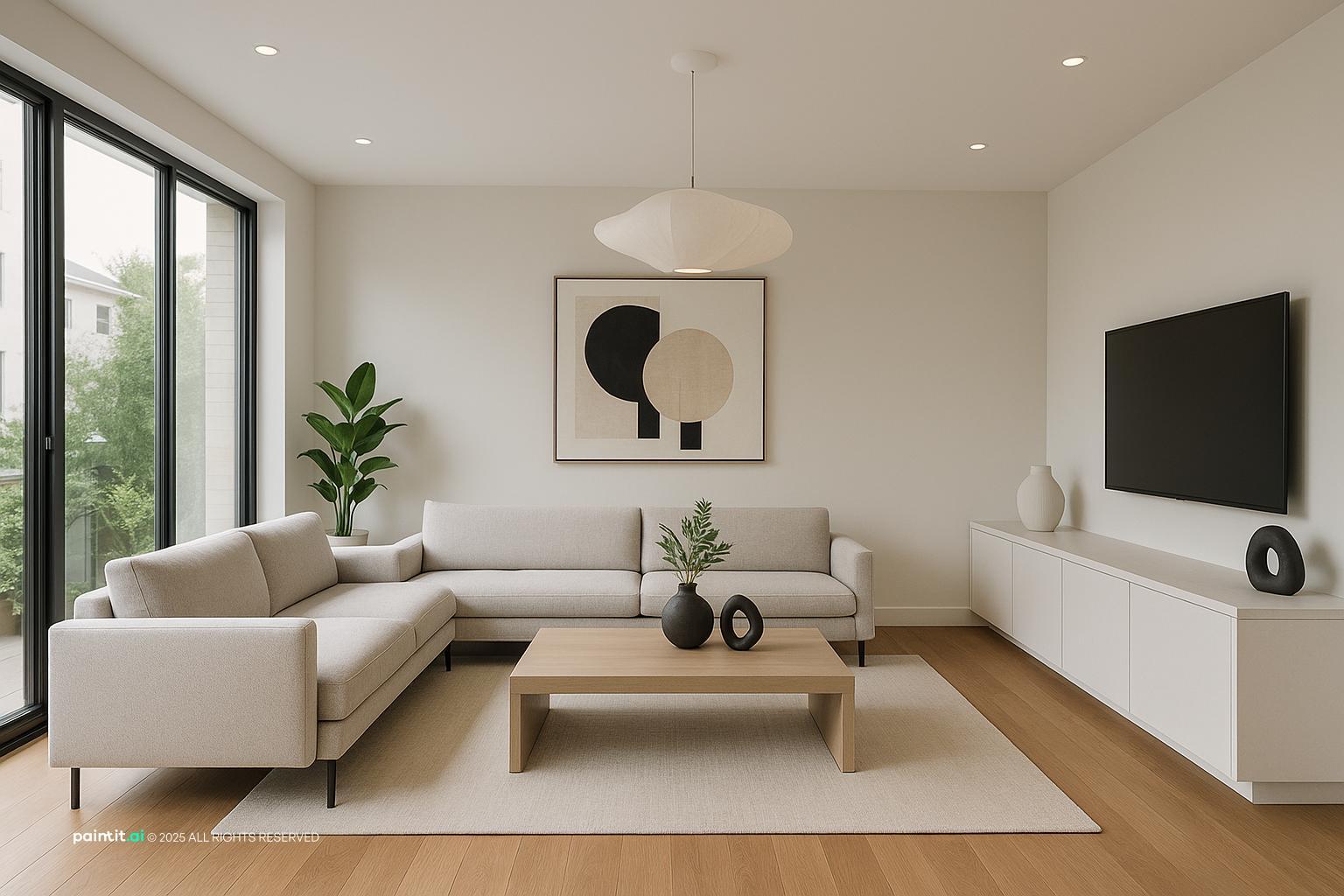
Living Room Tv Wall Ideas with Tv Wall Focus and Clean-lined Furniture layers TV wall focus, clean-lined furniture and plants and greenery in a living room setting.
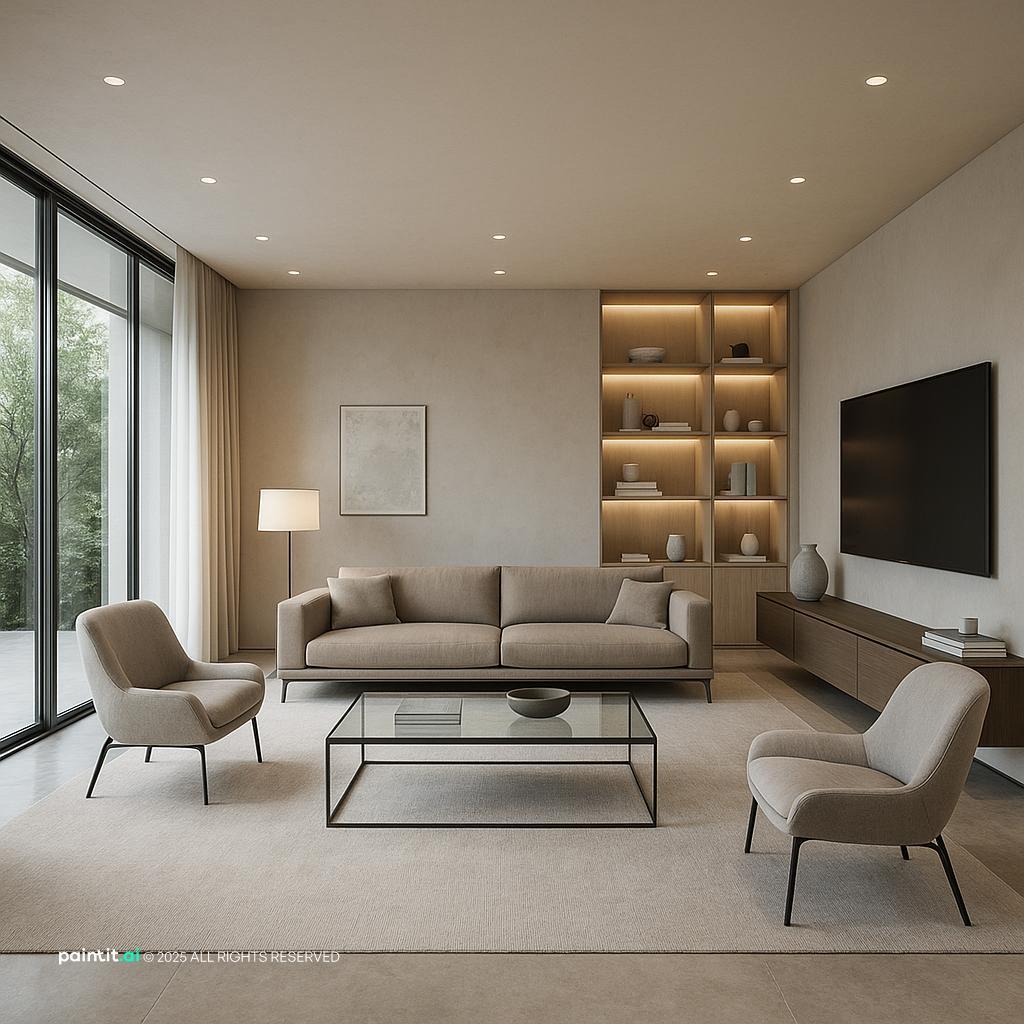
Ultra-Modern Living Room Design Inspiration anchors TV wall focus, metal accents and layered neutrals in a living room setting.
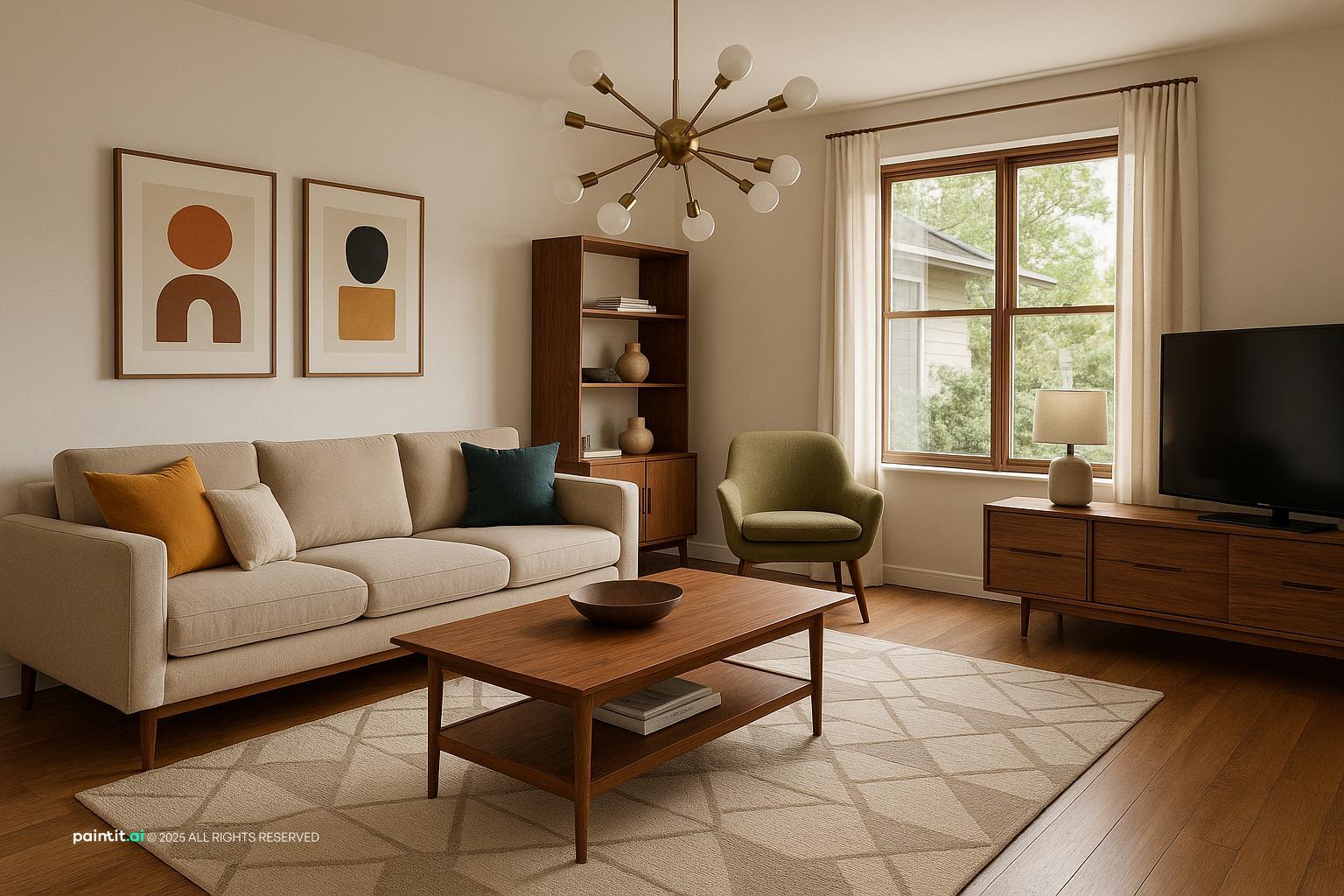
Stylish Mid-Century Modern Living Room Design softens warm wood, clean-lined furniture and layered neutrals in a living room setting.
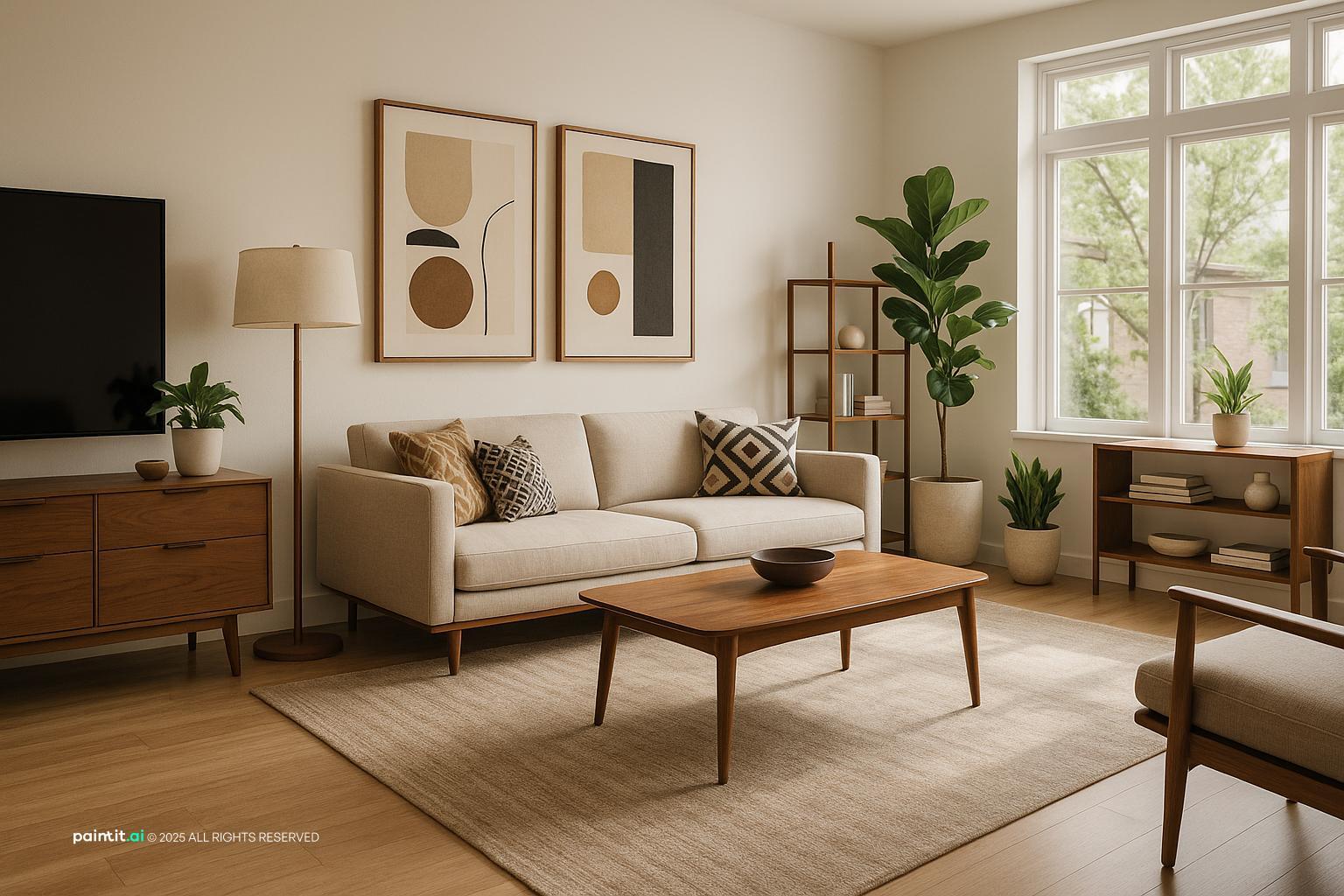
Mid-Century Modern Living Room Design uses TV wall focus, warm wood and soft textiles in a living room setting.
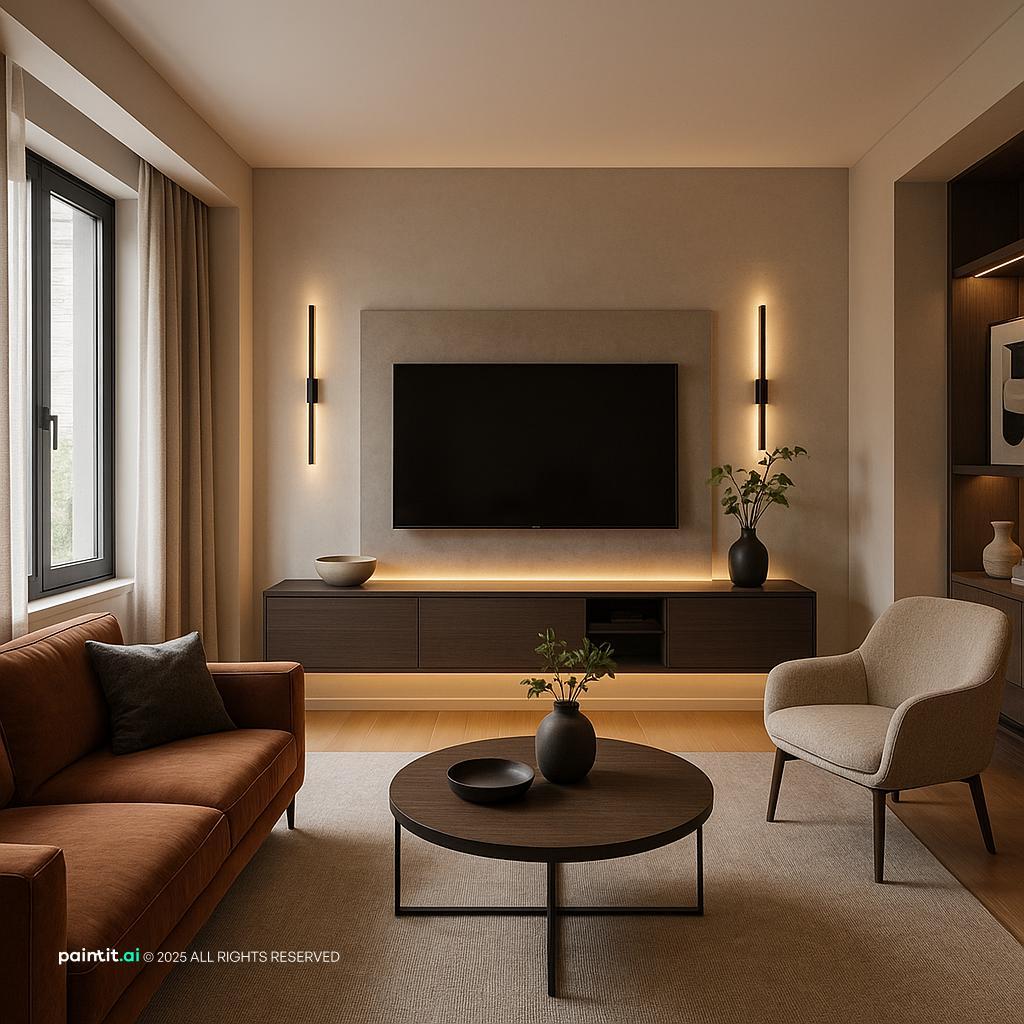
Modern Living Room Design Inspiration balances clean-lined furniture, plants and greenery and layered neutrals in a living room setting.
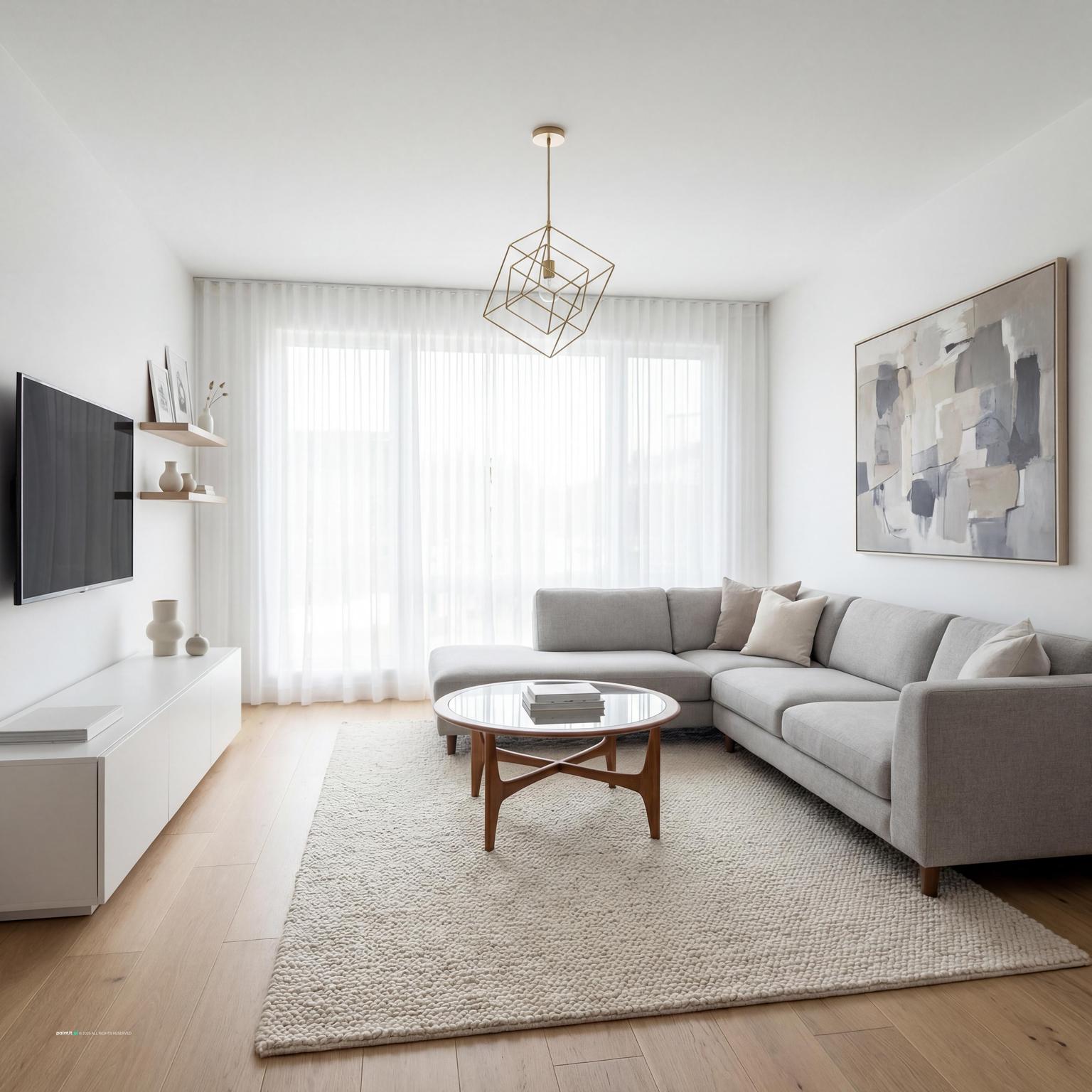
Modern Living Room Redesign pairs TV wall focus, layered neutrals and natural light in a living room setting.
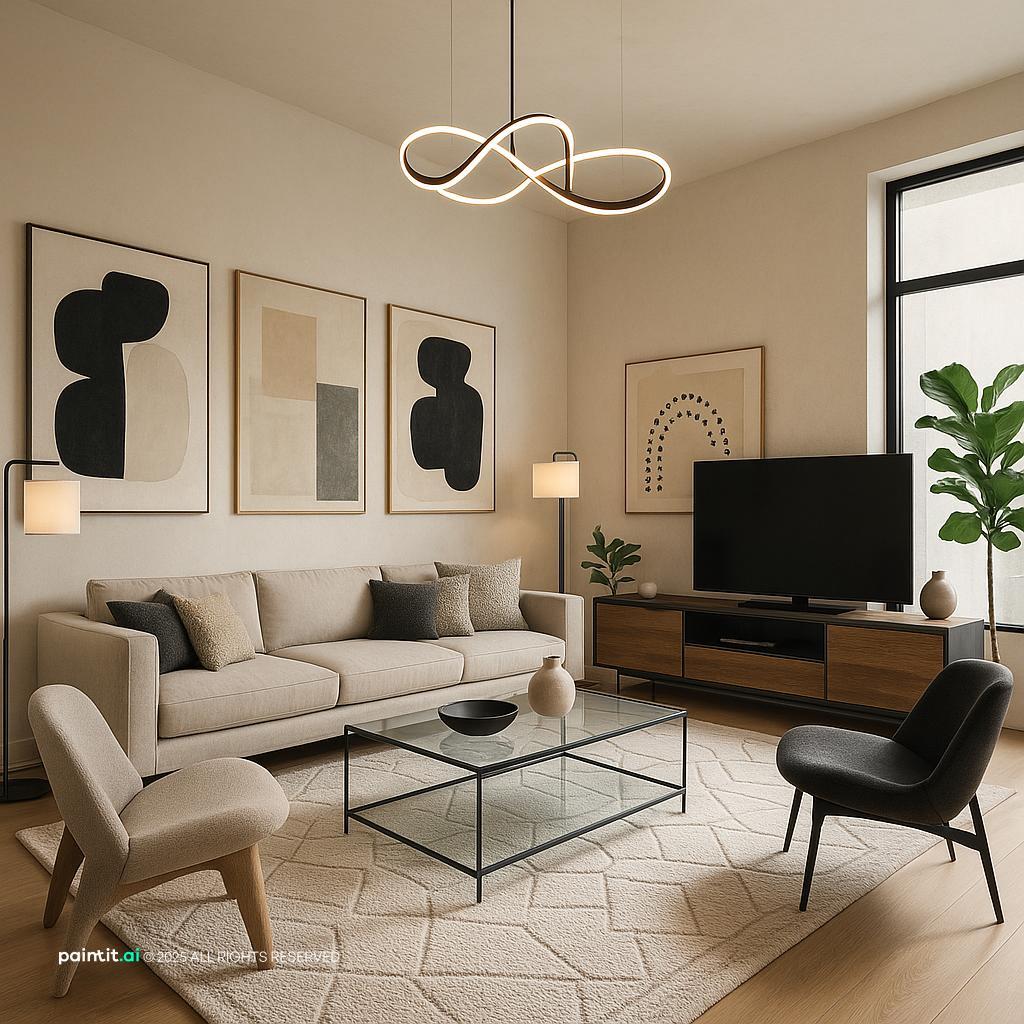
Contemporary Arty Living Room Design layers seating facing the screen, soft textiles and metal accents in a living room setting.
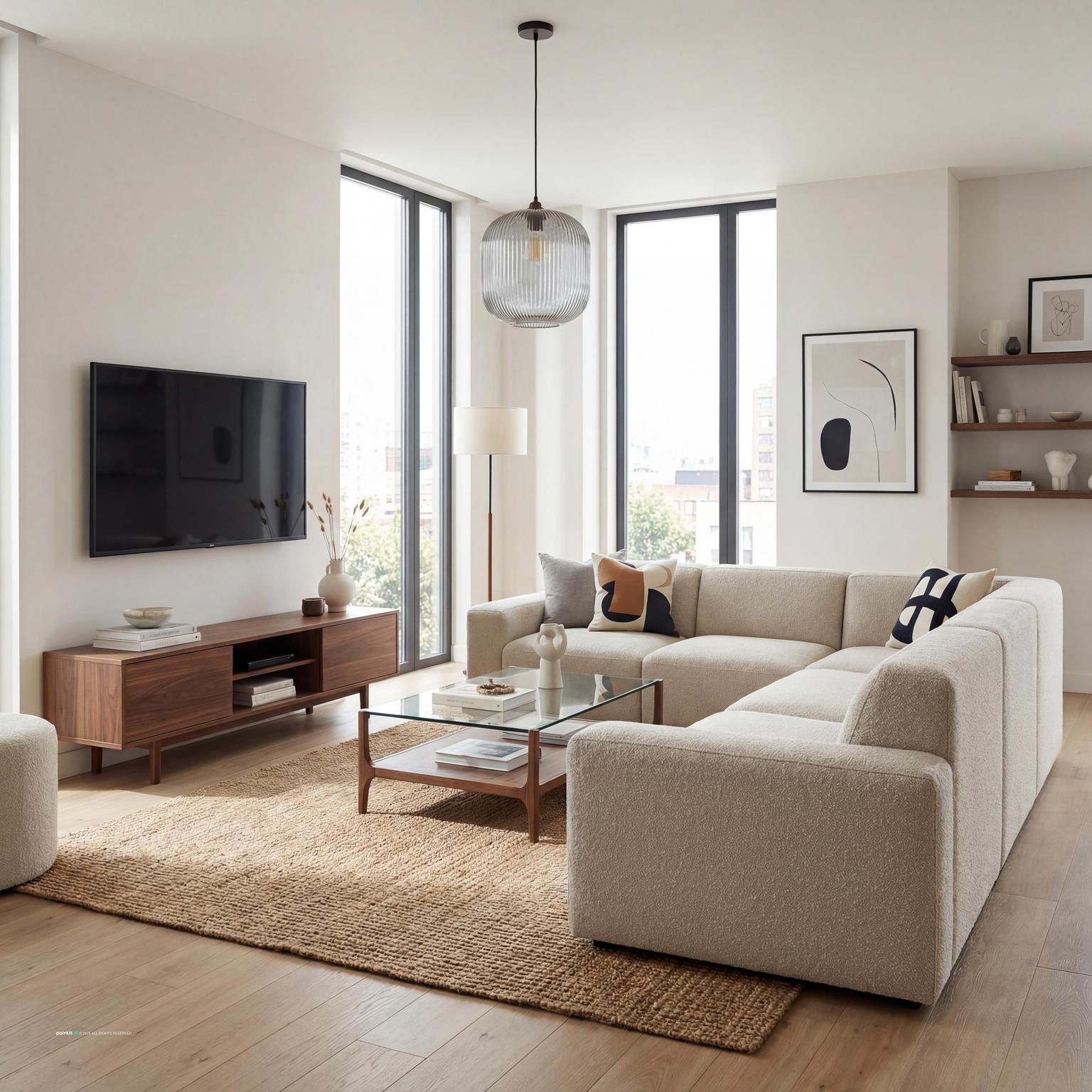
Modern Living Room Design for Cozy Spaces anchors TV wall focus, soft textiles and clean-lined furniture in a living room setting.
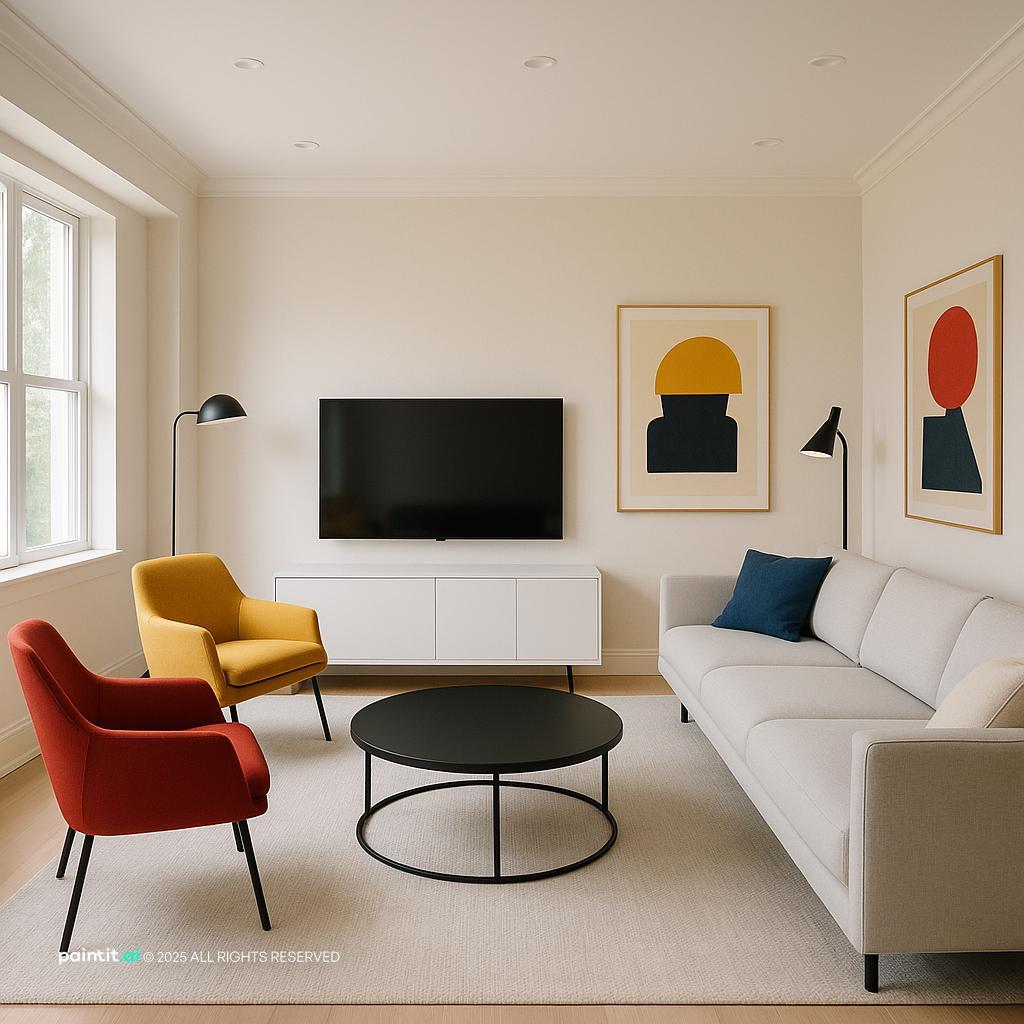
Contemporary Living Room Redesign softens TV wall focus, layered neutrals and natural light in a living room setting.
The most common mistake is centering the TV on the wall while the sofa sits slightly off to one side. From the doorway it may look balanced, but from the sofa it feels wrong every night. Center the screen on the main viewing seat or the middle of the seating group. If a window, fireplace, or doorway makes the wall uneven, use shelving, art, paneling, or a taller cabinet to balance the empty side.
Why it works: your eye reads the TV wall from the sofa first, not from an architectural plan. Keep the center of the TV close to seated eye level when possible, often around 42 inches from the floor to the center of the screen. Mounting too high makes the room feel like a sports bar and usually makes long viewing uncomfortable.
A floating console is one of the most dependable living room tv unit ideas because it gives the screen a base without making the whole wall feel bulky. Choose a unit at least 1.5 times wider than the TV so the screen does not look top-heavy. A 65-inch TV, for example, usually needs a long, low cabinet rather than a narrow stand directly underneath it.
What to avoid: a small cabinet tucked under a large screen. It creates the wrong kind of visual weight, with the widest object floating above the narrowest one. A wall-hung console also makes cleaning easier, hides small devices, and lets the floor line continue, which helps compact living rooms feel larger.
A media wall can combine the TV, storage, display shelves, a soundbar, and concealed wiring in one planned surface. This works especially well on a long blank wall where a single TV would look stranded. Use closed cabinets along the bottom for remotes, routers, game consoles, blankets, chargers, and the everyday clutter no one wants to style.
The catch is restraint. Do not fill every shelf because the built-ins gave you space. Leave air around the TV and repeat a few materials, such as oak, matte white, and black metal. For broader surface inspiration beyond the screen area, look at living room wall design ideas and borrow only what supports the media zone.
Wood slats are useful when a black screen feels too harsh on a plain wall. Vertical slats add texture, soften the media area slightly, and create a strong backdrop without relying on lots of decor. Use them behind the TV, on one side only, or as a full panel from floor to ceiling.
Why it works: slats frame the screen while keeping the design linear and calm. Avoid choosing a wood tone that almost matches the floor but not quite. That near-match is one of those things that looks fine in a mood board and awkward in a real room. In Paintit.ai tests, we often see users ask for wood, marble, or brick as material modifiers, and wood works best when its tone is clearly intentional rather than trying to blend into everything else.
A stone or marble-look backdrop can make a TV wall feel more permanent, especially in modern apartments or open-plan living rooms. Use large-format slabs, porcelain panels, or a convincing laminate surface with subtle veining. Keep the pattern quiet enough that it does not fight the moving image on the screen.
What to avoid: high-gloss stone directly opposite bright windows. Reflections can make the TV hard to watch, and the wall may look much busier during the day than it did in a showroom image. Pair a marble-look wall with a simple matte console, not another loud material, so the room does not feel overdesigned.
Exposed brick or brick veneer can make a TV wall feel grounded, but it needs editing. Mount the TV cleanly, use black cable covers or in-wall routing, and choose a console with simple lines. A brick wall already has movement, shadow, and color variation, so extra shelving may not be necessary.
Why it works: brick gives the screen context without adding more objects. Avoid mixing brick with too many rustic signs, metal cages, or heavy industrial pieces unless the whole room already speaks that language. One strong texture is usually enough.
Built-ins are the right answer when the living room needs books, closed storage, display space, and media equipment in one place. Plan cabinet depth around real devices, ventilation, outlet access, and the size of anything you actually need to store. Lower cabinets should feel sturdy. Upper shelves can be lighter, partly open, or broken up so the wall does not become a solid block.
The best built-ins usually mix closed and open storage. Closed doors hide the messy items; open shelves hold books, ceramics, framed photos, or a small plant. If you are changing the whole seating area around the TV wall, test the proportions in an AI living room design workflow so the new storage does not overpower the sofa, rug, or walkway.
When art around the TV feels busy, use wall paneling as the decorative layer. Simple rectangular molding, shallow vertical panels, or a painted frame can make the screen feel integrated without adding visual clutter. Paint the paneling the same color as the wall for a quiet effect, or use a deeper shade if the room needs contrast.
What to avoid: placing small art pieces tightly around the TV like a gallery wall unless you truly want an eclectic look. The TV already behaves like a strong visual object. Paneling gives structure without asking the eye to read twelve small things around a moving screen.
Cable management is not a finishing detail. It is part of the design. Decide where outlets, HDMI access, router placement, soundbar wiring, and device ventilation will go before adding panels, stone, slats, or cabinetry. If you rent, use paintable cord channels and align them with vertical or horizontal lines already in the room.
Why it works: a clean TV wall is defined as much by what you hide as what you add. Paintit.ai behavior data shows that 8.8% of users use negative prompts like without or no clutter, and 12.0% use keep or do not change instructions. That instinct is practical: preserve the architecture, hide the cables, and avoid building a media wall that still looks temporary because wires are hanging under the screen.
Accent lighting is often the missing layer. Only 5.9% of Paintit.ai prompts include lighting modifiers, but lighting is one of the quickest ways to make a TV area look considered. Add soft LED backlighting behind the TV, warm shelf lighting in built-ins, or a pair of low-glare sconces outside the screen area.
What to avoid: bright lights aimed directly at the TV or a glossy wall. You want a soft halo or gentle side glow, not glare across the screen. Put lighting on dimmers when possible so the wall works for daytime, movie nights, and casual evenings with people in the room.
A darker wall color can help the screen recede when it is off. Charcoal, deep olive, navy, warm espresso, and muted clay can all work depending on the rest of the palette. This is especially useful when the TV is large and the wall has no built-in frame.
Why it works: the black screen looks less abrupt against a deeper backdrop. Avoid going dark if the room already lacks natural light and has heavy dark furniture. In that case, use a mid-tone wall and add texture or lighting instead of making the whole zone feel dense.
Not every TV wall needs perfect symmetry. If the TV must sit off-center because of a fireplace, door, or window, balance it with a tall plant, a vertical shelf, a slim cabinet, or one large artwork on the opposite side. The goal is to distribute visual weight, not force the wall into a fake center.
This approach is especially helpful in apartments and older homes, where the obvious TV wall is rarely perfect. Keep the console longer than the TV and let it bridge the asymmetry. A long horizontal base can make an off-center screen look deliberate.
A TV over a fireplace can look neat in photos, but it often sits too high for daily viewing. If you use this arrangement, choose a low fireplace profile, leave enough heat clearance, and consider a mount that allows slight downward adjustment. The mantel should not push the TV into the upper third of the wall.
What to avoid: treating the fireplace and TV as equal focal points if they are fighting each other. One should lead. A dark fireplace surround, simple mantel, and minimal accessories can help the two elements read as one composition.
A clean TV wall can begin with three parts: wall mounted TV, long console, and hidden cables. After that, choose one major upgrade: wood slats, built-ins, stone panel, dark paint, or accent lighting. Adding all of them at once can make the room feel like a showroom instead of a living room.
This matches how many people design in Paintit.ai: create the basic version, then ask for a bit more texture, less clutter, warmer lighting, or a different material. If you are unsure between finishes, an AI concept generator can help you compare wood, marble, brick, and painted options before you commit. It is also a practical way to test modern tv wall ideas living room layouts without buying the wrong panel or console first.
The second gallery is useful for comparing the weight of each solution: a slim floating console, a storage-heavy built-in, a textured tv accent wall living room, or a minimal painted wall with lighting.
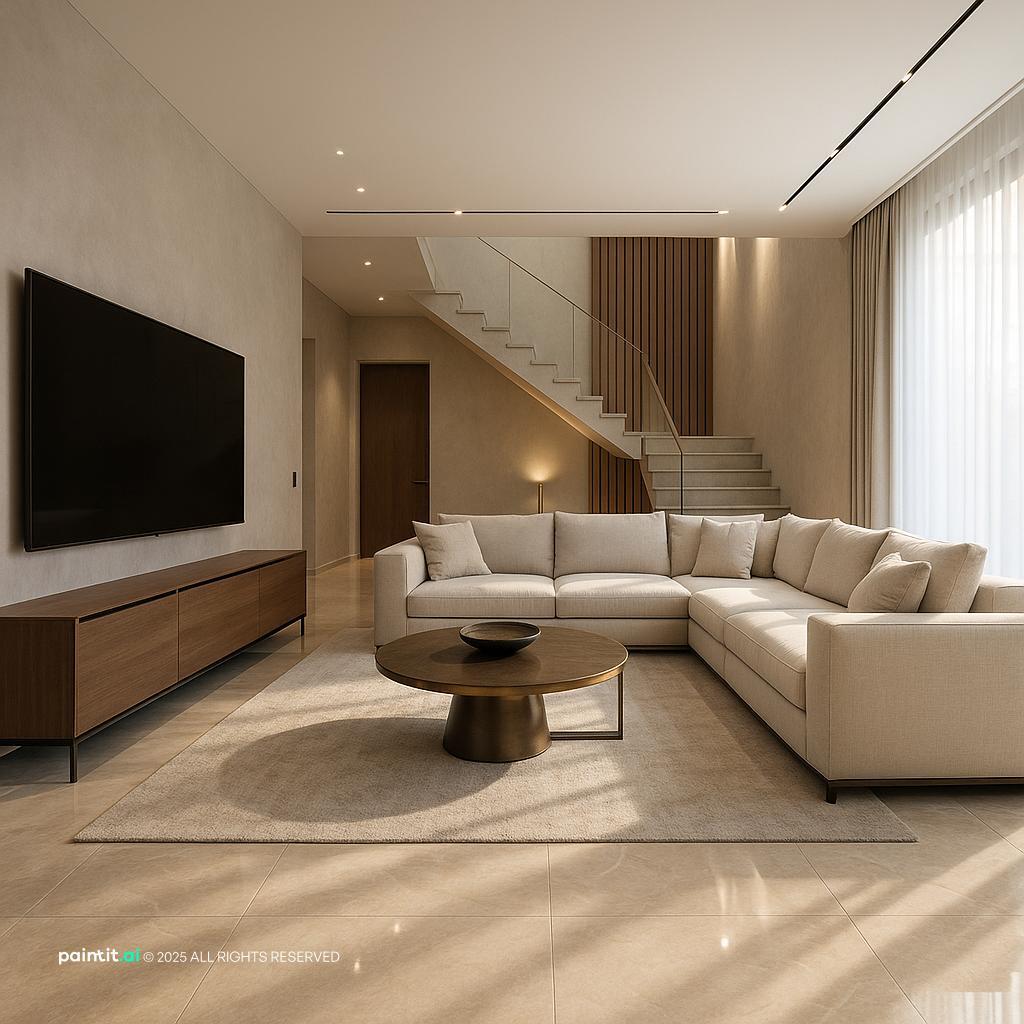
Luxurious Living Room Design uses TV wall focus, seating facing the screen and metal accents in a living room setting.
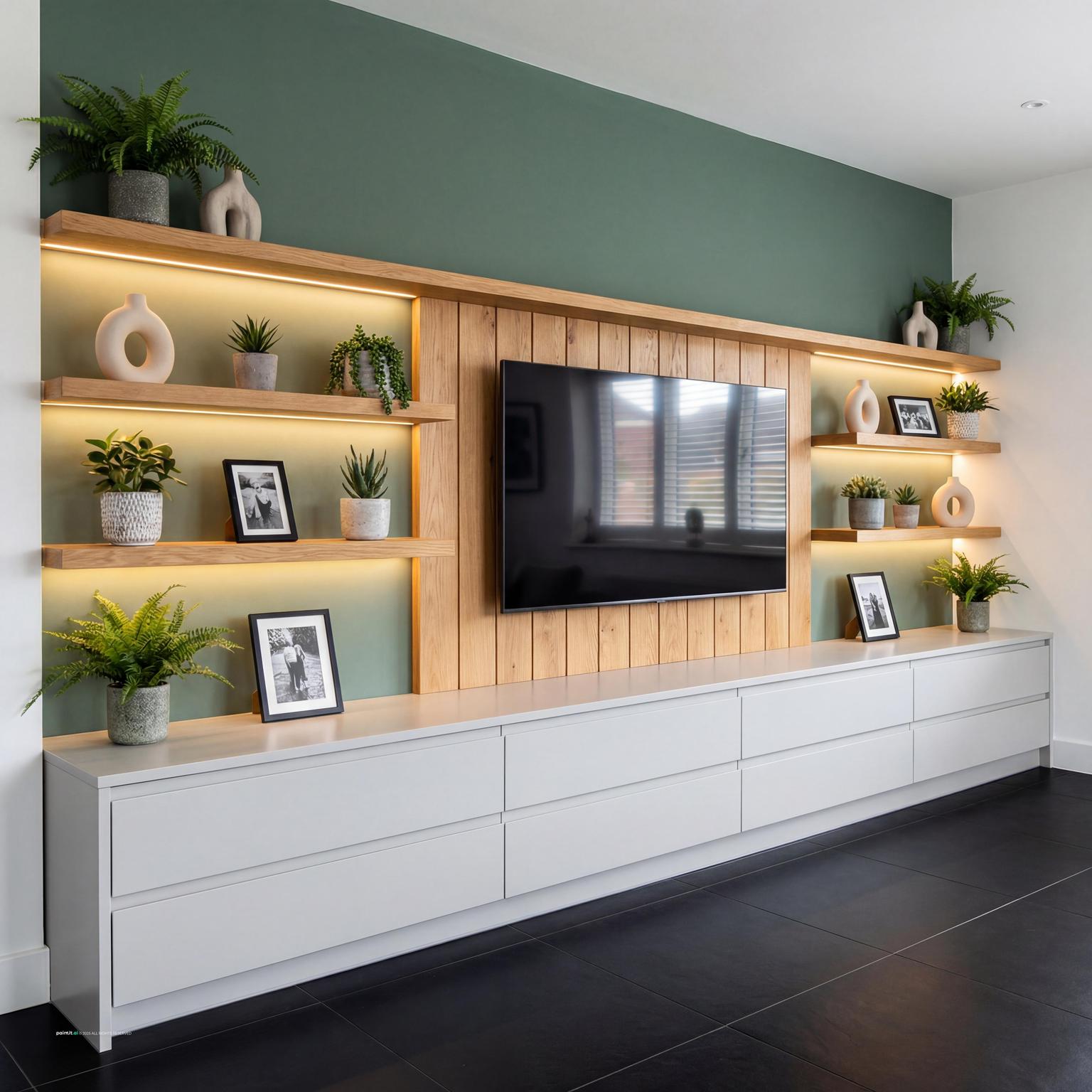
Modern TV Unit Design for Stylish Living Rooms balances warm wood, plants and greenery and layered neutrals in a living room setting.
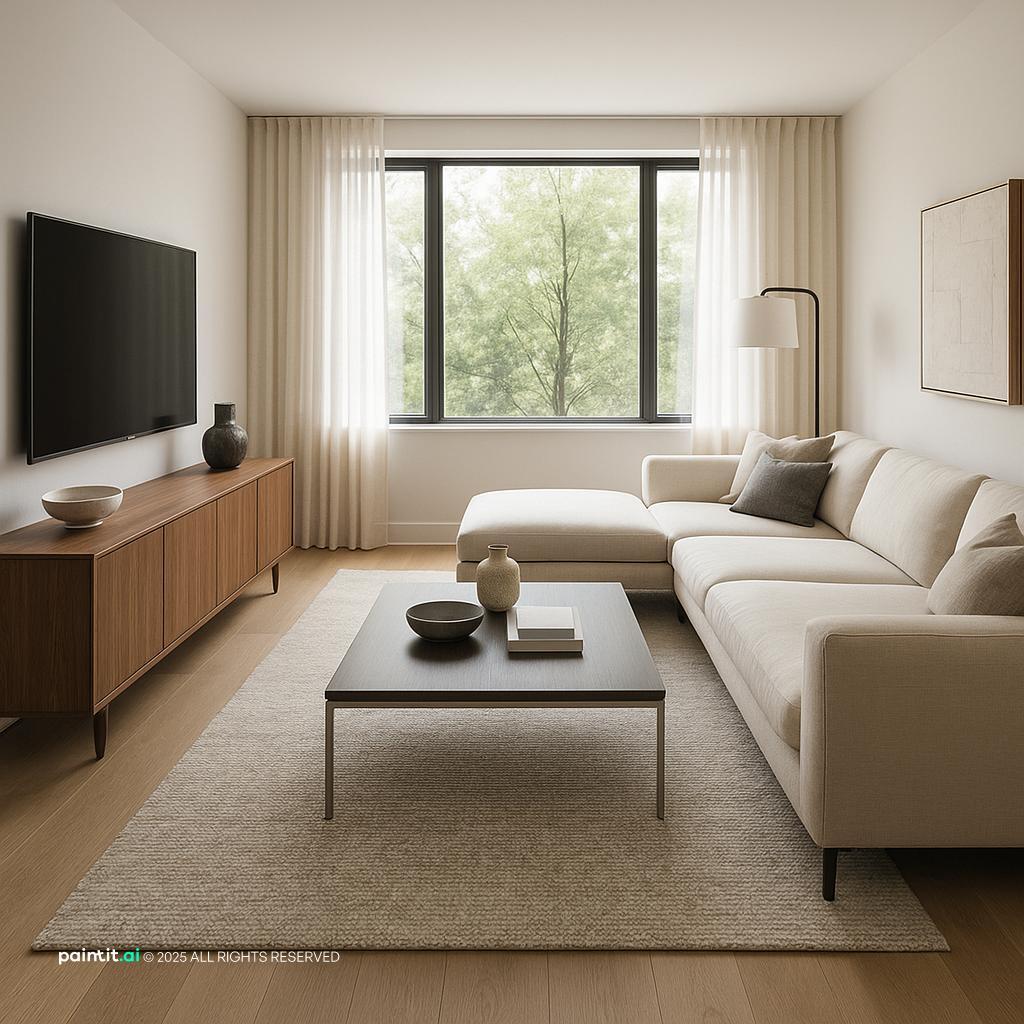
Contemporary Living Room Design pairs TV wall focus, seating facing the screen and metal accents in a living room setting.
Modern Living Room Redesign with Tv Wall Focus layers TV wall focus, seating facing the screen and soft textiles in a living room setting.
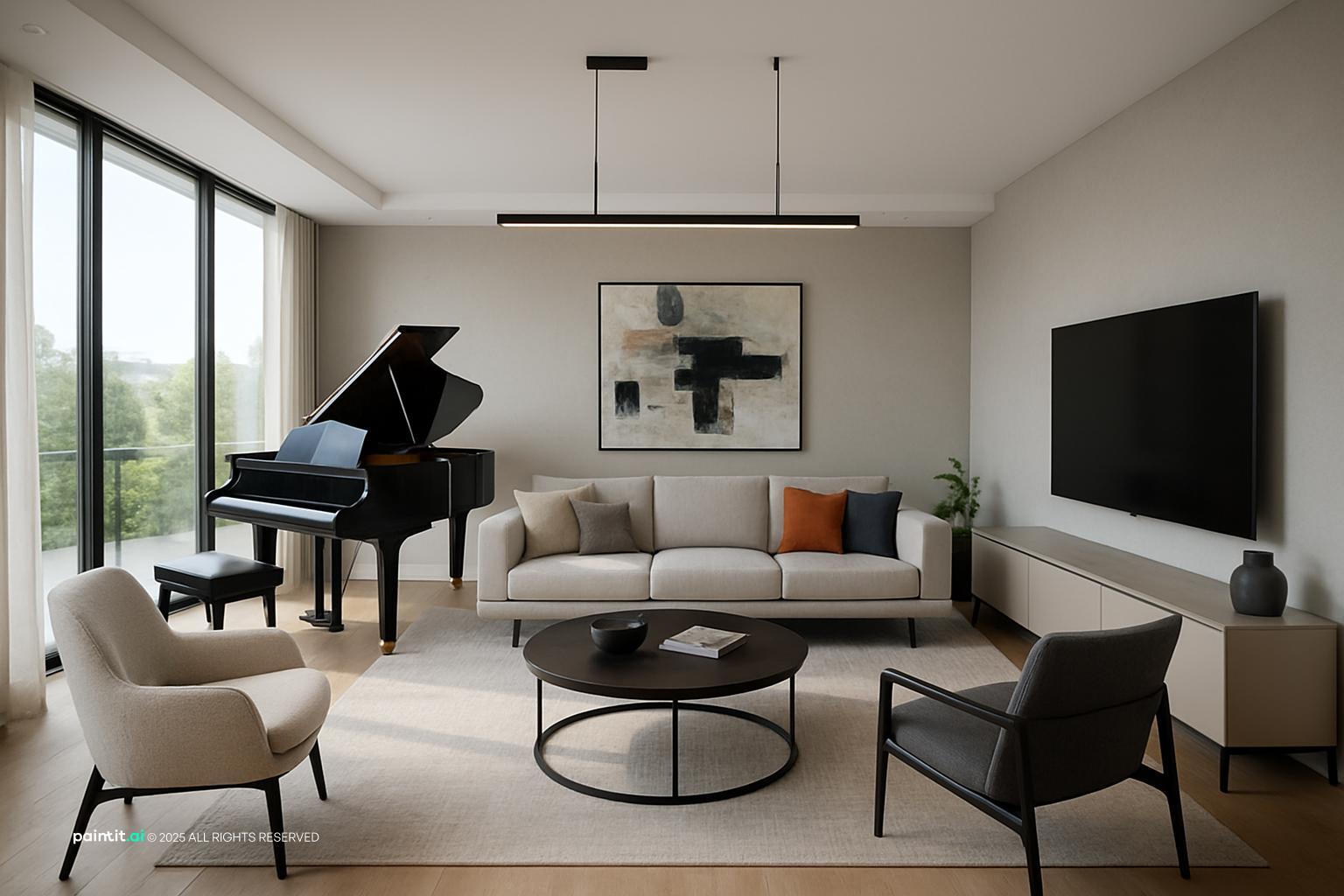
Living Room Tv Wall Ideas with Tv Wall Focus and Seating Facing the Screen anchors TV wall focus, seating facing the screen and soft textiles in a living room setting.
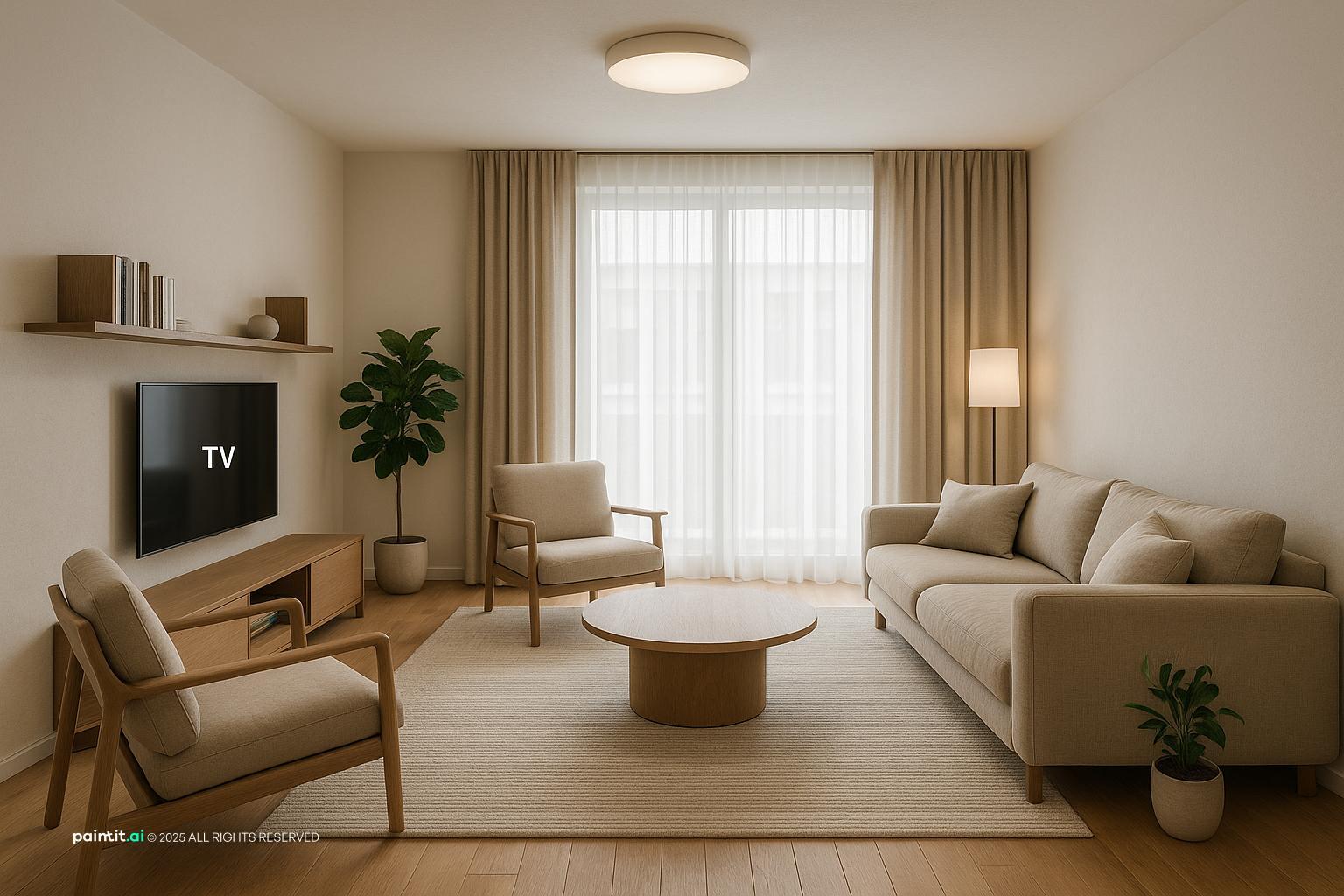
Stylish Modern Living Room Design softens warm wood, layered neutrals and natural light in a living room setting.
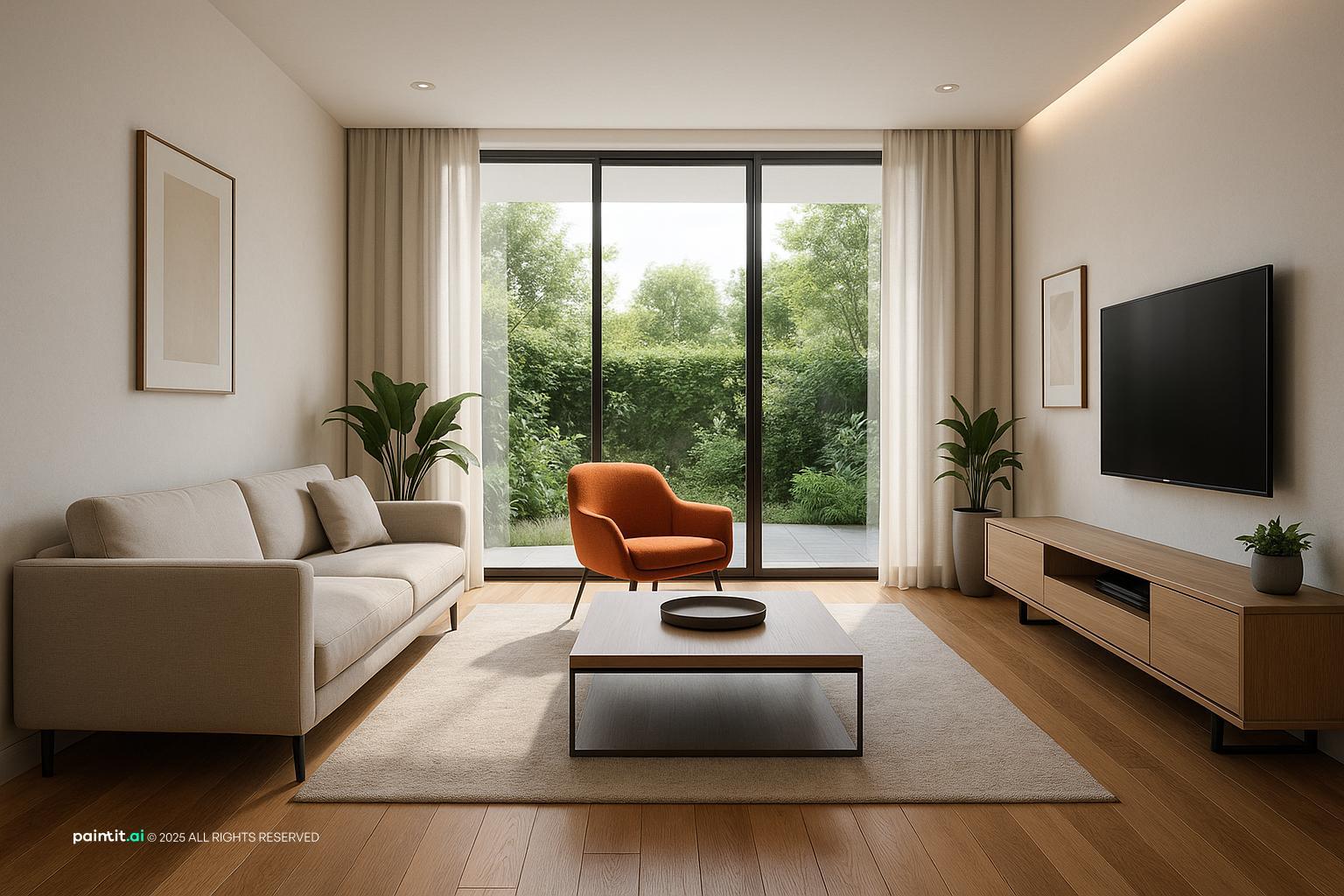
Modern Ultra-Photorealistic Living Room Design uses plants and greenery, open layout and layered neutrals in a living room setting.
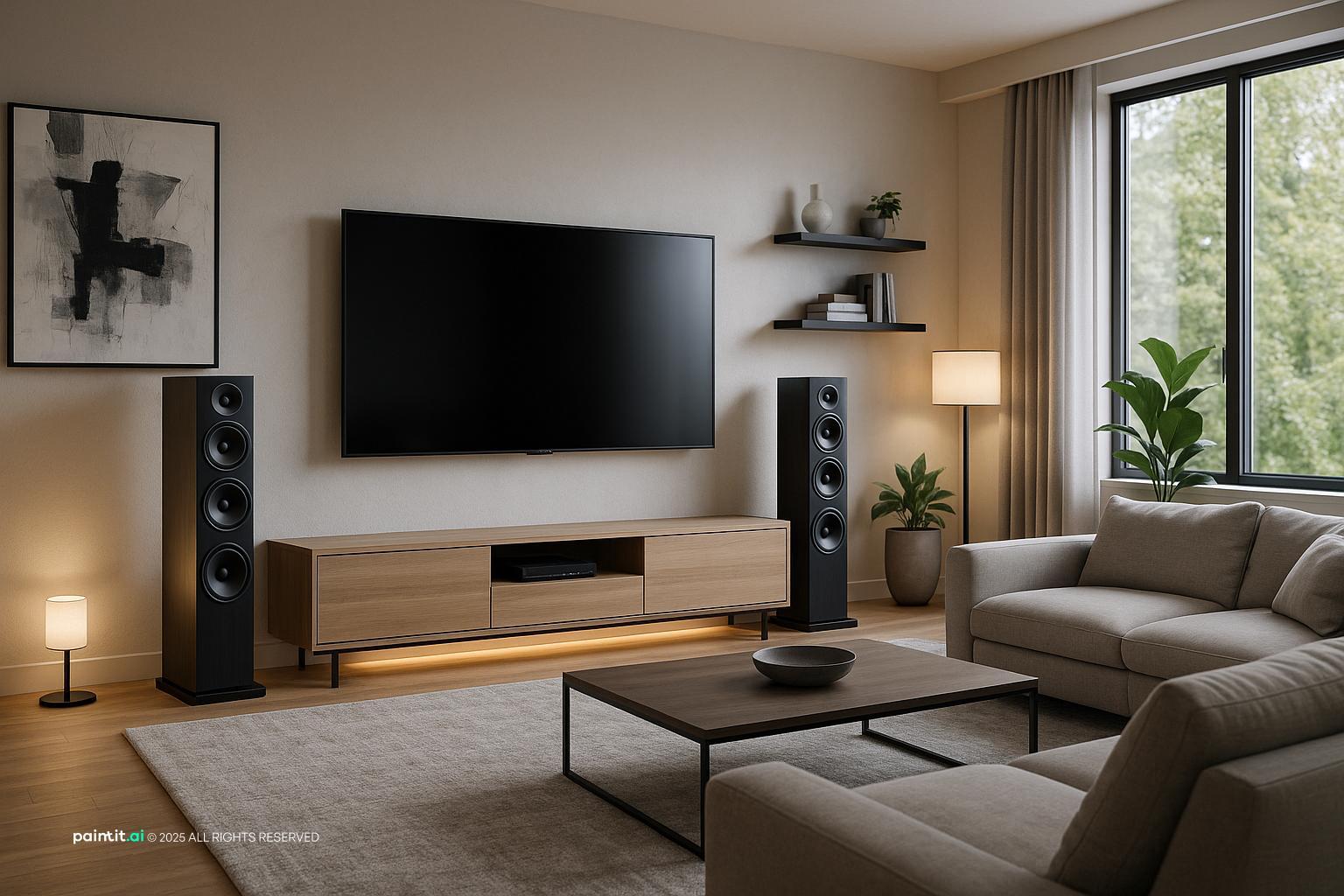
Modern Living Room Design with High-Tech Features balances seating facing the screen, plants and greenery and layered neutrals in a living room setting.
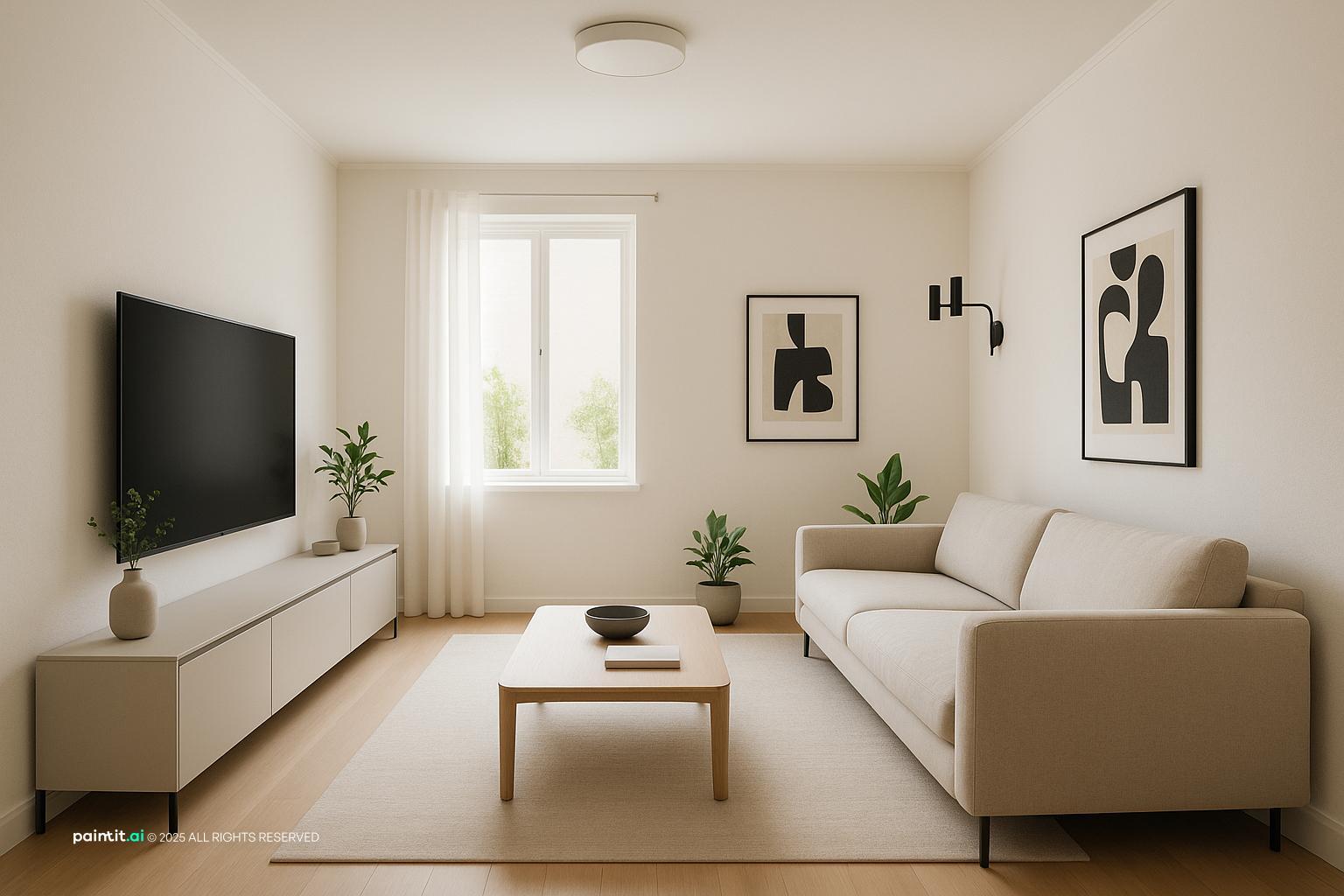
Sleek Modern Living Room Design pairs TV wall focus, plants and greenery and layered neutrals in a living room setting.
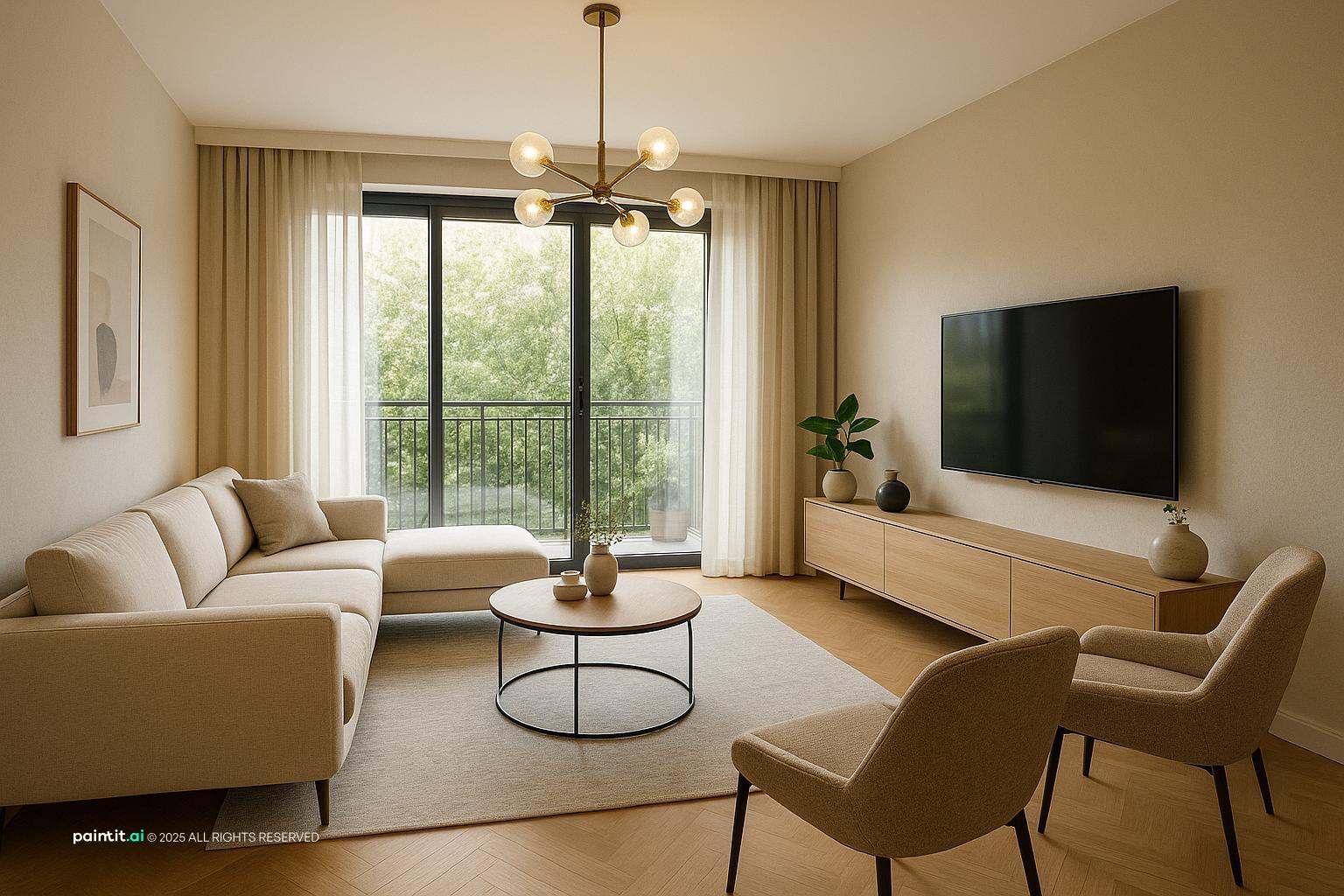
Living Room Tv Wall Ideas with Plants and Greenery and Natural Light layers plants and greenery and natural light in a living room setting.
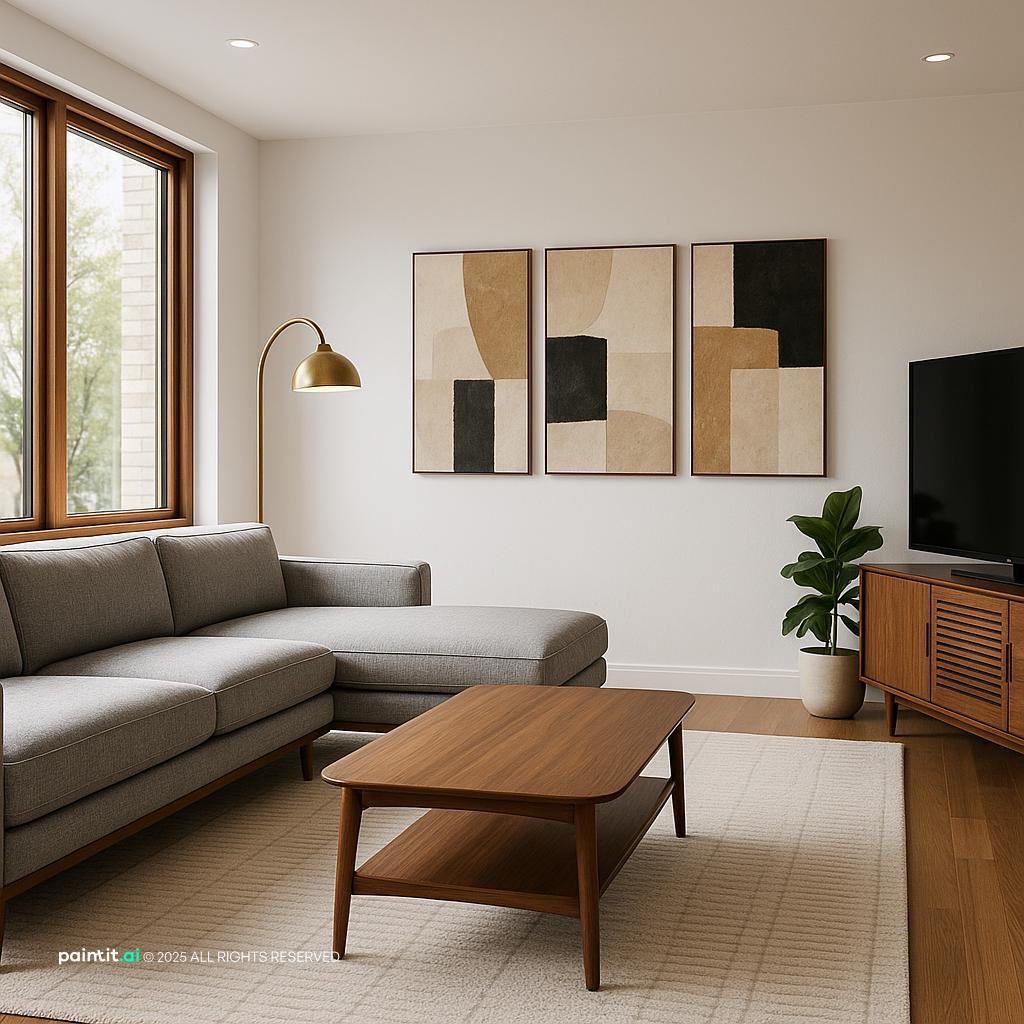
Stunning Mid-Century Modern Living Room with Tv Wall Focus anchors TV wall focus, seating facing the screen and warm wood in a living room setting.
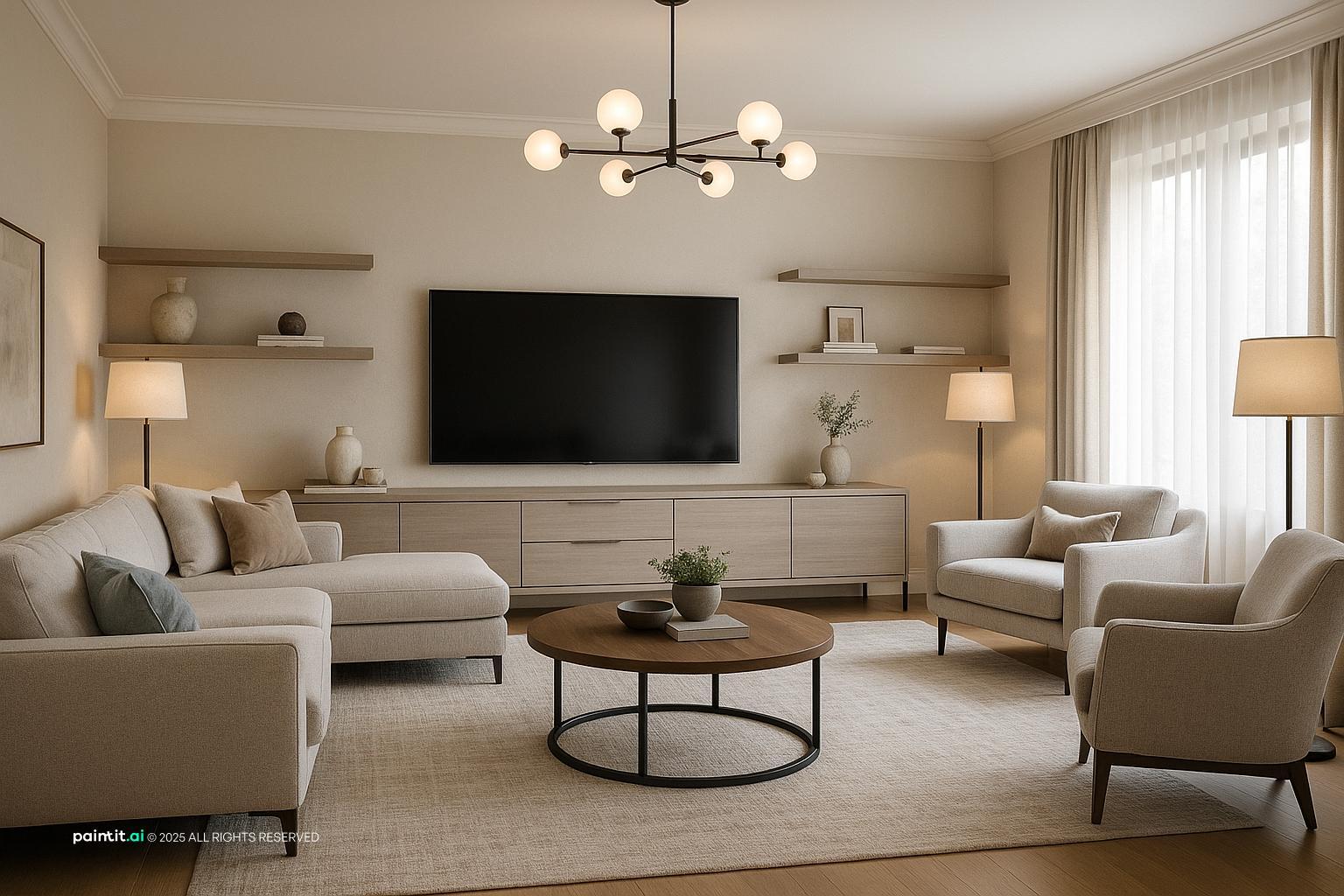
Modern Furnished Living Room Design softens seating facing the screen and layered neutrals in a living room setting.
A TV wall usually looks better when the wall color is not stark white behind a black screen. Try warm gray, mushroom, greige, muted green, charcoal, taupe, or soft black depending on the rest of the room. The goal is to make the screen feel less like a hole cut into the wall.
Avoid choosing a color only from a tiny paint chip. Test it near the TV, near the window, and at night with lamps on. Undertones become more obvious when a large black rectangle sits in front of them.
If the wall is wood, choose a console in matte lacquer, stone, metal, or a different wood tone. If the wall is stone, soften it with a wood cabinet or textured fabric nearby. Contrast keeps the design from looking flat, especially in photos and in evening light.
This matters because 19.0% of Paintit.ai prompts include material modifiers such as wood, marble, or brick. Those materials can create depth, but only when they are balanced. Too much of one finish can make the living room feel muddy, heavy, or too themed.
Black metal works well for slim shelf brackets, cabinet pulls, speaker grilles, and lighting details. Brass or bronze can warm up a dark wall, especially with walnut or cream cabinetry. Keep the metal finish consistent across the media area.
Avoid mixing black, chrome, brass, and brushed nickel all on the same wall unless the room already has a layered eclectic style. Around a TV, small inconsistencies become very visible because the wall naturally draws attention.
The sofa, rug, curtains, and pillows affect how the TV wall reads. A dark media wall often needs a lighter rug or softer upholstery so the room does not feel visually heavy. A pale TV wall may need deeper textiles to keep the seating area grounded.
Use texture rather than busy pattern if the wall already has slats, brick, or stone. Bouclé, linen, wool, velvet, and nubby weaves add softness without pulling attention from the screen.
A good media zone should have more than one lighting mode. Use recessed ceiling lights for general cleaning light, sconces or shelf lights for atmosphere, and dim LED backlighting behind the TV for evening viewing. Keep bulbs warm, usually in the soft white range, unless the room has a very cool modern palette.
Avoid placing a bare bulb or strong downlight directly above the screen. It can create glare, harsh shadows, or a bright spot that distracts from watching. Indirect light is usually more comfortable, and it makes the wall feel finished even when the TV is off.
If your TV wall includes open shelving, use larger objects in small groups: a stack of books, one ceramic bowl, a framed photo, a sculptural vase, or a plant with soft leaves. Repeat colors from the sofa, rug, or artwork so the shelves connect to the room.
What to avoid: filling every shelf edge to edge. Small objects create visual noise around the TV. Leave negative space, and keep the items closest to the screen quiet in color and shape.
Baseboards, crown molding, window trim, and fireplace edges should look integrated with the TV wall, not interrupted by a random panel. If you add slats or built-ins, decide whether trim continues through the design, stops cleanly, or is replaced by a planned detail.
This is the practical version of the keep rule. Preserve the strongest existing lines of the room unless there is a good reason to change them. A TV wall that respects the architecture looks more permanent and less like an afterthought.
Paintit.ai lets you upload your real living room and test different TV wall directions before buying panels, cabinetry, lighting, or a new console. You can start with a plain wall mounted TV, then try living room media wall ideas with built-ins, wood slats, stone texture, darker paint, or a cleaner cable plan.
For best results, give specific instructions: keep the existing windows, preserve the fireplace, add a long floating console, hide cables, use warm accent lighting, or make the wall less cluttered. Professionals often write this kind of constraint very directly, even as "CRITICAL: preserve exact room structure always. Do NOT change any architectural element." You do not need to write that formally, but the thinking is useful. If you want to understand the broader redesign process, see how to redesign a living room with Paintit.ai and apply the same step-by-step refinement to the media area.
Start with TV height and viewing angle, then add a console, one wall treatment, accent lighting, and a few restrained styling pieces. The common mistake is adding too many small objects around the screen. Keep the area closest to the TV quiet.
A long floating console, low cabinet, built-in storage, or simple shelf works well. Choose something wider than the TV so the screen feels visually supported, and make sure it can handle real devices, remotes, and ventilation.
Use in-wall cable routing when possible. For rentals, use paintable cord channels aligned with the wall or console, and keep devices inside ventilated cabinets. Plan this before you add slats, stone, or built-ins.
The center of the TV should be close to seated eye level, often around 42 inches from the floor. Adjust for sofa height, screen size, and viewing distance. If you are unsure, mock it up with tape before drilling.
Built-ins are better when you need storage and want a permanent media wall. A console is better for flexibility, smaller budgets, rentals, and rooms where you want a lighter look. I would choose built-ins only when the wall truly needs to work harder.