9 min. reading

Yulii Cherevko
CEO paintit.ai
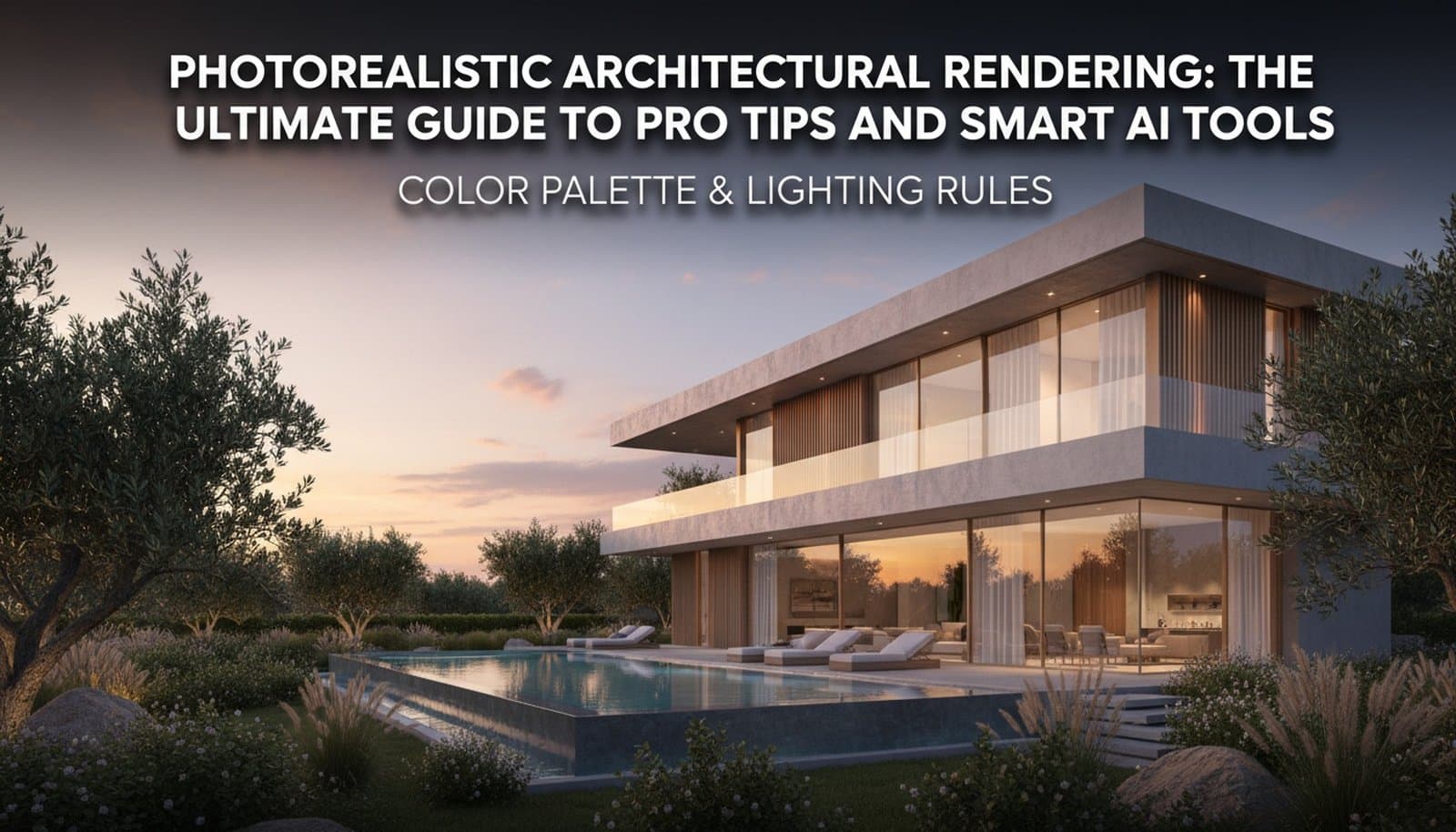
Making truly photorealistic architectural renders? That’s an art. It’s where technical skill meets creative flair. Whether you’re an architect, a designer, or a visualization artist, the goal is always the same: create images so lifelike they make viewers feel like they're actually in the space. For years, traditional software like V-Ray and Lumion were the big players. And they're still powerful. But the arrival of smart AI tools is changing everything, offering speed and creative options we simply didn't have before. This guide will share my go-to tips and show you how smart AI applications can take your architectural visualizations from just good to "is that even real?"
Photorealism in architectural rendering means creating an image that you simply can't tell apart from a real photo. It’s not just about sharp textures, though those help. It's about nailing how light behaves, how different materials react to that light, and how the whole environment influences the scene. The whole point is to let clients, stakeholders, and even the public really experience a design concept before a single brick is laid. This helps everyone make smarter decisions based on an accurate visual.
To hit that level of realism, you need to be seriously picky about a few key things. It demands a deep understanding of physical properties and how they translate into a digital world. From the subtle wear on a concrete wall to the specific way sunlight filters through a window, every element plays a part in making that illusion feel real.

Before AI speeds things up, the foundation of any good render – AI or old-school – is really just getting the basics right. These elements are what make your architectural imagery look believable and high-quality.
Light defines form, shows off textures, and sets the whole mood. For truly realistic architectural rendering, you absolutely must mimic real-world lighting conditions. This means understanding ambient light, direct sunlight, and artificial sources. High Dynamic Range Image (HDRI) maps are crucial here. They give you rich, natural environmental lighting and reflections that accurately simulate the time of day and weather.
Think about how light and shadow play together: soft shadows for an overcast day, sharp ones for direct sun. Volumetric lighting can add a sense of depth to the atmosphere, while accurate light fall-off from artificial sources stops things from looking flat and fake. Every light source, from a small LED to a huge window, contributes to the overall brightness and color temperature of your scene.
Materials are so much more than just color. They have complex properties that change how light hits them. A convincing wood grain isn't just a flat image; it needs specific roughness, reflectivity, and subtle displacement that catches the light differently depending on where you're looking. Concrete has tiny imperfections, glass has subtle refractions, and metal has its own unique sheen.
You absolutely need high-resolution textures with accurate PBR (Physically Based Rendering) maps (albedo, roughness, metallic, normal, displacement). Pay close attention to surface finishes—matte, satin, gloss—and how they affect reflections. The goal is to represent authentic material properties, right down to the microscopic level.
A render can be technically perfect but still fall flat if the composition isn't compelling. Think like a photographer: what story are you trying to tell? Use classic compositional rules like the rule of thirds, leading lines, and framing to make things visually interesting.
Camera settings, like focal length and depth of field, are just as important. A wider focal length might work for big exteriors, while a longer lens can compress perspective and highlight specific architectural details. Even a subtle depth of field can guide the viewer's attention and add a cinematic touch, slightly blurring backgrounds or foregrounds.
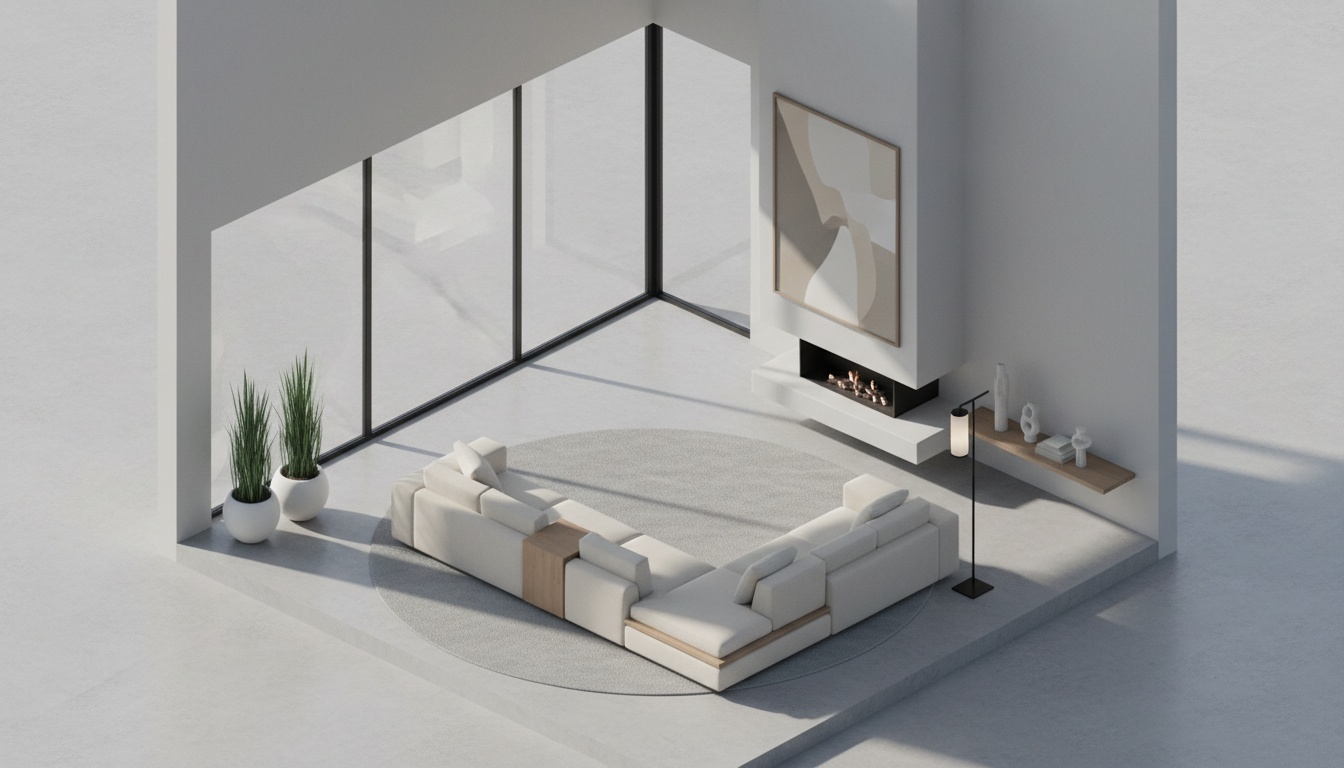
AI tools aren't here to replace human expertise. Instead, they're here to make it stronger, giving us speed, iteration, and creative exploration that was just impossible before. For AI rendering platforms, this means generating variations, refining details, and even producing initial concepts with incredible efficiency.
AI can take text prompts and even basic sketches to generate complex architectural forms and environments. This drastically cuts down the time spent on initial modeling, letting you explore design options really fast. For instance, instead of manually modeling ten different facade options, AI can spit out dozens based on a simple prompt. This lets designers quickly try things out and pick the most promising ideas.
Honestly, how good an AI render looks depends a lot on the input it gets. Learning to write better AI prompts is a skill in itself. It takes specificity, clarity, and an understanding of how AI interprets descriptive language. Often, mixing descriptive text with high-quality base images gives you the most refined and architecturally coherent results.
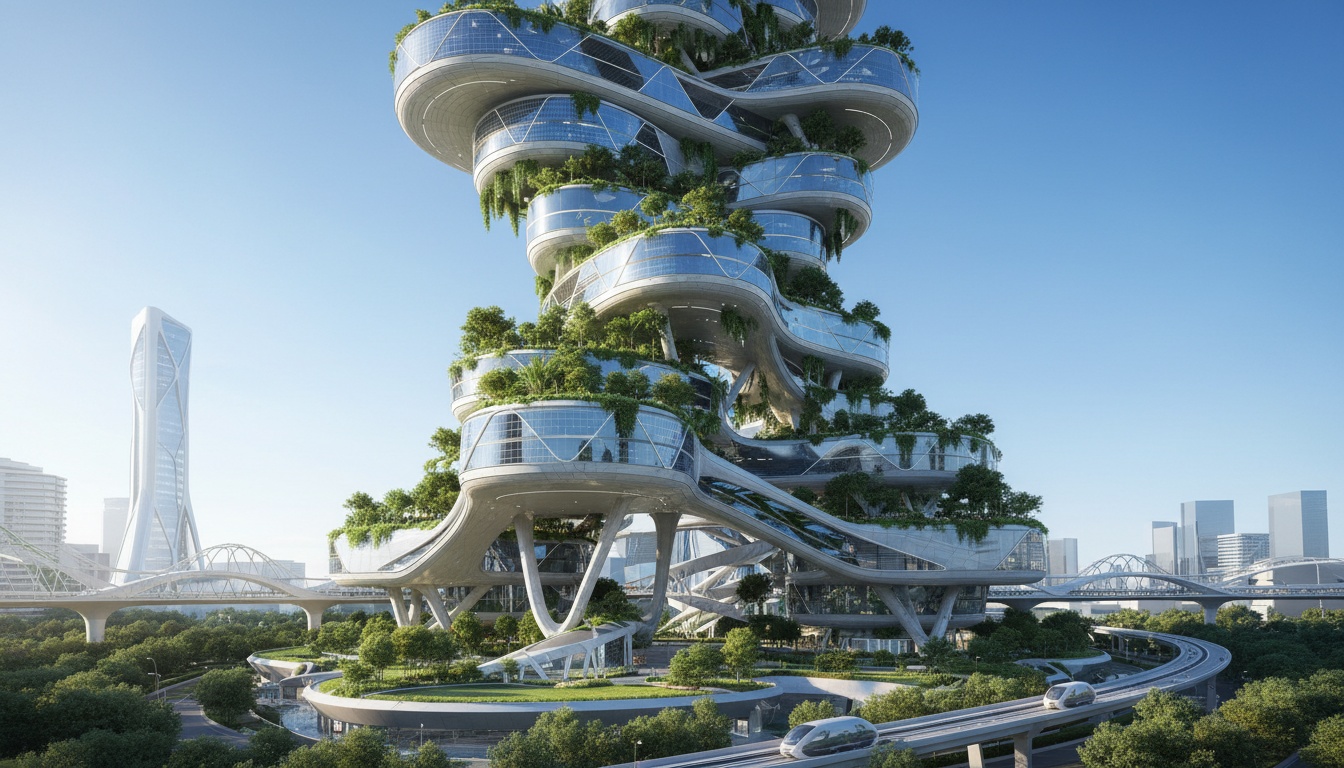
The principles of photorealism apply to all kinds of architectural visualization projects, though each one has its own unique things to think about.
For exterior renders, how the building interacts with its environment is paramount. This includes believable natural lighting (golden hour, midday sun, overcast), detailed landscaping, and contextual elements like nearby buildings, street furniture, and realistic people or vehicles. Shadows need to be accurate, and subtle atmospheric effects, like haze or lens flare, can really add depth.
High-resolution textures for brickwork, wood cladding, metal panels, and glass are non-negotiable. The overall composition should feel inviting, aspirational, and relevant to its surroundings, showing off the building's form and materials in realistic daylight. Our AI architecture generator can quickly explore different facade materials or how the building fits into its context.
Interior renderings demand meticulous detail to convey atmosphere and how the space will actually be used. Accurate furniture placement, high-quality material representation (fabric textures, wood grain, surface reflections), and a realistic interplay of natural and artificial light are crucial. Little things like subtle clutter, decor, and reflections in mirrors or polished floors all contribute to that "lived-in" feel.
Layering lighting is key: ambient for overall illumination, task lighting from lamps, and accent lighting from spotlights. Make sure light fall-off looks realistic and consider IES profiles for accurate light distribution. The aim is to create inviting, detailed spaces that truly capture the intended atmosphere.
For the early design stages, AI concept generation offers incredible speed. It lets you quickly generate multiple design alternatives and explore various architectural styles (modern, classic, futuristic) and massing studies. This is invaluable for rapidly trying out material and color combinations before you commit to detailed modeling.
AI can visualize conceptual ideas, letting designers present diverse directions to clients much faster than traditional methods. While initial AI concepts might need some tweaking, they provide a powerful jump-off point for developing your design.
In real estate, virtual staging turns empty spaces into market-ready, stylish, aspirational homes. AI tools really shine here. They can furnish rooms with appropriate furniture and decor, optimize lighting, and create a cohesive style that appeals to target buyers.
The trick is to present spaces that are inviting and help potential buyers imagine themselves living there, without being too niche or cluttered. AI can generate multiple staging styles (e.g., Modern Scandinavian, Warm Transitional), which really boosts a property's appeal for online listings. AI virtual staging, combined with other AI for real estate tools, makes the whole marketing process so much smoother.
No render is truly finished right out of the engine. Post-processing is a crucial last step for achieving that ultimate photorealistic architectural rendering. This involves a series of adjustments that refine the image and give it that professional, polished look.
Start with global color correction: adjust overall brightness, contrast, saturation, and white balance to match real-world aesthetics. Then, add subtle atmospheric effects such as depth of field, lens flares, or vignetting to draw focus and set the mood. You can significantly boost realism by sharpening textures, refining reflections, or adding minor imperfections.
Finally, compositing elements like people, cars, vegetation, or sky replacements (if not already in the render) grounds the scene in reality. A final stylistic pass, perhaps with a Look-Up Table (LUT), can unify the image and give it a distinct visual signature, ensuring you get the best possible results.
The question isn't "traditional OR AI" anymore. It's "traditional AND AI." Traditional rendering software gives you unmatched control over every single parameter: precise geometry, complex material shaders, and intricate lighting setups. This is essential for final, high-fidelity deliverables where technical accuracy is absolutely critical.
AI tools, on the other hand, offer speed, the power to explore, and easy access. They're fantastic for rapid concept generation, trying out different styles, and automating repetitive tasks. The smart way to work is to use AI for early-stage brainstorming and mid-stage iteration, then feed those refined concepts into traditional software for detailed modeling and final renders. Or, you can use AI's generative capabilities to enhance an existing 3D model.
Understanding the challenges of AI in architectural design helps you navigate this combined workflow. It's about knowing when AI can speed things up and inspire you, and when human oversight and traditional precision are absolutely indispensable. The goal is always to get the best AI results by guiding the algorithms with clear intent and refining what they produce.
Q1: What's the main difference between traditional rendering and AI rendering?
A: Traditional rendering means you're manually setting up scenes, lighting, and materials in software. AI rendering uses algorithms to generate images, often from text prompts or basic inputs. This really speeds up ideation and visualization.
Q2: How can I make sure my AI-generated renderings look photorealistic?
A: Give detailed, descriptive prompts, use high-quality base images with AI tools, and then refine the output using traditional post-processing techniques. Focus on lighting, materials, and atmosphere.
Q3: Is AI rendering good enough for professional architectural presentations?
A: Absolutely! AI rendering tools are invaluable for quickly developing concepts, iterating with clients, and creating marketing visuals. For final client deliverables, you often get the best results by combining AI-generated elements with traditional refinement or by using AI alongside professional rendering software.
Q4: What are the downsides of current AI rendering tools?
A: You might have less fine-grained control over specific details compared to traditional methods. If prompts are vague, it can sometimes generate unrealistic elements. Plus, current AI relies on existing data, which can sometimes influence style. Some AI models might also struggle with really complex geometric constraints or super specific material physics.
Q5: How do I choose between using an AI architecture generator and a traditional 3D modeling/rendering workflow?
A: Use AI architecture generators for initial concept exploration, quickly brainstorming ideas, and generating diverse options fast. Save traditional workflows for detailed design development, precise technical documentation, and those final, high-fidelity renderings where you need complete control. The choice really depends on where you are in the project and what your specific goals are.
The way I see it, architectural visualization is moving towards a much smarter teamwork between human design intuition and AI processing power. As AI models get better at understanding design principles and how materials work, they'll keep streamlining workflows, making high-quality visualization accessible to more people, and pushing creative limits. The future isn't about one replacing the other. It's about a collaborative ecosystem where architects and designers use smart AI tools to tackle bigger design challenges, while AI handles the heavy lifting of rendering.