8 min. reading

Yulii Cherevko
CEO paintit.ai
Published:
How much should a 3D render cost? A furnished room, a building exterior, a product on a white background, and an animated walkthrough are different jobs. The useful question is not just the price of an image, but what the quote includes: modeling, materials, lighting, views, revisions, and rights to use the result.
Published freelance project examples put a product render at $150-$500, a furnished-room interior at $300-$900, a building exterior with context at $500-$1,500, and a 30- to 60-second walkthrough at $1,500-$4,000. These are example project budgets from one freelance platform, not universal market averages or guaranteed quotes. A studio commission, custom modeling, extra views, or a larger animation can cost more. Source: Upwork's 3D rendering artist pricing guide.
For an early design direction, an AI-generated concept from an existing room photo may be the more economical starting point. It is not a substitute for an accurately modeled, measured, construction-ready visualization. Decide which deliverable you need before comparing the bills.
The ranges below keep the unit of work visible. Upwork's examples describe project budgets, not a fixed price per image across every supplier. Ask whether a second camera angle is a new deliverable or part of the original scene.
| Deliverable | Published Example Budget | What Changes the Quote |
|---|---|---|
| Product render | $150-$500 per project | Product geometry, material accuracy, packaging, and number of angles |
| Furnished-room interior | $300-$900 per project | Whether the room and furniture already exist as 3D assets |
| Exterior with context | $500-$1,500 per project | Landscape, neighboring buildings, weather, and architectural detail |
| 30- to 60-second walkthrough | $1,500-$4,000 per project | Animation length, camera path, scene complexity, and rendering time |
Source: Upwork's published hiring examples, checked September 2026. These are indicative budgets for example briefs, not Paintit.ai prices or a survey of all U.S. providers. Request a current quote for your own scope.
Use the table as a starting point, then ask what the provider will actually deliver. A 3D rendering cost estimate for a single finished view cannot be compared directly with a package that includes a reusable model and several camera angles.
A single furnished room is usually simpler to commission than an entire house, but "one room" can still mean very different workloads. Supplying a floor plan, a furniture list, finish references, and a preferred camera angle removes guesswork. Asking the artist to invent the layout, source every object, and create several lighting moods adds production time. If you only need to test a visual direction in a real space, photo-based AI rendering can help you explore it before paying for a detailed scene.
Exterior visualization often has more to model than the building itself: site grade, planting, paving, surrounding structures, and the view from the street. Accurate plans or a usable 3D model lower ambiguity. A polished marketing image for a development also carries a different review burden from a quick massing study. Architectural rendering cost rises when the scene needs precise geometry, several stakeholder-approved views, or close agreement with specified materials.
Decide whether your brief calls for a mood image, a photorealistic sales visual, or a drawing-faithful representation. Our guide to photorealistic architectural rendering explains the difference in what a viewer can reasonably expect from each approach.
A product on a simple background may fit the lower end of the published example. Transparent materials, metallic finishes, close-up details, multiple colorways, and lifestyle settings take more work. If a seller needs six angles and four finishes, ask whether the vendor charges for one reusable 3D model plus output variations or for each finished image. A low headline price for one angle may be expensive once the full image set is specified.
An animation is not a still image with a play button. It needs a camera path, continuity between frames, and often more scene detail than a single viewpoint reveals. Ask for a defined duration, frame size, soundtrack or voiceover expectations, and the number of review rounds. Those choices make a 3D animation cost comparison meaningful.
These pricing models answer different questions. Per-image pricing works when the scene is already defined and the number of final views is clear. A project fee is easier to budget when modeling, several views, and revisions are bundled. Hourly work may be sensible for exploratory or changing briefs, but it needs a time estimate and an approval point before extra hours accrue.
To estimate a total 3D rendering cost from an hourly proposal, multiply the estimated hours by the rate, then add separately quoted views, revision work, and licensing. Ask for written approval before the estimate is exceeded.
Upwork also publishes historical 3D-rendering artist rates around $25-$40 per hour on its platform. That is a platform-specific reference, not a U.S. studio rate or a promise that a full scene takes only a few hours. Ask for estimated hours, the included outputs, and a change-order process before using an hourly figure to predict a total.
| Quote Model | Best When | Question to Ask |
|---|---|---|
| Per image | The model and view requirements are stable | Does the fee include scene creation and revisions? |
| Per project | Several related deliverables share assets | Which views, file types, and revision rounds are included? |
| Per hour | The scope may evolve during design | What is the estimate and when will you seek approval for more time? |
The image you receive is the visible end of a production process. The quote depends most on how much must be created, how accurately it must match reality, and how many final versions you need.
If a brief changes after scene approval, the 3D rendering cost may change too. Agree on a checkpoint for layout, camera, and materials so a late redesign does not become a surprise invoice.
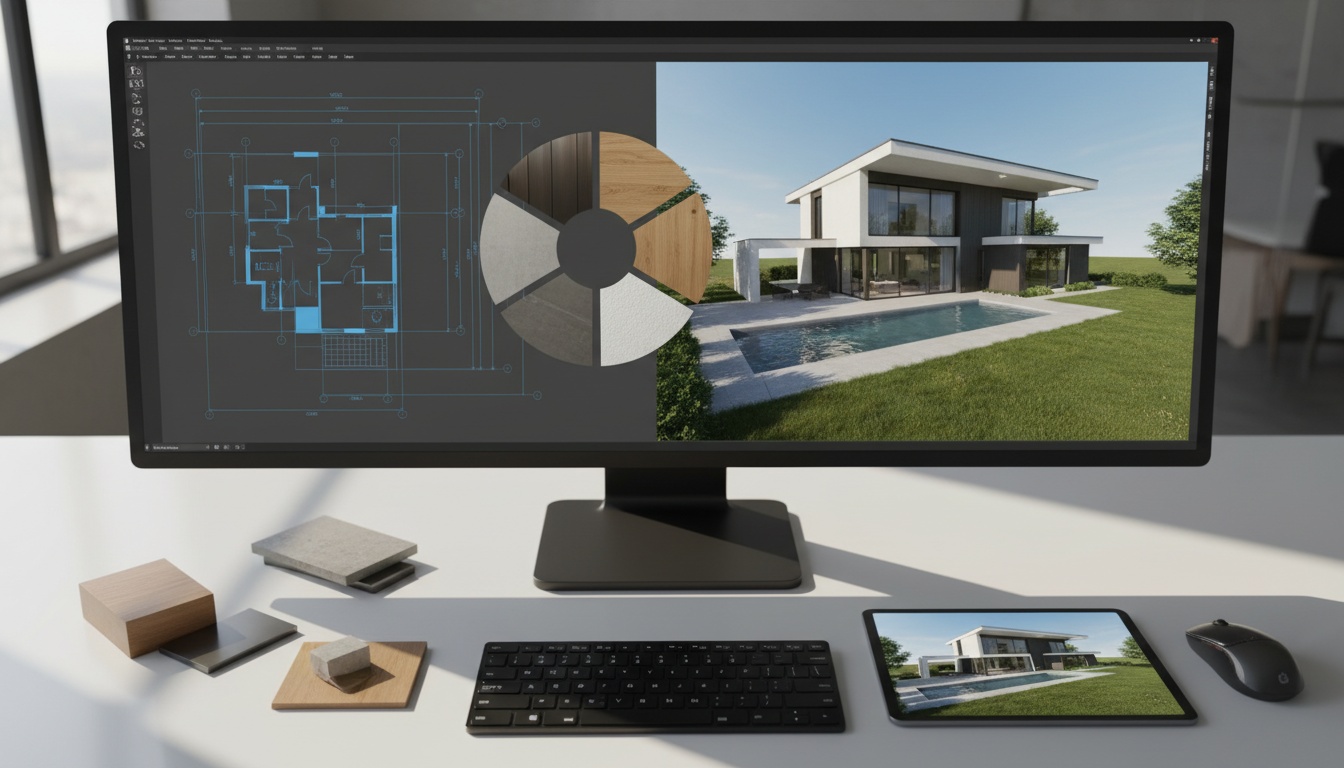
A clean CAD model or accurate floor plan gives the artist a head start. A phone photo and an approximate sketch leave more to infer. That may be fine for a concept, but not for a rendering intended to show exact cabinetry, construction details, or dimensions.
Glass, stone veining, reflective metal, and complex artificial lighting need more setup and review than a simple clay render. A realistic finish also makes errors easier to notice. Agree on the desired level of realism with visual references before work begins.
A second view may reuse most of the scene, but it still needs composition, lighting checks, and output. Revisions to color are different from a new layout or a changed building facade. Ask the vendor to state how many rounds are included and what triggers an additional fee. Rush work may also change a quote; there is no dependable universal surcharge percentage.
Traditional 3D production and AI image generation can both make a room look convincing, but they solve different problems. A modeled scene can be revised against dimensions and specifications. An AI concept can rapidly explore styles from a photo, yet it may change the geometry or invent details. Treat the outputs as alternatives only when the accuracy requirement actually allows it.
That is why a 3D rendering cost comparison should name the underlying deliverable. A low-cost concept image may be perfectly useful for choosing a mood; it does not include the model, repeatable camera positions, or production controls of a commissioned 3D scene.
| Need | Modeled 3D Render | AI Concept from a Photo |
|---|---|---|
| Explore several visual directions quickly | Possible, but changes require artist time | Strong fit for early exploration |
| Match exact dimensions and specified products | Can be built to the brief and checked | Do not assume the generated image is accurate |
| Produce consistent views of the same designed space | Scene assets can be reused across cameras | Consistency needs careful checking and may not hold |
| Submit a technical or construction deliverable | Use a properly reviewed professional workflow | Not a substitute for technical documentation |
For a listing or pitch, a photo-based concept can help test staging and finishes before you commit to production. For a building approval, procurement decision, or exact product depiction, budget for a controlled model and professional review. This distinction matters more than a simplistic "AI is cheaper" claim.
Send the same brief to each provider. A quote without deliverables is just a number.
If two proposals differ sharply, compare their assumptions line by line. One may include modeling and two review rounds while the other assumes a supplied model and one final image.
Paintit.ai is useful at the concept stage, when you have an existing room image and want to explore a new interior direction or staging approach. You can test several looks and share them with a client or team before commissioning a precise architectural rendering. The generated image is a design aid, not a measured plan or a guarantee that every pictured item exists.
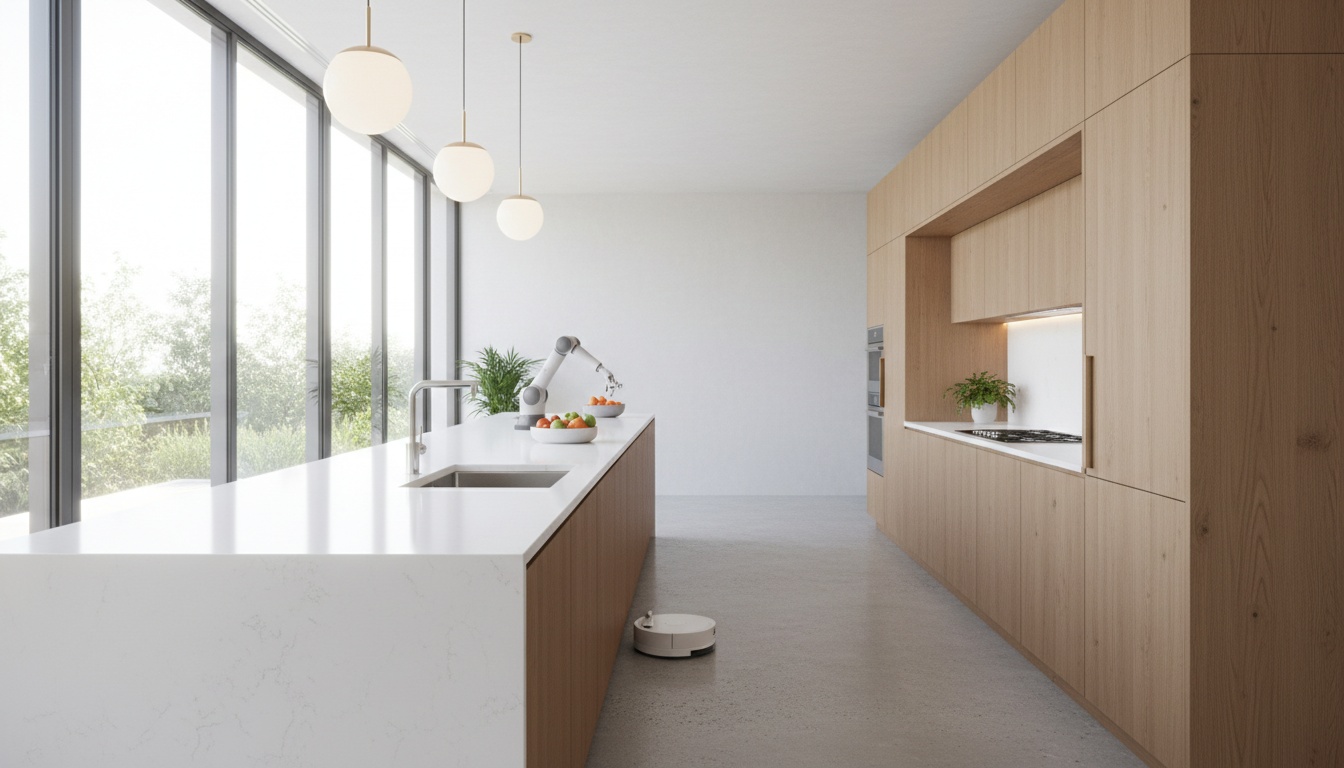
The site currently offers a free plan with 30 credits; paid plans and included credits can change. Check the current Paintit.ai plans before comparing the cost of your own workflow with an artist's quote. A credit-based concept and a custom 3D model are not interchangeable units.
There is no single per-image price. Upwork's published examples cover $150-$500 for a product-render project and $300-$900 for a furnished-room project, but those are project examples, not guaranteed per-image rates. Get a quote that names the scene, the number of images, and what is included.
For an exterior with context, Upwork gives a $500-$1,500 example project budget. A larger or more exacting architectural brief can exceed that range. Site modeling, multiple camera views, and approval rounds are common reasons for a different quote.
They may not cover the same work. Check whether the artist will build the model, furnish the scene, create several views, handle revisions, deliver editable files, or transfer commercial usage rights. Compare the specified output, not just the total.
For quick visual exploration, sometimes an AI concept is enough. For exact dimensions, specified materials, consistent camera views, or a technical deliverable, use a controlled modeling and review workflow. The right choice depends on the consequence of an inaccurate image.
Bottom line: Set the deliverable first, then compare 3D rendering costs on the same scope. A clear brief and an explicit revision policy do more for your budget than any headline price range.