
6 min. reading
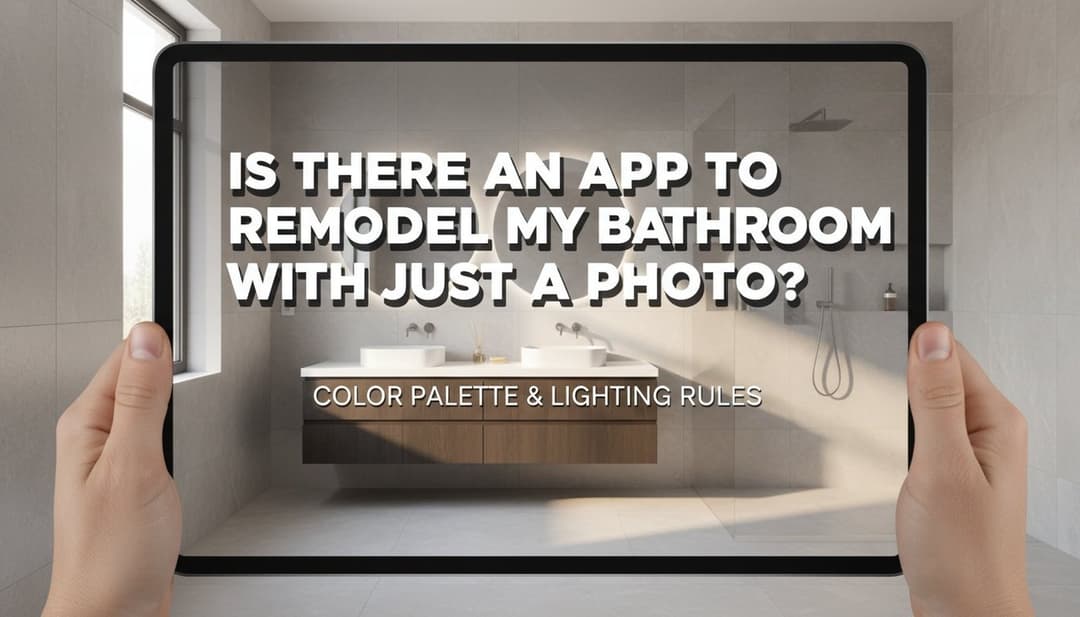
Is There an App to Remodel My Bathroom with Just a Photo?

Yulii Cherevko
CEO paintit.ai
Page Contents:
- 1. The Promise of Visualizing Your Bathroom Transformation
- 2. How a Photo-Based Bathroom Remodel App Works
- 3. Key Features to Seek in a Bathroom Remodeling App
- 4. Designing Your Vision: Exploring Bathroom Styles with AI
- 5. Practical Considerations for Your Virtual Bathroom Makeover
- 6. From Virtual to Reality: Planning Your Actual Remodel
- 7. Frequently Asked Questions About AI Bathroom Design
- 8. Ready to Transform Your Bathroom with a Photo?
Ever dreamt of instantly seeing your bathroom transformed – new tile, a sleek vanity, a different paint color – just by snapping a photo? The desire for a quick, visual preview of renovations is real, and thankfully, technology is catching up. While a full "remodel" button might still be science fiction, powerful apps now allow you to upload a photo of your current bathroom and experiment with designs like never before. Discover how a bathroom remodel photo app can demystify the renovation process, offering realistic previews and helping you make confident design choices before you even pick up a tool. Explore the possibilities with Paintit.ai and see your vision come to life virtually.
The Promise of Visualizing Your Bathroom Transformation
The traditional approach to bathroom renovation involves guesswork. You scour Pinterest for inspiration, collect swatches, and try to piece together how new elements will look in your existing space. This often leads to uncertainty, budget overruns, and the potential for design regret. The core problem is the leap from abstract idea to concrete reality without a clear visual bridge.
This is where advanced photo-based tools enter the picture. Instead of starting from a blank 3D canvas or simply superimposing new furniture, these platforms analyze your uploaded bathroom image and allow for direct, contextual modifications. The goal is to provide a realistic preview of your own bathroom, redesigned, rather than a generic concept. This approach mitigates risk and streamlines the decision-making process for homeowners and designers alike.
How a Photo-Based Bathroom Remodel App Works
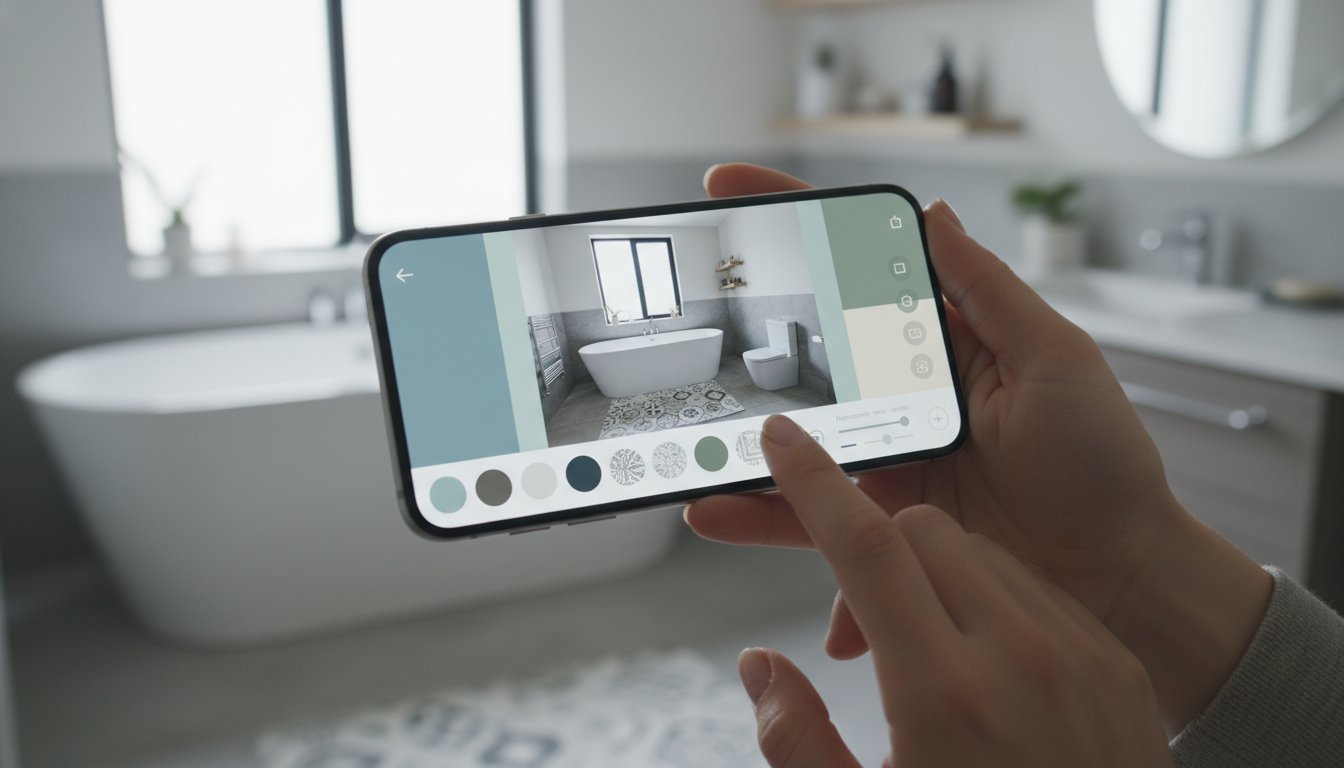
The mechanics behind a robust AI bathroom remodel app leverage computer vision and generative AI. When you upload a photograph of your bathroom, the app doesn't just treat it as a flat image. It performs several critical steps to enable intelligent design changes.
The Core Process: Upload, Edit, Preview
First, the system analyzes the image to identify key structural elements: walls, floor, vanity, shower/tub, windows, and fixtures. It builds a semantic understanding of the space – recognizing what's a wall versus a mirror, or a sink versus a faucet. This segmentation allows the AI to isolate specific areas for modification.
Once the space is understood, you can interact with it. Want to change the wall color? The AI intelligently "paints" only the wall, respecting lighting, shadows, and objects like mirrors or towel racks. Thinking about new tiles? The system can apply a new texture and pattern to the floor or shower walls, adjusting for perspective and existing grout lines. This isn't just a simple overlay; it's a contextual rendering that aims for photorealism within the boundaries of your original photo.
Beyond Simple Filters: Understanding AI's Role
Many older apps use basic filters or asset placement, which can look artificial. Modern AI bathroom apps go further. They utilize neural networks trained on vast datasets of interior designs to understand design principles. When you select a "Modern Minimalist" style, the AI doesn't just pick white paint; it suggests complementary materials, textures, and even fixture styles that align with that aesthetic, making intelligent design choices for you.
This means the AI room design engine can predict how different elements will interact. A new vanity isn't just dropped into the space; its scale, shadow, and reflection properties are considered in relation to your existing bathroom's lighting and perspective. This level of computational design is what truly differentiates a powerful bathroom remodel app from simpler visualization tools.
Key Features to Seek in a Bathroom Remodeling App
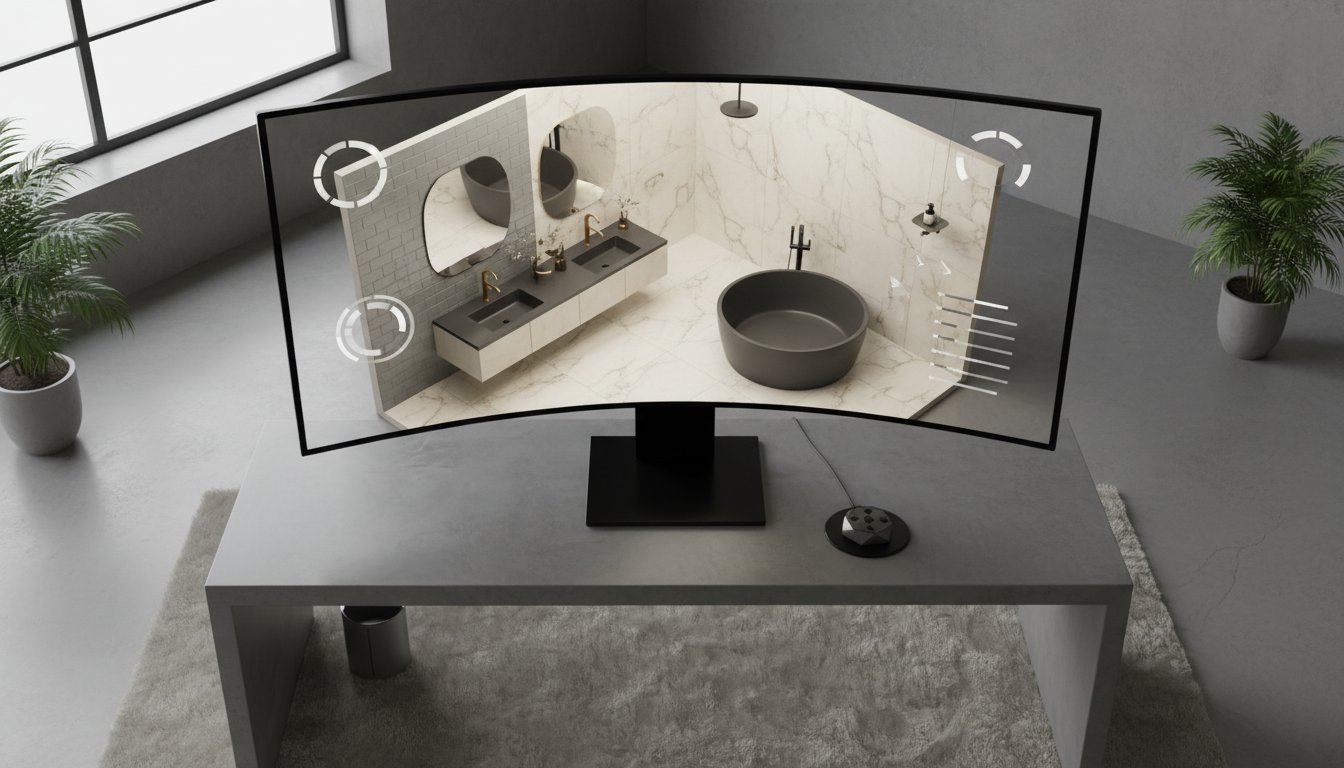
When evaluating a bathroom remodeling app, look beyond basic functionality. The most effective tools provide a comprehensive suite of features that empower creative exploration and informed decision-making.
Comprehensive Material & Finish Libraries
A crucial feature is a rich library of materials and finishes. This includes a wide array of tile types (porcelain, ceramic, natural stone, subway, mosaic), paint colors (with precise RGB/hex codes), countertop options (quartz, marble, laminate), and wood finishes for vanities. The ability to realistically preview how a matte black fixture looks against a concrete-look tile, or how a warm brass faucet complements a deep green wall, is invaluable. Ensure the textures and patterns are high-resolution and render accurately within your photo.
Accurate Fixture and Layout Modification
Beyond surfaces, the app should allow you to experiment with fixed elements. Can you swap out a bathtub for a walk-in shower? Change the style of a toilet? Visualize different vanity sizes or configurations (single vs. double sink, floating vs. freestanding)? While structural changes should always be verified by a professional, the app should give you a strong visual approximation. Tools like Paintit.ai excel at rendering these complex changes within your existing space.
Style Presets and Inspiration Tools
For users seeking inspiration, look for apps that offer style presets (e.g., "Modern," "Farmhouse," "Coastal"). These provide a curated starting point, applying a cohesive aesthetic to your bathroom with a single click. Furthermore, the ability to generate multiple variations of a single design idea, or to easily compare different design concepts side-by-side, streamlines the creative process and helps solidify your vision for the space.
Designing Your Vision: Exploring Bathroom Styles with AI
An AI bathroom design app empowers you to not just change elements, but to transform your bathroom's entire aesthetic. Here's how such an app helps visualize popular styles:
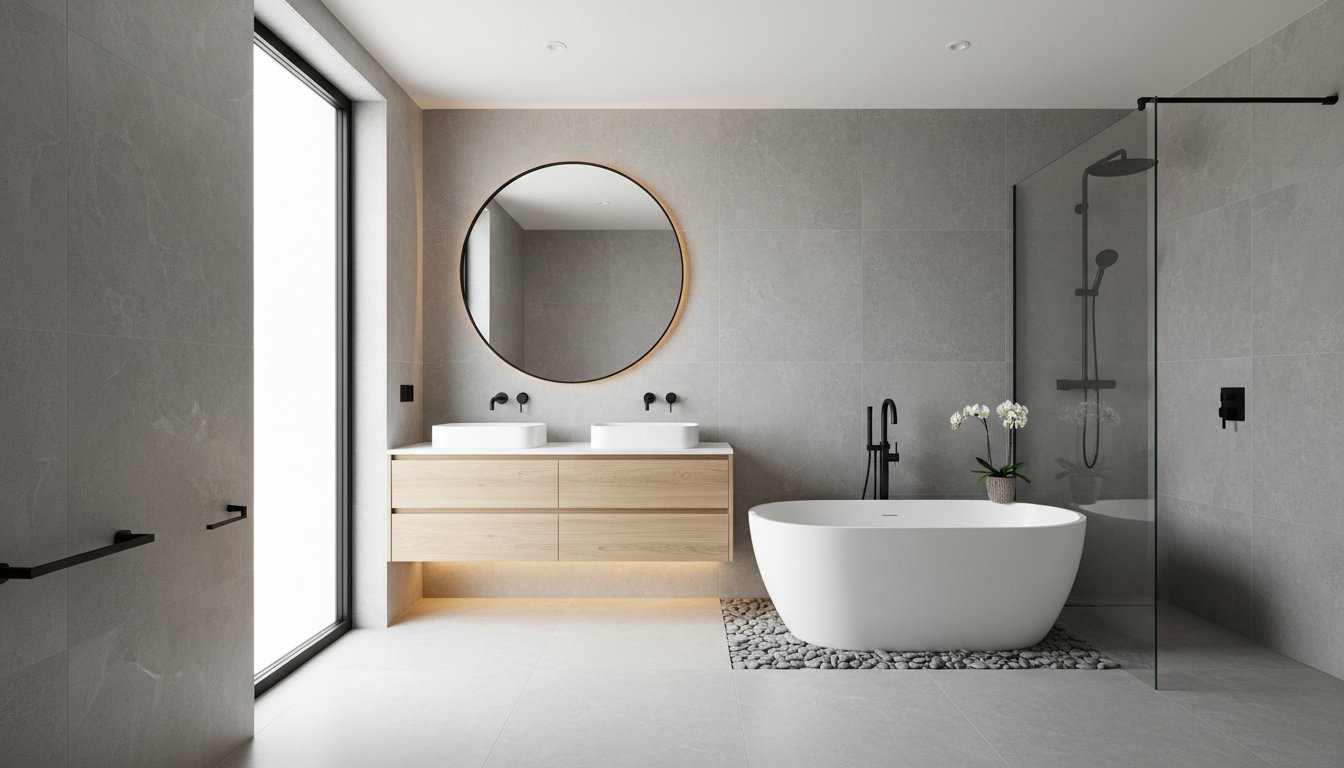
Modern Minimalist Oasis
The aesthetic emphasizes clean lines, uncluttered spaces, and a serene atmosphere. With an app, you can upload your bathroom photo and apply cool grays or pristine whites to walls, swap your current vanity for a sleek, handleless floating model, and preview large-format porcelain tiles on the floor. The app can render how simple, geometric fixtures in chrome or matte black would integrate into this refined environment, focusing on subtle variations in texture over stark contrast.
Serene Scandinavian Retreat
This style focuses on brightness, natural light, and organic forms. Your bathroom remodel app can help you visualize light wood vanities (oak or birch), pair them with white or light gray subway tiles for showers, and introduce light, muted wall colors. The app renders how brushed brass or chrome fixtures complement these elements, and how subtle textures like a woven bath mat can add warmth without clutter.
Warm Farmhouse Comfort
For a cozy, rustic, and inviting feel, an app lets you experiment with wood vanities, perhaps with shaker or beadboard doors. You can preview shiplap accent walls, apply classic subway tile patterns, and see how vintage-inspired or oil-rubbed bronze fixtures complete the look. The app can simulate how warm neutrals like cream or beige walls work with natural wood tones, creating a welcoming atmosphere.
Bold Bohemian Eclectic
This style thrives on layered patterns, textures, and global influences. Using an app, you can upload your photo and experiment with vibrant, patterned encaustic tiles for the floor or shower. Apply rich, jewel-toned wall colors such as deep teal or emerald green. The app can then render how antique brass fixtures, rattan storage, and abundant virtual plants contribute to a curated, eclectic bathroom, ensuring the mix feels harmonious rather than chaotic.
Coastal Breeze Serenity
To evoke a light, airy, and relaxed atmosphere, the app allows you to virtually paint walls in soft blues, aquas, or sandy beiges. You can preview white or light wood vanities, textured blue or green tiles for shower surrounds, and see how simple polished chrome or brushed nickel fixtures blend with natural textures like jute rugs. The app helps you visualize a space that feels fresh and open, steering clear of overt, kitschy beach motifs.
Practical Considerations for Your Virtual Bathroom Makeover
Visualizing is the first step, but a good bathroom remodel app also helps you consider practicalities, even if implicitly.
Material Selection: Durability Meets Design
When experimenting with finishes, remember durability. Porcelain tile is highly water-resistant and suitable for all bathroom surfaces. Ceramic tile is also good but can be more prone to chipping. Natural stone offers luxury but often requires periodic sealing. Your app provides a visual, but the real-world performance depends on the material's properties. Similarly, quartz countertops are low-maintenance, while marble is porous and needs care. Understanding these differences helps refine your app-based choices.
The Impact of Lighting: Mood and Function
Lighting dramatically affects how colors and materials appear. A good app will simulate general ambient lighting, but consider how task lighting around the vanity (essential for grooming) and accent lighting (to highlight features) will integrate. Warm white light (2700K-3000K) creates a relaxing atmosphere, while cooler white light (3500K-4100K) is brighter and more functional. Using your app to preview different fixture styles in various lighting conditions can help ensure the final look is consistent with your desired mood and functionality.
Refining Layouts and Spatial Flow
While an app using a single photo might not allow for a full architectural redesign, it helps assess how new fixtures impact the perceived space. A floating vanity can make a small bathroom feel larger, while a large soaking tub might dominate. Use the app to ensure your chosen elements fit visually and maintain good flow, especially in compact spaces where every inch matters.
From Virtual to Reality: Planning Your Actual Remodel
Once you've refined your vision using a bathroom remodel AI tool, the real-world planning begins. The app provides clarity and confidence, but professional execution requires further steps.
Start by meticulously measuring your space. This will validate the scale of fixtures and materials you visualized. Gather inspiration images generated by the app and use them to communicate your ideas clearly to contractors or suppliers. A visual reference eliminates ambiguity.
Next, establish a detailed budget. Categorize costs for demolition, plumbing, electrical, tiling, painting, fixtures, and installation labor. Even a minor cosmetic update can quickly accumulate expenses. Finally, consider the sequence of tasks: plumbing first, then electrical, followed by tiling, painting, and fixture installation. Your app-generated design serves as a powerful blueprint, guiding these practical steps toward a successful renovation.
Frequently Asked Questions About AI Bathroom Design
Q: Can an app really help me remodel my bathroom accurately?
A: Photo-based apps are excellent for visualizing style, color, and general layout changes. They provide a realistic preview but are not a substitute for precise measurements or professional architectural plans. Use them for inspiration and decision-making.
Q: What's the difference between AR and photo upload for bathroom design?
A: Augmented Reality (AR) typically overlays virtual furniture or fixtures onto your live camera view. Photo upload allows you to edit the existing photo directly, changing wall colors, tiles, and more comprehensively visualizing a remodel of the *current space*.
Q: How do I get the best results from a bathroom remodel photo app?
A: Use a well-lit, clear photo of your bathroom. Ensure the angle captures the key areas you want to change. Experiment with different styles and color options to see what works best.
Q: Which is better: a 3D planner or a photo-based remodel app?
A: A 3D planner is ideal for creating entirely new layouts from scratch or for complex architectural changes. A photo-based remodel app is superior for visualizing changes to an *existing* space, using your actual bathroom as a starting point for quick, realistic previews.
Ready to Transform Your Bathroom with a Photo?
The days of guessing how a new tile or paint color will look in your bathroom are over. With advanced AI-powered tools, the answer to "is there an app to remodel my bathroom with just a photo?" is a resounding yes. These platforms offer an accessible, visual, and intuitive way to explore design options, make confident decisions, and bridge the gap between inspiration and implementation.
Whether you're planning a complete overhaul or simply want to refresh the aesthetics, a robust bathroom remodel app can be your most valuable planning partner. It empowers you to see your vision come to life, virtually, before any commitment is made. Discover the power of visualization for your next project. Explore the possibilities with Paintit.ai and refine your perfect bathroom design. For more insights and tools, visit the Paintit.ai blog.
Trending
Is There an App to Remodel My Bathroom with Just a Photo?
How to Use Paintit.ai for Perfect Dopamine Decor Color Combinations
Virtual Staging AI: Top Alternatives & Competitors in 2026
How to Redesign a Living Room with Paintit.ai
How to Save, Compare and Organize Designs in Paintit Projects
Related articles

7 min read
Neo Deco Paint Techniques: Creating Glamorous Geometric Walls
Learn Neo Deco paint techniques for glamorous geometric walls. Explore palettes, finishes, and room-by-room tips — then visualize it all with Paintit.ai.
Yulii Cherevko
CEO paintit.ai
6 min read
Is There an App to Remodel My Bathroom with Just a Photo?
Upload a photo of your bathroom and see it redesigned instantly. Discover how AI bathroom remodel apps work and explore styles with Paintit.ai.
Yulii Cherevko
CEO paintit.ai

7 min read
How to Use Paintit.ai for Perfect Dopamine Decor Color Combinations
Discover dopamine decor color combinations that boost your mood. Explore 4 curated palettes and visualize bold designs in your own room with Paintit.ai.
Yulii Cherevko
CEO paintit.ai
8 min read
Virtual Staging AI: Top Alternatives & Competitors in 2026
Compare top Virtual Staging AI alternatives in 2026: Paintit.ai, Collov.ai, ReimagineHome and more. Find the right tool for your budget and workflow.
Yulii Cherevko
CEO paintit.ai
9 min read
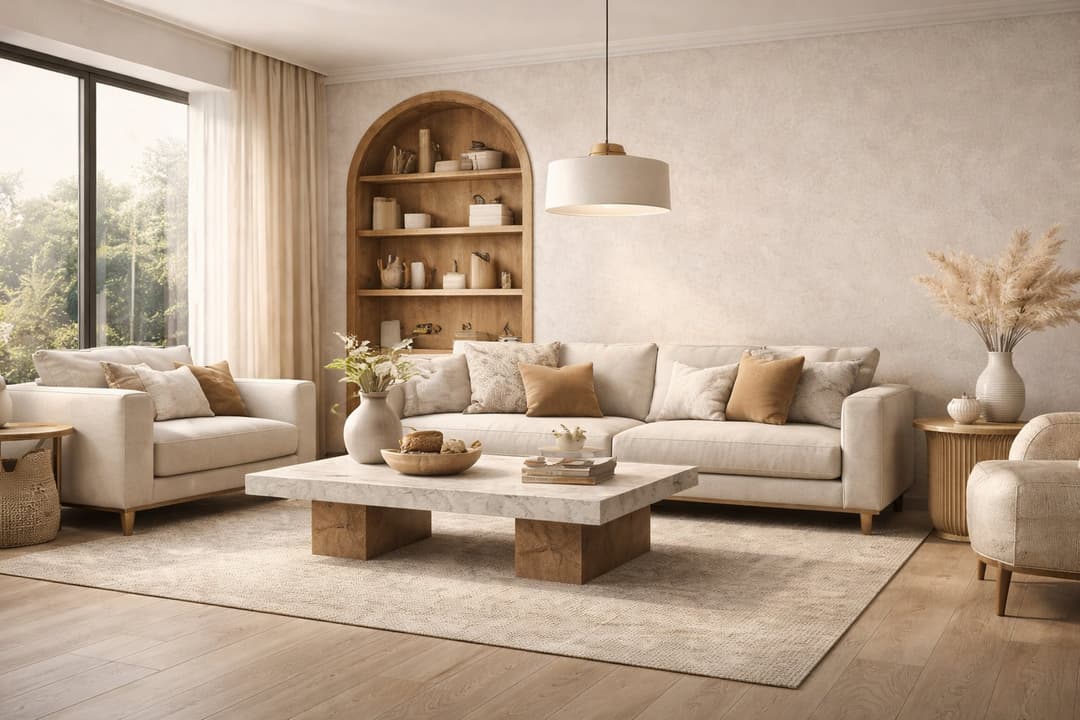
How to Redesign a Living Room with Paintit.ai
Learn how to redesign a living room with Paintit.ai using better layout logic, stronger focal points, realistic furniture scale, cleaner prompts, and more professional comparison workflows
Yulii Cherevko
CEO paintit.ai
8 min read
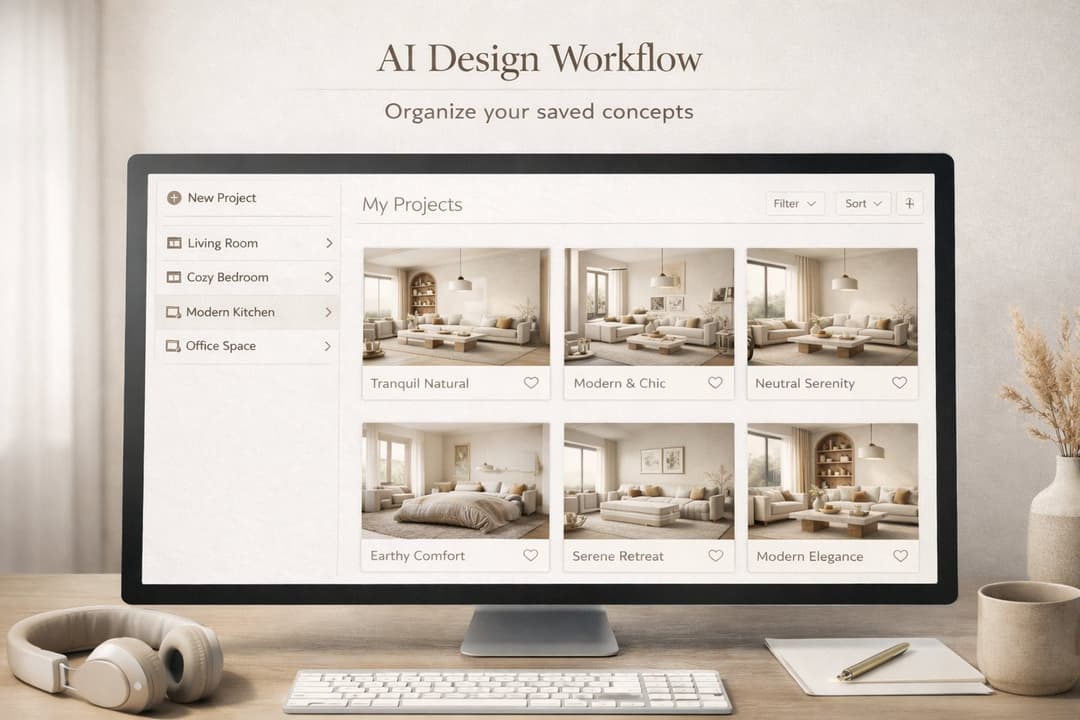
How to Save, Compare and Organize Designs in Paintit Projects
Learn how to save, compare, and organize designs in Paintit Projects to manage versions better, structure multi-room work, review alternatives faster, and make clearer design decisions
Yulii Cherevko
CEO paintit.ai