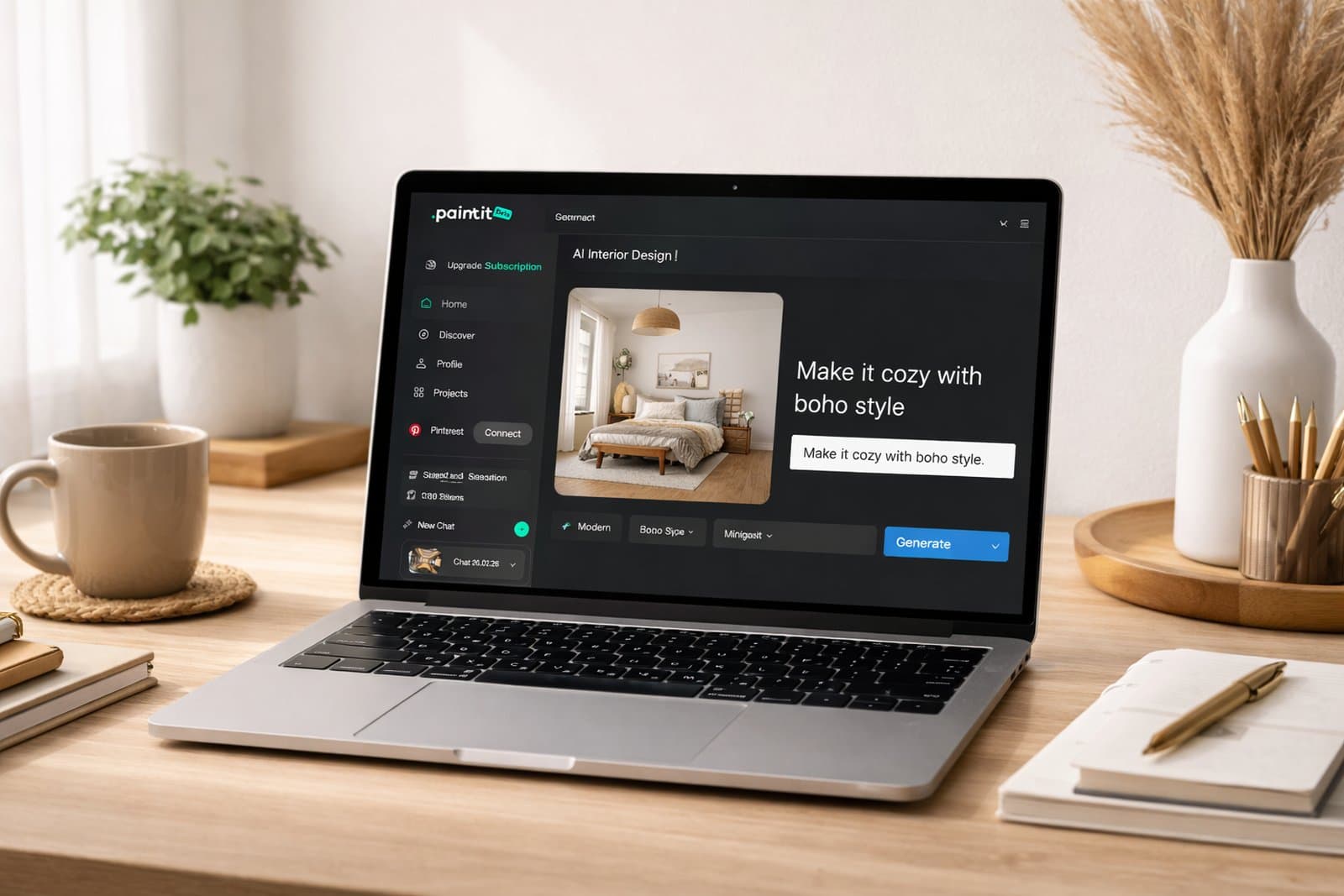
Stronger prompts lead to stronger AI design results. This guide shows how to structure prompts, use better visual language, add the right constraints, and get more controlled results in Paintit.ai.
Why Prompting Matters
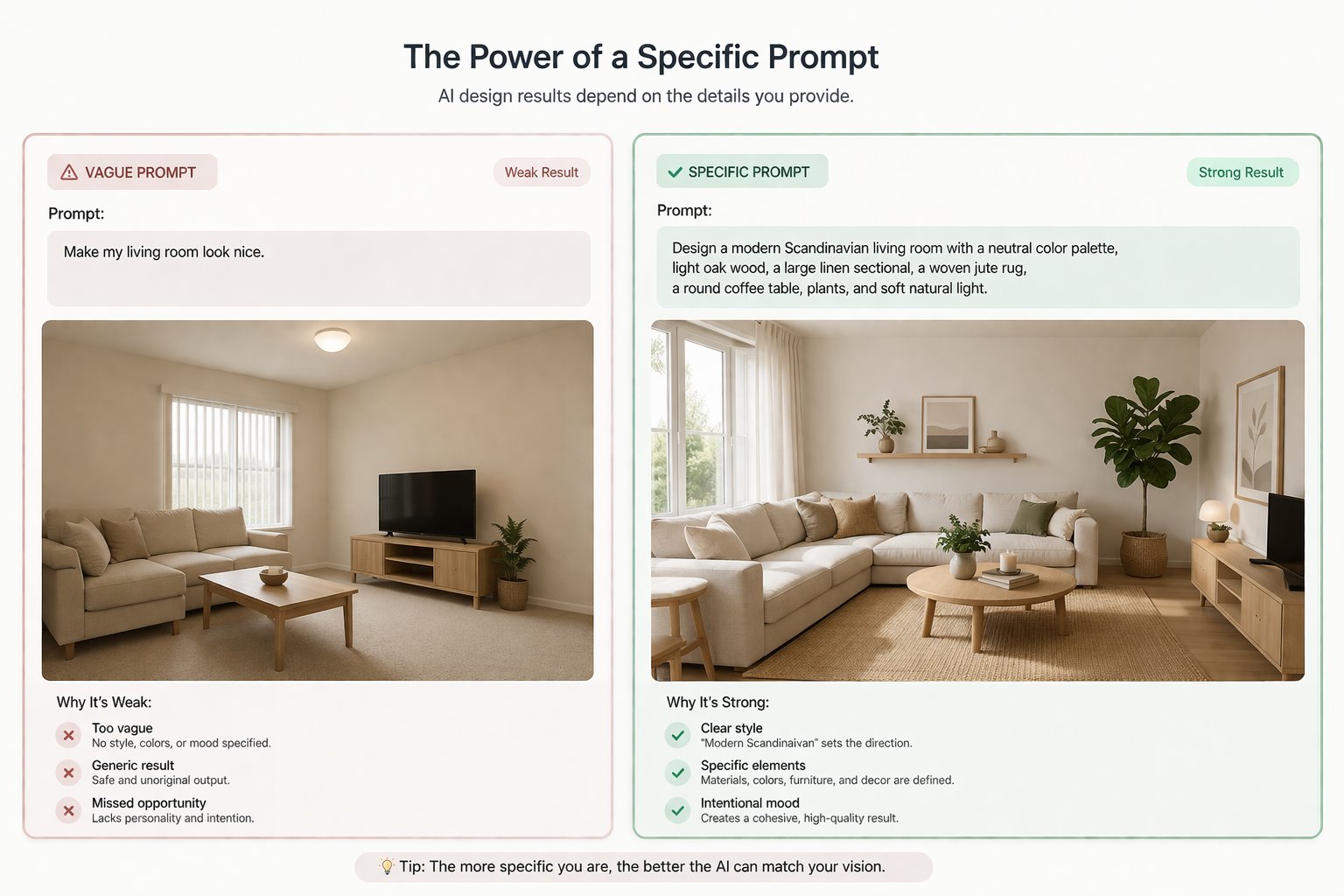
Good prompting is not about writing more. It is about giving clearer direction.
In Paintit.ai, a stronger prompt usually improves three things at once: clarity, consistency, and control. A vague prompt often creates a generic result. A clear prompt helps the model understand what should change, what visual direction to follow, and what parts of the space should remain intact.
What a better prompt usually improves
Clarity — Paintit.ai understands the task more accurately.
Consistency — style, materials, mood, and lighting feel more aligned.
Control — layout, windows, proportions, and architecture are easier to preserve.
This is why prompting matters so much. Better prompts do not just make the result look better. They make the result feel more intentional and easier to refine.
The Core Prompt Structure
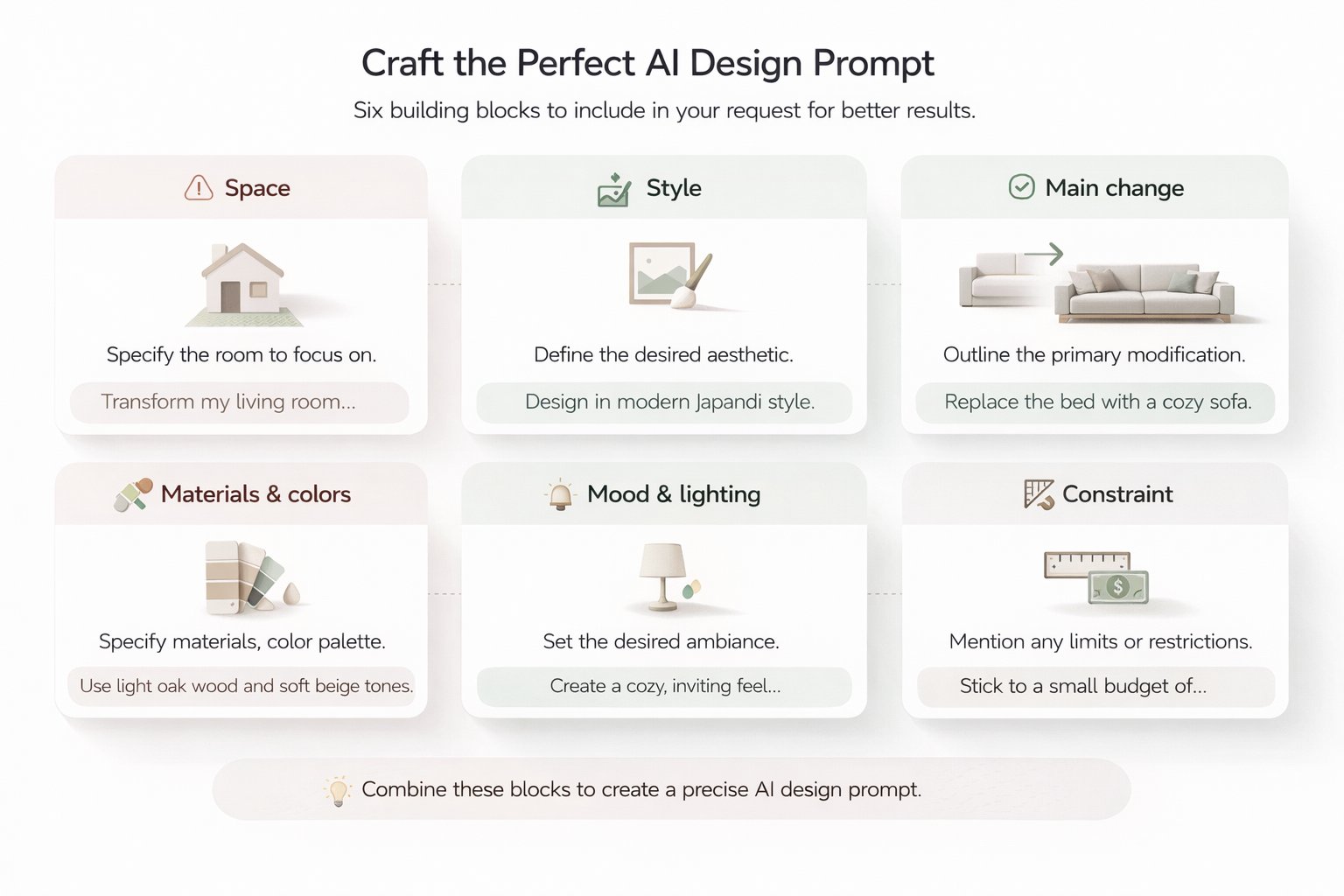
Use one repeatable structure every time. It is the fastest way to improve your results.
The structure
[Space] + [Style] + [Main change] + [Materials or colors] + [Mood or lighting] + [Constraint]
How to read it
Space tells Paintit.ai what it is redesigning. Style sets the visual language. Main change defines the task. Materials or colors add realism and specificity. Mood or lighting shape the atmosphere. Constraint protects what should stay unchanged.
Simple example
Living room + Scandinavian + full redesign + light oak, white walls, beige textiles + warm daylight + keep layout unchanged
In most cases, one strong prompt should focus on one main task, one main style direction, and a few concrete visual cues. That is enough to get a much stronger starting point.
Three Prompt Patterns That Work Best
Most successful prompts in Paintit.ai fall into one of these three patterns.
1. Full redesign prompt
Use this when you want a clear new design direction for the whole room, facade, or commercial space.
Example:
Transform this living room into a cozy Scandinavian interior with light oak furniture, white walls, soft beige textiles, warm natural daylight, simple decor, and a calm airy atmosphere. Keep the room layout and window positions unchanged.
2. Controlled edit prompt
Use this when you want to change one thing while preserving the rest.
Example:
Repaint the walls in this bedroom in a muted olive green color. Keep the furniture, flooring, layout, and lighting unchanged.
3. Setup prompt
Use this when the space is empty or unfinished and you want Paintit.ai to create a complete concept.
Example:
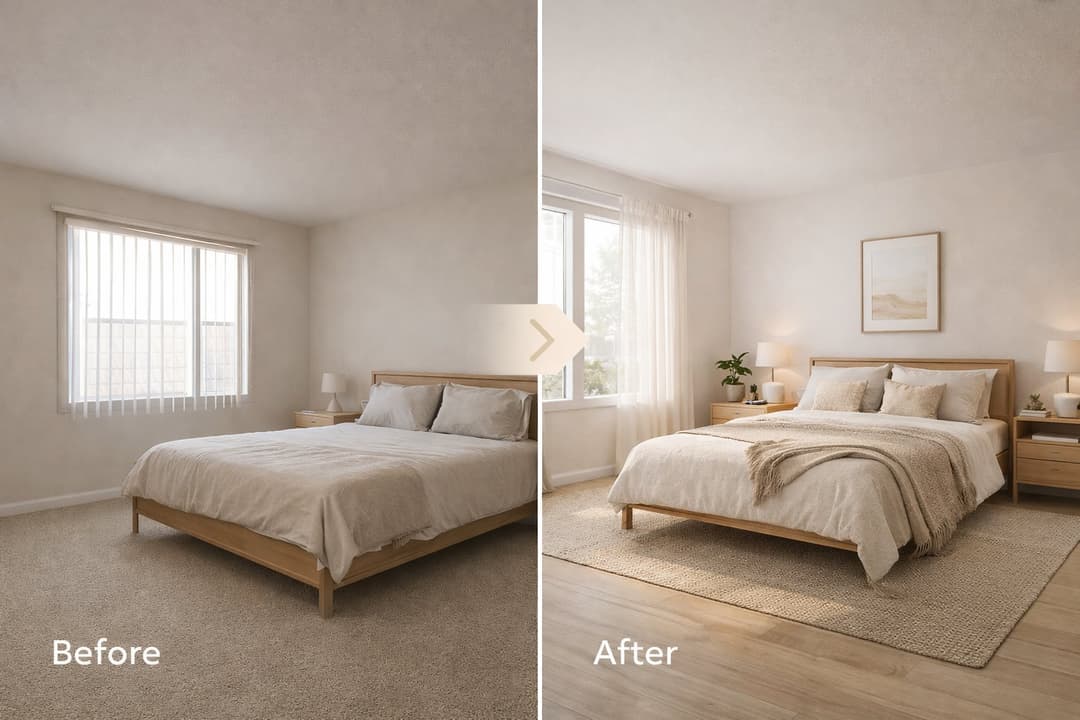
Furnish this empty room as a minimal modern bedroom with a queen bed, simple bedside tables, a textured neutral rug, warm wood accents, and soft daylight. Keep the architecture and room proportions unchanged.
Important: weak outputs often happen when users mix all three patterns in one prompt. For example, asking for a full redesign, repaint, furniture replacement, architectural changes, and landscaping update all at once usually reduces control.
How to Use Constraints for More Control
Constraints are one of the most useful parts of prompting in Paintit.ai.
A constraint tells the model what should stay fixed. This matters when you want to preserve layout, architecture, proportions, windows, facade shape, furniture placement, or other key parts of the original image.
Useful constraint lines you can reuse
Keep the room layout unchanged.
Keep the window positions unchanged.
Preserve the architecture and proportions.
Keep the building shape unchanged.
Keep the existing furniture arrangement unchanged.
Constraints work best when the rest of the prompt is already clear. They should support a strong request, not compensate for a vague one.
How to Use Reference Images the Right Way
Use references for direction, not for literal copying.
What references are best for
References work especially well for color palette, materials, furniture character, lighting mood, and the overall design language.
What to avoid
Do not ask Paintit.ai to reproduce the exact composition, exact objects, or exact architecture of a reference image. It performs better when the reference acts as inspiration, not as a blueprint.
Reference-based prompt example
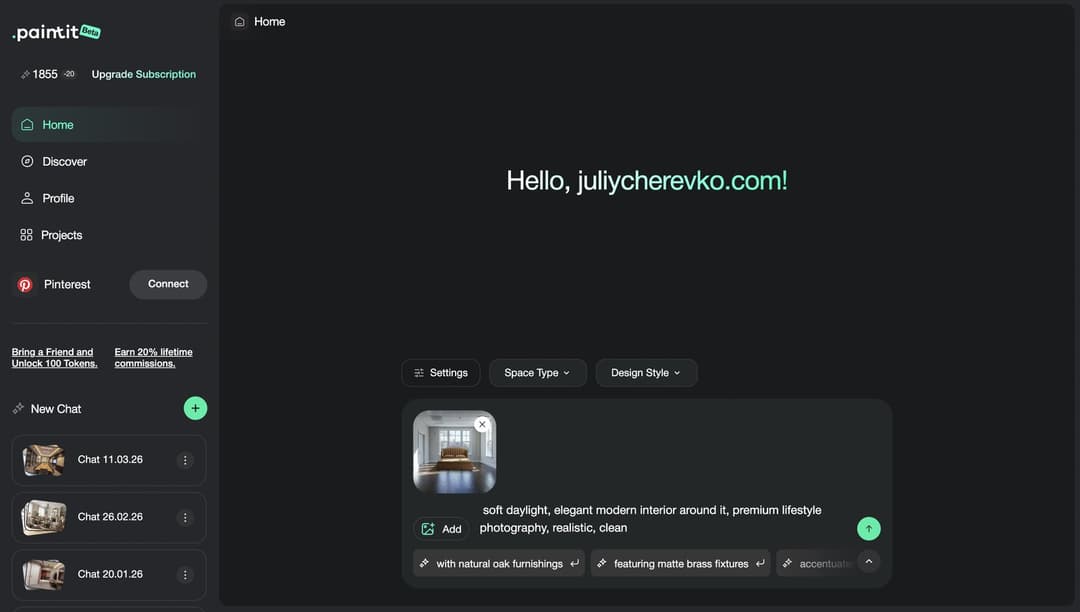
Use this reference image for the overall style, color palette, materials, and mood. Redesign my living room in this direction, but do not copy the exact composition or recognizable objects. Keep my room layout unchanged.
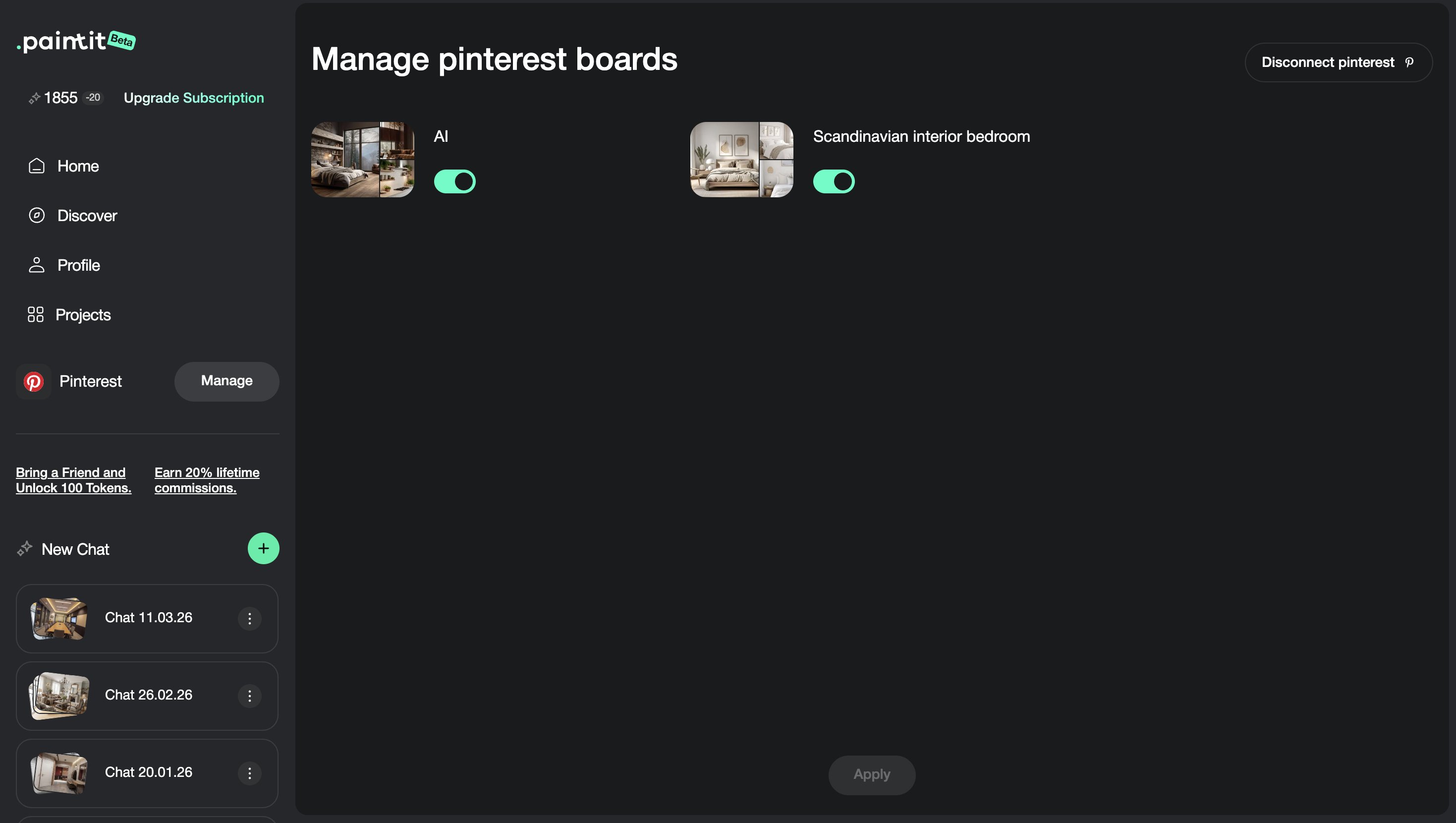
This pattern is especially useful when working with Pinterest saves, screenshots, or collected interior references.
Prompt Example Library
Use these prompt cards as ready-made starting points, then adapt them to your room or project.
Interior prompt cards
Full room redesign
Transform this bedroom into a calm Japandi interior with light wood furniture, warm beige walls, soft linen textiles, minimal decor, and natural daylight. Keep the room layout and window positions unchanged.
Repaint only
Repaint the walls in this living room in a warm off-white tone. Keep the furniture, flooring, layout, and lighting unchanged.
Empty room setup
Furnish this empty room as a modern cozy living room with a sofa, coffee table, textured rug, soft curtains, warm wood accents, and a clean welcoming atmosphere. Keep the architecture unchanged.
Exterior and advanced prompt cards
Exterior redesign
Redesign this house exterior in a modern organic style with warm wood cladding, off-white textured walls, dark slim window frames, soft landscaping, and a clean premium look. Keep the building shape and window placement unchanged.
Reference-based redesign
Use this inspiration only for the color palette, materials, lighting mood, and furniture style. Redesign my living room in this direction, but do not copy the composition or recognizable objects. Keep my room layout unchanged.
Quick rule: use one main goal, one main style direction, two to four concrete visual cues, and one clear constraint when control matters.
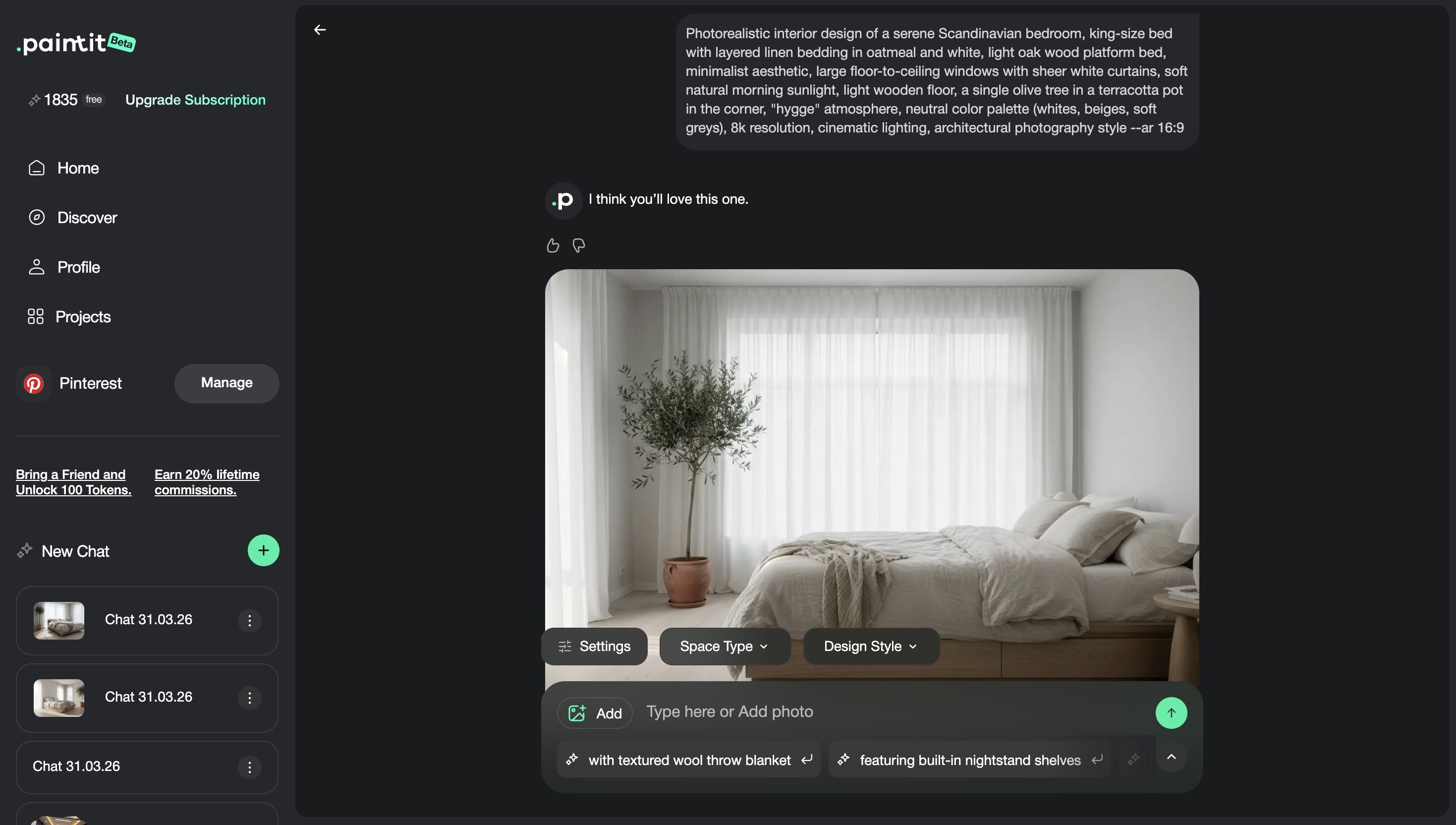
Common Prompting Mistakes
Most weak results come from the same repeatable mistakes.
Too vague
Prompts like “make it beautiful” or “make it modern” are not specific enough.
Too many directions at once
A single prompt should not try to solve five different tasks at the same time.
Conflicting styles
Mixing several unrelated styles usually weakens the final result.
No constraint
If control matters, say clearly what should stay unchanged.
No material or mood cues
Generic adjectives work much better when paired with materials, colors, and lighting direction.
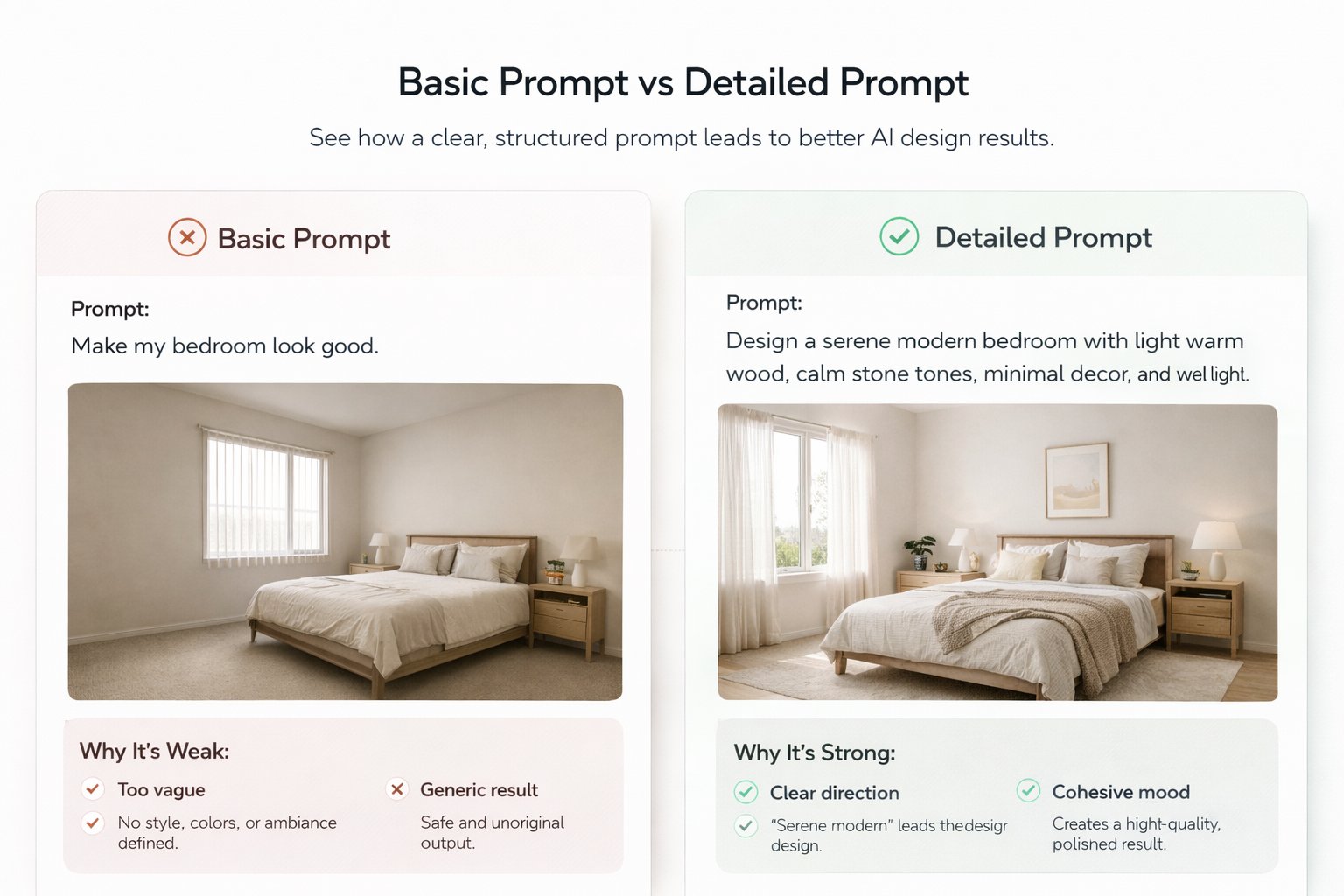
Bad: Make it beautiful.
Better: Transform this bathroom into a calm spa-style interior with light beige stone, a floating vanity, frameless glass shower, soft indirect lighting, and a premium minimal feel. Keep layout unchanged.
Frequently Asked Questions
How long should a Paintit.ai prompt be?
Long enough to be specific, but not overloaded. In most cases, one clear sentence or a short paragraph works best.
Do I always need to mention style?
Usually yes. A style direction helps the result feel more intentional and visually consistent.
Should I mention materials and colors?
Yes. Materials and colors make prompts much more realistic and useful.
How do I keep the layout unchanged?
Add a direct constraint such as “Keep the room layout unchanged” or “Preserve the architecture and proportions.”
Can I use Pinterest images as references?
Yes. Use them for style, materials, palette, and mood rather than exact copying.
What is the most common prompting mistake?
Being too vague. The second most common mistake is asking for too many things at once.
Try These Prompts in Paintit
Use the prompt cards from this guide, adapt them to your room or project, and get more controlled, more realistic results from the start.