9 min. reading
How to Redesign a Living Room with Paintit.ai

Yulii Cherevko
CEO paintit.ai
Page Contents:
- 1. Why Living Rooms Are Different
- 2. What Makes a Strong Living Room Result
- 3. Layout First, Not Decor First
- 4. How to Build a Better Living Room Prompt
- 5. Living Room Prompt Cards
- 6. How to Compare Living Room Directions
- 7. Advanced Living Room Techniques
- 8. Frequently Asked Questions
- 9. Related articles
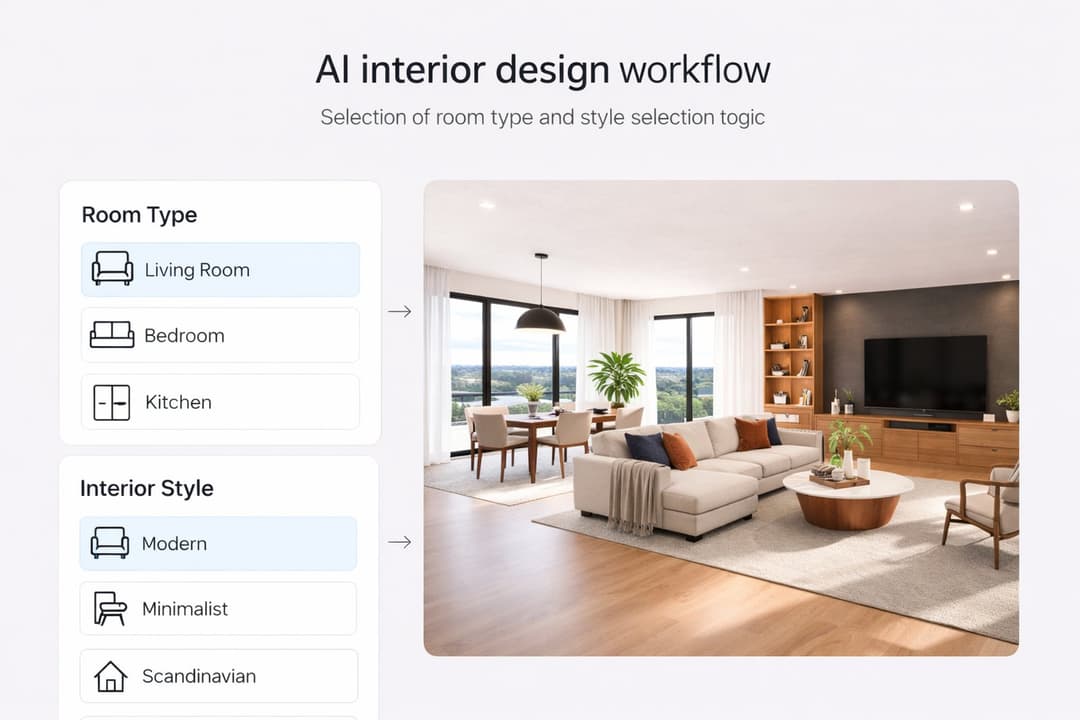
Living rooms are one of the best spaces to redesign in Paintit.ai because even small changes in layout, furniture language, palette, and lighting can completely shift how the room feels. This guide shows how to get more realistic living room concepts with stronger focal points, better furniture scale, and more usable results.
Why Living Rooms Are Different
A living room is not just a styled room. It is usually the main social and visual center of the home.
Living rooms are harder than many other rooms because they need to balance several things at once: function, comfort, focal point, circulation, furniture proportion, and atmosphere. If one of these breaks, the room may still look attractive, but it will feel less believable.
What makes living room redesign more technical
Furniture is large — sofa scale, rug size, coffee table placement, and TV or fireplace alignment matter a lot.
The room usually has a focal point — window wall, TV wall, fireplace, art wall, or view direction.
Circulation matters — the room should still feel walkable and usable, not only beautiful in one frame.
Atmosphere matters more — living rooms often carry the emotional identity of the home.
This is why a good living room redesign is usually about structure first and styling second.
What Makes a Strong Living Room Result
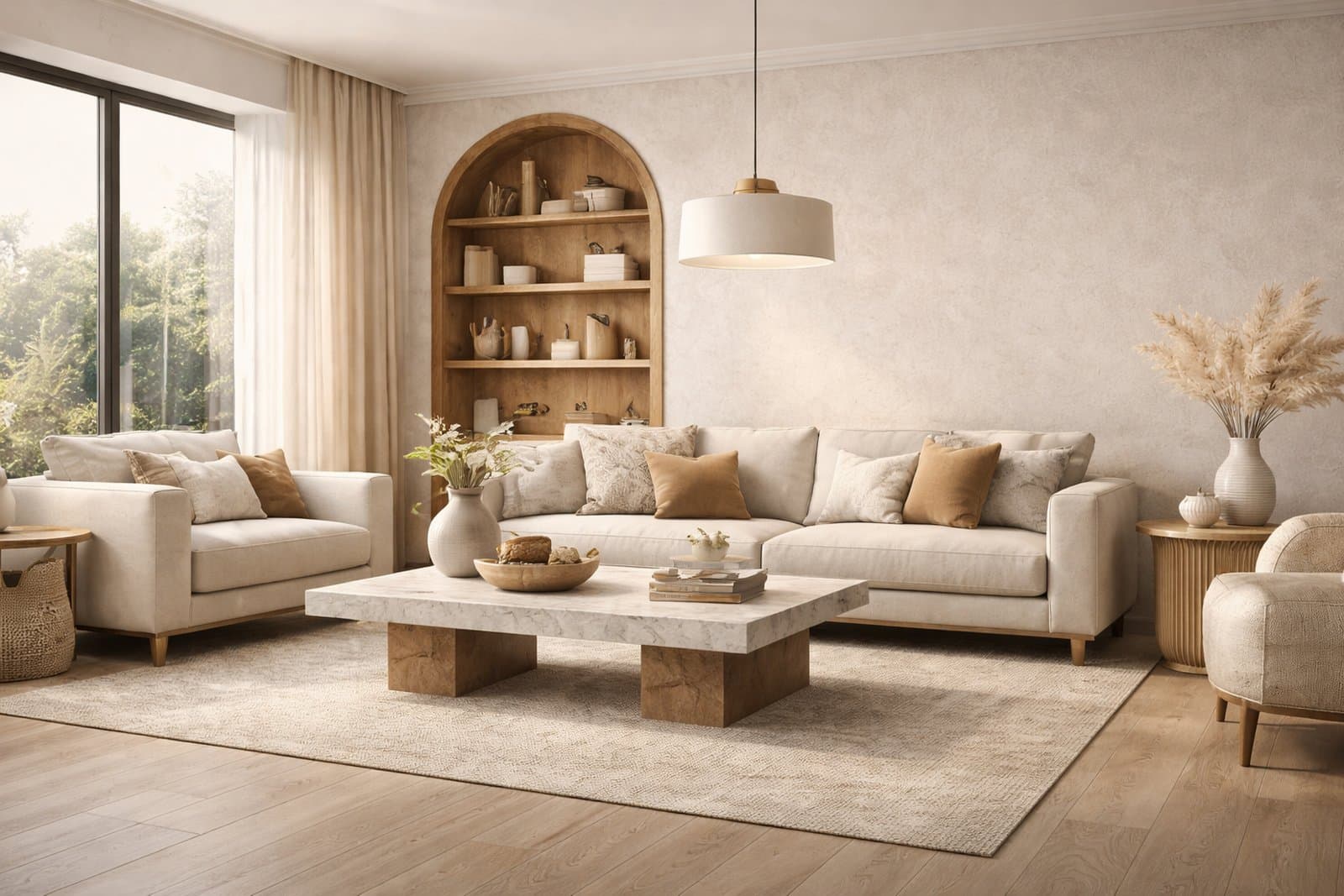
The best living room results feel both aspirational and believable.
A strong Paintit.ai living room concept should not only look polished. It should also feel like a room that could really work. That means the composition has to make sense.
A strong living room result usually gets these things right
Clear focal point — the eye knows what organizes the room.
Believable furniture scale — sofa, chairs, table, and rug feel appropriate for the room.
Balanced composition — the room does not feel empty on one side and overloaded on the other.
Controlled styling density — enough decor to feel complete, but not so much that the room becomes noisy.
Consistent mood — materials, lighting, and style feel like part of one idea.
In practice, the difference between an average result and a strong one is often not the style name. It is whether the room composition feels coherent.
Layout First, Not Decor First
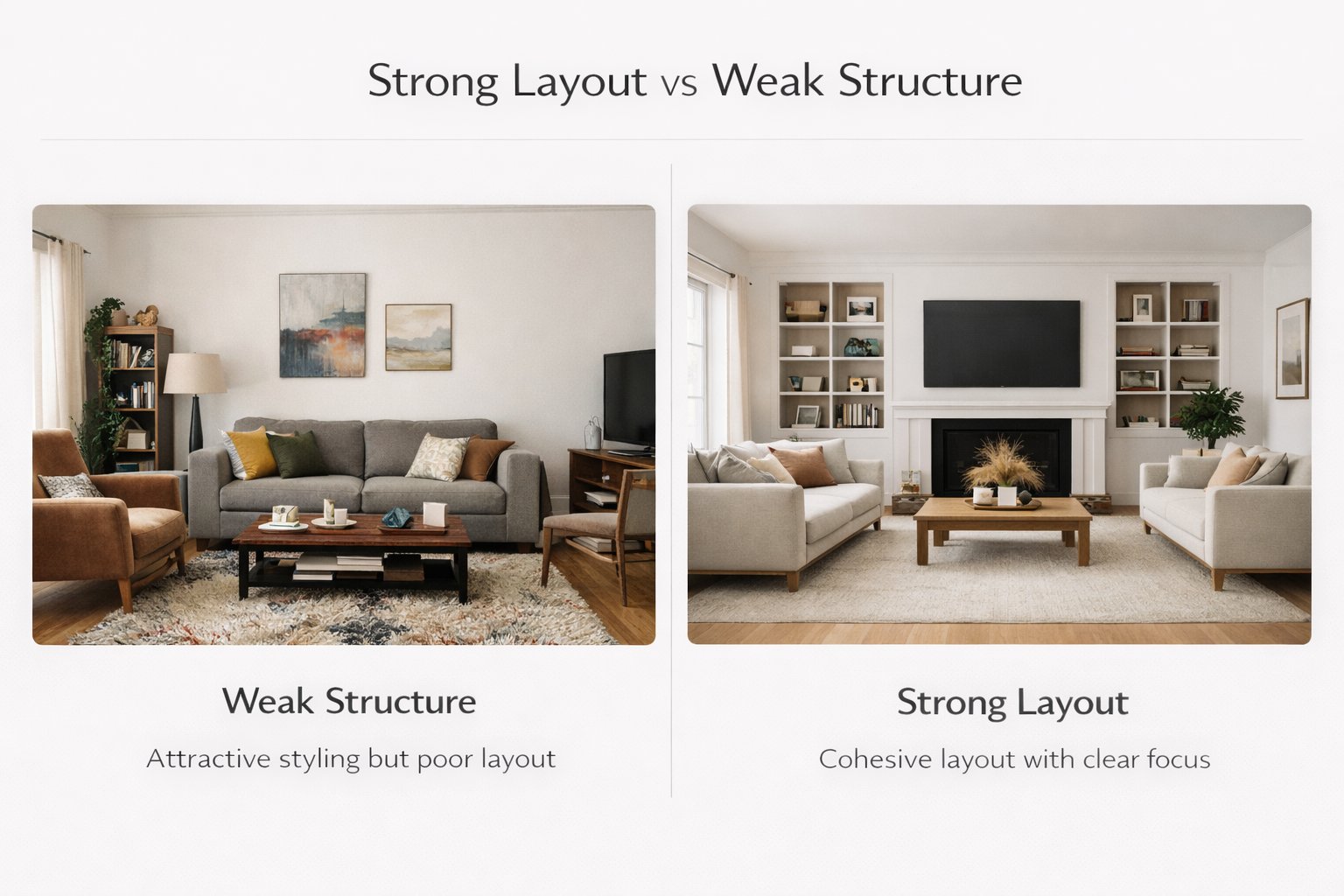
Most weak living room results fail because of furniture logic, not because of color.
A lot of users focus immediately on style words like modern, cozy, luxury, or minimalist. But for living rooms, layout logic usually matters first. If the room has no convincing anchor, even beautiful styling will feel weak.
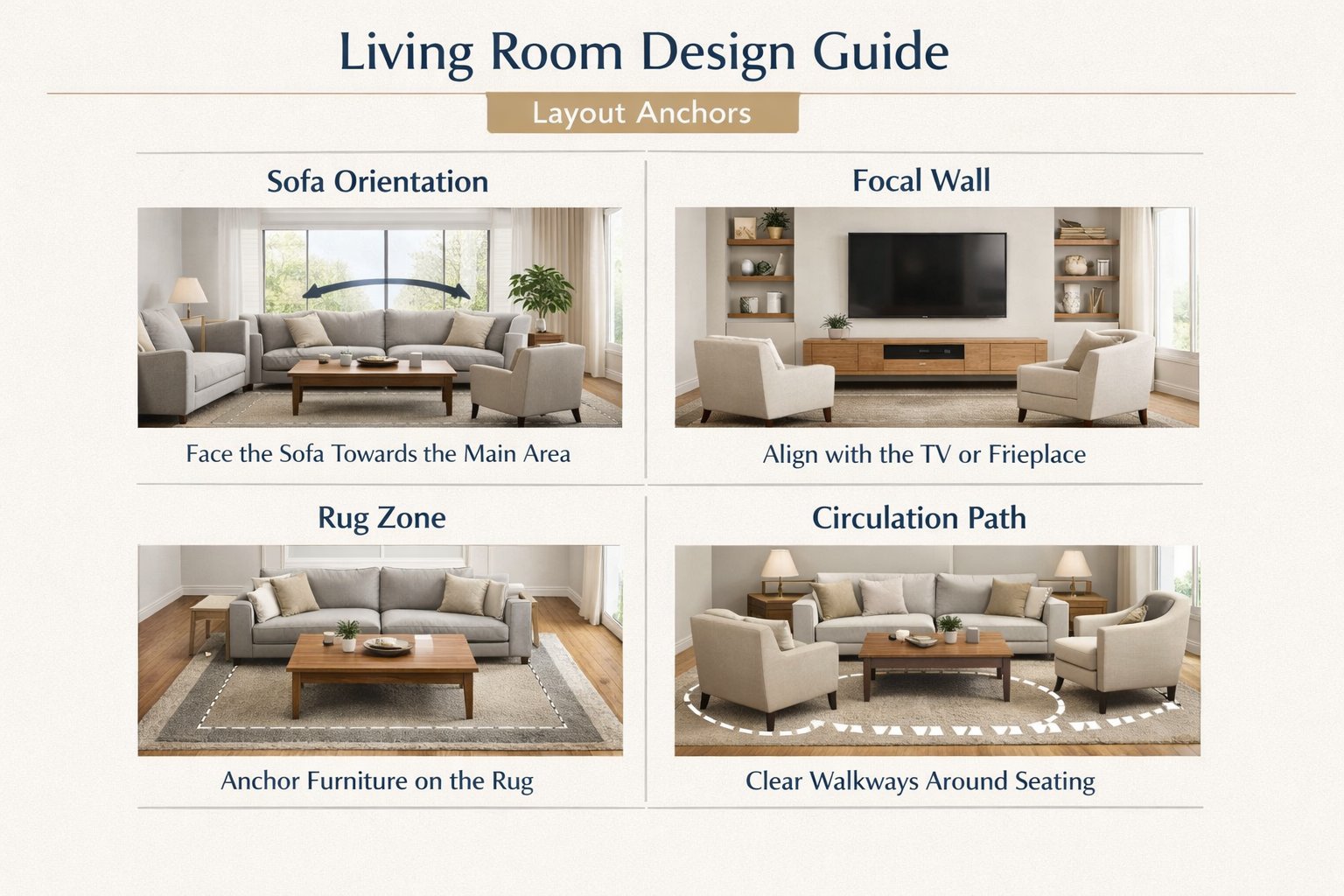
The 4 layout anchors to think about first
Sofa orientation — what is the sofa facing and why?
Focal wall — TV, fireplace, art wall, window wall, or view axis.
Rug zone — does the rug unify the seating group properly?
Circulation path — can people still move through the room naturally?
One of the best ways to improve results in Paintit.ai is to describe at least one of these anchors directly in the prompt. That makes the room feel much less random.
Technical tip
If the room is visually difficult, keep the architecture unchanged and let Paintit.ai solve only the furnishing logic first. After that, refine materials and styling.
How to Build a Better Living Room Prompt
The most useful living room prompts define function, style, anchors, and atmosphere clearly.
A good living room prompt should not just ask for a style. It should tell Paintit.ai how the room should behave.
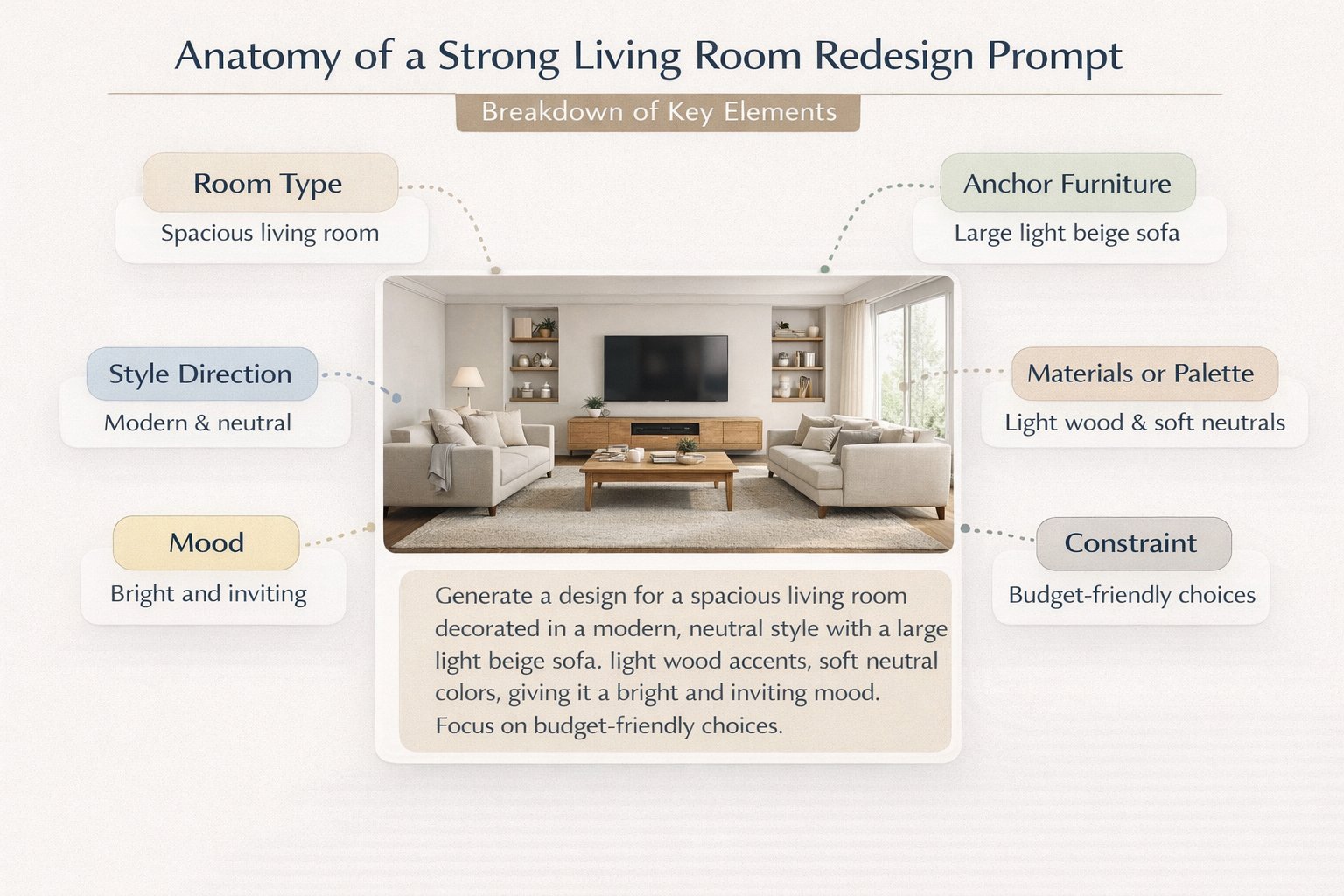
A practical living room prompt structure
[Living room type] + [Style direction] + [Anchor furniture] + [Materials or palette] + [Mood] + [Constraint]
What to define more clearly
Living room type — family living room, formal reception room, small apartment lounge, open-plan living room, cozy TV room.
Anchor furniture — sofa, media wall, coffee table, lounge chairs, shelving, built-ins.
Palette — warm neutrals, light oak and white, soft beige and black accents, earthy modern tones.
Mood — calm, premium, airy, cozy, editorial, soft daylight, warmer evening atmosphere.
Constraint — keep layout, windows, architecture, or proportions unchanged when needed.
Example of a technically stronger living room prompt:
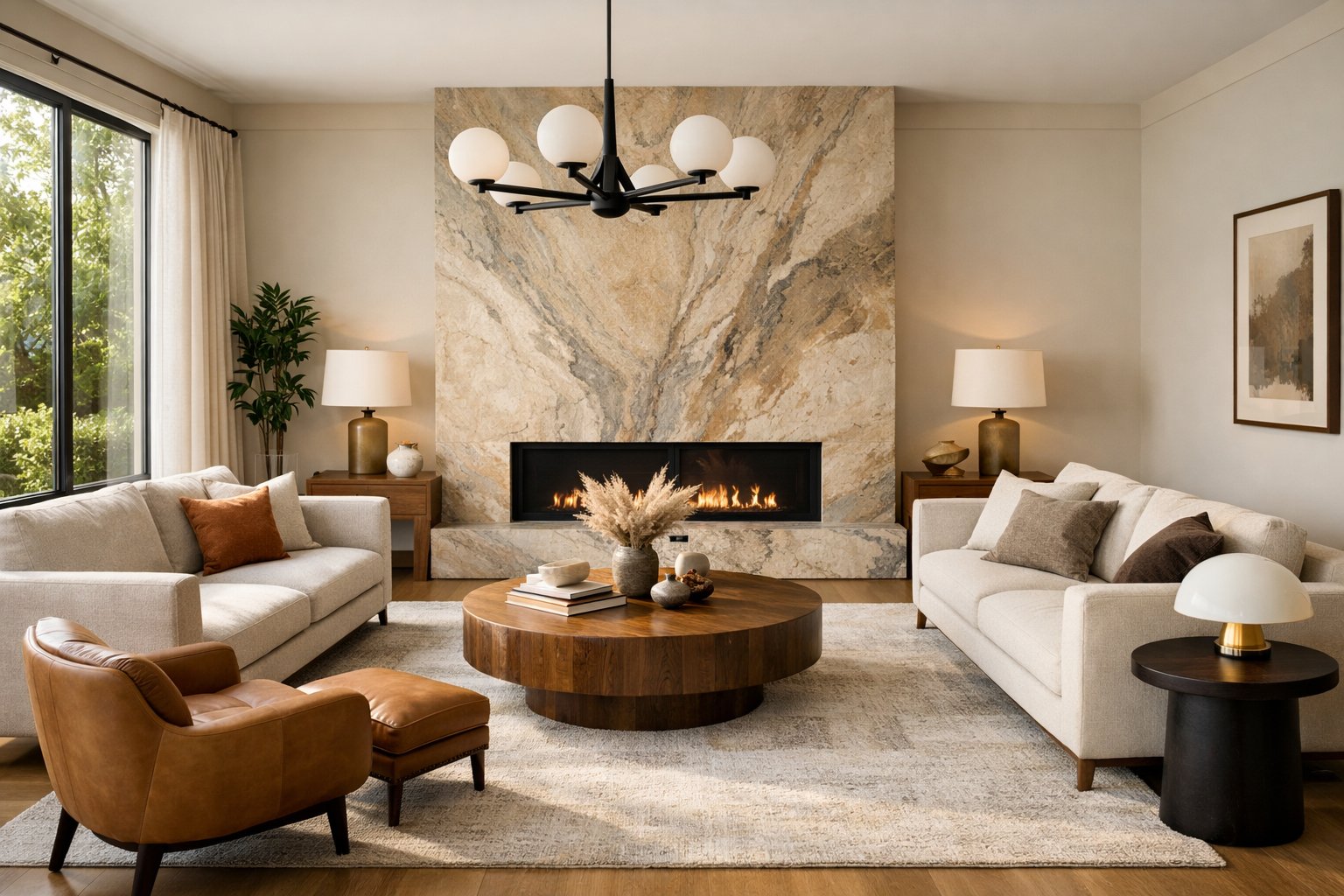
Transform this living room into a warm organic modern space with a large neutral sofa, sculptural lounge chairs, a textured area rug, light oak details, soft beige plaster walls, and warm natural daylight. Keep the room layout and window positions unchanged.
This works better than vague prompts because it defines furniture hierarchy, materials, and atmosphere at the same time.
Living Room Prompt Cards
Use these as copy-ready starting points for the most common living room directions.
Core living room prompt cards
Scandinavian living room
Transform this living room into a cozy Scandinavian interior with a light oak coffee table, soft beige textiles, white walls, a comfortable neutral sofa, and warm natural daylight. Keep the room layout and window positions unchanged.
Organic modern living room
Redesign this living room in an organic modern style with a large neutral sofa, curved lounge chairs, textured stone or plaster surfaces, warm wood accents, and a relaxed premium atmosphere. Keep the architecture unchanged.
Minimal modern living room
Redesign this living room as a clean minimal modern space with a low-profile sofa, simple coffee table, restrained palette, soft daylight, and uncluttered styling. Preserve the room proportions and window positions.
Special-use living room cards
Small apartment lounge
Turn this small living room into a compact but elegant lounge with a space-efficient sofa, light wood details, soft neutral palette, clean circulation, and a bright airy feel. Keep the layout and openings unchanged.
Family-friendly warm living room
Redesign this living room into a warm family-friendly space with a comfortable deep sofa, soft rug, rounded furniture edges, natural materials, and a cozy welcoming atmosphere. Keep the room layout unchanged.
Best practice: start with one dominant direction and one strong furniture anchor. Then refine details like artwork, lighting, styling density, or accent materials.
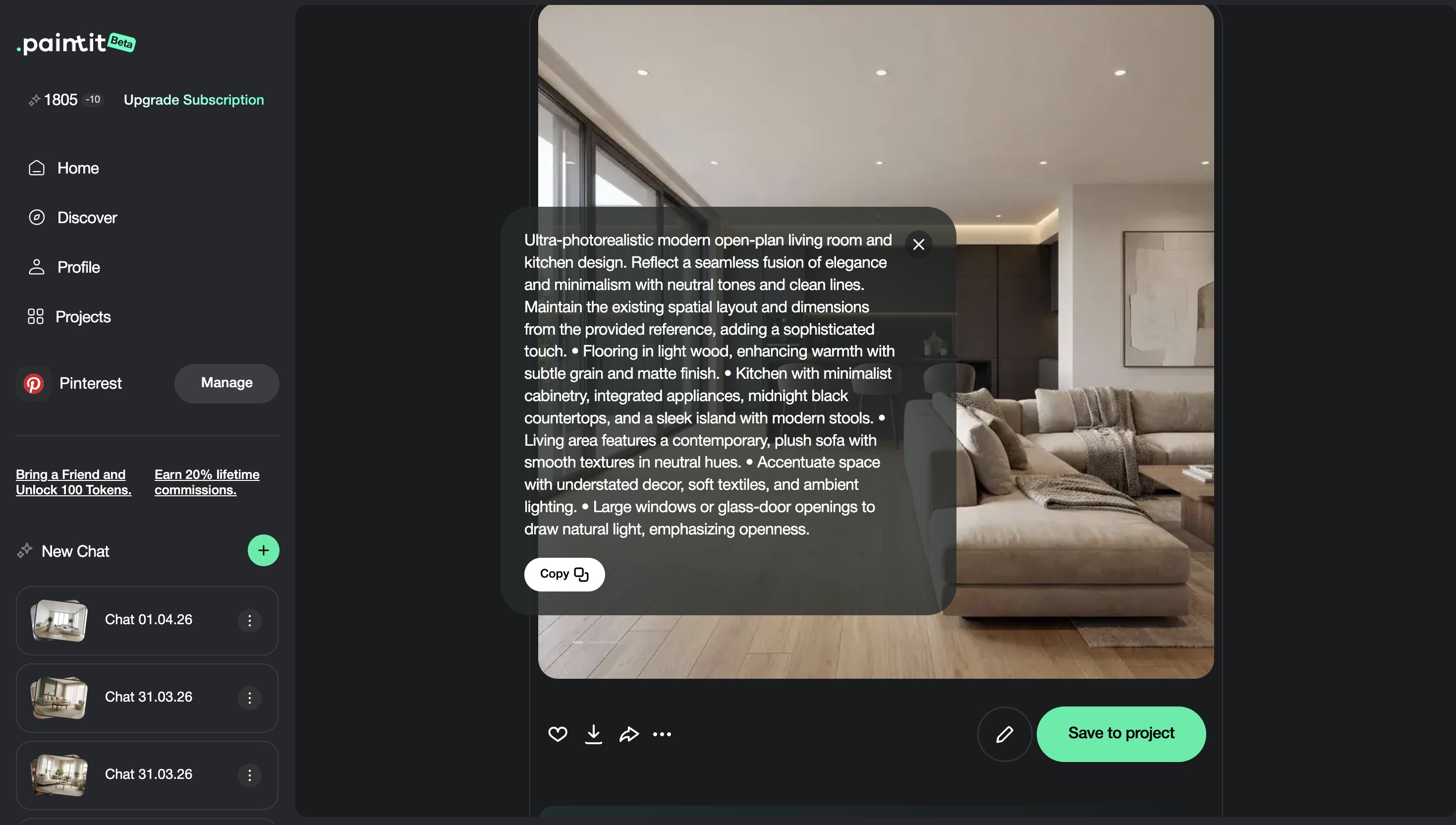
How to Compare Living Room Directions
Living room comparison works best when each version represents a clearly different mood or use case.
Because living rooms carry so much emotional and visual weight, it is often better to compare a few deliberately different concepts instead of generating many similar versions.
A useful comparison framework
Version 1 — safe and broadly appealing
Version 2 — warmer and softer
Version 3 — cleaner and more architectural
Version 4 — more premium or editorial
This gives you real decision contrast: not just different pictures, but different room identities.
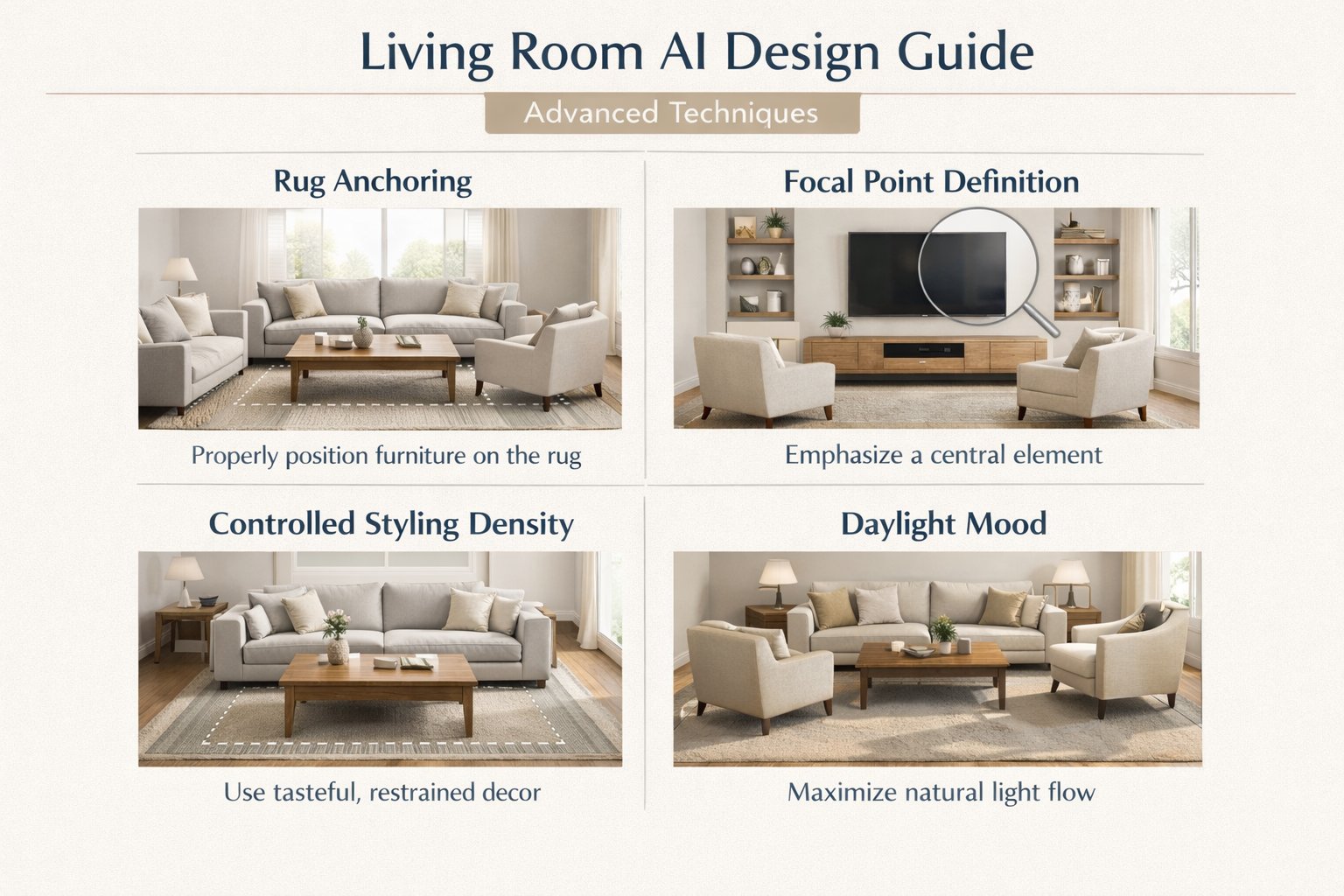
Advanced Living Room Techniques
These details often make the difference between decent results and professional-looking ones.
Technique 1 — Specify rug and seating relationship
If the seating group feels weak, mention a large area rug anchoring the sofa and chairs. This often improves coherence.
Technique 2 — Name the focal point
If the room has a fireplace, media wall, or strong window wall, mention it in the prompt. It helps Paintit.ai organize the composition.
Technique 3 — Control styling density
Say whether you want a minimal room, a balanced editorial room, or a layered lived-in room. This reduces random clutter.
Technique 4 — Use daylight language precisely
“Soft natural daylight” produces a different emotional result than “warm evening glow” or “bright airy daylight.”
Technique 5 — Protect the architecture first
If the room already has good bones, preserve layout and openings first, then evolve furniture and materials inside that shell.
These kinds of small technical decisions often make AI living room concepts feel much more believable and usable.
Frequently Asked Questions
What is the most important part of a living room redesign?
Usually the furniture anchor and focal point. If those are weak, the room will feel less convincing even with a strong style.
How do I stop the room from looking random?
Define the sofa direction, focal point, palette, and one clear style language. Avoid vague prompts that only ask for “beautiful” or “luxury.”
Should I keep the layout unchanged?
In most cases, yes at first. Preserving the layout usually makes the result more believable and easier to evaluate.
What if my living room is very small?
Mention compact layout, clean circulation, lighter palette, and space-efficient furniture directly in the prompt.
How many versions should I compare?
Usually three to four clearly different directions are enough to make a strong decision.
What is the biggest technical mistake in living room prompts?
Describing style but not defining furniture hierarchy, room anchors, or circulation logic.
Redesign Your Living Room
Upload your room, define a stronger visual direction, and turn a generic space into a clearer, more believable living room concept with Paintit.ai.
Related articles
Trending
How to Save, Compare and Organize Designs in Paintit Projects
How to Use Pinterest Inspiration in Paintit.ai
From Visualization to Transaction: How Paintit.ai Powers Autonomous Purchases for Furniture Brands
Stager AI Alternatives & Competitors in 2026: Full Review
How to Use Space Type and Design Style in Paintit.ai
Related articles
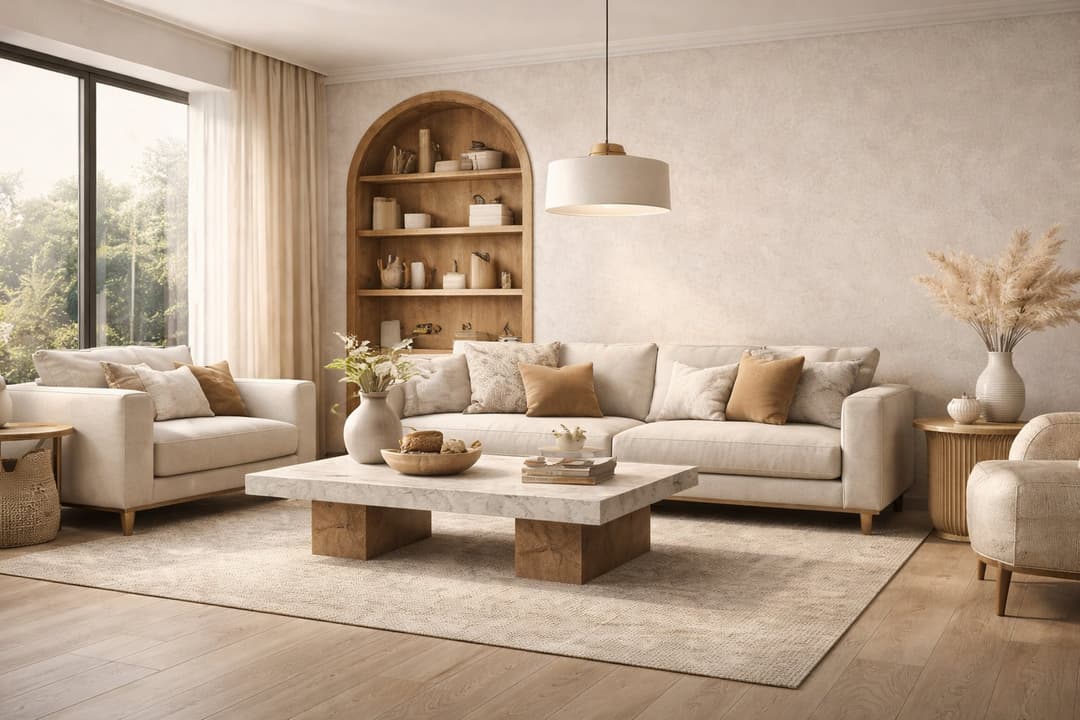
9 min read
How to Redesign a Living Room with Paintit.ai
Learn how to redesign a living room with Paintit.ai using better layout logic, stronger focal points, realistic furniture scale, cleaner prompts, and more professional comparison workflows
Yulii Cherevko
CEO paintit.ai

8 min read
How to Save, Compare and Organize Designs in Paintit Projects
Learn how to save, compare, and organize designs in Paintit Projects to manage versions better, structure multi-room work, review alternatives faster, and make clearer design decisions
Yulii Cherevko
CEO paintit.ai

9 min read
How to Use Pinterest Inspiration in Paintit.ai
Learn how to use Pinterest inspiration in Paintit.ai with better reference selection, stronger prompt control, cleaner style transfer, and more realistic interior and exterior design results
Yulii Cherevko
CEO paintit.ai
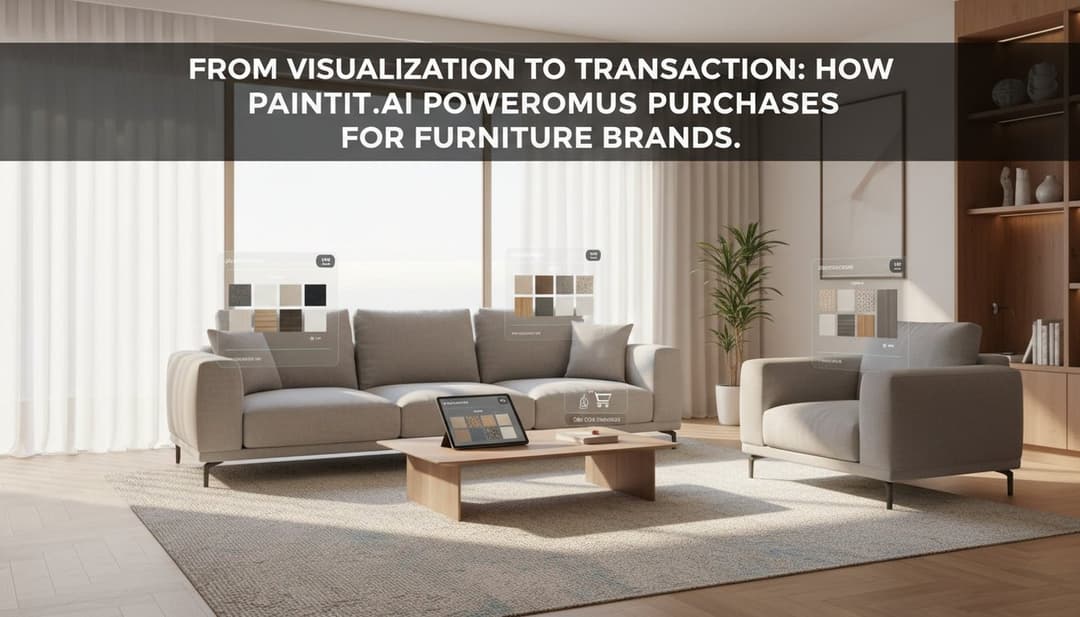
5 min read
From Visualization to Transaction: How Paintit.ai Powers Autonomous Purchases for Furniture Brands
Bridge the gap between browsing and buying. Learn how Paintit.ai uses Visual-to-transaction AI and photorealistic rendering to power autonomous furniture sales
Yulii Cherevko
CEO paintit.ai