
9 min. reading
How Real Estate Agents and Stagers Can Use Paintit.ai

Yulii Cherevko
CEO paintit.ai
Page Contents:
- 1. Why This Matters for Listings
- 2. What Buyers Need to See
- 3. The Best Real Estate Use Cases
- 4. How to Build Better Staging Prompts
- 5. Staging Prompt Cards
- 6. How to Compare Listing Versions
- 7. Advanced Tips for Agents and Stagers
- 8. Frequently Asked Questions
- 9. Related articles
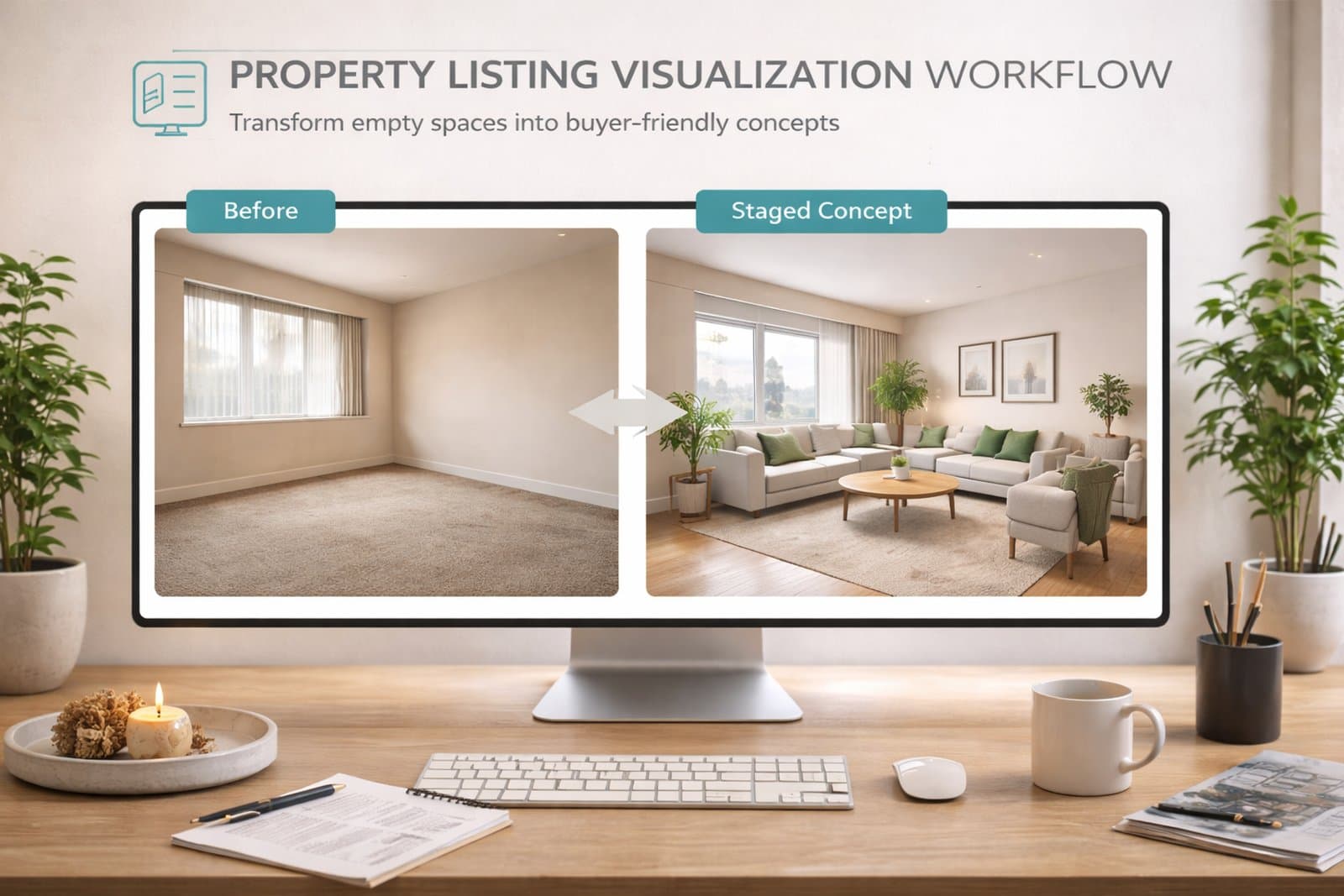
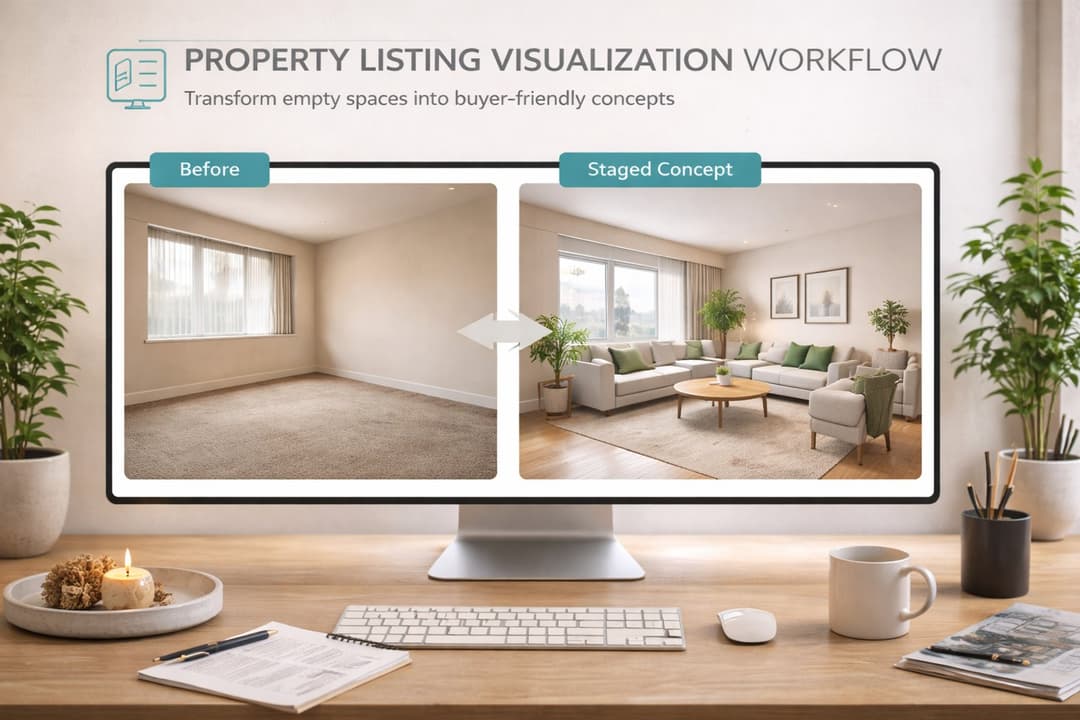
For real estate, Paintit.ai works best as a visualization tool that makes a property easier to understand. This guide shows how agents and stagers can use it to stage empty rooms, refresh dated interiors, clarify room function, and create cleaner listing-ready visuals without losing credibility.
Why This Matters for Listings
The strongest listing visuals do not just look nicer. They reduce buyer uncertainty.
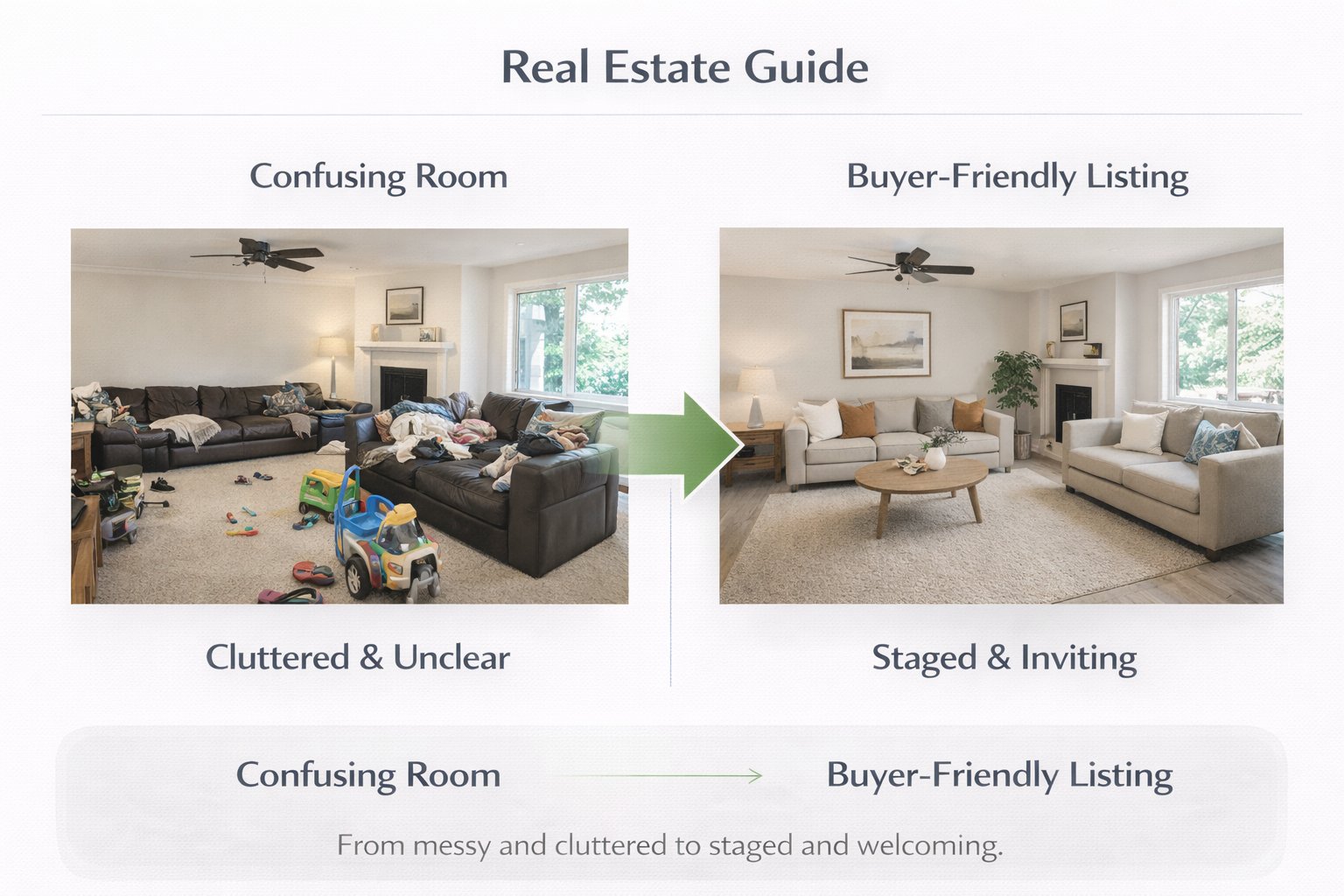
A lot of properties photograph badly not because they are unsellable, but because the rooms feel empty, dated, visually confusing, or emotionally flat. Paintit.ai can help by making the space easier to read and easier to imagine living in.
Why this matters commercially
Empty rooms feel smaller — buyers often struggle to understand scale and function.
Dated rooms create emotional resistance — even when the structure is fine, the room may feel harder to accept.
Ambiguous spaces reduce confidence — if buyers cannot understand what a room is for, interest often weakens.
Cleaner visuals improve decision speed — better staging often makes the property easier to evaluate at a glance.
The best use of Paintit.ai in real estate is not fantasy transformation. It is believable visual clarification.
What Buyers Need to See
Most buyers are not looking for perfect design. They are looking for confidence.
A listing image becomes more effective when it answers simple buyer questions quickly: How big is the room? What is it for? Could I imagine living here? Does the space feel cared for?
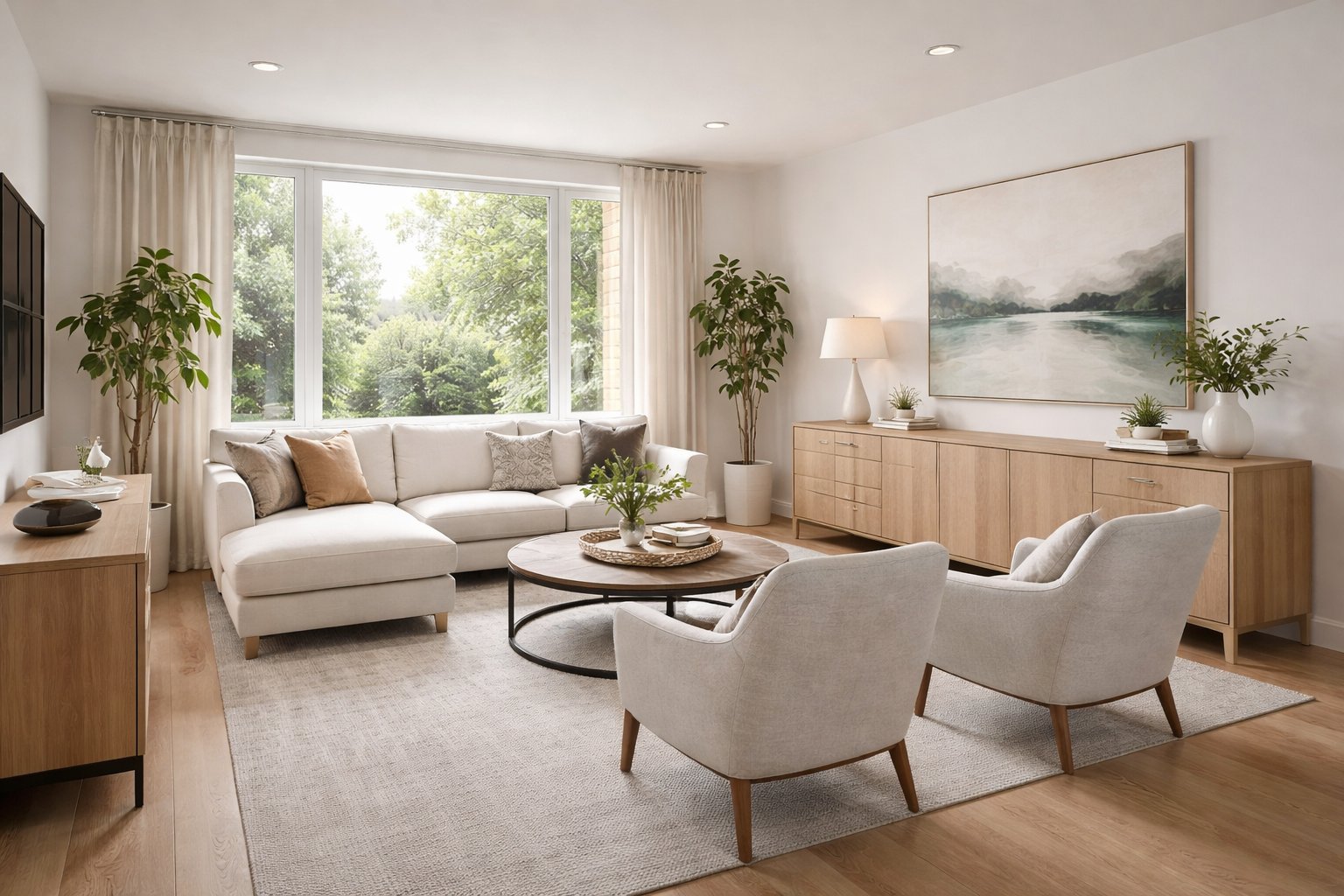
A strong buyer-friendly image usually shows
Clear room function — bedroom, living room, office, dining area, guest room, or flexible space.
Believable scale — furniture helps explain proportions instead of distorting them.
Clean emotional tone — bright, welcoming, calm, and move-in-readable usually performs better than highly personal styling.
Structural honesty — the room still feels like the actual room, not a different property.
Broad visual appeal — enough taste to feel attractive, enough neutrality to keep buyer trust.
In real estate marketing, usefulness usually beats expressive individuality.
The Best Real Estate Use Cases
Paintit.ai is most effective when the problem is readability, not when the goal is extreme redesign.
In real estate, the platform becomes most useful when it helps a buyer understand a room faster or helps a listing feel more complete without breaking credibility.
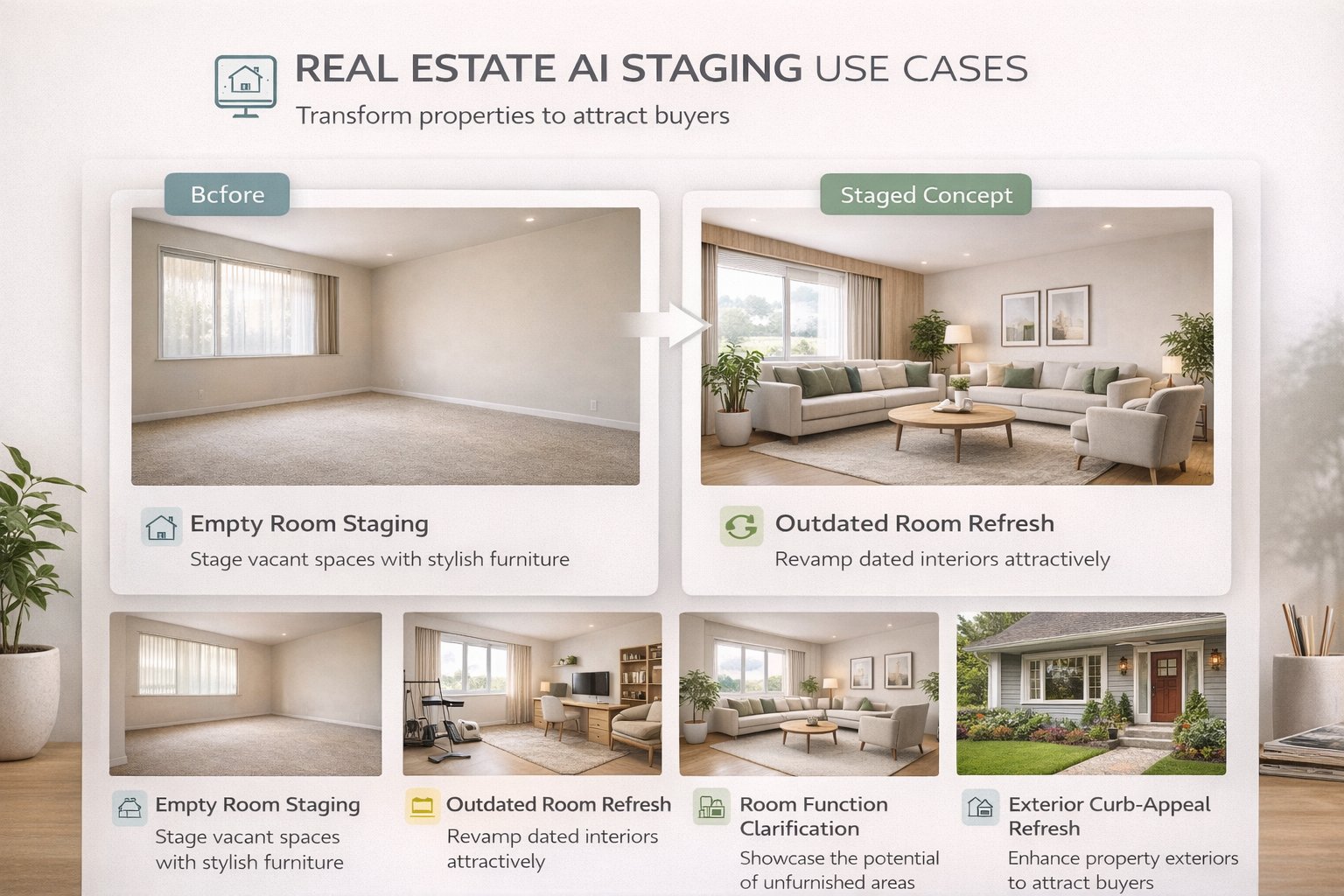
The strongest real estate use cases
Empty room staging — add believable furniture and clarify how the room could function.
Outdated room refresh — lighten finishes, simplify styling, and reduce visual resistance.
Function clarification — show how a spare room could become an office, guest room, or small bedroom.
Exterior refresh — improve curb appeal with a cleaner palette and stronger entry presence.
Version comparison — compare safe neutral staging, warmer lifestyle staging, and slightly more premium presentation.
The common thread is simple: show potential without making the property feel misleading.
How to Build Better Staging Prompts
The best real estate prompts are usually simpler, cleaner, and more function-driven than designer prompts.
A strong staging prompt should help the buyer understand the room better. That usually means clearer furniture logic, softer palette control, and stronger structural honesty.
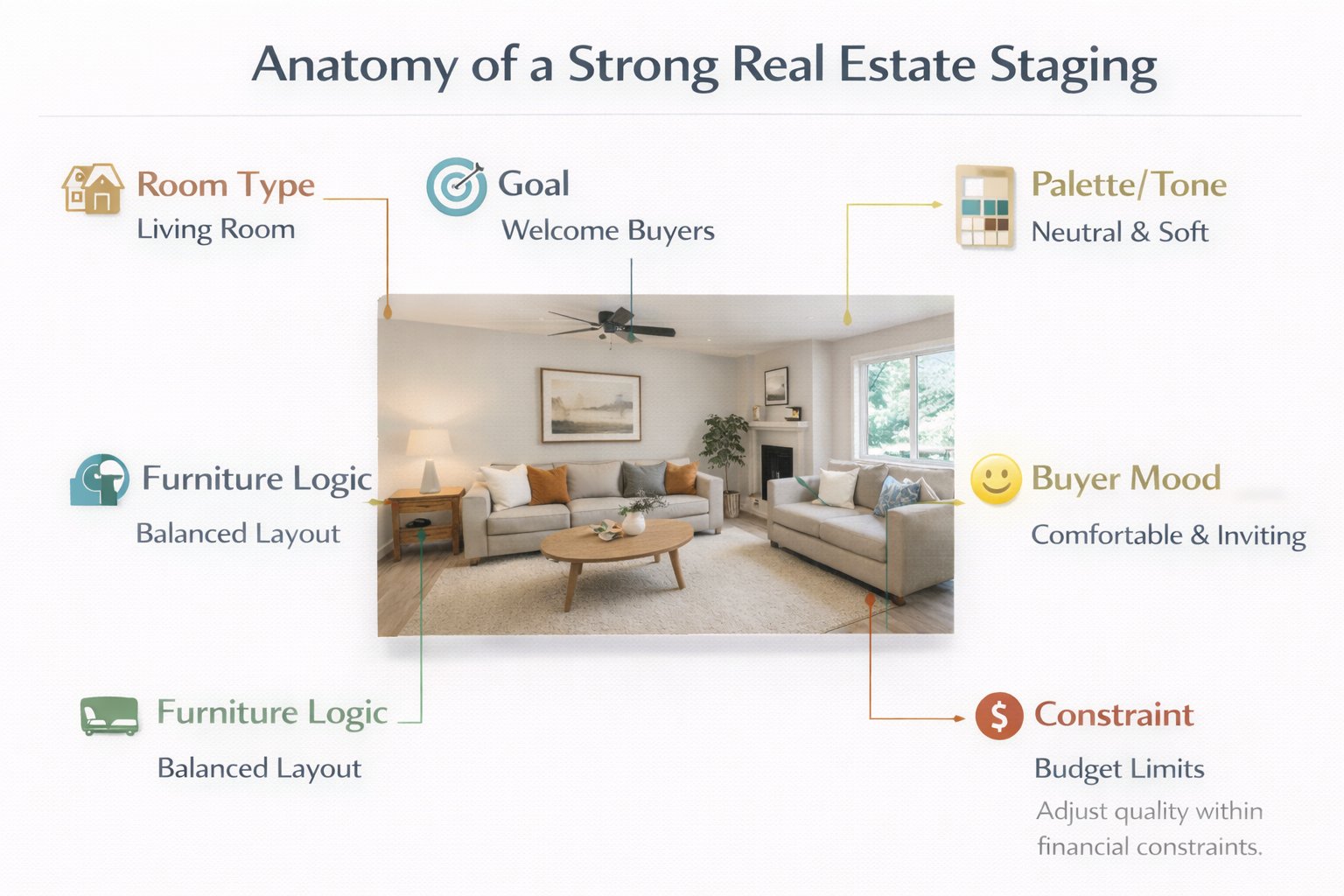
A practical real estate prompt structure
[Room type] + [Goal] + [Furniture logic] + [Palette / style tone] + [Buyer mood] + [Constraint]
What to define clearly
Room type — living room, bedroom, office, guest room, dining space, studio, family room.
Goal — stage empty room, refresh outdated room, clarify room purpose, brighten the space, improve listing appeal.
Furniture logic — sofa grouping, bed-centered setup, desk zone, dining anchor, compact layout.
Palette / tone — light neutral, clean warm modern, restrained Scandinavian, soft contemporary.
Buyer mood — airy, welcoming, move-in-ready, calm, bright, versatile.
Constraint — keep layout, windows, openings, and room proportions unchanged.
Example of a stronger real estate prompt:
Stage this empty bedroom as a bright, buyer-friendly primary bedroom with a centered bed, soft neutral textiles, simple bedside tables, warm light wood accents, and a clean welcoming feel. Keep the room layout, windows, and proportions unchanged.
This works because it defines room purpose, scale logic, mood, and structural control at the same time.
Staging Prompt Cards
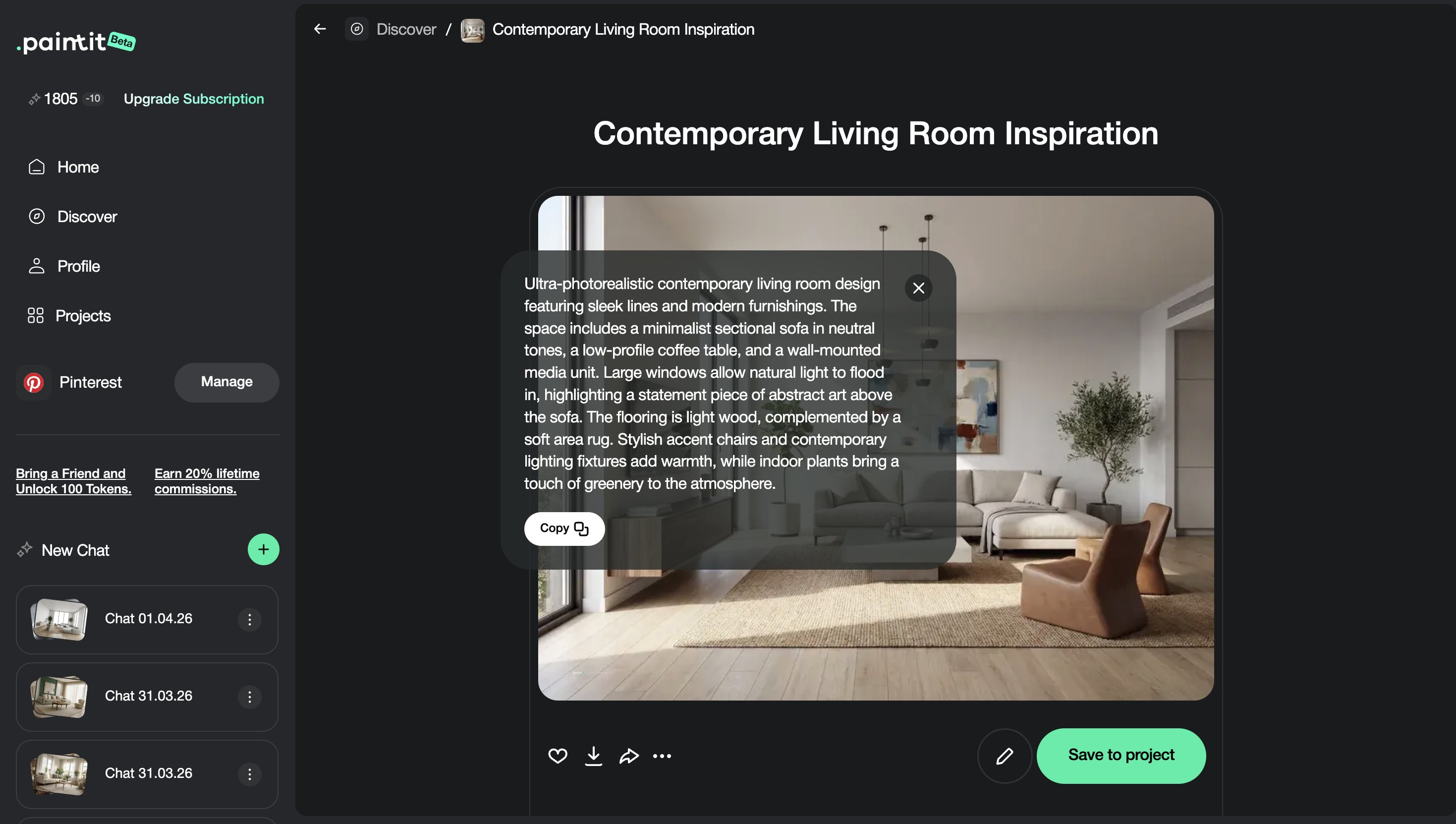
Use these as copy-ready starting points for common real estate listing situations.
Core listing prompt cards
Empty living room staging
Stage this empty living room as a bright buyer-friendly space with a neutral sofa, simple coffee table, soft rug, light wood accents, and a clean welcoming atmosphere. Keep the room layout and openings unchanged.
Primary bedroom staging
Stage this room as a calm primary bedroom with a centered bed, soft neutral bedding, simple bedside tables, restrained styling, and a bright move-in-ready feel. Preserve the room proportions and window positions.
Home office conversion
Turn this room into a clean home office with a desk, storage, comfortable chair, light neutral palette, and a bright productive atmosphere. Keep the room structure unchanged.
Refresh prompt cards
Dated room refresh
Refresh this room with lighter finishes, cleaner furniture language, restrained decor, and a brighter more buyer-friendly atmosphere while keeping the room layout unchanged.
Exterior listing refresh
Refresh this house exterior with a cleaner facade palette, stronger entry emphasis, and restrained landscaping while keeping the building shape, roofline, and windows unchanged.
Best practice: in listings, clarity almost always matters more than design bravado.
How to Compare Listing Versions
The most useful comparison set usually answers different buyer-positioning questions.
Instead of saving many similar images, compare a few versions that each have a clear marketing role.
A useful comparison framework
Version 1 — safest broad-appeal staging
Version 2 — warmer and more lifestyle-led
Version 3 — slightly more premium or aspirational
Version 4 — clearest functional winner
This makes internal decisions faster and helps align visual strategy with the target buyer profile.
Advanced Tips for Agents and Stagers
These technical habits usually improve trust and performance at the same time.
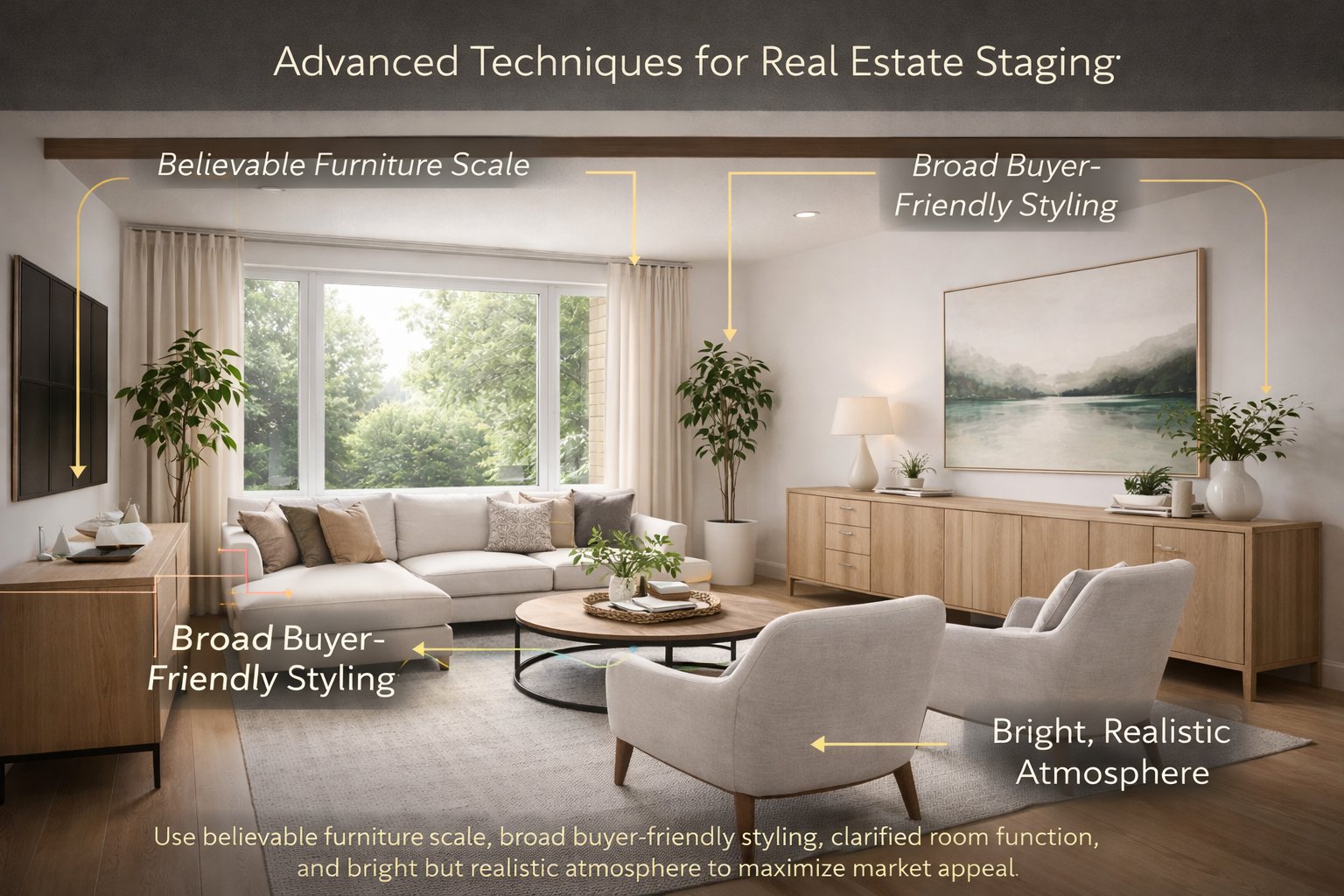
Tip 1 — Use honest furniture scale
If the room looks oversized because the furniture is too small, the staging becomes less credible.
Tip 2 — Stage for broad appeal, not personal taste
Neutral, warm, clean concepts often perform better than overly characterful styling in listing contexts.
Tip 3 — Solve ambiguity first
If a room is confusing, use staging to define purpose before trying to make it more stylish.
Tip 4 — Brighten carefully
Buyers usually respond well to brighter rooms, but the visual should still keep realistic shadow and depth.
Tip 5 — Preserve trust in the actual property
The best visualizations feel like a believable best-case version of the real room, not a completely different home.
In real estate, stronger visuals are useful only when they still feel trustworthy.
Frequently Asked Questions
What is the best use of Paintit.ai for real estate?
Usually staging empty rooms, clarifying room purpose, refreshing outdated spaces, and making listing visuals easier for buyers to understand.
Should listing visuals be very stylish?
Usually not too much. Cleaner, more believable, broadly appealing staging usually works better than highly specific taste-driven concepts.
What is the biggest real estate mistake with AI visuals?
Creating something attractive but less believable than the actual property. When trust drops, usefulness drops too.
Should I preserve the room layout?
In most cases, yes. Keeping the real room structure usually produces more credible staging visuals.
How many versions should I compare?
Usually three to four strategically different directions are enough before choosing the strongest one.
Can Paintit.ai help with listing exteriors too?
Yes. It is useful for curb-appeal refreshes, cleaner facade comparisons, and more readable exterior presentation.
Stage Your Listing
Turn empty or dated spaces into clearer, more buyer-friendly listing visuals and help people understand the property faster.
Related articles
Trending
Best Qbiq Alternatives for Layout Optimization & High-End Visualization
How Real Estate Agents and Stagers Can Use Paintit.ai
How Interior Designers Can Use Paintit.ai for Faster Client Concepts
How to Visualize Commercial Spaces with Paintit.ai
How to Redesign a Home Exterior with Paintit.ai
Related articles
7 min read
How to Create Organic Minimalism with Curved Furniture and Soft Shapes
Learn how to create organic minimalism with curved furniture, soft shapes, and natural textures. Explore palettes, materials, and visualize it with Paintit.ai.
Yulii Cherevko
CEO paintit.ai

9 min read
Best Qbiq Alternatives for Layout Optimization & High-End Visualization
Compare the best Qbiq alternatives for AI space planning and interior visualization in 2026. Find the right tool for architects, designers, and agents.
Yulii Cherevko
CEO paintit.ai
9 min read
How Real Estate Agents and Stagers Can Use Paintit.ai
Learn how real estate agents and stagers can use Paintit.ai to stage empty rooms, refresh dated listings, clarify room purpose, and create more believable buyer-friendly visuals faster
Yulii Cherevko
CEO paintit.ai

9 min read
How Interior Designers Can Use Paintit.ai for Faster Client Concepts
Learn how interior designers can use Paintit.ai to build faster concept directions, compare options, improve client communication, and structure revisions without losing design control
Yulii Cherevko
CEO paintit.ai

9 min read
How to Visualize Commercial Spaces with Paintit.ai
Learn how to visualize commercial spaces with Paintit.ai using better zoning logic, stronger brand alignment, realistic seating and circulation, and more believable retail, office, cafe, and hospitality concepts
Yulii Cherevko
CEO paintit.ai

9 min read
How to Redesign a Home Exterior with Paintit.ai
Learn how to redesign a home exterior with Paintit.ai using better facade logic, cleaner material systems, realistic curb-appeal upgrades, stronger prompt control, and more believable exterior concepts
Yulii Cherevko
CEO paintit.ai