
11 min. reading
AI in Interior Architecture: Your Ultimate Design Partner, Not a Disruptor

Yulii Cherevko
CEO paintit.ai

Page Contents:
- 1. What AI in Interior Architecture means (plain English)
- 2. Why it matters now (the real driver)
- 3. How it works (under the hood, in human terms)
- 4. A repeatable workflow (step-by-step)
- 5. Real-life scenario (show, don’t tell)
- 6. Where Paintit.ai fits (practical application)
- 7. Common mistakes (and how to avoid them)
- 8. FAQ
The world of interior architecture is evolving, and at its forefront is the transformative potential of AI in Interior Architecture. Far from being a force that displaces human creativity, Artificial Intelligence is emerging as an indispensable design partner. It’s a sophisticated tool that amplifies vision, streamlines complex processes, and empowers both seasoned architects and enthusiastic homeowners to explore and refine design concepts with unprecedented ease and speed. Ready to see how AI can elevate your next project? Explore the possibilities and visualize your dream space instantly with Paintit.ai’s innovative tools at Paintit.ai.
Key Takeaways:
- AI acts as a powerful co-pilot for architects and designers, enhancing creativity and efficiency.
- Generative AI and advanced rendering tools accelerate concept development and client visualization.
- Tools like Paintit.ai allow users to visualize design changes directly in their own spaces *before* implementation.
- AI streamlines the architectural workflow, from initial concept to final presentation.
- Exploring various design styles (Minimalist, Biophilic, Japandi, Industrial) is made easier and more visual with AI.
- Successful integration requires combining AI insights with human expertise and physical material verification.
- AI democratizes sophisticated design visualization, making it accessible to professionals and homeowners alike.
What AI in Interior Architecture means (plain English)

AI in interior architecture refers to the application of artificial intelligence technologies to assist in, and enhance, the design and visualization of indoor spaces. This involves using algorithms and machine learning models to generate design concepts, create realistic renderings, analyze spatial data, and even suggest material palettes.
It is not about a machine replacing a human architect or designer. Instead, think of it as an advanced co-pilot that handles the heavy lifting of repetitive tasks, provides rapid visual feedback, and offers new perspectives.
Two common misconceptions stand out:
- AI makes all designs look the same: On the contrary, advanced generative AI for architects can produce an almost infinite number of unique variations based on specific inputs and styles, pushing creative boundaries beyond what a single human designer might conceive in the same timeframe.
- AI is only for tech-savvy professionals: Modern AI architecture design tools, like those at Paintit.ai, are designed with intuitive interfaces, making them accessible to anyone from professional designers to homeowners looking to remodel.
Why it matters now (the real driver)
The pace of design projects has accelerated, driven by tight deadlines, demanding client expectations, and the need for rapid iteration. This environment creates significant pressure on design firms and individual practitioners. Traditional design workflows often involve time-consuming manual rendering, multiple rounds of revisions, and the challenge of accurately conveying a vision to a client who may struggle with abstract concepts.
AI addresses these pain points directly:
- Time-to-Visualization: AI rendering software drastically reduces the time from concept to realistic visual. This means quicker internal reviews and faster client presentations.
- Iterative Design: Experimenting with multiple layouts, color schemes, or material combinations, which would take hours manually, can be done in minutes with AI-powered concept generation. This allows for more thorough exploration and refinement.
- Reduced Approval Cycles: When clients can see exactly what a space will look like with high fidelity, misunderstandings decrease, leading to fewer revisions and quicker approvals.
- Cost Efficiency: By streamlining early-stage visualization and iteration, design firms can allocate resources more effectively, reducing man-hours spent on non-creative tasks.
- Workflow Friction: AI integrates into existing architectural AI workflows by automating tedious parts of the process, freeing designers to focus on complex problem-solving, custom details, and client relationships.
How it works (under the hood, in human terms)
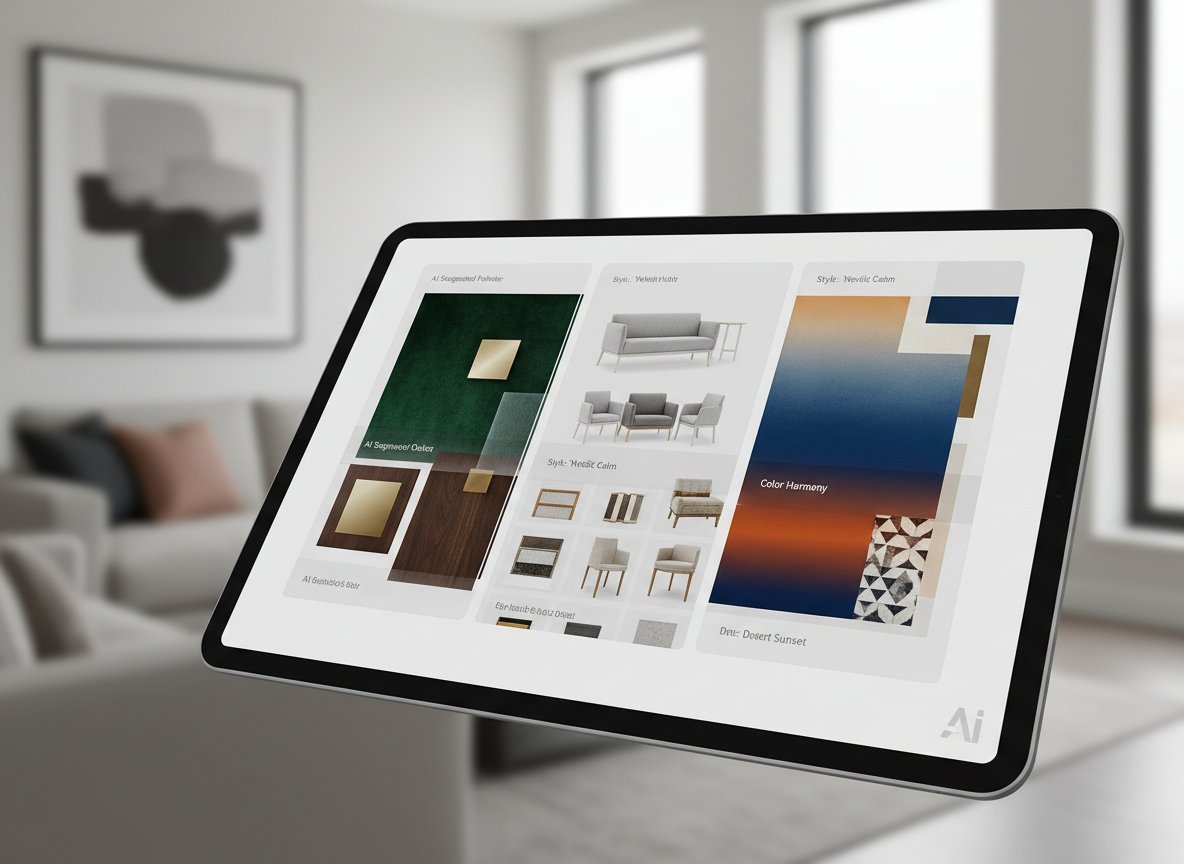
At its core, AI in interior architecture functions as an intelligent pipeline that transforms input into visual and conceptual outputs.
- Inputs: It starts with data. This could be an existing photograph of a room, a simple text description (e.g., "a minimalist living room with natural light"), a mood board, or even a basic 2D floor plan. The more specific the input, the more tailored the output.
- Constraints & Style: The user defines parameters like preferred style (e.g., Japandi, Industrial), color palette, material preferences (e.g., wood, concrete, glass), or functional requirements (e.g., add a home office nook). The AI then draws upon vast datasets of architectural styles, furniture, and materials it has learned from.
- Generation: Using algorithms, often based on neural networks (like Generative Adversarial Networks or Diffusion Models for generative AI for architects), the AI generates new design variations. It learns patterns from millions of images and concepts, then applies these patterns to create novel combinations that adhere to the user's constraints and desired style.
- Selection & Refinement: The user reviews the generated options, selecting preferred designs or elements. This is where human expertise re-enters the loop, guiding the AI toward the optimal solution.
- Iteration: Based on user feedback, the AI refines its output. For example, if a user likes a layout but wants a different wall texture, the AI can re-render that specific detail, allowing for rapid, targeted adjustments.
What data matters: The quality and diversity of the training data heavily influence the AI's capabilities. A system trained on a broad range of architectural styles, real-world material textures, lighting conditions, and spatial arrangements will produce more nuanced and realistic results.
Typical failure modes:
- Unrealistic physics/geometry: Sometimes AI might generate objects that defy gravity or are incorrectly scaled for the space.
- Aesthetic inconsistencies: While powerful, AI can occasionally miss subtle stylistic nuances, mixing elements from different styles in an unharmonious way if not properly guided.
- Lack of human context: AI cannot understand the emotional connection a client has to a specific antique or the practical implications of a toddler-proof home without explicit human instruction.
Tools like Midjourney, Stable Diffusion, DALL-E, and Paintit.ai's suite leverage these principles to offer tailored solutions for architectural visualization.
A repeatable workflow (step-by-step)
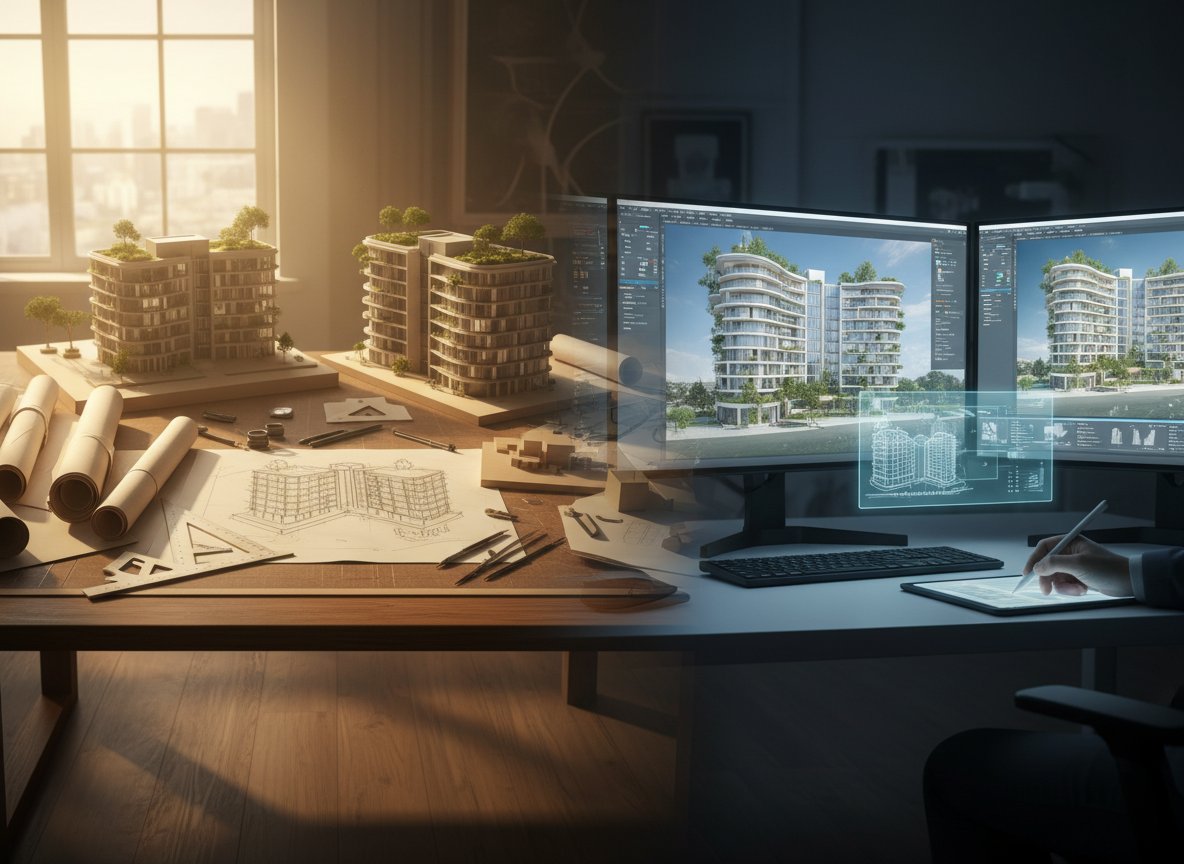
This workflow focuses on rapid iteration and controlled variables to achieve specific design outcomes using architectural AI workflow principles.
- Initial Concept Generation:
- Input: Existing room photo or a rough sketch, plus a text prompt describing the desired style and function (e.g., "modern industrial living room, exposed brick, large sofa").
- Control: Focus solely on broad style and mood.
- Output: Multiple style variations of the room.
- Paintit.ai shortcut: Use the AI Concept Generator to quickly explore diverse stylistic directions.
- Pro tip: Don't get attached to the first few options. Generate widely to understand the AI's interpretation of your prompt.
- Layout Exploration (one variable):
- Input: Your chosen base concept from Step 1.
- Control: Change only the furniture layout or major spatial elements (e.g., add an island, reorient sofa). Keep materials and colors consistent for now.
- Output: Variations showing different furniture arrangements within the selected style.
- Paintit.ai shortcut: Use the AI Room Design tool to generate multiple furniture layouts for your space.
- Material & Color Palettes (one variable):
- Input: Your preferred layout from Step 2.
- Control: Now, focus on specific wall colors, flooring materials, or furniture finishes. Keep the layout fixed.
- Output: Renderings with diverse material and color schemes.
- Pro tip: Test combinations you might not instinctively choose. AI can uncover unexpected harmonies.
- Lighting & Mood Refinement (one variable):
- Input: Your favorite material and color scheme from Step 3.
- Control: Adjust lighting conditions (e.g., "bright daytime," "warm evening glow," "dramatic spotlights") or add specific fixtures.
- Output: The same design under different lighting scenarios.
- Paintit.ai shortcut: Use AI Rendering to refine lighting and materials.
- Detailed Object Placement & Styling (one variable):
- Input: Your most refined design from Step 4.
- Control: Add or remove specific decor items, artworks, or small furniture pieces.
- Output: The room with specific styling elements.
- Final Review & Physical Samples:
- Input: Your chosen AI-generated design.
- Control: N/A (human review).
- Output: A confirmed vision, ready for implementation, cross-referenced with physical samples.
- Pro tip: AI can simulate textures and colors, but real-world lighting and touch are irreplaceable. Always get physical samples.
| Step | Input | What to Control | Output | Pitfall | Paintit.ai shortcut |
|---|---|---|---|---|---|
| 1. Concept Ideation | Room photo + Text prompt | Overall style, mood | Diverse style variations | Losing creative direction | Use AI Concept Generator. |
| 2. Layout Planning | Selected concept | Furniture arrangement, zones | Multiple layout options | Unrealistic scale or flow | Use AI Room Design for layout options. |
| 3. Material & Color | Preferred layout | Wall colors, flooring, fabrics | Renderings with palette variations | Inconsistent aesthetic or clash | Use AI Room Painter for wall colors. |
| 4. Lighting Refinement | Chosen materials/colors | Light source, intensity, mood | Design under different lighting | Flat or uninviting atmosphere | Use AI Rendering to adjust lighting. |
| 5. Detail Placement | Refined lighting design | Decor, art, small objects | Styled room with accessories | Over-cluttering or sparse feel | Use AI Concept Generator for decor ideas. |
Real-life scenario (show, don’t tell)
Brief: A couple wants to transform their existing, somewhat dated, 15x20ft living room into a serene, minimalist Japandi-style retreat. They are concerned about making the space feel too stark and want to ensure it remains inviting.
Constraints:
- Existing hardwood floors (medium tone) must remain.
- Large window facing east provides morning light.
- Budget allows for new paint, a sofa, coffee table, and minimalist shelving.
Steps:
- Capture & Upload: The couple uploads a clear photo of their current living room into Paintit.ai.
- Japandi Concept Generation: They use the AI Concept Generator, prompting for "Japandi living room with existing hardwood floors, focus on natural light." The AI returns several variations. They select one that best balances Japanese simplicity with Scandinavian warmth.
- Layout Experimentation: With the Japandi style set, they use AI Room Design to experiment with furniture placement. They try a low-profile sectional against the longest wall, then a smaller sofa with two armchairs. They refine until they find a layout that optimizes flow and conversation zones.
- Color & Material Play: They apply wall colors like warm off-white and soft gray using AI Room Painter. They visualize a light oak coffee table and a linen-textured sofa in various muted tones (greige, soft sage). They ensure the new elements complement the existing hardwood.
- Subtle Lighting: They iterate on lighting, trying a simple rice paper pendant light and a clean-lined floor lamp, visualizing how they cast a soft, diffused glow in the morning and evening.
- Client Confidence: Seeing their actual room transformed through these iterative AI renderings gives them the confidence to proceed with specific purchases and paint choices, knowing the design will feel cohesive and inviting, not stark.
Success Criteria: The couple achieved a Japandi living room that feels serene, uncluttered, and maintains a warm, inviting atmosphere, all visualized and validated within their actual space.
Where Paintit.ai fits (practical application)
Paintit.ai serves as a crucial bridge between abstract design ideas and tangible, visual realities. It is fastest and most effective when you need:
- Rapid Concept Visualization: Instantly generate multiple design variations (styles, layouts, materials) for a single room photo. This eliminates hours of manual sketching or 3D modeling for initial exploration.
- "Try-On" Design Confidence: Its core strength lies in allowing you to upload your own room photo and see immediate, realistic changes. This is invaluable for validating color choices, furniture scale, and overall aesthetic before any physical changes are made.
- Client Presentation Enhancement: High-fidelity renderings make client presentations more engaging and reduce ambiguity, leading to quicker decisions.
- Overcoming Creative Blocks: When stuck for ideas, an AI-powered concept generation tool can provide fresh perspectives and unexpected combinations.
- Quick Material & Color Swaps: Rapidly test different wall paint colors, flooring options, or furniture upholstery directly in the context of your room.
However, Paintit.ai, like all AI tools, enhances human work—it does not replace it entirely. You still need manual work for:
- Precise Measurements: While AI can render accurately, precise measurements for custom cabinetry, furniture fit, or construction planning still require a tape measure and human eye.
- Structural Constraints & Permits: AI cannot assess the structural integrity of a wall, identify load-bearing elements, or navigate local building codes and permit processes. These require licensed professionals.
- Detailed Construction Drawings: For contractors to execute a design, detailed 2D plans, elevations, and construction documents are essential, which go beyond AI's visualization capabilities.
- Material Sourcing & Physical Touch: AI can simulate textures and colors, but the nuanced feel, exact shade under natural light, and durability of physical materials must be experienced in person.
In essence, Paintit.ai streamlines the creative and visualization phases, allowing architects and designers to iterate faster and present with more confidence, while reserving their expertise for the complex, physical realities of building and design.
| Option | Best for | Time (Est.) | Cost (Est.) | Risk | Notes |
|---|---|---|---|---|---|
| DIY with Paintit.ai | Homeowners, rapid concept testing | Minutes to hours | Low | Aesthetic misalignment (without samples) | Immediate visualization, high iteration speed. |
| Designer + Paintit.ai | Professionals, complex projects | Hours to days | Medium-High | Limited client feedback early-on | AI enhances designer efficiency, improves client understanding. |
| Designer (Traditional) | Custom solutions, unique challenges | Days to weeks | High | Time-consuming revisions | Deep expertise, but slower visualization. |
| Full Architectural Firm | Structural changes, new builds | Weeks to months | Very High | Miscommunication on details | Comprehensive service, covers permits and engineering. |
Common mistakes (and how to avoid them)
- Over-reliance on AI without human oversight:
- Fix: Always review AI outputs with a critical eye, applying your design principles and understanding of client needs.
- Check next: Does the design truly reflect the client's brief and personal style, or is it merely a generic AI interpretation?
- Neglecting physical material samples:
- Fix: Use AI for conceptualization, then obtain physical samples of paint, fabric, and flooring. See how they appear in your space under natural and artificial light.
- Check next: Do the actual samples match the AI rendering's color and texture fidelity?
- Ignoring spatial context (measurements, existing features):
- Fix: Always input accurate room dimensions and clearly define fixed elements (windows, doors, built-ins) into the AI tool.
- Check next: Are furniture pieces scaled correctly? Is there adequate clearance for movement?
- Treating AI as a magic button, not a collaborative tool:
- Fix: Engage with the AI iteratively. Provide specific prompts, refine based on outputs, and guide it toward your vision.
- Check next: Am I actively shaping the AI's output, or just accepting its first suggestions?
- Focusing only on aesthetics, overlooking functionality:
- Fix: While AI can generate beautiful visuals, always overlay functional requirements like storage, flow, and ergonomics.
- Check next: Does the design work for daily living? Is there enough practical storage?
- Inconsistent style prompts:
- Fix: Be clear and consistent with your style direction in prompts. If you want Japandi, don't mix in "bohemian" elements unintentionally.
- Check next: Does the AI output maintain a cohesive stylistic language across all elements?
- Not understanding AI's limitations:
- Fix: Recognize that AI is excellent for visualization and iteration but cannot replace structural engineering, local code knowledge, or the nuanced psychology of client relationships.
- Check next: Am I trying to get the AI to do something beyond its current capabilities (e.g., provide exact structural calculations)?
- Poor quality input photos:
- Fix: Upload well-lit, clear, straight-on photos of your space, free of clutter if possible, for the most accurate AI Room Design results.
- Check next: Is the input image high-resolution enough for the AI to render details clearly?
FAQ
Q: Will AI replace interior architects and designers?
A: No, AI is designed to be a powerful assistant. It automates repetitive tasks, speeds up visualization, and generates ideas, freeing up designers to focus on creativity, client needs, and complex problem-solving. The human touch in understanding client nuances and aesthetic judgment remains crucial.
Q: How accurate are AI design renderings?
A: AI rendering software like those offered by Paintit.ai provides highly realistic visualizations. While they aim for accuracy, factors like specific lighting conditions in your actual room and the exact texture of physical materials can introduce slight variations. They are best used for conceptualizing and comparing options.
Q: Can I use AI to design a room if I'm not a professional architect?
A: Absolutely. Tools like Paintit.ai are designed for homeowners too. You can upload photos of your space, experiment with different styles and colors, and get design inspiration and visualization without needing specialized software skills.
Q: What's the difference between AI architecture design tools and traditional design software?
A: Traditional software (like CAD) requires manual input and skill to create detailed models. AI tools, particularly generative ones, can create multiple design concepts, variations, and realistic renderings from simpler prompts or even existing photos, significantly speeding up the ideation and visualization phases.
Q: How do I ensure an AI-generated design looks good in my actual home?
A: The key is using AI tools that work with your own photos, such as Paintit.ai. By uploading images of your specific room, you can test designs directly, seeing how colors, layouts, and styles interact with your existing architecture, light, and dimensions. Always supplement with physical material samples.
Q: Can AI help with specific design styles like Biophilic or Japandi?
A: Yes, AI is particularly adept at interpreting and generating designs in specific styles. By providing clear prompts for "Biophilic bedroom" or "Japandi living room," the AI can draw upon its training data to suggest appropriate materials, colors, and layouts characteristic of those aesthetics. You can explore more style ideas on the Paintit.ai blog.
Prompt Templates
"Redesign this living room in a Japandi style with a low-profile sofa, light wood accents, and diffused lighting."
"Generate a minimalist bedroom concept. Walls in soft grey, platform bed, and integrated storage. Bright natural light."
"Transform this kitchen into a modern industrial space. Exposed brick accent wall, black metal shelving, concrete countertops."
"Visualize a biophilic home office. Focus on abundant plant life, natural wood desk, and a view of greenery. Warm, indirect lighting."
"Change the wall color of this dining room to a deep forest green. Add a rustic wooden dining table and pendant lighting."
"Redo this entryway with bright white walls, a simple console table, and abstract art for a clean, modern look."
AI in interior architecture is not a futuristic concept; it is a present-day reality enhancing the design process for everyone. By embracing AI as a collaborative partner, designers and homeowners alike can unlock new levels of creativity, efficiency, and confidence in bringing their visions to life.
Ready to start designing your next space with AI? Explore the possibilities and visualize your dream space instantly. Try Paintit.ai today.
Trending
Agentic AI in Furniture E-commerce: The Post-Search Future for Retailers
7 Best HomeDesignsAI Alternatives in 2026: Detailed Review & Comparison
How to Use AI to Decorate a Room: Your Visual Design Partner
Dopamine Decor Trend: How to Design a Home That Sparks Joy
AI Tools for Generating Interior Design Mockups for Real Estate Listings Automation: Top Picks in 2026
Related articles

11 min read
AI in Interior Architecture: Your Ultimate Design Partner, Not a Disruptor
Master AI in interior architecture. Learn how generative AI streamlines workflows, accelerates rendering, and enhances client visuals. Start designing now!
Yulii Cherevko
CEO paintit.ai

9 min read
Agentic AI in Furniture E-commerce: The Post-Search Future for Retailers
Explore how Agentic AI and shopping agents revolutionize furniture e-commerce. Learn to optimize catalogs and boost conversions in the post-search era
Yulii Cherevko
CEO paintit.ai
8 min read
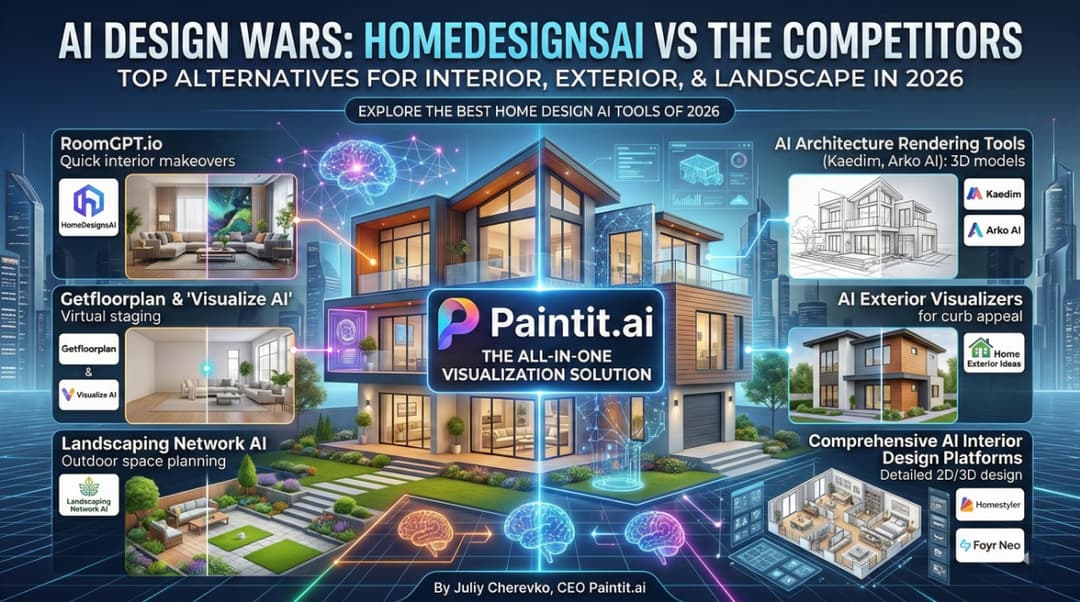
7 Best HomeDesignsAI Alternatives in 2026: Detailed Review & Comparison
Discover the best HomeDesignsAI competitors in 2026. Compare Paintit.ai, RoomGPT, and pro tools to find your perfect fit. Start visualizing your ideas now!
Yulii Cherevko
CEO paintit.ai
12 min read
How to Use AI to Decorate a Room: Your Visual Design Partner
Learn how to use AI to decorate a room effortlessly. Upload a photo, test styles, and visualize your dream space with Paintit.ai. Try it today!
Yulii Cherevko
CEO paintit.ai
5 min read
Dopamine Decor Trend: How to Design a Home That Sparks Joy
Discover the Dopamine Decor trend! Learn how to use vibrant colors, nostalgia, and neuroaesthetics to design a home that sparks joy and boosts your mood
Yulii Cherevko
CEO paintit.ai
11 min read
AI Tools for Generating Interior Design Mockups for Real Estate Listings Automation: Top Picks in 2026
Discover top AI tools for generating interior design mockups. Learn how to automate real estate listings, boost CTR, and save 90% on staging costs with AI
Yulii Cherevko
CEO paintit.ai