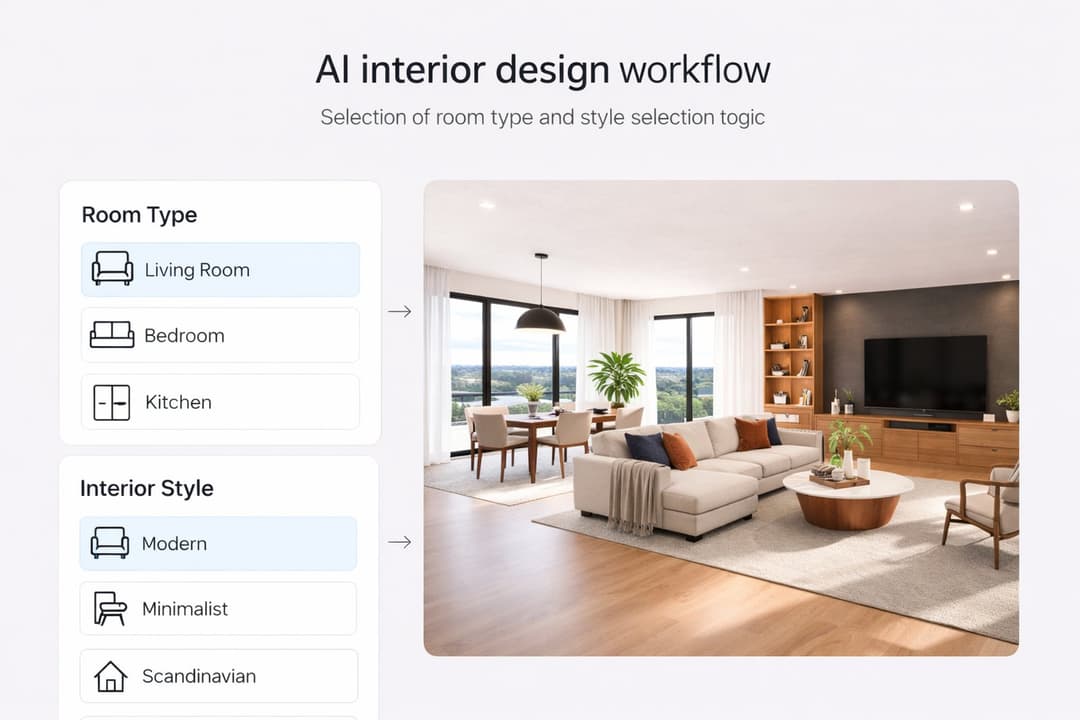
14 min. reading
Stager AI Alternatives & Competitors in 2026: Full Review

Yulii Cherevko
CEO paintit.ai

Page Contents:
- 1. Key Takeaways
- 2. Introduction
- 3. Types of AI tools in this category
- 4. Comparison table
- 5. Top Target Competitor alternatives in 2026
- 6. Detailed feature comparison (Buyer-centric)
- 7. Professional tools for advanced users
- 8. Strategic recommendations (Decision framework)
- 9. The ultimate hybrid workflow
- 10. Managing expectations
- 11. FAQ
- 12. Conclusion
Key Takeaways
- Paintit.ai offers a rapid, intuitive try-on workflow for virtual staging, letting users explore styles before committing.
- Stager AI alternatives provide diverse options for speed, realism, and creative control in virtual property visualization.
- Real estate agents benefit most from tools prioritizing speed and broad appeal, while designers seek customization and high fidelity.
- Evaluating tools based on rendering quality, style variety, and pricing models is crucial for a successful switch.
- The best AI staging tool for high-volume listings balances efficiency with consistent, professional-grade output.
- Understanding current AI limitations ensures realistic expectations for automated design and staging processes.
Introduction
The real estate market demands compelling visuals, and AI virtual staging tools are transforming how properties are presented. For agents, designers, and homeowners alike, showcasing a property's potential is vital for attracting buyers. If you're currently using a platform like Stager AI and find yourself wanting more speed, control, or different aesthetic options, exploring Stager AI alternatives is a smart move. This comprehensive review examines leading AI staging software, guiding you to a solution that combines stunning visuals with efficiency. Discover how platforms like Paintit.ai innovate the space, enabling you to visualize and perfect any property listing with unprecedented speed and creativity, offering a distinct try-on workflow where you upload a photo, explore styles, and preview results.
We included these competitors: Paintit.ai, VirtualStagingAI, Collov AI, Planner 5D, Reimagine Home AI, and Apply Design.
Types of AI tools in this category
AI virtual staging tools fall into several categories, each designed for specific user needs and workflow preferences.
Instant Visualizers
These tools prioritize speed and ease of use. Users upload an empty room photo, select a style, and the AI generates a staged image within seconds or minutes. They are ideal for quick listing enhancements and users with minimal design experience. Quality can vary, but the emphasis is on rapid turnaround.
Advanced Design Generators
Beyond basic staging, these platforms offer more creative control. They might allow for specific furniture selections, material changes, or advanced scene adjustments. While still AI-powered, they cater to users who want to refine the AI's output to better match a specific vision or property aesthetic.
Hybrid Workflow Facilitators
Some tools excel as part of a larger design process. They might generate initial concepts or staged visuals that can then be exported for further manual refinement in traditional photo editing or 3D software. This combines AI's speed with human oversight for highly polished results.
Full-Service Virtual Staging Platforms
These platforms often offer both DIY AI tools and professional services, where human designers review and fine-tune AI outputs or handle complex projects from scratch. They provide a spectrum of options, from fully automated to fully bespoke, depending on the client's needs and budget.
Comparison table
| Primary Use Case | Input Method | Strengths | Limitations | Example Tools | Best User |
|---|---|---|---|---|---|
| Rapid Visual Staging | Photo Upload | Speed, ease of use, cost-effective | Less customization, potential for generic results | Paintit.ai, VirtualStagingAI, Reimagine Home AI | Real Estate Agents, Homeowners |
| Creative Interior Design | Photo/Floor Plan Upload | Style versatility, detailed design options | Steeper learning curve, potentially higher cost | Collov AI, Planner 5D, Apply Design | Interior Designers, Homeowners |
| Photorealistic Rendering | Photo Upload | High realism, accurate lighting | Slower processing, less room for iteration | Aixploria Virtual Staging AI, specific Paintit.ai renders | Architects, Luxury Real Estate |
| Concept & Style Exploration | Photo Upload/Text Prompt | Diverse styles, quick ideation | May require refinement, not always "final" | Paintit.ai (with its try-on workflow), Collov AI | Design Enthusiasts, Initial Concepting |
| High-Volume Property Listing | Photo Upload | Consistency, scalable, bulk processing | Limited unique design elements | VirtualStagingAI, specialized agency platforms | Real Estate Agencies, Property Developers |
Top Target Competitor alternatives in 2026
Paintit.ai - The Try-On Visualization Engine

Paintit.ai differentiates itself by offering a unique try-on workflow, allowing users to upload a photo of their space and experiment with various design styles and virtual staging options before making any commitments. This iterative approach ensures that the final staged image perfectly aligns with the user's vision or the property's target aesthetic, providing flexibility that many other tools lack. If you are looking to quickly visualize multiple design possibilities and iterate on ideas, Paintit.ai provides an efficient and creative starting point.
- Best for: Homeowners, real estate agents, and designers seeking rapid visualization, creative exploration, and a flexible try-on approach before finalizing staging.
- Key features: Instant virtual staging, extensive style library, one-click redesign, AI-powered object removal, before-and-after comparisons, rapid style application.
- Pros:
- Highly intuitive and user-friendly interface.
- Fast image generation for quick ideation.
- Diverse range of modern and classic staging styles.
- Allows for iterative design adjustments.
- Excellent for conceptualizing multiple looks for a single space.
- Cons / limitations:
- May require higher-resolution input photos for best results.
- Advanced 3D modeling for highly custom furniture is not its primary focus.
- Pricing: Varies-check the official site for subscription tiers.
- Try-on tip: Upload an empty room photo, then use Paintit.ai's "Modern Minimalist" style to instantly see a transformation. Experiment with 2-3 other styles like "Coastal Chic" or "Bohemian" to understand the AI's versatility. For more detailed room work, check out Paintit.ai/tools/ai-virtual-staging.
- If you choose this over others: You prioritize rapid conceptualization, a vast style library, and the ability to test multiple design directions without a significant time investment.
VirtualStagingAI.com - Fast & Functional Staging
VirtualStagingAI.com (representing the core Stager AI concept often found across directories) focuses on providing streamlined, efficient virtual staging solutions primarily for real estate professionals. Unlike Paintit.ai's iterative try-on, VirtualStagingAI.com aims for a direct application of professional staging to enhance listings quickly. If Stager AI feels limited in style options or speed, this platform aims to offer a robust set of standard virtual staging features for vacant properties.
- Best for: Real estate agents and brokers needing quick, standard virtual staging for multiple listings.
- Key features: AI furniture placement, style selection (modern, traditional, industrial, etc.), object removal, photo enhancement.
- Pros:
- Generally fast processing times.
- Designed specifically for real estate use cases.
- Offers essential staging styles.
- Often includes basic photo editing tools.
- Cons / limitations:
- Customization options can be less flexible compared to dedicated design tools.
- Results might sometimes appear generic.
- Limited artistic control over individual furniture pieces.
- Pricing: Varies-check the official site.
- Try-on tip: If you find VirtualStagingAI.com lacks detailed style variations, consider using Paintit.ai first to explore nuanced styles, then apply a broader category using VirtualStagingAI.com.
- If you choose this over others: You need a reliable, high-volume virtual staging service with straightforward options for enhancing vacant property photos quickly.
Collov AI - AI for Creative Interior Design
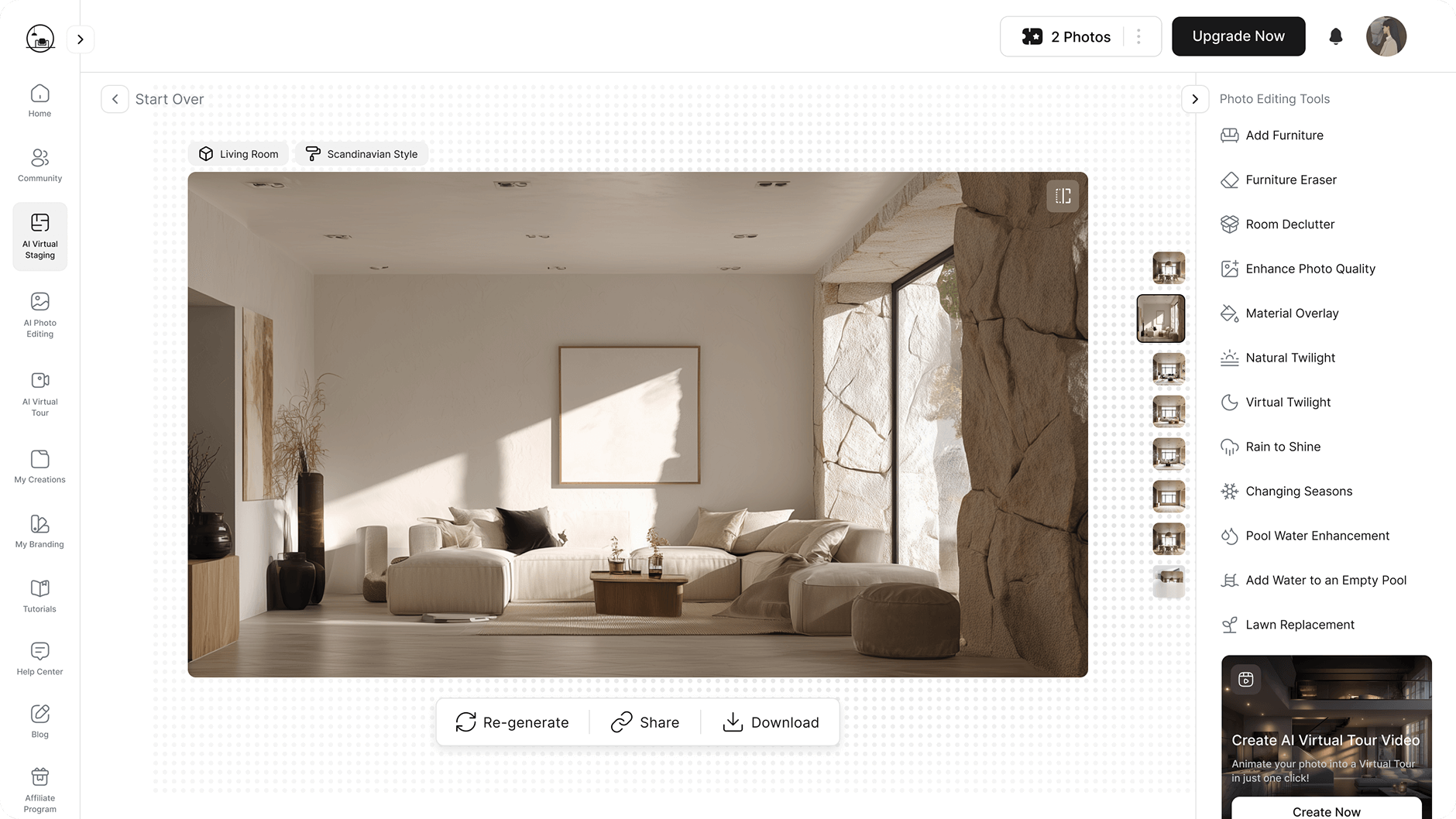
Collov AI extends beyond simple staging, offering more comprehensive AI-powered interior design capabilities. Unlike Stager AI, which might focus solely on furniture placement, Collov AI helps users visualize entire room concepts, including decor, colors, and textures. If you're looking for more creative input and broader design functionality than just basic staging, Collov AI provides a richer environment for design exploration.
- Best for: Interior designers, homeowners, and design enthusiasts who need detailed design suggestions and broader creative control.
- Key features: AI design generation from scratch or existing photos, style mixing, mood board creation, detailed furniture and decor suggestions, smart layout planning.
- Pros:
- Stronger emphasis on holistic interior design.
- Wide range of styles and customization.
- Can generate multiple design iterations.
- Intuitive interface for design novices.
- Cons / limitations:
- May have a steeper learning curve for advanced features.
- Outputs can sometimes require manual adjustment to perfect.
- Pricing: Varies-check the official site.
- Try-on tip: If Collov AI's suggestions don't quite hit the mark, try uploading the base photo to Paintit.ai and iterate through styles to see if a different foundational approach yields better results.
- If you choose this over others: You desire extensive AI-driven design capabilities beyond basic staging, including mood board generation and detailed room planning.
Planner 5D - Interactive 2D/3D Floor Planning and Staging

Planner 5D provides an interactive platform for both 2D floor planning and 3D visualization, integrating virtual staging into a more comprehensive home design ecosystem. Unlike Stager AI's image-based approach, Planner 5D lets users build rooms from scratch or import existing layouts to stage them with an extensive catalog of items. If Stager AI feels too limiting for creating entire room layouts or exploring structural changes, Planner 5D offers more control.
- Best for: Homeowners planning renovations, interior design students, and professionals needing detailed floor plans alongside virtual staging.
- Key features: 2D/3D floor planner, extensive furniture and material catalog, drag-and-drop interface, realistic 3D renderings, virtual tours.
- Pros:
- Offers a complete room design and planning suite.
- Highly interactive and customizable.
- Large library of items to choose from.
- Supports various stages of design, from layout to decor.
- Cons / limitations:
- Requires more manual input than purely AI-driven staging tools.
- Rendering quality might not always match photorealistic AI tools.
- Pricing: Varies-check the official site.
- Try-on tip: Use Paintit.ai to generate initial staging concepts for a real photo, then take those style ideas into Planner 5D to build out a full 2D/3D plan if structural changes or detailed layouts are needed.
- If you choose this over others: You need a tool that combines virtual staging with robust 2D/3D floor planning and a vast interactive furniture catalog for comprehensive design.
Reimagine Home AI - Quick Aspirations for Empty Spaces
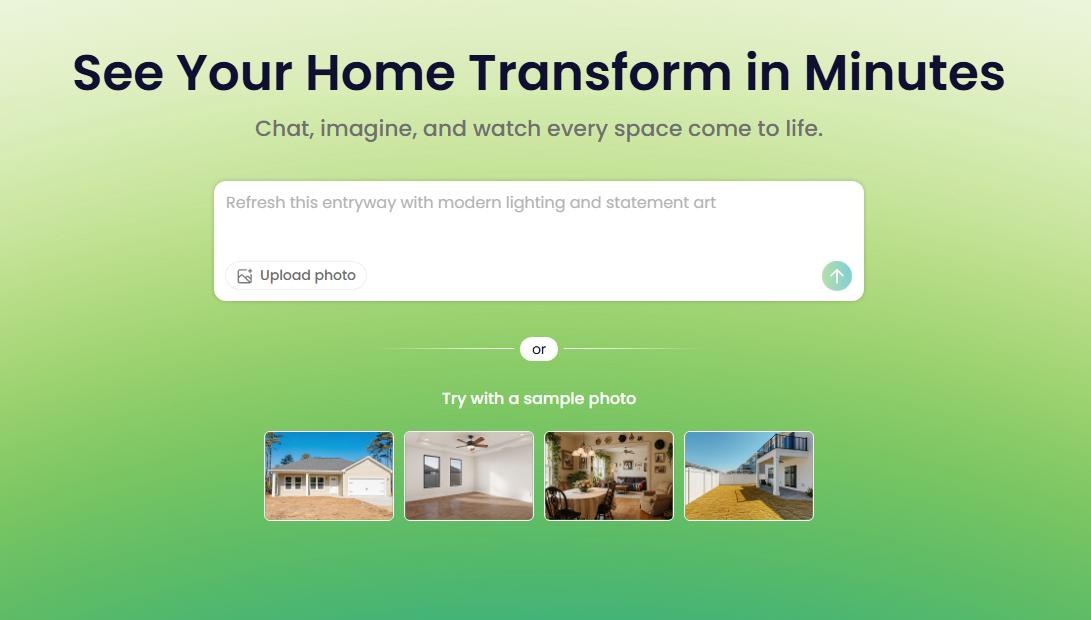
Reimagine Home AI focuses on transforming empty rooms into appealing, virtually staged spaces quickly, often with a focus on contemporary styles. Similar to Stager AI, it aims for speed, but often with a slightly different aesthetic leaning towards aspirational, market-ready looks. If Stager AI's output feels dated or lacks a fresh, modern appeal, Reimagine Home AI might offer the aesthetic refresh you're looking for.
- Best for: Real estate agents and property marketers looking for fast, modern virtual staging with an emphasis on creating an aspirational feel.
- Key features: Fast AI generation, multiple contemporary style options, room recognition, background enhancement, direct integration with property listings (where available).
- Pros:
- Generates appealing, modern staging quickly.
- User-friendly for non-designers.
- Good for showcasing a property's potential to a broad audience.
- Cons / limitations:
- Less control over minute design details.
- Style options may be more limited to popular trends.
- Can sometimes struggle with unusual room layouts.
- Pricing: Varies-check the official site.
- Try-on tip: If Reimagine Home AI offers a style you like but you want to fine-tune specific elements or explore subtle variations, use Paintit.ai to iterate on similar styles with more granular control.
- If you choose this over others: You need quick, visually appealing staging focused on modern aesthetics to make vacant properties feel inviting and ready for move-in.
Apply Design - Polished AI Interior Design & Staging
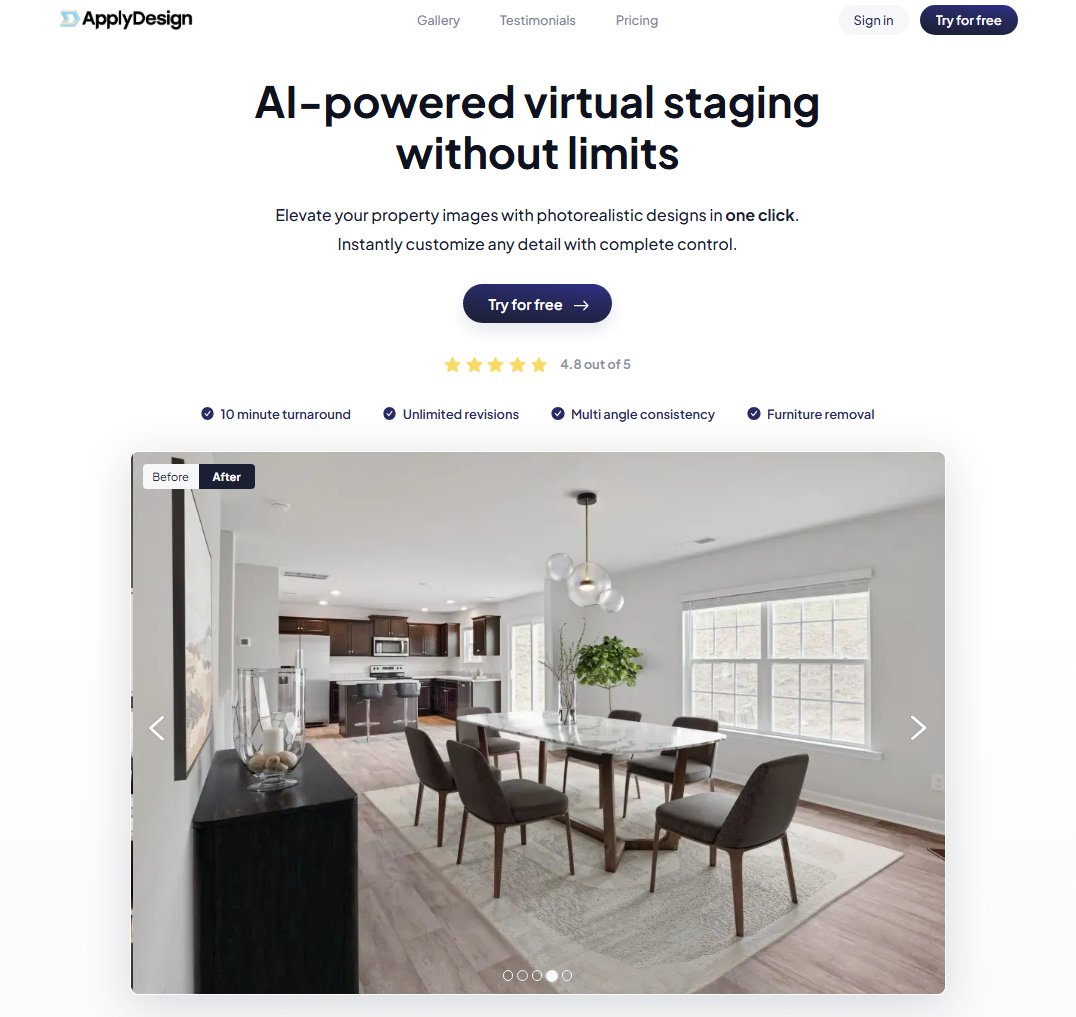
Apply Design leverages AI for interior design suggestions and virtual staging, aiming for a polished and aesthetically consistent result. Unlike many basic Stager AI platforms, Apply Design often includes features that help maintain design coherence across multiple staged images. If your current Stager AI tool struggles with maintaining a consistent style across different rooms or properties, Apply Design might offer a more cohesive visual solution.
- Best for: Interior designers and real estate professionals seeking curated AI design suggestions and consistent, high-quality staging.
- Key features: AI design suggestions, style curation, mood board integration, realistic rendering, consistent aesthetic application across projects, furniture sourcing ideas.
- Pros:
- Emphasis on design consistency and curation.
- Produces polished and professional-looking results.
- Can help with broader design strategy beyond just staging.
- Strong focus on aesthetics and style fidelity.
- Cons / limitations:
- May require more input to guide the AI to specific outcomes.
- Potentially slower generation times for highly customized projects.
- Pricing: Varies-check the official site.
- Try-on tip: Use Apply Design for its initial sophisticated design suggestions. If you want to quickly see how those suggestions adapt to different rooms or styles without starting from scratch, upload those empty room photos to Paintit.ai to experiment.
- If you choose this over others: You value AI guidance in maintaining a polished, consistent design aesthetic across multiple staged spaces and appreciate features that aid in broader design strategy.
Detailed feature comparison (Buyer-centric)
| Feature / Tool | Paintit.ai | VirtualStagingAI | Collov AI | Planner 5D | Reimagine Home AI | Apply Design |
|---|---|---|---|---|---|---|
| Realism of Output | High | Good | High | Medium | Good | High |
| Speed of Generation | Very Fast | Fast | Fast | Moderate | Fast | Moderate |
| Style Variety | Extensive | Good | Extensive | Extensive | Good | Extensive |
| Customization Depth | Moderate | Basic | High | High | Basic | High |
| Interface Ease | Very User-Friendly | User-Friendly | User-Friendly | Moderate Learning Curve | User-Friendly | Moderate Learning Curve |
| Object Removal | Yes | Yes | Yes | N/A | Yes | Yes |
| Input Method | Photo Upload | Photo Upload | Photo Upload/Text | 2D/3D Editor | Photo Upload | Photo Upload/Text |
| AI Design Guidance | Yes | Basic | Yes | N/A | Basic | Yes |
| Before/After View | Yes | Yes | Yes | N/A | Yes | Yes |
| Pricing Model | Subscription (Varies) | Per-Image/Sub | Subscription (Varies) | Subscription (Varies) | Per-Image/Sub | Subscription (Varies) |
Professional tools for advanced users
While instant AI stagers are excellent for quick visualizations, professionals like architects, experienced interior designers, and large real estate developers often need tools that offer deeper control and integrate with existing complex workflows. This might involve moving beyond simple image-based staging to full 3D modeling software like SketchUp, Revit, or 3ds Max, combined with advanced rendering engines such as V-Ray or Lumion. These tools allow for precise architectural detailing, custom furniture creation, intricate lighting studies, and full design iteration that AI-only platforms are still developing. They provide the ability to craft unique spaces from the ground up, ensuring every element is exactly to specification, though they come with a significant learning curve and higher cost.
Strategic recommendations (Decision framework)
- If you need quick, basic virtual staging for many listings and are frustrated with Stager AI's pace, choose VirtualStagingAI or Reimagine Home AI for speed and ease of use.
- If you want to quickly visualize diverse styles and iterate on design ideas for an empty room without commitment, choose Paintit.ai for its unique try-on workflow and extensive style library.
- If you are an interior designer seeking comprehensive AI assistance for concept generation, mood boards, and detailed design, choose Collov AI or Apply Design for broader creative control.
- If you require photorealistic renderings for luxury properties or architectural presentations, choose Aixploria Virtual Staging AI, prioritizing its output fidelity over speed.
- If you need to combine virtual staging with 2D/3D floor planning and an extensive furniture catalog for comprehensive home design, choose Planner 5D.
- If you're a homeowner looking for an intuitive way to explore various design styles for your own space before any physical changes, Paintit.ai offers a user-friendly and highly visual experience.
The ultimate hybrid workflow
A successful design and staging project often benefits from a hybrid approach, combining the speed of AI with the precision of human oversight or more specialized tools.
- Ideation and Rapid Visualization (Paintit.ai): Start by uploading your empty room photos to Paintit.ai's AI Living Room Design or other relevant tools. Quickly generate multiple staging styles (e.g., Modern, Scandinavian, Traditional) to explore different aesthetic directions. This stage is about broad strokes and getting a feel for what works best with the space's architecture.
- Concept Refinement and Detailed Layout (Collov AI or Planner 5D): Once you have a few preferred styles from Paintit.ai, take those concepts to a more detailed design tool like Collov AI or Planner 5D. Here, you can fine-tune furniture placement, experiment with specific finishes, and ensure the layout is functional, or even build out a 2D floor plan if needed.
- High-Fidelity Rendering (Aixploria or Advanced Editors): For final, presentation-quality images, especially for luxury properties, feed your refined design into a photorealistic rendering tool like Aixploria Virtual Staging AI or leverage professional photo editing software to add final touches, adjust lighting, and enhance textures.
- Presentation and Marketing: Integrate the high-quality, virtually staged images into your property listings, brochures, or client presentations. The combined power of rapid AI visualization and detailed refinement ensures your visuals are both impactful and accurate.
Managing expectations
While AI virtual staging has come a long way, it's important to set realistic expectations. AI excels at speed and generating diverse concepts, but it's not a substitute for a human designer's nuanced understanding of local markets, architectural history, or client-specific needs.
- Subtle Details: AI may sometimes miss subtle architectural features or struggle with highly unique room shapes, occasionally leading to misaligned furniture or unrealistic shadows.
- Custom Furniture: While AI tools offer many styles, they typically use pre-defined furniture libraries. Highly custom or bespoke furniture pieces may not be accurately replicated without manual input.
- Emotional Connection: AI-generated images, while realistic, can sometimes lack the 'soul' or unique storytelling that a human designer imbues into a space. Users should review AI outputs critically to ensure they evoke the desired emotion.
- Brand Consistency: For businesses with strict branding guidelines or a very particular design aesthetic, AI outputs might require manual adjustments to perfectly align with their established visual identity. Always treat AI as a powerful assistant, not a complete replacement for human judgment.
FAQ
Is AI virtual staging as good as traditional staging?
AI staging is excellent for visualizing potential and showcasing style options quickly and affordably. Traditional staging offers a tangible, physical experience but is significantly more expensive and time-consuming. The best choice depends on budget and marketing goals.
How realistic are AI-generated staging images?
A: The realism varies by tool. Top-tier AI staging software can produce highly photorealistic images, accurately simulating lighting, textures, and materials. Mid-range and lower-tier tools may show more obvious digital artifacts or less convincing detail.
Can AI staging tools help me choose paint colors?
A: While some AI staging tools can apply different decor styles, specific AI tools like Paintit.ai are designed for direct color visualization. You can upload a a photo and test numerous paint colors and palettes instantly.
What are the main differences between AI staging competitors?
A: Key differences lie in rendering quality, the range of available styles, user-friendliness of the interface, speed of generation, and pricing structure. Some focus on photorealism, others on rapid style generation.
Do I need to be a designer to use AI staging tools?
A: Most AI staging tools are designed for ease of use, requiring minimal technical or design expertise. You typically upload a photo and select desired styles or furniture, letting the AI handle the complex rendering.
Conclusion
Navigating the numerous Stager AI alternatives available in 2026 can seem daunting, but by understanding your specific needs-whether it's speed for high-volume listings, intricate design control, or photorealistic output-you can find the ideal tool. While platforms like VirtualStagingAI.com offer reliable standard solutions, others like Collov AI and Planner 5D cater to more comprehensive design projects. For those prioritizing rapid visualization and a truly iterative design exploration, Paintit.ai stands out with its unique try-on workflow, allowing you to experiment with countless styles before settling on the perfect look. Ultimately, the right choice empowers you to present properties in their best light, attract more buyers, and streamline your entire workflow. We encourage you to explore the possibilities and try Paintit.ai to experience a new level of design freedom and efficiency.
Trending
How to Save, Compare and Organize Designs in Paintit Projects
How to Use Pinterest Inspiration in Paintit.ai
From Visualization to Transaction: How Paintit.ai Powers Autonomous Purchases for Furniture Brands
Stager AI Alternatives & Competitors in 2026: Full Review
How to Use Space Type and Design Style in Paintit.ai
Related articles

9 min read
How to Redesign a Living Room with Paintit.ai
Learn how to redesign a living room with Paintit.ai using better layout logic, stronger focal points, realistic furniture scale, cleaner prompts, and more professional comparison workflows
Yulii Cherevko
CEO paintit.ai
8 min read
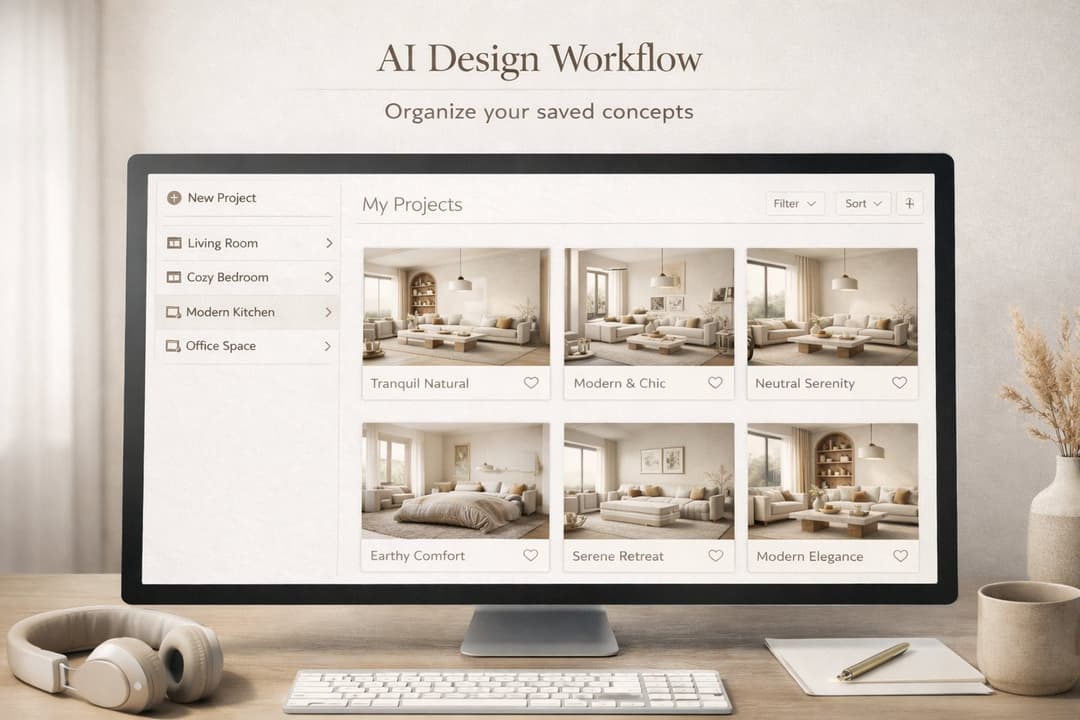
How to Save, Compare and Organize Designs in Paintit Projects
Learn how to save, compare, and organize designs in Paintit Projects to manage versions better, structure multi-room work, review alternatives faster, and make clearer design decisions
Yulii Cherevko
CEO paintit.ai
9 min read
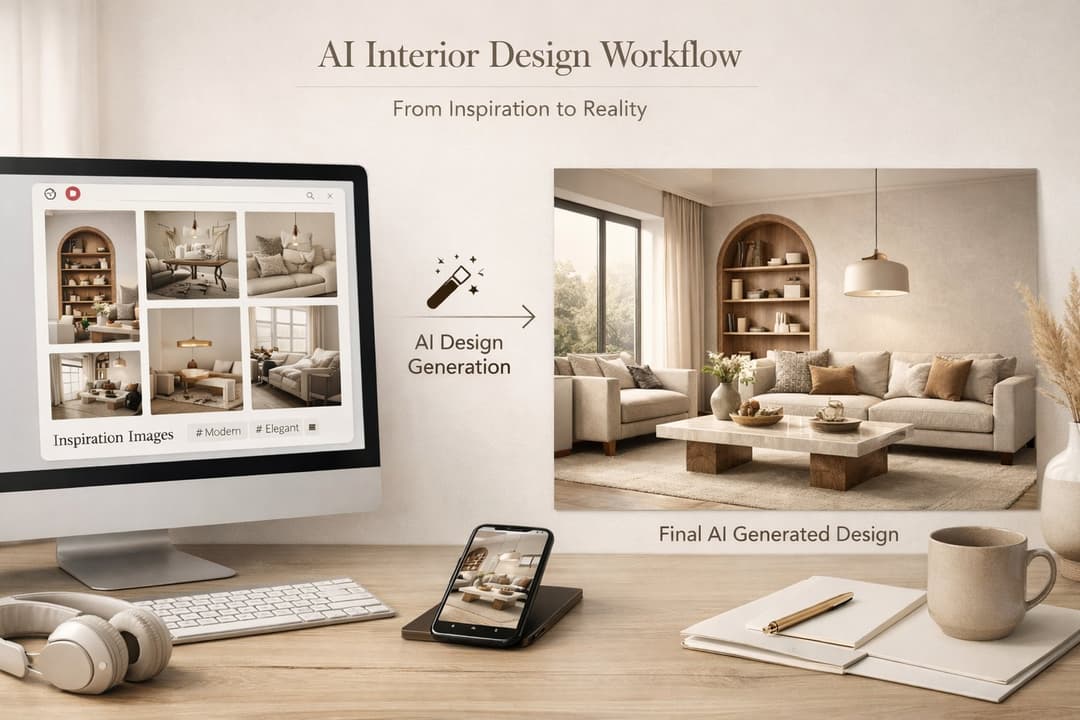
How to Use Pinterest Inspiration in Paintit.ai
Learn how to use Pinterest inspiration in Paintit.ai with better reference selection, stronger prompt control, cleaner style transfer, and more realistic interior and exterior design results
Yulii Cherevko
CEO paintit.ai
5 min read
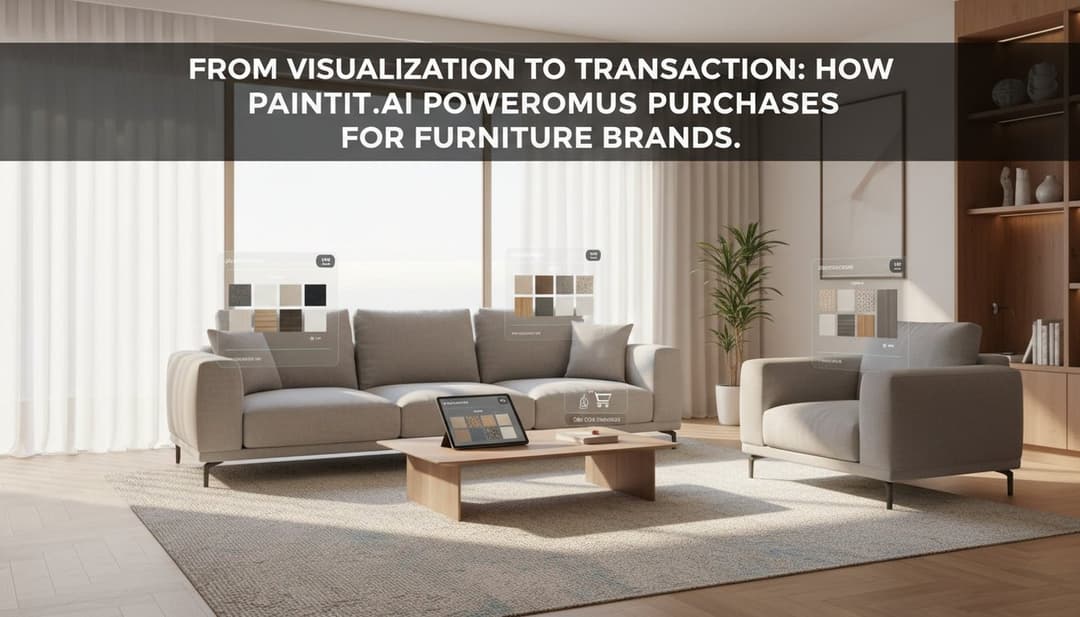
From Visualization to Transaction: How Paintit.ai Powers Autonomous Purchases for Furniture Brands
Bridge the gap between browsing and buying. Learn how Paintit.ai uses Visual-to-transaction AI and photorealistic rendering to power autonomous furniture sales
Yulii Cherevko
CEO paintit.ai