8 min. reading

Yulii Cherevko
CEO paintit.ai

The evolution of AI in interior design offers unprecedented opportunities for visualizing spaces, and understanding alternatives to platforms like Maket.ai is key to leveraging these advancements. In 2026, the market is rich with powerful tools designed to streamline the creative process, from initial concept to final rendering. This article provides a comprehensive review of the leading AI interior design solutions, highlighting how Paintit.ai and its competitors empower designers and homeowners alike to create stunning, photorealistic visuals with remarkable speed and ease. We included these competitors: Maket.ai, Planner5D, and ReimagineHome.ai. We explore what makes each tool unique and how to select the best fit for transforming your design projects.
The landscape of AI design tools for interior and exterior visualization is diverse, catering to various stages of a project and different user needs.
AI Concept Generators: These tools specialize in generating initial design ideas from text prompts or basic sketches. They are excellent for brainstorming and exploring multiple styles quickly, providing schematic design AI tools that quickly visualize architectural massing and layouts.
AI Room Design & Interior Visualizers: Focused on specific rooms, these tools take existing photos or basic room layouts and transform them with new furniture, finishes, and decor. Their strength lies in producing photorealistic renderings that allow users to preview different design schemes. This category often includes AI floor plan generators that can quickly translate basic inputs into detailed layouts.
AI Exterior Design Tools: Beyond interiors, some AI applications specialize in transforming home exteriors. These tools allow users to experiment with paint colors, siding materials, roofing, and even basic landscaping elements, providing an AI zoning assistant perspective for curb appeal.
AI Virtual Staging Platforms: Geared towards real estate professionals, these tools furnish empty rooms with virtual furniture and decor to make properties more appealing to potential buyers. They are crucial for creating inviting listing photos without physical staging costs, making them popular apps like Maket.ai that aim to automate visualization.
| Feature | Paintit.ai | Maket.ai (as target) | Planner5D | ReimagineHome.ai |
|---|---|---|---|---|
| Primary Use Case | Comprehensive interior/exterior design, virtual staging | AI-driven architectural concept generation, zoning | 3D floor planning, interior design | AI interior/exterior redesign |
| Input Method | Photo upload, text prompts, sketch outlines | Text prompts, architectural parameters | Drag-and-drop, room templates | Photo upload, style selection |
| Strengths | Photorealistic renders, speed, versatility, ease of use | Early-stage concepting, functional layouts | Extensive object library, 2D/3D views | User-friendly, quick aesthetic changes |
| Limitations | Not a full CAD software for blueprints | Less focus on photorealism, interior detailing | AI features are supplementary | Less architectural precision, fewer output formats |
| Example Tools | AI Room Design, AI House Painter, AI Virtual Staging | Maket Architect, Maket City | Planner5D AI House Design | Reimagine Home (AI Designer) |
| Best User | Homeowners, interior designers, real estate agents, home builders | Architects, urban planners, developers | DIY enthusiasts, renovators | Homeowners, real estate agents |
When seeking Maket.ai alternatives, users often look for tools that offer more detailed interior visualization, user-friendly interfaces, or broader application across different design stages.

Paintit.ai stands out as a leading AI interior and exterior design platform, offering a suite of tools that cater to homeowners, interior designers, and real estate professionals. It transforms existing photos or basic concepts into photorealistic visualizations, making it easier to experiment with styles, materials, and layouts. Unlike Maket.ai, which often focuses on architectural schematic design and urban planning, Paintit.ai emphasizes the granular details of interior and exterior aesthetics, providing a clear preview of final design choices.
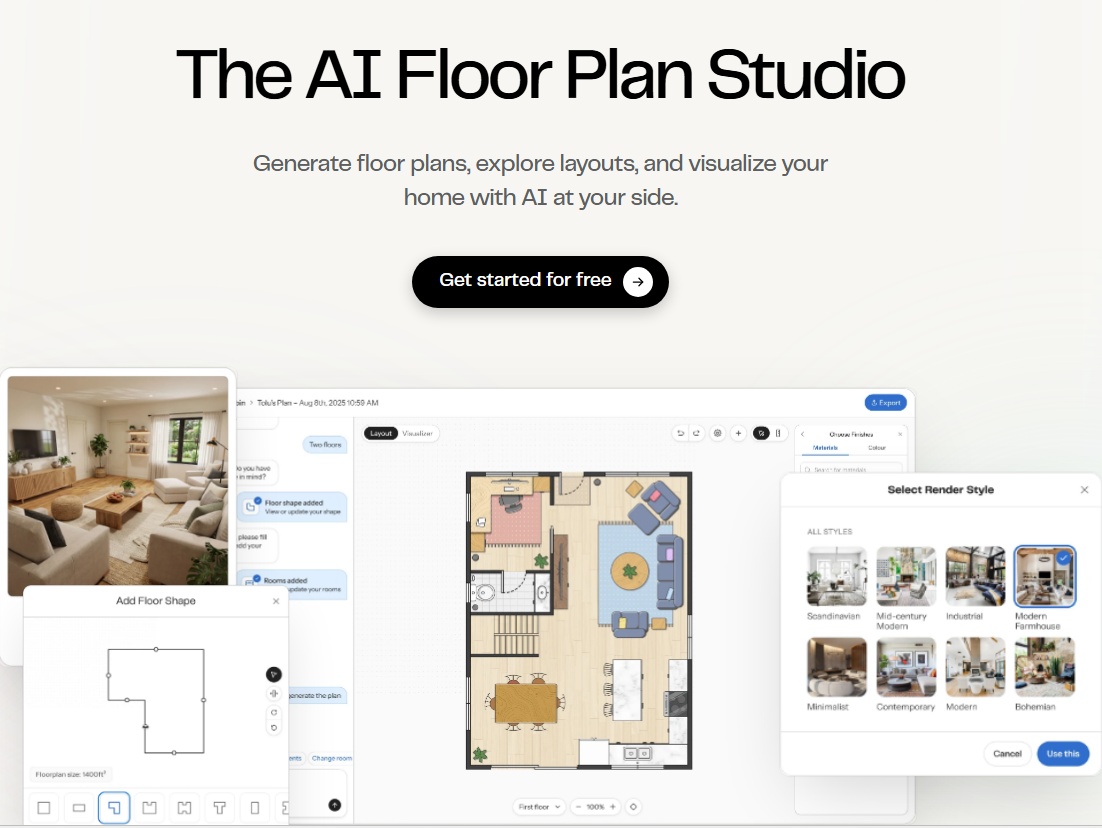
Maket.ai is recognized for its generative capabilities in architectural and urban planning contexts. It helps users rapidly create floor plans, generate building concepts, and even explore zoning possibilities using AI. While powerful for early-stage design and urban development, its focus is less on photorealistic interior rendering or detailed material selection, which is where many Maket.ai alternatives excel. This positions Maket.ai as a strong AI zoning assistant alternative for architects.
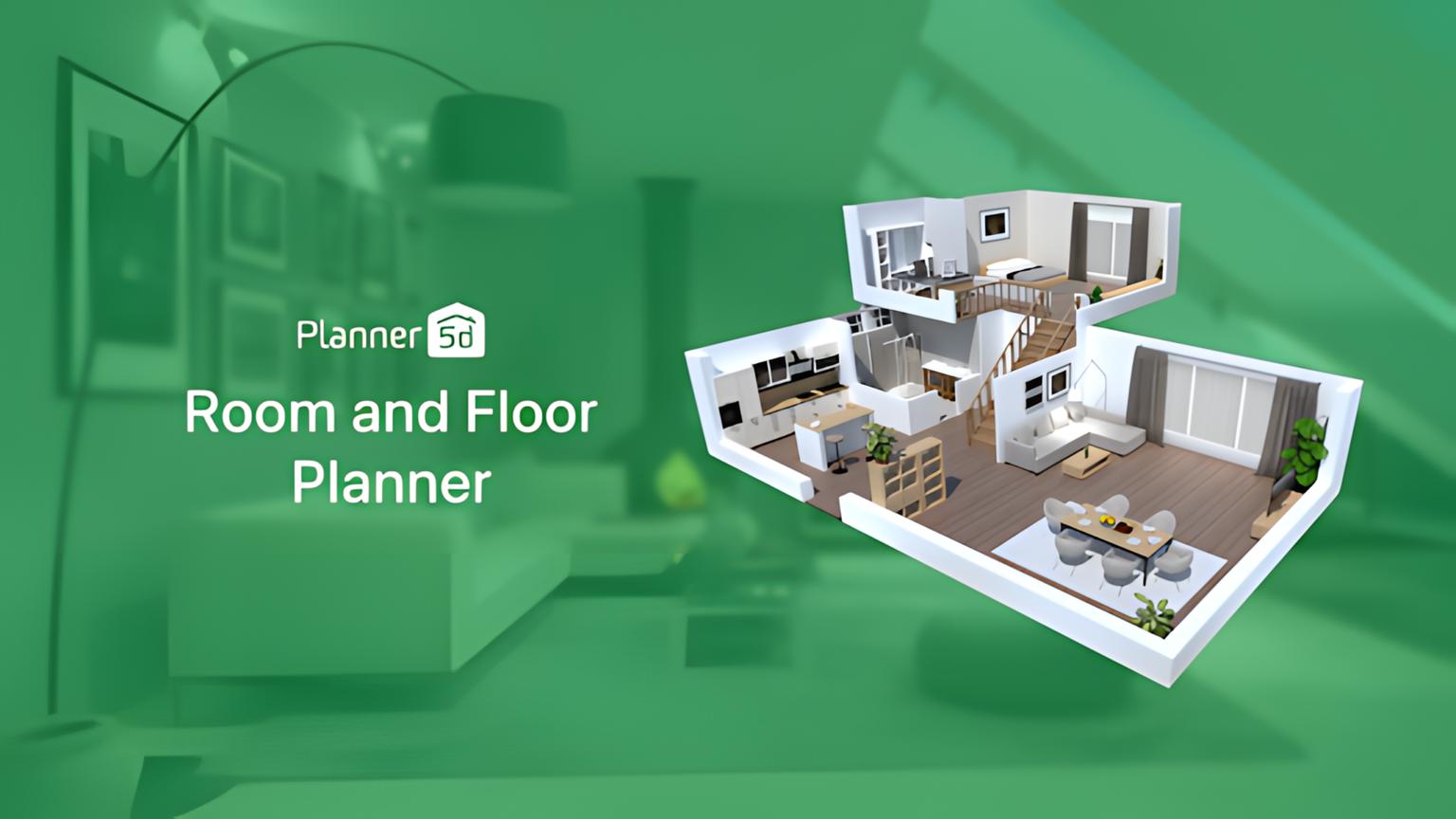
Planner5D is a popular platform that combines 2D and 3D floor planning with interior design capabilities. It allows users to create detailed layouts, choose from an extensive catalog of furniture and decor, and visualize their designs in 3D. The platform has integrated AI features to assist with house design, making it a viable Maket.ai competitor, especially for homeowners and DIY enthusiasts. Unlike Maket.ai's more technical architectural focus, Planner5D prioritizes ease of use for general interior and exterior design.
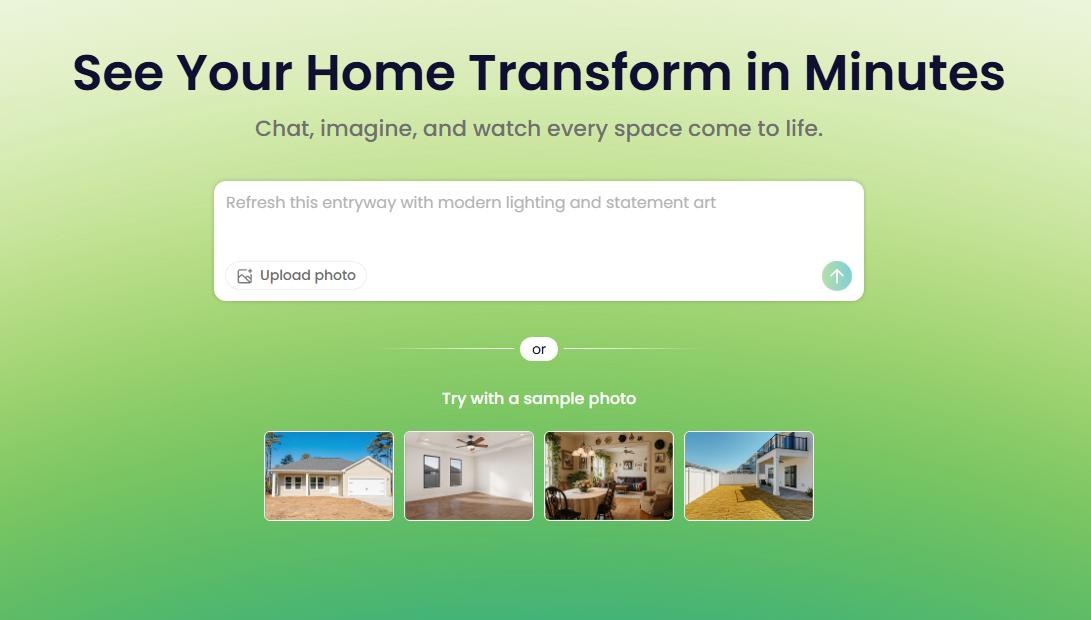
ReimagineHome.ai focuses on quickly transforming existing photos of rooms or exteriors into new design concepts. It's a direct Maket.ai competitor for visual redesign, offering a simpler, more aesthetic-driven approach. Instead of architectural precision like Maket.ai, ReimagineHome.ai aims for instant visual gratification, making it an excellent choice for interior designers and real estate agents needing quick mockups.
While not dedicated interior design software, general AI image generators like Midjourney and DALL-E 3 can be powerful Maket.ai competitors for pure creative exploration. They excel at generating abstract concepts, mood boards, and highly stylized interior scenes from text prompts. These tools are fantastic for kickstarting creativity and pushing boundaries, especially for schematic design AI tools that focus on visual ideation.
| Feature | Paintit.ai | Maket.ai | Planner5D | ReimagineHome.ai | Midjourney/DALL-E 3 |
|---|---|---|---|---|---|
| Photorealistic Rendering | Excellent | Limited | Good | Good | Excellent (Stylized) |
| AI Room Redesign | Yes | No | Limited | Yes | Concept only |
| AI Exterior Design | Yes | Limited | Yes | Yes | Concept only |
| Virtual Staging | Yes | No | No | Limited | No |
| Floor Plan Generation | No (uses input) | Yes | Yes | No | No |
| Style Customization | Extensive | Moderate | Extensive | Moderate | Extensive |
| Ease of Use | High | Moderate | High | High | Moderate (Prompting) |
| Output Speed | Fast | Moderate | Moderate | Fast | Fast |
| Material/Texture Control | High | Low | High | Moderate | Concept only |
| Learning Curve | Low | Moderate | Low | Low | High (Prompting) |
| Cost (relative) | Mid-range | Varies | Free/Mid | Low/Mid | Mid-range |
| Best for Home Builders | Yes | Schematic | Yes | Yes | No |
While AI visualization tools like Paintit.ai offer incredible speed and ease for concept generation and photorealistic previews, professional designers, architects, and home builders often require more advanced capabilities for technical documentation and precise project management. This means moving beyond instant visualizers to full-fledged CAD (Computer-Aided Design) software or BIM (Building Information Modeling) platforms. Tools like AutoCAD, Revit, SketchUp Pro, and ArchiCAD provide the precision needed for construction drawings, material specifications, structural analysis, and collaborative workflows. These traditional tools offer unparalleled control over every detail, from electrical layouts to plumbing, and are essential for generating blueprints and construction-ready plans. AI tools can feed into these workflows by rapidly generating initial concepts that professionals then refine and detail within their preferred advanced software.
Combining the strengths of different AI tools can create a powerful and efficient design workflow:
While AI interior design tools are increasingly sophisticated, it's important to approach them with realistic expectations. AI excels at generating visuals and concepts, but it currently lacks the nuanced understanding of human preferences, site-specific challenges, and complex building codes that a human professional possesses. AI-generated designs may occasionally feature unrealistic proportions, illogical layouts, or overlooked practical details. Users should always verify dimensions, material suitability, and structural implications with a professional. AI still struggles with highly specific customization without precise prompting and may not perfectly replicate unique, custom-made items. These tools are powerful assistants, but final design decisions, detailed planning, and project execution still require human oversight and expertise.
A: While specific features vary, Maket.ai often focuses on architectural concept generation, floor plans, and zoning assistance. Tools like Paintit.ai aim for a more comprehensive suite, offering advanced visualization across various design stages, from room concepts to exterior renderings and virtual staging, often with a higher degree of photorealism and aesthetic focus.
A: Most AI tools generate visualizations based on input photos and user-defined parameters. While they provide excellent scale and proportion guidance, precise architectural measurements should always be verified by an AI floor plan generator reviews expert. Tools like Paintit.ai focus on realistic rendering rather than precise blueprints.
AI tools are powerful assistants that can enhance efficiency, speed up visualization, and offer creative inspiration. However, they lack the nuanced understanding of client needs, spatial problem-solving, and project management skills of a professional interior designer. They are best used as collaborative tools, augmenting the designer's workflow.
Costs vary widely. Some offer free tiers with limited features, while others use subscription models ranging from $20-$100+ per month, depending on the features and usage limits. Some professional platforms may have higher enterprise pricing. Paintit.ai offers various options to suit different user needs.
The most crucial factor is the quality and realism of the generated visuals, followed closely by ease of use and the breadth of features that match your specific design tasks (e.g., room redesign, exterior updates, virtual staging). Understanding the AI zoning assistant alternatives is also key if you are a developer.
The quest for the best Maket.ai alternatives in 2026 highlights a dynamic and rapidly advancing field in AI-powered design. While Maket.ai excels at early-stage architectural concepting and floor plan generation, the market offers robust competitors for more detailed interior and exterior visualization, photorealistic rendering, and virtual staging.
For those prioritizing high-fidelity visual output, ease of use, and a comprehensive suite of design tools across various project stages, Paintit.ai consistently delivers. It empowers users, from homeowners to real estate agents and home builders, to quickly transform ideas into compelling, actionable visuals. By understanding the distinct strengths of each platform, you can select the AI solution that best fits your specific design needs, budget, and workflow, ultimately streamlining your projects and bringing your visions to life with unprecedented speed and accuracy.

8 min read
Compare the top Maket.ai alternatives of 2026. Discover AI tools for architectural floor plans, zoning, and photorealistic design with Paintit.ai, Planner 5D, and more.
Yulii Cherevko
CEO paintit.ai

7 min read
Learn how to create organic minimalism with curved furniture, soft shapes, and natural textures. Explore palettes, materials, and visualize it with Paintit.ai.
Yulii Cherevko
CEO paintit.ai
9 min read
Compare the best Qbiq alternatives for AI space planning and interior visualization in 2026. Find the right tool for architects, designers, and agents.
Yulii Cherevko
CEO paintit.ai
9 min read
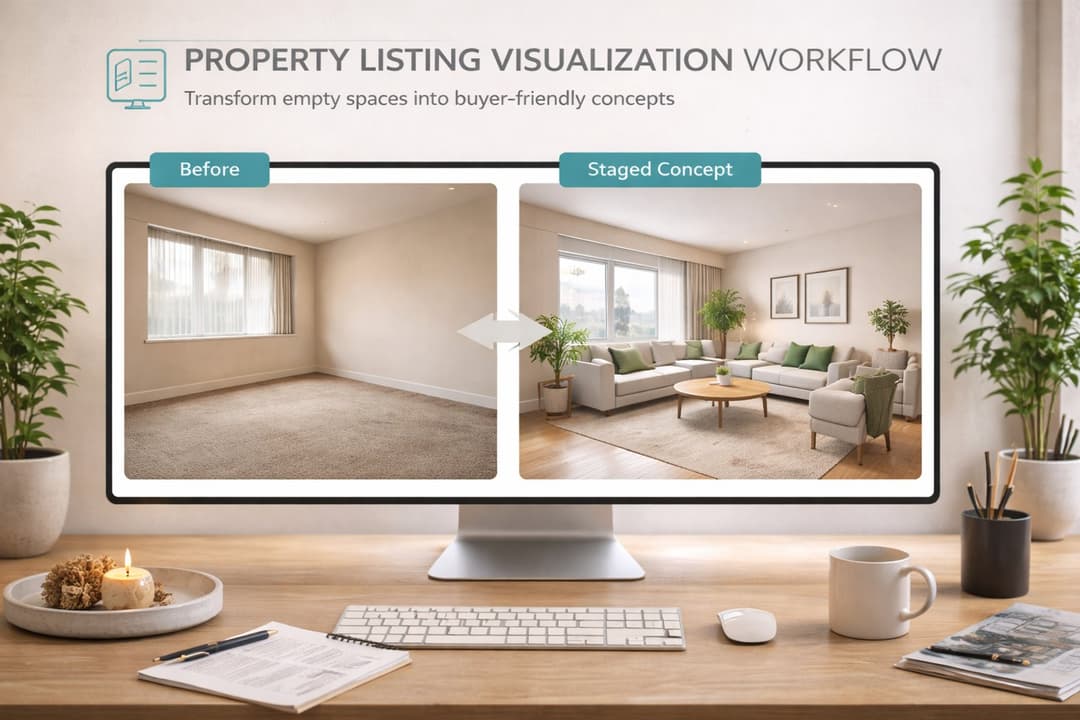
Learn how real estate agents and stagers can use Paintit.ai to stage empty rooms, refresh dated listings, clarify room purpose, and create more believable buyer-friendly visuals faster
Yulii Cherevko
CEO paintit.ai
9 min read
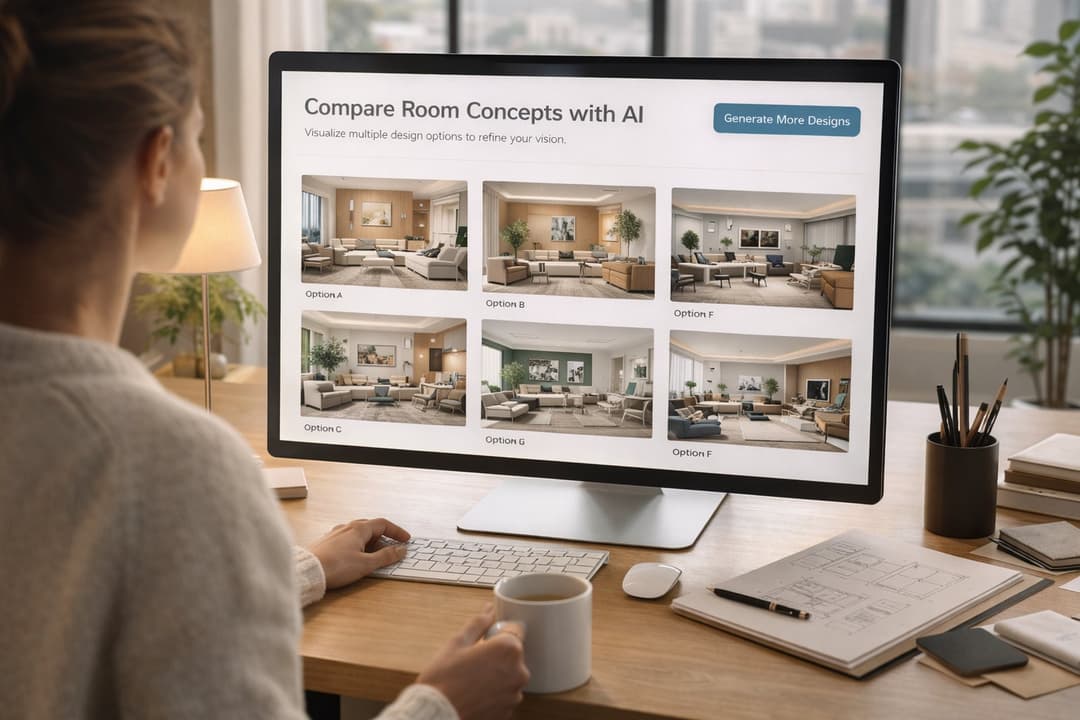
Learn how interior designers can use Paintit.ai to build faster concept directions, compare options, improve client communication, and structure revisions without losing design control
Yulii Cherevko
CEO paintit.ai

9 min read
Learn how to visualize commercial spaces with Paintit.ai using better zoning logic, stronger brand alignment, realistic seating and circulation, and more believable retail, office, cafe, and hospitality concepts
Yulii Cherevko
CEO paintit.ai
