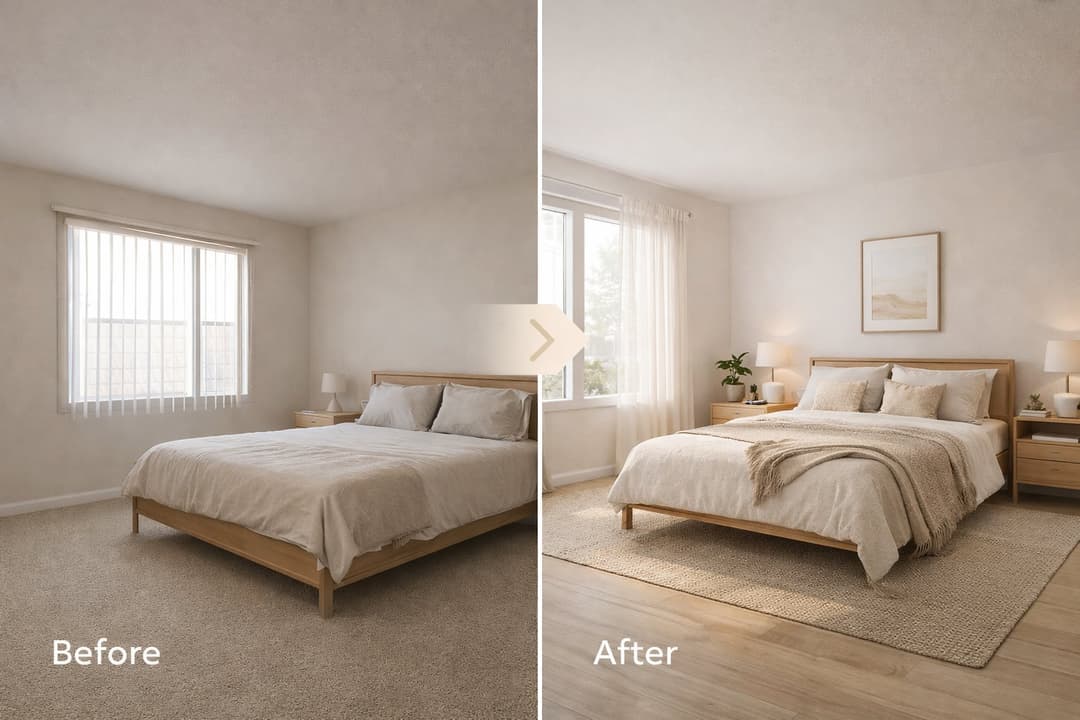
What Repaint Is
Use Repaint when you want to change color or finish, not the whole concept of the room.
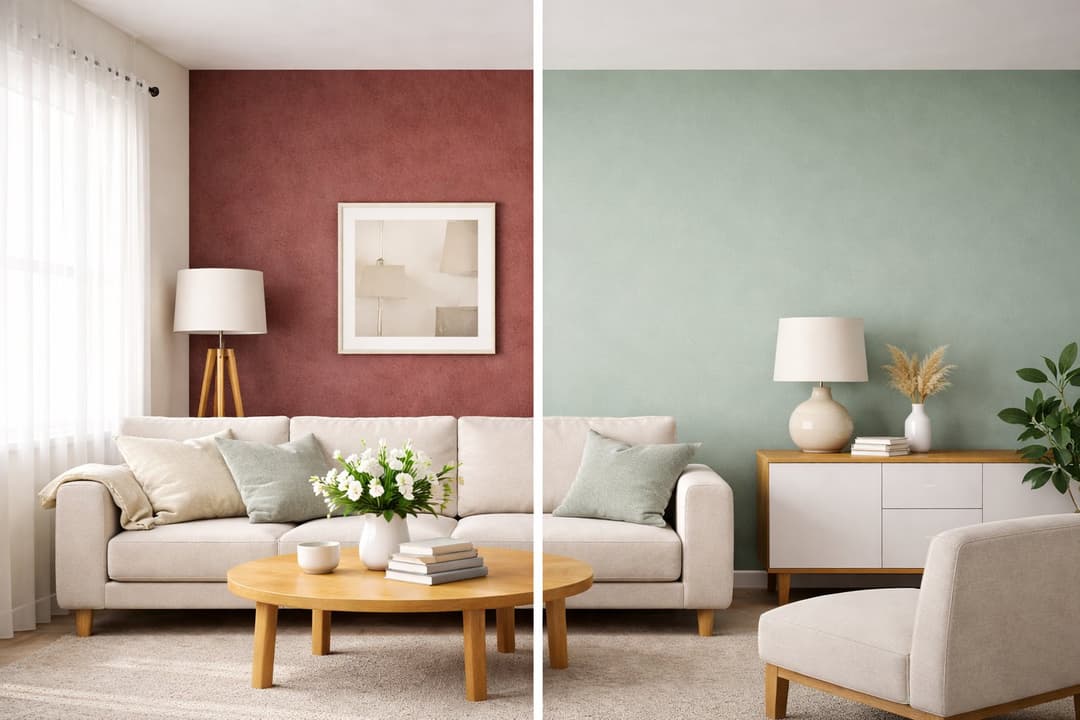
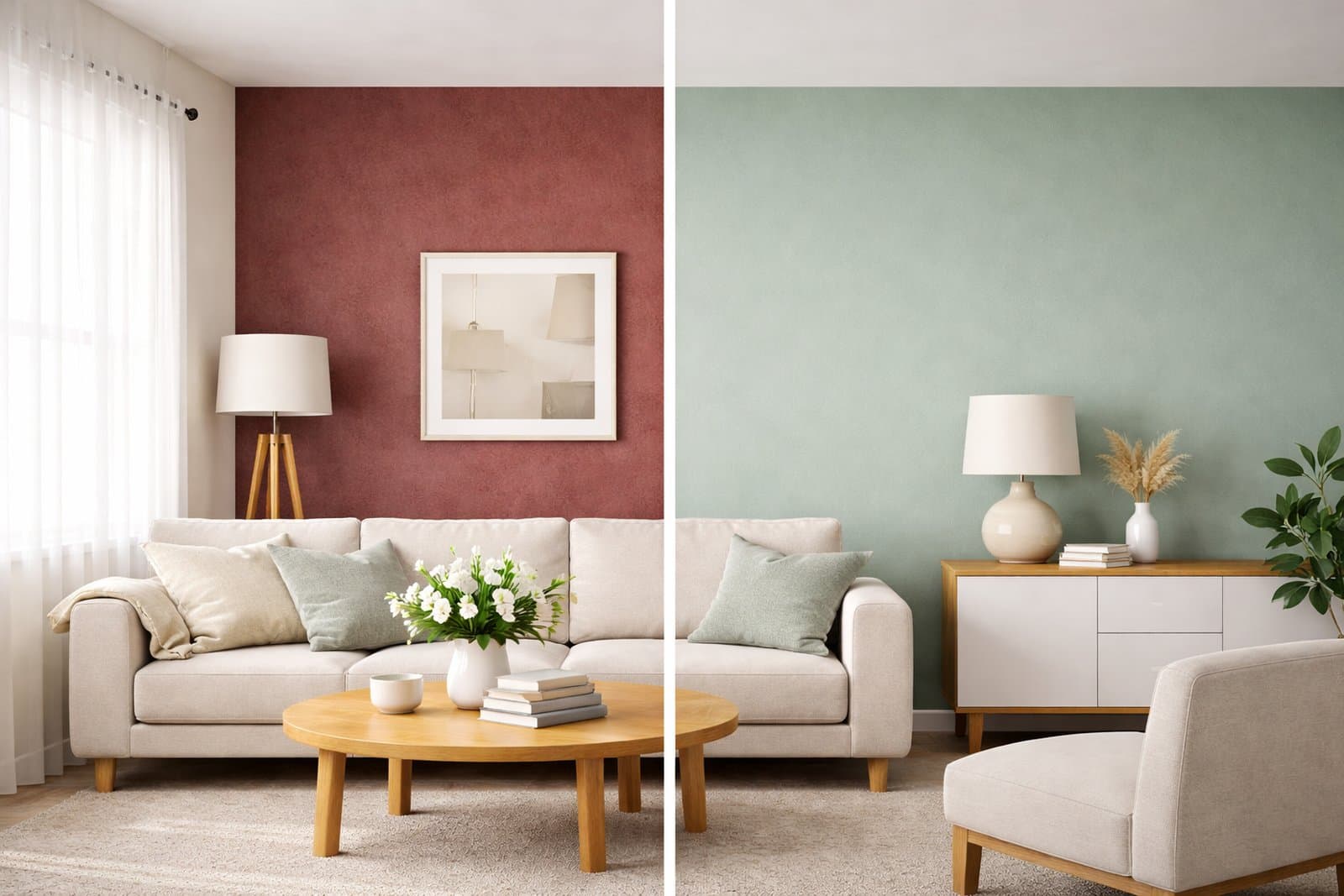
Repaint is the right Paintit.ai workflow when the main goal is to test a surface-level change. In most cases, that means wall color, wall finish, facade tone, trim color, or another visual layer that should change while the furniture, layout, architecture, and overall room structure stay the same.
What Repaint is best for
Wall color testing — compare warm white, beige, olive, greige, charcoal, or other directions.
Finish exploration — test matte, textured, limewash-style, plaster-like, or subtle tonal updates.
Facade recoloring — try a cleaner exterior palette without redesigning the whole building.
Controlled refreshes — update the feel of a room while preserving almost everything else.
Repaint is not for radical transformation. It is for cleaner decision-making when color and finish are the main variables.
When to Use Repaint Instead of Full Redesign
Choose Repaint when the concept already works and you only want to test the surface mood.
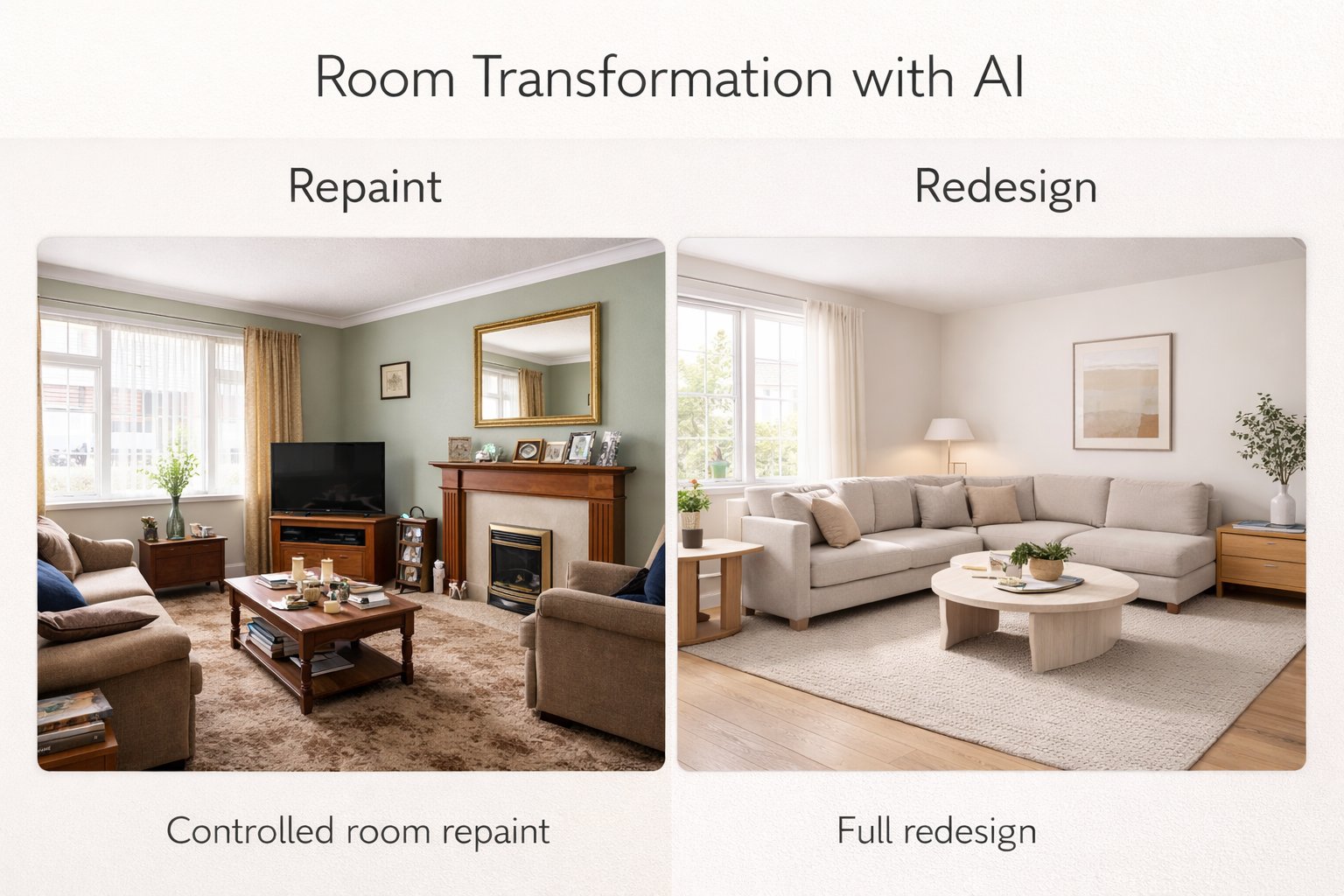
A lot of users go to Full Redesign when they really need Repaint. That often creates more change than they want. If the furniture, layout, and style direction are already close enough, Repaint is usually the smarter option.
Use Repaint when
You only want to change the walls — not the entire room language.
You want to compare color options — for example, warm white versus soft olive.
You want minimal disruption — keep furniture, layout, flooring, and lighting unchanged.
You are close to a real decision — and need a realistic visual comparison before painting or renovating.
If you want new furniture, a new style, a different atmosphere, and a stronger overall transformation, Full Redesign is the better workflow. But if your main question is “what if these walls were another color?”, Repaint is usually the right answer.
What Makes a Good Repaint Result
The best repaint results feel believable, controlled, and visually consistent with the original room.
A strong repaint result should make the wall or surface look naturally updated, without accidentally changing the entire room. That means Paintit.ai needs a clear input image and a focused request.
A good repaint result usually does three things well
It keeps the room recognizable — furniture, proportions, lighting, and layout stay stable.
It changes the surface clearly — the new color or finish is easy to evaluate.
It feels realistic — the paint tone looks believable in the room’s lighting conditions.
This is why repaint prompts should stay narrow. The more focused the request, the more useful the comparison becomes.
The Best Repaint Workflow
For repaint tasks, simpler is usually better.
Step 1 — Start with a clear room photo
Use a photo where the target wall or surface is easy to see.
Step 2 — Choose one color direction
Test one tone at a time instead of mixing multiple paint ideas in one request.
Step 3 — Say exactly what should change
Be clear that the walls, facade, or selected surface should change.
Step 4 — Protect the rest of the room
Say what should stay unchanged: furniture, flooring, layout, lighting, and proportions.
Step 5 — Compare several controlled versions
Generate two to four options and compare them side by side before making a decision.
Repaint is especially useful because it makes quick comparisons easy. You do not need a big redesign to understand how a new tone can shift the room.
How to Keep Everything Else Unchanged
The biggest strength of Repaint is control.
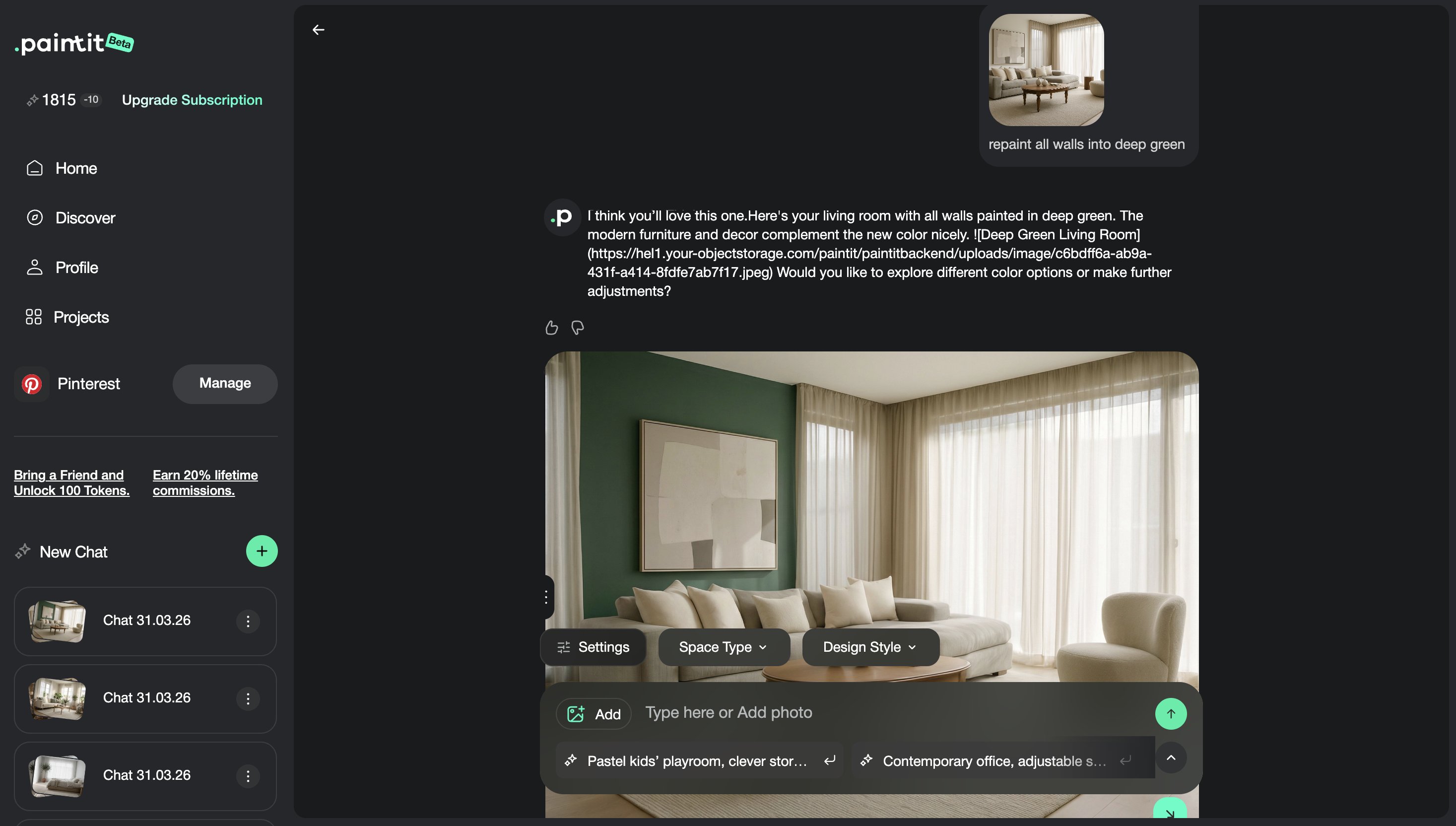
If you want Paintit.ai to change only the walls or one visual surface, you need to say that clearly. The easiest way is to use direct constraints inside the prompt.
Useful repaint constraint lines
Keep all furniture unchanged.
Keep the room layout unchanged.
Keep the flooring unchanged.
Keep lighting unchanged.
Only change the wall color or finish.
These lines help Paintit.ai understand that this is a controlled repaint task, not a broader redesign request.
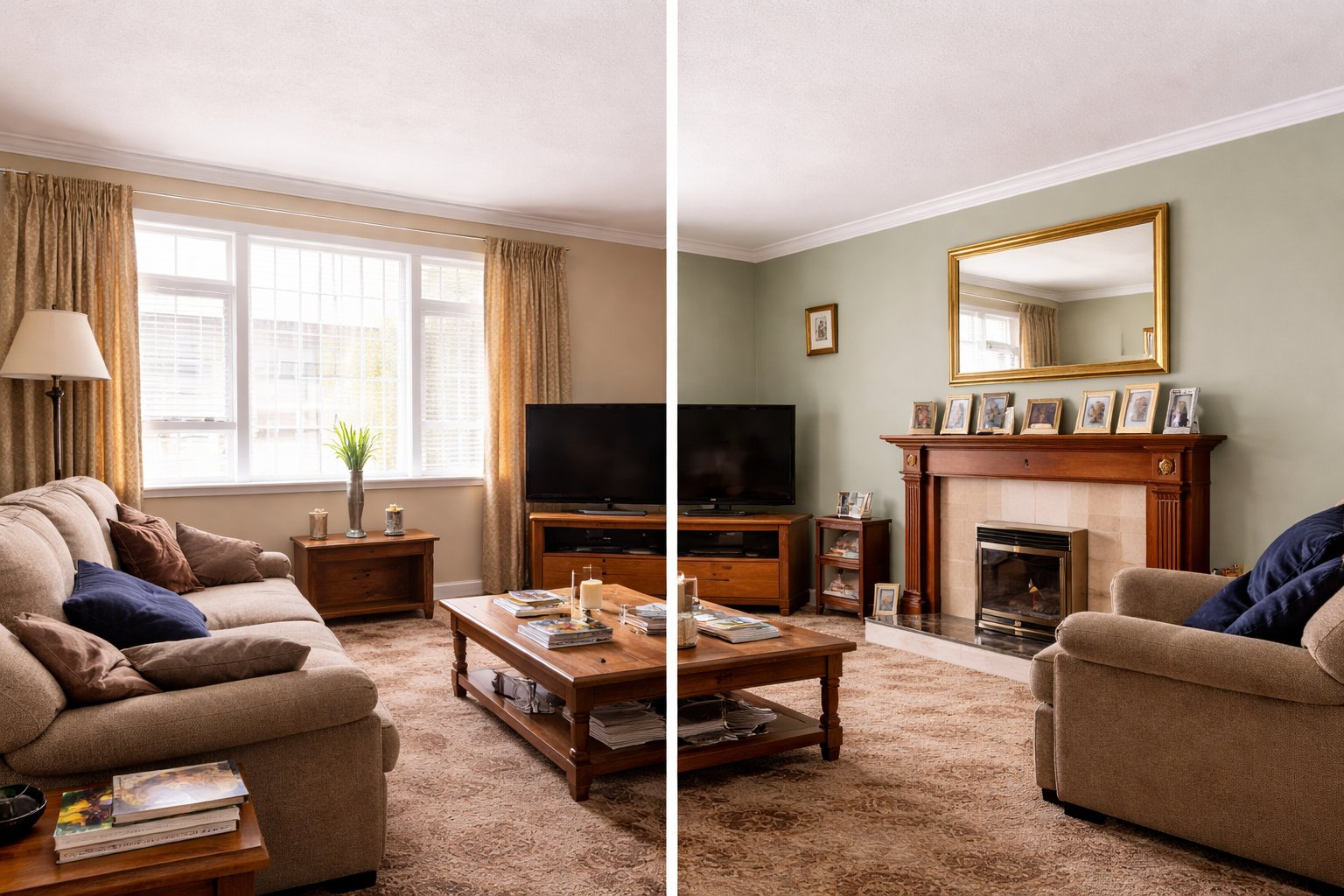
Repaint Prompt Cards
Use these as copy-ready starting points for the most common repaint scenarios.
Interior repaint cards
Bedroom — muted olive walls
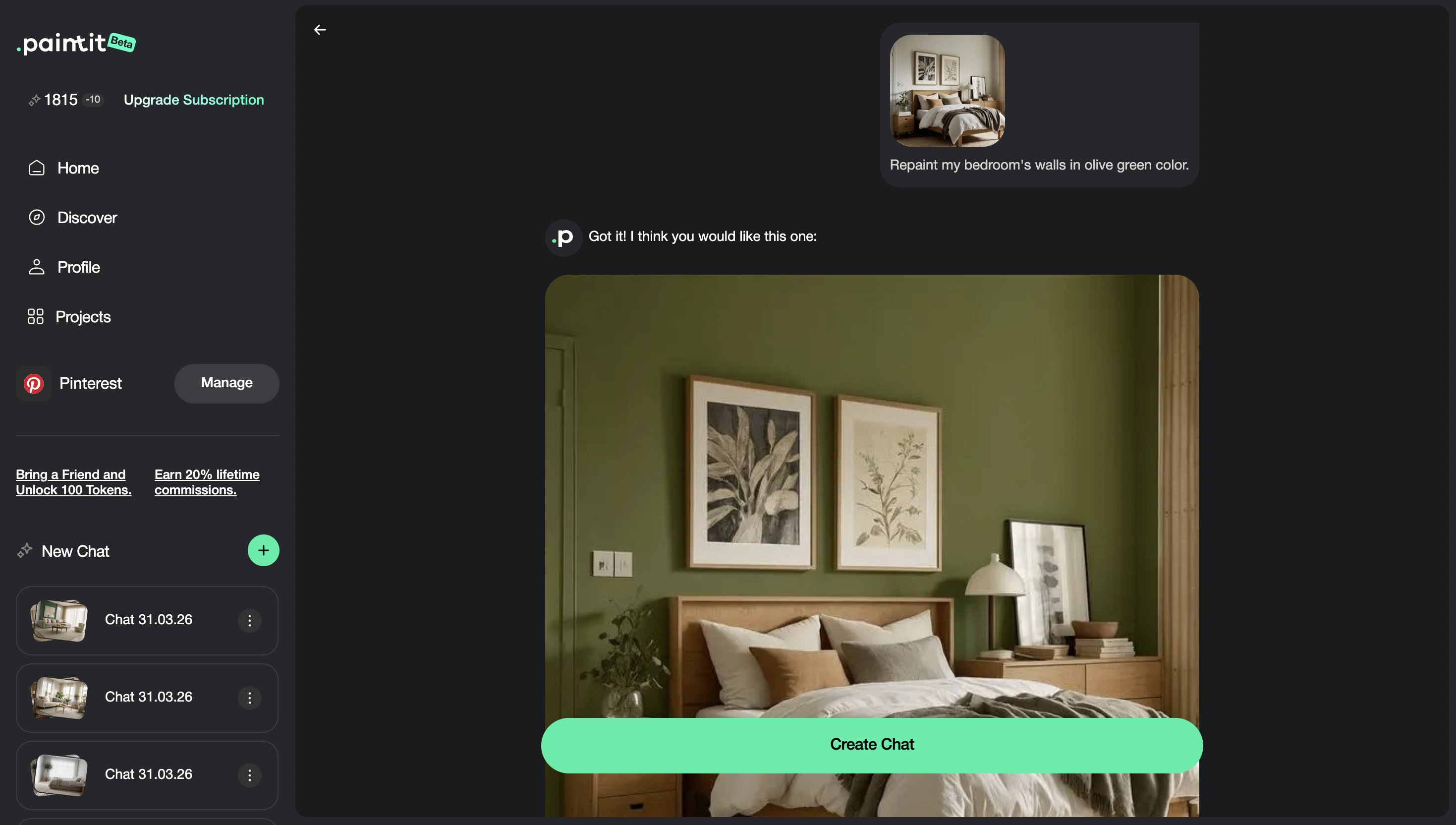
Repaint the walls in this bedroom in a muted olive green tone. Keep the furniture, flooring, layout, and lighting unchanged.
Living room — warm off-white
Repaint the walls in this living room in a warm off-white tone. Keep the furniture, flooring, layout, and lighting unchanged.
Bathroom — soft beige finish
Update the wall finish in this bathroom to a soft warm beige tone with a calm spa-like feel. Keep the layout, fixtures, and lighting unchanged.
Exterior repaint cards
Facade — off-white refresh
Repaint this house exterior in a soft off-white tone with a clean modern feel. Keep the building shape, windows, landscaping, and overall structure unchanged.
Facade accents — darker trim
Repaint the trim and frames in this exterior in a deeper charcoal tone while keeping the main facade light. Keep the building structure and materials unchanged.
Best practice: repaint prompts work better when they describe one surface change clearly and explicitly protect the rest of the scene.
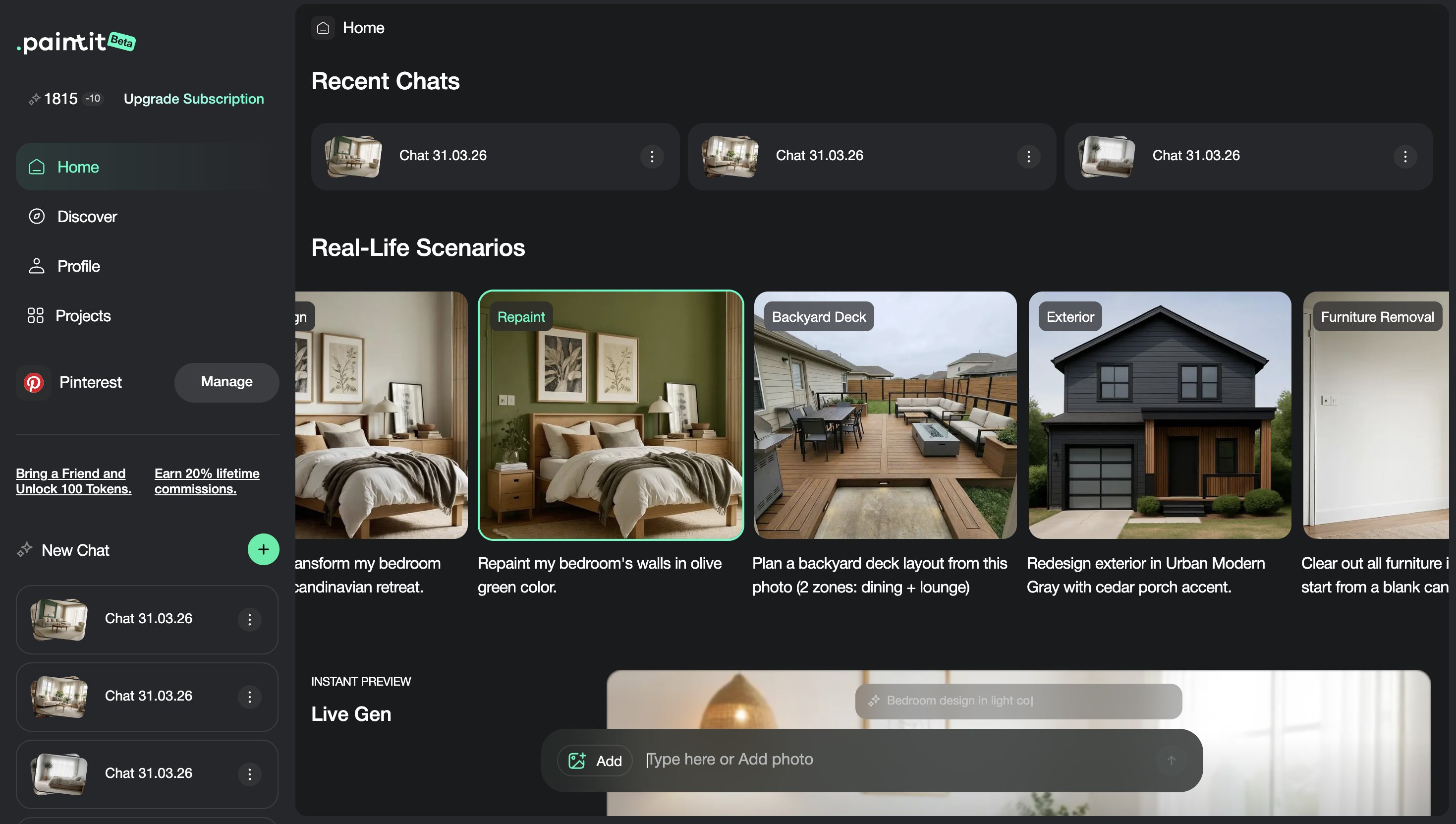
How to Compare Color Options
Repaint becomes most useful when you compare several realistic options, not just one.
The easiest way to make repaint decisions is to compare a few controlled variants. This lets you see how small tonal changes affect the mood of the room without changing anything else.
A simple repaint comparison workflow
Version 1 — safe neutral option
Version 2 — warmer and softer option
Version 3 — bolder statement color
Next step — choose the most balanced direction and refine from there
This is useful for homeowners, designers, real estate staging, rentals, and any project where color confidence matters.
Frequently Asked Questions
What is the difference between Repaint and Full Redesign?
Repaint is best for testing color or finish changes while keeping the rest of the space stable. Full Redesign is better when you want a broader concept transformation.
Can I keep the furniture and layout unchanged?
Yes. Add clear constraint lines such as “Keep the furniture, flooring, layout, and lighting unchanged.”
Is Repaint useful for exteriors too?
Yes. It works well for facade recoloring, trim updates, and subtle exterior refreshes without redesigning the whole building.
How many color options should I compare?
Usually two to four controlled variants are enough to compare before choosing which direction to keep.
Can Repaint simulate textured or plaster-like finishes?
Yes, it can help explore subtle finish directions, especially when you describe the finish clearly in the prompt.
What kind of source image works best for Repaint?
A clear, well-lit image where the target wall or facade surface is easy to see and evaluate.
Try Repaint on Your Room
Upload your room, test cleaner wall color directions, and compare realistic repaint options before making a final design decision.