
8 min. reading
How to Furnish an Empty Room with Paintit.ai

Yulii Cherevko
CEO paintit.ai
Page Contents:
- 1. What Empty Room Setup Is
- 2. When to Use Empty Room Setup
- 3. What Makes a Good Empty Room Result
- 4. How to Build a Better Furnishing Prompt
- 5. How to Keep Scale and Layout Believable
- 6. Empty Room Prompt Cards
- 7. How to Compare Multiple Furnishing Directions
- 8. Frequently Asked Questions
- 9. Related articles
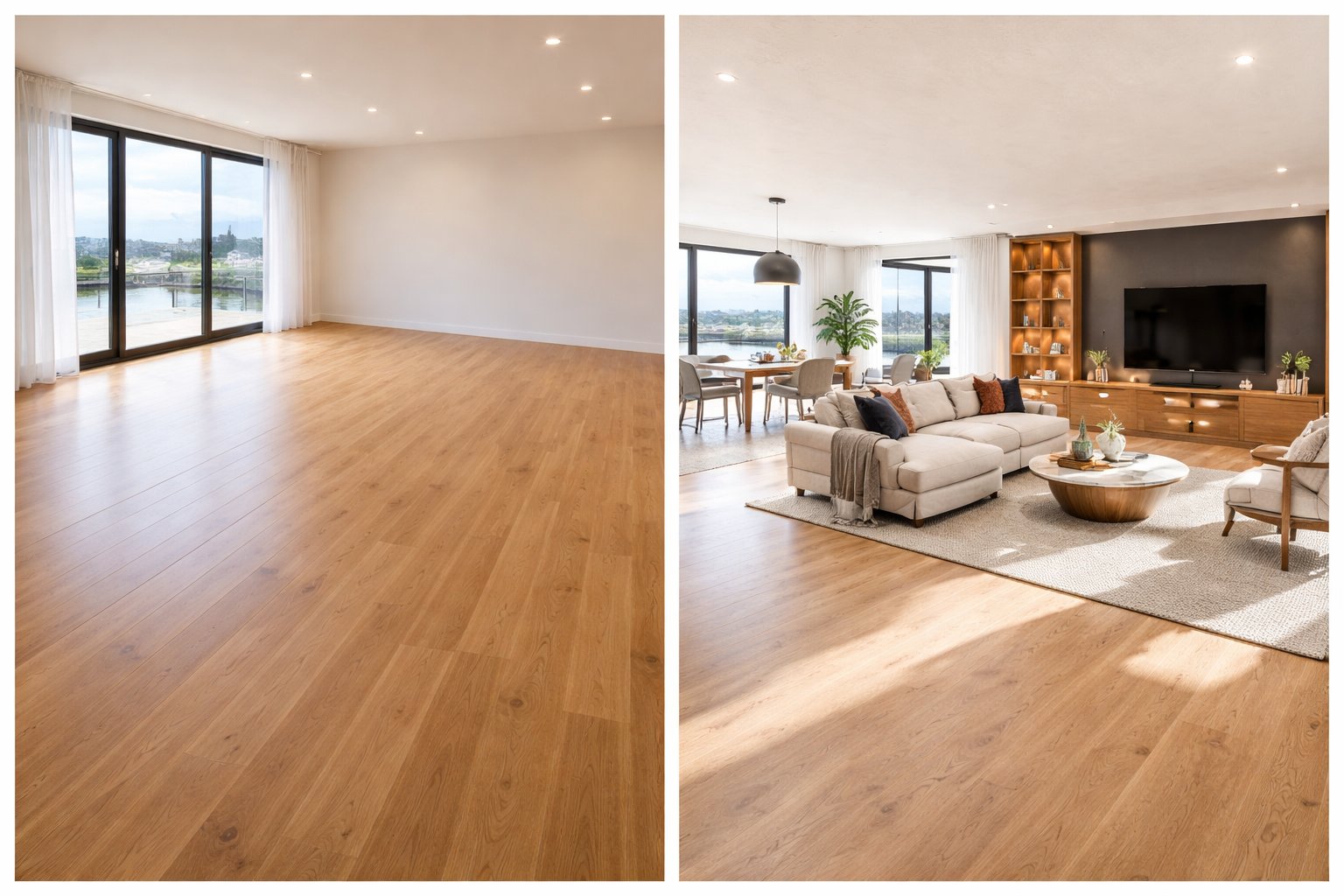
Empty Room Setup is the best Paintit.ai workflow when you want to turn a blank space into a believable, fully furnished concept. This guide shows how to get realistic room layouts, stronger furniture composition, and clearer design direction faster.
What Empty Room Setup Is
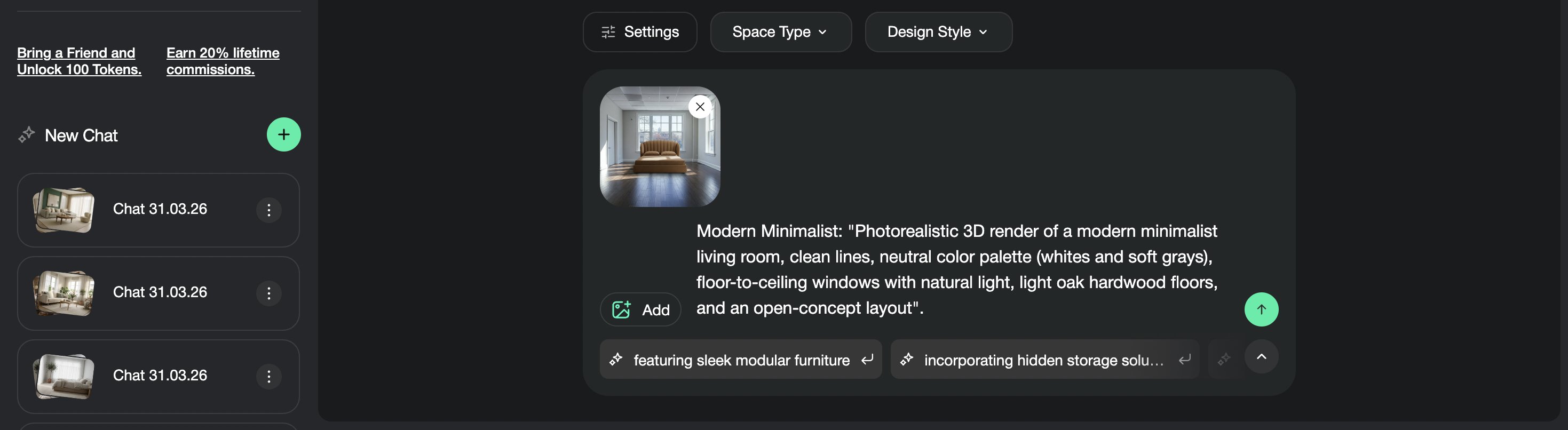
Use Empty Room Setup when the space is blank and you want Paintit.ai to create a complete furnishing concept.
Empty Room Setup is designed for spaces that do not have enough furniture or styling to communicate a clear purpose. Instead of repainting surfaces or reworking an already finished interior, this workflow helps Paintit.ai place the main furniture, define the function of the room, and create a more complete visual concept.
What Empty Room Setup usually adds
Main furniture pieces — bed, sofa, dining table, desk, storage, seating, or other essential anchors.
Room purpose — the room starts to read clearly as a bedroom, living room, office, guest room, or lounge.
Soft styling — rugs, curtains, lamps, artwork, and decor help make the space feel more complete.
Visual atmosphere — materials, colors, and lighting cues make the room feel more intentional and realistic.
This is useful when you need to move from a blank shell to a room concept that feels livable, presentable, or client-ready.
When to Use Empty Room Setup
Choose this workflow when the biggest problem is not color, but the absence of furniture and structure.
Many empty or nearly empty rooms are hard to evaluate because there is no clear focal point, no furniture scale, and no clear function. Empty Room Setup solves that by giving the room a readable arrangement and a stronger sense of purpose.
Best use cases
New apartments or homes — test different furnishing directions before buying furniture.
Rental properties — see how a blank room could feel more attractive and complete.
Real estate or staging previews — help buyers visualize the potential of an empty space.
Client concepting — show fast room setups before going deeper into design development.
Functional planning — test whether the room works better as a bedroom, lounge, workspace, or guest room.
If the room is already fully furnished and you only want to shift the style, Full Redesign is usually a better fit. But if the room is mostly empty, Empty Room Setup is usually the most direct and useful workflow.
What Makes a Good Empty Room Result
The best empty room results feel realistic, functional, and proportionally believable.
A strong result does not just fill the room with objects. It gives the space a clear purpose, believable scale, and a balanced composition that feels usable in real life.
A good empty room concept usually does four things well
Defines the function — the room clearly reads as a bedroom, living room, office, or another use.
Places furniture with logic — the layout feels intentional, not random.
Keeps proportions believable — furniture looks appropriate for the room size.
Adds atmosphere without clutter — the room feels complete, but not overloaded.
This is why Empty Room Setup works best when your prompt combines function, style, essential furniture, and one or two visual cues that shape the mood.
How to Build a Better Furnishing Prompt
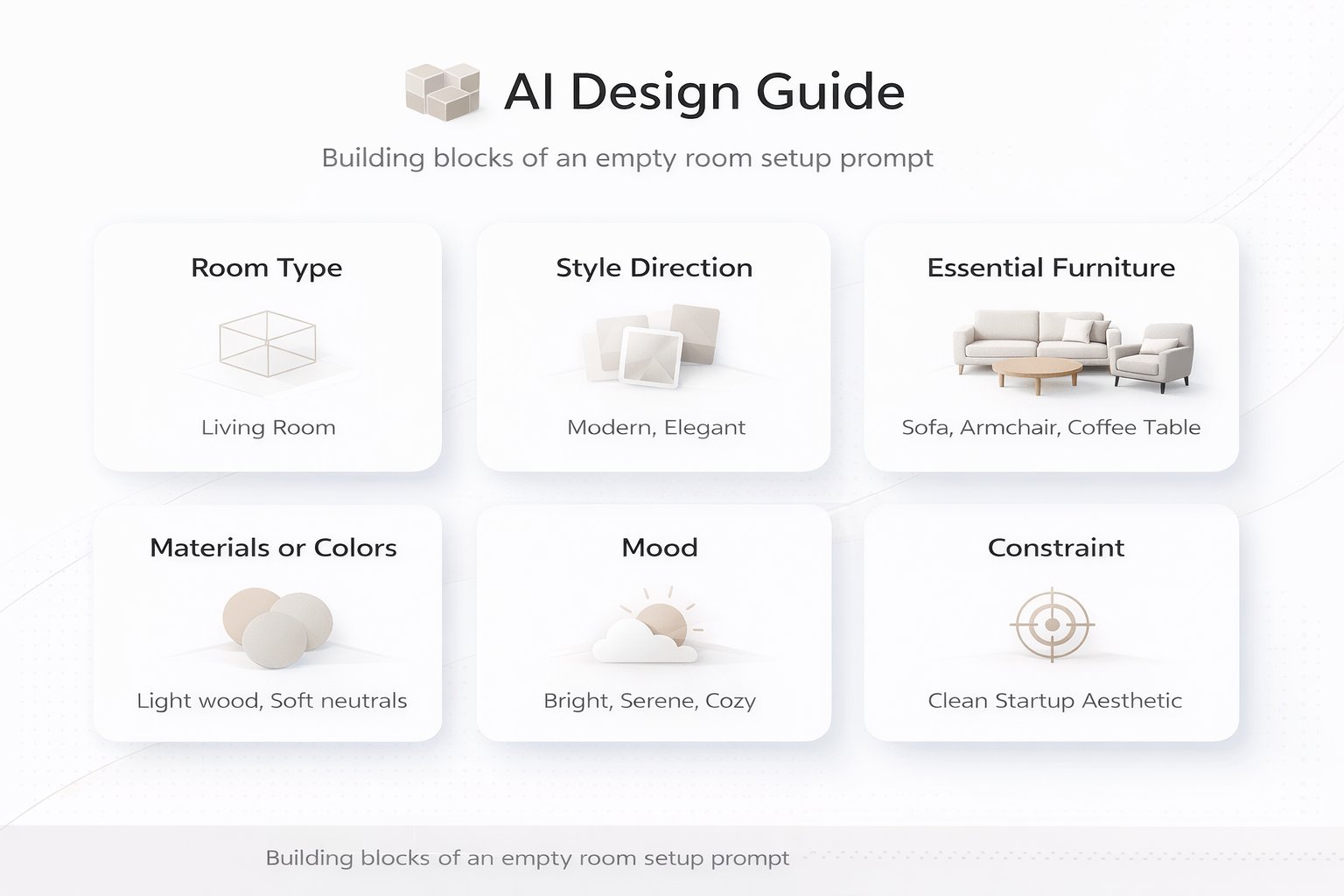
A good furnishing prompt should answer three questions: what is this room, how should it feel, and what must be inside it?
A simple furnishing structure
[Room type] + [Style direction] + [Essential furniture] + [Materials or colors] + [Mood] + [Constraint]
What to include
Room type — bedroom, living room, home office, guest room, nursery, lounge, or dining room.
Style direction — Scandinavian, Japandi, Minimalist, Organic Modern, Mid-Century, or another clear language.
Essential furniture — say what the room needs most: bed, sofa, desk, wardrobe, dining table, or storage.
Materials or colors — use a few clear cues like light oak, beige textiles, warm white walls, black accents.
Mood — warm daylight, calm, airy, cozy, premium, relaxed, or clean and minimal.
Constraint — keep architecture, windows, and room proportions unchanged when needed.
The more clearly you define the room function and essential pieces, the more usable the result becomes.
How to Keep Scale and Layout Believable
Good furnishing is not only about style. It is also about proportion and placement.
One of the most common concerns with empty room generation is whether the room will feel believable. The best way to improve that is to keep the request simple and protect the structure of the original space.
What helps realism
Keep the architecture unchanged — this protects the original shell of the room.
Keep the windows and openings unchanged — this helps maintain the real perspective.
Do not overload the room — ask for essential pieces first, then refine later.
Match furniture to function — a guest room, family room, and home office should not be furnished the same way.
In practice, it is better to start with a clean, functional setup and then add personality, instead of asking for a fully decorated dream room in one step.
Empty Room Prompt Cards
Use these as copy-ready starting points for the most common empty room scenarios.
Core setup cards
Bedroom — minimal modern
Furnish this empty room as a minimal modern bedroom with a queen bed, simple bedside tables, a textured neutral rug, warm wood accents, and soft daylight. Keep the architecture and room proportions unchanged.
Living room — warm Scandinavian
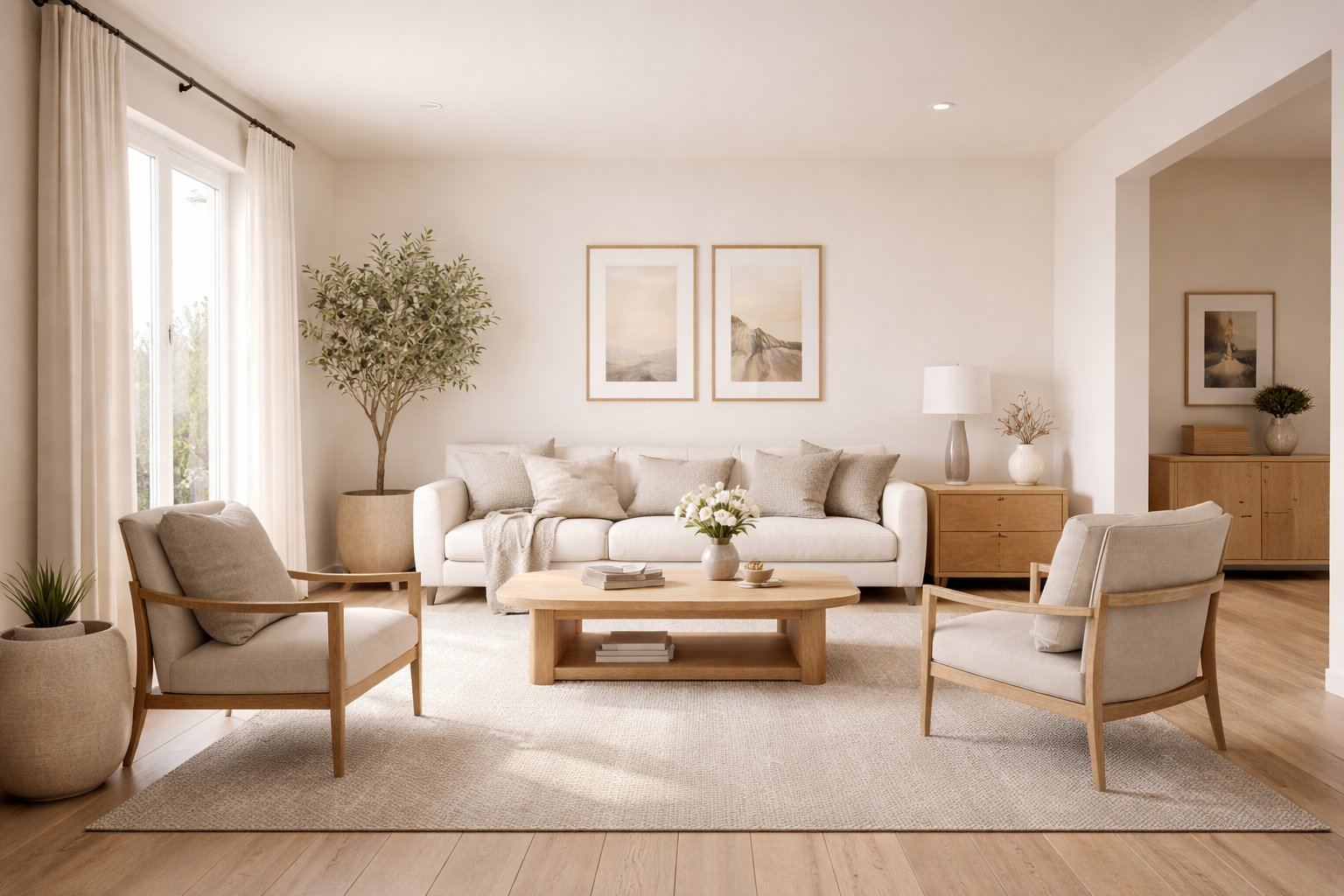
Furnish this empty room as a cozy Scandinavian living room with a comfortable sofa, coffee table, textured rug, light oak details, soft beige textiles, and an airy calm atmosphere. Keep the room structure unchanged.
Home office — clean and functional
Turn this empty room into a clean modern home office with a desk, ergonomic chair, storage unit, soft neutral palette, and a focused uncluttered atmosphere. Keep the windows and room proportions unchanged.
Lifestyle setup cards
Guest room — soft boutique feel
Furnish this empty room as a stylish guest bedroom with a double bed, bedside lighting, soft curtains, calm neutral tones, and a cozy boutique-hotel atmosphere. Keep the architecture unchanged.
Studio corner — lounge plus workspace
Furnish this empty room as a compact multifunctional studio with a small sofa area, desk zone, warm wood details, soft lighting, and a clean modern layout. Keep the room proportions unchanged.
Best practice: focus on the main furniture anchors first. Once the room function is clear, it becomes much easier to refine style and details.
How to Compare Multiple Furnishing Directions
Empty Room Setup becomes much more useful when you compare a few clear directions instead of committing too early.
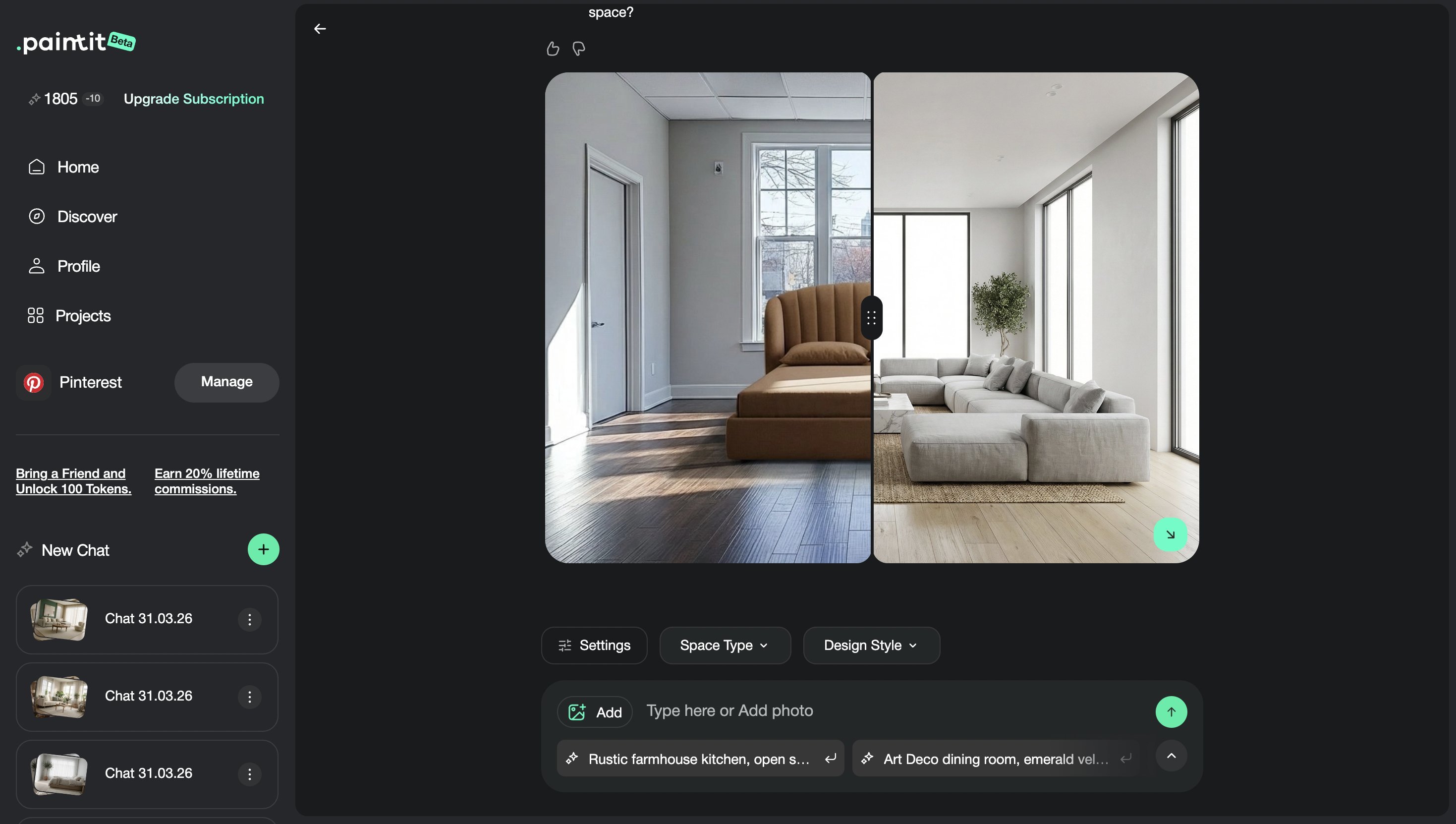
One of the biggest advantages of this workflow is speed. You can quickly test several furnishing concepts for the same room and evaluate which one feels the most functional, attractive, and realistic.
A simple comparison workflow
Version 1 — safe and versatile layout
Version 2 — warmer and softer atmosphere
Version 3 — stronger premium or editorial direction
Next step — save the strongest furnishing concept and refine details from there
This works well for homeowners, rentals, staging, client concepts, and any project where the room needs definition before deeper design work begins.
Frequently Asked Questions
What is the difference between Empty Room Setup and Full Redesign?
Empty Room Setup is best when the space is blank or almost empty and needs furniture plus function. Full Redesign is better when the room is already furnished and you want a broader concept change.
Can I decide what kind of room it should become?
Yes. You should clearly define the room function in the prompt, such as bedroom, living room, office, guest room, or lounge.
How do I make the furniture look realistic in scale?
Keep the architecture and room proportions unchanged, focus on essential pieces first, and avoid overloading the room in the first prompt.
Is this workflow good for staging empty real estate listings?
Yes. It is one of the most useful workflows for helping buyers visualize how an empty room could actually function.
How many furnishing versions should I compare?
Usually two to four furnishing concepts are enough before choosing one direction to refine further.
Can I use Empty Room Setup for small spaces too?
Yes. It is especially useful for compact rooms, studios, and small multifunctional spaces where layout clarity matters.
Furnish Your Empty Room
Upload a blank space, define its function, and turn it into a realistic furnished concept with clearer layout, better scale, and stronger visual direction.
Related articles
Trending
How to Furnish an Empty Room with Paintit.ai
How to Repaint a Room with Paintit.ai
15 Small Front Porch Ideas: Budget DIY Projects That Look Expensive
How to Use Full Redesign in Paintit.ai
How to Write Better Prompts for Paintit.ai
Related articles
8 min read
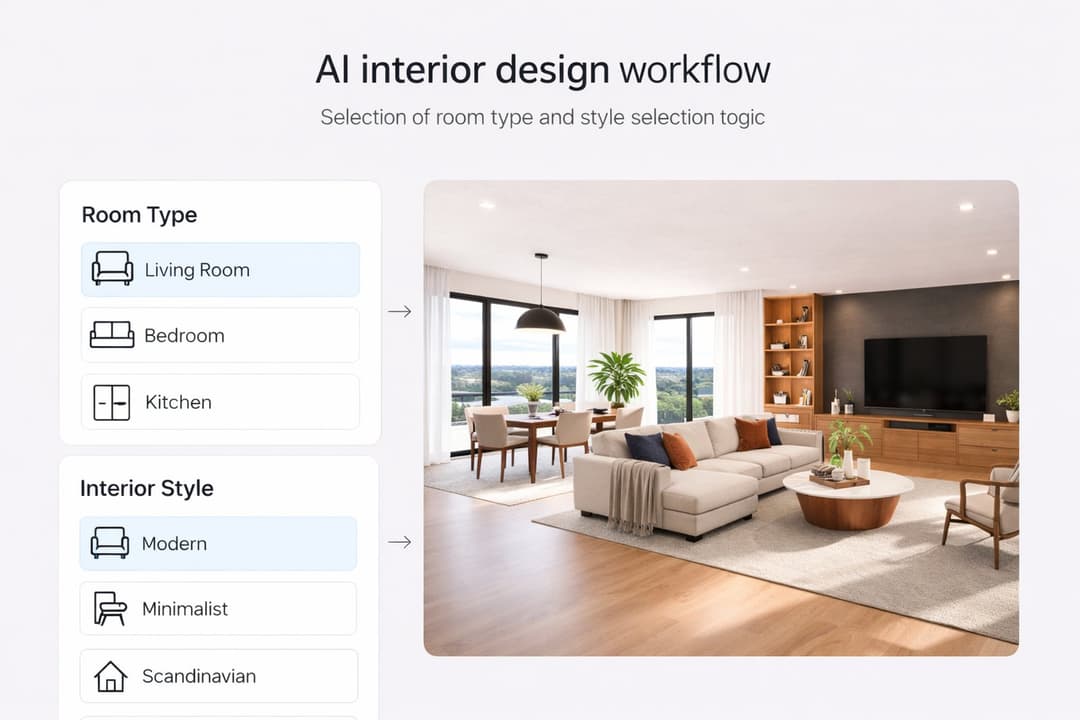
How to Use Space Type and Design Style in Paintit.ai
Learn how to use Space Type and Design Style in Paintit.ai to get more accurate interiors, stronger style consistency, better room logic, and more controlled AI design results
Yulii Cherevko
CEO paintit.ai
8 min read
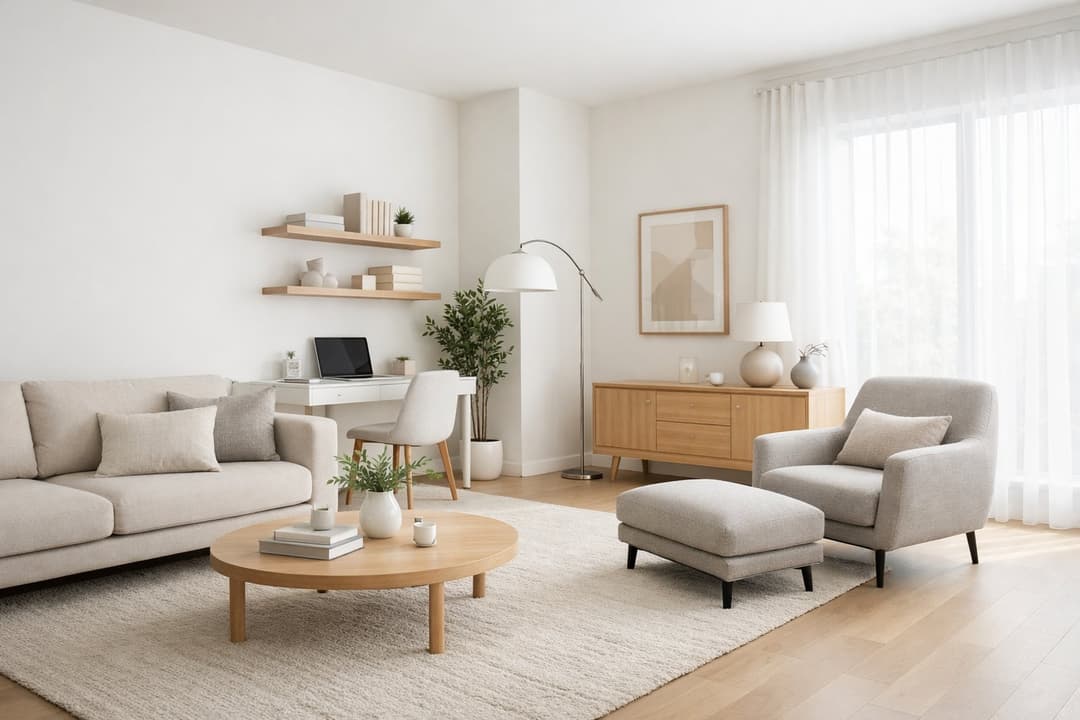
How to Furnish an Empty Room with Paintit.ai
Learn how to furnish an empty room with Paintit.ai, add realistic furniture, keep proportions believable, choose the right style direction, and compare multiple furnishing concepts before making decisions
Yulii Cherevko
CEO paintit.ai
7 min read
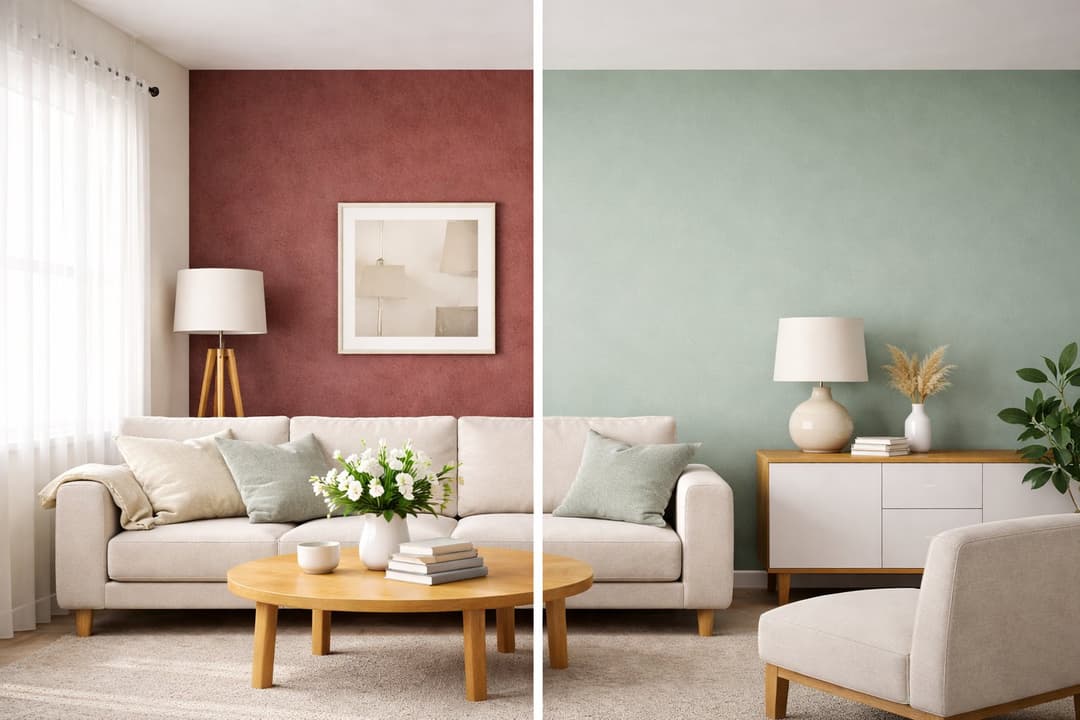
How to Repaint a Room with Paintit.ai
Learn how to repaint a room with Paintit.ai, test wall colors, compare finishes, keep furniture and layout unchanged, and get more realistic repaint results before making real decisions.
Yulii Cherevko
CEO paintit.ai
15 min read
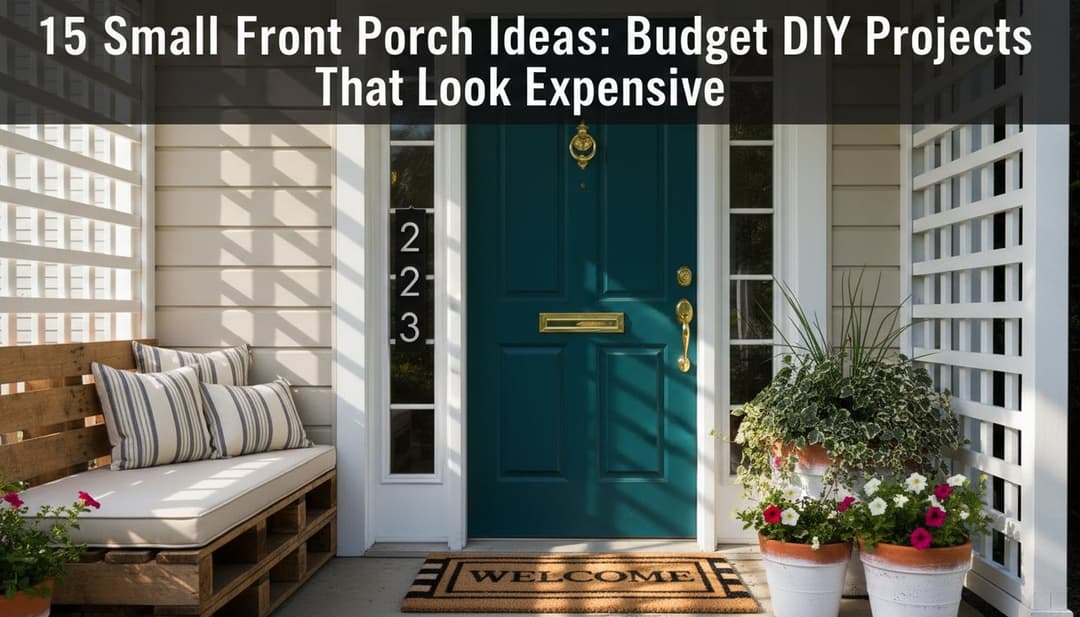
15 Small Front Porch Ideas: Budget DIY Projects That Look Expensive
Transform your small porch on a budget with 15 DIY ideas. Use Paintit.ai to visualize new colors, layouts, and decor for a high-end look instantly
Yulii Cherevko
CEO paintit.ai
8 min read
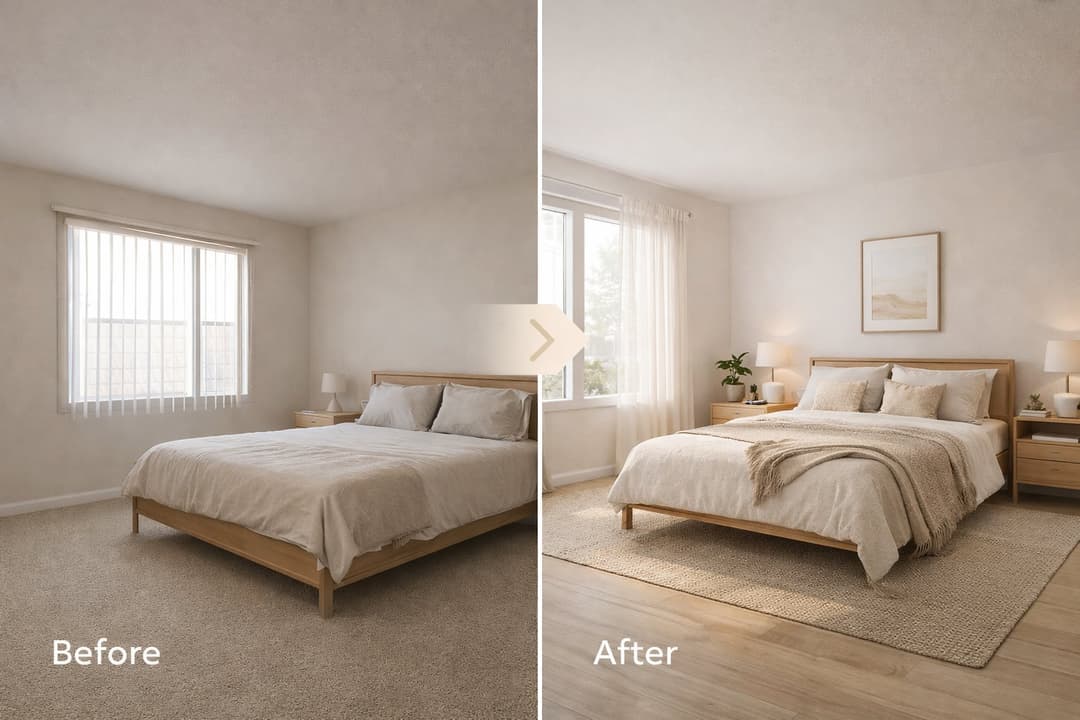
How to Use Full Redesign in Paintit.ai
Learn how to use Full Redesign in Paintit.ai to transform interiors, exteriors, and empty spaces with clearer style direction, better control, and stronger visual results
Yulii Cherevko
CEO paintit.ai
8 min read
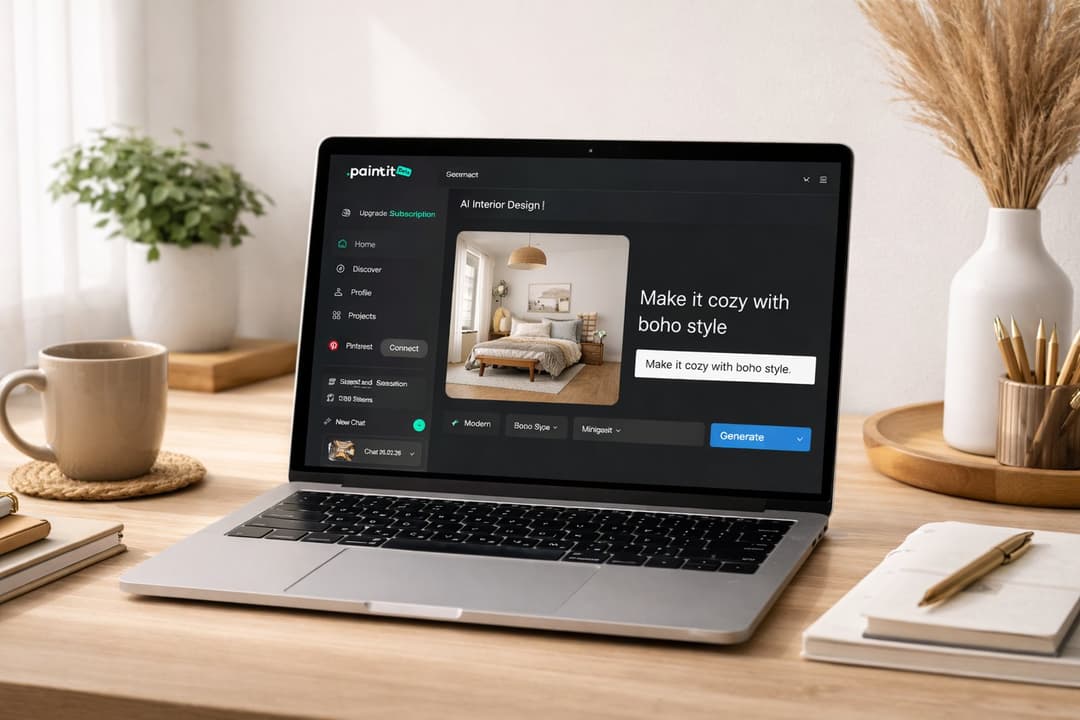
How to Write Better Prompts for Paintit.ai
How to Write Better Prompts for Paintit.ai: A Practical Prompting Guide Meta description: Learn how to write better prompts for Paintit.ai with a simple formula, clear prompting patterns, reference image tips, practical examples, and common mistakes to avoid.
Yulii Cherevko
CEO paintit.ai