
10 min. reading
How to See Your House Painted: The Ultimate AI Visualizer Guide

Yulii Cherevko
CEO paintit.ai

Page Contents:
- 1. What a paint my house exterior app means
- 2. Why it matters now
- 3. How it works
- 4. A repeatable workflow
- 5. Real-life scenario
- 6. Where Paintit.ai fits
- 7. Common mistakes (and how to avoid them)
- 8. FAQ
- 9. Prompt
Key Takeaways:
- AI visualization tools allow you to digitally "try on" exterior paint colors and styles using your own home's photo.
- Visualizing eliminates guesswork, saving time, money, and the stress of costly repainting mistakes.
- Explore popular architectural styles like Modern Farmhouse, Craftsman, and Contemporary by testing their signature color palettes.
- Optimal results depend on uploading a clear, well-lit photo and understanding color undertones in different lighting.
- Advanced visualizers can simulate changes to siding, trim, doors, and other architectural elements for a holistic view.
- AI tools empower confident decision-making, bridging the gap between imagination and the final painted reality.
- Use tools like Paintit.ai to preview combinations before purchasing paint, ensuring satisfaction with your home's exterior transformation.
Choosing a new exterior paint color for your home can feel like a significant decision. How do you truly know how that shade of deep forest green or crisp alabaster white will look on your unique architecture, bathed in your neighborhood's specific light? Instead of relying on guesswork or small paint chips, you can now digitally visualize your entire house painted before lifting a brush. This ultimate guide explores how AI technology empowers you to see your vision come to life. Discover how the right paint my house exterior app can transform your decision-making process, allowing you to confidently choose your home's next look.
What a paint my house exterior app means
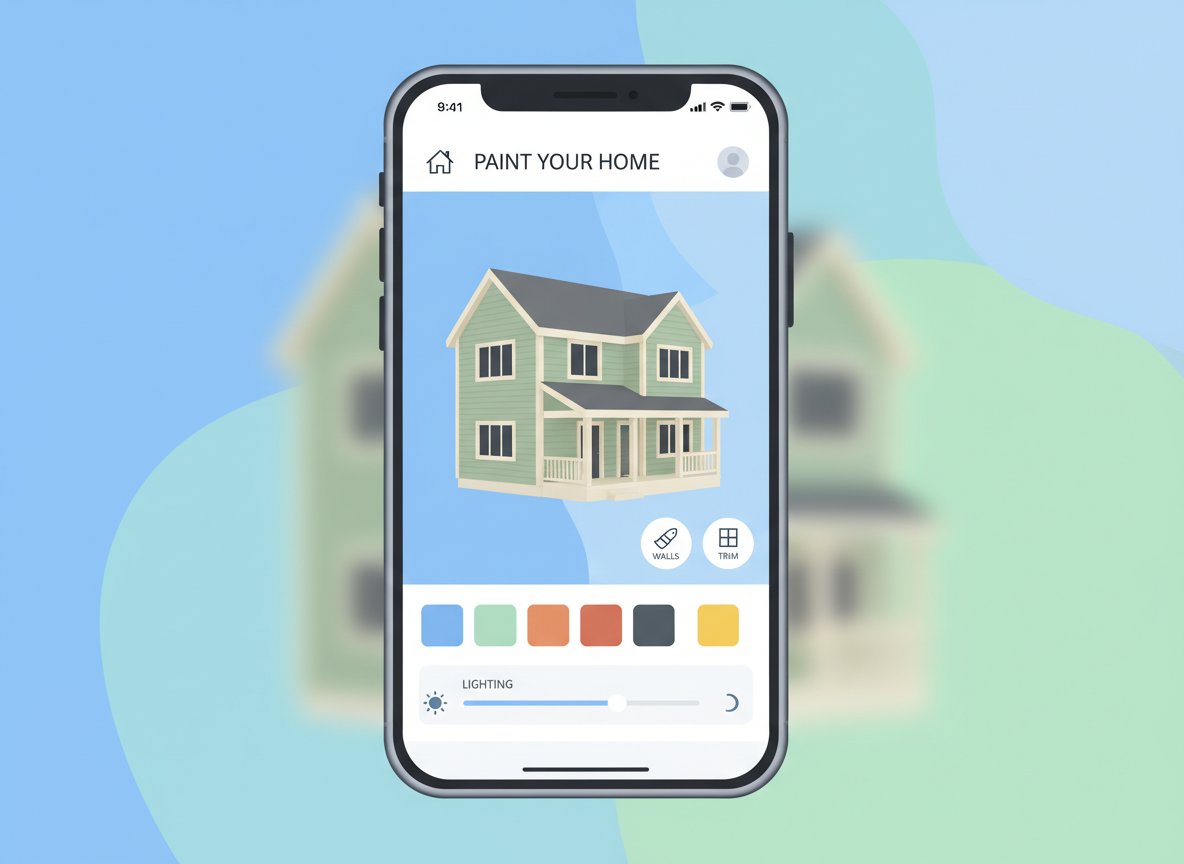
A paint my house exterior app is a digital tool that uses artificial intelligence to help you preview what your home would look like with different exterior paint colors and finishes. Essentially, you upload a photo of your existing house, and the app allows you to digitally "paint" various sections-like siding, trim, doors, and even roofing-with new colors.
It is NOT just a simple photo editor that overlays a color filter. A robust AI exterior paint visualizer understands the architectural elements of your home, intelligently applying the new colors to walls, trim, and shadows without bleeding into unintended areas.
Common misconceptions include:
- "It's just for basic colors." Modern apps can simulate textures, varying sheens (matte, satin), and even different materials like stone veneer or brick, not just flat color changes.
- "It's not accurate." While no digital tool perfectly replicates real-world conditions, advanced AI home exterior design tools are remarkably precise. They account for light, shadow, and the unique contours of your home to provide a highly realistic preview, far superior to imagining colors from a small paint swatch.
Why it matters now
The stakes for exterior home painting are high. A full exterior repaint represents a significant investment in both time and money, often costing thousands of dollars for materials and professional labor. Making a color choice you regret means enduring the disappointment, or worse, incurring the expense of repainting shortly after.
This is where an app to change color of house provides tangible value. It reduces decision paralysis and the financial risk associated with a permanent change.
- Cost Savings: Avoid purchasing numerous sample pots that don't quite match your vision. More importantly, circumvent the cost of a full repaint if the initial color choice is wrong.
- Time Efficiency: Experiment with dozens of color combinations in minutes, rather than waiting for physical samples or painting small test patches that don't capture the full effect.
- Confident Approvals: For homeowners associations or partners, a realistic visualizer provides a concrete image for discussion and approval, streamlining communication and avoiding disputes.
- Workflow Friction Reduction: Designers and contractors can present highly accurate mock-ups to clients, ensuring alignment before any physical work begins, leading to smoother projects and happier clients.
How it works
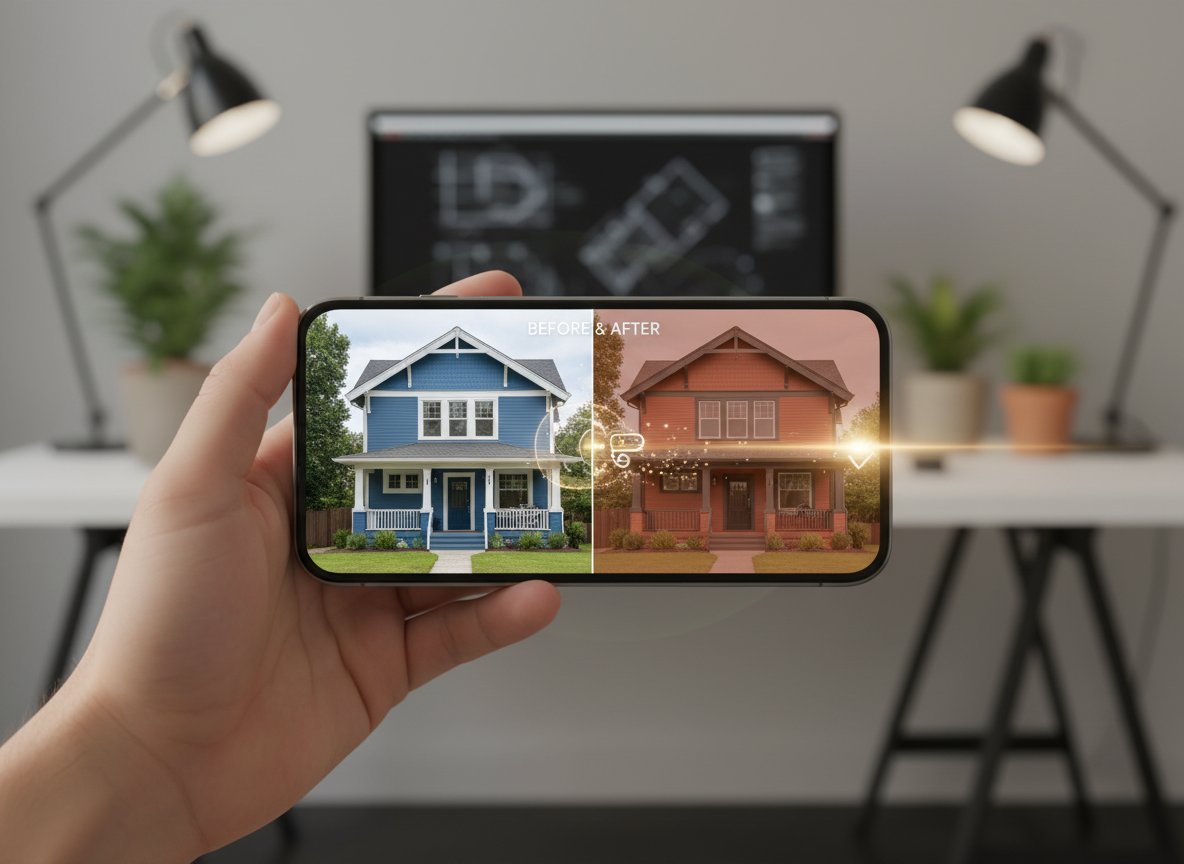
At its core, an Exterior house paint simulator leverages computer vision and machine learning to interpret your uploaded image. Here's a simplified pipeline:
- Input: You start by uploading a high-resolution, well-lit photograph of your house. The quality of this initial image is crucial.
- Scene Analysis (Segmentation): The AI algorithm first "understands" the image. It identifies and segments different architectural elements: the main walls, trim around windows and doors, the roof, shutters, garage doors, and even distinguishing between brick, siding, and stone. This is often achieved through deep learning models trained on vast datasets of architectural images.
- Constraint Application (Color & Texture Replacement): Once elements are identified, the app can selectively apply new colors or textures. When you choose a new paint color, the AI replaces the existing color within the segmented area. It doesn't just overlay a flat color; it intelligently preserves shadows, highlights, and existing surface textures, making the new paint appear realistic.
- Generation & Rendering: The system then renders the updated image, often in real-time or near real-time, showing your house with the selected colors. Advanced tools may also simulate different lighting conditions (e.g., sunny, overcast) to further enhance realism.
- Selection & Iteration: You review the generated images, compare options side-by-side, and iterate. If a color doesn't look quite right, you simply pick another. This allows for rapid exploration of countless possibilities.
What data matters: The training data for these AI models consists of millions of images of houses with labeled architectural features and varied lighting. This allows the AI to learn how paint interacts with different surfaces and light sources.
Typical failure modes:
- Poor Input Photo: Blurry, poorly lit, or obstructed photos confuse the AI, leading to inaccurate segmentation or unrealistic color application.
- Complex Architecture: Highly ornate or unusually shaped homes might challenge the AI's ability to perfectly segment areas, requiring some manual refinement.
- Overly Aggressive Shadows: Deep shadows can sometimes be difficult for the AI to interpret and recolor realistically, potentially flattening the perceived texture.
- Unusual Materials: If your home features very unique, uncommonly seen materials, the AI might struggle to accurately replace or simulate them.
A repeatable workflow
Using a house color visualizer tool effectively involves a structured approach. The goal is to isolate variables to make clear comparisons.
- Prepare Your Photo:
- Input: A high-resolution photo of your home taken on an overcast but bright day (to minimize harsh shadows). Ensure the entire exterior you want to visualize is visible and unobstructed.
- What to control: Focus on clear, even lighting.
- Pro tip: Take photos from multiple angles (front, side) to capture different lighting conditions and details.
- Define Your Primary Vision:
- Input: Based on existing elements like your roof color, landscaping, or neighborhood aesthetic, choose a primary color family (e.g., warm neutrals, cool blues, earthy greens).
- What to control: Select 2-3 main color options for your siding.
- Paintit.ai shortcut: Upload your photo to the AI House Painter tool and apply these primary colors to your main siding, saving each variation.
- Iterate on Siding Colors:
- Input: Your initial photo with the primary color choices applied.
- What to control: Change only the main siding color. Cycle through your chosen 2-3 options. Observe how each interacts with existing fixed elements (roof, windows). Save the top 1-2 favorites.
- Refine Trim and Accent Colors:
- Input: Your top 1-2 siding color choices.
- What to control: For each selected siding color, experiment with different trim colors (white, off-white, black, contrasting dark tones) and accent colors for doors or shutters. Maintain one main siding color per iteration.
- Pro tip: Consider complementary or analogous color schemes. A dark body color often pairs well with lighter trim, and vice-versa.
- Explore Material and Sheen Variations (if available):
- Input: Your preferred color palettes.
- What to control: Test different finishes (matte, satin) or even materials (e.g., if you're considering new siding, test fiber cement vs. wood look). This helps determine texture and light reflection.
- Review and Compare:
- Input: All saved visualizations.
- What to control: Compare your top 3-5 complete exterior looks side-by-side. Share with others for feedback.
- Pro tip: Print out your favorite options and view them at different times of day in real-world light to get a sense of how they'd truly appear.
Here’s a breakdown of the visualization steps:
| Step | Input | What to Control | Output | Pitfall | Paintit.ai Shortcut |
|---|---|---|---|---|---|
| 1. Capture Base Photo | Clear, well-lit house photo | Even lighting, full exterior view | High-quality digital image | Harsh shadows, obstructions, low resolution | Upload directly to AI visualizer. |
| 2. Select Main Siding | Base photo | Primary body color of the house | House with new main wall color | Color "bleeds" into trim, unrealistic texture | Use AI segmentation to target main walls, apply swatches. |
| 3. Choose Trim Colors | House with main siding color | Trim, fascia, window frames, columns | Coordinated or contrasting trim look | Too many conflicting colors, wrong sheen | Apply separate colors to segmented trim areas. |
| 4. Add Accent Elements | House with siding and trim colors | Doors, shutters, porch ceilings | Complete exterior palette | Accents overwhelm, don't complement | Test bold door colors, dark shutters; see instant harmony. |
| 5. Material & Sheen | Finalized color palette | Matte, satin, gloss finish; material texture | Realistic surface appearance | Digital flatness, unnatural reflection | Use AI Rendering to refine lighting and materials. |
| 6. Review & Decide | Multiple visualized options | Side-by-side comparison, feedback | Top 2-3 final contenders | Decision paralysis, isolated choice | Save, compare, and share high-resolution renders for input. |
Real-life scenario
Brief: A couple living in a 1960s brick-and-siding ranch home wants to update its exterior. The brick is a dated orange-red, and the existing siding is a faded beige. They want a contemporary yet warm aesthetic that works with their existing dark gray roof and mature green landscaping.
Constraints:
- Must retain the brick, but its color needs to be minimized or complemented.
- Budget allows for new siding paint and trim.
- Seeking a more inviting, less "stark" modern look.
Steps using an AI paint my house tool:
- Upload: They upload a clear, front-facing photo of their ranch home taken on a slightly overcast afternoon.
- Brick Transformation: The couple starts by using the tool's brick overlay feature. Instead of painting the brick, they experiment with digitally "washing" it with a lighter, creamy white to mute the orange-red tones, or applying a dark charcoal stain to deepen its character. They decide the creamy wash works best with the roof.
- Siding Exploration: With the muted brick base, they then focus on the siding. They test cool grays, deep blues, and even a soft sage green, ensuring each choice complements the newly toned brick and dark gray roof. They find that a charcoal gray siding with a subtle blue undertone creates the contemporary feel without being too cold.
- Trim & Door Accents: For trim, they try crisp white, an off-white matching the brick wash, and even a bold black. The crisp white provides the clean contrast they desire. For the front door, they experiment with a vibrant yellow-green and a deep teal. The deep teal adds a touch of personality while maintaining sophistication.
- Final Review: They compare their top three full visualizations, sharing them with a trusted friend. The combination of cream-washed brick, charcoal-blue siding, crisp white trim, and a deep teal door is the unanimous winner, achieving a refreshed, inviting contemporary look.
Success Criteria: The couple is confident in their color choices, has a clear visual to share with their painter, and has avoided the risk of painting costly test patches or making a color mistake.
Where Paintit.ai fits
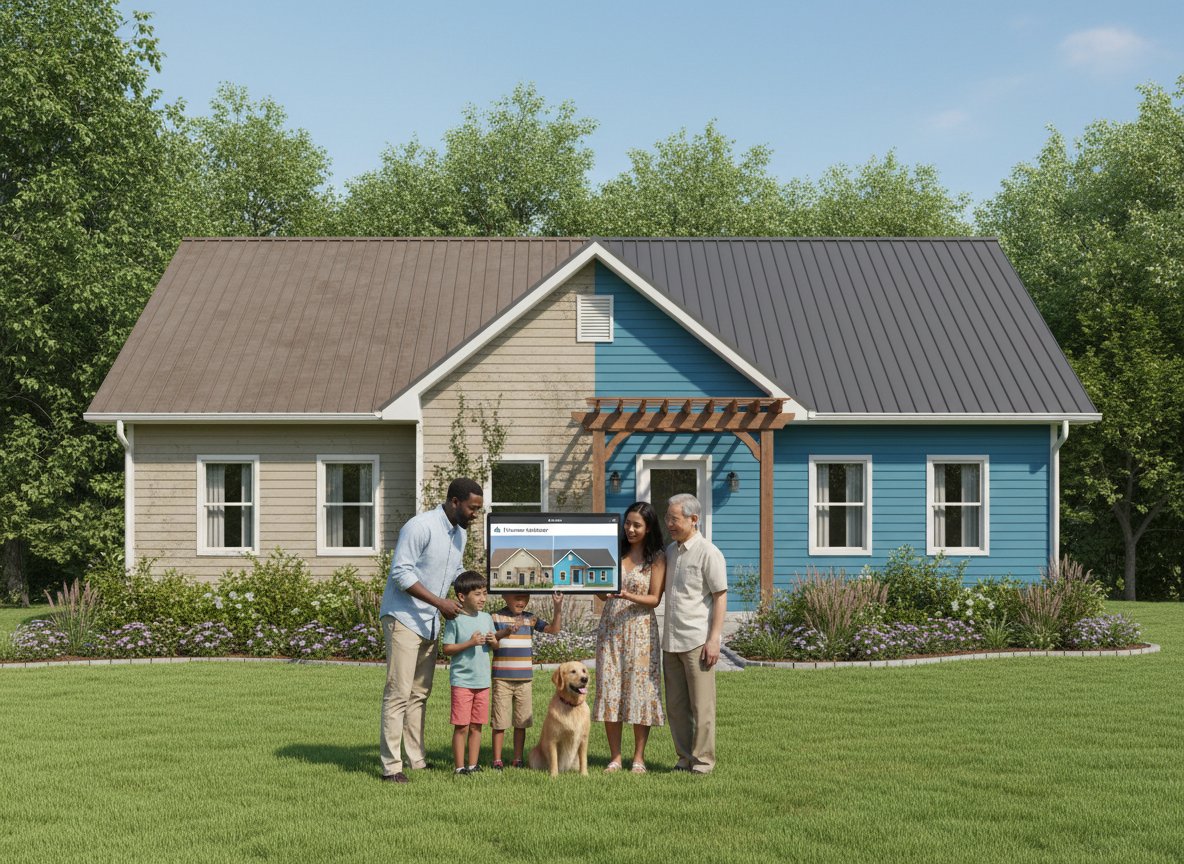
Paintit.ai significantly accelerates the early design phase of exterior renovation projects. It's fastest and most efficient when:
- Exploring broad aesthetic directions: Quickly testing dozens of color palettes and styles on your existing home photo.
- Visualizing complex combinations: Seeing how siding, trim, doors, and even roof elements coordinate.
- Gaining initial stakeholder alignment: Presenting clear, realistic visuals to family members or clients for quick feedback.
- Identifying potential missteps early: Realizing a chosen color clashes with permanent elements like the roof or landscaping before purchasing paint.
However, even with advanced tools, manual work and real-world considerations remain crucial:
- Accurate measurements and material estimates: Digital visualization does not provide quantities for paint or other materials.
- Structural constraints and permits: AI won't tell you if a design change is structurally feasible or requires local permits.
- Site-specific nuances: While AI simulates light, the exact way a color appears can subtly shift based on real-world factors like surrounding trees, adjacent buildings, and local air quality. Always verify top choices with physical samples.
- Professional advice: For complex architectural changes or structural decisions, an architect or contractor's expertise is irreplaceable.
For design professionals, Paintit.ai for business solutions helps streamline client presentations, offering high-fidelity renders that close the imagination gap.
When considering options for visualizing your exterior project, each method has its trade-offs:
| Option | Best for | Time | Cost | Risk (of regret) | Notes |
|---|---|---|---|---|---|
| Small Physical Paint Chips | Quick initial screening | Low | Very Low | High | Colors appear different on a small scale vs. large surface. |
| Large Physical Paint Samples (Boards) | Verifying top 2-3 choices | Medium | Medium | Medium | Better than chips, but still not full house scale. |
| Professional Renderings (Manual CAD) | High-budget, complex architectural changes | High | Very High | Low | Requires specialized skills, slow iteration. |
| AI Visualizer (e.g., Paintit.ai) | Rapid exploration, high realism, cost-effective | Low-Medium | Low-Medium | Low | Best balance of speed, realism, and iterative design. |
| Painting Test Patches | Final check of 1-2 colors | Medium | Medium | Low | Most accurate for a few specific spots, but time & labor intensive. |
| Imagination / Asking Friends | No-cost, low effort | Instant | Zero | Very High | Extremely unreliable, highly subjective, leads to regrets. |
Common mistakes (and how to avoid them)
Even with advanced AI paint my house tools, certain errors can lead to less-than-ideal outcomes. Here's how to navigate them:
- Using a poor quality input photo:
- Mistake: Uploading a blurry, dark, or heavily obstructed image. The AI struggles to accurately segment areas.
- Fix: Take multiple photos in bright, even daylight (overcast is ideal). Ensure the entire house is visible, free of cars, large shadows, or excessive foliage.
- Check next: Verify that all architectural elements (trim, windows, doors) are clearly defined in the preview.
- Ignoring fixed elements:
- Mistake: Choosing a paint color that clashes with your existing roof, brick, stone, or permanent landscaping.
- Fix: Always consider these unchangeable elements as the foundation for your color palette. Use them to guide your choices.
- Check next: Does your chosen color enhance or detract from your roof and any prominent natural materials?
- Forgetting about undertones:
- Mistake: Selecting a "gray" that ends up looking purple, blue, or green in certain lights, or a "white" that looks too yellow.
- Fix: Understand that colors have subtle undertones. Test multiple shades within a color family (e.g., cool grays vs. warm grays).
- Check next: Compare different versions of the same "color" on your visualizer. Do any unexpectedly lean cool or warm?
- Over-complicating the palette:
- Mistake: Using too many distinct colors or wildly contrasting tones across siding, trim, and accents.
- Fix: Stick to a maximum of 3-4 colors for the main body, trim, and accents. A harmonious palette often uses variations of the same hue or complementary neutrals.
- Check next: Does the overall look feel busy or serene? Can you simplify by using fewer distinct colors?
- Not considering sheen:
- Mistake: Forgetting that paint sheen (matte, satin, semi-gloss) affects how light reflects and how durable the paint is. Visualizers may not perfectly capture this without specific settings.
- Fix: While visualizing colors, mentally note or research how different sheens typically behave. Generally, matte hides imperfections, satin is versatile, and semi-gloss is for trim/doors.
- Check next: Does the simulated texture appear too flat or too shiny for the chosen architectural style?
- Failing to save iterations:
- Mistake: Not saving different versions of your design, making it hard to compare or revert.
- Fix: Always save each distinct design iteration, especially when exploring different primary colors or trim options.
- Check next: Can you easily access and compare your top 3-5 favorite designs side-by-side?
- Not sharing for feedback:
- Mistake: Making a final decision in isolation without getting input from family or trusted friends.
- Fix: Share your top visualized options with others. A fresh perspective can catch issues you missed.
- Check next: Have you considered how the new colors might look to others or fit into the neighborhood aesthetic?
FAQ
Q: What is the best app to see my house painted?
A: The "best" app depends on your specific needs, but tools like Paintit.ai are highly regarded for their user-friendliness, accurate photo uploads, and comprehensive visualization capabilities, allowing you to realistically preview colors and styles.
Q: How accurate are AI house painting tools?
A: Modern AI tools offer high accuracy in rendering colors and textures based on uploaded photos. While they provide an extremely reliable preview, final results can be influenced by actual paint application, unique lighting on the day of painting, and the specific sheen chosen. They are significantly more accurate than guesswork.
Q: Is there a free app for house painting visualization?
A: Many AI visualization tools offer limited free trials or basic features. Paintit.ai provides powerful visualization capabilities, allowing users to experiment extensively with colors and styles. Exploring the tool's features will help you find the best options for your needs. You can learn more on the Paintit.ai blog.
Q: How to use AI to change house exterior color?
A: Typically, you upload a clear photo of your house to an AI visualization platform like Paintit.ai. The software then allows you to select areas (siding, trim, doors) and apply different colors, styles, or materials digitally, providing an instant visual preview.
Q: Can I upload a photo to see my house painted?
A: Yes! Tools like Paintit.ai are designed precisely for this. You upload a clear image of your home's exterior, and the AI software lets you virtually repaint it in countless colors, helping you decide how would my house look painted.
Q: What considerations should I make when choosing an exterior paint color?
A: Consider your home's architectural style, the colors of fixed elements (roof, stone, brick), landscaping, and your neighborhood's aesthetic. Also, factor in how light changes throughout the day.
Q: How does an Exterior paint visualizer help with HOA approvals?
A: By providing clear, realistic digital mock-ups, you can present your proposed changes to your Homeowners Association with confidence, showing exactly how your house will look, which often streamlines the approval process.
Prompt
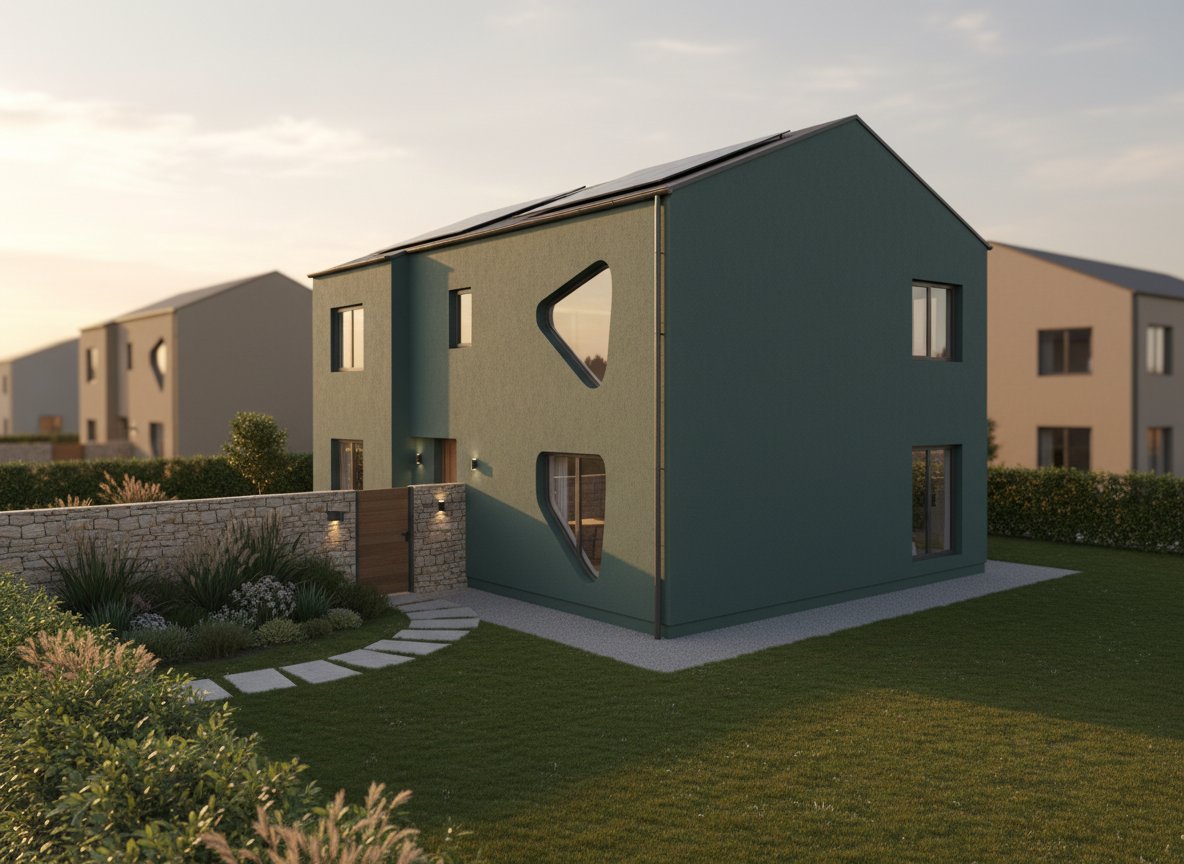
Prompt for a Modern Farmhouse look with light siding:
"Transform my existing siding to a crisp off-white, add matte black trim around windows and doors, and use a dark wood stain for the front door."
Prompt for a Craftsman style update on an existing home:
"Apply a deep forest green to the main siding, a creamy beige to the trim and eaves, and a rich, warm brown for the porch columns and front door. Ensure wood textures are highlighted."
Prompt for a Contemporary update on a stucco home:
"Change stucco walls to a cool light gray, apply a stark black to all window frames and garage door, and a vibrant red for the main entry door. Keep lines clean and minimalist."
Prompt for exploring earthy tones on a traditional home:
"Visualize my house with warm taupe siding, slightly darker brown trim, and an olive green accent for the shutters. The front door should be a muted cranberry."
Prompt to compare two distinct palettes:
"Show me Option A: a cool navy blue siding with bright white trim and a natural wood door. Then show me Option B: a soft sage green siding with off-white trim and a dark charcoal door. Compare them side-by-side."
Confident Choices with AI Visualization
Eliminate the guesswork from exterior home painting. The era of uncertainty is over. With an advanced paint my house exterior app, you gain the power to visualize, iterate, and finalize your design decisions with confidence. Stop imagining and start seeing. Start visualizing with Paintit.ai's AI Rendering today and turn your exterior design dreams into a tangible, beautiful plan.
Trending
Best AI for Bedroom Design: Transform Your Sleep Space Instantly
How to See Your House Painted: The Ultimate AI Visualizer Guide
Top Foyr Neo Alternatives for Interior Designers: High-End Rendering & 3D Tools
Renovate AI Alternatives: Best AI Tools for Realistic Exterior & Interior Visualization
Best AI Kitchen Design Tools: Transform Your Space in Minutes
Related articles

12 min read
7 Best Coohom Alternatives & Competitors in 2026: Full Review
Explore the best Coohom alternatives for 2026. Compare Paintit.ai, SketchUp, and Foyr Neo to find the right 3D design software for your workflow. Try it now!
Yulii Cherevko
CEO paintit.ai

7 min read
Best AI for Bedroom Design: Transform Your Sleep Space Instantly
Discover the best AI for bedroom design in 2026. Compare Paintit.ai, RoomGPT, and Planner 5D to visualize styles and layouts instantly. Start your makeover now!
Yulii Cherevko
CEO paintit.ai

10 min read
How to See Your House Painted: The Ultimate AI Visualizer Guide
Use AI to digitally "try on" exterior paint colors. Learn how to use a house color visualizer app to see your home transformed before you buy a single gallon
Yulii Cherevko
CEO paintit.ai

10 min read
Top Foyr Neo Alternatives for Interior Designers: High-End Rendering & 3D Tools
Discover the best Foyr Neo alternatives in 2026. Compare Blender, SketchUp, and Paintit.ai for high-end rendering and 3D modeling. Start visualizing now!
Yulii Cherevko
CEO paintit.ai

10 min read
Renovate AI Alternatives: Best AI Tools for Realistic Exterior & Interior Visualization
Discover the top Renovate AI alternatives for 2026. Compare Paintit.ai, Planner 5D, and Interior AI to visualize your home remodeling projects instantly.
Yulii Cherevko
CEO paintit.ai

8 min read
Best AI Kitchen Design Tools: Transform Your Space in Minutes
Discover the best AI kitchen design tools to visualize layouts, cabinet colors, and textures instantly. Compare Paintit.ai, Coohom, and Homestyler for your remodel
Yulii Cherevko
CEO paintit.ai