Usiamo cookie essenziali per far funzionare il sito. Con il tuo consenso, possiamo usare anche cookie non essenziali per migliorare l'esperienza, personalizzare i contenuti e analizzare il traffico. Per questi motivi, possiamo condividere i dati sull'uso del sito con i nostri partner di social media e analisi. Facendo clic su “Accetta”, acconsenti all'uso dei cookie del sito descritto nella nostra Informativa sui cookie. Puoi modificare le impostazioni dei cookie in qualsiasi momento nelle preferenze del browser.
  • Chi siamo
  • Prezzi
  • Blog
  • Contatti
AiEi

Prodotti

  • Per interior designer
  • Per l'e-commerce
  • Per il settore immobiliare

Strumenti

Generatore di architettura IA
Generatore di concept IA
Design di esterni con IA
Generatore di case IA
Simulatore di pittura della casa IA
Progettazione del paesaggio con IA
Rendering IA
Design di stanze con IA
Strumento di design degli esterni della casa
Home staging virtuale con IA
Ristrutturazione del bagno con IA
Generatore di planimetrie IA
Generatore di mobili IA
Disposizione dei mobili con IA
Ristrutturazione degli esterni della casa
Simulatore di colori per pitture IA
Ristrutturazione della cucina con IA
Simulatore di tappeti IA
Miglioramento delle foto immobiliari
Rendering d'interni con IA
Design di pareti con IA
Design di porte con IA
Rendering di planimetrie IA
Design di pavimenti con IA
Strumento di design di vialetti carrabili
Strumento di design di pavimentazioni
Progetti di ampliamento della casa
Dallo schizzo al rendering con IA
Dal prospetto al rendering
Design di mobili contenitori con IA
Design di terrazze con IA
Progettista di giardini IA
Ristrutturazione e interior design con IA
Simulatore di finestre IA
Simulatore di pittura dei mobili
Simulatore di piani di lavoro della cucina
Strumento di illuminazione paesaggistica
Simulatore di tende IA
Miglioramento dei rendering IA

Casi d'uso

Design di cucine con IA
Design di soggiorni con IA
Design di camere da letto con IA
Design di bagni con IA
Progettazione del paesaggio con IA
Design di cabine armadio con IA
Design di uffici con IA
Design di piscine con IA
Design di lavanderie con IA
Design di ristoranti con IA
Design di aule con IA
Design di seminterrati con IA
  • Termini di servizio
  • Informativa sulla privacy
  • Fiducia
  • Programma di affiliazione
Logo
Paintit.ai - Strumento gratuito di interior design con IA

© 2026

Al fianco dell'Ucraina
PAINTITAI LTD, 52 Leytonstone road, London, E15 1SQ, UK
  • English/
  • Español/
  • Português (Brasil)/
  • Deutsch/
  • Français/
  • Italiano
Paintit.ai - design gratuito della casa con IA
  • Prezzi
  • Chi siamo
  • Blog
  • Contatti
/Blog/Paintit AI Guides
Paintit.ai Guides

6 min. reading

Paintit.ai Guides 

avatar-blog

Yulii Cherevko

CEO paintit.ai

Published: 15 April 2026

Share
  • ChatGPT
  • Perplexity
  • Claude
  • Grok
  • Google AI
Paintit.ai Guides

Page 
Contents: 

  • 1. Start Here
  • 2. Core Skills
  • 3. Workflows
  • 4. Room-by-Room Guides
  • 5. Professional Guides
  • 6. Renovation and Realism
  • 7. Frequently Asked Questions

Learn how to get better results in Paintit.ai with practical guides for prompts, room redesigns, realism, real estate staging, rental refreshes, renovation planning, and professional design workflows.

Start Here

These are the best entry points if you are new to Paintit.ai or want a faster way to improve results.

Recommended first reading

How to Get the Best Results in Paintit.ai
The main getting-started guide for photos, workflows, prompts, controls, and comparison logic.

How to Write Better Prompts for Paintit.ai
A practical prompting guide with stronger prompt structure, better constraints, and cleaner prompt logic.

How to Use Space Type and Design Style in Paintit.ai
Learn how the built-in controls improve room logic, style consistency, and overall output quality.

If you are not sure where to begin, start with these three. They give the biggest overall improvement the fastest.

Core Skills

These guides teach the system behind stronger results, not just one-off tricks.

Core skill guides

How to Write Better Prompts for Paintit.ai
Build clearer prompts with stronger room logic, materials, mood, and constraints.

How to Use Pinterest Inspiration in Paintit.ai
Learn how to use references correctly without losing the logic of your original room.

How to Save, Compare and Organize Designs in Paintit Projects
Use Projects as a workflow system, not just a place to store images.

How to Generate More Realistic AI Interiors with Better Materials, Lighting and Constraints
Improve realism through cleaner material systems, better light logic, and stronger structural control.

How to Keep Layout and Architecture Unchanged in Paintit.ai
Learn how to preserve the room shell while still improving design direction, materials, and mood.
Core Paintit.ai learning system showing prompts, references, projects, realism, and layout control as the main skill areas

Workflows

Choose the right workflow first. It usually matters more than writing a longer prompt.

Task-based workflow guides

How to Use Full Redesign in Paintit.ai
Best for testing a new overall direction for a room, facade, or commercial space.

How to Repaint a Room with Paintit.ai
Best for testing wall tones, finishes, and subtle updates while keeping the rest of the room stable.

How to Furnish an Empty Room with Paintit.ai
Best for blank spaces that need furniture, function, and stronger visual structure.

How to Use Pinterest Inspiration in Paintit.ai
Best when you already know the taste direction and want to transfer it into your actual room.

A useful rule is simple: one clear task per generation usually produces stronger results than one overloaded request.
Paintit.ai workflow system showing full redesign, repaint, empty room setup, and reference-led workflows

Room-by-Room Guides

Use these when you are working on a specific room type and want more targeted, technical advice.

Interior and exterior guides

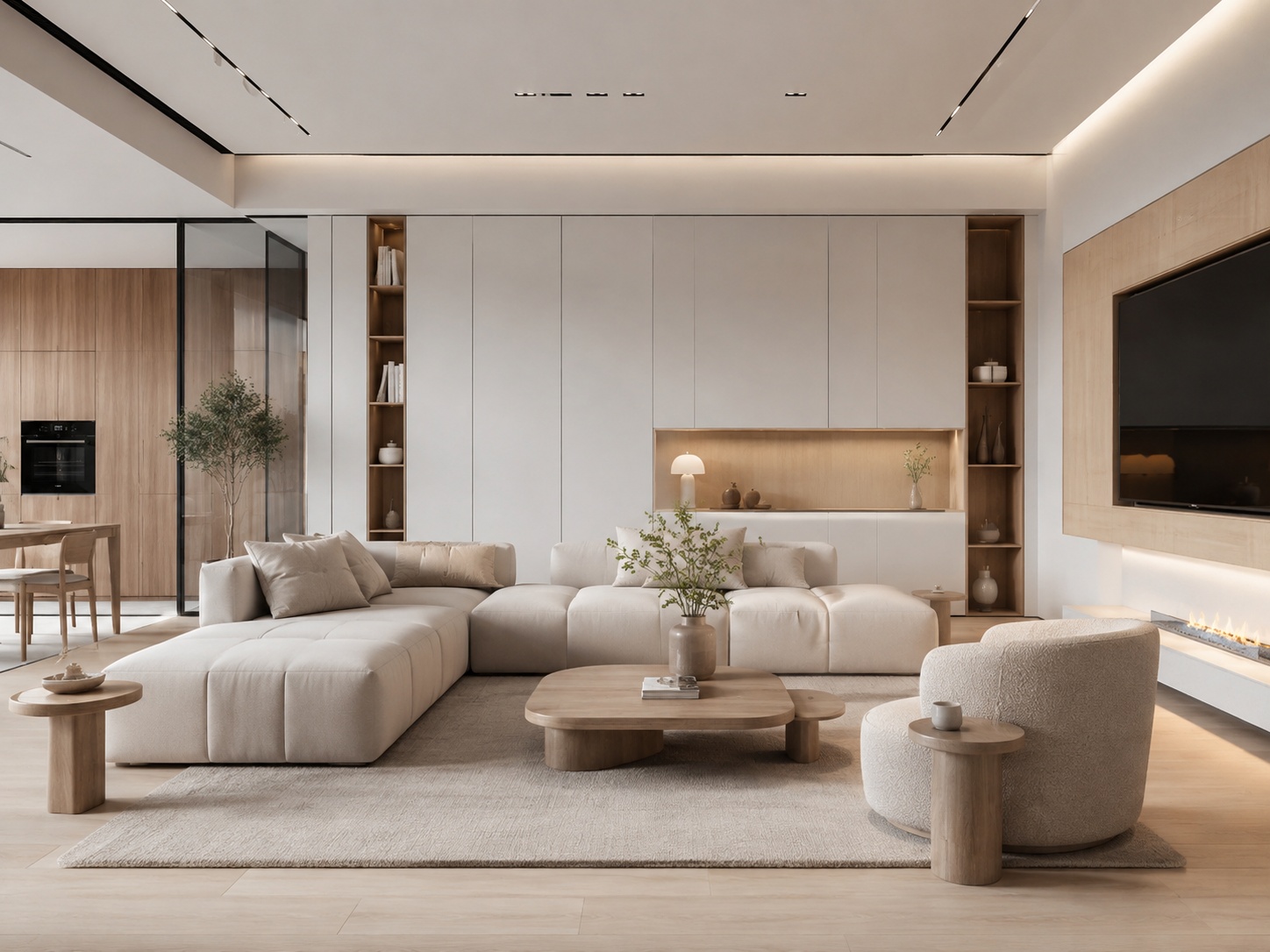
How to Redesign a Living Room with Paintit.ai
Better focal points, furniture scale, sofa logic, and stronger room composition.

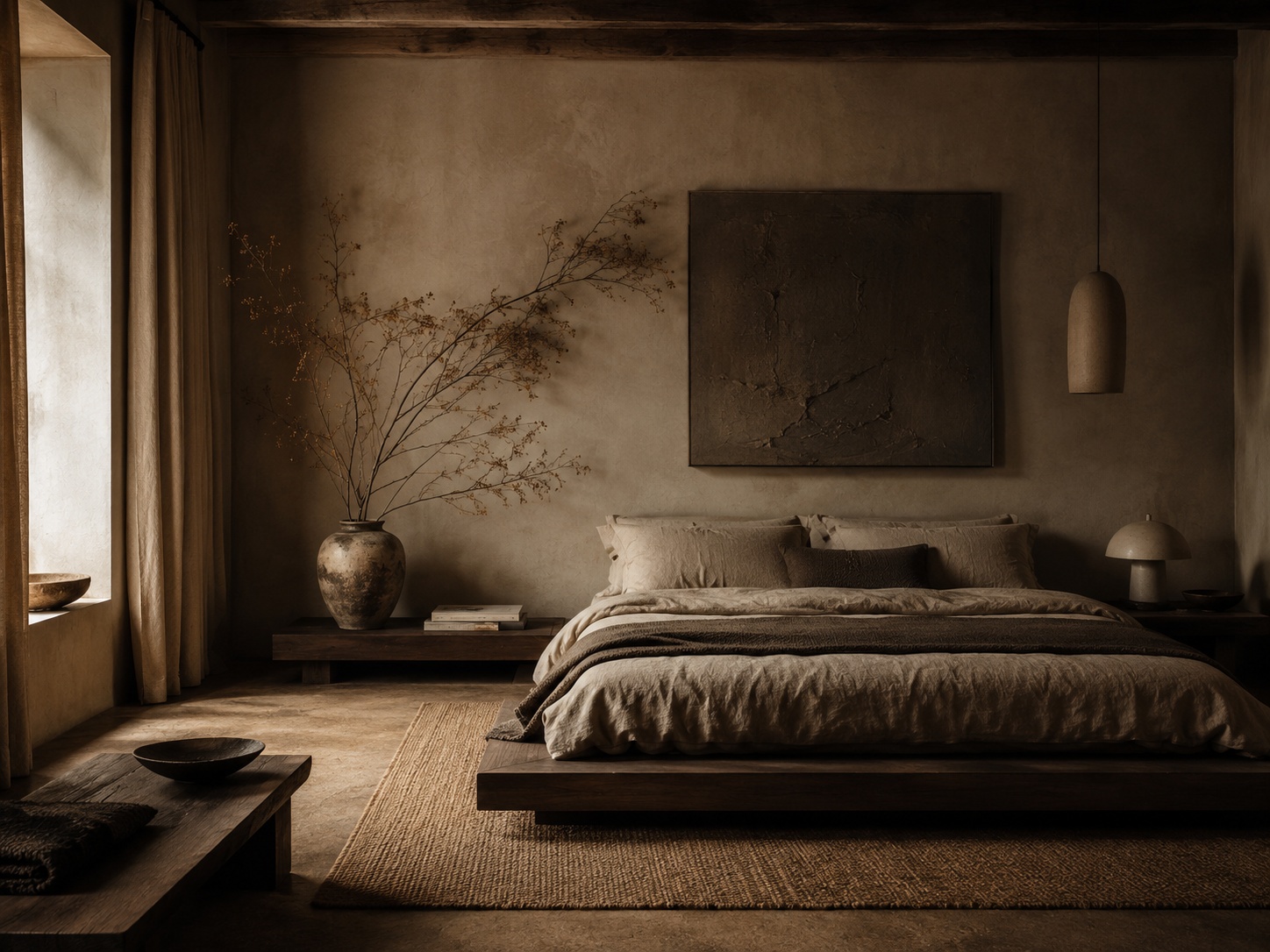
How to Design a Bedroom with Paintit.ai
Better bed-wall logic, calmer mood, softer materials, and more believable bedroom atmospheres.

How to Visualize a Bathroom with Paintit.ai
Better wet-zone logic, material realism, vanity control, and cleaner bathroom outputs.

How to Design a Kitchen with Paintit.ai
Better cabinet rhythm, material hierarchy, appliance logic, and cleaner kitchen realism.

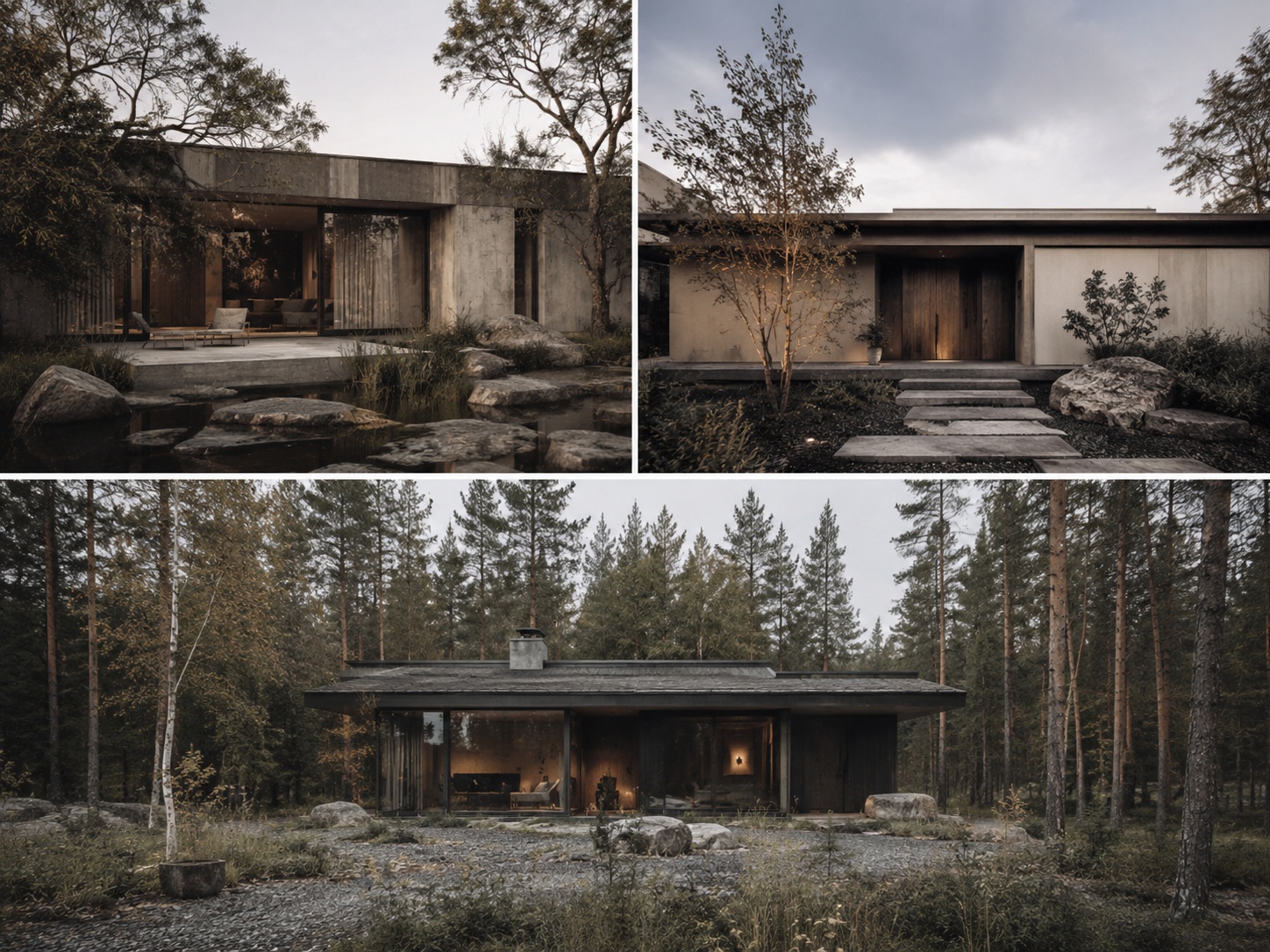
How to Redesign a Home Exterior with Paintit.ai
Better facade hierarchy, curb appeal, material transitions, and structural realism.

How to Visualize Commercial Spaces with Paintit.ai
Better zoning, circulation, brand fit, and commercially believable concepts.
Room-by-room grid of Paintit.ai guides including living room, bedroom, bathroom, kitchen, exterior, and commercial space design

Professional Guides

These guides focus on users who need stronger workflow, presentation logic, and decision quality.

Professional and business-use guides

How Interior Designers Can Use Paintit.ai for Faster Client Concepts
Faster concept exploration, cleaner option building, and better revision structure for designers.

How Real Estate Agents and Stagers Can Use Paintit.ai
Buyer-friendly staging, empty-room visualization, listing refreshes, and safer property visuals.

How Short-Term Rental Hosts Can Refresh Spaces with Paintit.ai
Better listing appeal, guest-friendly refresh ideas, and stronger booking-oriented room presentation.

These guides are especially useful when the output needs to support a real client, guest, or buyer decision.

Renovation and Realism

These are the most important guides when the room is real, the money is real, and the decision matters.

High-value decision guides

How to Generate More Realistic AI Interiors with Better Materials, Lighting and Constraints
Learn what makes results feel believable and how to reduce fake-looking outputs.

How to Keep Layout and Architecture Unchanged in Paintit.ai
Preserve the real shell while still upgrading finishes, materials, and design direction.

How Homeowners Can Test Renovation Ideas with Paintit.ai Before Spending Money
Compare renovation directions before committing money to paint, tile, cabinetry, furniture, and contractor work.

Recommended reading path for real-world projects

Step 1 — read the getting-started guide

Step 2 — read prompts and controls

Step 3 — choose the right room or workflow guide

Step 4 — read realism and layout-preservation guides

Step 5 — move into renovation or professional-use guides if the project is real and budget-sensitive
Recommended Paintit.ai learning path from getting started to workflows, room guides, realism, and renovation decisions

Frequently Asked Questions

Which guide should I read first?

Start with “How to Get the Best Results in Paintit.ai,” then read the prompt guide and the controls guide.

Which guides are most important for realism?

The realism guide and the layout-preservation guide are the most important when you want believable results.

Which guides are best for beginners?

Start with the main getting-started guide, then prompts, then space type and design style, then the workflow pages.

Which guides are best for professionals?

The designer guide, real-estate guide, rental-host guide, commercial guide, and projects guide are the most useful professional pages.

Do I need to read every guide?

No. Read the core guides first, then the specific workflow or room guides that match your project.

What is the best order for a real renovation project?

Start with getting better results, then prompts and controls, then your room-specific guide, then realism, layout preservation, and renovation planning.

Start Learning Paintit.ai

Choose the guide that matches your room, workflow, or business goal and start getting stronger results faster.

Start Learning Paintit.ai

Trending 

Paintit.ai Guides
13 min read
Interior Design Questionnaire: Free Template and Example
interior styles
11 min read
Japandi Interior Design: A Practical Guide for Real Homes
Ideas
11 min read
7 Warm White Paint Colors for Walls and Trim
Paintit.ai Guides
6 min read
Lighting Scene Planning: A Practical Worksheet
ai wall paint
6 min read
Paint Color Placement: A Study of 60 Requests

Related articles 

Interior Design Proposal Template: Scope, Fees and Example
Paintit.ai Guides
9 november 2026

11 min read

Interior Design Proposal Template: Scope, Fees and Example

A fillable proposal worksheet and a worked home-office example, with defined deliverables, fees, revision limits and clearly labeled visual concepts.

avatar-blog

Yulii Cherevko

CEO paintit.ai

Interior Design Questionnaire: Free Template and Example
Paintit.ai Guides
9 november 2026

13 min read

Interior Design Questionnaire: Free Template and Example

A 32-question client template with a fillable PDF, a completed living-room example and a clear route from client answers to an early design brief.

avatar-blog

Yulii Cherevko

CEO paintit.ai

Japandi Interior Design: A Practical Guide for Real Homes
interior stylesIdeas
30 october 2026

11 min read

Japandi Interior Design: A Practical Guide for Real Homes

Bring Japanese and Scandinavian influences into a home you already live in, with practical choices for color, furniture, storage and everyday comfort.

avatar-blog

Yulii Cherevko

CEO paintit.ai

7 Warm White Paint Colors for Walls and Trim
Ideas
29 october 2026

11 min read

7 Warm White Paint Colors for Walls and Trim

Find a warm white that works with your floor, cabinets and trim. Compare seven named shades and learn which samples to test before buying paint.

avatar-blog

Yulii Cherevko

CEO paintit.ai

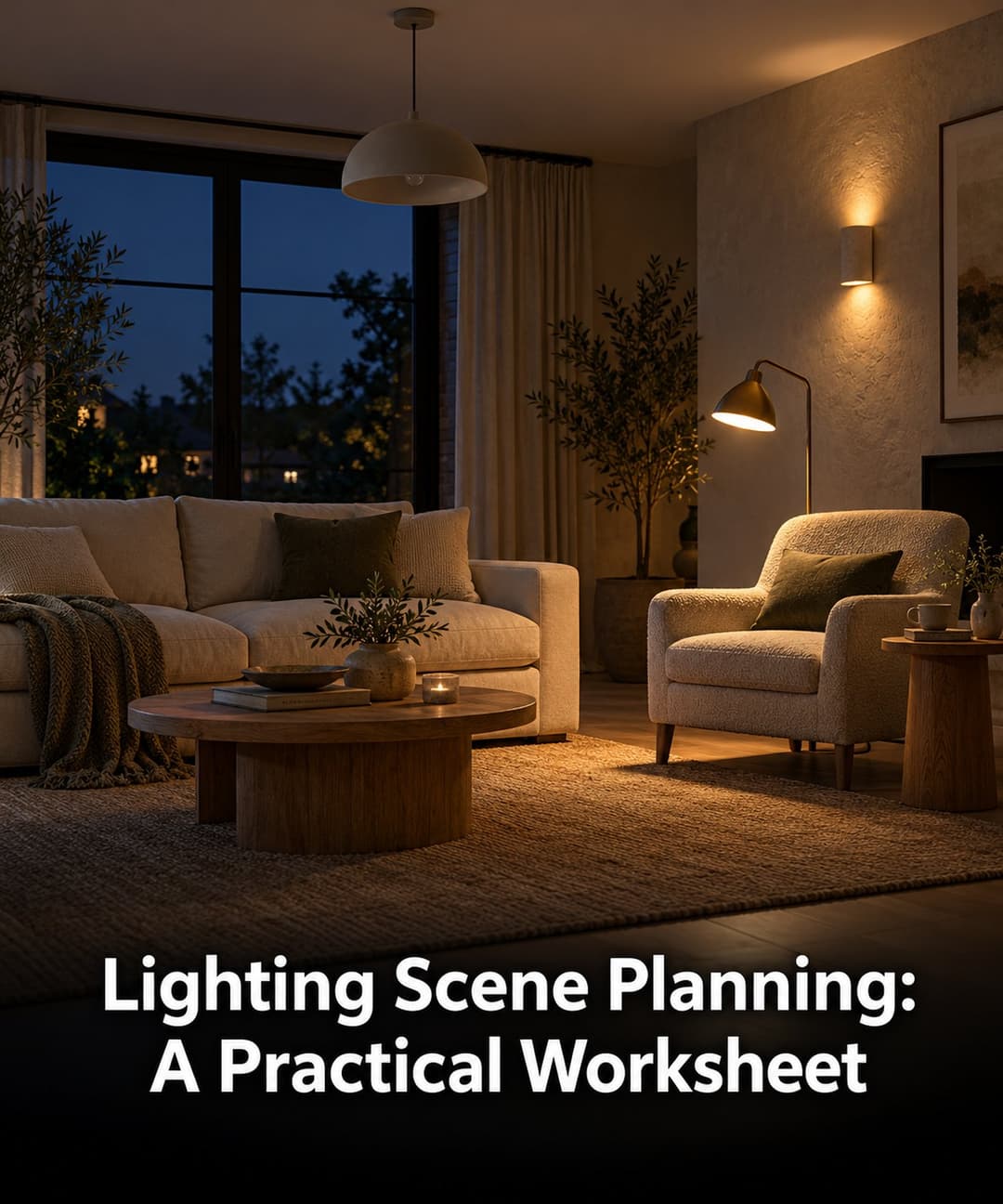
Lighting Scene Planning: A Practical Worksheet
Paintit.ai Guidesai room design
28 october 2026

6 min read

Lighting Scene Planning: A Practical Worksheet

Compare living room lighting scenes with a source-by-source worksheet. Separate fixture changes from on/off states and keep daylight and finishes fixed.

avatar-blog

Yulii Cherevko

CEO paintit.ai

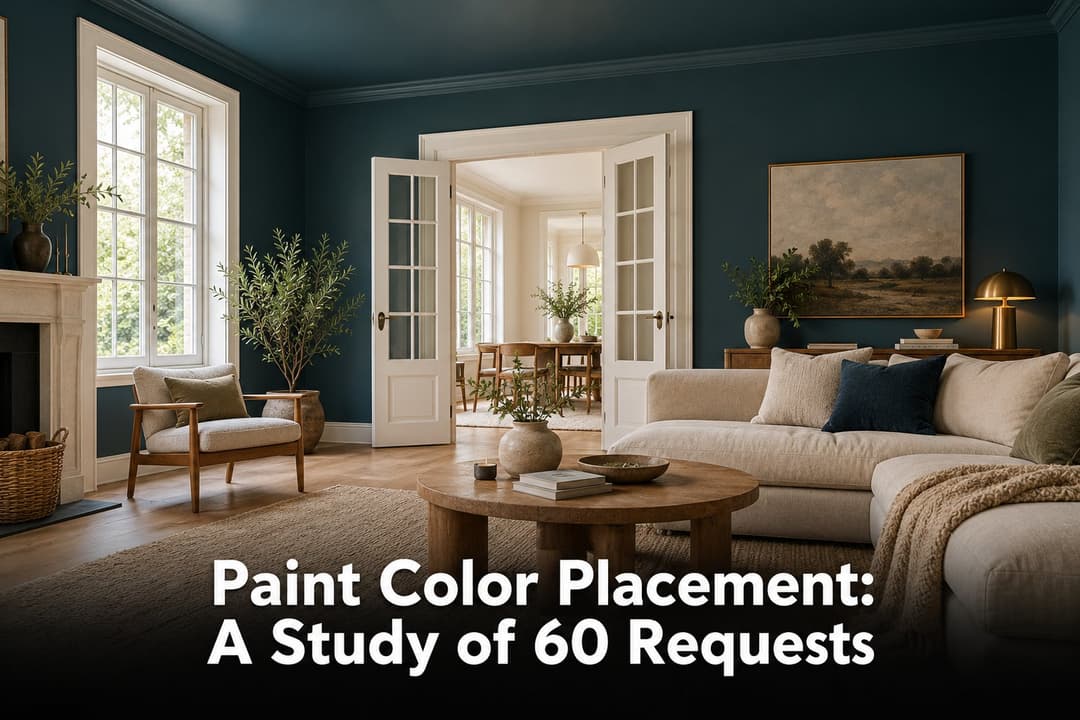
Paint Color Placement: A Study of 60 Requests
ai wall paintai house painter
24 october 2026

6 min read

Paint Color Placement: A Study of 60 Requests

A study of 60 Paintit requests separates color choice from painted areas. See the findings, boundary diagrams and a practical paint placement worksheet.

avatar-blog

Yulii Cherevko

CEO paintit.ai

  • English/
  • Español/
  • Português (Brasil)/
  • Deutsch/
  • Français/
  • Italiano