6 min. reading

Yulii Cherevko
CEO paintit.ai
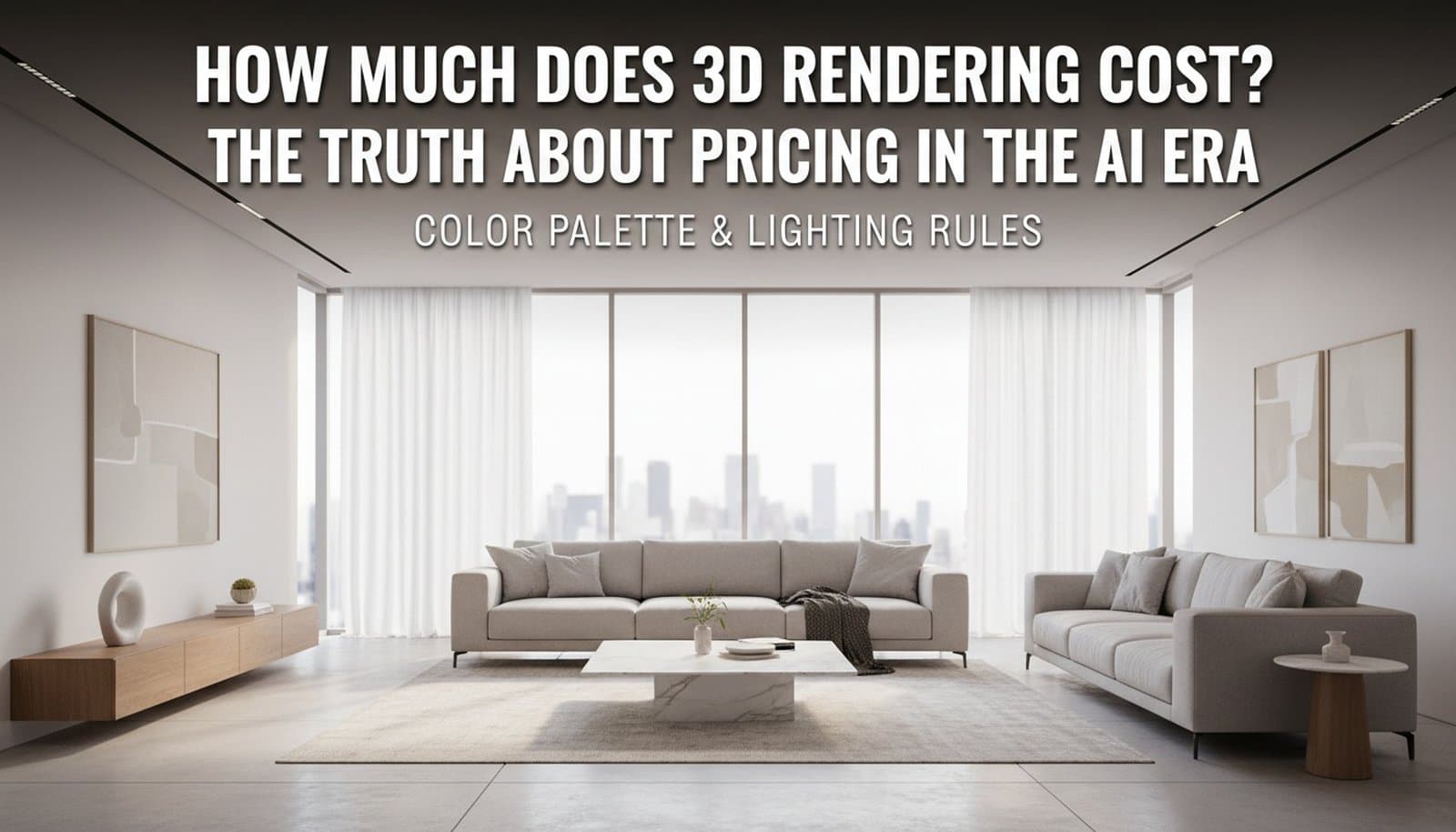
Traditional 3D rendering costs $150–$10,000+ per project. Not a typo. That range reflects real differences in complexity, quality, and who does the work. Understanding what pushes the number up — or what makes AI the faster, cheaper choice — is the point of this guide.
Traditional 3D rendering starts at $150 per image and climbs past $10,000 for complex animations. The actual number depends on what you’re rendering, who you hire, and how many revision rounds the project burns through.
Here is the standard market breakdown:
| Service type | Basic | Mid-range | High-end / photorealistic |
|---|---|---|---|
| Interior still render | $150–$500 | $500–$1,500 | $1,500–$4,000+ |
| Exterior still render | $200–$700 | $700–$2,500 | $2,500–$6,000+ |
| Product render | $100–$400 | $400–$1,200 | $1,200–$3,500+ |
| Architectural visualization | $300–$1,000 | $1,000–$3,000 | $3,000–$10,000+ |
| Animation / walkthrough | $2,000–$4,000 | $4,000–$7,000 | $7,000–$15,000+ |
Studio overhead and file complexity push costs toward the high end. Freelancers on platforms like Upwork typically land in the mid-range. Rush work adds 25–50% on top.
Interior renders take the longest of any project type. A single bedroom or living room requires detailed lighting, material textures, and furniture placement, and every element needs review before the image is final.
Expect $300–$800 for solid mid-range work. High-end photorealistic results, the kind used in luxury real estate listings or architecture competitions, start at $1,500 and regularly hit $4,000 per view. In our experience with real estate visualization, interiors are also the most expensive to revise. Change the lighting or swap a material and you’re back to a full re-render.
Exterior projects deal with facades, landscaping, and curb appeal. The cost driver is context. Neighboring structures, vegetation, weather conditions, and time-of-day lighting all require individual attention.
Mid-range exterior work runs $400–$1,200 per view. Multi-angle facade packages for pre-sale property marketing start at $2,000 and scale with the number of camera angles the client needs.
E-commerce brands and furniture manufacturers use product rendering to replace physical photography. A clean product render on a neutral background runs $100–$500. Put that product inside a styled room, a lifestyle render, and you’re looking at $400–$1,200.
Volume is where the savings happen. Brands ordering 50+ SKUs can negotiate substantially lower per-image rates with most studios.
Architectural visualization covers full building projects: residential developments, commercial buildings, and master plans. It is the most expensive category for a straightforward reason. You are paying to model structures that do not exist yet.
A single exterior render for a new residential project runs $500–$2,000. Full packages covering multiple interior and exterior views plus site plans typically cost $5,000–$15,000 at mid-tier studios. For a closer look at the styles involved, see our guide to architectural rendering styles.
Studios price work two ways: per image or per hour. The distinction matters when you’re building a budget from scratch.
Per-image pricing works when scope is clear. You know how many views you need, complexity is defined, and revisions are limited. Most residential and commercial projects use this model. Hourly pricing fits when scope is not clear, when revisions are extensive, when modeling starts from scratch, or when deliverables keep shifting mid-project.
Freelance 3D artists charge $25–$80 per hour. Senior specialists at mid-tier studios run $80–$150. Top architectural visualization firms bill $150–$300 per hour for complex work. An 8-hour interior project at $80/hour comes to $640, which lines up exactly with mid-range per-image rates. That is not a coincidence. Per-image quotes are usually reverse-calculated from hourly estimates.
Knowing what a 3D rendering invoice actually covers helps you evaluate quotes without guessing. The cost is not just for a final image. It covers the time, tools, and expertise needed to build that visual from nothing.
Most rendering work falls into one of four pricing models:
Good renders drive sales decisions, validate designs, and speed up client approvals. They are not just pretty images. The cost covers skilled 3D artists, modelers, texture specialists, and lighting experts, plus the professional tools they run: 3ds Max, V-Ray, Corona Renderer, and the hardware behind it. A single photorealistic still takes hours from initial modeling through post-production. That time is what you are paying for.
Several factors shape your final invoice. Knowing which ones apply helps you scope projects accurately.
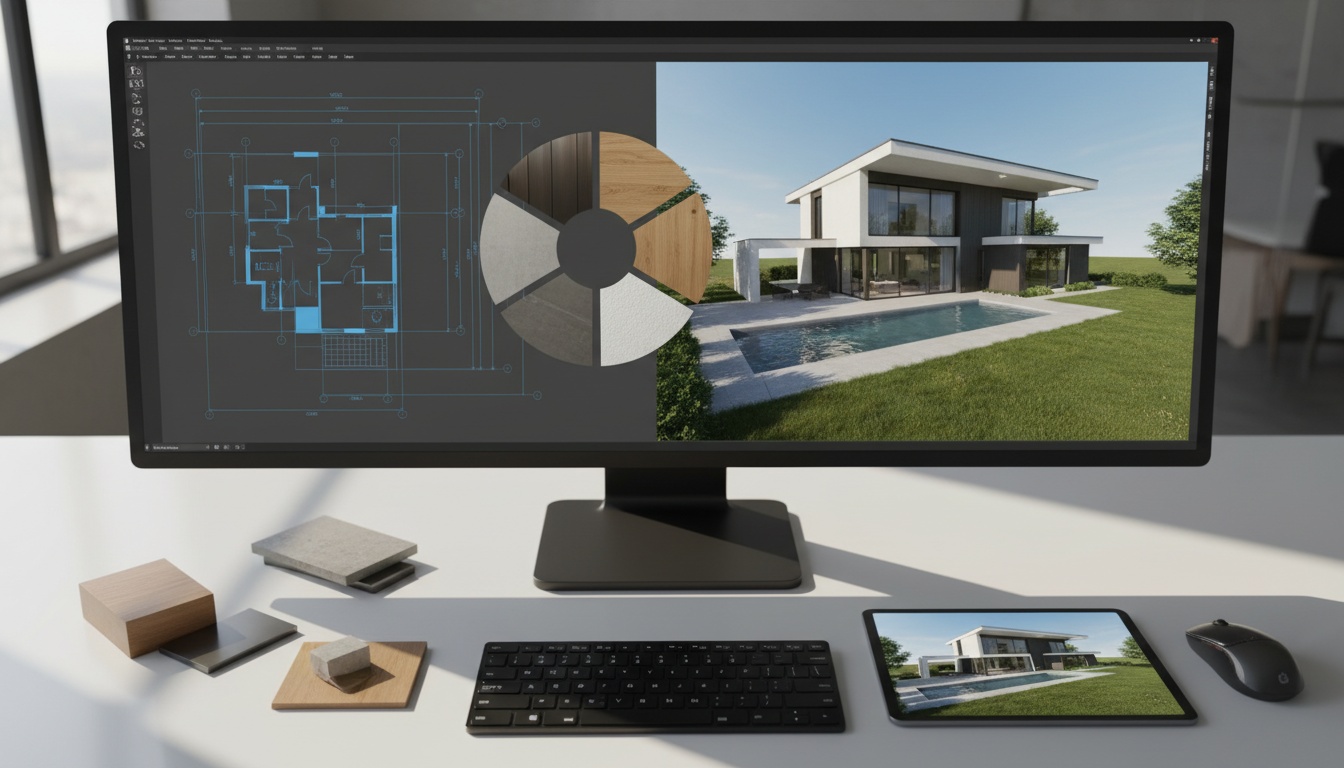
Interior scenes demand more work than exterior shots. Furniture models, lighting setups, and material textures each add hours. A minimalist room with a few pieces of furniture costs far less than a fully layered space. Rendering a single building is simpler than a city block. The level of detail required also matters: a basic block model is a different scope entirely from objects with precise reflections and complex material behavior.
A 4K image (3840×2160) requires far more processing than standard HD (1920×1080). Photorealistic rendering, where the output is indistinguishable from photography, demands sophisticated lighting simulation, advanced material shaders, and careful post-processing. Animation pushes costs even further. A 30-second walkthrough requires calculating every frame at full resolution, which is why animation invoices look nothing like still image quotes.
Most quotes include a fixed number of revision rounds. Go beyond that and extra fees apply, because every change costs additional artist time. Rush work carries a 25–50% premium. Established studios cost more than freelancers but offer stronger project management for larger scopes. For complex architectural projects, that overhead is usually worth it.
A simple exterior view of a house costs far less than a detailed interior of a commercial space. House rendering cost depends heavily on architectural complexity. Victorian detailing takes more modeling time than a clean modern structure. Multiple lighting scenarios or interior glimpses push the total higher. Product rendering follows the same pattern: a single studio shot is faster than a lifestyle render placed inside a full room.
The cost gap between traditional rendering and AI-powered visualization is real. It becomes most visible at scale.
We ran an AI rendering solution across a real estate portfolio of 17 properties covering 1,161.55 m². Professional 3D modeling and full visualization for that same scope would have cost $44,138.90. The AI solution delivered equivalent coverage at a fraction of that cost, and turnaround dropped from weeks to hours.
This is not an isolated case. It reflects how the two approaches are structurally different from each other.
| Factor | Traditional 3D rendering | AI rendering (Paintit.ai) |
|---|---|---|
| Cost per image | $150–$4,000+ | From $0 (free tier) |
| Turnaround time | 3–10 business days | 1–2 min (app) / 15 sec (widget) |
| Revision cost | Extra per revision round | Included in credits |
| File input formats | Varies by studio | JPG, PNG, PDF, DWG |
| Commercial license | Included in project fee | Available on Max plan |
AI tools cover the full visualization cycle without a dedicated 3D artist, specialized software, or multiple revision rounds. The tradeoff is control. A human artist can follow a highly specific creative brief. AI is faster and cheaper, but less precise when the brief demands it. For a deeper look at how platforms compare for architecture and design work, see the full review of the best AI rendering tools for architecture.
One professional interior render at a mid-tier studio costs $500–$1,500. Here is what that same budget covers on Paintit.ai:
| Plan | Credits | Monthly cost |
|---|---|---|
| Free | 30 | $0 |
| Starter | 500 | $14.99 |
| Pro | 1,500 | $29.99 |
| Max | 4,500 | $79.99 |
A month on the Pro plan costs less than one traditional render and comes with 1,500 generation credits. For designers, real estate teams, and developers running multiple projects at once, that math is hard to ignore.
A precise quote depends on how clearly you define the scope upfront. Vague briefs create scope creep, surprise revision costs, and missed deadlines.
Define what the render is for, whether that’s marketing, client approval, or design validation, and be specific about who the audience is. Include visual style references. Call out the architectural features or design elements that must read clearly in the final image. A tight brief is the single best way to reduce the revision rounds you’ll pay for.
AI tools reduce rendering spend without cutting quality on the final deliverable. The key is knowing where in the workflow to use them.
Generate low-cost concept renders early to test material palettes, furniture layouts, or facade options before committing to expensive production work. Client feedback at the concept stage is cheap. The same feedback at the final production stage is not.
AI applies textures and materials automatically, generates backgrounds for exterior renders, and manages virtual staging for empty spaces. For real estate, AI virtual staging costs a fraction of both traditional rendering and physical staging, and those savings compound fast across a full property portfolio. See how photorealistic architectural rendering works with AI tools for a practical walkthrough of the process.
Not all AI rendering tools serve the same purpose. Some are built for speed at the concept stage. Others target near-photorealistic quality for final production. The right choice depends on your project volume, the output quality your clients expect, and how well the platform fits your existing design software.
Basic quality runs $150–$500 per still image. High-end photorealistic work costs $500–$4,000+. Product renders start around $100–$400. Architectural visualization with full building models typically runs $500–$2,500+ per view.
The process is labor-intensive. Building a model from reference materials, calibrating lights, applying textures, running a render pass on specialized hardware, and then post-processing the result takes hours. Every revision round repeats parts of that process. Software licenses and hardware infrastructure add overhead that studios pass on to clients. The price reflects real time spent by real professionals.
Yes, consistently. AI tools generate visualizations in 15 seconds to 2 minutes at a fraction of traditional rates. Our case study across 17 real estate properties showed that a scope priced at $44,138.90 through traditional studios was completed significantly cheaper with AI. The main limitation is precision. AI is fast and cost-effective. For highly specific creative briefs, a human artist still wins.
Mid-range professional interior renders run $500–$1,500 per view. High-end photorealistic work for luxury real estate or architecture portfolios costs $1,500–$4,000+ per image. AI-powered interior visualization starts at $0 on the Paintit.ai free tier, with 30 credits on signup.
Paintit.ai covers the full design cycle, from first concept to furniture purchase, without the cost structure of traditional rendering services.
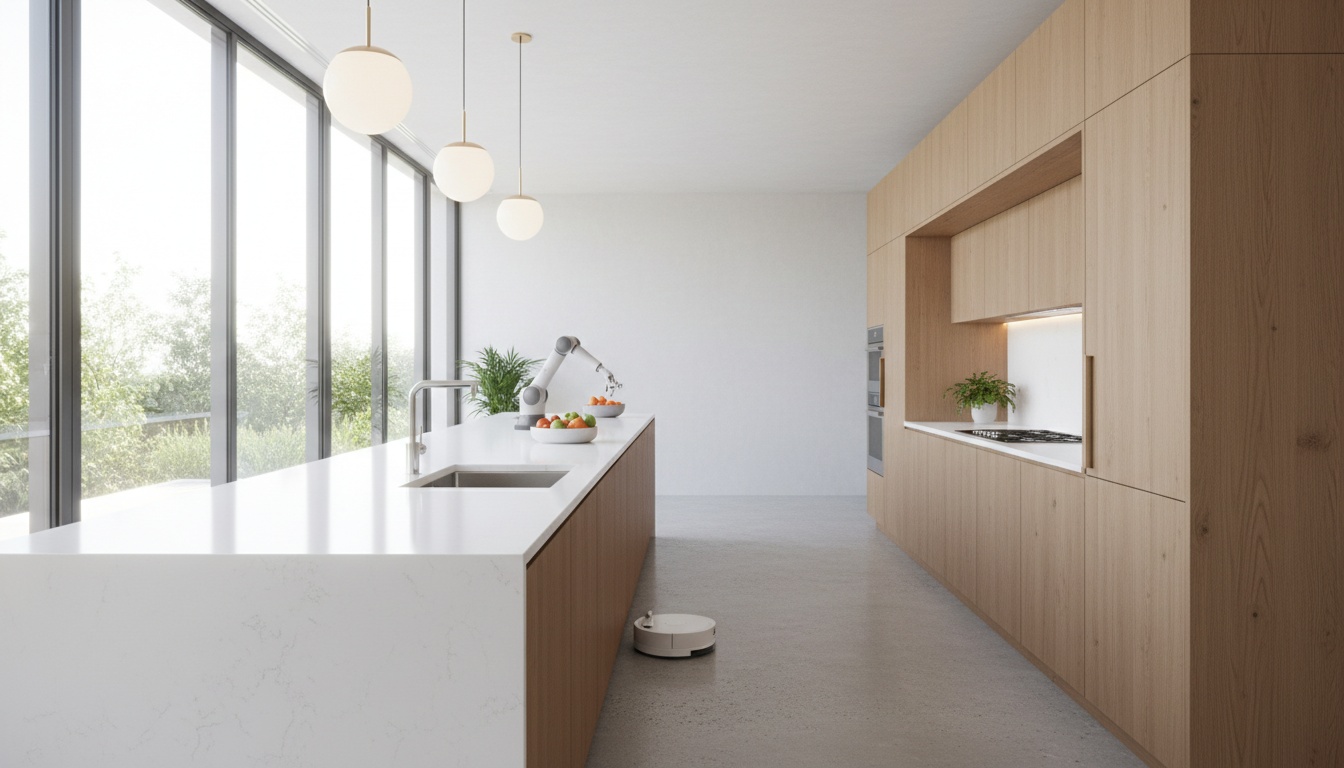
The platform generates interior, exterior, and commercial space renders in 1–2 minutes through the app, or up to 15 seconds through the widget. Architects, designers, and developers can test concepts, adjust materials, and produce marketing-ready images without hiring a studio. Explore AI rendering tools directly on the platform.
Physical staging is expensive and slow. Paintit.ai’s virtual staging turns empty rooms into furnished spaces in seconds. Properties appeal to more buyers, and the cost is a fraction of both physical staging and traditional rendered interiors. For real estate teams managing multiple listings, this changes the per-property cost of visual marketing. See AI for real estate workflows for more detail, and review the best AI virtual staging tools currently available.
The Free plan includes AI generations, furniture suggestions, and style exploration. No card required. Starter, Pro, and Max plans scale with project volume, from $14.99 to $79.99 per month. A month on Pro costs less than one traditional render and gives 1,500 credits. Interior designers looking to speed up client work can see how to apply fast AI interior design in practice.
Yulii Cherevko
CEO paintit.ai