9 min. reading

Yulii Cherevko
CEO paintit.ai
Published:
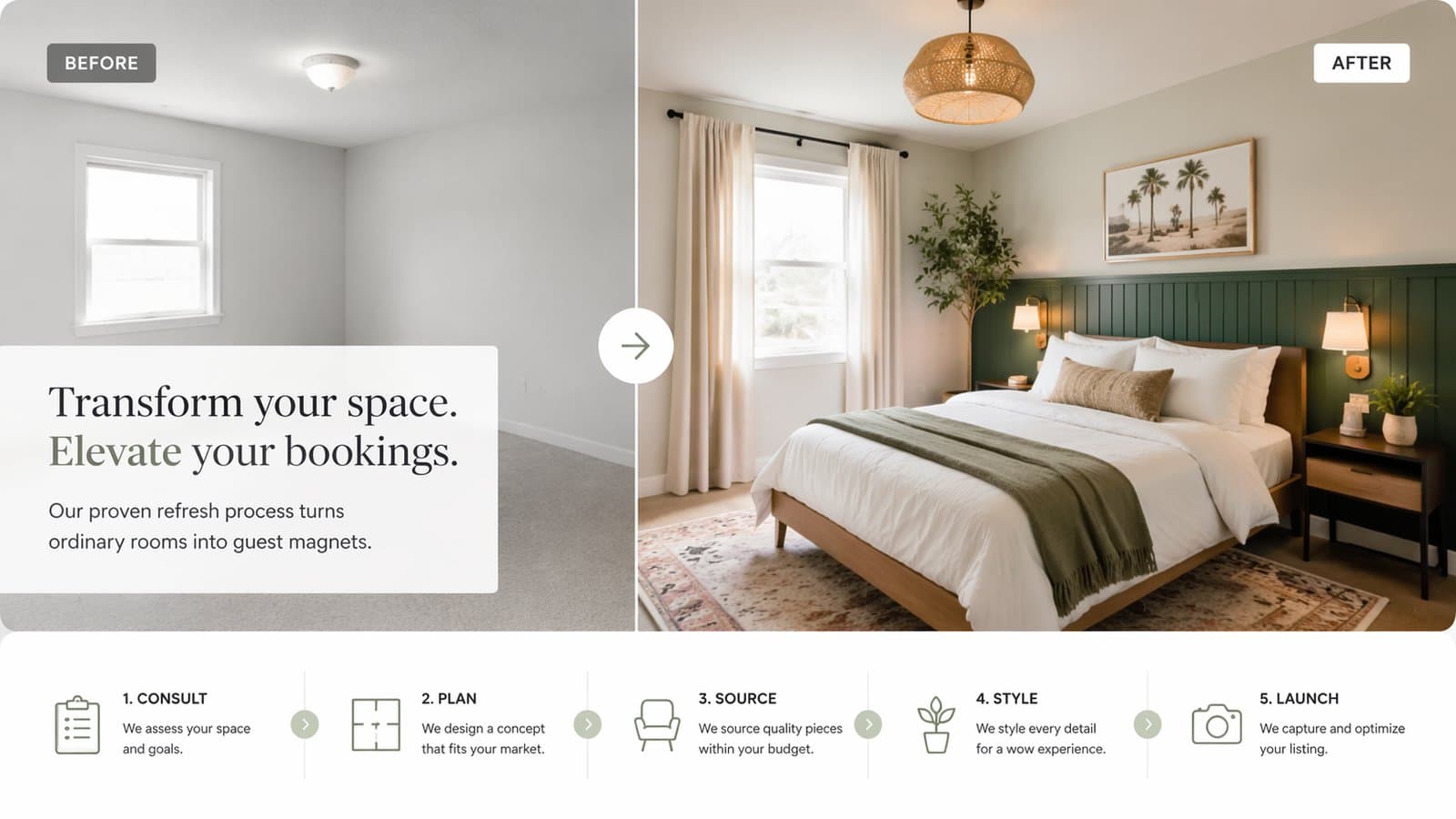
For short-term rentals, design is not only about style. It is about conversion, clarity, comfort, and memorability. This guide shows how hosts can use Paintit.ai to refresh rooms faster, test upgrade ideas before spending money, and create spaces that look better in listing photos while still feeling practical for real guests.
In short-term rentals, design affects not only taste but also click-through, booking confidence, and guest expectations.
Guests decide quickly. In most listings, the space has only a few seconds to communicate that it feels clean, comfortable, photogenic, and worth the price. Paintit.ai is useful here because it helps hosts test visual upgrades before buying furniture, repainting walls, or making bigger refresh decisions.
Listing appeal — better first impression in the search grid and listing gallery.
Room clarity — guests understand where they sleep, work, eat, and relax.
Perceived care — the property feels maintained, intentional, and easier to trust.
Memorability — the listing feels more distinctive without becoming too polarizing.
Upgrade confidence — hosts can test ideas before spending real money.
The key is not making the rental look expensive for no reason. The key is making it look clear, comfortable, and bookable.
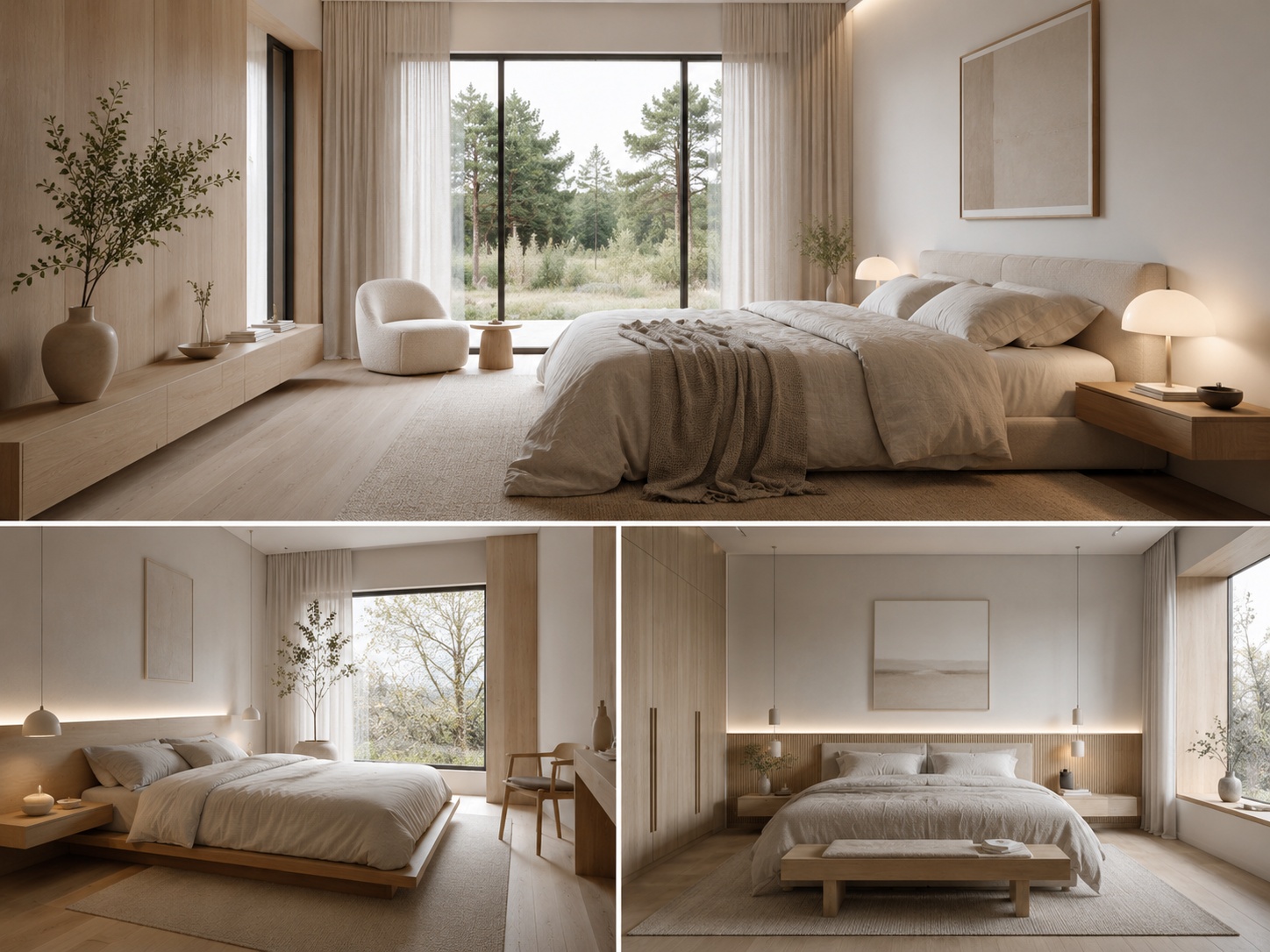
The best rental visuals feel clean, warm, practical, and easy to imagine staying in.
A short-term rental should usually not look like a private collector’s home or a highly experimental design project. It should feel welcoming, photogenic, and easy for different types of guests to understand quickly.
Clear bed or seating logic — the main use of the room is obvious.
Broad visual appeal — enough personality to feel memorable, enough neutrality to avoid alienating guests.
Good photo readability — the room looks better in a listing image, not only in real life.
Comfort cues — soft textiles, clean lighting, simple styling, and an uncluttered feel.
Practical livability — the concept still feels realistic for actual stays.
In rentals, visual success usually comes from clean composition and smart restraint, not from overdecorating.
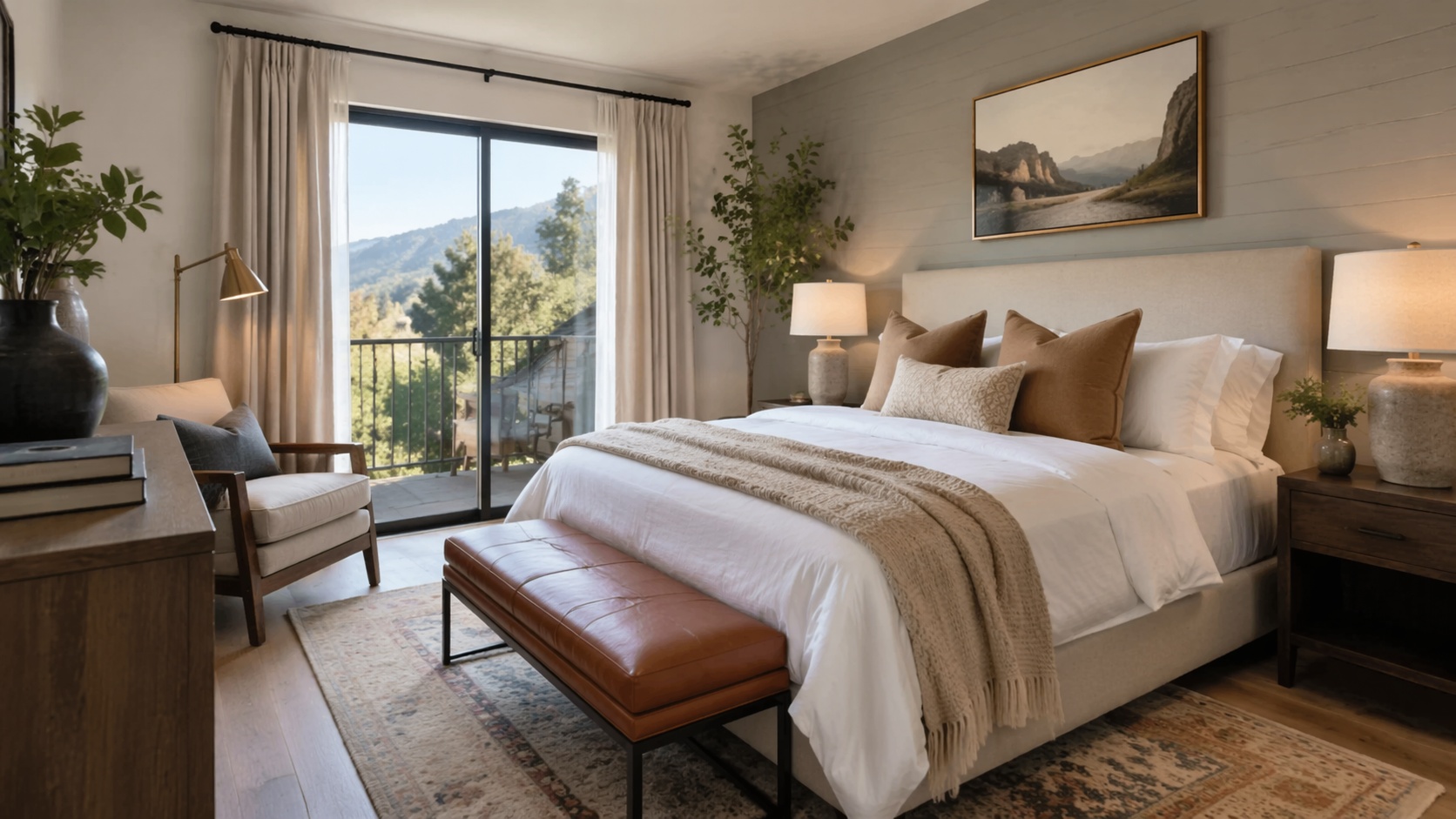
The fastest return often comes from solving obvious visual friction before doing a major redesign.
Many hosts assume they need a total makeover, but the highest-value improvements are often simpler: lighter walls, better bed styling, cleaner furniture grouping, improved lighting mood, softer textiles, and clearer room purpose.
Wall color and lightness — brighter, cleaner walls often improve listing photos immediately.
Main furniture anchor — bed, sofa, or dining setup should read clearly and attractively.
Textile softness — bedding, curtains, rugs, and cushions can change the emotional tone fast.
Styling density — reducing clutter often helps more than adding more decor.
Photo hierarchy — every room should have a stronger visual focal point for the listing.
This is where Paintit.ai becomes useful: you can test these upgrade paths visually before deciding what is actually worth doing.
For rentals, Repaint, Empty Room Setup, and controlled Full Redesign are often more valuable than highly expressive concept generation. The goal is listing performance, not design experimentation for its own sake.
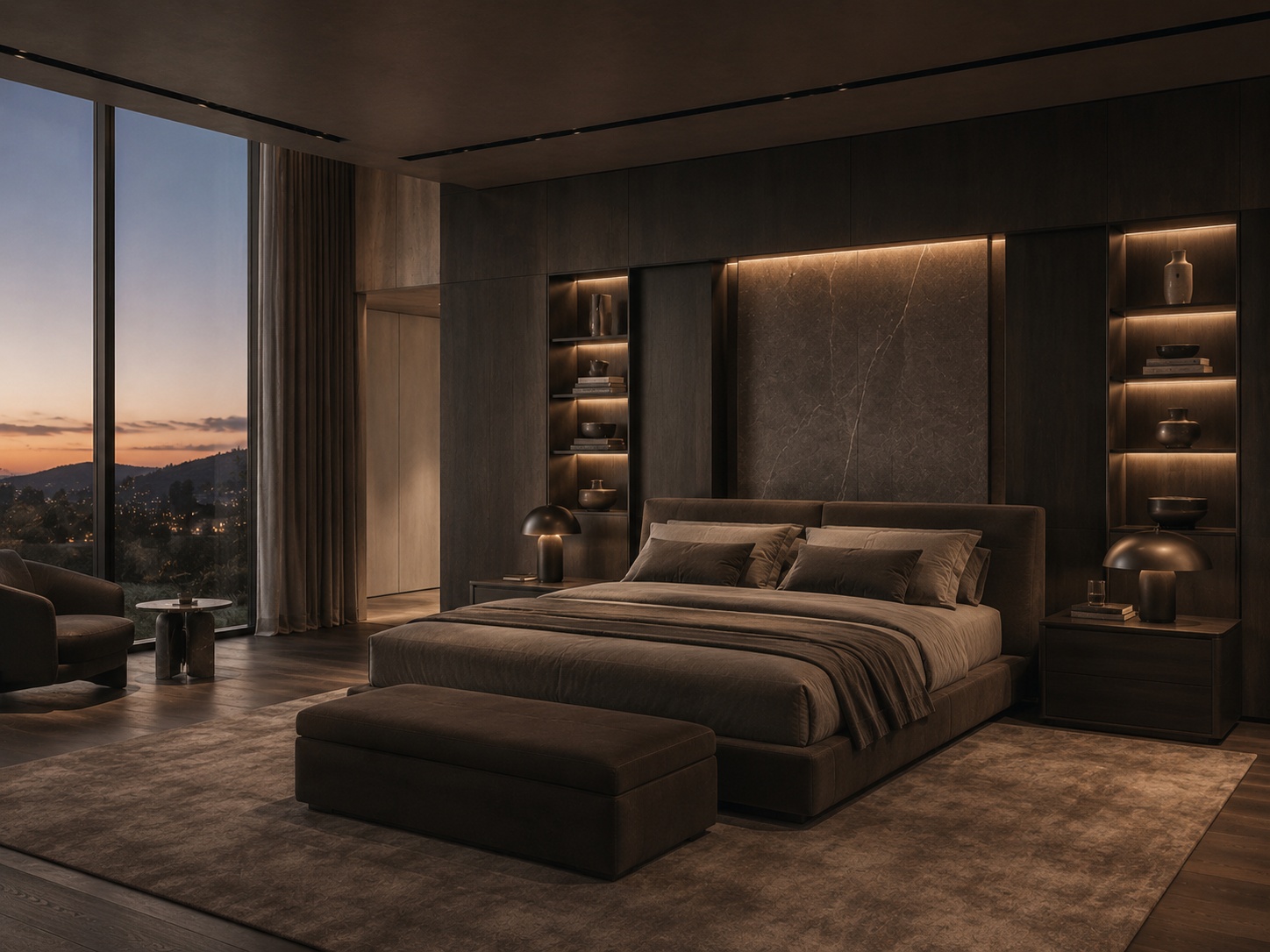
The strongest rental prompts define guest experience, room function, and visual simplicity clearly.
A good rental prompt should ask not just “how should this room look?” but also “how should this room read to a guest?” That usually leads to stronger listing outcomes.
[Room type] + [Guest-facing goal] + [Furniture logic] + [Palette / style tone] + [Comfort mood] + [Constraint]
Room type — bedroom, studio, lounge, dining area, entry, compact sitting zone.
Guest-facing goal — make the room brighter, more welcoming, more premium, more functional, or more photogenic.
Furniture logic — centered bed, clean sofa grouping, compact dining setup, practical workstation, storage clarity.
Palette / tone — soft neutral, warm modern, restrained Scandinavian, clean contemporary, boutique-rental mood.
Comfort mood — calm, airy, cozy, bright, inviting, restful, move-in-ready.
Constraint — keep layout, windows, openings, and room proportions unchanged.
Example of a stronger rental prompt:
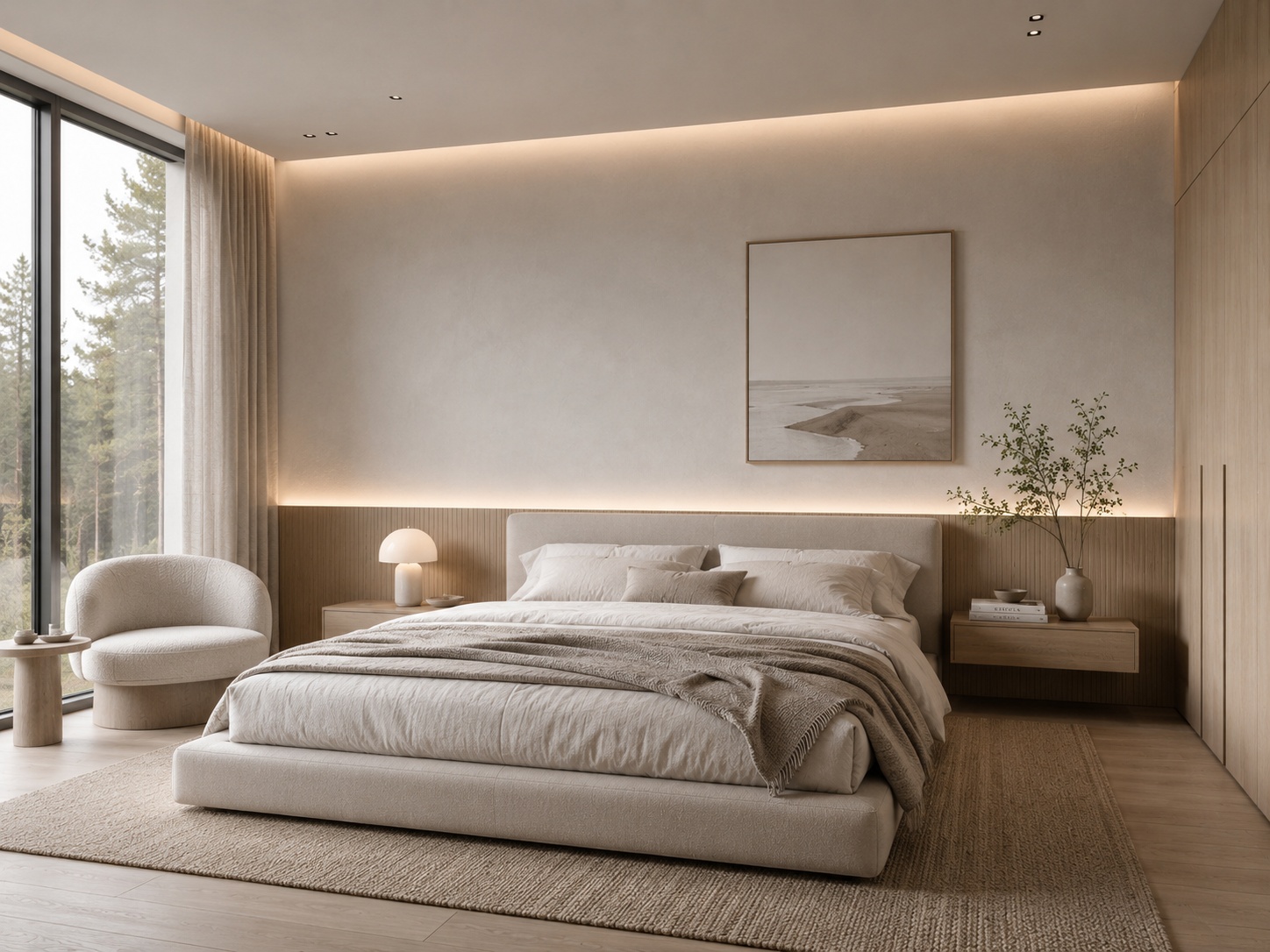
Refresh this rental bedroom to feel brighter, cleaner, and more guest-friendly with a centered bed, soft neutral bedding, light wood accents, simple bedside styling, and an airy boutique-rental atmosphere. Keep the room layout and windows unchanged.
This works because it defines guest value, room function, mood, and realism at the same time.
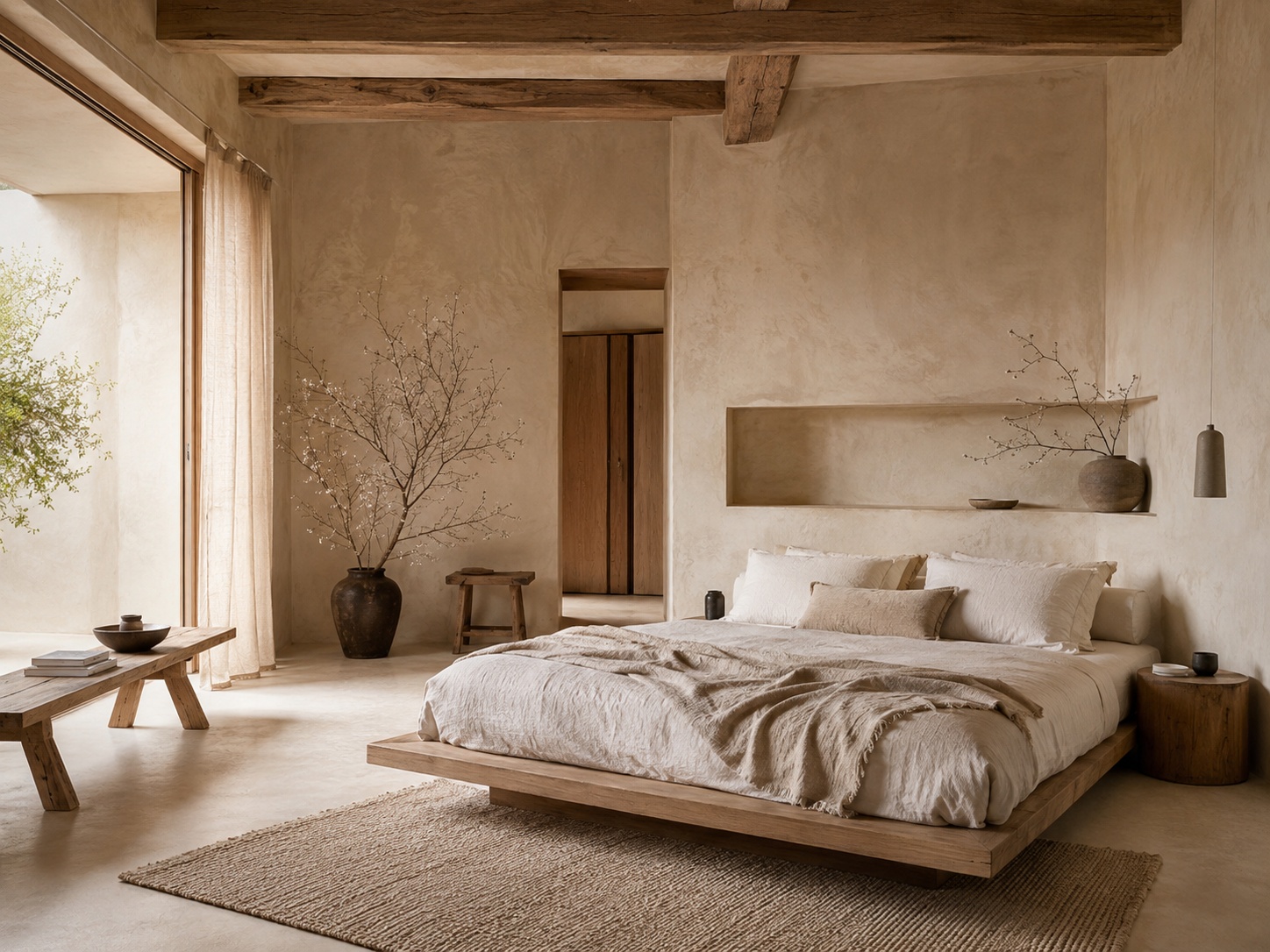
Use these as copy-ready starting points for the most common short-term rental situations.
Guest-friendly bedroom refresh
Refresh this rental bedroom to feel brighter and more welcoming with soft neutral bedding, light wood accents, simple bedside styling, and a calm boutique-rental atmosphere. Keep the room layout and window positions unchanged.
Studio rental setup
Stage this studio rental as a clean multifunctional space with a clear sleep zone, compact seating area, practical storage, warm neutral palette, and a bright easy-to-book atmosphere. Keep the room proportions unchanged.
Living area refresh
Refresh this rental living area with a clean sofa layout, soft rug, light warm palette, restrained decor, and a bright welcoming feel that looks strong in listing photos. Preserve the room structure and circulation.
Outdated rental refresh
Refresh this dated rental room with lighter wall tones, cleaner furniture language, softer textiles, and a brighter more modern guest-friendly atmosphere while keeping the layout unchanged.
Premium boutique rental direction
Upgrade this rental room into a refined boutique-style concept with restrained premium materials, clean furniture lines, layered soft textiles, and a memorable but broadly appealing atmosphere. Keep the room proportions and windows unchanged.
Best practice: ask whether the room would photograph better and feel easier to book, not only whether it feels more designed.
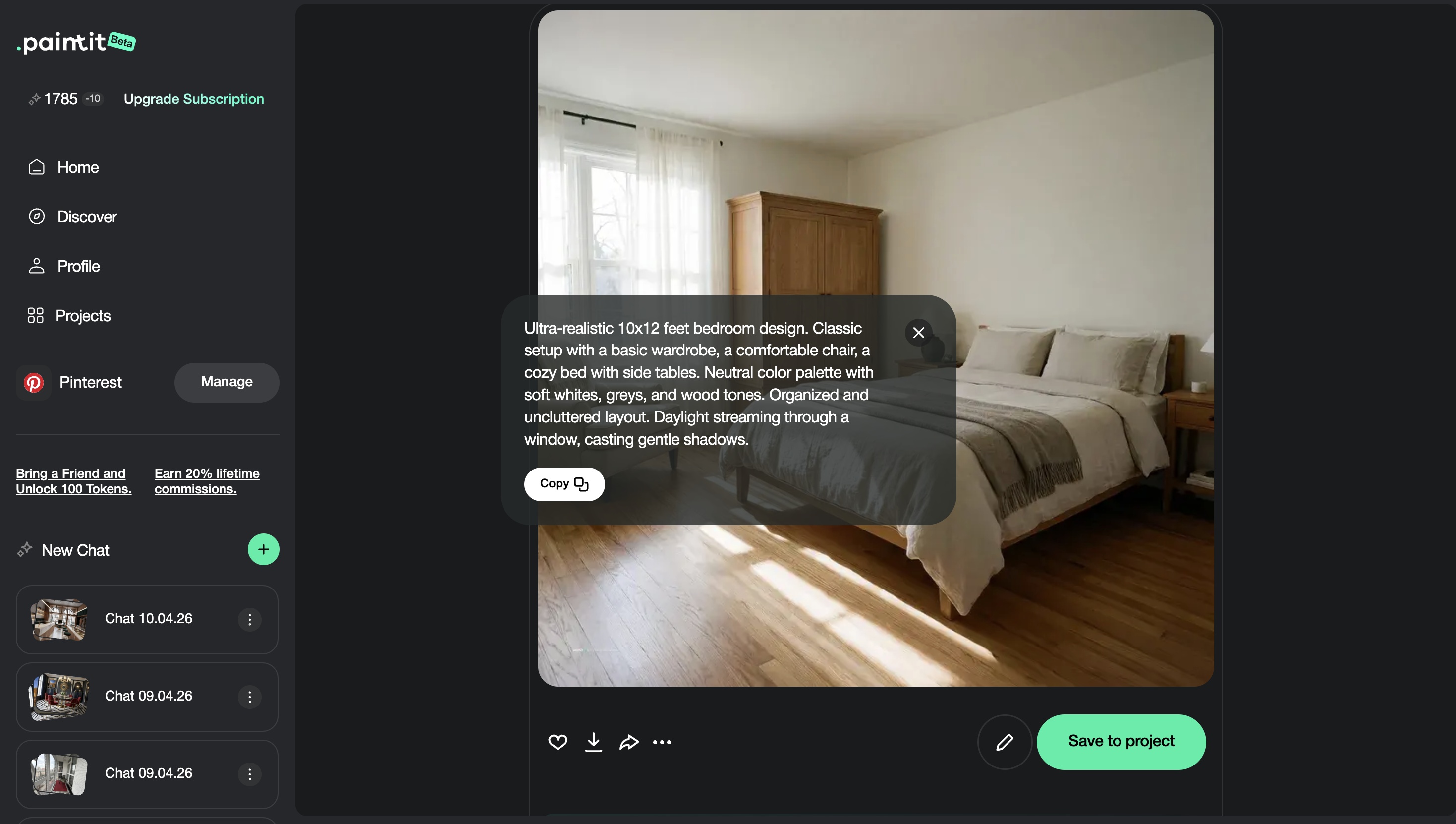
For rentals, comparison should focus on booking logic, not only visual taste.
The most useful comparison set usually tests not just style, but booking psychology: what feels cleanest, brightest, broadest, warmest, or most premium without losing broad appeal.
Version 1 — clean and broad-appeal
Version 2 — warmer and more lifestyle-led
Version 3 — brighter and more photogenic
Version 4 — slightly more premium boutique direction
This helps hosts choose a concept that supports the listing strategy rather than only personal preference.
These practical choices usually improve listing performance without requiring a full redesign budget.
The room should read clearly in listing photos, but still feel comfortable and usable for real guests.
Bedding, curtains, rugs, and layered textiles often create the biggest emotional upgrade for the least effort.
A rental should still feel easy to maintain. If the idea looks amazing but impossible to keep clean, it is weaker in practice.
Guests should understand how to use the room without guessing.
The best rental rooms often have one tasteful memorable feature and a generally calm supporting background.
The strongest rental refreshes usually come from cleaner hierarchy, softer comfort cues, and better photo readability.
Usually testing refresh ideas, staging empty zones, clarifying room purpose, and improving listing visuals before spending on upgrades.
Usually not too much. A cleaner, more welcoming, broadly appealing room often books better than a highly specific or polarizing concept.
Making the room look stylish but less practical, less believable, or harder to understand as a guest space.
In most cases, yes. Preserving the real structure usually makes the refresh more credible and easier to implement.
Usually three to four strategically different directions are enough before choosing which one feels most bookable.
Lighter wall tone, cleaner bedding, clearer furniture grouping, softer textiles, and a more readable photo composition.
Test smarter refresh ideas, improve listing visuals, and make your space feel more bookable before spending on real upgrades.