16 min. reading

Yulii Cherevko
CEO paintit.ai

Key takeaways
That Sunday afternoon when I stared at my bland living room, scrolling through Pinterest for the hundredth time, I had a realization. I was trapped in inspiration limbo. Beautiful rooms everywhere, but no clue how they'd actually look in my space.
Sound familiar?
Then I stumbled into the world of AI interior design tools. Not by choice, honestly — more like desperation. My friend Sarah, who somehow always has the perfect home, casually mentioned she'd been "playing with some AI thing" for her guest room makeover.
"AI for interior design?" I was skeptical. But curious.
Three weeks and twelve tools later, I'm writing this with a completely transformed perspective. According to Angi's 2024 interior design cost data, hiring a professional interior designer runs between $50 and $200 per hour — with a full room project typically costing $1,900 to $11,000. AI tools don't replace that expertise. But they make meaningful visualization accessible to anyone with a decent photo and thirty minutes.
And the market has responded. According to Grand View Research, the AI interior design market was valued at $3.3 billion in 2025 and is projected to reach $15 billion by 2033 — a compound annual growth rate of 20.9%. There are now more than 50 distinct AI interior design products available, which is exactly why a rigorous comparison matters.
Most "best of" lists are based on feature pages and marketing copy. I wanted real results from real use.
So I got methodical. I took the same photo of my living room — admittedly not my best photography work — and ran it through every tool I could find. Same style request across all of them: "modern Scandinavian with warm touches." Same time limit: 30 minutes to get a usable result.
My testing criteria:
The 2024 Houzz & Home Study found that homeowners who used digital visualization tools before starting a renovation reported higher satisfaction with the final result. That framing shaped how I approached this: the goal wasn't which tool looks most impressive in screenshots. It was which tool actually helps you make better decisions about your space.
Some tools delivered. Others, honestly — my cat could probably arrange furniture better.
| Tool | Best for | Free tier | Starting price | Our rating |
|---|---|---|---|---|
| Paintit.ai | Quick styling + furniture shopping | ✓ 30 credits | $14.99/mo | ⭐ 4.8 / 5 |
| Planner 5D | Full renovation planning | ✓ Limited | $20/mo | ⭐ 4.5 / 5 |
| HomeVisualizer.AI | Professional renders | ✗ | $12/mo | ⭐ 4.4 / 5 |
| RoomGPT | Beginners, zero budget | ✓ Full | Free | ⭐ 3.8 / 5 |
| Spacely AI | Photorealism / client work | ✗ | $30/mo | ⭐ 4.6 / 5 |
| Homestyler | Mobile + AR visualization | ✓ | Free | ⭐ 4.2 / 5 |
| REimagine Home | Real estate staging | ✓ Limited | ~$15/mo | ⭐ 4.3 / 5 |
| Decorilla | Human + AI hybrid service | ✗ | $75/project | ⭐ 4.1 / 5 |
| MyRoomDesigner.AI | Granular detail control | ✓ Limited | ~$19/mo | ⭐ 4.0 / 5 |
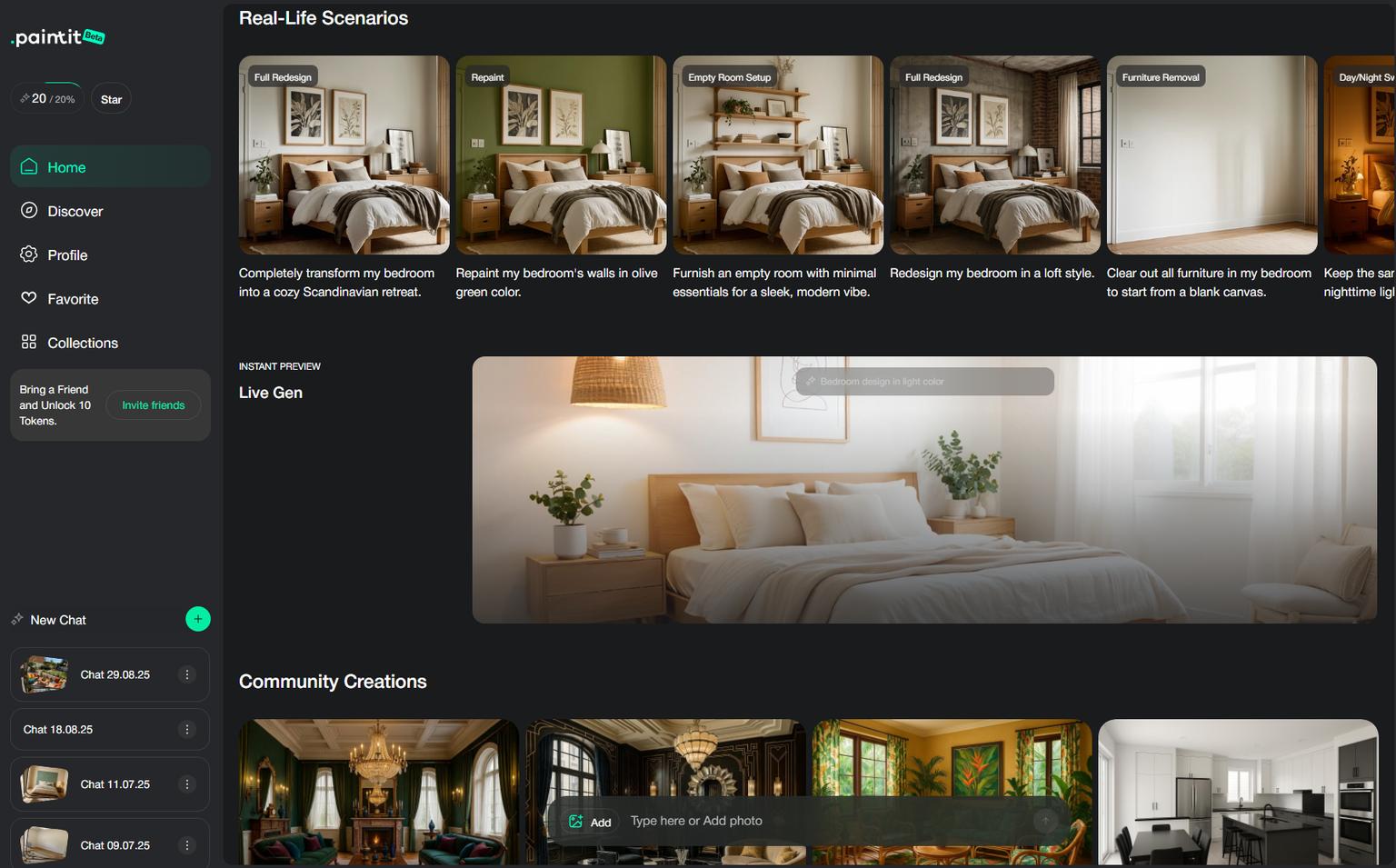
I built Paintit.ai specifically because I was frustrated with the steep learning curve of traditional design software. The goal was to strip away the complexity and leave only the creativity.
The experience: The interface feels as familiar as texting a friend. No overwhelming menus, no CAD tools to master. Upload your photo, select a style — "Scandinavian modern," in my test case — and hit generate. Forty-seven seconds later, you are looking at your space transformed. We optimized for speed and clarity so you can go from a blank room to a designed space without watching a single tutorial.
The AI kept my existing layout but completely reimagined the color palette. Warm whites, natural wood tones, that perfect burnt orange accent chair I'd been hunting for months. And here's what sets it apart — I could actually buy everything. Each piece linked directly to real furniture retailers.
Deep dive into features: The shopping integration is not a gimmick. When Paintit.ai suggests a specific sofa, clicking through takes you to retailers where that exact piece — or close equivalents — are available. I purchased three items directly from my generated design. The style variety runs deeper than most competitors too. Beyond "modern" and "traditional," you get nuanced options like Japandi, Maximalist, and Industrial Chic. Each feels thoughtfully curated.
Where Paintit.ai shines:
Honest limitations: Paintit.ai is not built for architectural changes. Removing a wall, redesigning a structural layout, planning an extension — look elsewhere for those. This tool handles styling and decorating existing spaces, and it does that exceptionally well. It also struggles with very dark or poorly lit source photos — moody evening shots produce muddier results.
Pricing:
Context on value: one hour with a local interior designer typically costs $50–$200. A Starter subscription for a full month costs less than that single hour — and you can run as many style experiments as you want in that time.
Best for: Anyone who wants to see styling possibilities quickly and actually buy the pieces. Try it here: AI room design tool
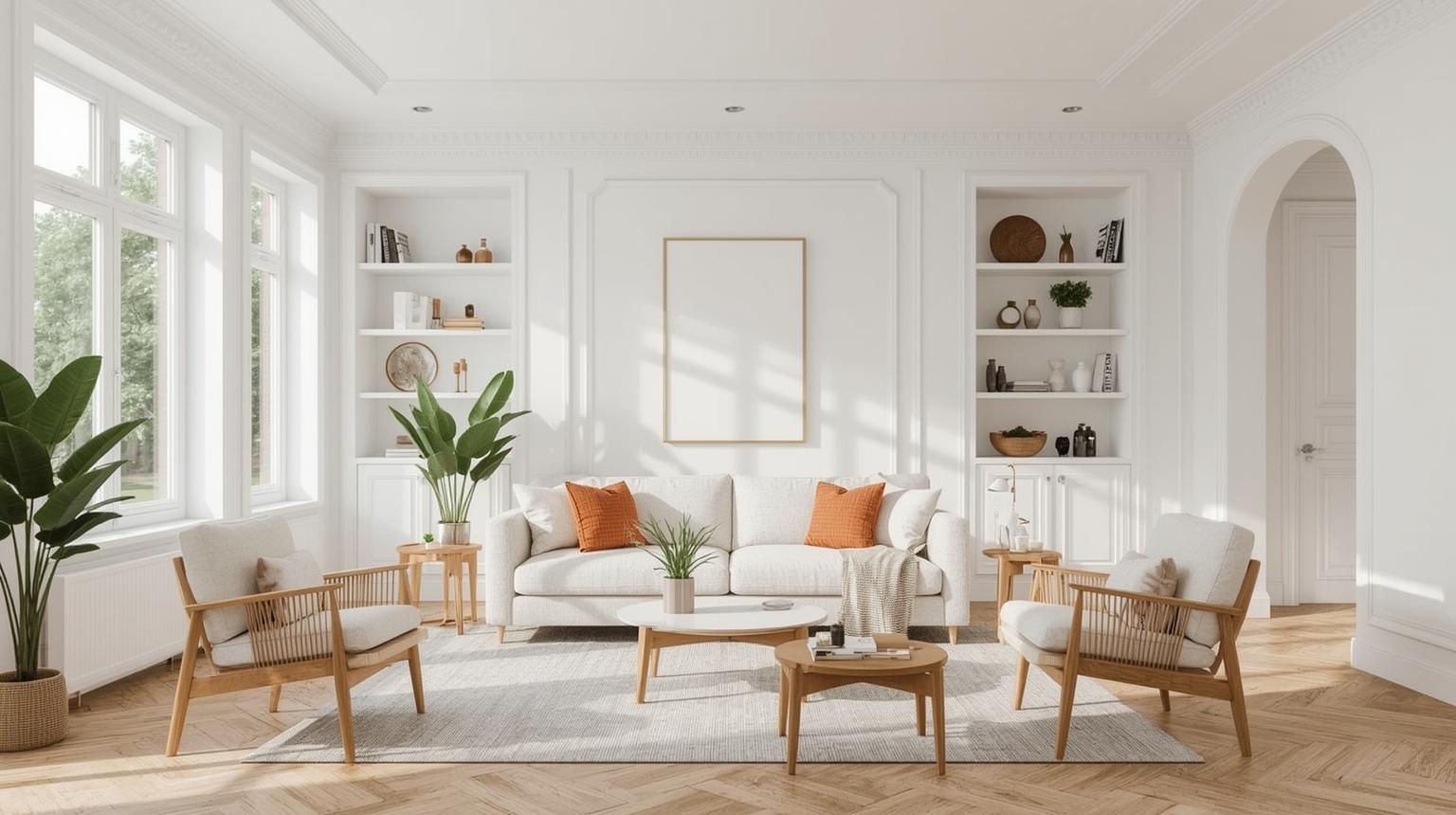
I went into this expecting Planner 5D to dominate the list. It has been around for years, has millions of users, and offers everything from floor planning to VR walkthroughs.
The reality: Incredibly capable, but it feels like learning CAD-lite software. The AI features are buried under layers of manual tools. I spent 20 minutes just locating the AI room generation function.
When the results came: Impressive detail. Professional-grade renders. Multiple room angles. Everything you would want to show a contractor or architect.
The comprehensive feature set: What separates Planner 5D is completeness. Design entire floor plans from scratch, add electrical outlets, plan lighting, design outdoor spaces. The AI component is one tool in a very large toolkit. The Smart Wizard guides you through room setup, suggesting furniture placement based on function and traffic flow — a genuine differentiator that most AI tools ignore entirely.
VR integration: Using a basic VR headset, you can walk through your designed space. The first time I stepped into my redesigned living room virtually was genuinely surprising. It changes how you evaluate spatial decisions.
The learning investment: Plan for several hours across multiple sessions before you feel fluent. Once there, the creative scope feels open-ended.
Pricing: Free version available. Paid features start at $20/month.
Best for: Serious renovators, design professionals, anyone planning structural changes who needs to model every detail before breaking ground.
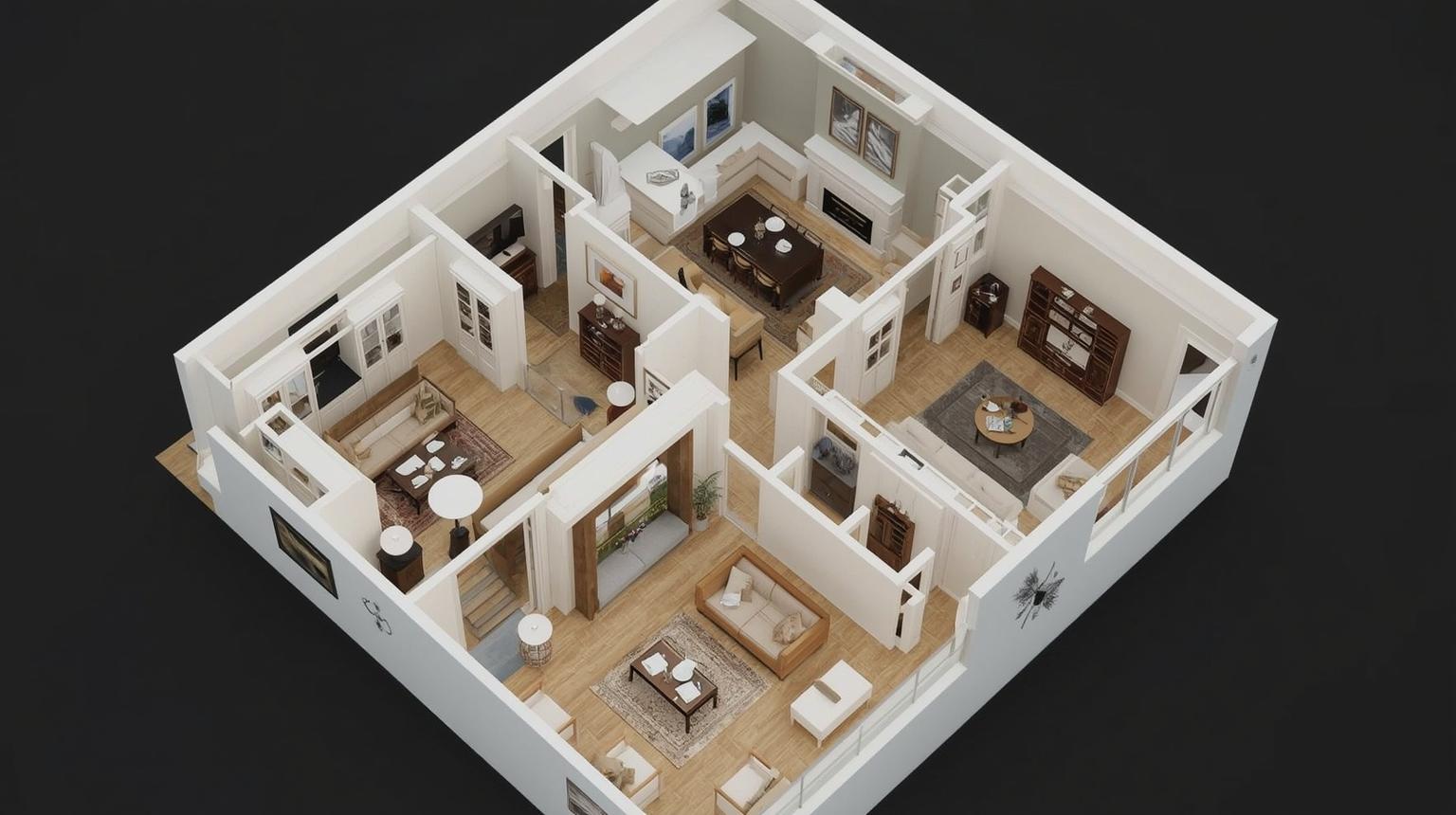
This one targets design professionals, and it shows. The renders are photorealistic in a way that can genuinely fool a casual observer.
What I found: The Style Fusion feature lets you upload inspiration photos. I fed it an image from Architectural Digest, and it adapted those elements to my space with remarkable accuracy.
Advanced capabilities: HomeVisualizer.AI works from sketches. I drew a rough layout of how I wanted to rearrange my bedroom furniture, uploaded it, and the AI produced a photorealistic version of my sketch. The customization depth is also exceptional — wood grain type, lighting conditions, time-of-day natural light simulation.
Quality consistency: After generating dozens of rooms across multiple sessions, HomeVisualizer rarely disappointed. Furniture doesn't float or overlap awkwardly the way it does in less sophisticated tools.
Professional workflows: High-resolution exports, multiple file formats, print and web-optimized outputs. Built for professionals who need to present to clients.
Pricing: Starts at $12/month.
Best for: Design enthusiasts wanting professional-quality results, freelance designers, small firms presenting to clients.
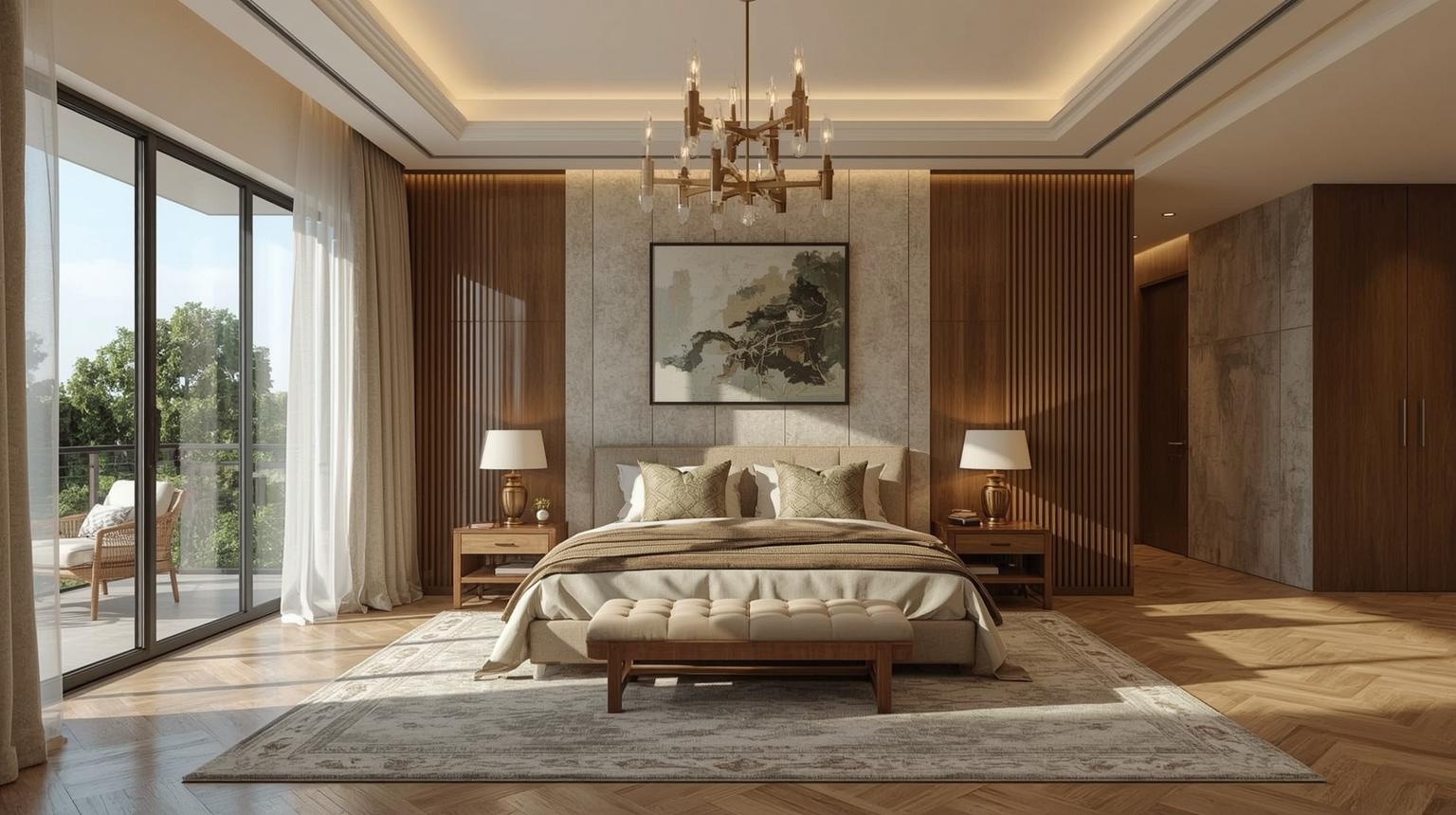
Sometimes simple wins. RoomGPT strips everything down: upload photo, pick style, get result.
The good: Completely free. Zero learning curve. Results in under 30 seconds.
Deeper exploration: What RoomGPT lacks in sophistication, it compensates with accessibility. My teenage niece was generating room designs within minutes of finding it. The style options cover the basics — modern, traditional, minimalist, bohemian — well enough for most starting points.
Where it shines: Color palette exploration. Even when furniture placement felt off, the color combinations consistently sparked ideas I hadn't considered. The public community gallery — where users share generated rooms — is unexpectedly useful for browsing inspiration.
The honest reality: You get what you pay for. My "Scandinavian" living room came back looking more like a hotel lobby. RoomGPT is a starting point, not a final answer.
Best for: Complete beginners, tight budgets, quick inspiration, anyone overwhelmed by complex interfaces.
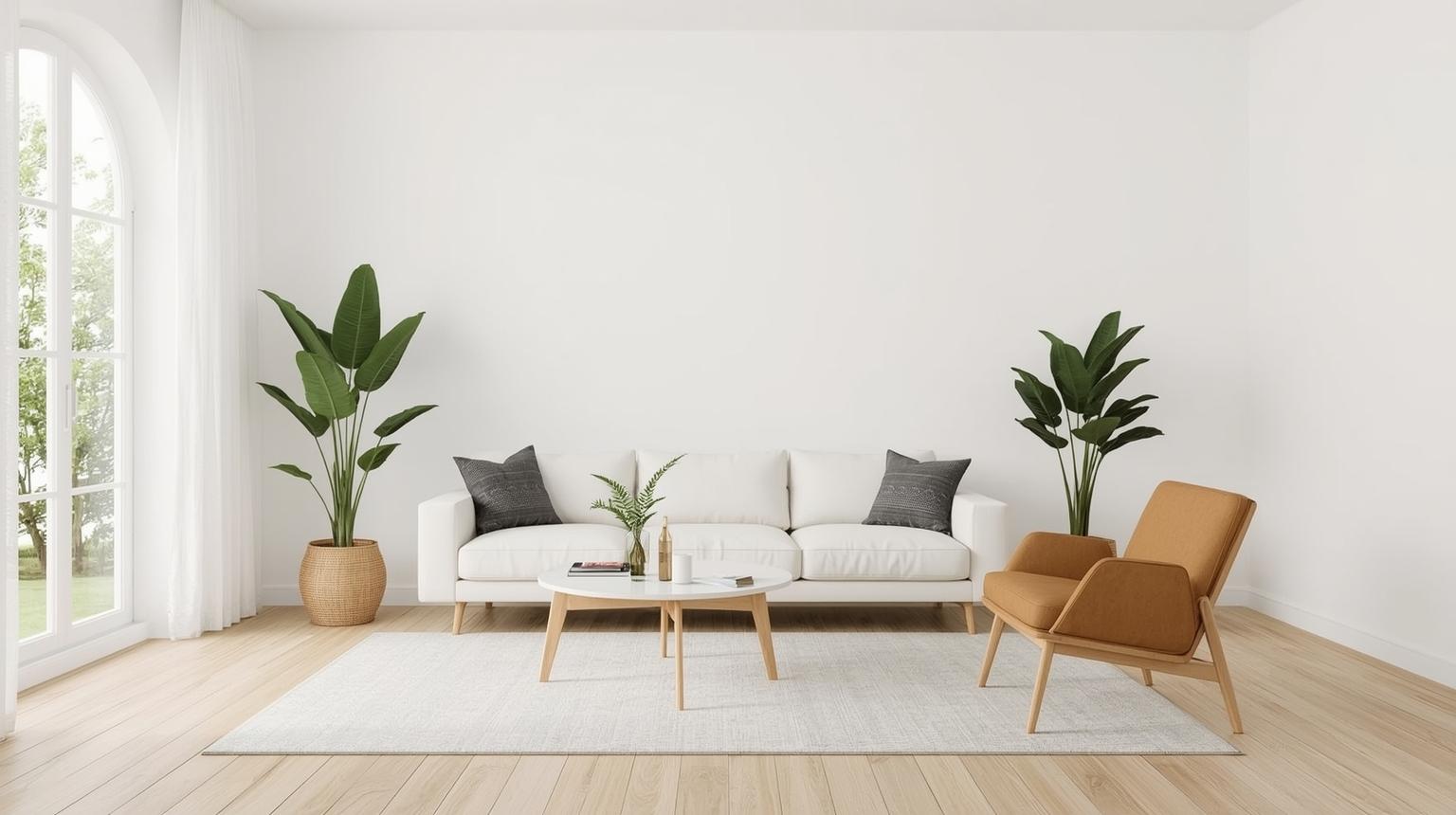
On pure render quality alone, Spacely wins. The photorealism is high enough that I genuinely questioned whether some results were AI-generated or actual photos.
Technical excellence: Spacely's AI understands lighting better than any other tool I tested. Shadows fall naturally, surface reflections appear correctly, the interplay between natural and artificial light feels authentic. Material rendering — wood grain, fabric texture, metal finishes — all hold up to close inspection. I showed a Spacely-generated kitchen to a contractor friend and he asked where the photo was taken.
Standout feature: Fine-tuning controls. Adjust a single element — the coffee table, a pendant light — without regenerating the full room. This saves significant time in an iterative design process.
Advanced functionality: Multiple room angles from one source photo. Batch processing for larger projects. Deep style transfer — I generated a historically accurate 1970s brutalist living room that was both correct and surprisingly livable.
Pricing: $30/month — the priciest option I tested.
Best for: Design professionals, high-end residential projects, client presentation materials where quality is non-negotiable.
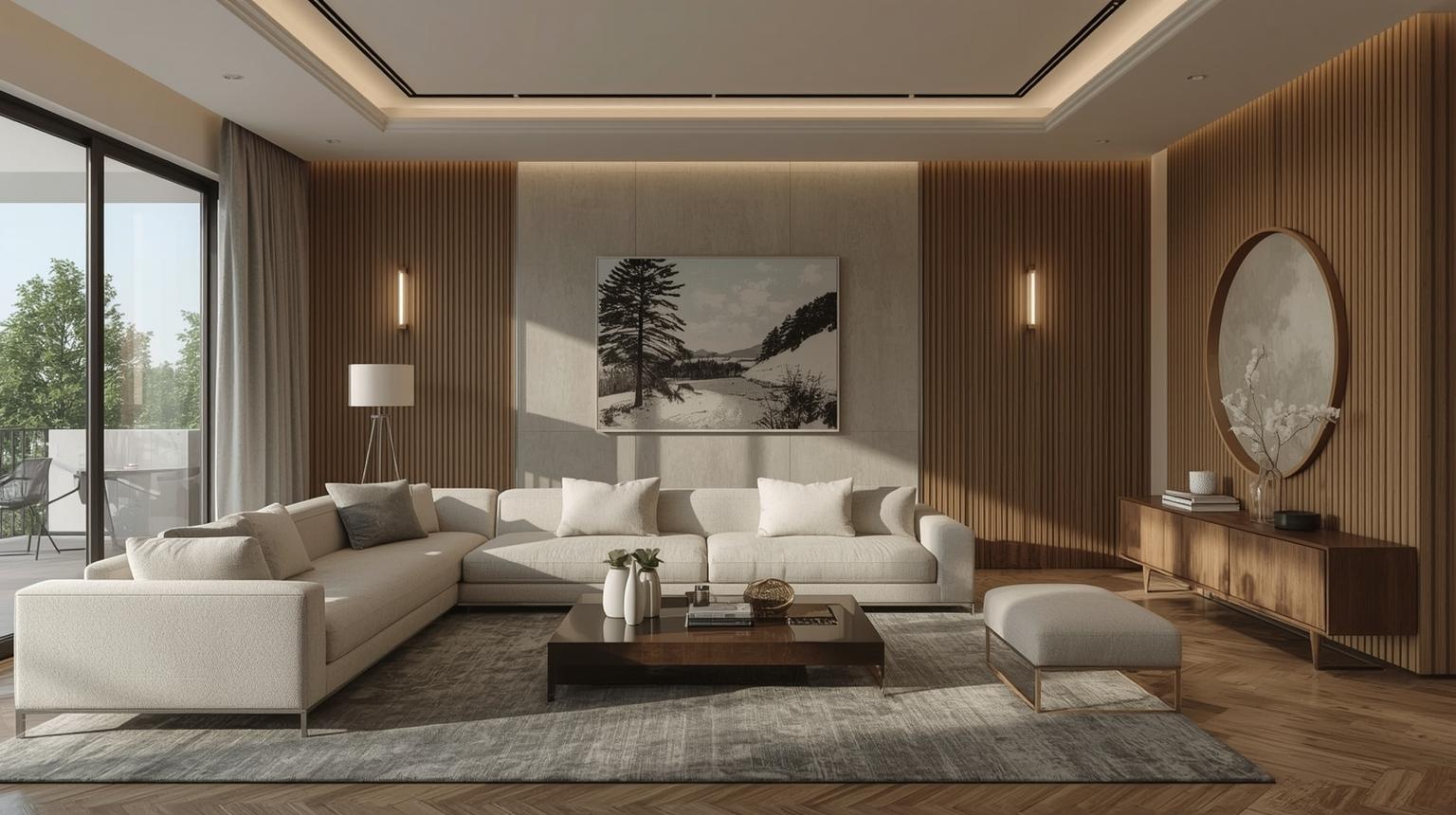
Most AI design tools feel like desktop software compressed onto a phone screen. Homestyler was built for mobile from the start. The touch interface is natural, drag-and-drop works smoothly, and the AR features actually function reliably.
The AR advantage: Point your phone at any room, and Homestyler overlays furniture in real-time. Occasionally a sofa hovers a few centimeters off the floor — the technology isn't perfect — but it is genuinely useful for understanding scale and placement before you commit.
Furniture library: Homestyler partners with major retailers, so pieces in your designs are often purchaseable. The 3D models are detailed and product-accurate.
Collaborative features: Share designs with family for input. My partner and I used this to resolve a bedroom layout disagreement without moving any actual furniture.
Limitation: Style consistency can be uneven. A "modern farmhouse" kitchen came back with industrial lighting that didn't fit the brief. Worth generating two or three variations before deciding.
Best for: Mobile-first users, anyone wanting to test AR visualization, collaborative household design decisions.
Originally designed for property staging, REimagine Home has developed into a solid general-purpose design tool — with a notable edge for anyone selling or renting.
Staging intelligence: The AI consistently creates inviting, broadly appealing spaces optimized for listing photography. Upload one empty room, receive it staged in five different styles simultaneously.
Practical approach: Suggestions feel realistic and sourceable. No avant-garde pieces or impossible-to-find accessories. Everything looks like something a real buyer could purchase and live with.
Rental-friendly focus: Many suggestions work within typical rental restrictions — no wall modifications, removable elements, furniture-based solutions. Useful for renters who want to improve their space without violating a lease.
Best for: Real estate professionals, rental property owners, anyone selling their home, renters seeking non-permanent improvements.
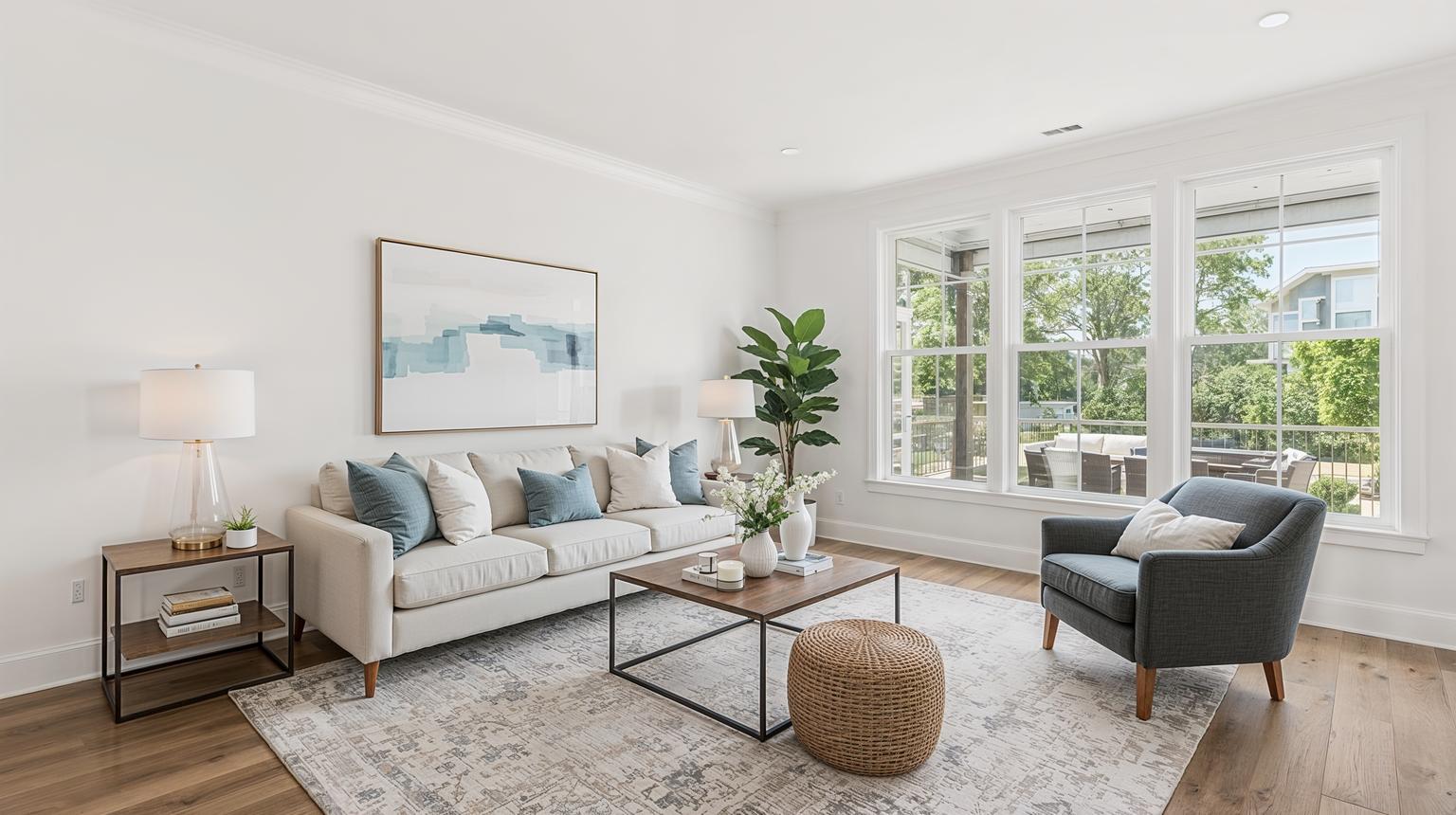
Decorilla combines AI-generated concepts with human designer oversight. More expensive than pure AI tools, considerably less expensive than traditional design services.
The hybrid process: AI-generated concepts, then a human designer refines and implements. The intake process is thorough — lifestyle questions, budget parameters, pet situations, entertaining habits. The resulting designs feel tailored to actual living rather than just visual appeal.
Implementation support: Unlike pure AI tools, Decorilla helps you actually purchase and arrange the suggested pieces — shopping lists, delivery coordination, installation support in some areas.
Time investment: This is not instant gratification. The process takes days or weeks. But the results feel more considered than any single-session AI output I tested.
Pricing: From $75 for basic consultation, up to several hundred for full-service implementation. You are paying for human expertise alongside AI efficiency.
Best for: People who want AI speed with human judgment, those intimidated by full DIY approaches, anyone with a meaningful budget for design services.
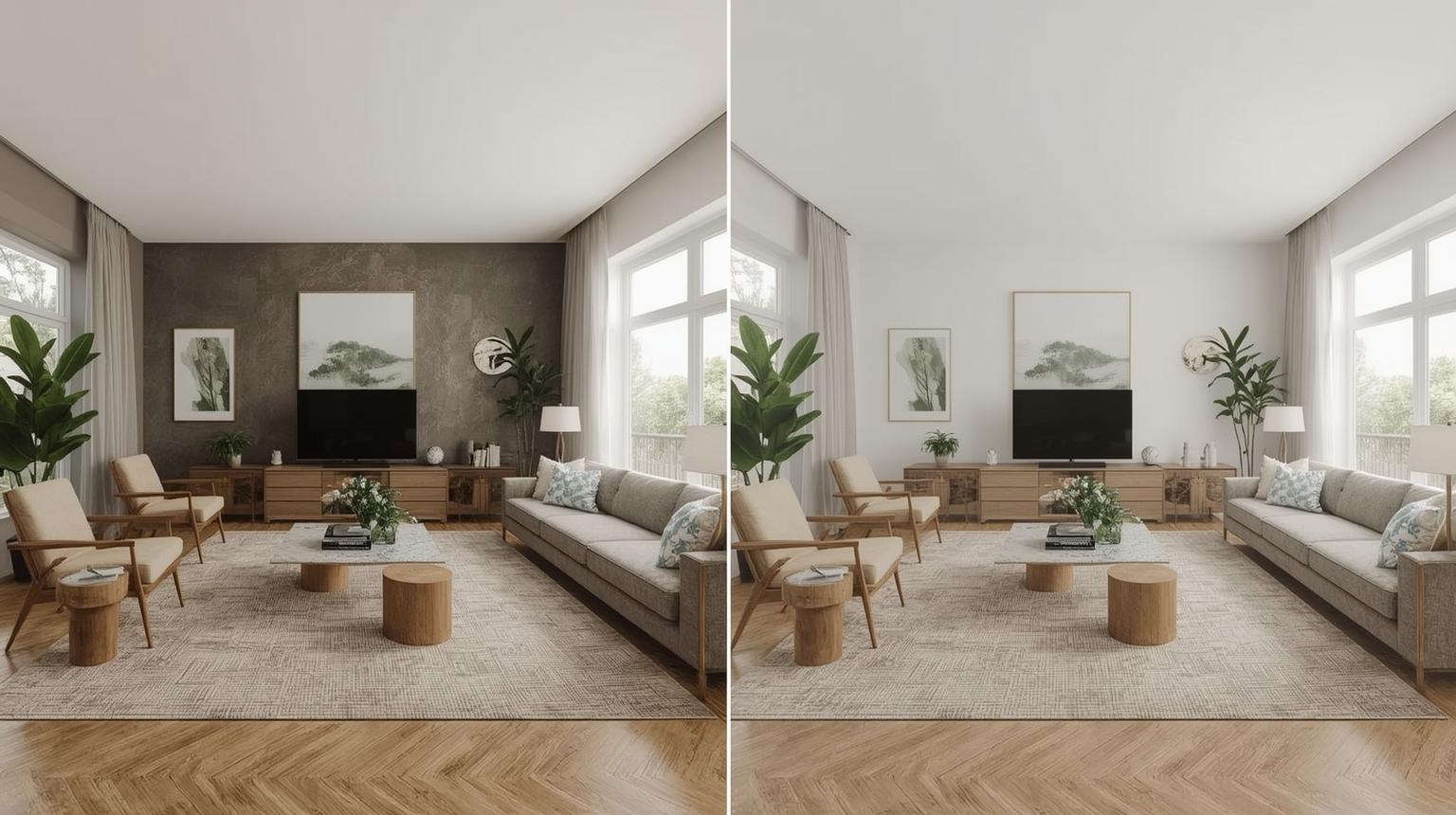
If you enjoy fine-tuning details, MyRoomDesigner.AI offers more adjustment options than anything else I tested.
Granular control: Change just the throw pillow colors while keeping every other element identical. Specify not just "wood flooring" but "oak with satin finish" or "reclaimed barn wood with natural patina." Adjust lighting conditions, time of day, even geographical location for accurate natural light simulation.
The complexity challenge: All these options create real decision paralysis. I spent 45 minutes choosing cabinet hardware for one kitchen design. Constraints often help creativity more than unlimited choices.
Professional features: Detailed measurements, material quantities, cost estimation tools. More contractor-ready than most AI tools in this field.
Best for: Detail-oriented designers, major renovation planning, professional contractors who need precise specifications.
Powerful features buried under confusing navigation. Results took several minutes, and the interface felt a generation behind. Good capabilities, poor execution.
Better suited for mood boards than actual room design. Results felt like graphic design output rather than livable interior concepts.
Decent output quality undermined by constant upselling. Every useful feature required an upgrade, and the pricing structure was difficult to follow.
Start with your actual goals. Quick styling inspiration? Paintit.ai or RoomGPT. Planning a major renovation? Planner 5D. Need presentation-quality renders? Spacely AI.
Don't expect magic. These tools are genuinely strong at styling and color schemes. They are less reliable for space planning or major layout changes. Know the difference before you start.
Photo quality matters more than you think. My best results came from well-lit, straight-on shots. Blurry or dark photos produce blurry or confused AI outputs.
Budget for iteration. The first result is rarely the final answer. Factor in time — and credits — for multiple passes.
Trust your instincts. AI suggestions are starting points, not final decisions. I learned this when a tool confidently recommended a white sofa for a household with three kids and two dogs.
Embrace the unexpected. Some of my strongest design ideas came from AI suggestions I initially dismissed. The olive green accent wall I thought looked wrong is now my favorite feature in the room.
For most people: Paintit.ai delivers the best balance of ease, speed, and actionable results. The shopping integration turns AI inspiration into real purchases.
For serious renovators: Planner 5D remains the comprehensive choice, despite the learning investment.
For design professionals: Spacely AI or HomeVisualizer.AI — quality or feature depth, depending on your priority.
For mobile users: Homestyler offers the most coherent phone experience with working AR.
For real estate: REimagine Home understands staging psychology and produces broadly appealing results.
For tight budgets: RoomGPT gets the job done, even when it doesn't always get it right.
Not entirely — and they are not trying to. Human designers excel at understanding lifestyle needs, spatial relationships, and practical constraints that AI tools still handle inconsistently. What AI tools do well is rapid visualization and idea generation at a fraction of the cost. Use them for exploration, bring in a human for implementation decisions that matter.
It varies considerably by tool. Paintit.ai and Spacely AI consistently produced realistic, livable results in our testing. Others generated impossible furniture arrangements or mismatched color combinations. Treat AI outputs as strong starting points, not final blueprints.
Depends on the platform. Paintit.ai has the strongest shopping integration — most suggested pieces link directly to real retailers. Homestyler also connects to product catalogs. Most other tools show furniture that you would need to source independently.
Standard rectangular rooms perform best. Odd-shaped studios and non-standard layouts challenged most tools in our testing. Paintit.ai handled unusual proportions better than most. The underlying models appear primarily trained on conventional room layouts.
The range runs from free (RoomGPT, Homestyler basic) to $30/month (Spacely AI). Most credible tools fall between $12 and $30 per month. Paintit.ai's Starter plan at $14.99/month is among the most accessible entry points with meaningful capabilities. For context, one professional design consultation typically costs more than six months of an AI subscription.
RoomGPT is genuinely free and useful for initial inspiration. Paintit.ai's free tier includes 30 credits and 1K resolution — enough to test the tool meaningfully before committing. Most other "free" options carry significant output limitations or watermarks.
Anywhere from 30 seconds (Paintit.ai, RoomGPT) to several minutes for complex Planner 5D renders. Most tools I tested produced first results within two minutes.
Some can. REimagine Home and Planner 5D handle outdoor areas well. Most tools in this category focus on interior spaces only — check each platform's specific scope if garden or patio design is a priority.
Homestyler is purpose-built for mobile and works well. Paintit.ai has a mobile-optimized interface. Desktop-first tools like Planner 5D are usable on phones but feel constrained by the screen size.
Try different style keywords first — the prompt matters more than most users realize. Adjust your source photo angle and lighting. If results are still off, switch tools. Each AI has different training data and different strengths. A prompt that fails on one platform often succeeds on another.
Three months ago, I was intimidated by interior design. These tools did not make me a professional designer — they made design accessible. There is real value in that.
Your living room, bedroom, or kitchen does not have to stay stuck. Sometimes the right tool is all you need to see the possibilities clearly. And once you can see them, the decisions get easier.
Ready to see what your space could become? Start with the tool that matches your comfort level and budget. The best AI interior design tool is the one you will actually use — and then use again.
Note: Pricing reflects rates as of June 2026 and may change. For the most current information, check each platform directly. You can explore Paintit.ai's latest features and pricing on the main platform.
Yulii Cherevko
CEO paintit.ai