15 min. reading

Yulii Cherevko
CEO paintit.ai
Published: Updated:

The most useful Virtual Staging AI alternatives depend on what you need to change. Paintit.ai is an option for exploring a furnishing concept from a room photo. Collov and REimagineHome combine staging with broader photo edits. ApplyDesign offers manual furniture placement as well as automated staging. BoxBrownie handles the job as an editing service, while Planner 5D adds a room-planning workflow alongside its AI image tools.
This 2027 edition uses information available on November 4, 2026, not future prices or features. Where only annual billing could be confirmed or current prices were unavailable, earlier offers are dated separately.
Virtual Staging AI is also a specific product, at virtualstagingai.app, not just a name for this whole category. Before switching, identify the problem: a small source-photo allowance, an unwanted furniture choice, inconsistent room details, or too much time spent correcting an image.
About this comparison: Paintit.ai publishes this guide and is included below. Features and public prices were checked on November 4, 2026. This is a documentation-based comparison, not a blind image-quality test. Prices can change, and the cheapest plan is not necessarily licensed or equipped for your job.
Virtual Staging AI provides photo-based staging, furniture removal and alternative furnished versions of an uploaded room. Zillow acquired the company in October 2024; that acquisition is not evidence that the product has closed.
Monthly prices reviewed October 27, 2026: six source photos for $25, 20 for $35, 60 for $79, and 150 on the displayed $139 Enterprise configuration. Annual equivalents are $16, $19, $39 and $79 per month, paid as $192, $228, $468 and $948 upfront. Check the selected allowance if you adjust the Enterprise slider.
The monthly-payment prices above were not reconfirmed on November 4, 2026. Treat the figures above as dated budget context and confirm the current bill before purchasing.
The important distinction is between a new source photo and another version of the same photo. Virtual Staging AI advertises unlimited renders of an uploaded photo, but that does not mean unlimited new uploads. Unused monthly photo allowances do not roll over. A new camera angle can therefore affect your subscription choice more than another furniture style does.
Keep the baseline if it already produces acceptable images with little correction. A Virtual Staging AI alternative should solve a specific limitation, not simply add another subscription.
| Alternative | Useful for | Starting point | Important limit |
|---|---|---|---|
| Paintit.ai | Furnishing and style concepts from a photo | Main Image, written brief and references | Check plan-specific commercial rights; inspect architecture |
| Collov | Staging plus broader photo edits | Photo, room/style and editing mode | Multi-angle and editing access depend on tier; credit charges vary |
| REimagineHome | Basic staging or conversational edits | Photo; references on eligible plans | Essential differs from Pro, not just in credit allowance |
| ApplyDesign | DIY furniture placement or Auto staging | Photo and a manually arranged scene or Auto brief | DIY and Auto use different coin rates |
| BoxBrownie | An editor carries out the staging brief | Photos and written instructions | Service turnaround; removal is priced separately |
| Planner 5D | AI images and a separate structured room project | Photo in AI Studio, or a room-planning project | Check AI Studio entitlement; a rendered image is not a measured model |
These Virtual Staging AI competitors are not identical substitutes. A rendered photograph, a manually arranged furnishing scene and an editable room model serve different purposes. Decide which deliverable you need before comparing prices.

Paintit.ai suits a room whose visual direction is still undecided. Use the room photo as the Main Image, describe the furnishing changes, and add a reference image when you want to communicate a material, palette or style. Specify what to borrow from the reference and what must stay unchanged in the actual room.
For an empty living room, a useful brief might ask for a compact sofa, two chairs and a rug while retaining the windows, fireplace, flooring and camera position. That is more actionable than asking for a generic luxury interior. Review the output against the source; an instruction to preserve architecture is not a guarantee that every detail will survive.
You can explore staging concepts from an existing photo without first rebuilding the room as a measured model. The output is a visual proposal, not a CAD file, a furniture specification or proof that the proposed pieces fit.
Access and cost: free credits are available after registration. The public pricing page currently displays promotional monthly prices of $14.99 for Starter, $29.99 for Pro and $79.99 for Max. Pro lists watermark-free images and a commercial-use license; do not assume those rights apply to every plan. Check the current Paintit plans before using an image commercially. Credit consumption varies with the operation and settings, so a fixed cost per staged photo would be misleading.
Choose it when: you want to compare furnishing directions and refine a concept in a design chat. For a property listing, retain the original photo and check the proposed image for altered openings, finishes or defects before use.
Explore a Furnishing Direction for Your Room
Upload your room photo to Paintit.ai and describe the furniture and style you want to explore. Add a reference when a material or visual direction is hard to explain.
Explore My Room Concept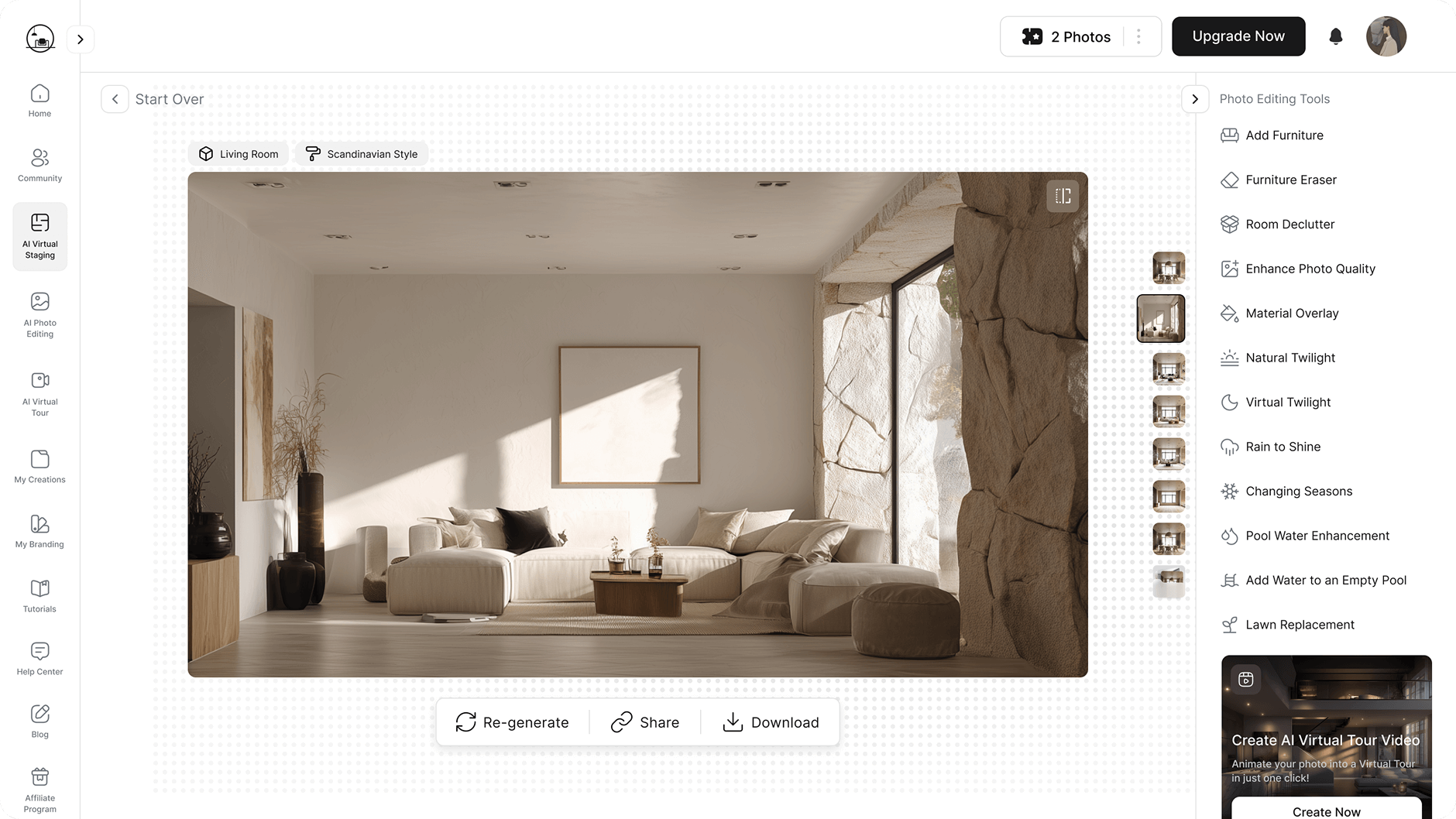
Collov combines virtual staging with furniture removal and other property-photo edits. It is worth considering when the work extends beyond adding a sofa to an empty room, particularly if you need editing or multi-angle features on an eligible plan.
The November 4 annual cards show Collov Standard at US$19/month equivalent, billed US$228 yearly, with 60 photo credits per month. Advanced shows US$49 equivalent, billed US$588 yearly, with 150 credits and multi-angle/chat editing. The October 27 monthly offer listed US$27 for Standard and US$59 for Advanced; those cancel-anytime amounts were not freshly confirmed. Compare the commitment as well as the feature tier.
The allowance needs a closer look. Collov promotes unlimited staging versions, while its usage information assigns different credit charges to staging, image editing and multi-angle operations. Do not read unlimited revisions as unlimited use of every editing mode. Confirm the charge for the actual operation you intend to repeat.
Choose it when: you need staging plus photo edits within one service. Check the paid-plan export and commercial-license terms, the cost of each editing mode, and whether the room remains consistent across the views you need. A multi-angle feature is not proof that every generated chair or doorway will match.
REimagineHome separates a simpler Essential plan from its newer conversational workflow. Essential covers basic staging and lighter edits. The Pro tier adds reference-image support, incremental editing and other broader design functions. That distinction matters if you want to keep an accepted result and ask for a focused change.
Visible pricing cards currently show Essential at $19 per month for 30 credits, Pro at $36 for 200, Advanced at $59 for 400, and Agency at $119 for 900. Standard visualization is listed at one credit, while visualization with real products uses two. Its five free designs are a limited starting allowance, not a promise of ongoing free production.
Choose it when: you want to guide a concept with references or revise through conversation. Check that your chosen tier includes that workflow; Essential is not simply Pro with fewer credits.
For repeated listing work, test the same room from two angles before committing to a large batch. Look at the window count, fireplace shape and relationship between the furniture and doorways. A convincing single image does not establish consistency across a property.
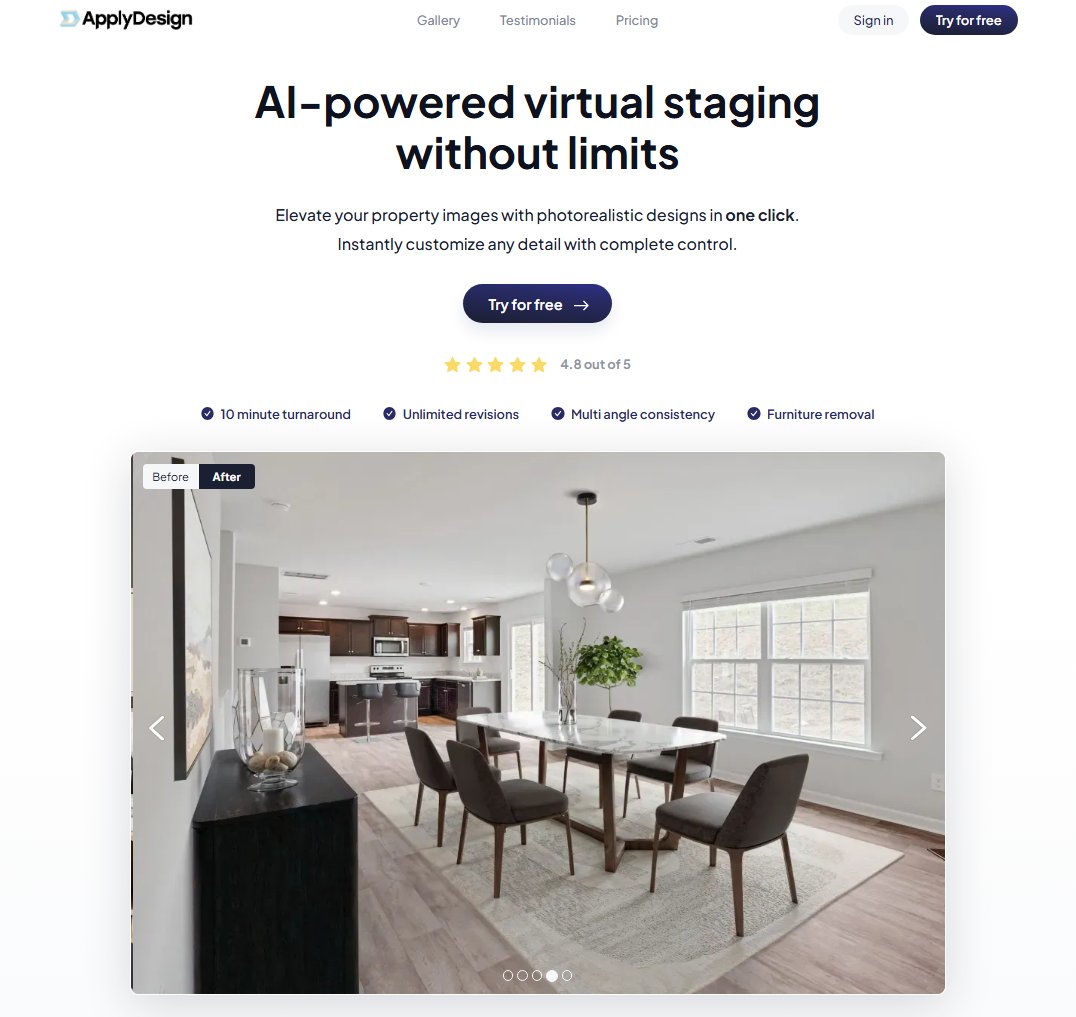
Apply Design virtual staging is a useful option when you want to control the composition yourself. Its DIY workflow allows furniture placement and revision, while its Auto service offers a more automated route. Choose DIY for a deliberate arrangement, or Auto for less hands-on setup.
ApplyDesign sells coins at $10 each for up to nine, $8 each for 10-19, and $7 each for 20 or more. DIY 2D staging uses one coin per image; Auto 2D uses 1.5. The listed 360-degree rates are two coins for DIY and 2.5 for Auto. Item removal is included, and the pricing page lists unlimited DIY revisions.
Choose it when: a particular chair position or furniture arrangement matters enough to justify hands-on work. DIY control can reduce dependence on a generator's composition choices, but someone still has to arrange the room and inspect perspective, scale and clearance.
Ask how an Auto revision or a new source photograph is billed before treating the allowance as an unlimited project. A coin-based system is easier to compare once you know whether you are buying one finished image, a reusable editing scene or another automated job.
Explore Another Furniture Arrangement
Use your room photo in Paintit.ai to explore a different furnishing concept. Describe the seating you need and the doorways that must remain accessible, then inspect the proposed layout.
Explore a Different Furnishing Layout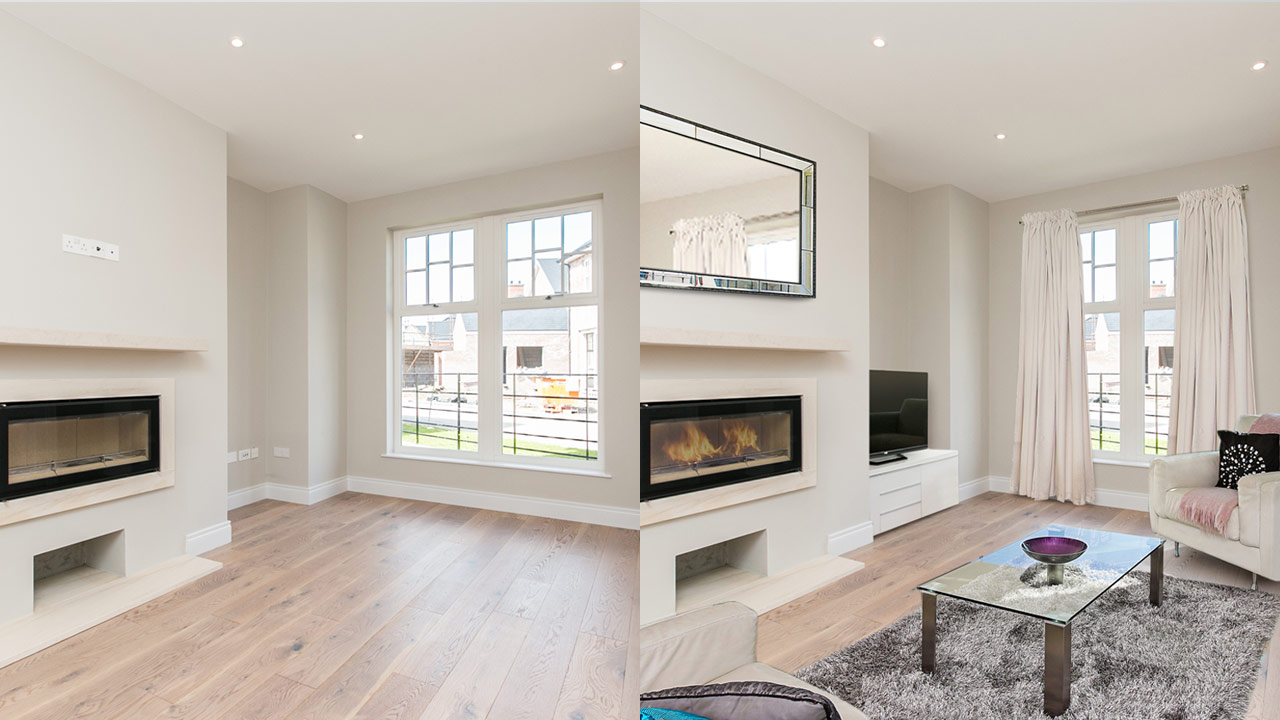
BoxBrownie belongs in this comparison as a service alternative, not as another instant AI generator. You submit the photographs and a brief, then review an editor's result. It suits an agent who would rather request an adjustment than learn another editing interface.
The November 4 public price list displays US$30 per ordinary staged image, US$5 for minor removal and US$10 for standard removal. The older US browser response showed US$24 staging. Confirm currency, service scope and the actual quote. A removal-plus-staging order can cost more than the headline staging rate.
BoxBrownie advertises delivery within 48 hours and allows change requests within two months of the original job. Treat the turnaround as the provider's stated service time, not a measured result from this comparison. Its free account offer covers image enhancement and day-to-dusk editing, not free virtual staging.
Choose it when: you prefer a brief-and-review process and can wait for delivery. Include the intended room use, items that must remain, anything that should be removed, and the listing restrictions in the initial instructions.
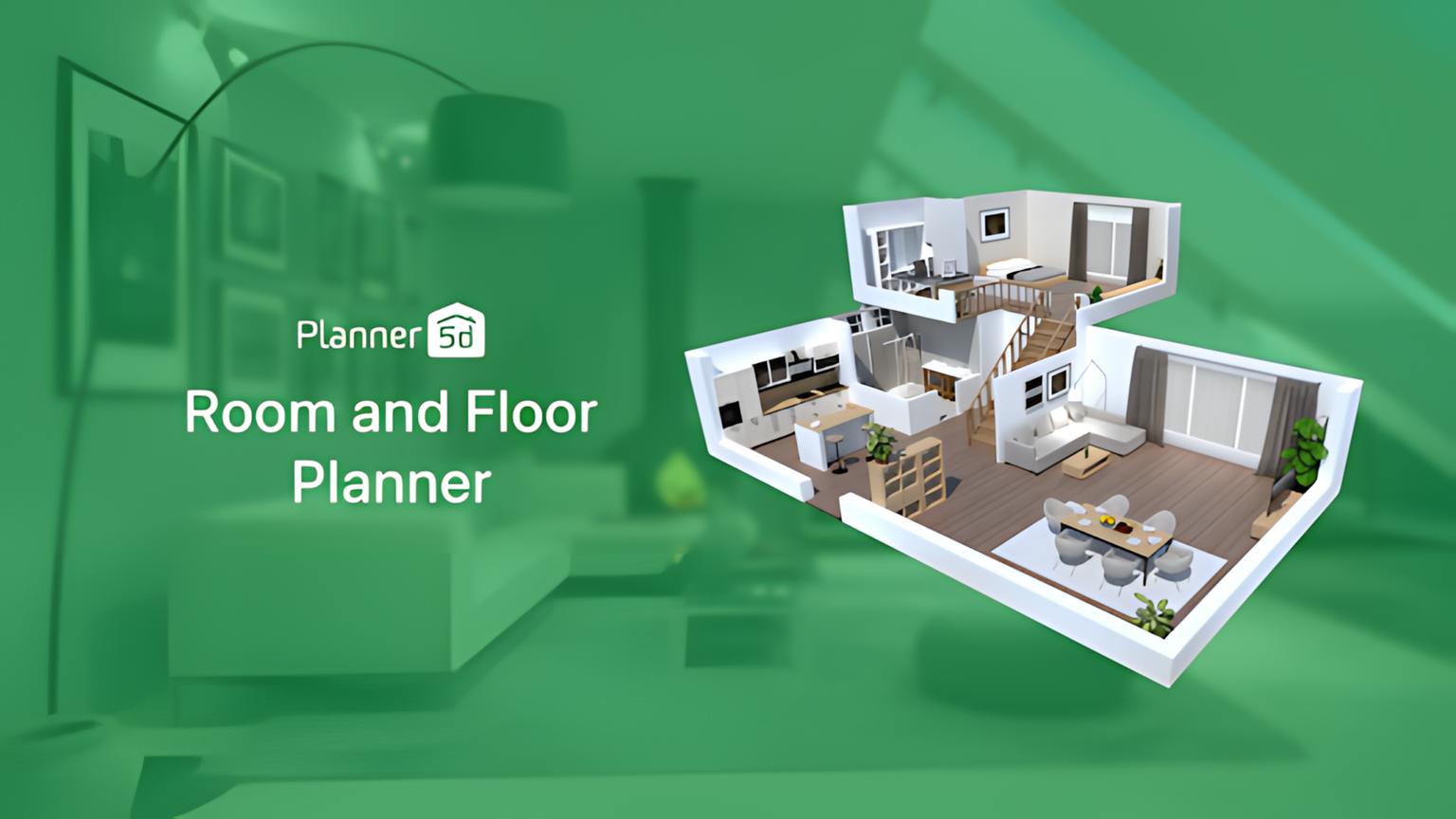
Planner 5D has two relevant paths. AI Studio supports image generation and editing, including reference-led changes and material swaps. The structured room editor lets you work on a 2D/3D project. Use the image workspace for a visual proposal; use the project editor when the arrangement needs to be developed as a model.
Its public pricing page displayed Premium at €19.99 on monthly billing or €59.99 paid annually, and Professional at €49.99 monthly or €399.99 annually. The lower advertised monthly equivalents require annual payment. AI Studio access and credit allowances need a separate check for your plan and device; free access to the room editor is not proof of unrestricted AI image generation.
Choose it when: the task extends into room planning, or you want to explore its image tools within a broader design platform. Rebuilding a room takes time, but a structured project serves a different purpose from a staged photograph. Check the model's measurements and furniture clearances separately from the appearance of an AI-edited image.
Consider eight different empty-room photos. You want a furnished result for each and may explore several styles before choosing. The following is an illustrative purchasing calculation, not a quality test or a guarantee that every result will be accepted.
| Option | Cash or plan for this example | What to check |
|---|---|---|
| Virtual Staging AI | Standard: $35 monthly, 20 source photos (monthly offer reviewed October 27, 2026; current annual cards checked November 4) | Basic only covers six. Same-photo versions differ from new uploads. |
| REimagineHome | Essential: $19 monthly, 30 credits | 24 standard visualizations fit the allowance; reference workflow requires Pro. |
| ApplyDesign DIY | 8 coins at $10 = $80 | Eight 2D images; hands-on furniture arrangement. |
| ApplyDesign Auto | 12 coins at $8 = $96 | Eight 2D images at 1.5 coins; confirm revision scope. |
| BoxBrownie | 8 images at US$30 = US$240 | Staging only; removal and other editing can add to the bill. |
| Collov | Standard: $27 monthly, 60 photo credits (monthly offer reviewed October 27, 2026; annual Standard US$228 checked November 4) | Check the selected operation; not every editing mode is a free regeneration. |
| Paintit.ai | Pro offer: $29.99 monthly, 1,500 credits | No fixed cost per accepted staged photo; settings and operations affect usage. |
The two ApplyDesign calculations buy different workflows. Eight DIY images use eight coins at $10 each, or $80. Eight Auto images use 12 coins at the $8 tier, or $96. Those figures do not mean the automated route gives the same editing control or effort as DIY.
A low per-image headline can hide an annual commitment, extra removal charges or a mode that consumes more credits. Conversely, a subscription with unused capacity can still be the simpler purchase for recurring work. Compare the cash you must pay for this job, the rights to use the exports, and the operator time needed to reach an acceptable result.
For AI virtual staging, start each candidate from the same original photograph. Passing an already generated room through another tool can compound changes to walls, glazing and perspective. Keep a clean original alongside the accepted concept so the next reviewer can see what was altered.
Start With the Photo of Your Actual Room
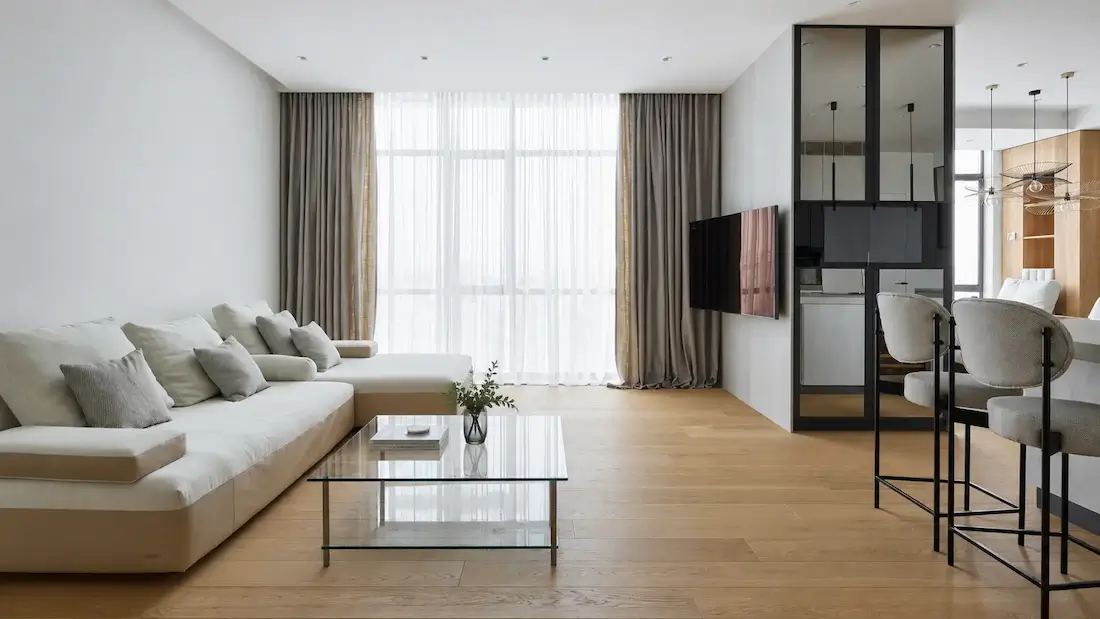
Use your own room image in Paintit.ai and name the windows, flooring and fixtures that should stay. Compare the concept with the original before taking it further.
Try a Photo-Based Furnishing ConceptFor virtual staging for real estate, inspect these details before comparing the decoration:
ARMLS, for example, sets out disclosure requirements for digitally altered listing photos. That is one MLS's policy, not a universal rulebook. A vendor's MLS-compliant label does not remove the need to check your own service's requirements.
For an unfurnished rental, the image should help explain how a room could be used without implying that furniture is included. Our guide to staging photos for an unfurnished rental covers that separate presentation problem.
Eight distinct room photographs exceed the six-source Basic allowance even if you need only one output from each. Regenerating one of six uploaded photos does not create room for a seventh source. Check the selected allowance before buying annual access.
The November 4 annual cards retain US$192, US$228, US$468 and US$948 billed totals for the displayed Basic, Standard, Professional and 150-photo Enterprise configurations. For an occasional job, compare the upfront annual bill with the dated monthly offer and any per-image service quote, rather than dividing the annual cost by outputs you may never need.
Sometimes, but compare the same job. REimagineHome Essential is US$19 monthly; the October 27 Virtual Staging AI entry offer was US$25 monthly. Those allowances and editing workflows differ, and the latter monthly price was not freshly confirmed. BoxBrownie's November 4 ordinary staging rate is US$30 per image. None of these comparisons establishes the time needed to correct a finished result.
A free allowance can help you evaluate the workflow. Check download access, watermarks, commercial rights and any ongoing costs before relying on it for a listing. Paintit.ai provides free credits after registration; that is not unlimited free production, and commercial use still depends on the applicable plan and terms.
Removal clears existing movable objects before new furnishings are added. Compare the cleared image with the original first: AI may reconstruct the floor or wall behind a removed object incorrectly. If the furniture is staying with the property, consider retaining it instead of replacing it with a misleading proposal.
At minimum, the room's openings, permanent fixtures, viewpoint and visible condition should remain accurate for a furnished listing image. Fast generation is not evidence of preservation. Reject a result that invents another window or hides a defect, even if the furniture looks convincing.
Some platforms offer exterior or landscaping edits, but those are not interchangeable with interior furniture staging. Confirm the specific mode and allowance, and label proposed landscaping or renovation separately from the property's current condition. An attractive garden concept does not document an existing garden.
Look for the original photo, the accepted result, rejected attempts, the paid plan and the amount of correction needed. A gallery of furnished rooms alone tells you little about preservation. For real estate photography, a consistent set of accurate images is more useful than one dramatic transformation.
Choose photo-based virtual staging software for quick furnishing proposals, manual placement for composition control, or an editing service when you want someone else to carry out the brief. Add a room-planning tool when you need a structured project rather than just a photograph. Whichever route you choose, inspect a representative room before committing a whole property.
Test the Direction Before Committing a Whole Property
Bring one representative room photo to Paintit.ai and explore a furnishing concept. Free credits are available after registration.
Explore a Furnishing Concept in Paintit