10 min. reading

Yulii Cherevko
CEO paintit.ai
Published: Updated:

The best AI for bedroom design depends on whether you need to see a different look, rearrange furniture, or hand the project to a designer. Paintit.ai and RoomGPT can help with photo concepts. Planner 5D is more relevant when you need a room layout with entered measurements. Collov specializes in staging, while Spacejoy and Decorilla provide human design services. Houzz is an inspiration source rather than a bedroom generator.
For an existing bedroom, start with the question that would change your next purchase. Does the room need a warmer wall color? Would a different headboard suit the existing floor? Can a larger bed leave usable wardrobe access? The first two questions are visual. The last requires a tape measure.
2027 edition. Product details and displayed offers checked on November 4, 2026; these are not forecasts of 2027 prices. This is a workflow comparison, not a hands-on performance benchmark. Paintit.ai publishes this guide and is included in the comparison.

A virtual bedroom visualizer changes the appearance of a photographed room. It can help compare a palette, fabric character, or furniture arrangement, but can also invent extra space. A measured planner lets you position objects within geometry you enter. A staging app furnishes a photograph for presentation; that is not the same task as planning a room somebody will use every night.
Human services add a designer who can interpret your preferences and prepare the agreed package. An inspiration gallery helps you decide what you like before opening any editor. These are useful alternatives, but calling all of them AI bedroom planners hides the difference in effort, price, and output.
| Option | Useful Starting Point | Checked Access or Offer | Main Limit |
|---|---|---|---|
| Paintit.ai | Photo of your current bedroom | 30 free credits after registration; Starter displayed $14.99/month for 500 credits | Concept image, not a measured room survey |
| RoomGPT | One room photo for style ideas | Public sign-in screen advertises 1 free generation after Google sign-in | Paid pack price not verified |
| Planner 5D | Room dimensions and furniture footprints | Restricted free plan; Premium observed at EUR 19.99/month or EUR 59.99/year | Measurements and catalog details need checking |
| Collov AI | Empty or furnished bedroom listing photo | Standard displayed $228/year: $19 monthly equivalent; 60 photo credits/month | Staging is not a fitted-furniture plan |
| REimagineHome | Room photo and design direction | Essential $19/month, 30 credits; Pro $36/month, 200 credits | Conversational/reference workflow is on Pro |
| Spacejoy | Brief for a human designer | Delight displayed $199/room; Bliss $399; Euphoria $599 | Service scope, delivery, and product availability |
| Decorilla | Human designer and agreed deliverables | Bedroom-specific quote; room selector affects pricing | Not an instant self-service photo generator |
| Houzz | References, products, and professional discovery | Browse inspiration; separate services have their own terms | Does not establish a layout for your room |
Compare competitors within the same category. A $199 design package is not an expensive version of one generation credit, and a monthly equivalent on an annual contract is not a cancel-after-one-month price. US and UK buyers should check the currency, tax treatment, and local product availability at checkout.
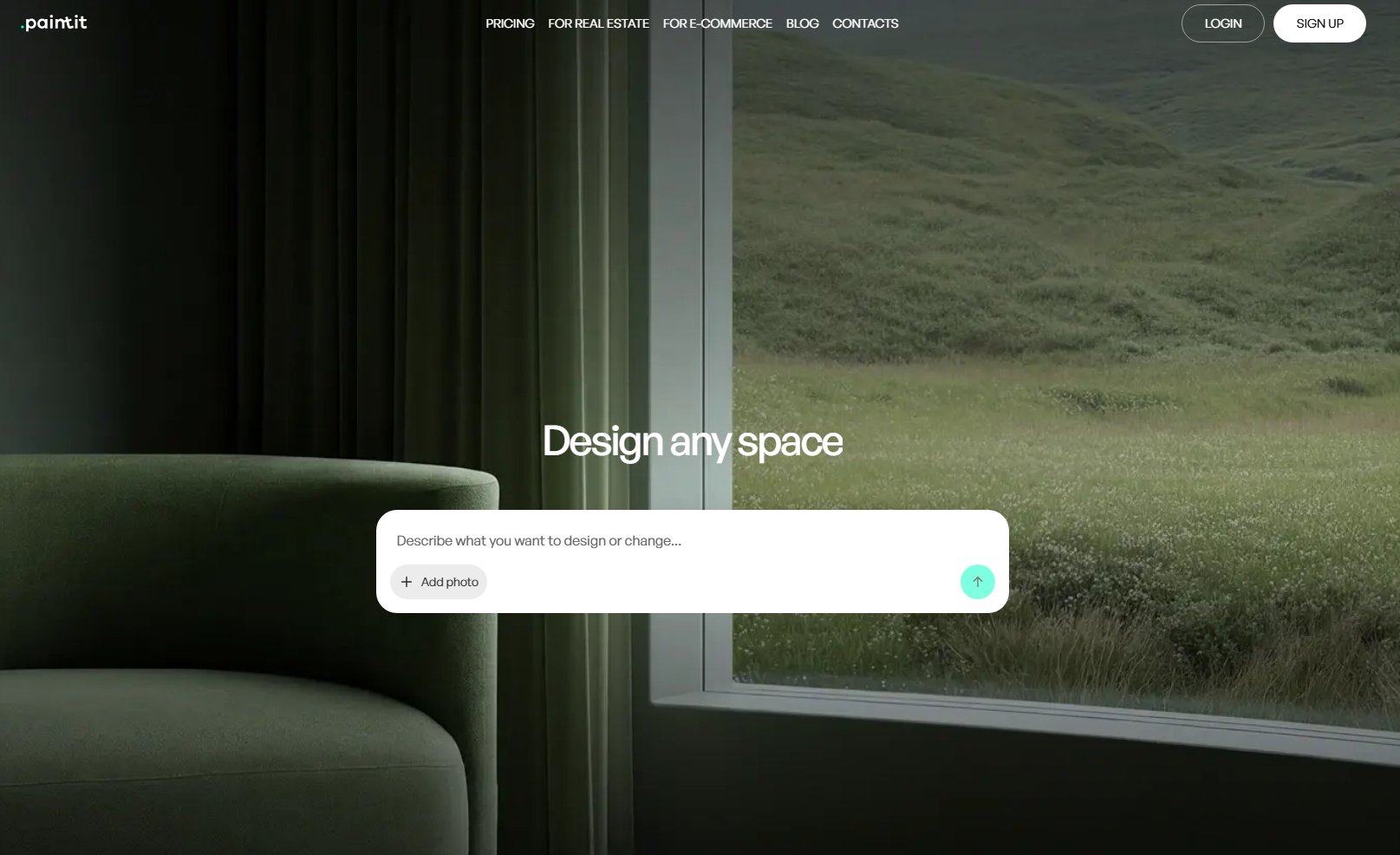
Use your bedroom photo as the Main Image and describe a specific change. A Reference Image can explain a fabric, wood finish, or overall mood. For example, keep the bed, wardrobe, window, and floor while comparing a muted green wall with a warm off-white wall. This is a clearer decision than asking for a completely different dream bedroom.
Paintit's catalog includes color references from Behr, Benjamin Moore, Dulux, Nippon Paint, and Sherwin-Williams, with brand filtering and name, code, or HEX search. That is useful when a vague color idea needs a named sample to investigate. Digital previews and similar-color suggestions are not calibrated physical paint matches.
The checked cards displayed 30 free credits after registration; Starter $14.99/month for 500 credits; Pro $29.99 for 1,500; and Max $79.99 for 4,500. Check current billing and permissions. Do not turn a credit allowance into a promise of a fixed number of room makeovers.
For a photo-led starting point, the room visualization workflow lets you explore a design direction before measuring or sourcing its individual pieces.
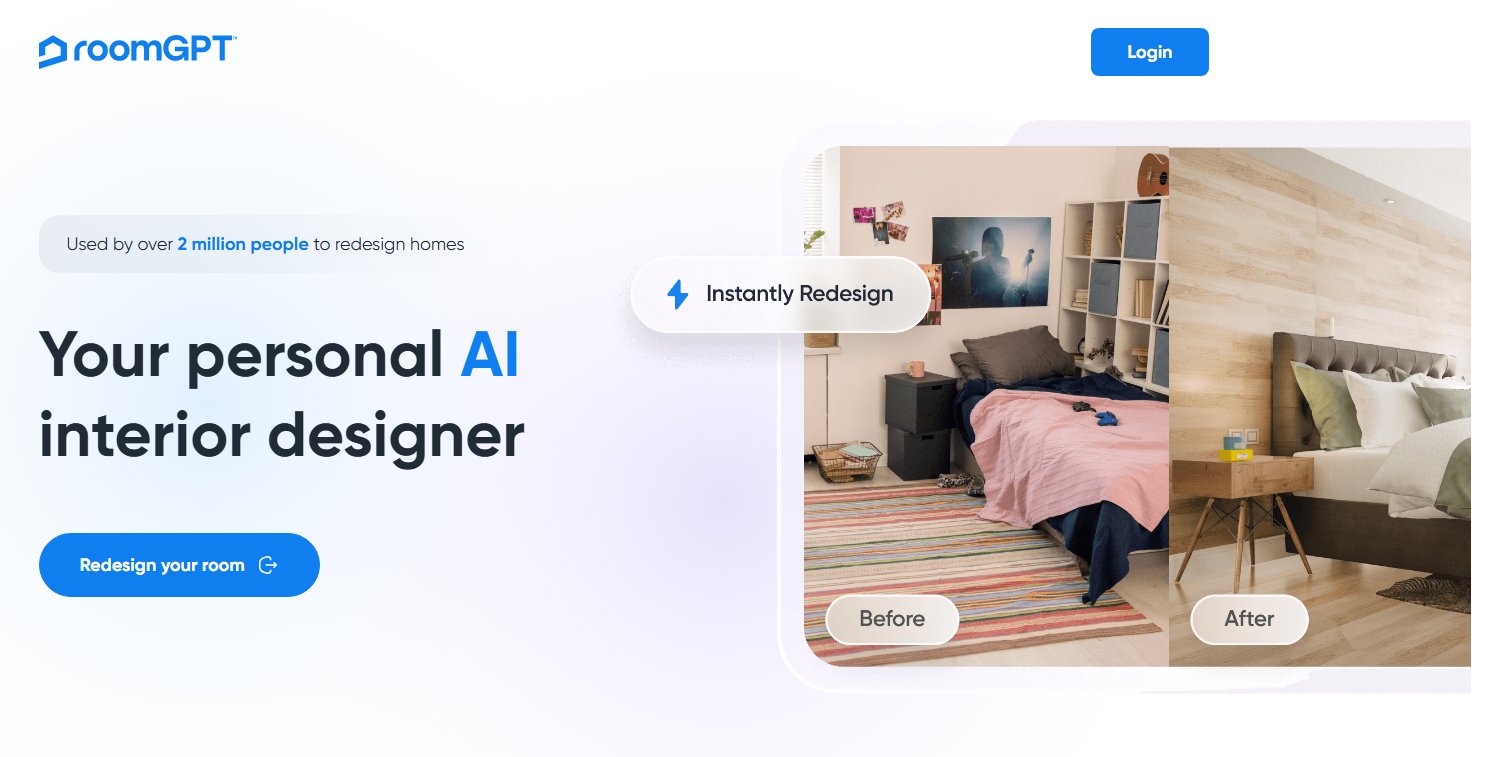
RoomGPT's public workflow centers on transforming a room from a photo. It is relevant when you want an alternative look before deciding what to buy. The public access screen checked for this edition advertised one free generation after Google sign-in; a current paid credit-pack price was not verified.
Use the result to identify what attracts you: a lower bed, softer contrast, or fewer visible objects. Then ask whether those changes work with the actual room. A generated wardrobe or extra window is not a hidden opportunity in the existing floor plan.
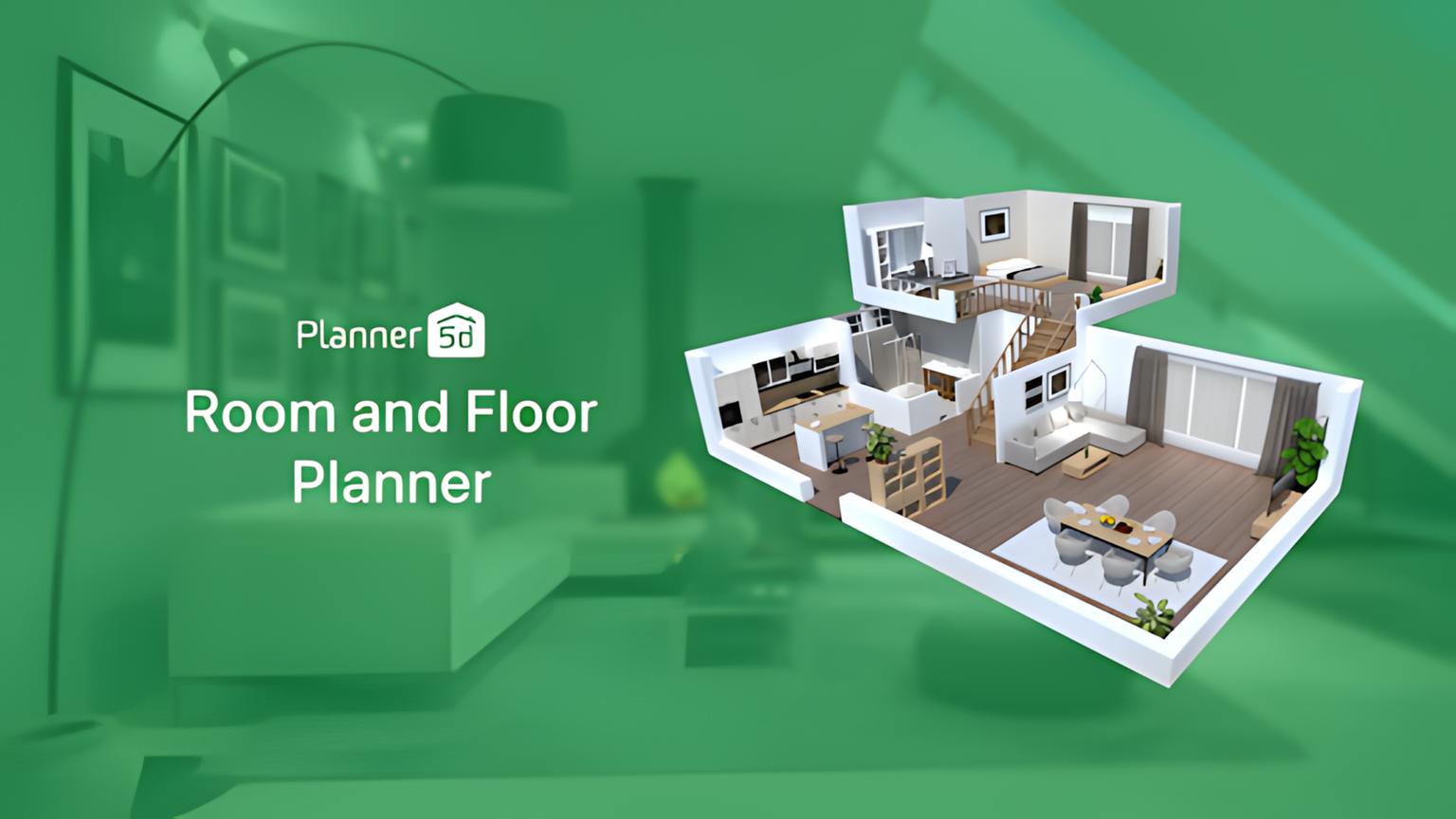
Planner 5D supports 2D/3D planning and AI Studio. Its measured workflow is useful when bed size, a desk, or storage is the deciding issue. Enter the room outline and openings, then use the full furniture footprint rather than the mattress dimensions alone.
The free plan has restrictions. The checked regional Premium offer was EUR 19.99 monthly or EUR 59.99 yearly; Professional was EUR 49.99 monthly or EUR 399.99 yearly. These are observed euro prices, not verified dollar or pound offers. Confirm the features and AI allowances you need before committing.
Collov is a closer match for an empty-bedroom listing image than for deciding the joinery inside a fitted wardrobe. Its public pricing distinguishes standard staging from multi-angle and more advanced editing capabilities. The Standard offer displayed 60 photo credits per month with $228 annual billing, shown as a $19 monthly equivalent.
If you need the same furniture across several views, check the appropriate plan and inspect the outputs yourself. A vendor's consistency claim is not proof of an independently measured room. Keep an unaltered source photo when preparing property marketing.
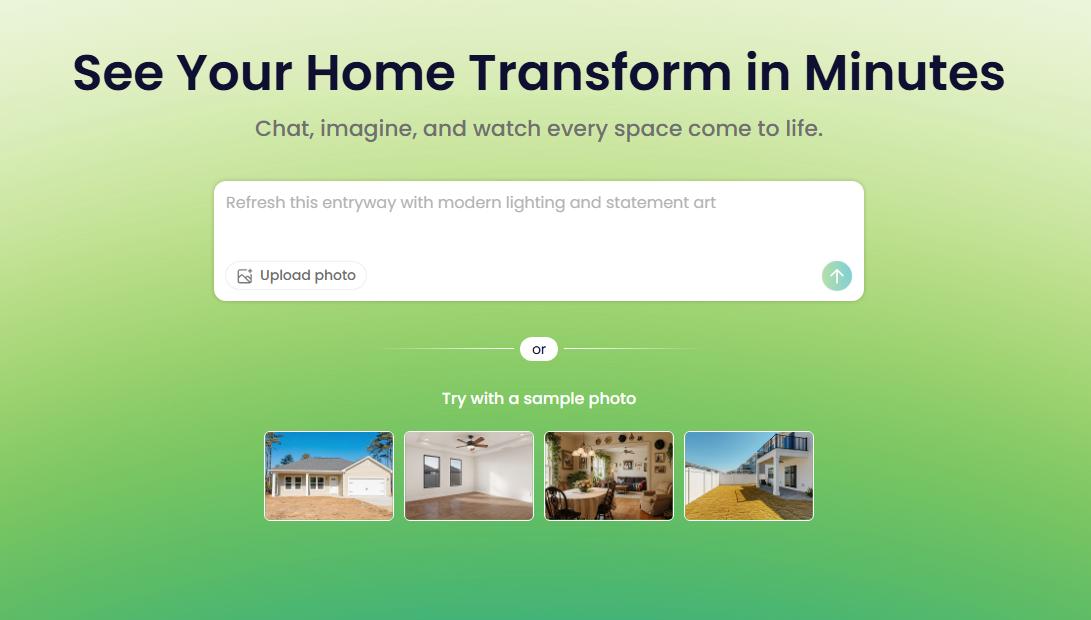
REimagineHome is another photo-led option for visual redesign and staging. The checked monthly cards showed Essential at $19 for 30 credits and Pro at $36 for 200. Conversational design and reference-photo capabilities were associated with Pro, so do not choose the cheaper tier assuming it includes the complete workflow.
Use a simple brief that names what remains: floor, window, bed position, or a piece of furniture you already own. Review every output for changes outside that brief. A visual suggestion does not establish an exact furniture match or its availability in your market.

Spacejoy's pricing describes a real designer, 3D designs, and a shoppable list. The displayed room packages were Delight $199, Bliss $399, and Euphoria $599, with first designs described in business days rather than seconds. These are displayed offers, not a guaranteed permanent discount.
This route fits someone who wants help translating a bedroom brief into a coordinated scheme. Confirm revisions, delivery terms, what happens to existing furniture, and whether suggested products are practical to purchase where you live. A US-facing service should not be assumed to supply a UK-ready shopping list without checking.

Decorilla is also a human design service. Its process describes designer concepts and a package that can include 3D visuals, a plan, palette, and shopping list. The price depends on the selected room and service level; the pricing page's initial room state is not evidence of the bedroom price.
Ask for a bedroom-specific quote and define the deliverables. A complete service may be preferable to learning software if the hard part is coordinating purchases and decisions. Installation, site measurement, and technical checks still need explicit ownership.

Use Houzz for inspiration and professional discovery rather than as a photo-to-design generator. Save a reference because of an identifiable detail: the height of a headboard, the contrast between bedside furniture and the wall, or curtains that make sense beside your window.
A smaller reference set is easier to act on. Separate the elements you want to borrow from the architecture you do not have. A tall-ceilinged hotel suite is a poor layout reference for a small bedroom, even when you like its palette.
Compare a Bedroom Wall Color
Use your bedroom photo and a named paint reference to explore a different wall color. Register to receive free credits; test physical samples before painting.
Explore Bedroom ColorsScandinavian, Modern Farmhouse, Bohemian, and Minimalist are useful starting labels, but they are not purchase specifications. Translate the label into the changes you want to see. For Scandinavian, compare pale timber and restrained contrast. For Modern Farmhouse, test the effect of a textured headboard against existing flooring. For Bohemian, decide whether layered textiles still leave the room visually calm. For Minimalist, check where the items removed from view would actually be stored.
AI for bedroom design is most useful when it helps make that translation. Save the concept with a short note such as "keep the warm wall and curtain treatment; reject the oversized bedside tables." You then have a usable brief rather than a style label that means something different to each supplier.

A designer may work in a measured model or specialist documentation software after the concept stage. That becomes important for built-in storage, unusual ceiling heights, or work involving electrical changes. A model-based plan can coordinate dimensions; a generated photograph cannot supply hidden construction details.
Do not confuse a visualized item with an exact specification. Confirm overall bed-frame dimensions, headboard depth, drawer extensions, curtain stacking space, and delivery access with the manufacturer or supplier.

An AI furniture layout tool can propose an arrangement, but a small room needs a physical fit check. A bed can look correct in perspective while a wardrobe door becomes unusable. Do not treat a larger-looking image as proof that the room gained space.
The bedroom design workflow guide goes deeper into turning a visual direction into a practical brief.
Explore Your Own Bedroom
Start from the bedroom you have and compare a different visual direction. Free credits are available after registration.
Create a Bedroom ConceptChoose a photo tool such as Paintit or RoomGPT for early visual ideas, a measured planner such as Planner 5D for spatial questions, and a human service when you want somebody to guide the design. A staging app serves a different purpose again. None is automatically best for every bedroom decision.
Yes, as a source of arrangements to examine. Check the actual bed-frame footprint, wardrobe access, door swing, and the path through the room in a measured plan. Keep emergency access and applicable local requirements under professional review where relevant; an image cannot confirm them.
Paintit provides free credits after registration. RoomGPT's public sign-in page advertises one free generation after Google sign-in. Planner 5D offers restricted free planning access. Verify the download and generation limits rather than assuming a free option is unlimited or available without an account.
A reference can communicate an appearance or a particular object, but exact color, material behavior, proportions, and SKU fidelity are not guaranteed. Order from actual product specifications and samples, not from the image alone. Keep any visual mismatch in your notes before purchasing.