15 min. reading

Yulii Cherevko
CEO paintit.ai
Published: Updated:

Stager AI alternatives cover several different jobs. Paintit.ai helps you explore furnishing and finish ideas from a room photo. Autoenhance.ai handles HDR and property-photo enhancement. Collov AI offers staging and multi-angle options, while Apply Design provides hands-on furniture placement. Virtual Staging AI, REimagineHome and Planner 5D cover other combinations of staging, image editing and room planning.
This 2027 edition uses information available on November 4, 2026, not future prices or features. Where only annual billing could be confirmed or current prices were unavailable, earlier offers are dated separately.
Start with the task you need to replace. A tool that furnishes one JPEG may be useful for an empty bedroom but unsuitable for processing a photographer's bracketed exposures. Equally, an HDR editor can improve a listing photograph without adding any furniture. Comparing those outputs as if they were the same makes feature lists and per-image prices misleading.
How this guide was prepared: Paintit.ai publishes this article and is included in the comparison. Product documentation and public pricing were checked on November 4, 2026. This is not a blind rendering test, and the order below is not a measured quality ranking.
Stager AI currently covers more than placing furniture in an empty room. Its public site describes HDR bracket merging, virtual staging, cleanup, sky and lawn edits, listing videos and multi-angle staging. Its multi-angle tool accepts up to four photographs of one room. These are different workflows, so a replacement should be judged against the one you actually use.
The October 27 Stager AI offer listed Starter with 10 photos per month, Growth with 30, Pro with 80 and a configurable Studio allowance. Those allowances could not be confirmed on November 4. Confirm the current allowance, payment and billing cycle on the web offer you will use; a mobile-store price or API rate does not establish the web subscription bill.
The web pricing page lists nine free re-renders per photo and unused-photo rollover for up to six months while the subscription remains active. The API documentation describes a different re-render allowance. Confirm the API's operation-specific charges before applying the web allowance to an automated workflow.
Keeping Stager AI can make sense if you already need its combination of editing, staging and delivery functions. Switching is more compelling when another tool solves a specific problem, such as manual furniture positioning or a dedicated HDR pipeline.
| Alternative | Task | Starting point | Important limit |
|---|---|---|---|
| Paintit.ai | Furnishing and finish concepts | Main Image, brief and References | Not a RAW/HDR pipeline or measured room model |
| Autoenhance.ai | HDR and property-photo enhancement | Bracket sets or individual photographs | Enhancement API; not furniture staging |
| Collov AI | Staging and broader photo editing | Room photos; eligible multi-angle mode | Multi-angle on Advanced+; API on Enterprise |
| Apply Design | Manual furniture placement or Auto staging | Photo and DIY composition or Auto brief | Coin rates differ between DIY, Auto and 360 |
| Virtual Staging AI | Furnished versions of source photographs | Distinct uploaded photos | Unlimited versions are not unlimited new uploads |
| REimagineHome | Basic staging or reference-guided refinement | Photo; references on eligible plans | Essential and Pro have different feature access |
| Planner 5D | AI image editing and structured room planning | Photo in AI Studio or an editable room project | Separate workflows; check Studio entitlement |
Use the table to narrow the shortlist, then check the relevant plan. A documented capability is not proof that it is available on every tier or that it will preserve every detail in your photographs.
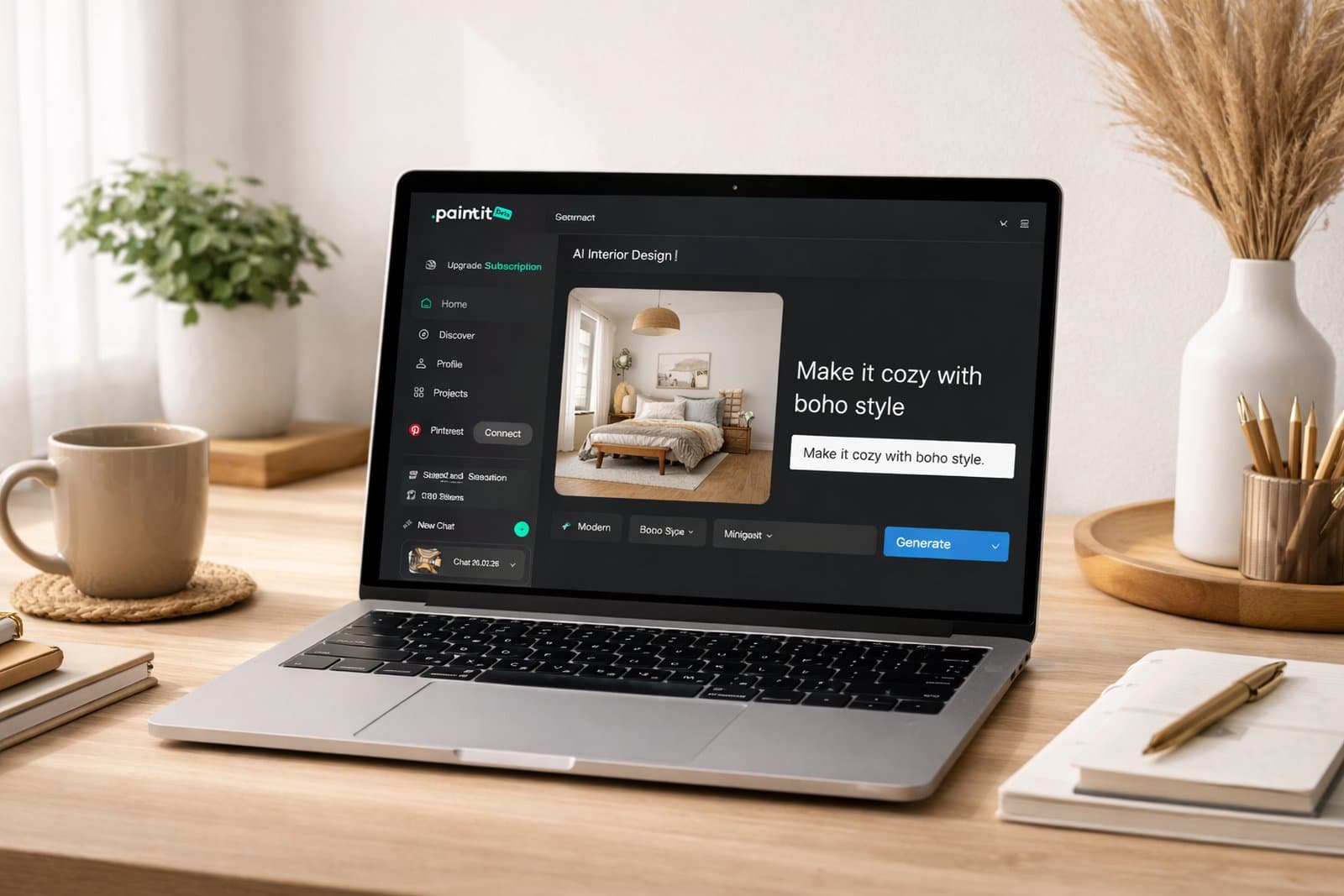
Paintit.ai is useful when the furnishing direction is still undecided. Upload the room as the Main Image, describe the furniture or finish changes, and use References to communicate the visual cues you want. Specify whether the reference supplies a palette, a material or a style; do not leave the system to guess which room's architecture to follow.
This gives you a try-on workflow for a visual concept rather than a measured room model. For example, ask for a compact sofa, one chair and a rug while retaining the existing windows, fireplace and flooring. Then compare the proposal against the photograph. Instructions about preservation still need a visual check.
For an empty property, you can explore furnishing ideas from a room photograph without rebuilding the room in a planner. Paintit is not presented here as a replacement for RAW bracket merging, a photographer's batch-delivery system or a measured CAD workflow.
Cost and access: free credits are available after registration. The displayed monthly offer is $14.99 for Starter, $29.99 for Pro and $79.99 for Max. Pro lists watermark-free images and a commercial-use license; do not assume every plan has identical rights. Check the Paintit subscription and usage terms before producing commercial work. Model, quality and operation choices affect credit consumption.
Turn the Empty Room Into a Furnishing Brief
Upload your room photo to Paintit.ai, describe the seating you need and add a reference for the style. Compare the proposed concept with the original windows, flooring and doorways.
Explore Furnishing Ideas for My Room
Autoenhance.ai is the more relevant comparison when you want to replace HDR editing rather than furnishing. Its tools include exposure blending, perspective correction, color correction, sky replacement and window adjustments. Its API offers these enhancement functions within a software or photography workflow.
Its API supports grouping bracketed shots for HDR merging. Check the supported input formats and bracket-set limits for your workflow before uploading. That is an image-processing job, not the same operation as generating a furnished room from one photograph. Do not buy it on the assumption that HDR enhancement includes virtual furniture placement.
Cost and access: the October 27 offer listed US$0.75 per downloaded image and a limited Essential offer of US$29/month for 100 images, then US$0.29 per additional image, against a displayed US$58 regular subscription price. The November 4 pricing review confirmed free watermarked previews and paid downloads, but not the current amounts. These are dated offers, not freshly verified checkout prices.
Choose it when: your problem is processing real estate photographs or integrating enhancement into an existing system. Test a difficult bright-window interior, an exterior and a bracket set, then inspect the retained view, color and edge detail. API availability alone does not establish the terms of your production agreement.
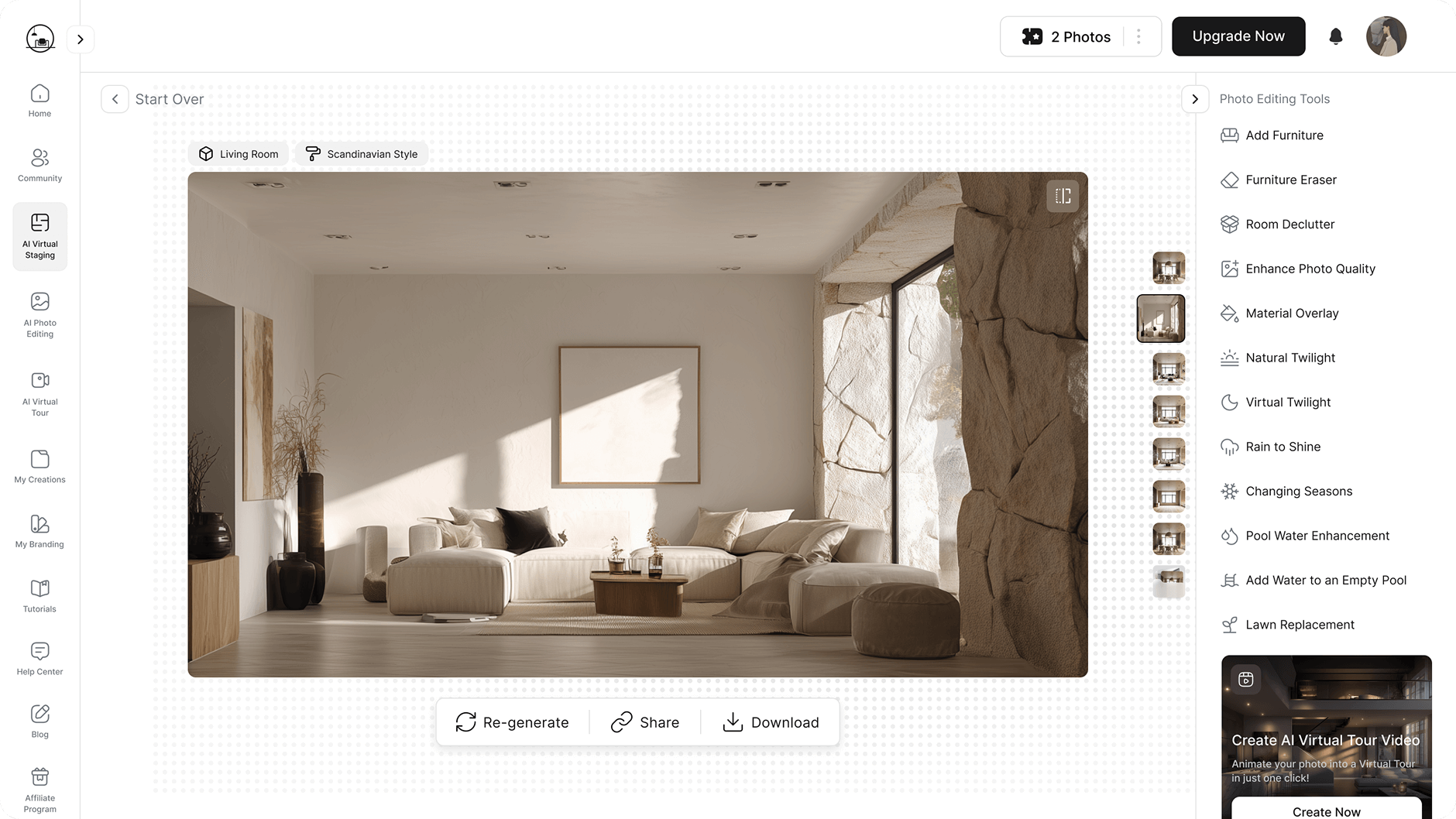
Collov AI is a shortlist option when your work combines staging with other property-photo edits. Its paid tiers distinguish basic staging from capabilities such as multi-angle staging and chat-based editing. Compare the required mode, not just the fact that both platforms accept a room photo.
The November 4 annual cards show Collov Standard at US$19/month equivalent, US$228 billed yearly, for 60 monthly photo credits; Advanced is US$49 equivalent, US$588 yearly, for 150. Advanced includes multi-angle and chat editing. The October 27 monthly offer listed US$27 and US$59 respectively; those monthly amounts were not freshly confirmed. Advertised tools do not establish perfect cross-view consistency.
Check the credit rules: staging regenerations, image editing and multi-angle operations are not necessarily billed alike. Collov's public material combines an unlimited-versions offer with mode-specific credit charges. Confirm the operation you plan to repeat before treating an allowance as unlimited editing.
Choose it when: you want a staging platform with broader editing options. For multi-angle work, upload two existing views of one room and check the same sofa, rug, windows and doorway in both. A matching color palette is not enough if the furniture changes shape or position.
Explore a Different Direction in Your Own Room
Bring a room photo to Paintit.ai and describe a different furniture arrangement or finish. Check the concept against the original before choosing what to develop further.
Explore My Room From a Photo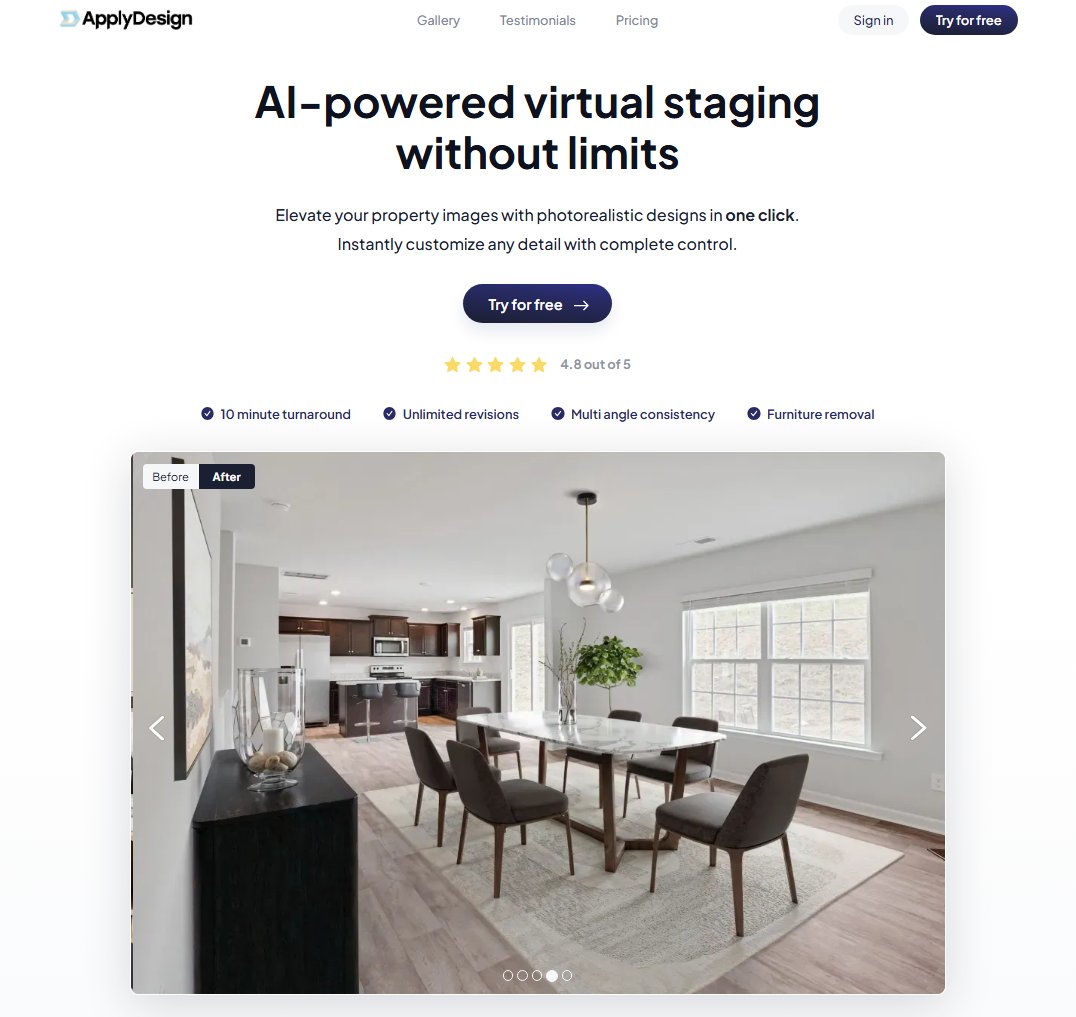
Apply Design offers a different kind of control: a DIY furniture-placement editor alongside Auto staging. If the sofa needs to stay on one wall or a dining table must leave a clear route through the room, manual composition may be more useful than repeatedly changing a style prompt.
ApplyDesign sells coins at $10 each for up to nine, $8 each for 10-19, and $7 each for 20 or more. DIY 2D staging uses one coin per image; Auto 2D uses 1.5. The listed 360-degree rates are two coins for DIY and 2.5 for Auto. Item removal is included, and the pricing page lists unlimited DIY revisions.
Choose it when: you want to arrange the scene yourself and can spend the operator time. This is not evidence that the finished result is automatically more realistic. Check furniture scale, perspective and access around doors, and clarify the terms for Auto revisions or a changed source photograph.
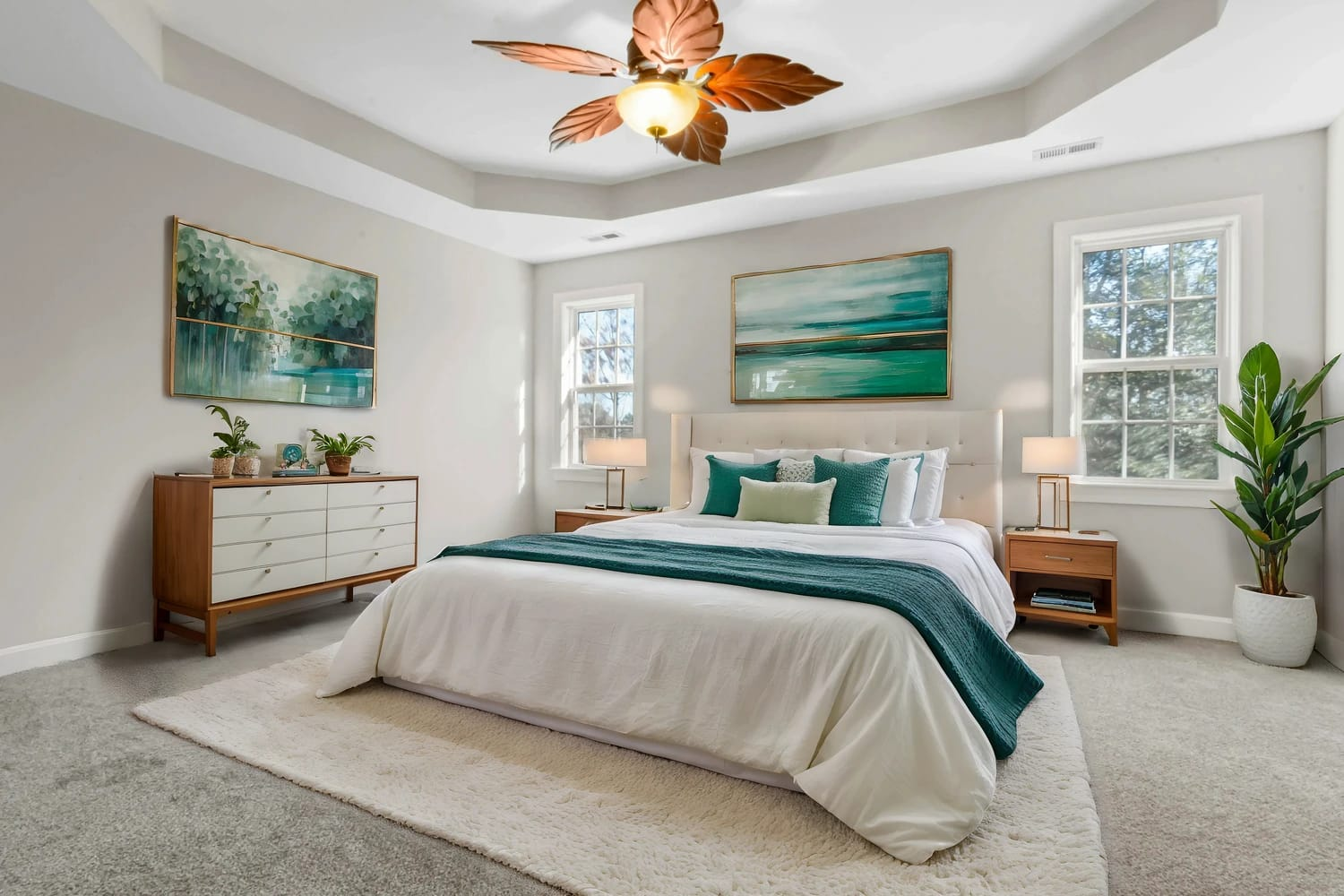
Virtual Staging AI is the product at virtualstagingai.app. It is a separate service from Stager AI. Its core comparison here is straightforward photo staging and furniture removal, with subscription allowances based on distinct source photos.
Monthly prices reviewed October 27, 2026: $25 for six photos, $35 for 20, $79 for 60, and $139 for the displayed 150-photo Enterprise configuration. Unlimited versions of an uploaded photograph are different from unlimited new uploads. Unused monthly photo allowances do not roll over.
The monthly-payment prices above were not reconfirmed on November 4, 2026. Treat the figures above as dated budget context and confirm the current bill before purchasing.
The lower $16, $19, $39 and $79 monthly equivalents require annual payments of $192, $228, $468 and $948 respectively. This can suit recurring staging work, but the annual equivalent is not the amount needed to buy one month.
Choose it when: you mainly need furnished versions of existing photos and the allowance fits your workload. Our Virtual Staging AI plan comparison looks more closely at source-photo limits and revision costs. Do not assume that a staging subscription also replaces an HDR editor or a room-planning project.
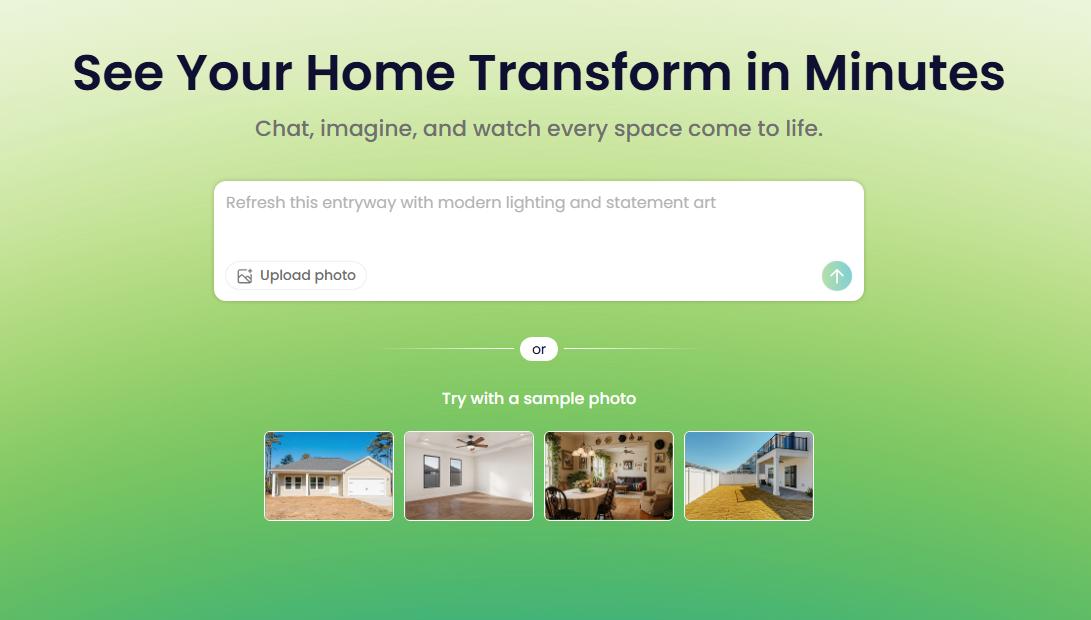
REimagineHome distinguishes basic staging from a more conversational editing workflow. Essential covers simpler staging and lighter changes. Pro adds features such as references and incremental refinement, which matter when the task is to adjust an accepted design rather than generate an unrelated room.
Visible monthly cards currently show Essential at $19 for 30 credits, Pro at $36 for 200, Advanced at $59 for 400, and Agency at $119 for 900. A standard visualization uses one credit, while visualization with real products uses two. Its five free designs are a limited starting allowance, not unlimited ongoing production.
Choose it when: you want to guide a furnishing or renovation concept with reference images and follow-up changes. Confirm the feature tier; Essential is not simply Pro with fewer credits. Before publishing a furnished listing image, compare the windows, permanent finishes and visible condition with the source.
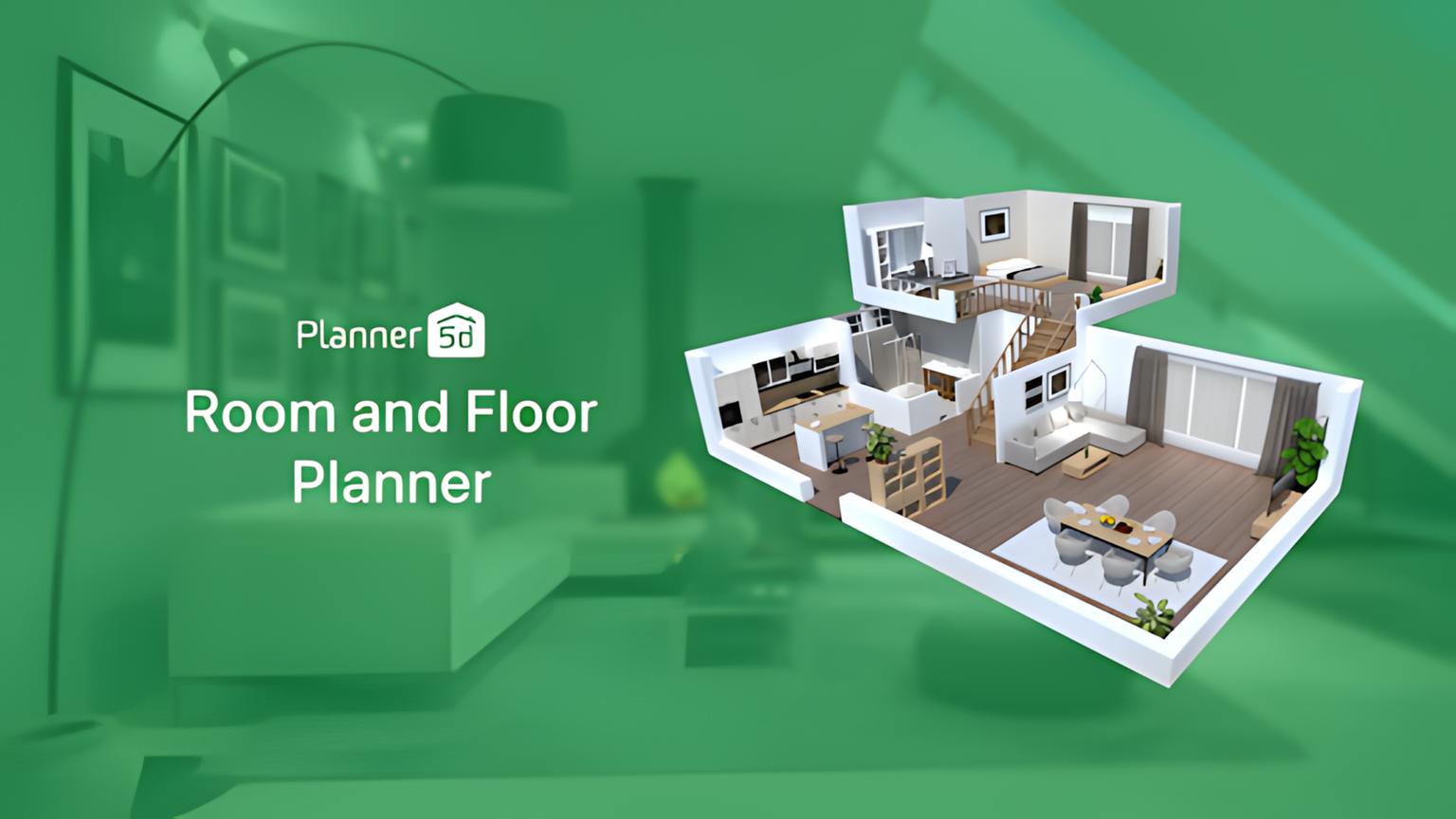
Planner 5D has both a structured 2D/3D room editor and AI Studio image tools. The editor is useful when you need to develop a layout and position objects within a project. AI Studio supports image generation and editing, including references and material changes. These are separate ways of working, even within the same platform.
The pricing page displayed Premium at €19.99 on monthly billing or €59.99 paid annually, and Professional at €49.99 monthly or €399.99 annually. Check current AI Studio access, credits and device support separately from room-editor access.
Choose it when: the brief extends into layout planning or 3D rendering from a structured project. Rebuilding the space adds work, and a photorealistic rendering does not establish that the model's measurements are correct. Do not substitute a redesigned model image for an accurate photograph of a property's current condition.
Paint-color exploration is useful when a property needs work, but it is a proposed renovation rather than a photograph of the current finish. Paintit.ai lets you explore paint colors from Behr, Benjamin Moore, Dulux, Nippon Paint and Sherwin-Williams catalogs. The color picker supports brand filters and name, code or HEX searches. A digital preview is not a calibrated physical match, so check real samples before specifying paint. Label a proposed repaint separately from the property's current condition.
Explore a Proposed Repaint Separately
Use the repaint workflow in Paintit.ai to explore wall colors. Search the available manufacturer catalogs by name, code or HEX, then confirm the choice with a physical paint sample.
Explore Wall Colors in My RoomImagine a property shoot with 20 compositions, each captured at five exposures. That is 100 source files but 20 intended HDR photographs. You also need four views of one living room furnished consistently. Those four views are four source photographs, not one staging job simply because they show the same room.
| Work required | Unit to compare | Billing question |
|---|---|---|
| 20 compositions at five exposures each | 100 input files, 20 HDR deliverables | Check bracket grouping and per-output billing |
| Four existing camera views of one room | Four photographs that need coherent staging | Check multi-angle entitlement and original-photo limits |
| Several versions of one uploaded photograph | One source photo, several attempts | Check included re-renders versus operation-specific credits |
| Manual 2D staging and Auto 2D staging | ApplyDesign: 1 versus 1.5 coins per image | Do not apply the DIY rate to Auto or 360 |
| API processing instead of the web editor | An endpoint, paid access and retry handling | Web re-render allowances do not automatically apply to API jobs |
Adobe's explanation of merging multiple exposures into an HDR image describes why this differs from restyling a single photo. The merge combines captured exposures. A generated furnishing concept introduces proposed objects. One operation cannot be assumed to replace the other.
Ask the provider whether rerunning an edit, changing a camera angle or combining operations consumes another unit. Keep the initial allowance, included revisions, extra charges and human review time in the same estimate. A cheap generation that cannot be used is not a finished deliverable.
Use the same original files for each candidate. For AI virtual staging, include an empty room, a furnished room that needs furniture removal, and two existing angles of the same space. For HDR, include a bright window and mixed indoor lighting. Review the results together rather than selecting one attractive example from each tool.
A useful production trial records accepted and rejected outputs as well as the paid work needed to correct them. For automation, also check how failed jobs, retries and revised files are handled. No API performance or image-quality benchmark was run for this guide.
Stager AI's November 4 pricing FAQ states that each uploaded photo uses one credit and includes nine free rerenders. It also says unused photos roll over while the subscription stays active, with a six-month expiry. That is not interchangeable with another service's unlimited versions or non-rolling source-photo quota.
The November 4 public API documentation lists US$0.25 per final photo and requires an active subscription. A bracket group of up to seven exposures counts as one final photo. It describes the first three API renders as included in the initial photo charge, then charges another credit on render 4, 7, 10 and so on. The web allowance is different: nine free rerenders. Confirm that billing contract before migrating a production queue.
Start with the deliverable and cash commitment. ApplyDesign's prepaid coins can suit occasional manual or Auto staging without a recurring subscription. Autoenhance.ai's pay-per-image route applies to enhancement, not furniture staging. For a subscription, check whether unused photos expire or roll over and whether the entry plan covers all the views you need.
Use it to evaluate the tool, then check export rights and restrictions. Stager AI's free-account allowance is 10 renders with low-resolution, watermarked downloads. Paintit.ai offers free credits after registration, with commercial-use conditions depending on the plan. Neither statement means unlimited free listing production.
Autoenhance.ai is relevant for programmatic HDR and photo enhancement. Collov lists API access at Enterprise level. These do not establish identical endpoints, pricing or deliverables. List your required operations first, then confirm production access, retry billing and output handling with the vendor. Do not assume Paintit's design-chat interface is a substitute for a photography API.
Look for original photos, the paid plan, rejected attempts and the final accepted set. Ask whether the reviewer tested staging, HDR or both. A star score or one attractive room does not show multi-angle consistency, editing effort or the cost of a complete listing. A dated explanation of the workflow is more useful than an unsupported realism ranking.
For furnishing ideas, compare photo-based tools. For bracket merging and exposure work, compare HDR editors. Choose a manual staging editor when placement control matters, and a room planner when the deliverable is an editable project. The right AI staging tool should reduce work on your own representative images without obscuring what has changed.
Start With One Representative Room
Upload a room photo to Paintit.ai and develop a furnishing concept before committing to a whole-property direction. Free credits are available after registration.
Develop My Furnishing Concept