Kami menggunakan cookie esensial agar situs dapat berfungsi. Dengan persetujuan Anda, kami juga dapat menggunakan cookie nonesensial untuk meningkatkan pengalaman pengguna, mempersonalisasi konten, dan menganalisis lalu lintas. Untuk tujuan tersebut, kami dapat membagikan data penggunaan situs kepada mitra media sosial dan analitik kami. Dengan mengeklik “Terima”, Anda menyetujui penggunaan cookie sebagaimana dijelaskan dalam Kebijakan Cookie kami. Anda dapat mengubah pengaturan cookie kapan saja melalui preferensi peramban.
  • Tentang kami
  • Harga
  • Blog
  • Kontak
AiEi

Produk

  • Untuk desainer interior
  • Untuk e-commerce
  • Untuk bisnis properti

Alat

Generator arsitektur AI
Generator konsep AI
Desain eksterior dengan AI
Generator rumah AI
Simulator cat rumah AI
Desain lanskap dengan AI
Rendering dengan AI
Desain ruangan dengan AI
Alat desain eksterior rumah
Penataan properti virtual dengan AI
Renovasi kamar mandi dengan AI
Generator denah AI
Generator furnitur AI
Penempatan furnitur dengan AI
Renovasi eksterior rumah
Simulator warna cat AI
Renovasi dapur dengan AI
Simulator karpet AI
Penyempurnaan foto properti
Rendering desain interior AI
Desain dinding dengan AI
Desain pintu dengan AI
Rendering denah dengan AI
Desain lantai dengan AI
Alat desain jalan masuk
Alat desain perkerasan
Rencana perluasan rumah
Dari sketsa ke rendering dengan AI
Rendering dari gambar tampak
Desain kabinet dengan AI
Desain dek dengan AI
Perencana taman AI
Renovasi interior dengan AI
Simulator jendela AI
Simulator cat furnitur
Simulator meja dapur
Alat desain pencahayaan lanskap
Simulator tirai AI
Penyempurnaan rendering AI

Contoh penggunaan

Desain dapur dengan AI
Desain ruang keluarga dengan AI
Desain kamar tidur dengan AI
Desain kamar mandi dengan AI
Desain lanskap dengan AI
Desain lemari pakaian dengan AI
Desain kantor dengan AI
Desain kolam renang dengan AI
Desain ruang cuci dengan AI
Desain restoran dengan AI
Desain ruang kelas dengan AI
Desain ruang bawah tanah dengan AI
  • Ketentuan layanan
  • Kebijakan privasi
  • Kepercayaan
  • Program afiliasi
Logo
Paintit.ai – alat desain interior AI gratis

© 2026

Dukung Ukraina
PAINTITAI LTD, 52 Leytonstone road, London, E15 1SQ, UK
  • English/
  • Español/
  • Português (Brasil)/
  • Deutsch/
  • Français/
  • Italiano/
  • Polski/
  • Bahasa Indonesia/
  • Türkçe
Paintit.ai – desain rumah gratis dengan AI
  • Harga
  • Tentang kami
  • Blog
  • Kontak
/Blog/How to Get The Best Results in Paintitai
Paintit.ai Guides

10 min. reading

How to Get the Best Results in Paintit.ai 

avatar-blog

Yulii Cherevko

CEO paintit.ai

Published: 1 April 2026
Share
  • ChatGPT
  • Perplexity
  • Claude
  • Grok
  • Google AI
How to Get the Best Results in Paintit.ai

Page 
Contents: 

  • 1. Who Paintit.ai Is For
  • 2. What Paintit.ai Is Best At
  • 3. The 5-Part Best Results System
  • 4. Start With a Better Photo
  • 5. Choose the Right Workflow
  • 6. Use Controls and Prompts Together
  • 7. Common Mistakes That Weaken Results
  • 8. Frequently Asked Questions
  • 9. Related articles

Paintit.ai works best when the workflow is clear: start with the right photo, choose the right task, guide the model with the right controls, and keep your prompt specific enough to produce a believable result. This guide shows how to get stronger interiors, exteriors, and commercial concepts from the start.

Who Paintit.ai Is For

Paintit.ai is useful for both non-designers and professionals, but the value depends on how clearly the goal is defined.

The platform is most useful when the user already has a room, facade, or commercial space and wants to test visual directions faster. It can help at the idea stage, the comparison stage, and the early presentation stage.

Paintit.ai is especially useful for

Homeowners and renters — to test room ideas before spending money.

Interior designers — to accelerate early concept exploration and client option building.

Real estate and staging teams — to help buyers visualize potential faster.

Short-term rental hosts — to refresh and unify spaces for stronger listings.

Commercial teams — to explore cafes, retail, office, showroom, and hospitality directions.

Creators and marketers — to produce cleaner visual content and design concepts faster.

The common pattern is simple: Paintit.ai is most valuable when the user wants to move from uncertainty to direction.
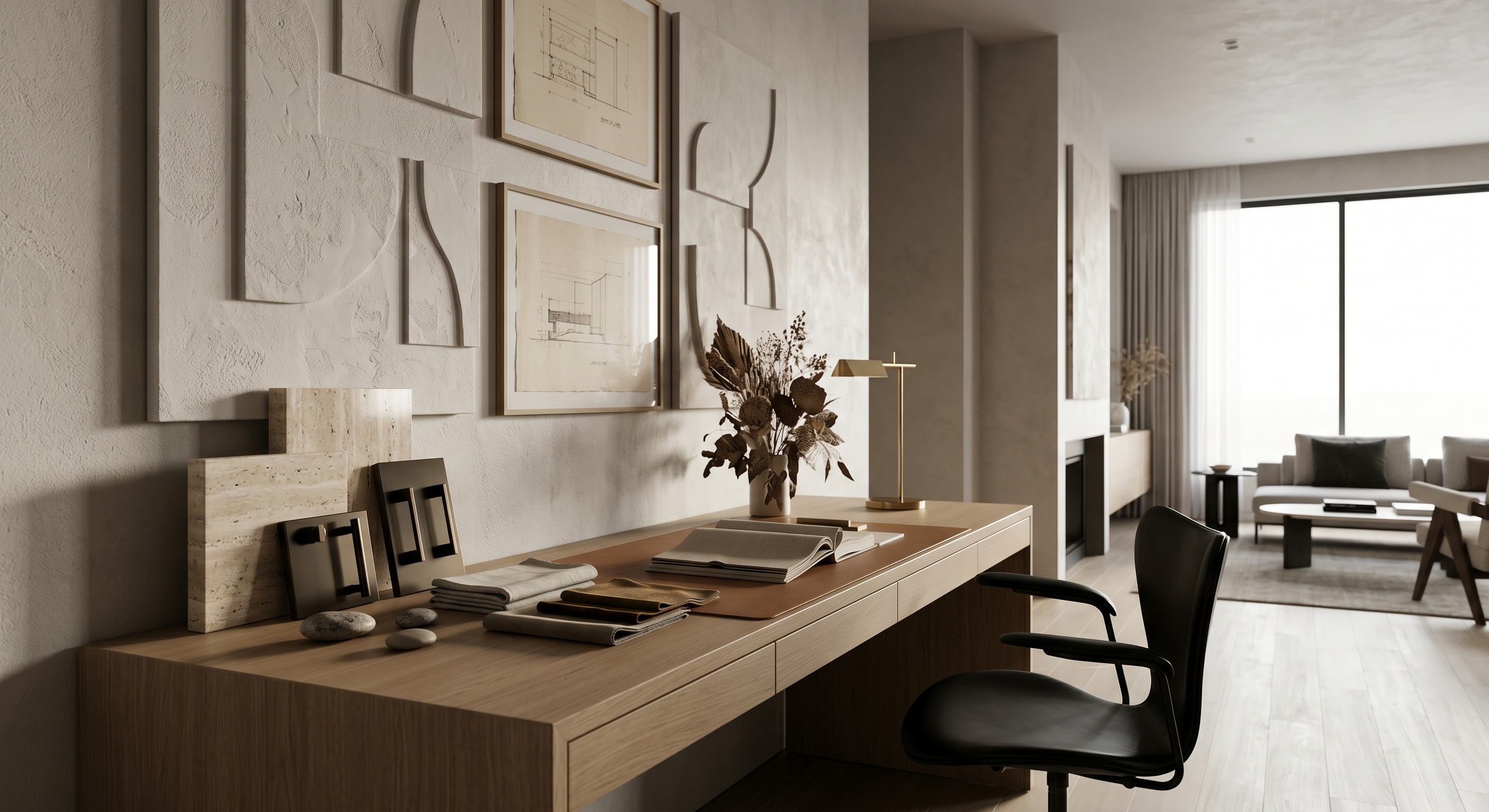
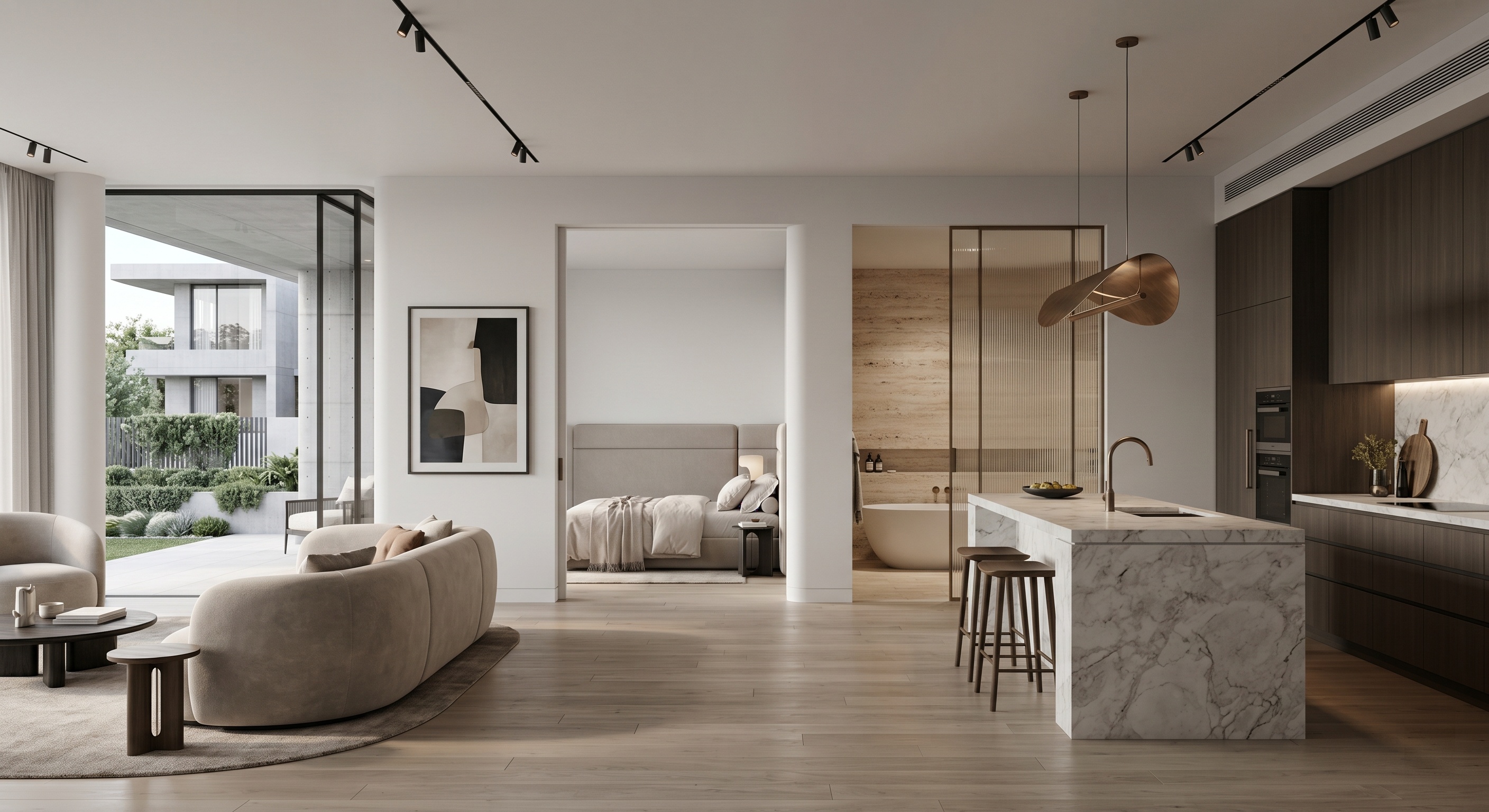
Visual overview of Paintit.ai user groups including homeowners, designers, real estate teams, rentals, commercial spaces, and creators

What Paintit.ai Is Best At

The platform gets stronger when the task is clear. Vagueness is usually a bigger problem than lack of style.

Paintit.ai is not one single mode. It becomes much more useful when you know what kind of change you are actually asking for.

The strongest use cases usually fall into these categories

Full Redesign — when you want a new overall direction for the whole room, exterior, or space.

Repaint — when you want to change wall color or finish without redesigning everything.

Empty Room Setup — when a blank room needs furniture, function, and a complete concept.

Reference-led redesign — when you already know the taste direction and want to transfer it into your own space.

Multi-option comparison — when you need 2 to 4 clear concept routes before deciding what to develop further.

One of the fastest ways to improve results is simply to stop asking Paintit.ai to do several different jobs inside one prompt.
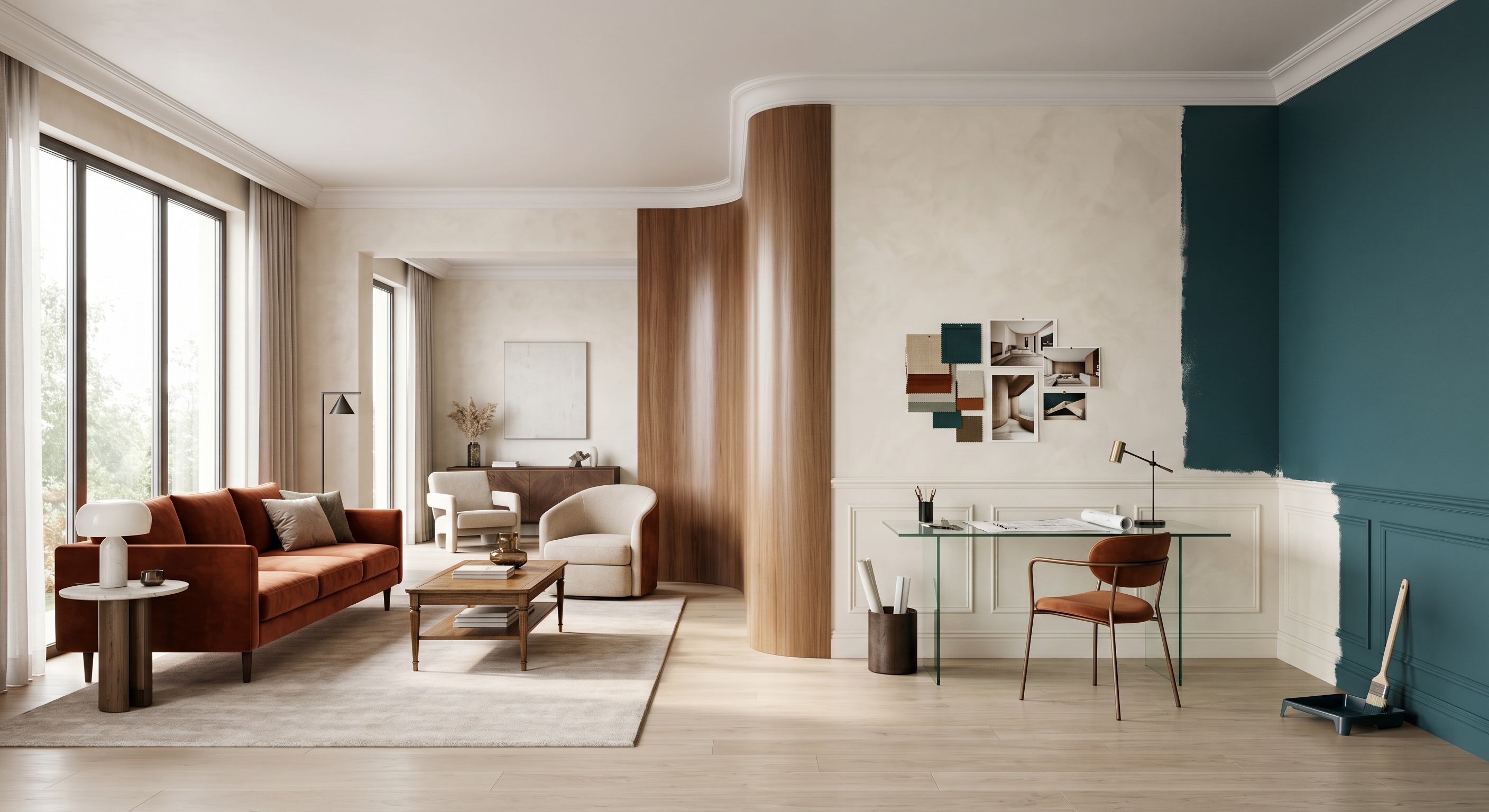
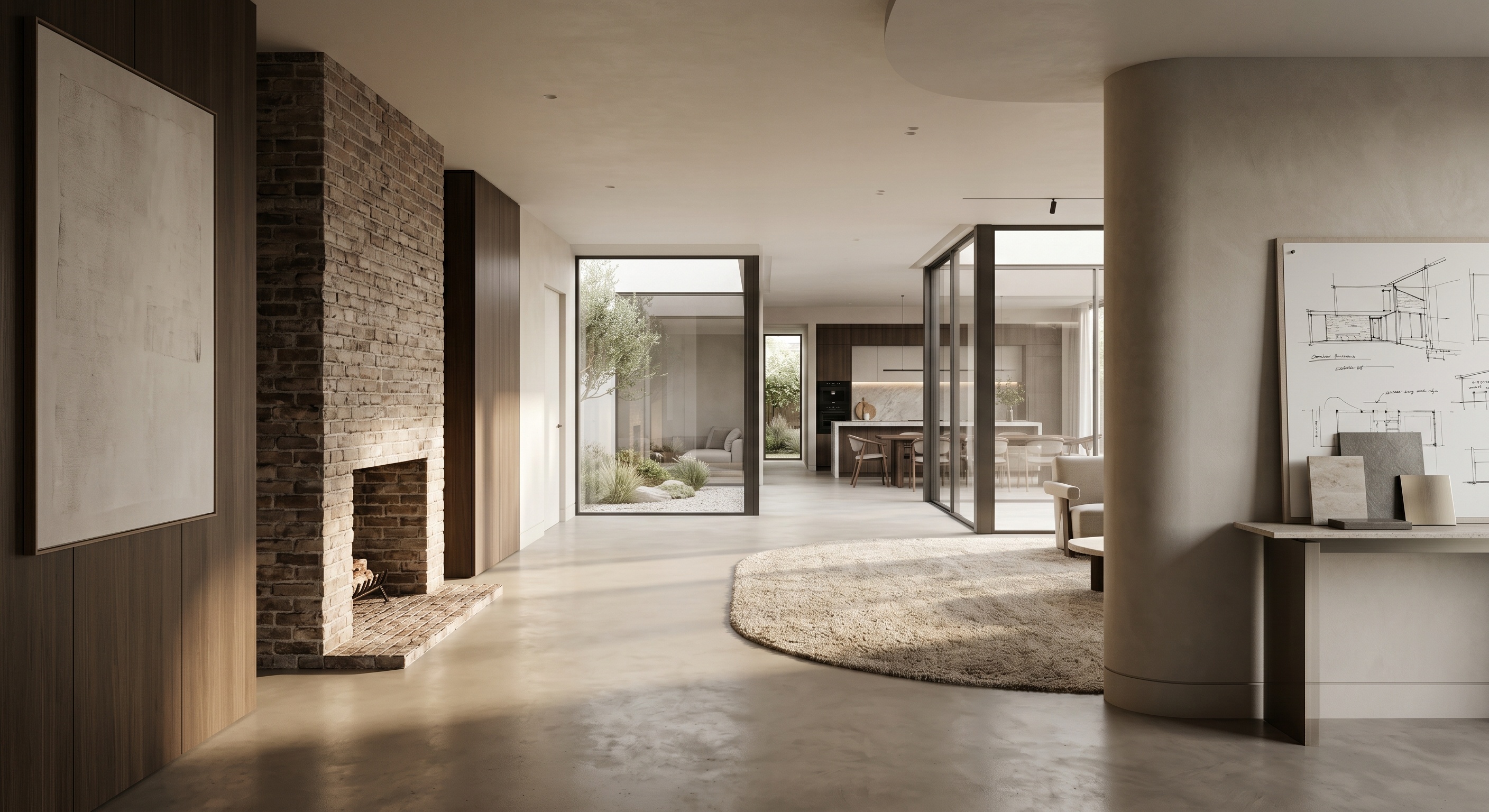
Visual system showing the main Paintit.ai workflows: full redesign, repaint, empty room setup, reference-led redesign, and comparison

The 5-Part Best Results System

The best outputs usually come from a clean system, not from trial and error.

Most weak results can be traced back to one of five avoidable problems. The easiest way to improve quality is to make each step more intentional.

1. Start with a readable image

Give Paintit.ai a clean visual base with enough room information to work from.

2. Choose one clear task

Decide whether this is a redesign, repaint, furnishing setup, reference-led transfer, or comparison workflow.

3. Set room logic and style logic

Use controls such as Space Type and Design Style to reduce ambiguity before the prompt does extra work.

4. Write a prompt that defines change and control

Good prompts describe what should change, what should stay, and what visual language should guide the result.

5. Compare deliberately, not randomly

The strongest decisions usually come from comparing a few clearly different options, not many similar ones.

This five-part system is the shortest path to more consistent and more believable results.
Five-step system for getting stronger results in Paintit.ai: photo, task, controls, prompt, compare

Start With a Better Photo

The quality of the input photo often determines how much realism is even possible.

Paintit.ai performs better when the room or facade is easy to read. Dark, blurry, heavily cropped, or visually chaotic photos usually reduce control and make outputs feel less grounded.

What works best

Clear perspective — enough of the room or facade is visible.

Readable light — natural or even lighting is usually better than harsh or muddy exposure.

Stable composition — avoid overly tilted, distorted, or overly cropped images.

Real visual information — windows, walls, floor, fixtures, or furniture should be easy to understand.

A useful rule is this: if a human can quickly understand the room, Paintit.ai usually has a better chance too.
Comparison of a strong readable room photo and a weak dark blurry room photo for AI design

Choose the Right Workflow

One of the biggest performance upgrades is simply using the right workflow for the right job.

Many users ask for a full redesign when they only need repaint. Others ask for repaint when the room is actually empty and needs a complete furnishing concept. Choosing the right workflow makes the prompt easier and the output cleaner.

Use this decision rule

Use Full Redesign when you want a new overall direction for the whole space.

Use Repaint when color or finish is the main variable and the room should otherwise stay stable.

Use Empty Room Setup when the room is blank and needs furniture plus a clearer function.

Use References when you already know the taste direction and want to transfer that visual language.

Use Comparison when the goal is decision-making rather than one final image.

Better workflow selection reduces prompt overload and improves realism at the same time.

Use Controls and Prompts Together

The strongest results usually happen when controls handle structure and prompts handle intention.

A lot of users try to solve everything with text. But Paintit.ai usually performs better when room logic and style logic are set through controls, while the prompt adds specifics like materials, mood, and constraints.

A practical division of labor

Space Type — tells Paintit.ai what kind of room or space it is working with.

Design Style — gives the model a stronger visual language.

Prompt — tells it what should change, what should stay, and what quality you want to emphasize.

Constraint lines — preserve layout, windows, architecture, wet-zone logic, or other key structure when needed.

Simple prompt formula:

[Space] + [Style] + [Main change] + [Materials or colors] + [Mood or lighting] + [Constraint]

Example:

Transform this living room into a warm organic modern space with a large neutral sofa, textured stone and plaster surfaces, soft oak details, and calm natural daylight. Keep the room layout and window positions unchanged.
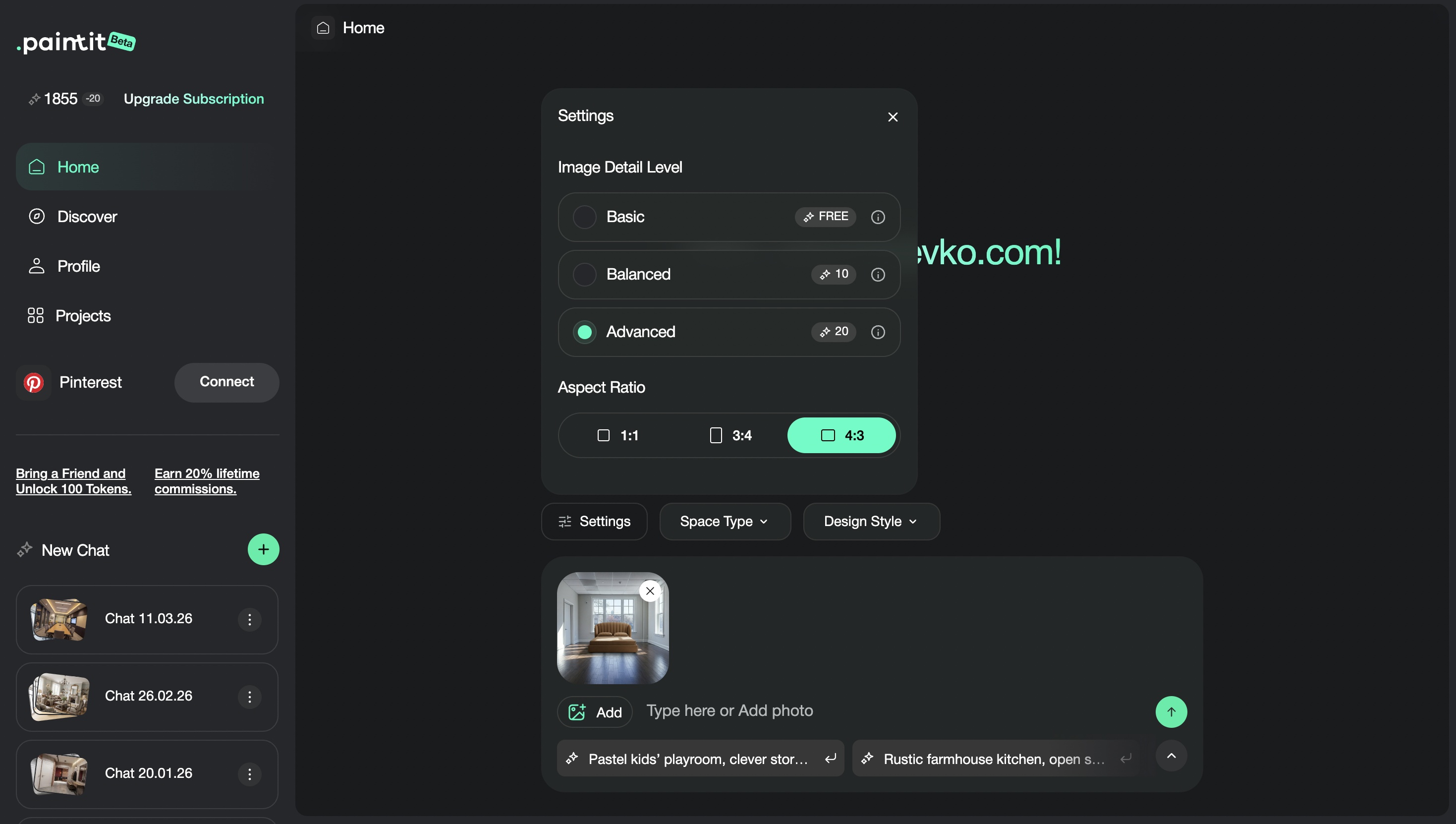
Educational visual showing how controls and prompts work together in Paintit.ai

Common Mistakes That Weaken Results

Most poor outputs are caused by a few repeatable workflow mistakes.

Weak source photo
If the room is hard to read, the model has less reliable geometry and context to work with.

Wrong workflow choice
Asking for a repaint through a full redesign prompt or trying to furnish a blank room through a repaint-like request weakens control.

Too many instructions at once
If the prompt tries to redesign, repaint, refurnish, relight, restyle, and restructure everything at the same time, results often become unstable.

No control language
If layout, windows, structure, or architecture matter, say so clearly.

No meaningful comparison
Generating many similar images is usually less useful than comparing a few deliberately different directions.

The biggest improvement usually does not come from making prompts longer. It comes from making the whole workflow cleaner.

Frequently Asked Questions

What is the fastest way to improve my Paintit.ai results?

Use a better source photo, pick the right workflow, set the correct controls, and keep the prompt focused on one clear task.

Do I need design experience to use Paintit.ai well?

No, but clearer decisions usually produce stronger results. The more precisely you define the goal, the better the output tends to be.

Should I start with a prompt or with the controls?

Usually start by choosing the right workflow and controls, then use the prompt to add materials, mood, and constraints.

Why do some results feel random?

Usually because the photo is weak, the task is unclear, the controls are misaligned, or the prompt is trying to do too many things at once.

What should I compare first?

Compare concept directions first. Once one direction is clearly stronger, then refine details inside that direction.

What is the biggest overall mistake?

Treating Paintit.ai like a random generator instead of a guided design workflow.

Start Your First Design in Paintit.ai

Upload a better photo, choose the right workflow, and use the controls plus prompt system together to get stronger, cleaner, and more believable results from the start.

Start Your First Design

Related articles

  • How to Write Better Prompts for Paintit.ai
  • How to Use Full Redesign in Paintit.ai
  • How to Use Space Type and Design Style in Paintit.ai

Trending 

AI interior design
6 min read
Memilih Ubin dengan AI: Temuan dari 19 Percakapan Desain
Paintit.ai Guides
11 min read
Template Proposal Desain Interior: Lingkup, Biaya, dan Contoh
Paintit.ai Guides
13 min read
Kuesioner Desain Interior: Templat Gratis dan Contoh
interior styles
11 min read
Desain Interior Japandi: Panduan Praktis untuk Rumah Sehari-hari
Ideas
11 min read
7 Warna Cat Putih Hangat untuk Dinding dan Lis

Related articles 

Ide Dekorasi Natal untuk Ruang Tamu Kecil
Ideas
13 november 2026

11 min read

Ide Dekorasi Natal untuk Ruang Tamu Kecil

Siapkan ruang tamu kecil untuk Natal dengan panduan posisi pohon, dekorasi yang mudah dilepas, tiga palet warna, dan konsep AI berdasarkan foto Anda.

avatar-blog

Yulii Cherevko

CEO paintit.ai

Memilih Ubin dengan AI: Temuan dari 19 Percakapan Desain
AI interior design
11 november 2026

6 min read

Memilih Ubin dengan AI: Temuan dari 19 Percakapan Desain

Temuan dari 19 percakapan desain tentang luas bidang, ukuran, dan susunan ubin. Gunakan contoh perbandingan dan kartu pilihan yang bisa dicetak sebelum memesan.

avatar-blog

Yulii Cherevko

CEO paintit.ai

Template Proposal Desain Interior: Lingkup, Biaya, dan Contoh
Paintit.ai Guides
9 november 2026

11 min read

Template Proposal Desain Interior: Lingkup, Biaya, dan Contoh

Lembar kerja proposal yang dapat diisi dan contoh lengkap untuk ruang kerja di rumah, dengan hasil kerja, biaya, batas revisi, serta konsep visual yang diberi label jelas.

avatar-blog

Yulii Cherevko

CEO paintit.ai

Kuesioner Desain Interior: Templat Gratis dan Contoh
Paintit.ai Guides
9 november 2026

13 min read

Kuesioner Desain Interior: Templat Gratis dan Contoh

Templat berisi 32 pertanyaan untuk klien, dilengkapi PDF yang dapat diisi, contoh jawaban untuk ruang keluarga, dan panduan yang jelas untuk mengolah jawaban klien menjadi brief desain awal.

avatar-blog

Yulii Cherevko

CEO paintit.ai

Desain Interior Japandi: Panduan Praktis untuk Rumah Sehari-hari
interior stylesIdeas
30 october 2026

11 min read

Desain Interior Japandi: Panduan Praktis untuk Rumah Sehari-hari

Hadirkan pengaruh Jepang dan Skandinavia di rumah yang sudah Anda tempati melalui pilihan praktis untuk warna, furnitur, penyimpanan, dan kenyamanan sehari-hari.

avatar-blog

Yulii Cherevko

CEO paintit.ai

7 Warna Cat Putih Hangat untuk Dinding dan Lis
Ideas
29 october 2026

11 min read

7 Warna Cat Putih Hangat untuk Dinding dan Lis

Temukan putih hangat yang serasi dengan lantai, kabinet, dan lis Anda. Bandingkan tujuh pilihan warna dan ketahui sampel mana yang perlu diuji sebelum membeli cat.

avatar-blog

Yulii Cherevko

CEO paintit.ai

  • English/
  • Español/
  • Português (Brasil)/
  • Deutsch/
  • Français/
  • Italiano/
  • Polski/
  • Bahasa Indonesia/
  • Türkçe